





















 Saudi Arabia
 UAE
 Qatar
 Bahrain
 Kuwait
 Oman
 Lebanon
 Egypt
 Jordan
 Iraq
 India
 UK
 Ireland
 Germany
 USA
 Australia
 Singapore
 South Africa
 France
 Hungary
 Georgia
 Turkey
 Canada
 LagosNigeria




ERPNext VAT and Zakat Reporting in Saudi Arabia
Your VAT return and your zakat calculation are only as good as the ledger behind them. We configure ERPNext so 15% VAT, zero-rated and exempt supplies and imports post correctly, and so your accountant can pull return figures and zakat working data without rebuilding them in spreadsheets.
- Tax templates by treatment
- Import handling
- VAT return report
- Credit and debit notes
 ERPNext & FrappeImplementation · migration · AMC
Get a free quote
Reply within 24 hours with scope and a fixed quote.
ERPNext VAT and Zakat Reporting in Saudi Arabia: the short answer
- VAT rate
- 15% standard rate since 1 July 2020, with zero-rated and exempt treatments for specific supplies.
- Filing rhythm
- Monthly above SAR 40 million of annual taxable supplies, quarterly otherwise; due by the end of the following month.
- Zakat
- 2.5% for a Hijri year, prorated by days for a Gregorian year; return due within 120 days of year end.
- Our role
- We configure systems and reports. Your accountant or tax adviser reviews the figures and files with ZATCA.
- Delivered by
- Shyphan AI Solutions, an ERPNext implementation partner and Zoho Premium Partner, with 24/7 support. Call +966 54 176 1946.
- Last reviewed
- 27 November 2026
Getting VAT right at the transaction, not at month end
Most VAT problems in Saudi businesses start long before the return. An item set up without a tax template, a supplier invoice keyed with the wrong treatment, an import booked as a local purchase, or a credit note raised without reference to its original invoice. Each mistake is small, but together they turn the VAT return into days of reconciliation and leave the business exposed if ZATCA asks questions.
ERPNext handles VAT through item tax templates, sales and purchase tax templates and tax categories. Set up once with care, they make the right treatment the default on every document. A wholesaler in Riyadh selling to VAT-registered retailers, exporting to Bahrain and importing from China needs all three configured differently, and that is exactly the kind of mix we design for.
Zakat is different. ERPNext does not calculate zakat, and we do not give zakat advice. What we can do is make the balance sheet, fixed asset register and adjusted profit data your adviser needs easy to extract and trust.
From first record to the finished report
One open-source system, so each step feeds the next without re-keying.
What we set up for VAT and zakat
Tax templates by treatment
Separate templates for standard-rated, zero-rated, exempt and out-of-scope supplies, with item groups carrying defaults so staff rarely choose a rate by hand.
Import handling
Distinct treatments for imports where VAT is paid at customs and imports under the reverse charge, posting to separate accounts so return lines are easy to total.
VAT return report
A report that totals sales and purchases by return category for a chosen period, with drill-down to every invoice behind each figure.
Credit and debit notes
Returns and price corrections always reference the original invoice, so VAT adjustments land in the right period and match what the ZATCA app reports.
Fixed asset register
ERPNext Assets tracks cost, depreciation and disposals, giving your zakat adviser a reliable list of long-term assets and their book values.
Zakat working data
Trial balance and balance sheet extracts grouped the way your adviser asks, so the zakat base can be built from system data rather than retyped.
See it in ERPNext
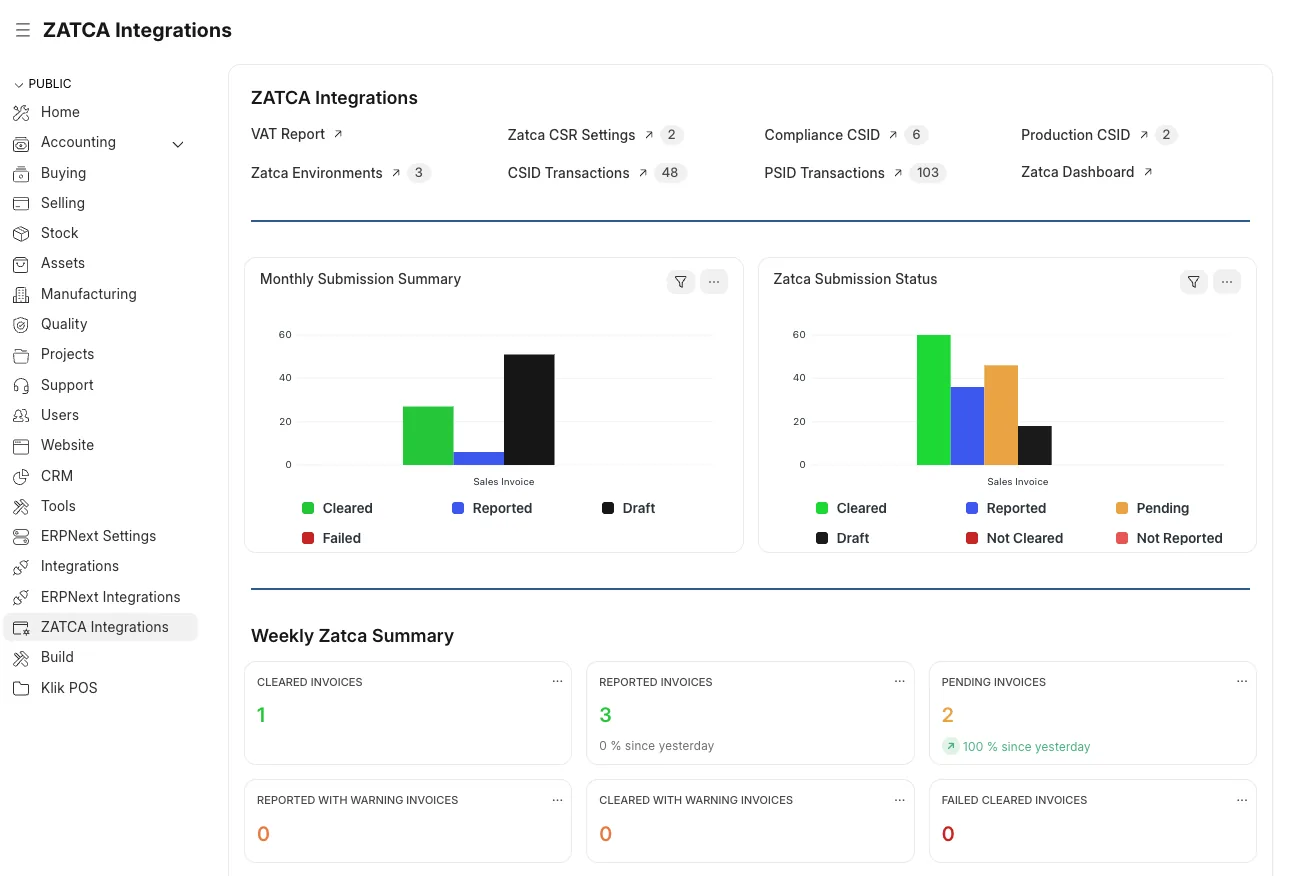
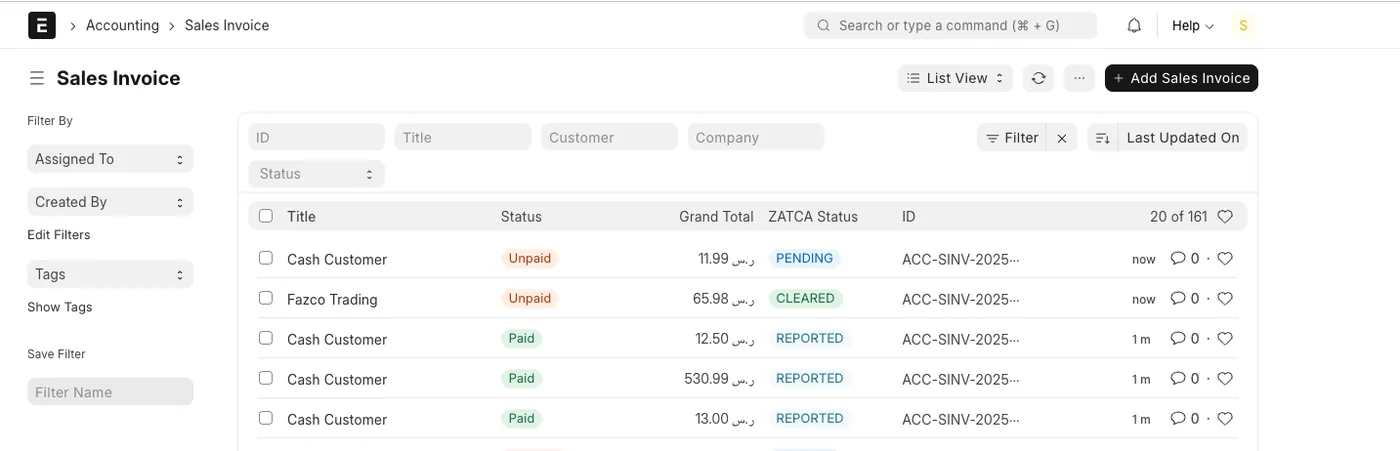
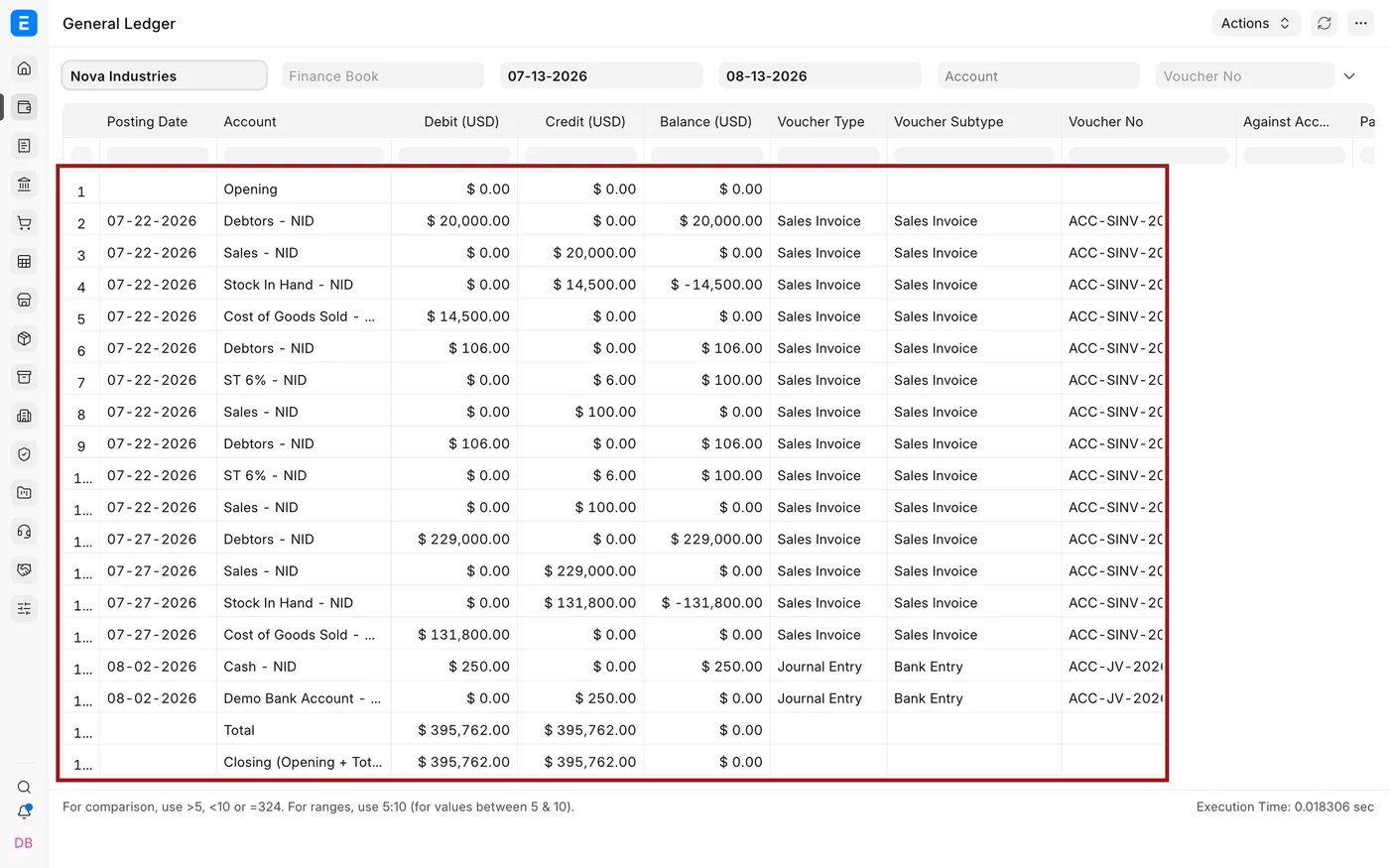
Real ERPNext and Frappe screens for the work described on this page. We configure them for Saudi rules and your data.
ERPNext and the Frappe apps we implement
One open-source platform, one database, no per-user licence fees.







Saudi VAT and zakat rules and the matching set-up
| Topic | The Saudi rule | What we set up |
|---|---|---|
| Standard rate | VAT is charged at 15% on taxable supplies since 1 July 2020, following Royal Order A/638. | A 15% template is the default for taxable items, with VAT posted to an output tax account per company. |
| Registration | Registration is mandatory once taxable supplies exceed SAR 375,000 over twelve months; voluntary registration is possible above SAR 187,500. | Company VAT numbers are stored on the company record and printed on every tax invoice, and customer VAT numbers are validated for length. |
| Return categories | The return groups sales into standard-rated, private healthcare and education sales to citizens, zero-rated domestic, exports and exempt, and purchases into domestic standard-rated, customs-paid imports, reverse-charge imports, zero-rated and exempt. | Each category has its own tax template or account, so the report adds up each return line directly from posted entries. |
| Filing frequency | Taxpayers above SAR 40 million of annual taxable supplies file monthly; others file quarterly, by the last day of the month after the period. | Fiscal periods are set to match your filing rhythm and can be closed after the return is filed, preventing back-dated changes. |
| Zakat | Zakat is 2.5% for a Hijri year and prorated by actual days for a Gregorian year, with returns due within 120 days of the year end. | We do not calculate zakat. We provide clean trial balance, asset and profit extracts your adviser uses for the calculation. |
We configure the system and check it against your accountant’s figures; we are not tax advisers, and your accountant files the returns. Last reviewed 27 November 2026.
How we set up and prove your VAT reporting
Review your supplies
With your accountant we list what you sell and buy, which treatments apply and where special cases arise, such as exports, healthcare sales to citizens or imports.
Design templates and accounts
Tax templates, categories and VAT accounts are agreed in writing, including how each one maps to a return line.
Configure items and parties
Item groups, customers and suppliers receive default templates and categories, and exceptions are documented.
Parallel check
Where history allows, we re-create a past period in staging and compare the report with the return you filed, investigating every difference.
Handover to finance
Your finance team learns how to run the report, review exceptions and close a period, and your accountant receives a short note on the logic.
Every ERPNext page for Saudi businesses
Services
Compliance
- ERPNext ZATCA E-Invoicing in Saudi Arabia
- ERPNext VAT and Zakat Reporting in Saudi Arabia
- Frappe HR Payroll in Saudi Arabia
Industries
Other countries
Worldwide

Written and reviewed by Vikas Saroj, Co-Founder, COO & Growth at Shyphan AI Solutions, who owns ERPNext, Odoo and Zoho delivery across Saudi Arabia and the wider region. Reviewed against current Saudi rules on 27 November 2026. Meet the team · LinkedIn
ERPNext VAT and Zakat Reporting in Saudi Arabia: questions answered
Does ERPNext file our VAT return with ZATCA?
Can ERPNext calculate our zakat?
Is there a built-in Saudi VAT report?
Is Shyphan an official Frappe partner?
How are imports handled?
Can we lock a period after filing?
Request your free quote
Tell us about your project and a senior ERPNext consultant - not a bot - replies within 24 hours with scope, timeline and a fixed quote. The first 30-minute discovery call is free, with no obligation.
- Free 30-minute discovery call
- Fixed-quote SOW - no surprises
- Arabic · English delivery
- VAT 15%, ZATCA, GOSI & mada ready