





















 Lebanon
 UK
 Ireland
 Germany
 USA
 Australia
 Singapore
 South Africa
 France
 Hungary
 Georgia
 Turkey
 Canada
 LagosNigeria




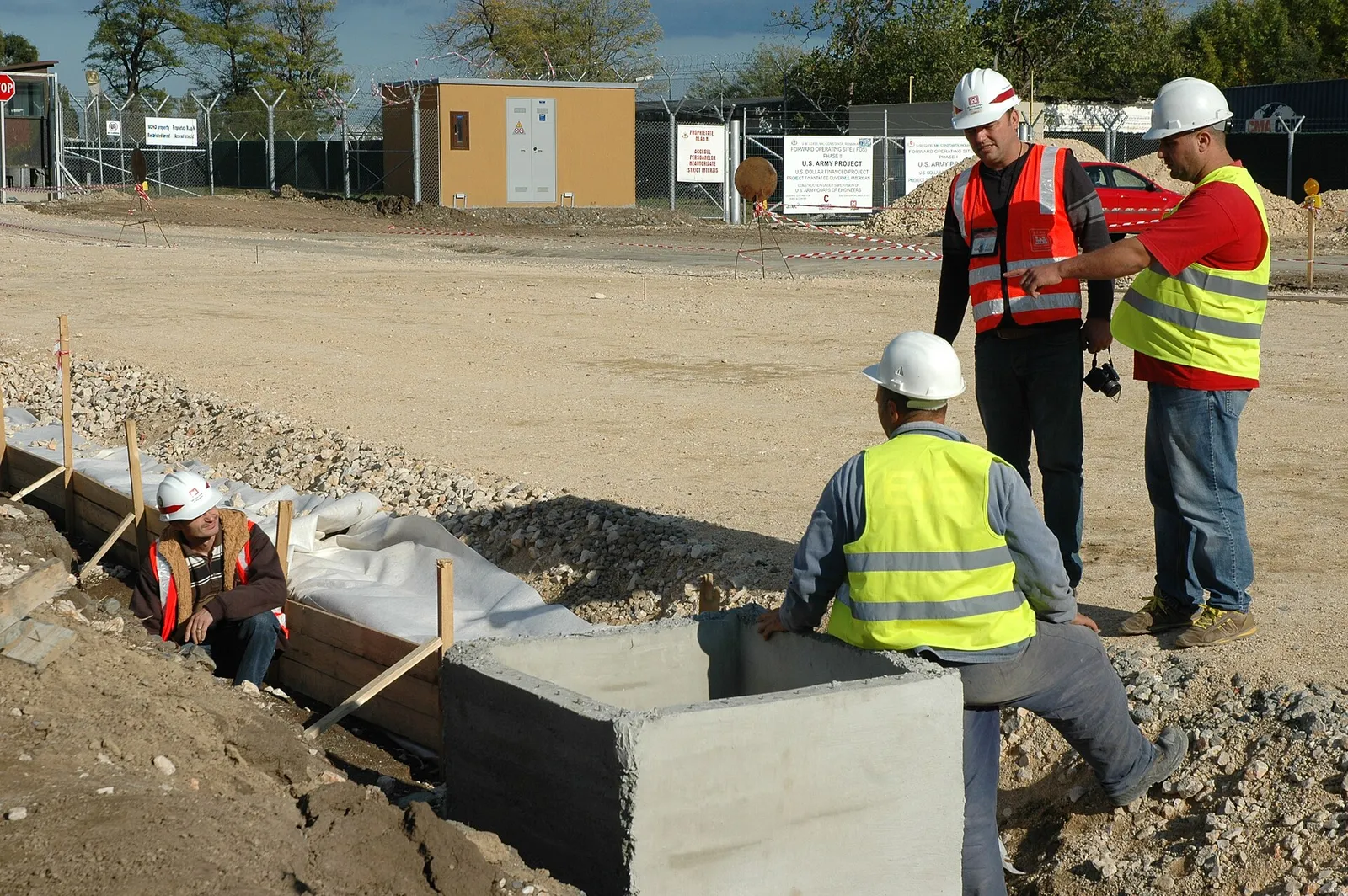
Home / Industries / Contracting ERP
Specialized Contracting · Contracting ERPRope Access and Work at Height Contractor Software
Rope access work is only as safe as the controls behind it. This software checks for a Level 3 supervisor, an approved rescue plan, approved RAMS and an active permit before a project is authorised, and keeps crew certificates and life-safety kit under the same watch. Supervisors report from site on a phone, and managers see every project's status live.
Prefer to talk? Call +91 95651 53545Book a demo
Tell us about your business. A Shyphan consultant will walk you through the Contracting ERP on your own process.
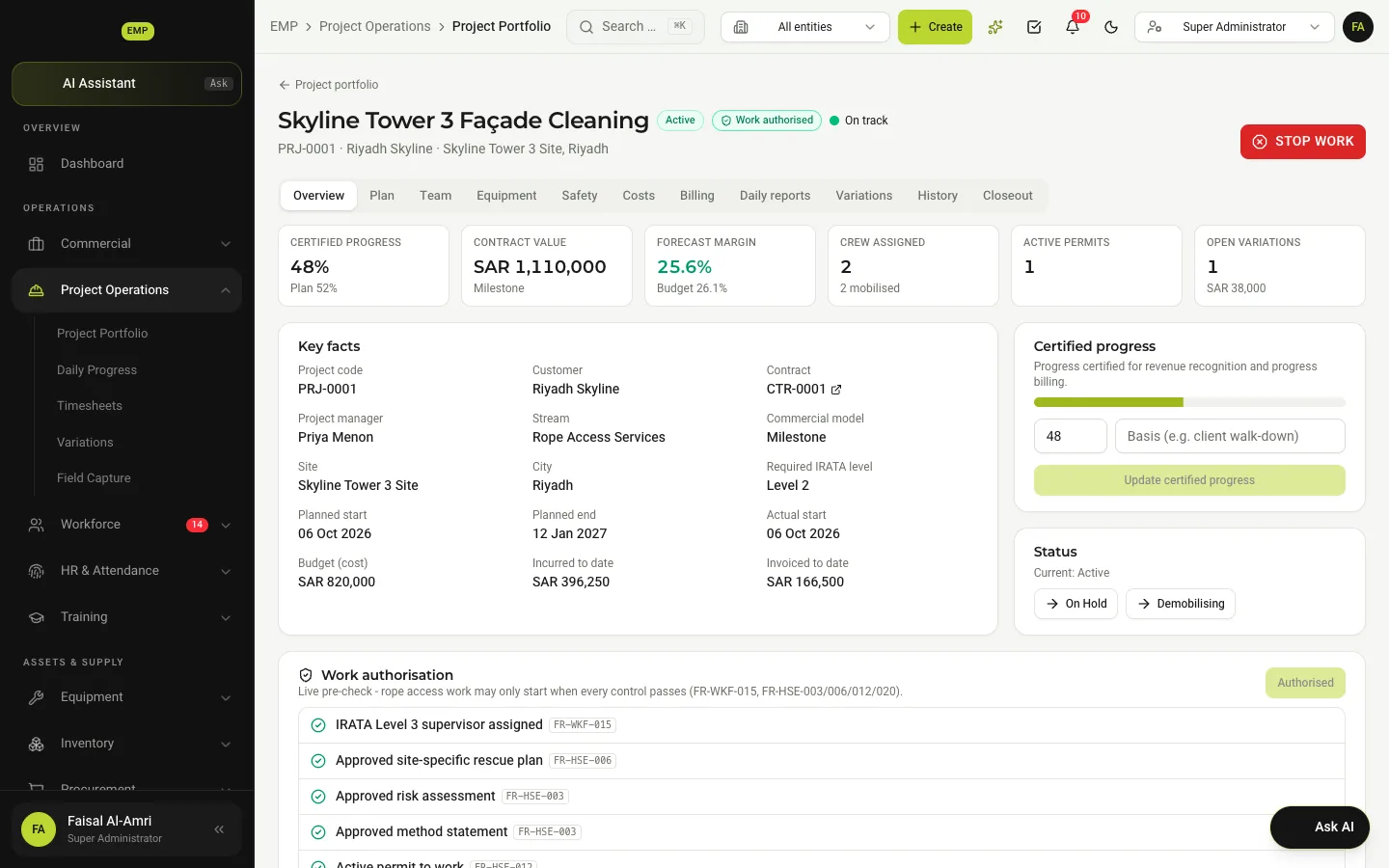
What specialized contracting businesses struggle with
The specialized contracting workflow in the Contracting ERP
- Survey and methodThe survey records height, access method and anchors, and the project gets a site-specific risk assessment, method statement and rescue plan.
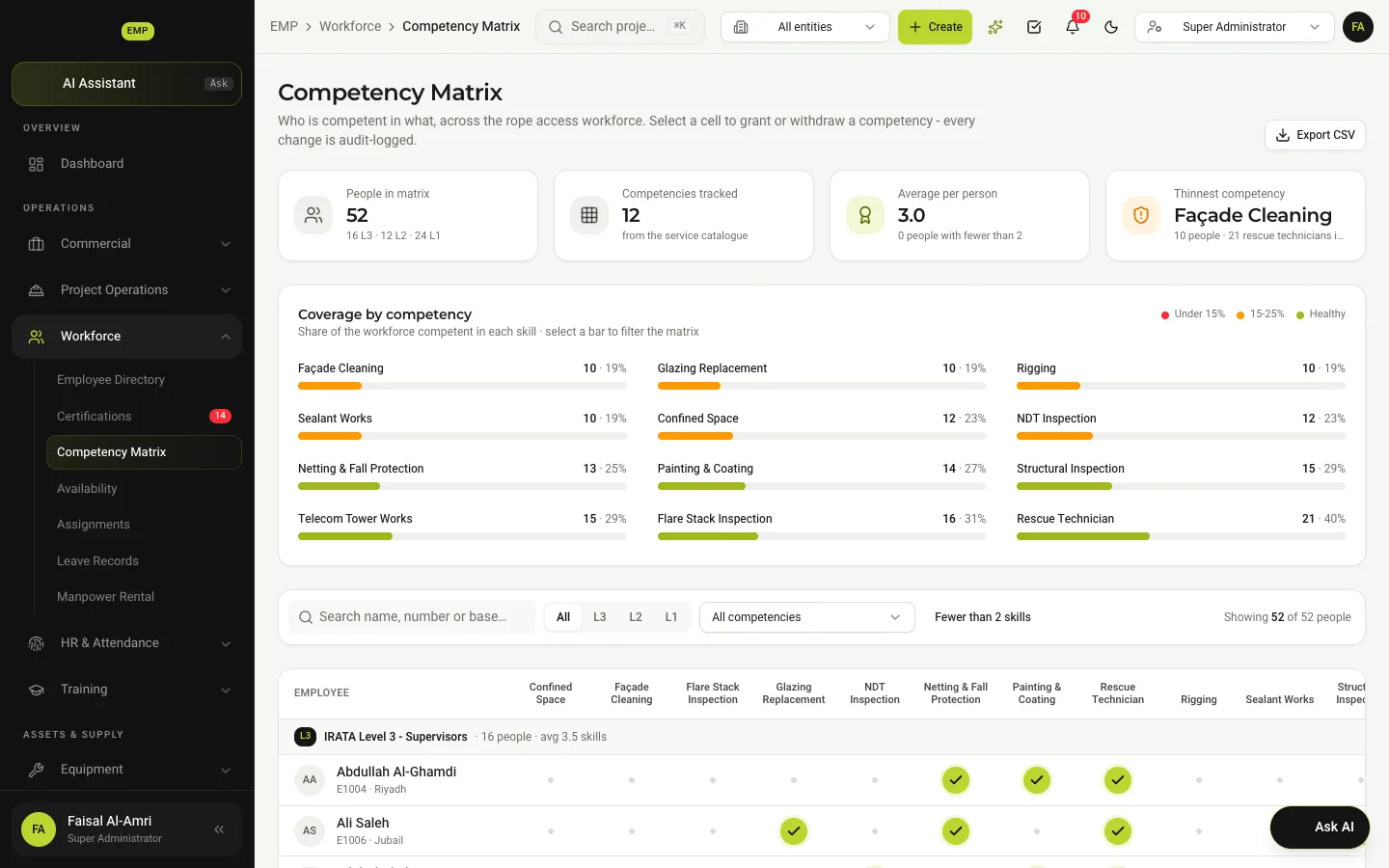
- Crew from the matrixThe workforce coordinator assigns technicians who hold the right IRATA level, competencies and in-date certificates.
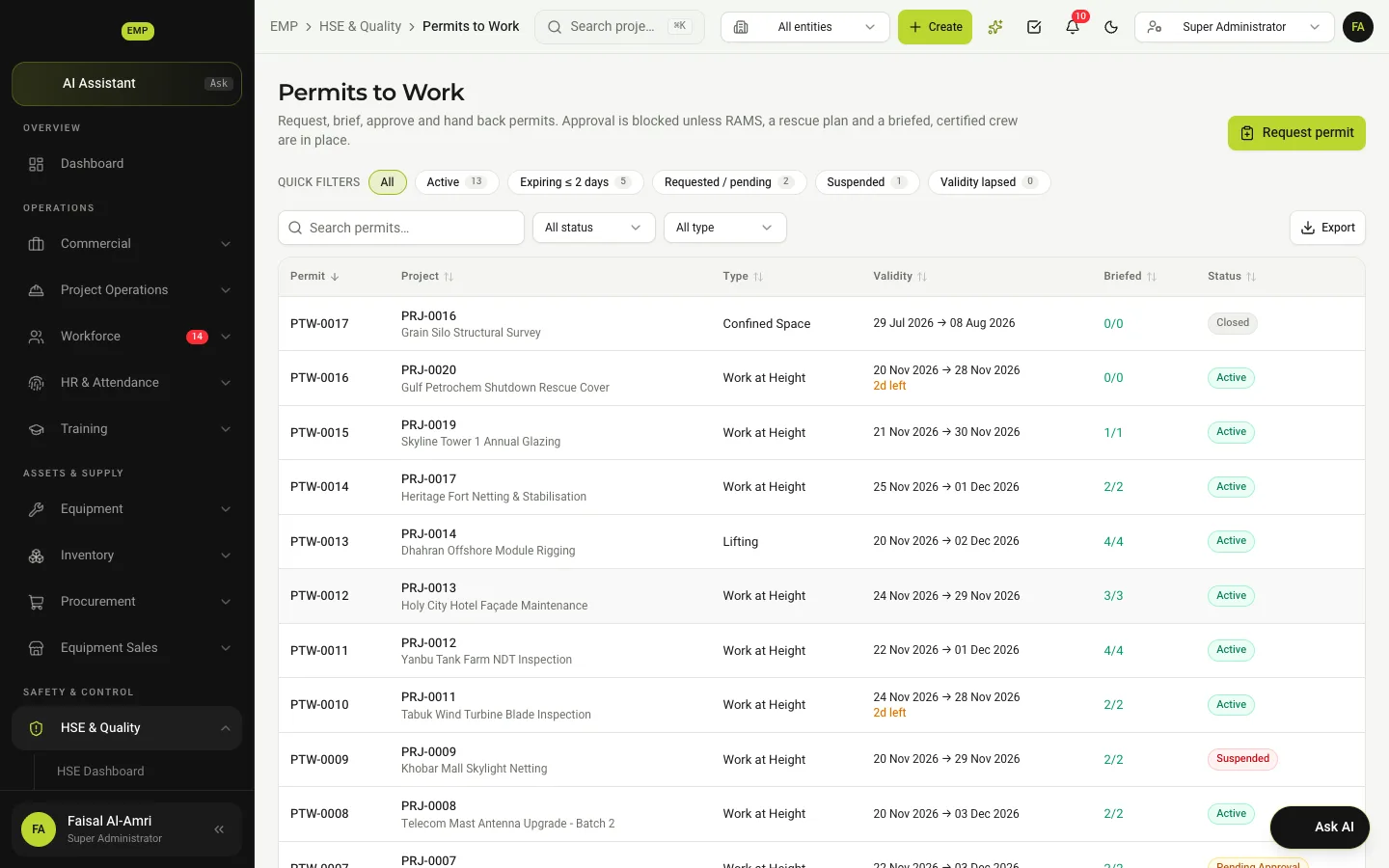
- Permit and authorisationA permit is requested and briefed to the crew. The project shows Authorised only when every control passes.
- Work and daily reportThe supervisor logs drops or quantities, crew hours, wind, downtime, photos and safety notes on the field app.
- Stop work and close-outAnyone can raise a stop-work order or report an incident, and the project closes with its permits handed back.
Modules specialized contracting teams use
5 modules in the live demo. The main ones are below with what each covers.
Project Operations
- Project portfolio with health, progress against plan, value and forecast margin
- Project workspace with plan, team, equipment, safety, costs, billing and closeout tabs
- Live work authorisation check and stop-work control
- Daily progress reports with crew, quantities, downtime, wind and client acknowledgement
- Weekly timesheets with overtime and approval, and a variations register
Field Capture App
- Mobile capture per project and WBS element
- Crew attendance with normal and overtime hours
- Quantities, downtime, weather, temperature and wind speed
- Up to six photos per report and safety notes
- Kit check, safety tab, draft saving and sync status
Workforce
- Employee directory with IRATA level and base
- Certificate register with 60-day expiry alerts and renewal
- Competency matrix across twelve service skills
- Availability, assignments and leave records
- Manpower rental requests matched, mobilised and billed
Equipment
- Life-safety equipment passports with serial, custodian, project and location
- Status that turns unissuable on the inspection due date or service life expiry
- Inspection schedule and inspection log with outcomes and findings
- Maintenance and quarantine, plus recalls
HSE and Quality
- HSE dashboard with days since last lost-time incident, permits and observations
- Permits to work for work at height, confined space and lifting
- Site-specific risk assessments and method statements with versions
- Rescue plans required before permits or work authorisation
- Safety observations, incidents and investigations, and a stop-work button
Specialized Contracting screens
Real screens from the live demo that matter most for this industry.
Assistant and automation in the Contracting ERP for specialized contracting
The built-in assistant and the rules that do the routine checking for your team.
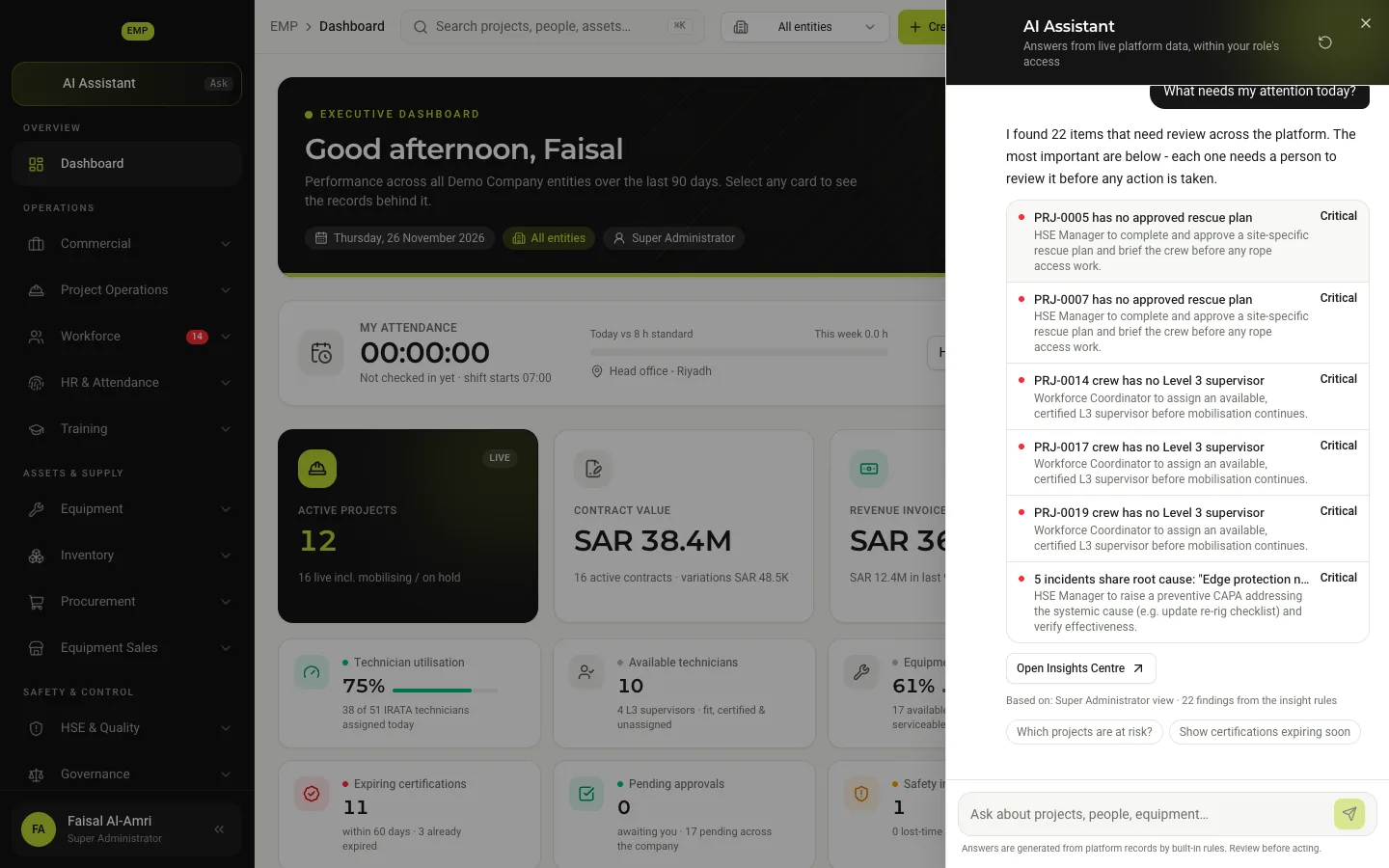
Where it helps specialized contracting teams
Set up for your country, connected to your systems
What the product handles out of the box, and what Shyphan does to put it live in your business.
Built into the product
Delivered and supported in
 Saudi Arabia
 UAE
 India
 Bahrain
 Qatar
 Kuwait
 Oman
 Iraq
 Egypt
 Jordan
Plus the UK, Europe, the USA and other markets, from Shyphan offices in India, the UAE, Saudi Arabia and four more countries.
How Shyphan puts it live
More industries the Contracting ERP serves
Pages written for how each industry actually works with the product.
Try the Contracting ERP yourself
No sign-up. The demo opens in your browser with sample data.
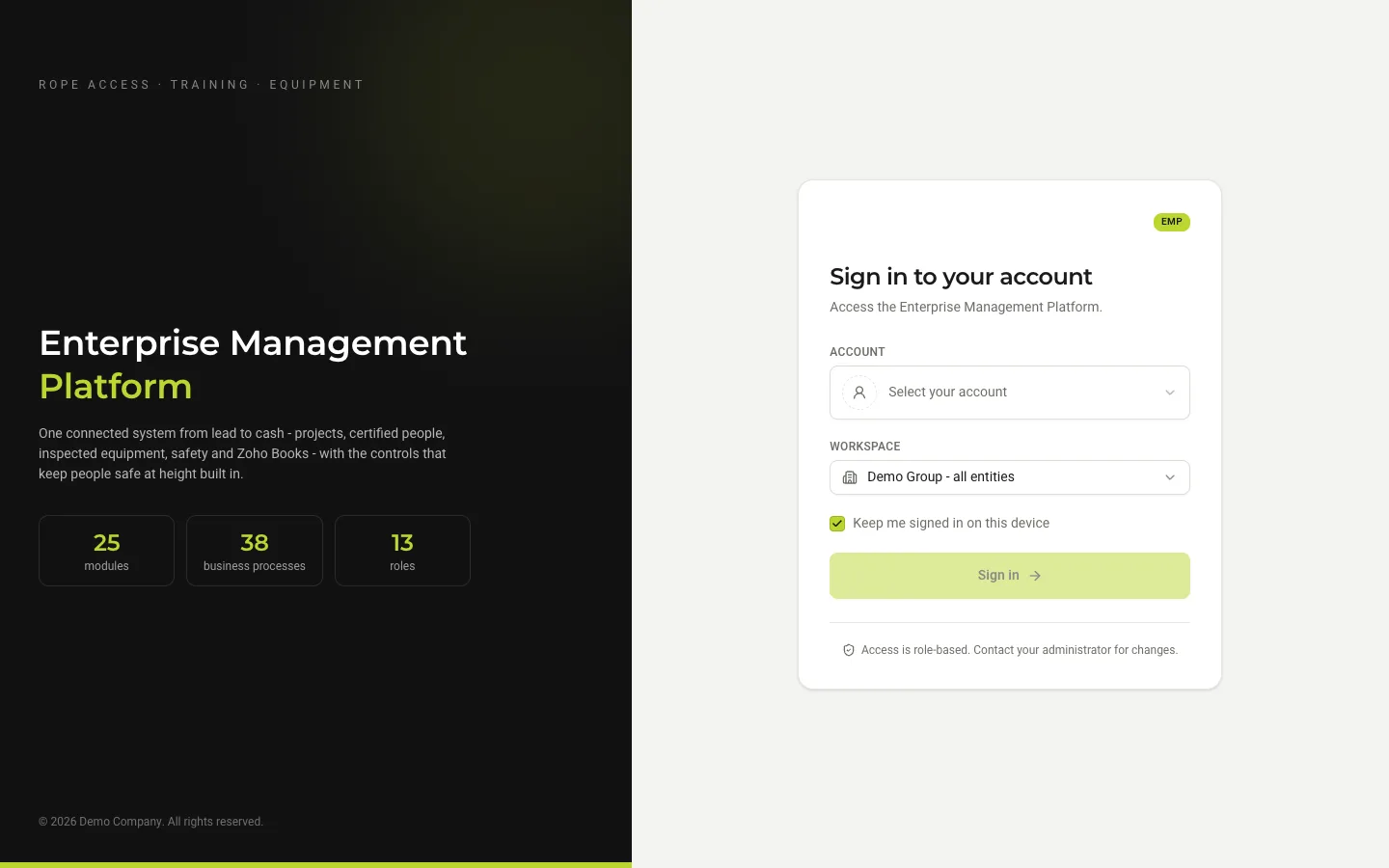
- Open the live demo in a new tab.
- Open the demo, choose a role from the account list on the sign-in screen and click Sign in
- Explore the screens freely. It is a demo company with sample data.
- Book a guided demo and we will set it up around your own process.
Contracting ERP for specialized contracting: questions
Does the software track IRATA levels?
Can a project start without a rescue plan?
How does equipment inspection work?
Can supervisors report from site without signal?
Can we add our own permit types or checks?
Related products and solutions
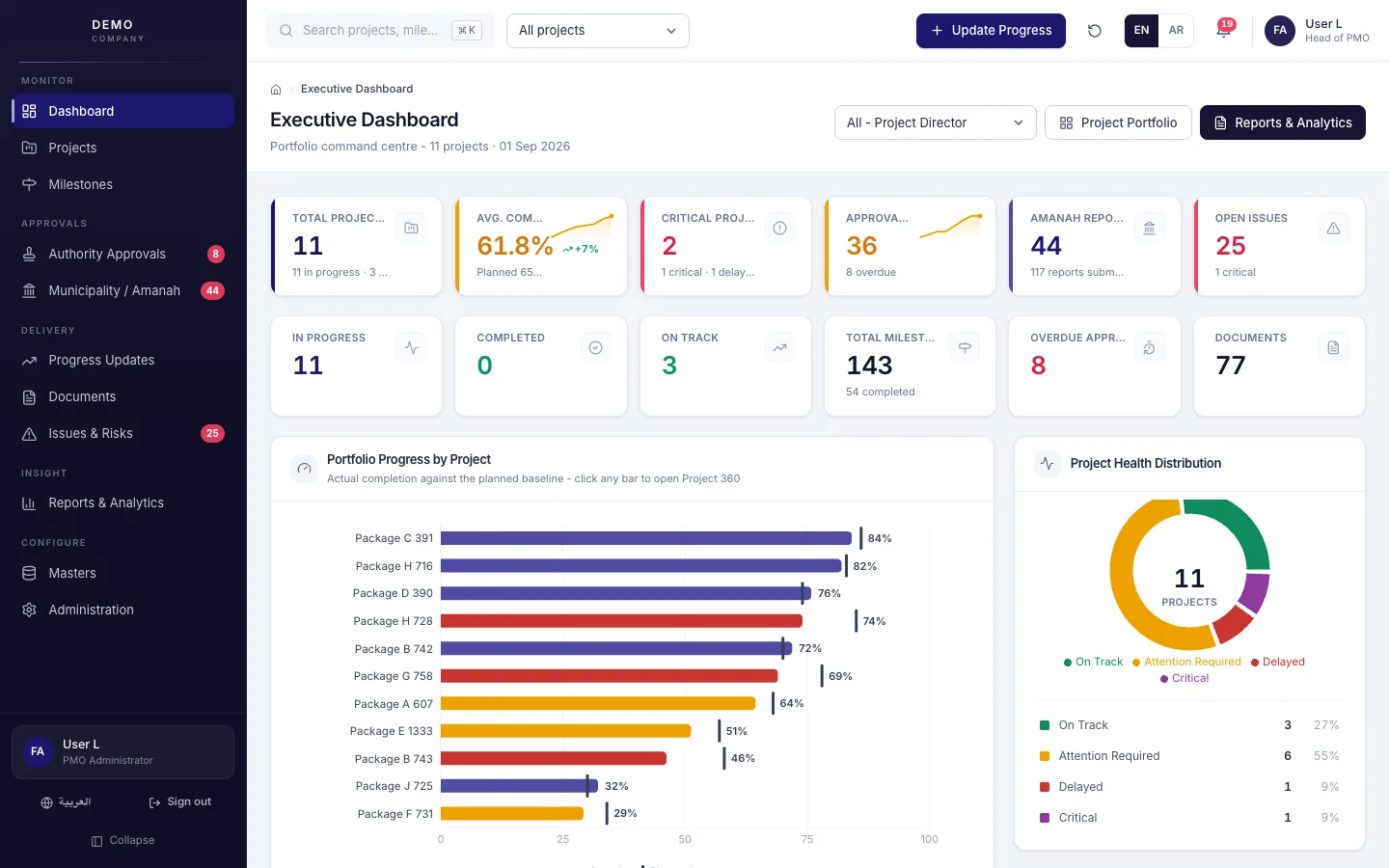
Infrastructure Project & Approval Management
One PMO platform for infrastructure packages in Saudi Arabia: weighted physical milestones, NWC, SEC and CST approvals, Amanah submissions, site...
View product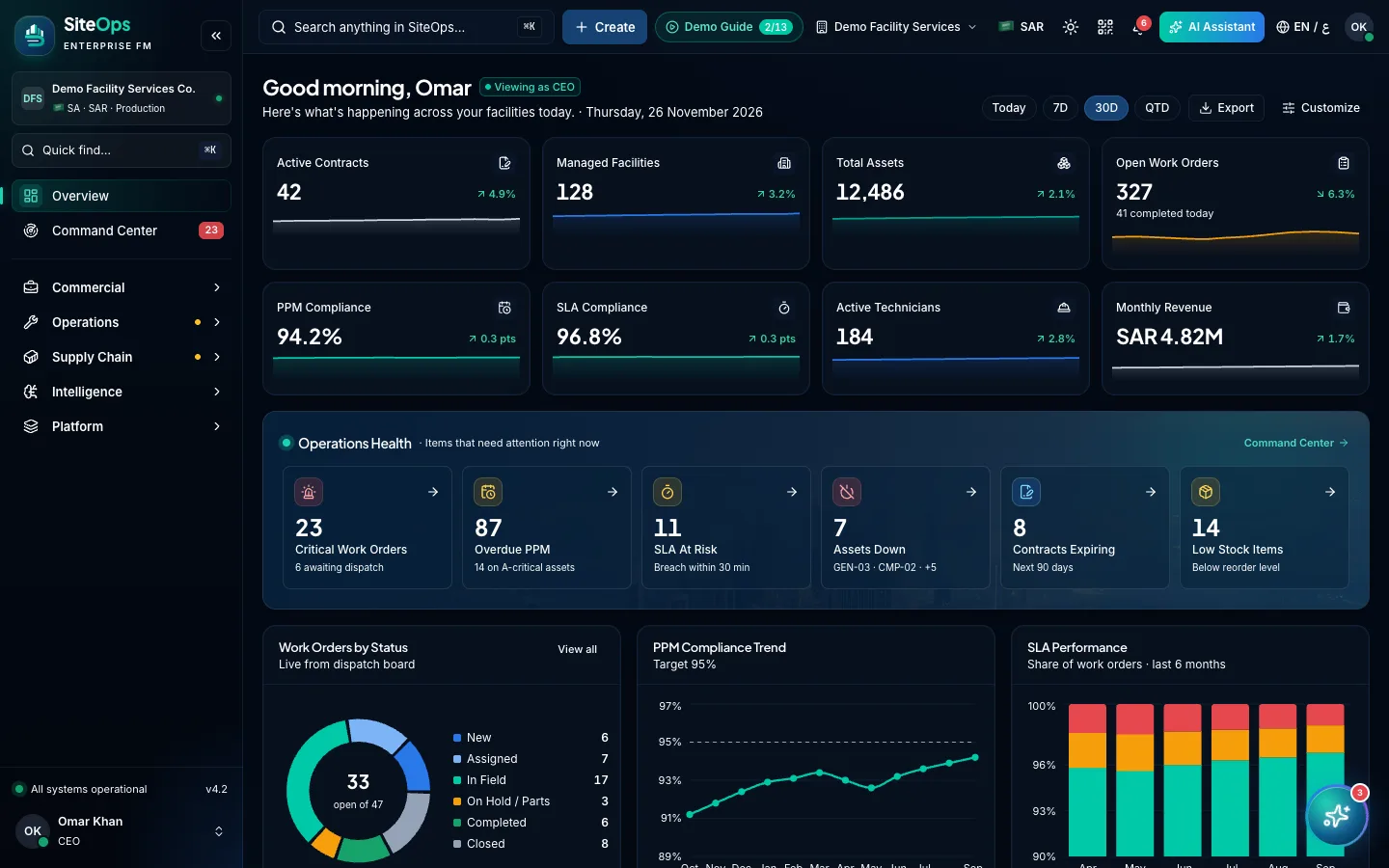
Facility Management Software
Run maintenance contracts across many sites from one place: requests from every channel, work orders and PPM, dispatch to the right technician,...
View product
AI-Powered Freight Forwarding ERP
One platform to source freight, compare quotes, book carriers, track every container, clear UAE customs and control demurrage and landed cost,...
View product
See it on your specialized contracting process
A guided demo on your own workflow, then a written scope and a fixed quote.
