





















 Lebanon
 UK
 Ireland
 Germany
 USA
 Australia
 Singapore
 South Africa
 France
 Hungary
 Georgia
 Turkey
 Canada
 LagosNigeria




Home / Industries / Freight Forwarding ERP
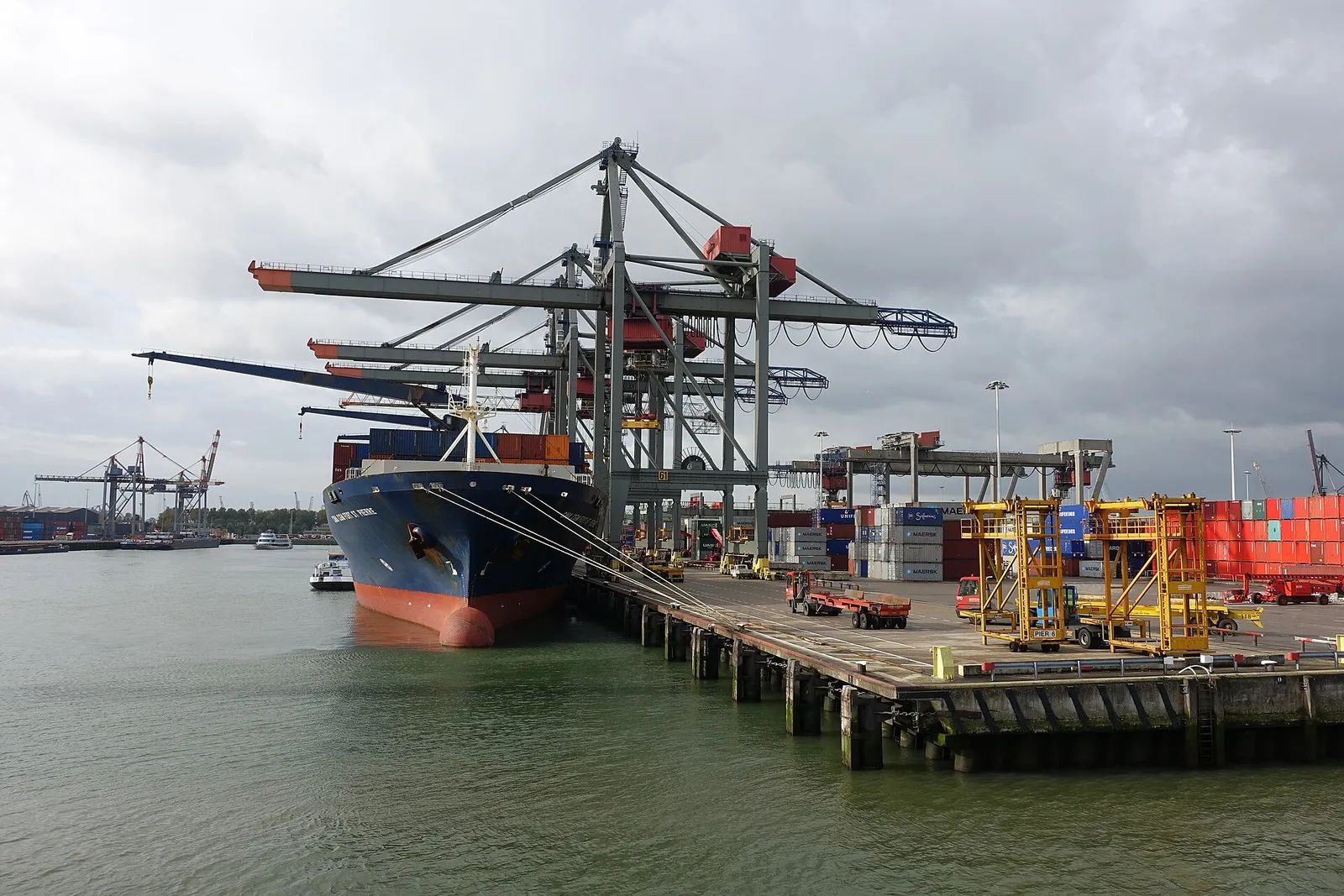
Sea Freight · Freight Forwarding ERPSea Freight Management Software for FCL Shipments
Ocean freight runs on long transit times, many hand-offs and strict free-time clocks. This platform follows every container from the forwarder quote to the empty return, with vessel tracking, delay prediction and demurrage control in one place, so your team plans ahead instead of reacting to the next email.
Prefer to talk? Call +91 95651 53545Book a demo
Tell us about your business. A Shyphan consultant will walk you through the Freight Forwarding ERP on your own process.
What sea freight businesses struggle with
The sea freight workflow in the Freight Forwarding ERP
- Quote and awardCollect forwarder quotes for the lane, compare them all-in and approve the best value.
- Book the carrierCreate the booking with vessel, voyage and carrier reference, and record amendments or rolls.
- Track at seaFollow vessels on the map, watch transshipment milestones and review the AI delay score.
- Arrive and releaseManage the customs file, assign trucks and gate out before the last free day.
- Return and closeReturn empties, capture POD and close the shipment costing.
Modules sea freight teams use
7 modules in the live demo. The main ones are below with what each covers.
Bookings
- Carrier bookings created from approved quotations
- Carrier booking numbers, vessel and voyage
- Confirmation, amendments, rolled bookings and cancellations
- Hand-off to a live shipment
Shipments
- Table, Kanban and map views
- Several POs and containers per shipment, with partial arrivals
- Journey from booked to delivered and completed
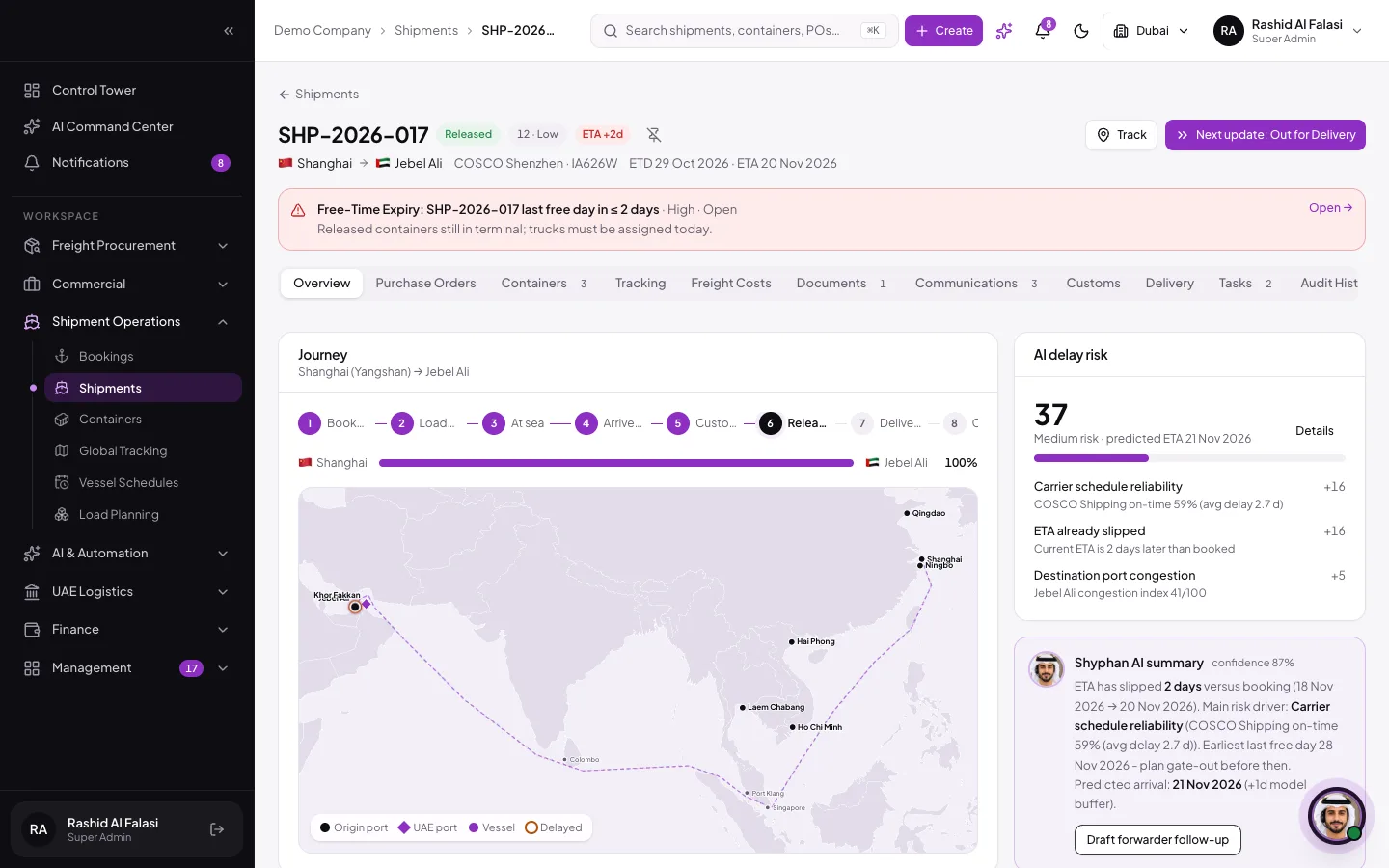
- Tabs for containers, tracking, freight costs, documents, communications, customs, delivery, tasks and audit history
- AI delay risk and AI summary on each shipment
Containers
- Every container with type and seal number
- Location, ETA and free-time expiry
- D&D risk, customs hold, delivery and empty return status
Global Tracking
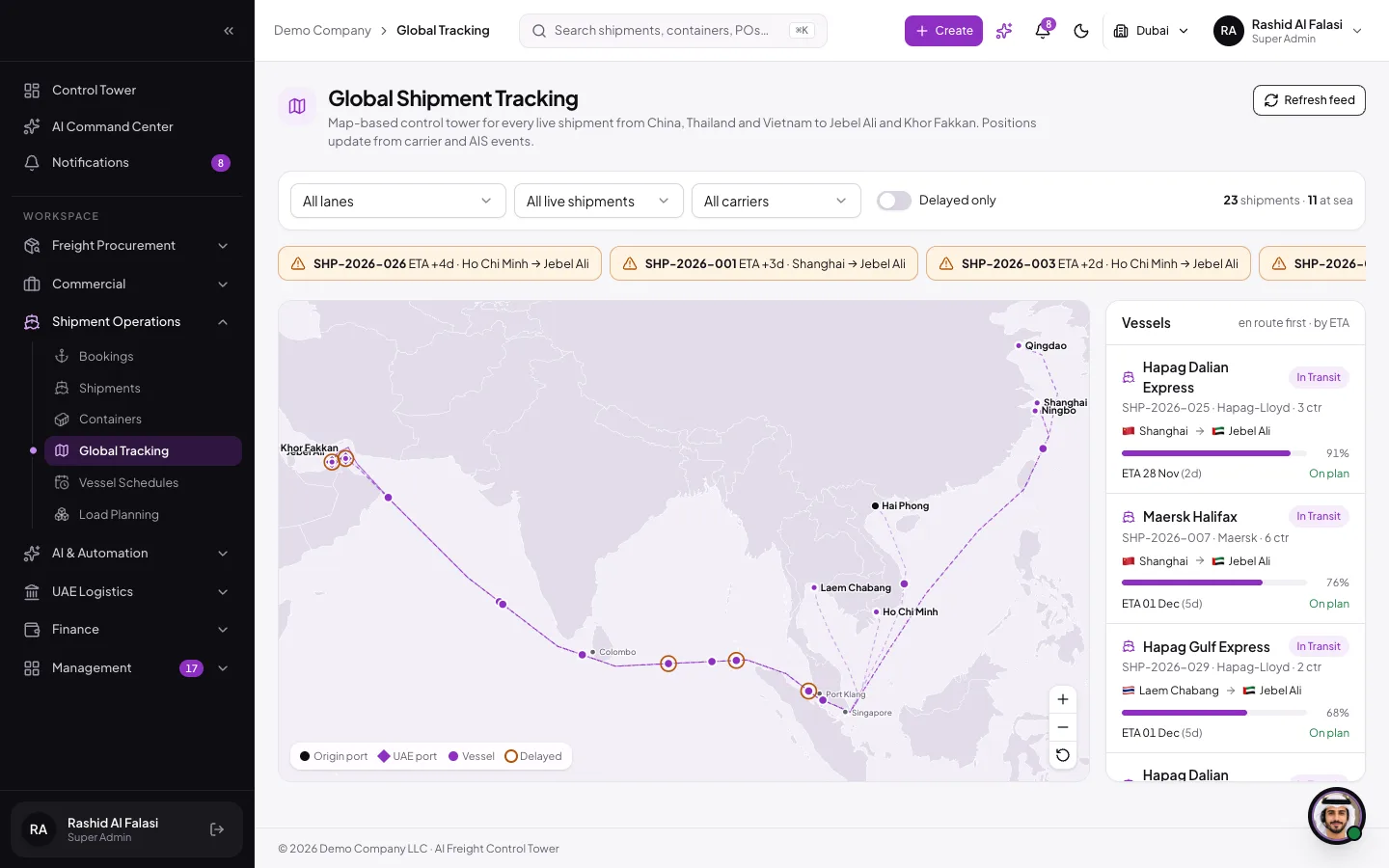
- Map of every live shipment and vessel
- Positions from carrier and AIS events
- Filters by lane, carrier and delayed only
- Progress bar and ETA per vessel
Vessel Schedules
- Calendar of upcoming sailings on your lanes
- Your bookings shown on the calendar
- Delays, changes and cancellations
- Lane comparison and average transit
Delay Prediction
- Delay risk score for every live shipment
- Drivers such as carrier reliability, transshipment, port congestion, ETA slippage, documents and customs
- Predicted ETA against planned ETA
- What-if scenarios for port congestion, hub disruption and missing documents
Detention and Demurrage
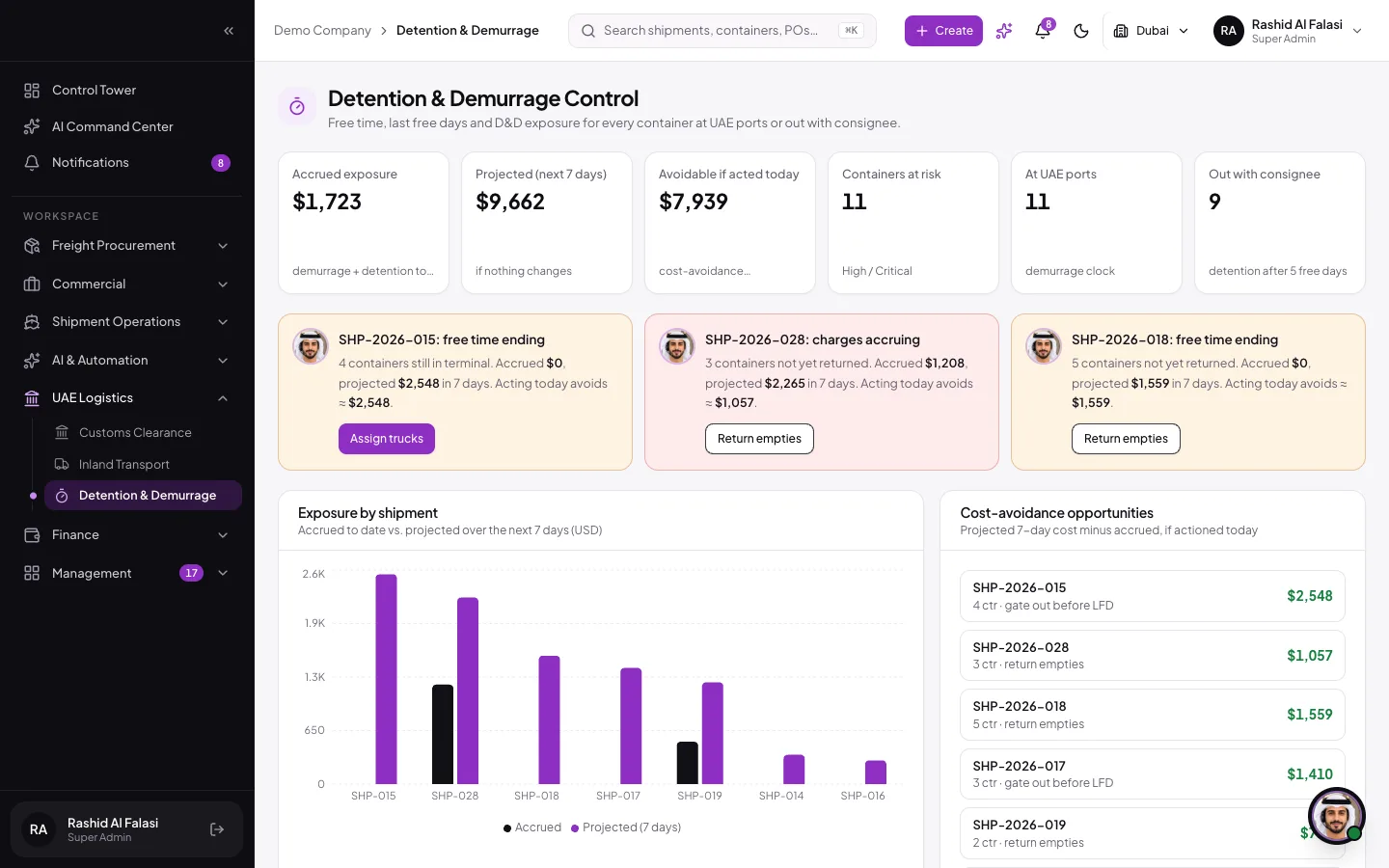
- Free time and last free day for every container
- Accrued and projected D&D exposure
- Cost you can avoid if you act today
- Actions to assign trucks or return empties
Sea Freight screens
Real screens from the live demo that matter most for this industry.
AI built into the Freight Forwarding ERP for sea freight
What the AI and automation features in the live demo do for your team.
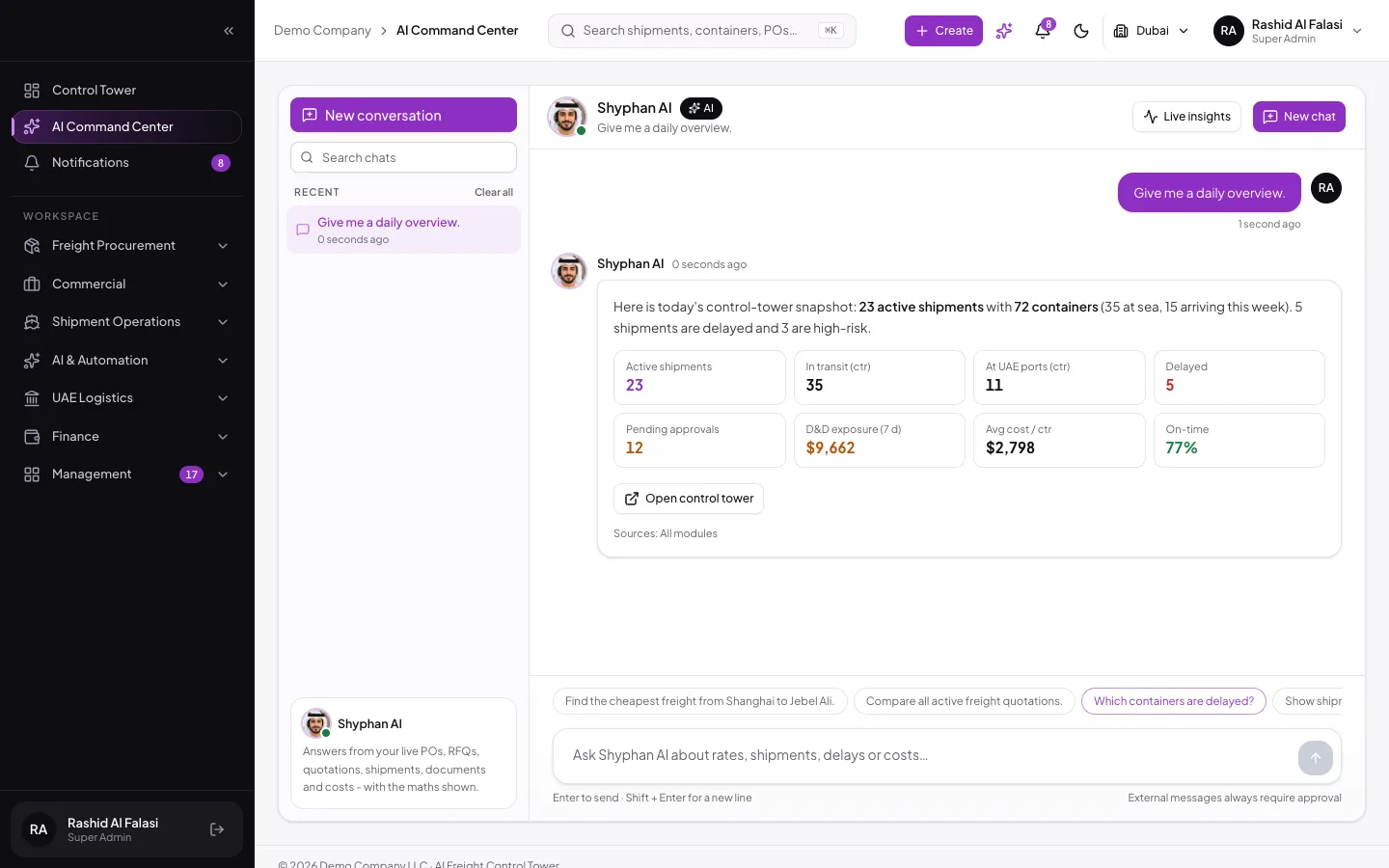
Where it helps sea freight teams
Set up for your country, connected to your systems
What the product handles out of the box, and what Shyphan does to put it live in your business.
Built into the product
Delivered and supported in
 Saudi Arabia
 UAE
 India
 Bahrain
 Qatar
 Kuwait
 Oman
 Iraq
 Egypt
 Jordan
Plus the UK, Europe, the USA and other markets, from Shyphan offices in India, the UAE, Saudi Arabia and four more countries.
How Shyphan puts it live
More industries the Freight Forwarding ERP serves
Pages written for how each industry actually works with the product.
Try the Freight Forwarding ERP yourself
No sign-up. The demo opens in your browser with sample data.
- Open the live demo in a new tab.
- Open the demo, choose a saved demo account under Saved accounts on the sign-in screen, then click Sign in
- Explore the screens freely. It is a demo company with sample data.
- Book a guided demo and we will set it up around your own process.
Freight Forwarding ERP for sea freight: questions
Does it track individual containers?
Where does tracking data come from?
Can it predict delays?
Does it support 20ft and 40ft containers?
Can it handle our ports and lanes?
Related products and solutions
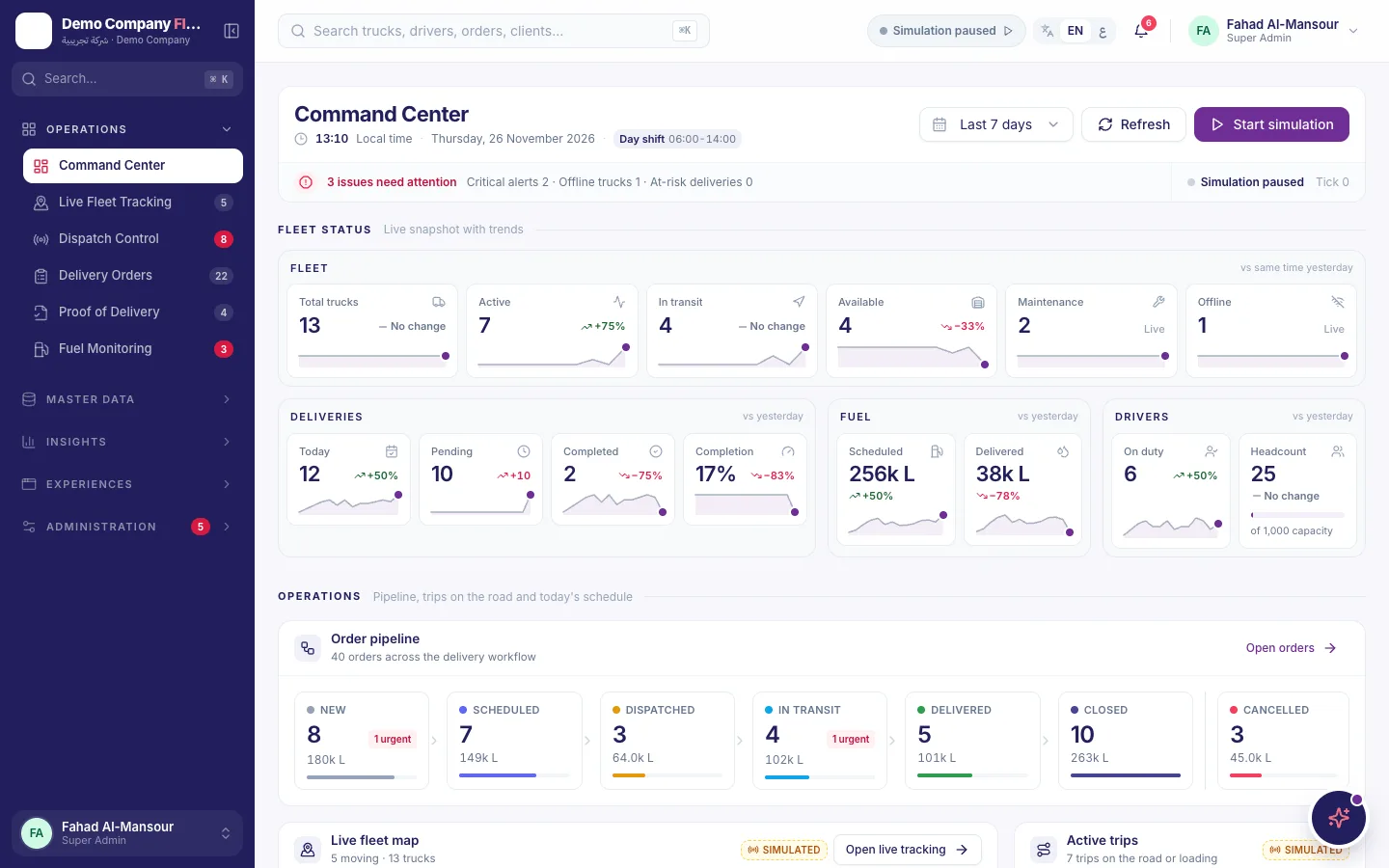
Fleet Management Software
Track every truck, dispatch the right vehicle and driver, capture signed proof of delivery and watch fuel levels in one bilingual platform, with...
View product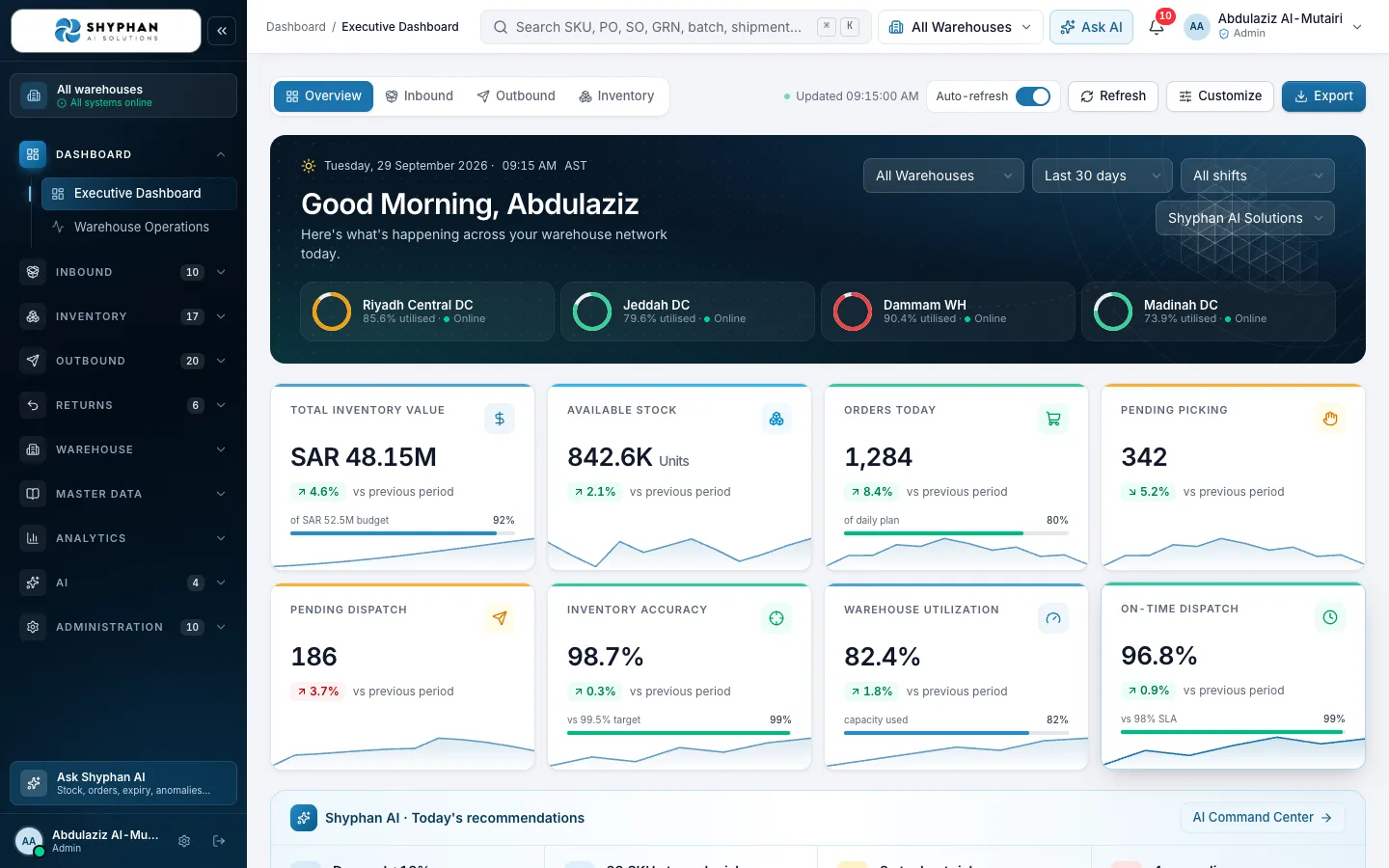
Warehouse Management System (WMS)
Run receiving, put-away, bin-level stock, picking, packing and dispatch across every warehouse from one system, with AI that forecasts demand,...
View product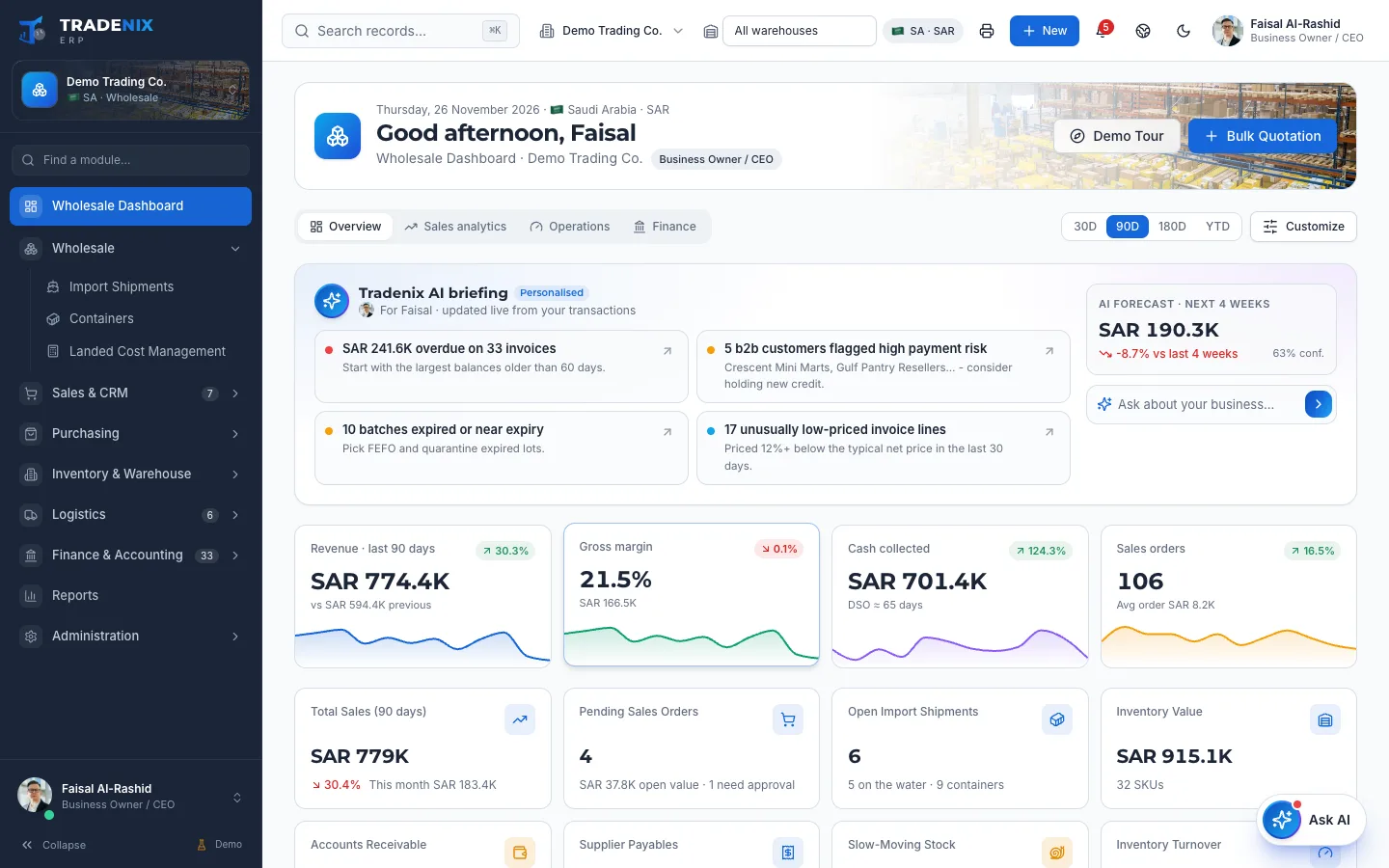
Trading & Distribution ERP
One ERP for trading companies in Saudi Arabia, the UAE and the wider region. Run quotes, orders, imports, landed cost, warehouses, deliveries,...
View product
See it on your sea freight process
A guided demo on your own workflow, then a written scope and a fixed quote.
