





















 Saudi Arabia
 UAE
 Qatar
 Bahrain
 Kuwait
 Oman
 Lebanon
 Egypt
 Jordan
 Iraq
 India
 UK
 Ireland
 Germany
 USA
 Australia
 Singapore
 South Africa
 France
 Hungary
 Georgia
 Turkey
 Canada
 LagosNigeria




ERPNext Migration in Saudi Arabia
Switching accounting or ERP systems mid-year worries every finance manager in the Kingdom, mostly because of VAT and e-invoicing. We move your masters, balances and open documents into ERPNext, reconcile them line by line and plan the Fatoora switch so no invoice falls between two systems.
- Excel and spreadsheets
- Tally
- QuickBooks
- Zoho Books
 ERPNext & FrappeImplementation · migration · AMC
Get a free quote
Reply within 24 hours with scope and a fixed quote.
ERPNext Migration in Saudi Arabia: the short answer
- Common sources
- Tally, QuickBooks, Zoho Books, Excel workbooks and older on-premise ERPs.
- What moves
- Chart of accounts, customers, suppliers, items, opening stock, ledger balances and open invoices and orders.
- E-invoicing
- ERPNext is onboarded to Fatoora as a new invoicing solution before the first live invoice is issued.
- Proof
- Trial balance, receivables, payables and stock value in ERPNext are matched to the old system before sign-off.
- Delivered by
- Shyphan AI Solutions, an ERPNext implementation partner and Zoho Premium Partner, with 24/7 support. Call +966 54 176 1946.
- Last reviewed
- 27 November 2026
Why Saudi companies outgrow their first system
Many Saudi SMEs start on Tally or QuickBooks because a local accountant knows it, or on Zoho Books because it was quick to sign up. Others run purchasing in Excel and only post summaries to the books. That works until the business adds a warehouse, a second branch, a production line or a sales team that needs live stock. At that point people start keeping side spreadsheets, and month end becomes a reconciliation exercise.
A migration to ERPNext is the moment to fix that, but only if the data arriving in the new system is clean. We treat migration as its own workstream with its own sign-offs. Masters are cleaned before they move, balances are proven after they move, and the question of which system issues invoices on which day is answered in writing long before cut-over weekend.
Data volume matters less than data quality. Ten thousand tidy invoices load faster than a thousand items with three names each. That is why the first task is always a short audit of what you have.
From first record to the finished report
One open-source system, so each step feeds the next without re-keying.
Source systems we migrate from
Excel and spreadsheets
Item lists, customer sheets and stock counts are cleaned, deduplicated and mapped to ERPNext templates. We flag missing VAT numbers, odd units of measure and duplicate codes before anything loads.
Tally
Ledgers, groups, stock items and party balances are exported from Tally and remapped to a chart of accounts designed for ERPNext, with Saudi VAT accounts set up properly instead of copied across.
QuickBooks
Customers, vendors, items, open invoices and bills move across with their due dates, so ageing reports in ERPNext match QuickBooks on the day you switch.
Zoho Books
Contacts, items, tax rates and outstanding transactions are exported from Zoho Books and reconciled. As a Zoho Premium Partner we know both systems well, which helps when mapping fields.
Older ERP systems
For legacy on-premise ERPs we extract data through reports or database exports, then agree with you how much history is worth bringing across and what stays archived.
Reconciliation pack
A signed comparison of trial balance, receivables, payables, stock quantities and stock value between the old system and ERPNext at the cut-over date.
See it in ERPNext
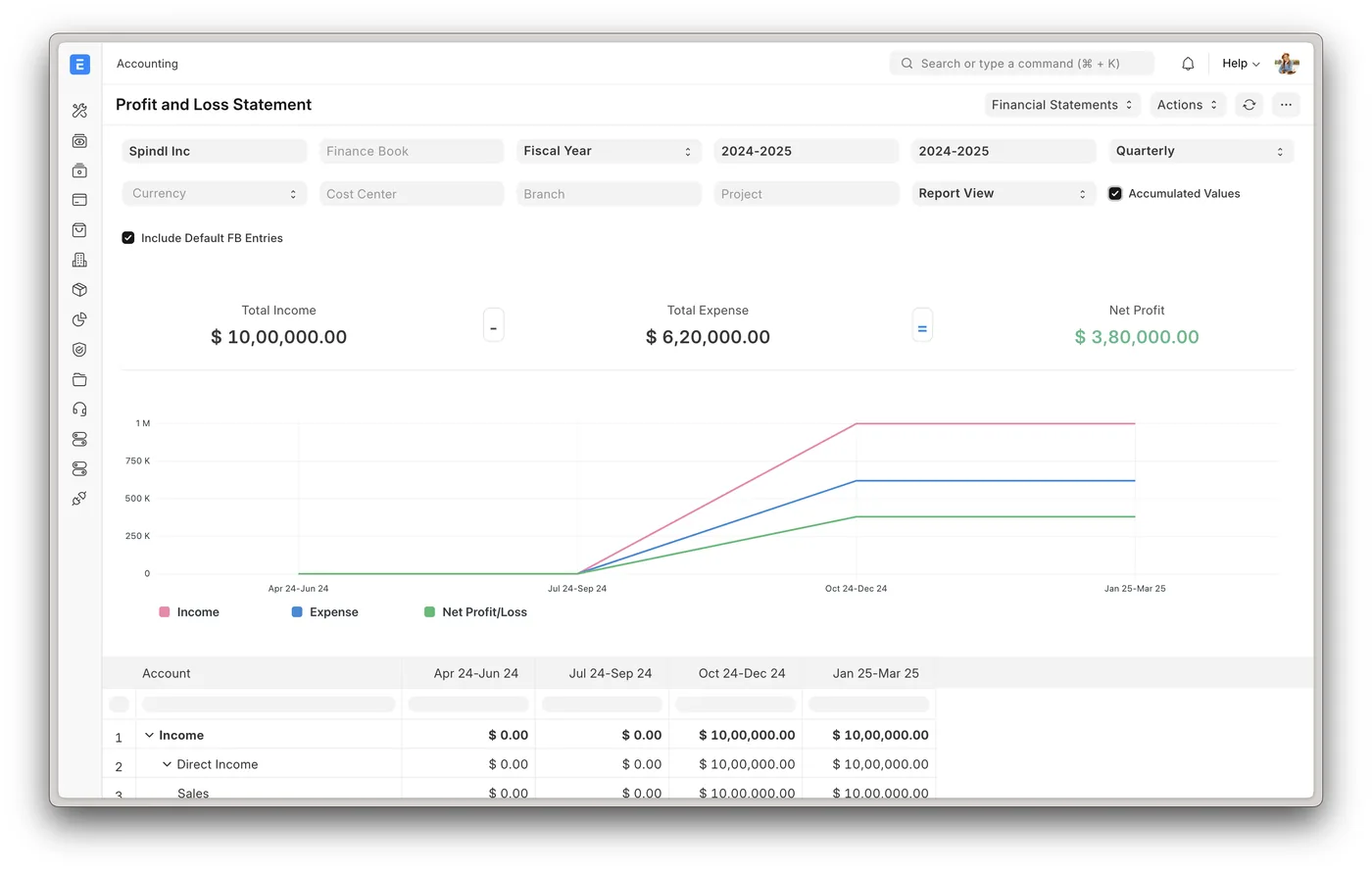
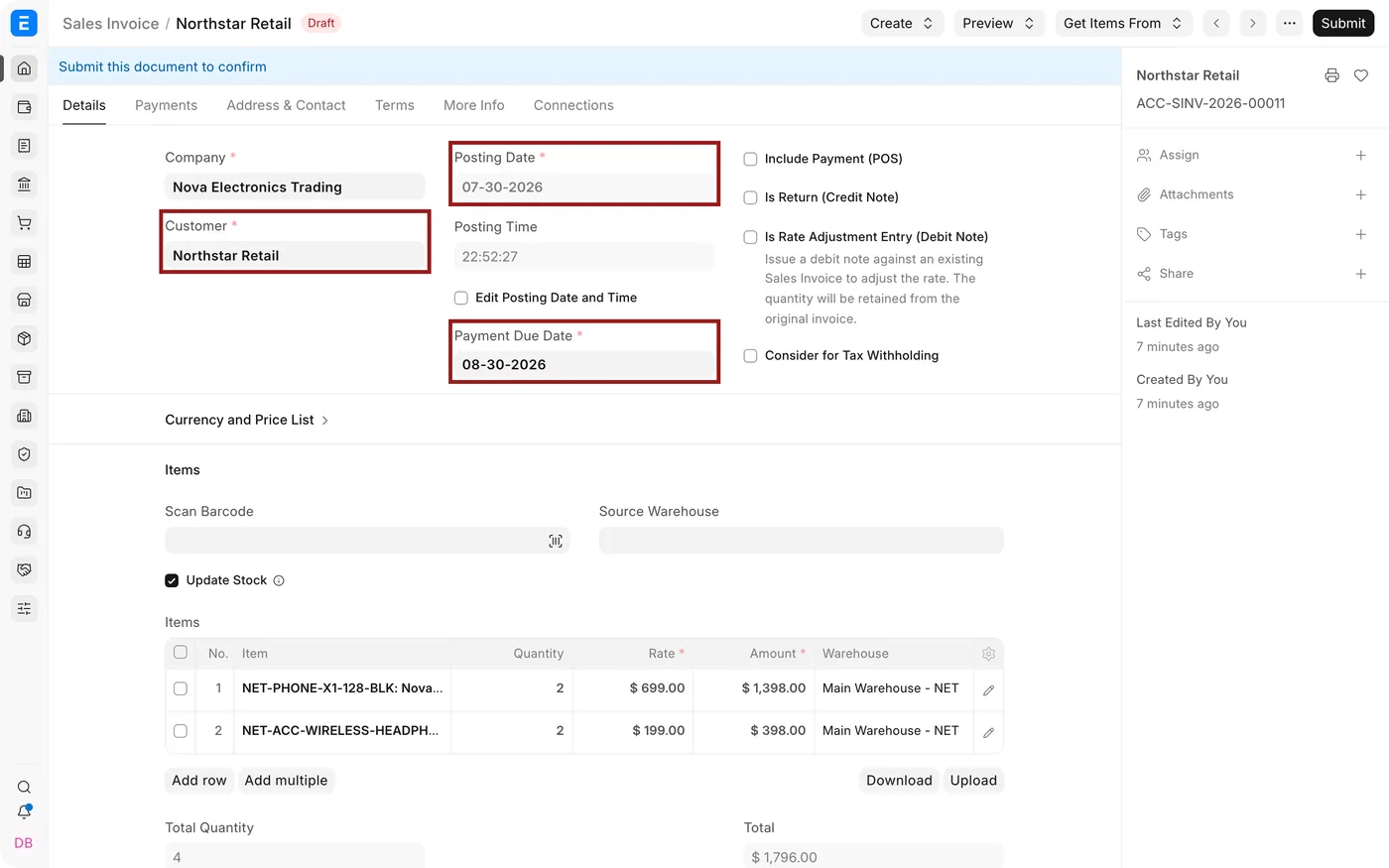
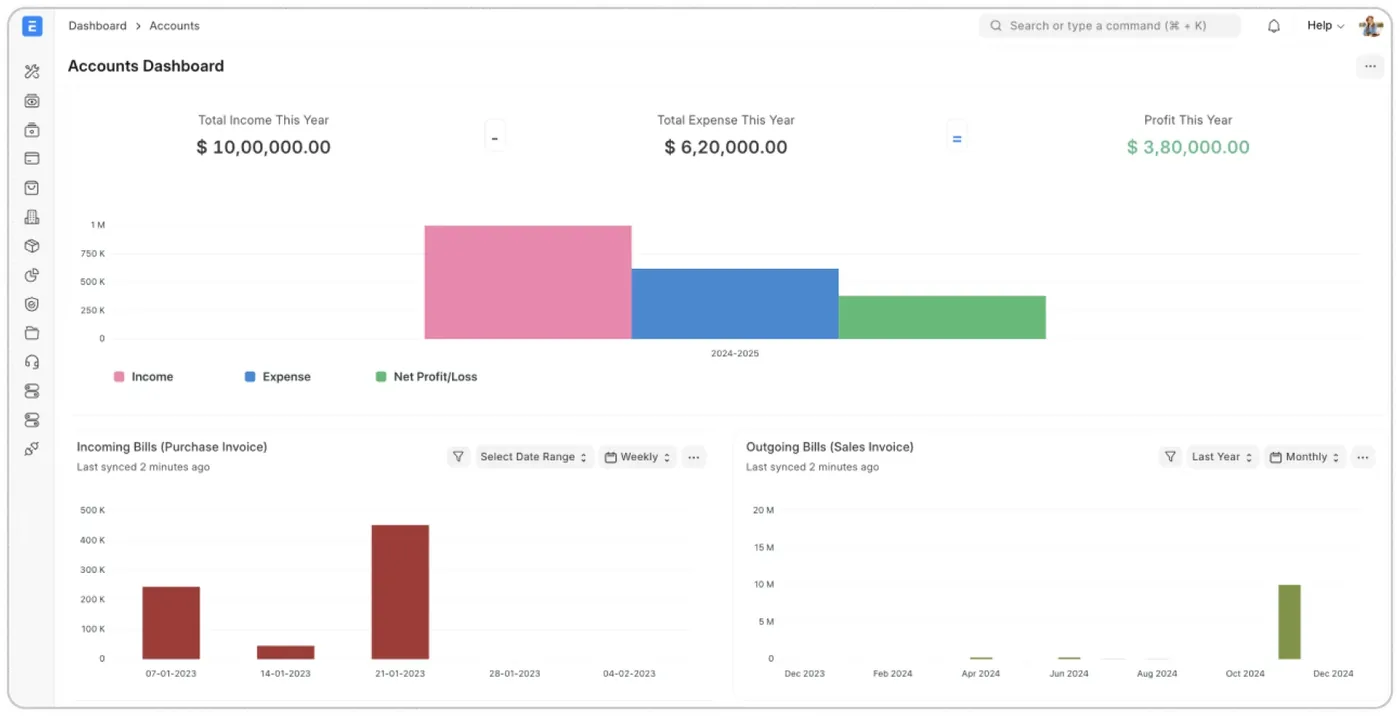
Real ERPNext and Frappe screens for the work described on this page. We configure them for Saudi rules and your data.
ERPNext and the Frappe apps we implement
One open-source platform, one database, no per-user licence fees.







Saudi points to settle before you switch
| Topic | The Saudi rule | What we set up |
|---|---|---|
| E-invoicing solution | Under Phase 2, each invoicing unit must be onboarded with ZATCA and hold a CSID before it can stamp, clear or report invoices. | ERPNext is onboarded through the ZATCA app before cut-over, and a clear date is set after which the old system issues no further invoices. |
| VAT return boundary | VAT returns are monthly above SAR 40 million of annual taxable supplies and quarterly below it. | We switch at the start of a VAT period where possible, so one return draws on one system and your accountant does not merge two exports. |
| Record keeping | E-invoice solutions must be able to export and archive invoices, and VAT records must stay available to ZATCA. | The old system or its exported archive is kept read-only, and ERPNext stores its own invoices with their XML from day one. |
| VAT numbers | Standard tax invoices to VAT-registered buyers must show the buyer's VAT registration number. | Customer records are checked for valid 15-digit VAT numbers and addresses during cleaning, so the first cleared invoices do not bounce. |
| Payroll history | End-of-service awards under the Labour Law depend on each employee's full service and last wage. | Joining dates, contract types and current salary components move into Frappe HR so gratuity calculations reflect real service, not the go-live date. |
We configure the system and check it against your accountant’s figures; we are not tax advisers, and your accountant files the returns. Last reviewed 27 November 2026.
Our migration sequence
Inventory the data
We list every source, from the main ledger to the storekeeper's own spreadsheet, and agree which data is authoritative where two disagree.
Design the target
A new chart of accounts, item groups, warehouses and tax templates are agreed first, so data is mapped into a structure built for ERPNext rather than copied as it was.
Trial loads
At least two practice loads go into staging. Each one is reconciled, errors are fixed at source and the scripts are adjusted.
Freeze and final load
On the agreed date the old system stops taking new transactions, a stock count is done, and final balances load into production.
Sign-off and archive
Finance signs the reconciliation pack, the old system is set to read-only and ERPNext issues its first cleared invoice.
Every ERPNext page for Saudi businesses
Services
Compliance
Industries
Other countries
Worldwide

Written and reviewed by Vikas Saroj, Co-Founder, COO & Growth at Shyphan AI Solutions, who owns ERPNext, Odoo and Zoho delivery across Saudi Arabia and the wider region. Reviewed against current Saudi rules on 27 November 2026. Meet the team · LinkedIn
ERPNext Migration in Saudi Arabia: questions answered
Can we move all our history into ERPNext?
What happens to our ZATCA set-up in the old system?
How long does a migration take?
Is Shyphan an official Frappe partner?
Will our item and customer names come across in Arabic?
Do we pay a licence fee to move to ERPNext?
Request your free quote
Tell us about your project and a senior ERPNext consultant - not a bot - replies within 24 hours with scope, timeline and a fixed quote. The first 30-minute discovery call is free, with no obligation.
- Free 30-minute discovery call
- Fixed-quote SOW - no surprises
- Arabic · English delivery
- VAT 15%, ZATCA, GOSI & mada ready