





















 Lebanon
 UK
 Ireland
 Germany
 USA
 Australia
 Singapore
 South Africa
 France
 Hungary
 Georgia
 Turkey
 Canada
 LagosNigeria




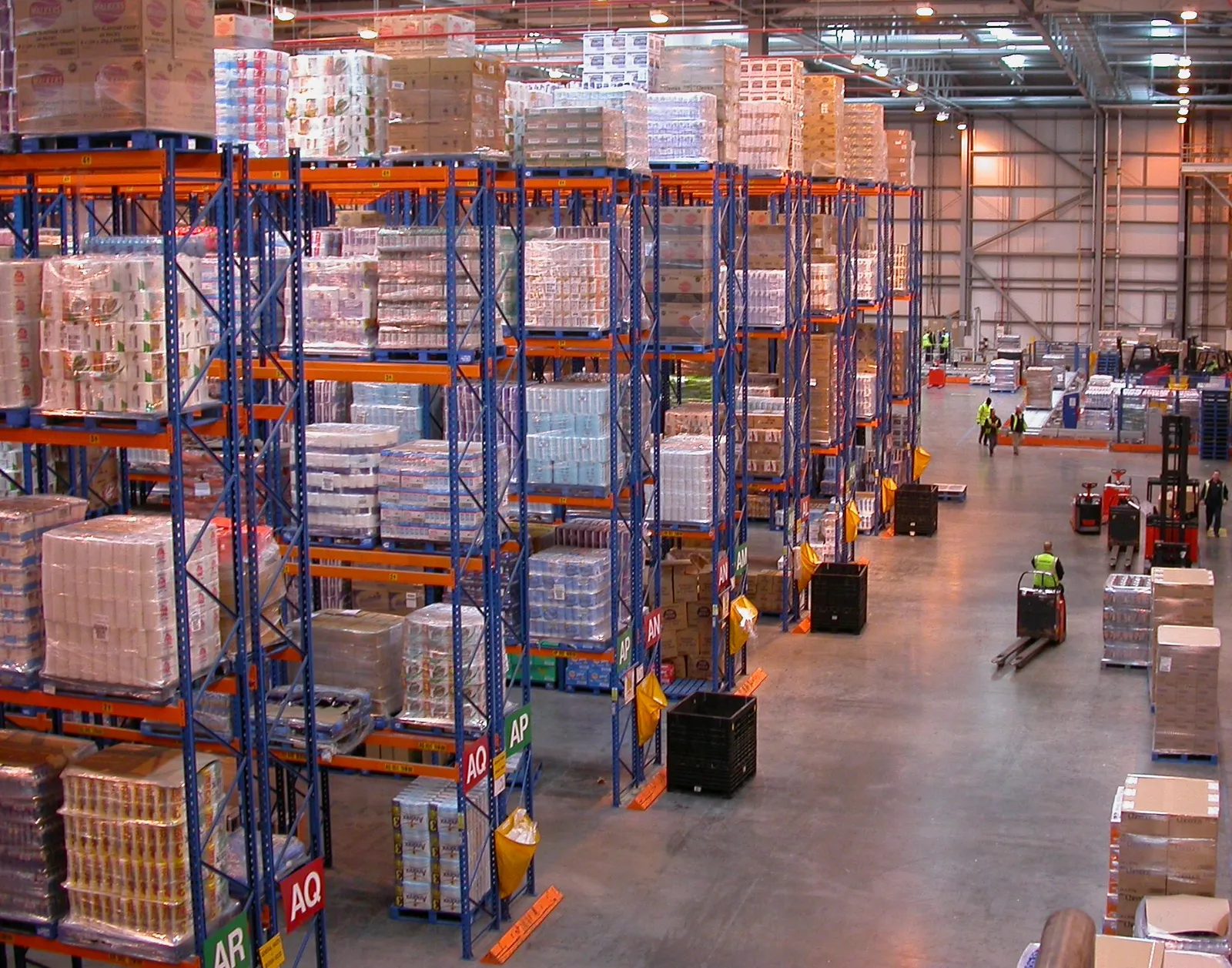
Home / Industries / Trading & Distribution ERP
General Trading · Trading & Distribution ERPERP for General Trading Companies
A general trading company rarely sells one kind of product. You may import foodstuff, sell appliances and supply a contractor in the same week. This ERP lets you run every line from one workspace, with industry modules switched on as you add segments, and one view of stock, margin, receivables and VAT.
Prefer to talk? Call +91 95651 53545Book a demo
Tell us about your business. A Shyphan consultant will walk you through the Trading & Distribution ERP on your own process.
What general trading businesses struggle with
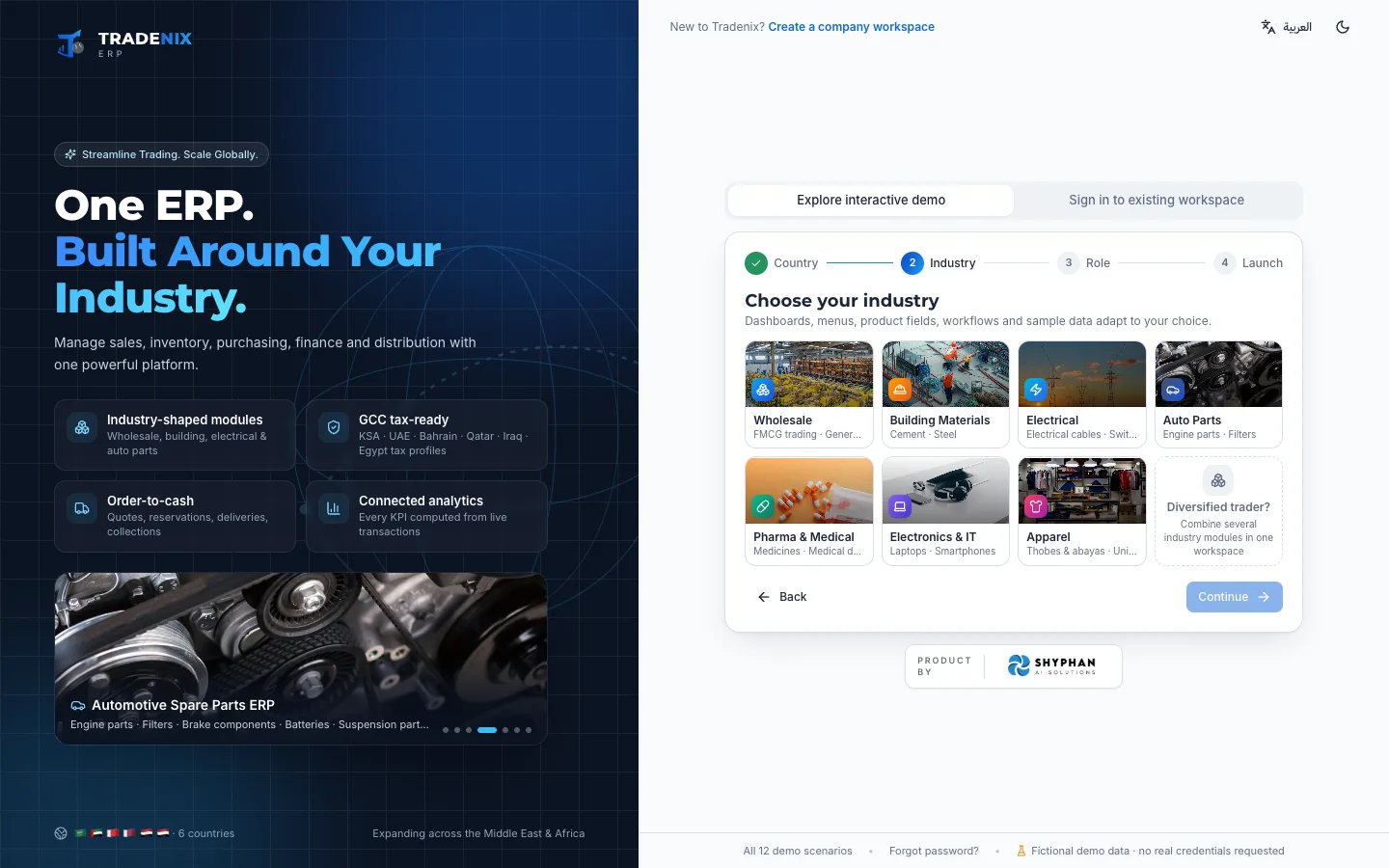
The general trading workflow in the Trading & Distribution ERP
- Set up the workspaceChoose the country tax profile and primary industry, then enable extra industry modules for the other lines you trade.
- Buy locally or importRaise purchase orders to local or foreign suppliers and track import shipments where needed.
- Cost and receiveAllocate landed cost on imports and receive goods into the right warehouse.
- Sell across linesQuote and order any category from one customer record, with price lists and credit limits applied.
- Review the whole businessUse the owner dashboard, AI briefing and reports to compare categories, branches and customers.
Modules general trading teams use
7 modules in the live demo. The main ones are below with what each covers.
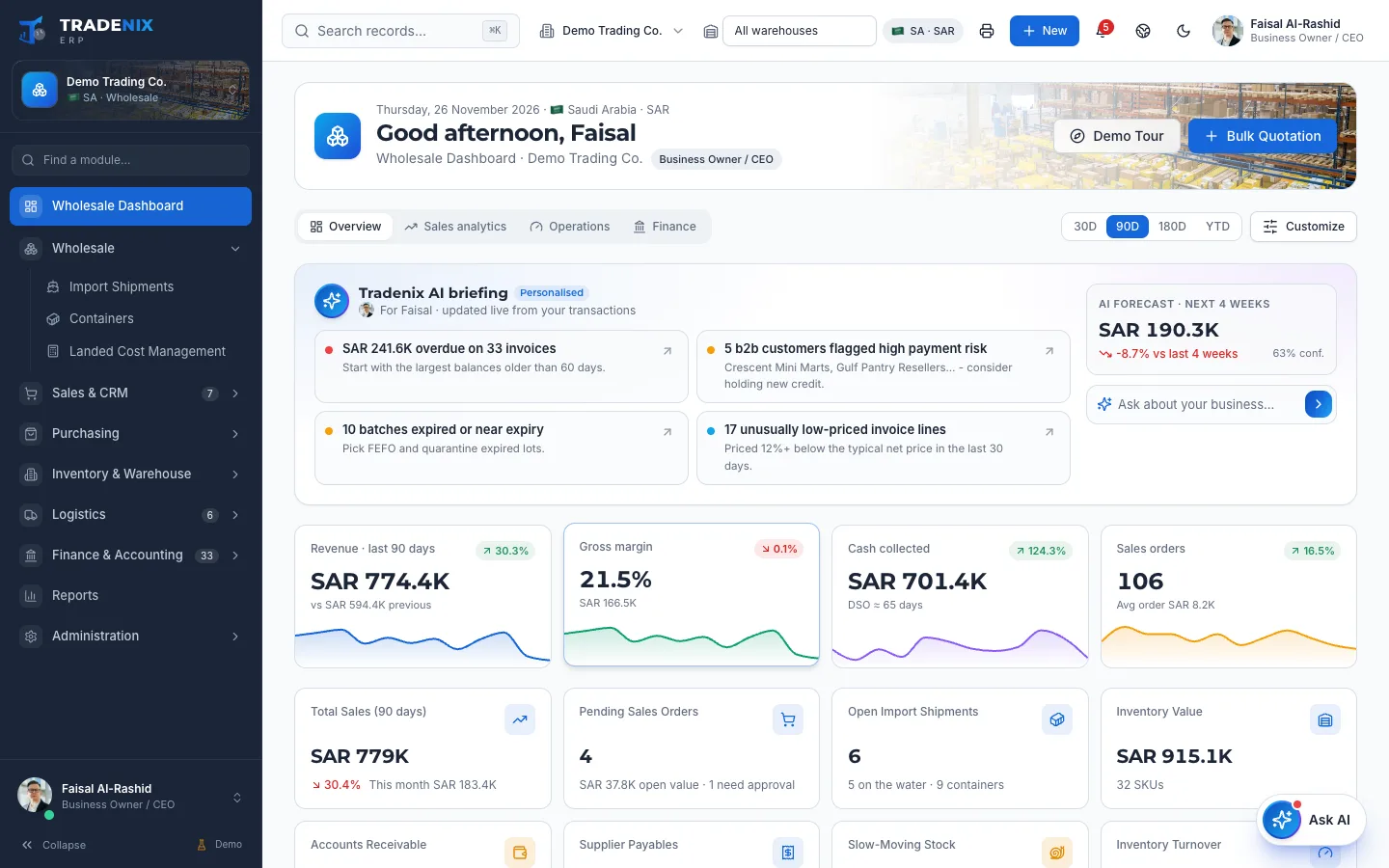
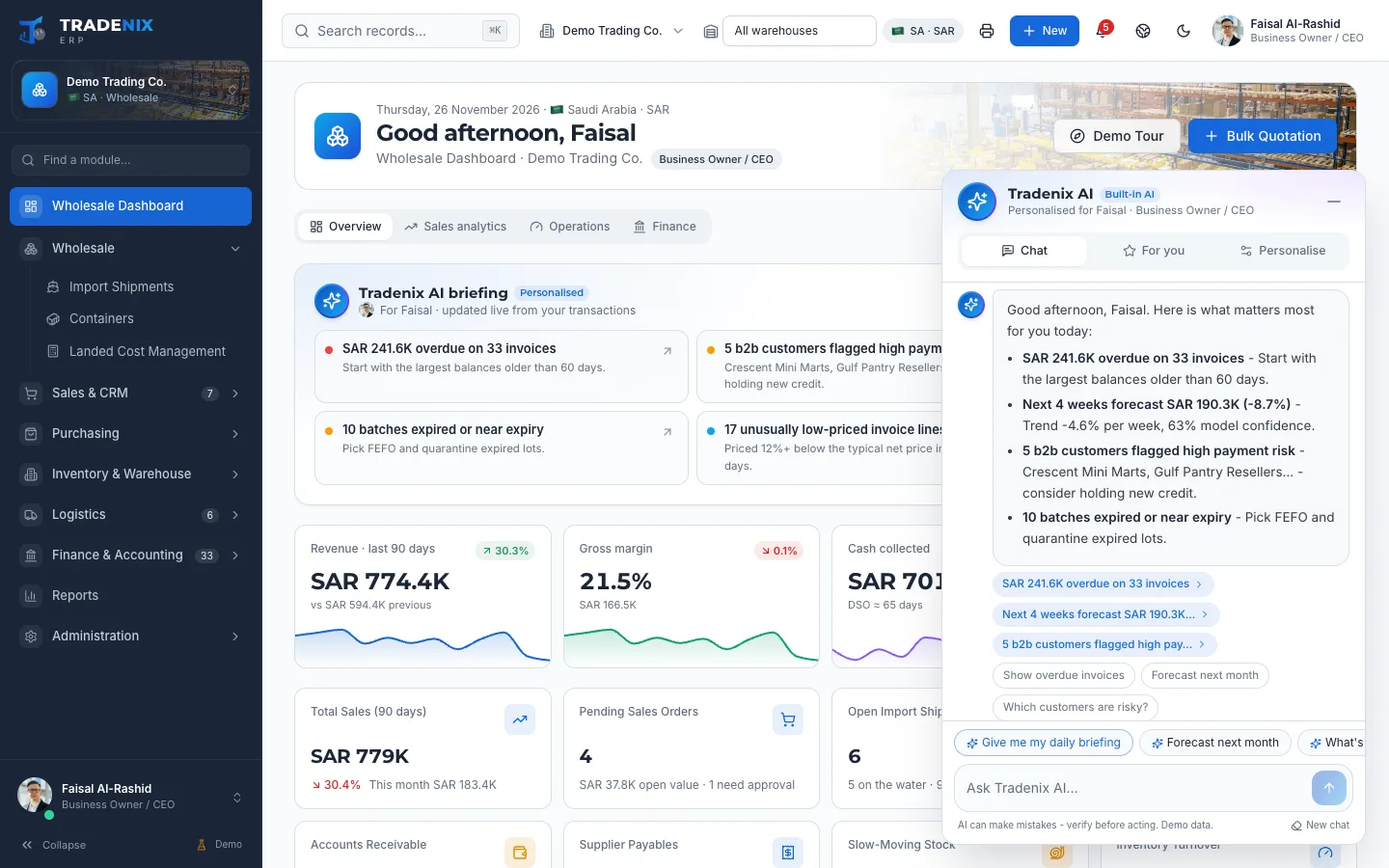
Dashboard and AI briefing
- Role-based dashboard for owner, sales, procurement, warehouse and finance
- Revenue, gross margin, cash collected and order KPIs over 30, 90, 180 days or year to date
- Revenue forecast with confidence band and monthly target tracking
- Rule-based smart insights on overdue balances, credit limits, backorders and expiry
Purchasing
- Supplier directory with lead times, terms, categories and ratings
- Requisitions and RFQs with side-by-side offer comparison
- Purchase orders with approval, receiving and billing status
- Goods receipts that post stock movements once only
- Supplier bills and payables
Import Shipments and Containers
- Shipment stages from booked and in transit to customs, cleared and received
- Route, sea or air method and Incoterms such as FOB, CFR and CIF
- Containers per shipment and linked purchase orders
- ETA and actual arrival dates
Landed Cost
- Allocate freight, insurance, customs duty and clearance across imported goods
- Allocation by goods value, quantity or weight
- Landed unit cost and uplift per shipment
- What-if calculator for planning a new import
Multi-Warehouse Inventory
- Stock on hand, reserved, available, incoming and days of cover
- Warehouse matrix, reorder alerts, slow-moving and dead stock
- Stock aging, ABC classes and batch tracking
- Immutable stock movement ledger, transfers, adjustments and cycle counts
- Warehouses with zones and bins
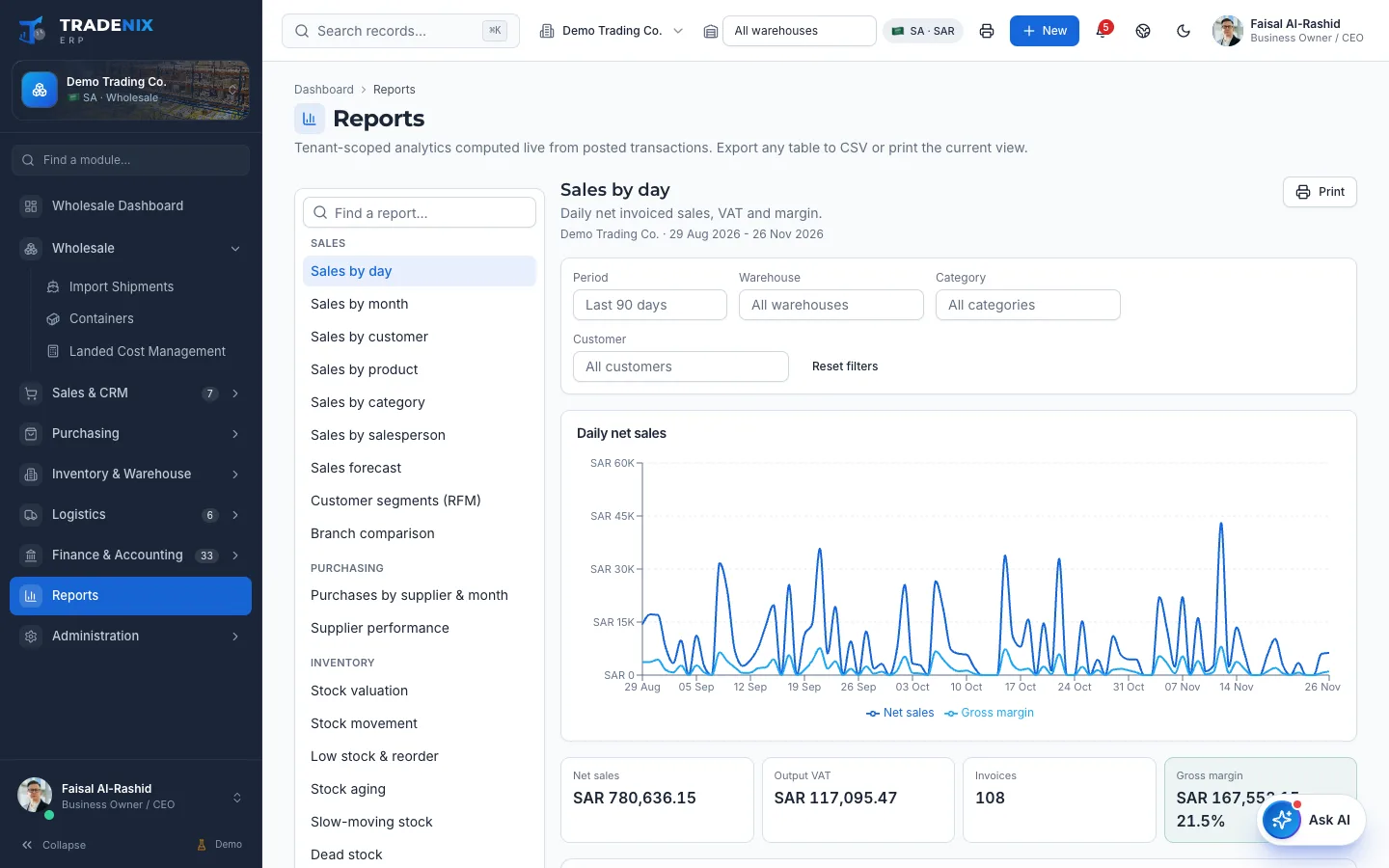
Reports
- Sales by day, month, customer, product, category and salesperson
- Customer segments (RFM), branch and warehouse comparison
- Stock valuation, aging, ABC analysis and inventory turnover
- Receivables and payables aging, gross margin and VAT summary
- Industry reports such as import shipment status and landed cost by shipment
Administration
- Company and country tax profile, tax codes, branches and document numbering
- Roles and permissions with a module access matrix
- Catalogue and industry settings to add more industry modules
- Integrations page with e-invoicing readiness
General Trading screens
Real screens from the live demo that matter most for this industry.
AI built into the Trading & Distribution ERP for general trading
What the AI and automation features in the live demo do for your team.
Where it helps general trading teams
Set up for your country, connected to your systems
What the product handles out of the box, and what Shyphan does to put it live in your business.
Built into the product
Delivered and supported in
 Saudi Arabia
 UAE
 India
 Bahrain
 Qatar
 Kuwait
 Oman
 Iraq
 Egypt
 Jordan
Plus the UK, Europe, the USA and other markets, from Shyphan offices in India, the UAE, Saudi Arabia and four more countries.
How Shyphan puts it live
More industries the Trading & Distribution ERP serves
Pages written for how each industry actually works with the product.
Try the Trading & Distribution ERP yourself
No sign-up. The demo opens in your browser with sample data.
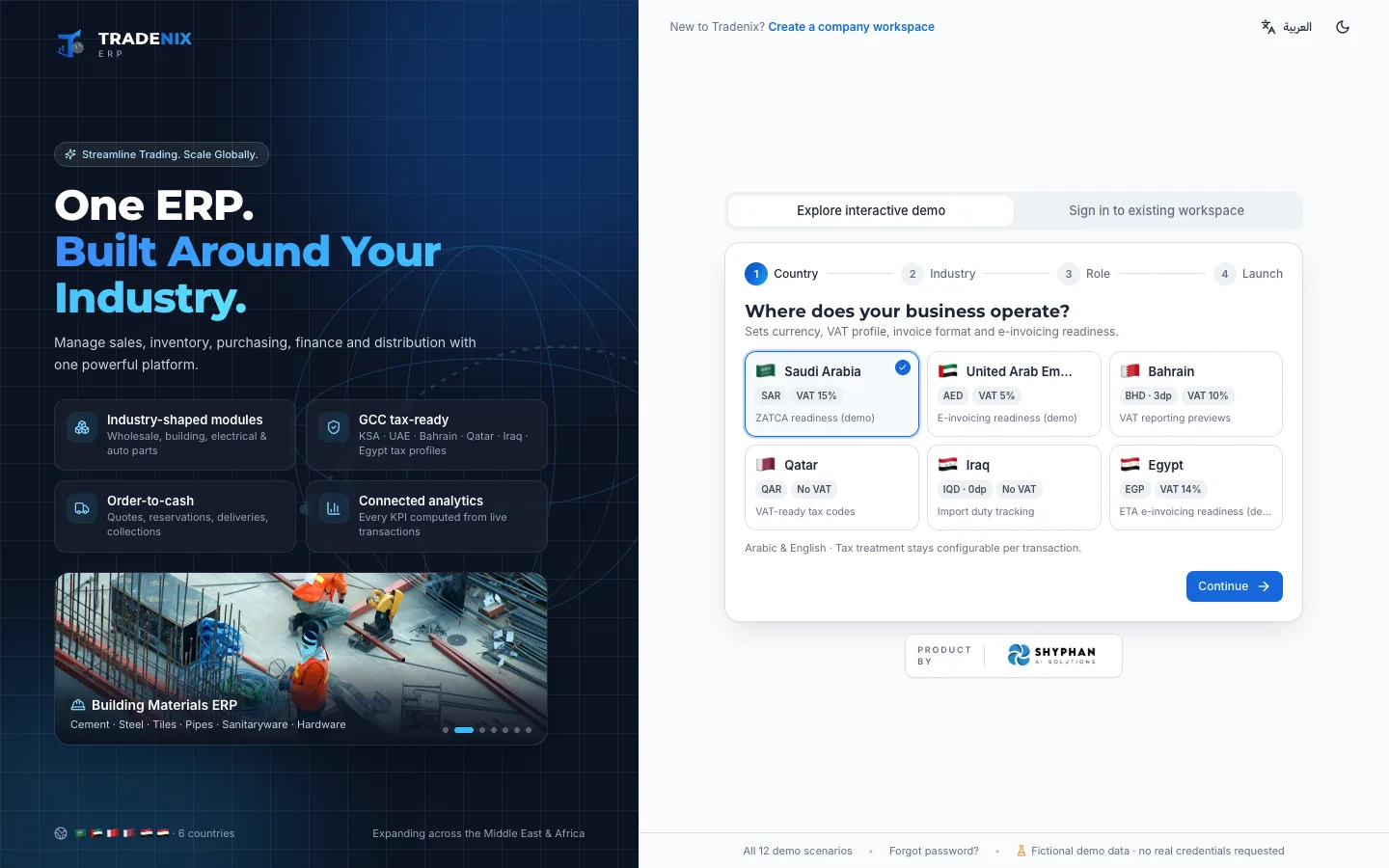
- Open the live demo in a new tab.
- Choose Explore interactive demo, then pick a country, an industry and a role. The demo uses fictional data stored only in your browser.
- Explore the screens freely. It is a demo company with sample data.
- Book a guided demo and we will set it up around your own process.
Trading & Distribution ERP for general trading: questions
Can one workspace hold several industries?
Does it handle both local and foreign suppliers?
Can we run more than one branch?
Which reports will the owner use most?
Can Shyphan move us off spreadsheets?
Related products and solutions
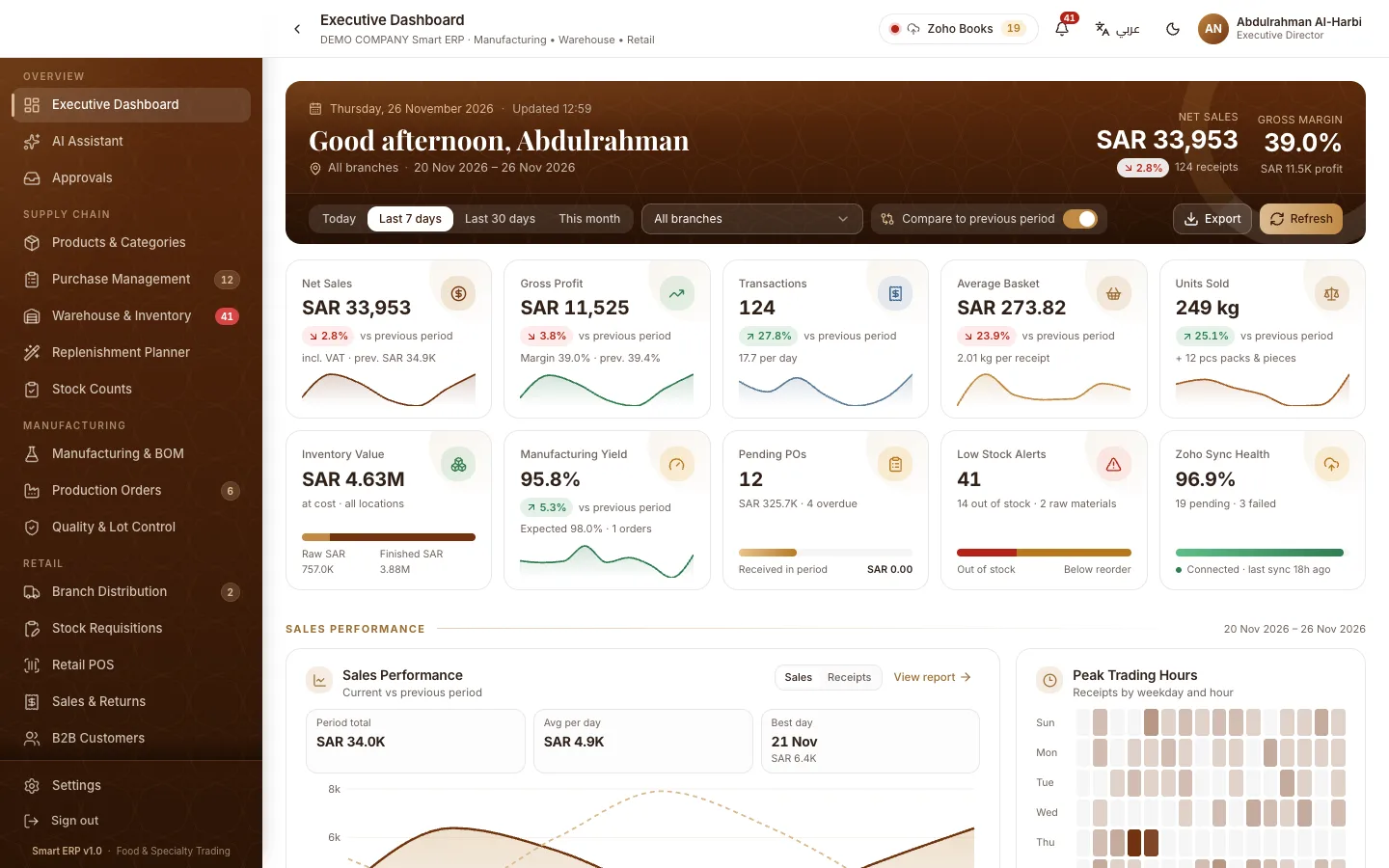
Food & Specialty Trading ERP
One system for food businesses that buy raw goods, roast, bake or blend them, then sell through their own branches and B2B accounts, with VAT,...
View product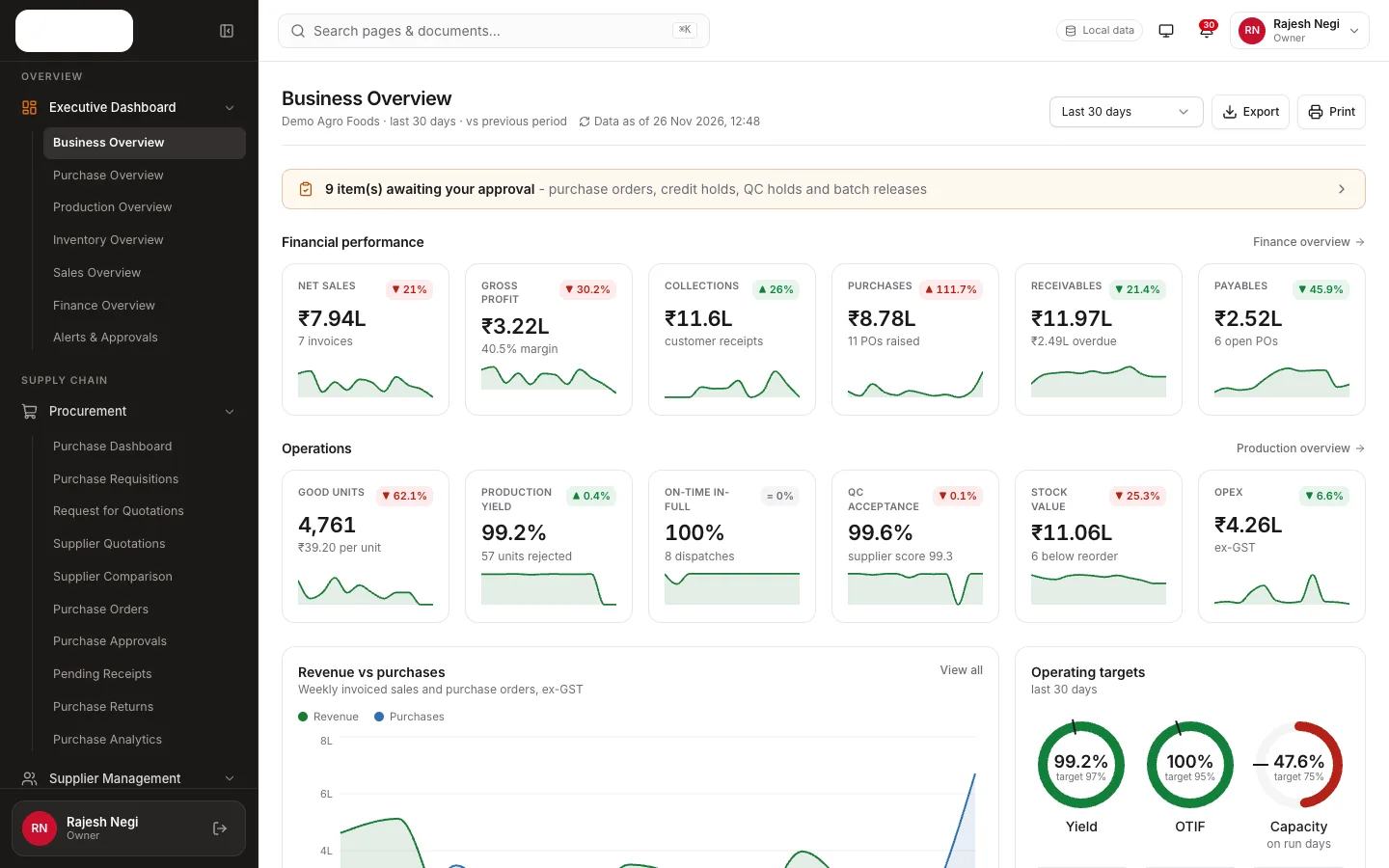
Agriculture & Agro Trading ERP
One system for agro food plants that buy fresh produce from growers, check it at the gate, process and pack it, then sell and dispatch with full...
View product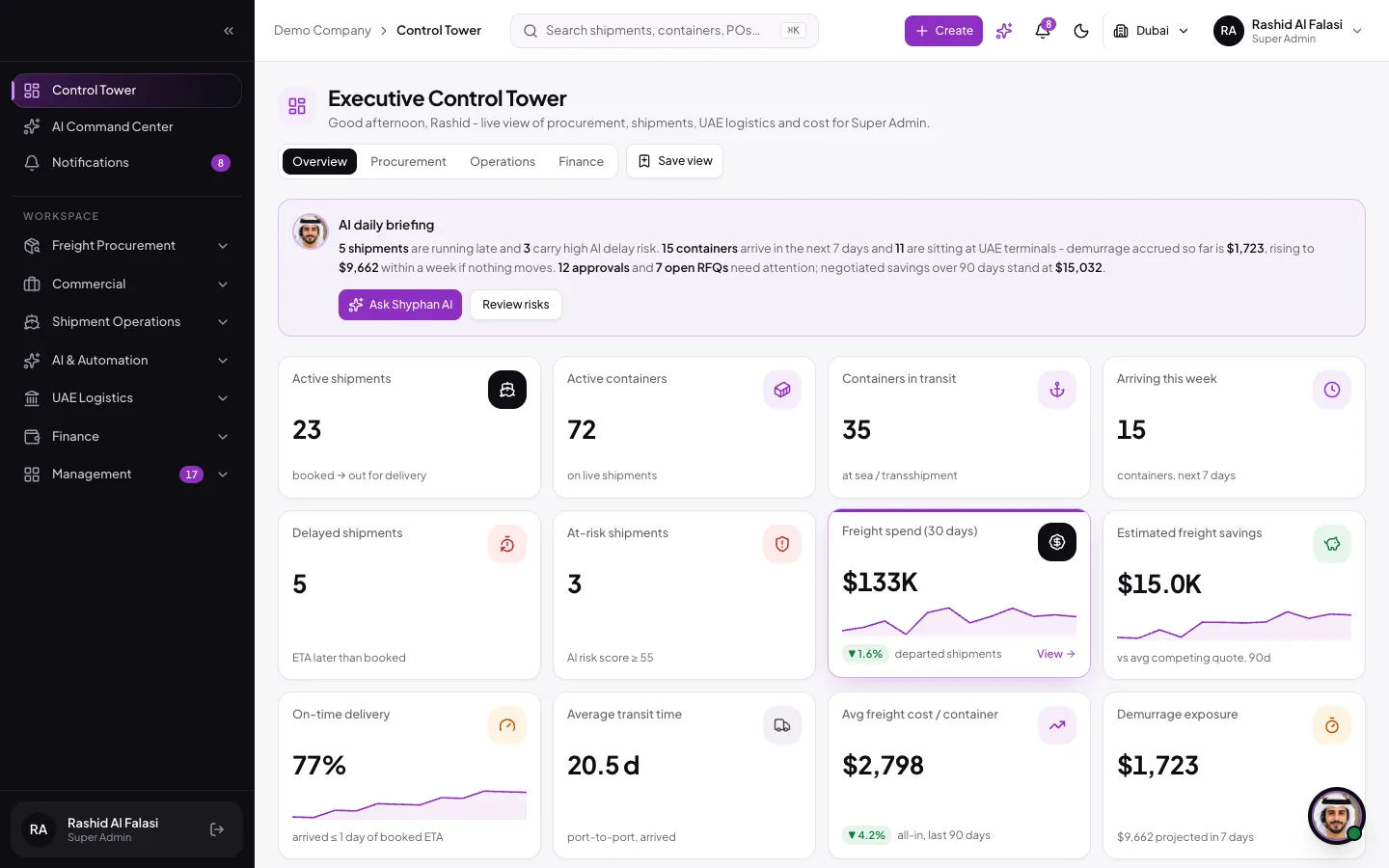
AI-Powered Freight Forwarding ERP
One platform to source freight, compare quotes, book carriers, track every container, clear UAE customs and control demurrage and landed cost,...
View product
See it on your general trading process
A guided demo on your own workflow, then a written scope and a fixed quote.
