





















 Lebanon
 UK
 Ireland
 Germany
 USA
 Australia
 Singapore
 South Africa
 France
 Hungary
 Georgia
 Turkey
 Canada
 LagosNigeria




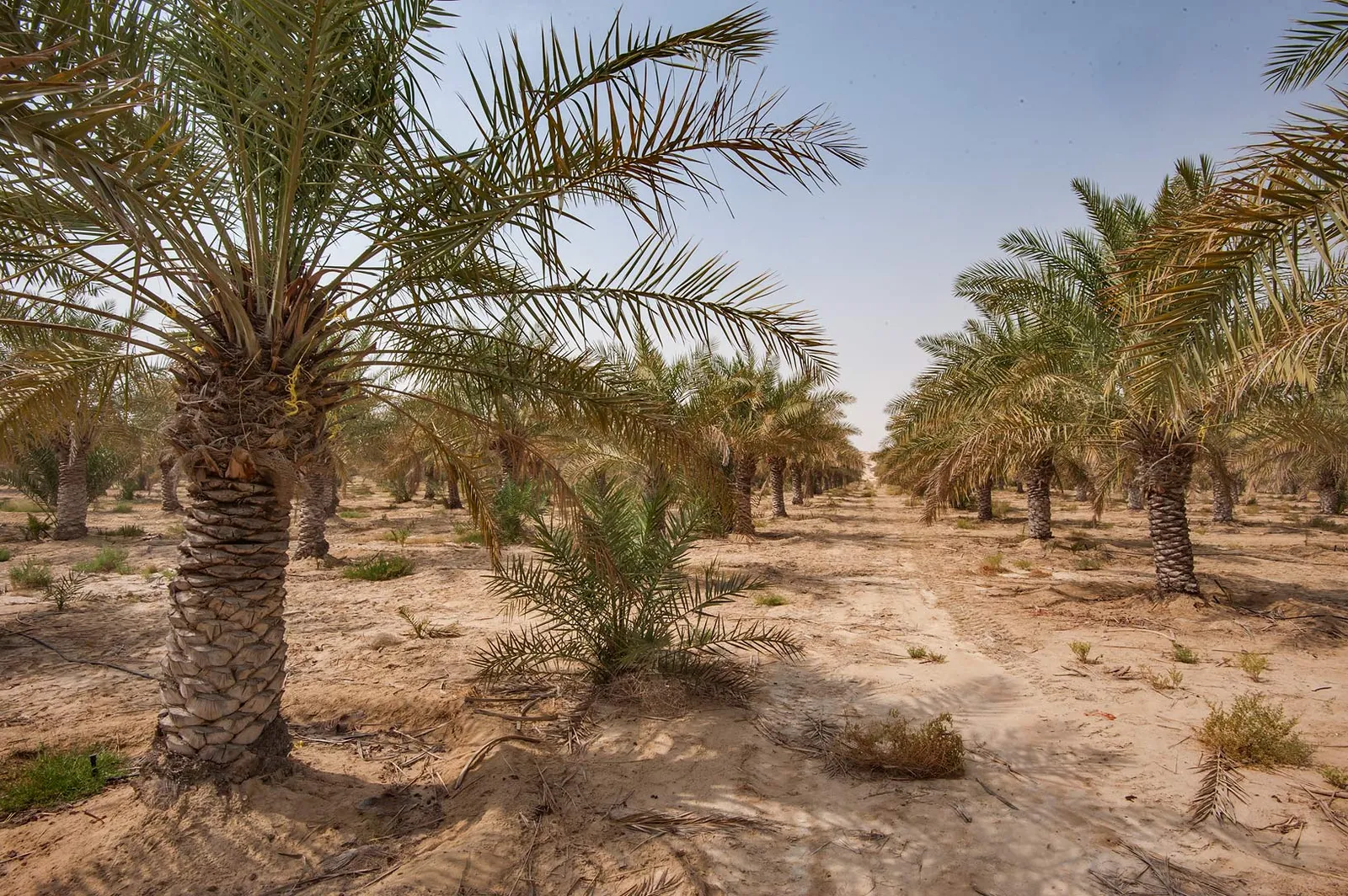
Agro Processing ERP from Farm Gate to Customer Shelf
One system for agro food plants that buy fresh produce from growers, check it at the gate, process and pack it, then sell and dispatch with full batch traceability and GST.
Prefer to talk? Call +91 95651 53545Book a demo
Tell us about your business. A Shyphan consultant will walk you through the Agro Processing ERP on your own process.
What the Agro Processing ERP does
This ERP is built for agro food processing plants: companies that buy fresh produce from farms, growers and co-operatives, turn it into packed products such as canned vegetables, brined mushrooms and pickles, and sell to distributors, retailers, HoReCa, institutions and exporters. The demo runs a full plant with purchase, stores, quality, production, sales, dispatch and finance teams, each signing in with their own role and permissions.
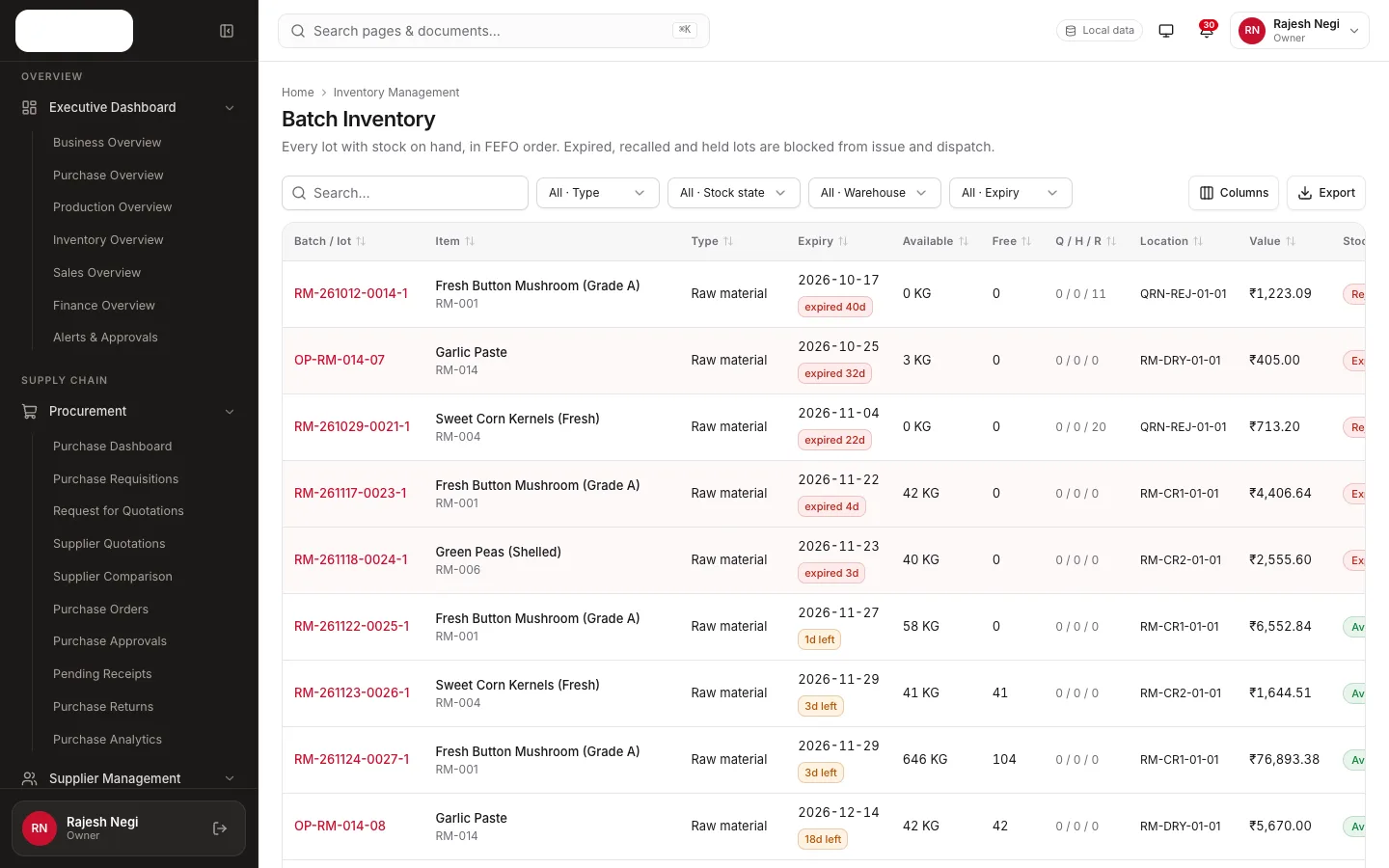
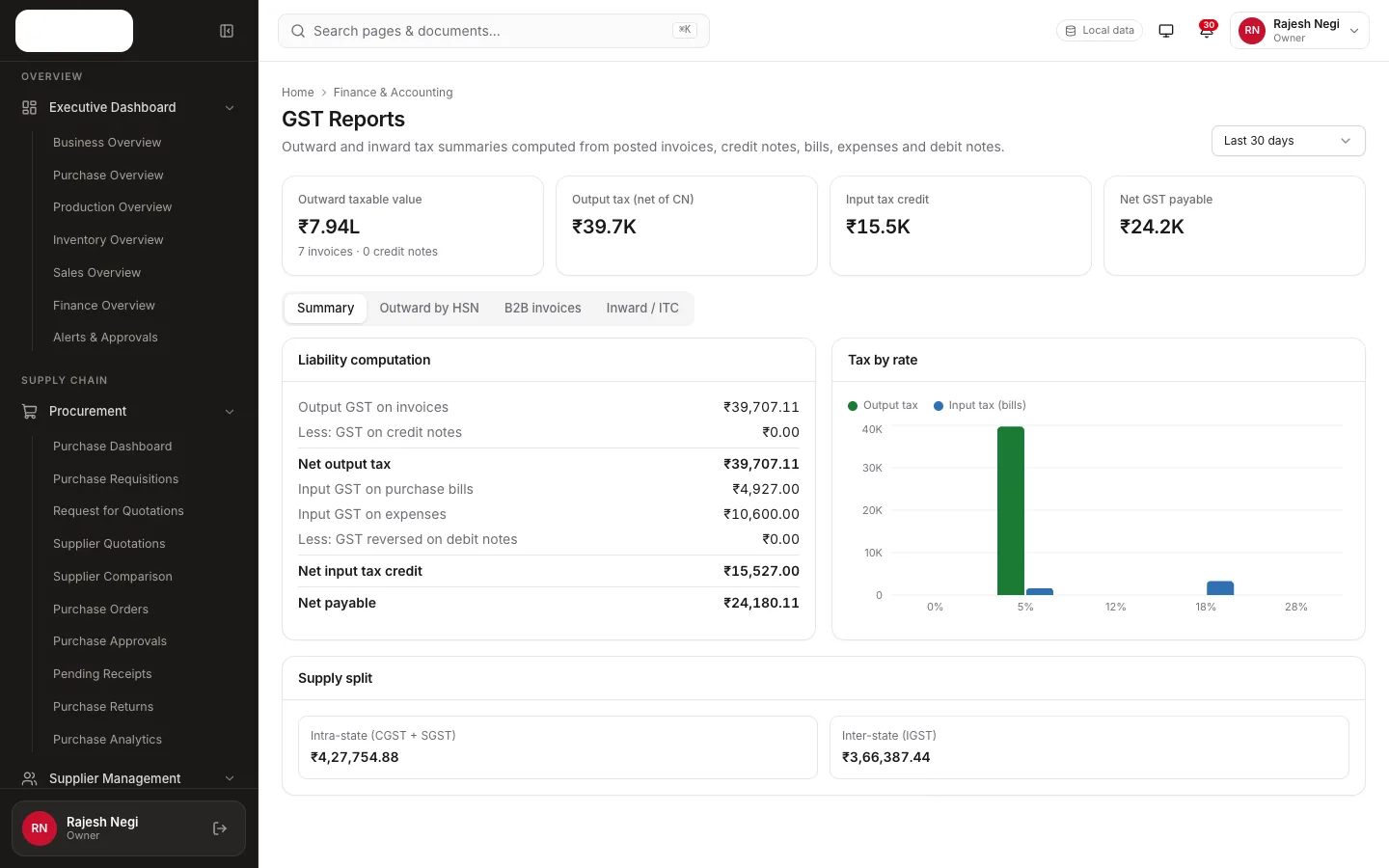
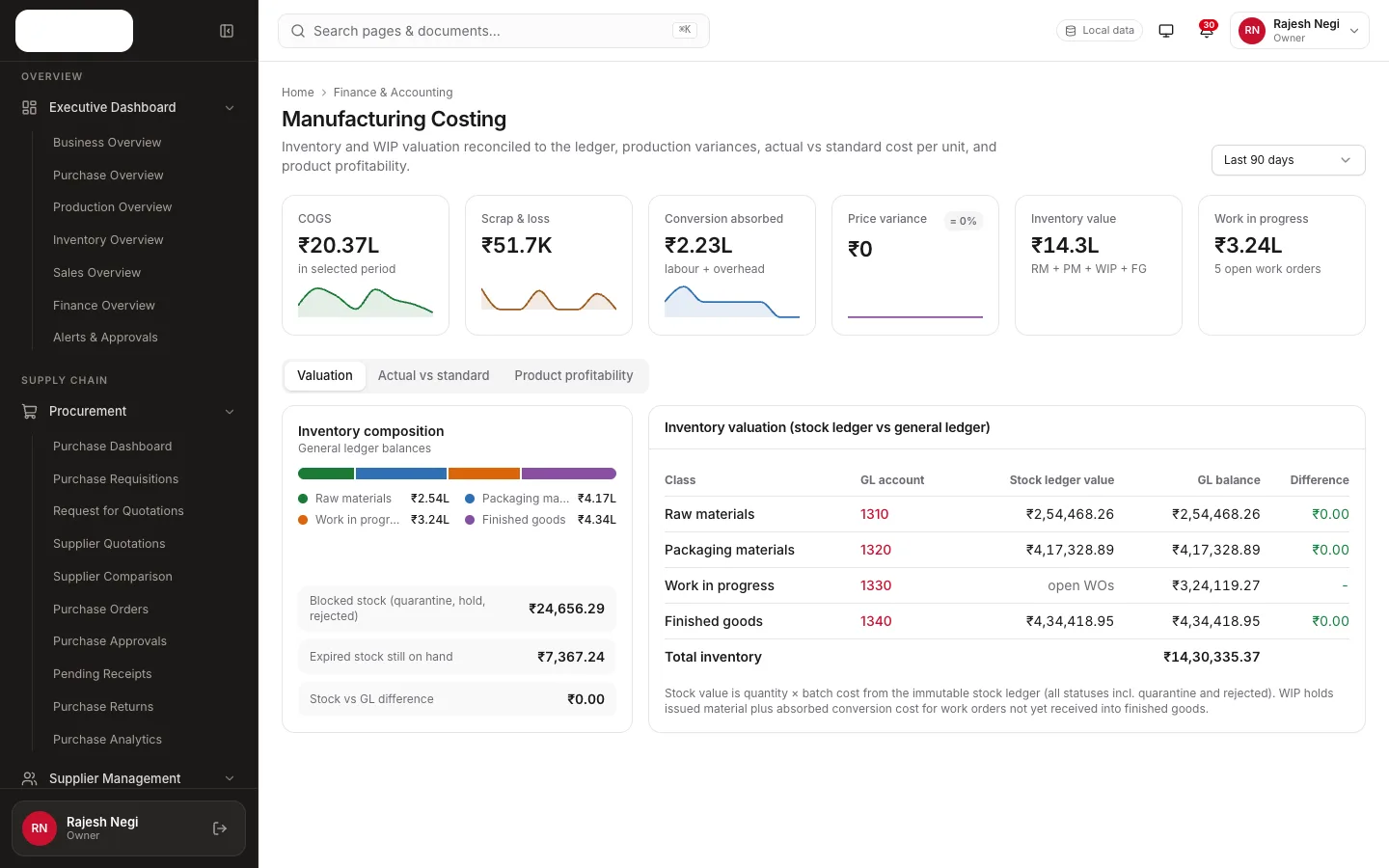
Produce is compared by supplier before ordering, weighed at the weighbridge, held in quarantine until incoming QC passes, and stored by batch in first-expiry-first-out order. Production follows approved recipes with critical control points and moves through processing, filling, sealing and packing. Finished batches need QC and release before sale, and any batch can be traced back to its growers or forward to every customer. GST and costing reconcile to the ledger.
Business challenges it solves
Agro Processing ERP modules
16 modules in the live demo. The main ones are below with what each covers.
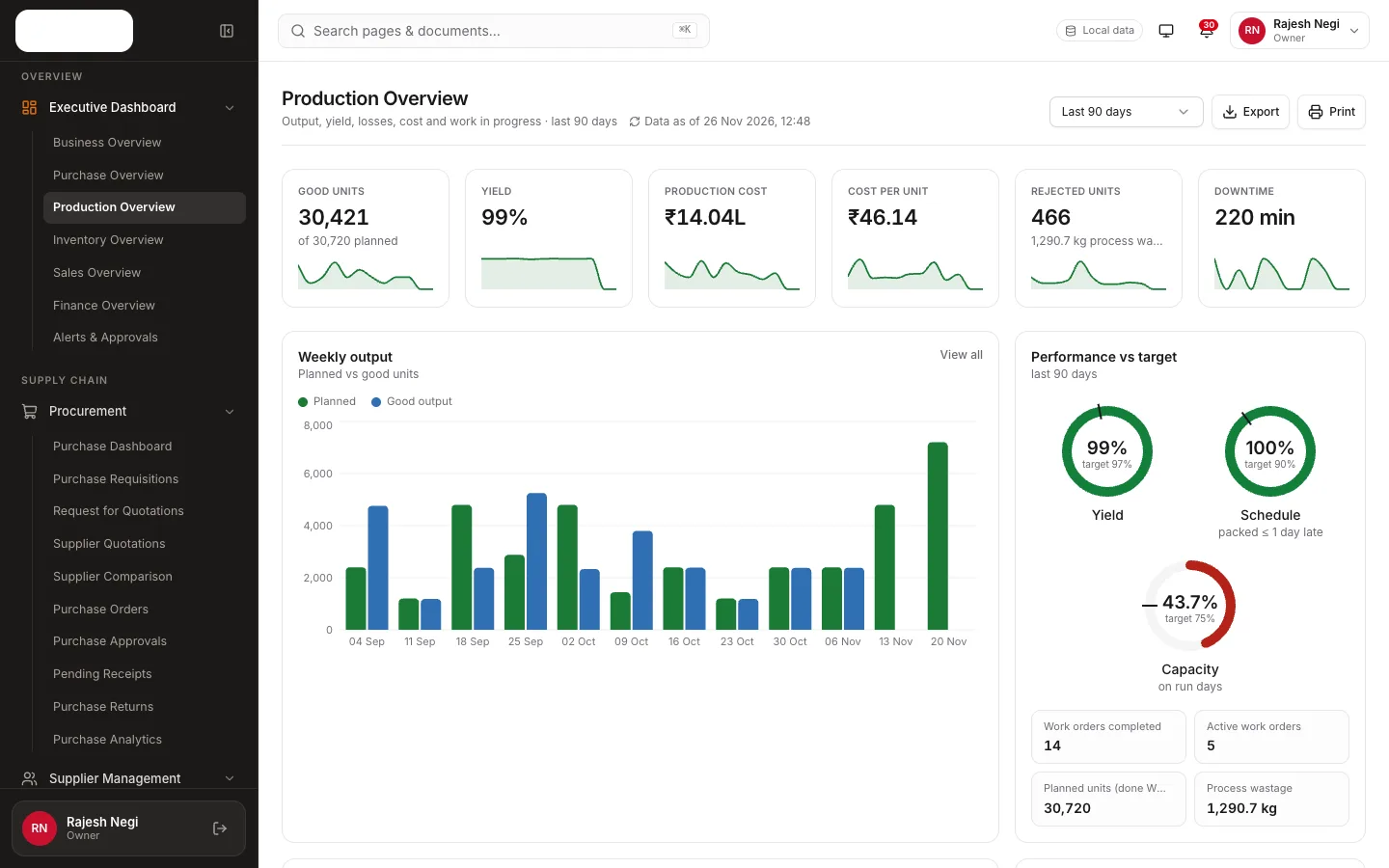
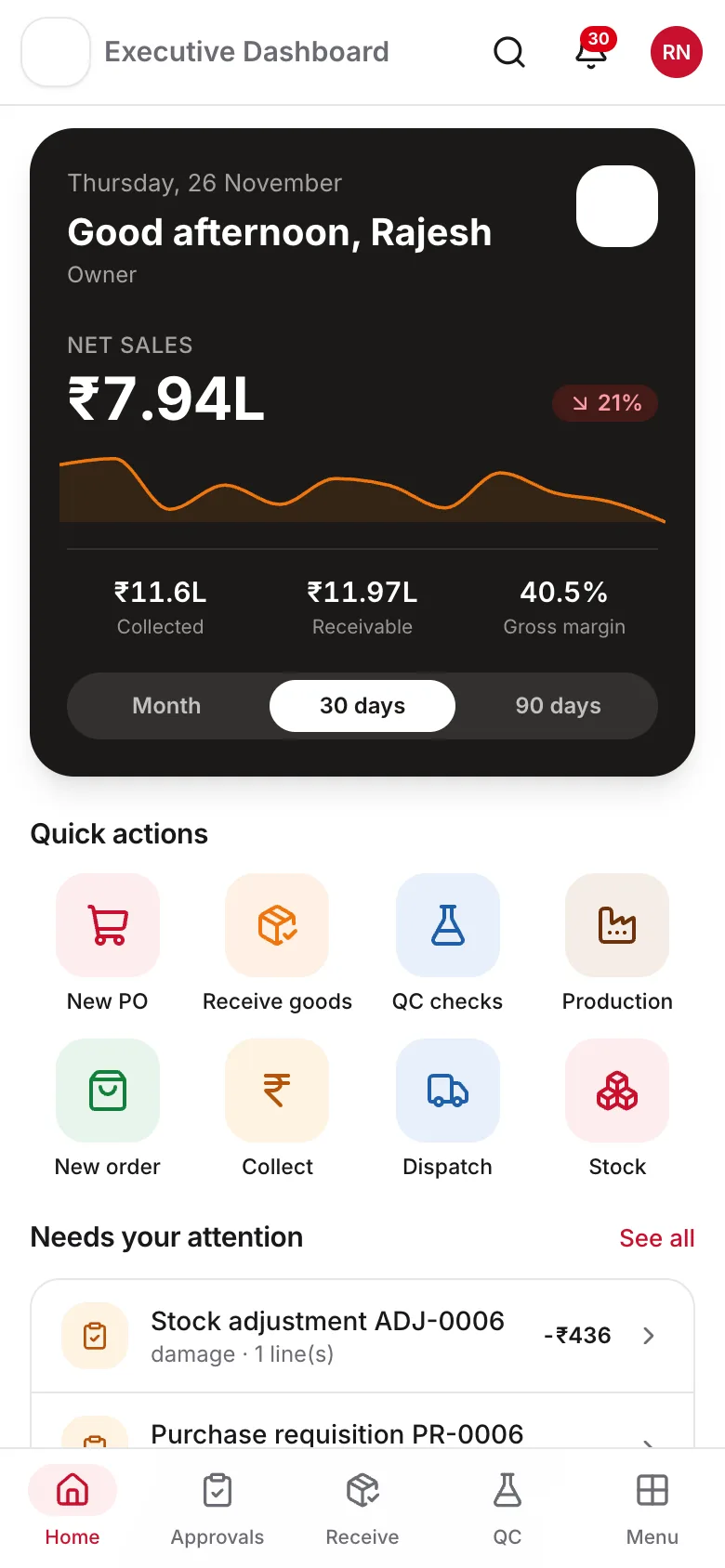
Executive Dashboards
- Business, purchase, production, inventory, sales and finance overviews
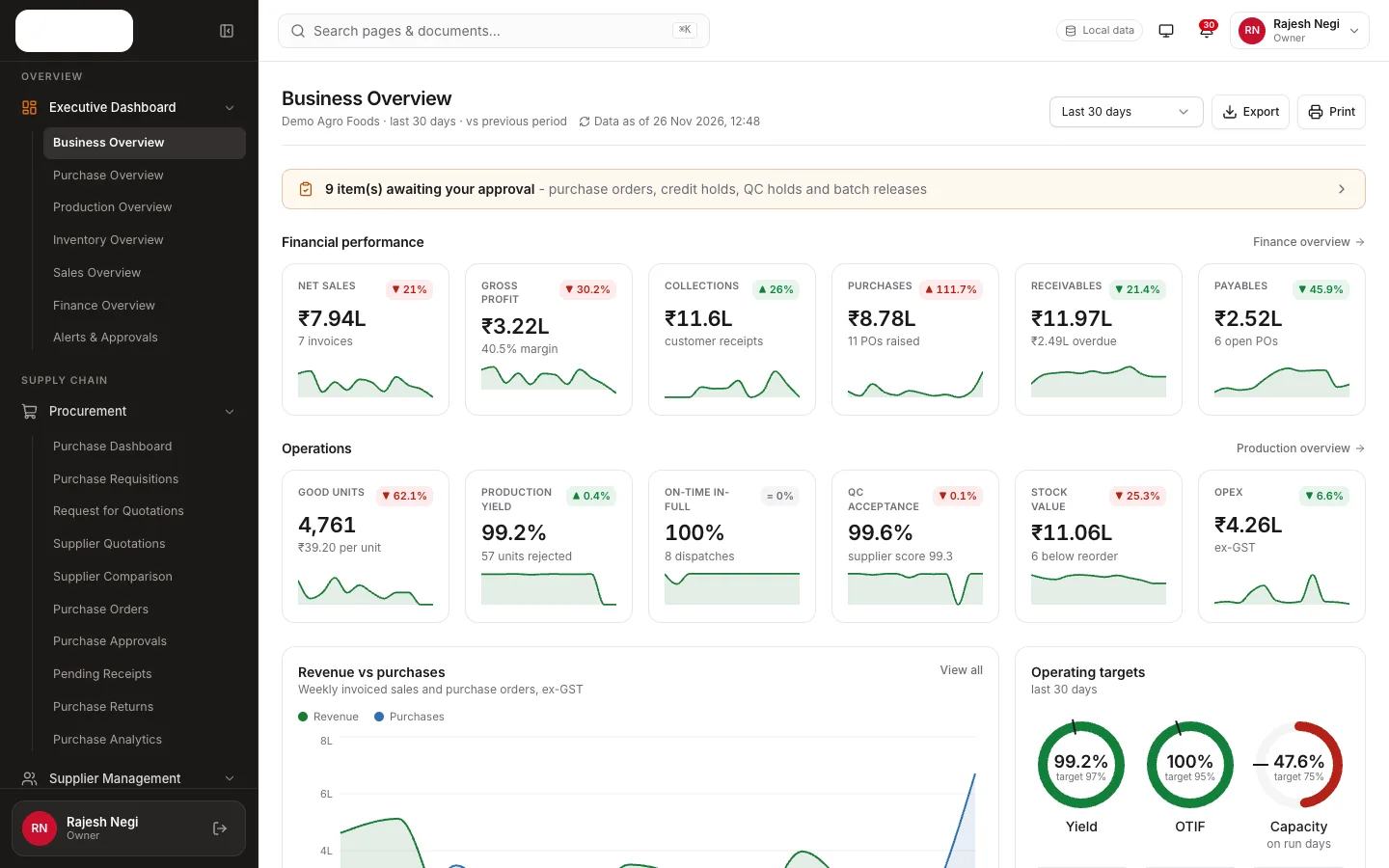
- Net sales, gross profit, collections, receivables and payables against the previous period
- Yield, on-time in-full, QC acceptance and capacity against targets
- Order to cash funnel, top customers and top products
- Inventory ageing, receivables ageing and a needs-attention list
Procurement
- Purchase requisitions and requests for quotation
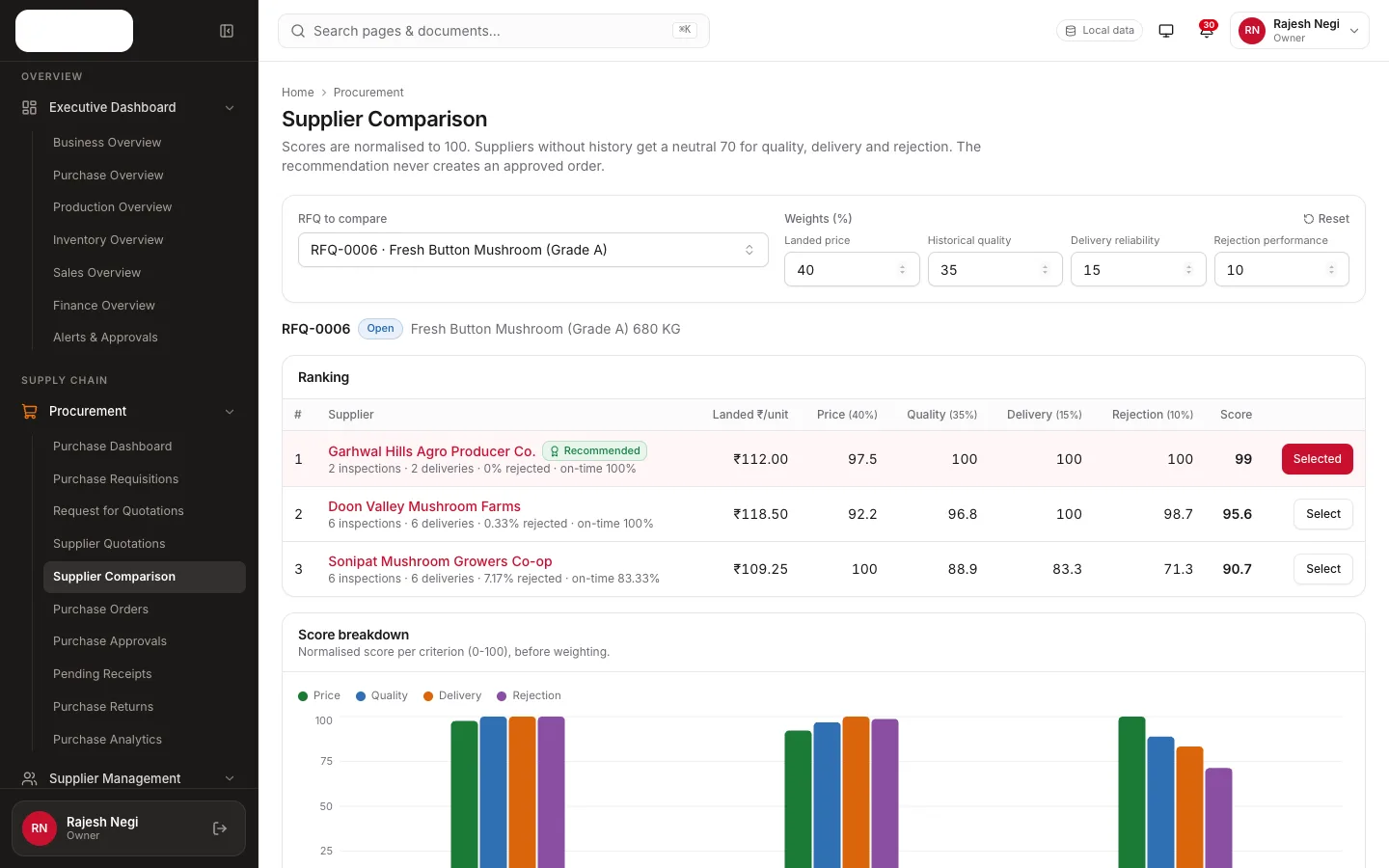
- Supplier quotations and supplier comparison with weighted scoring
- Purchase orders, approvals and pending receipts
- Purchase returns
- Purchase analytics
Supplier Management
- Supplier directory, registration and categories
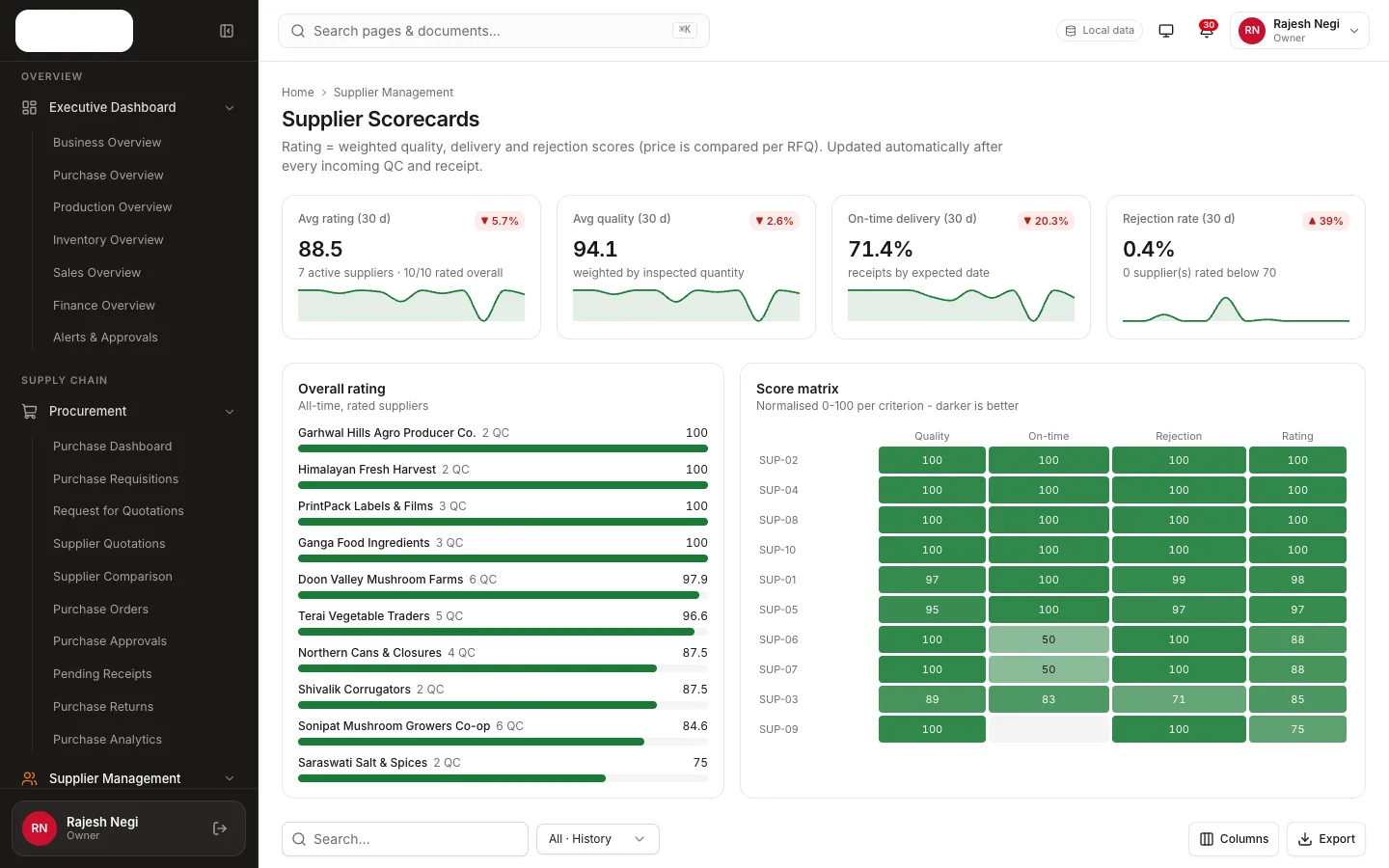
- Supplier scorecards from quality, delivery and rejection
- Quality history, price history and delivery performance
- Supplier outstanding
- Supplier documents
Goods Receiving
- GRN dashboard, pending GRNs and create GRN
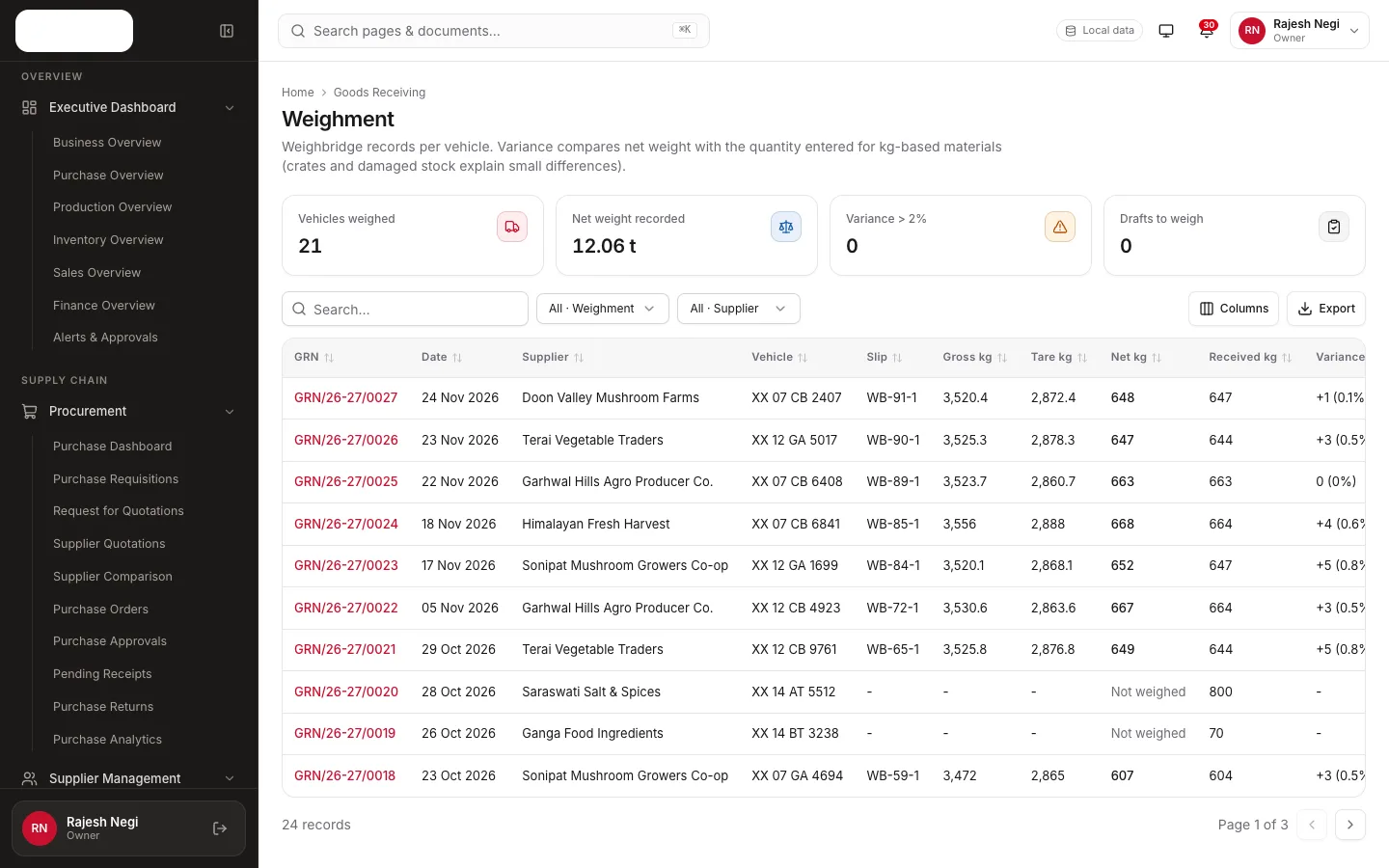
- Weighbridge records with gross, tare and net weight per vehicle
- Variance between net weight and received quantity
- Receiving inspections, partial and rejected receipts
- Goods returns
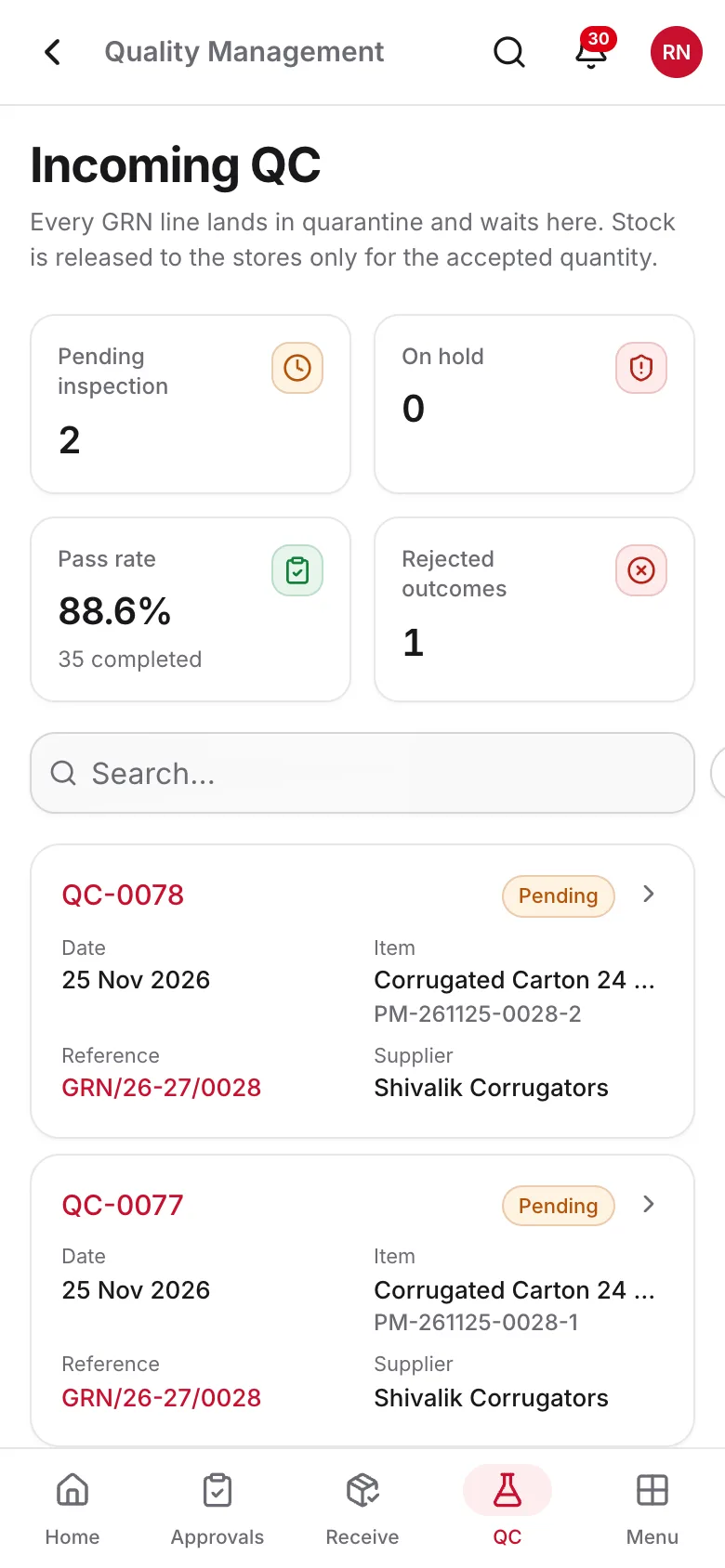
Quality Management
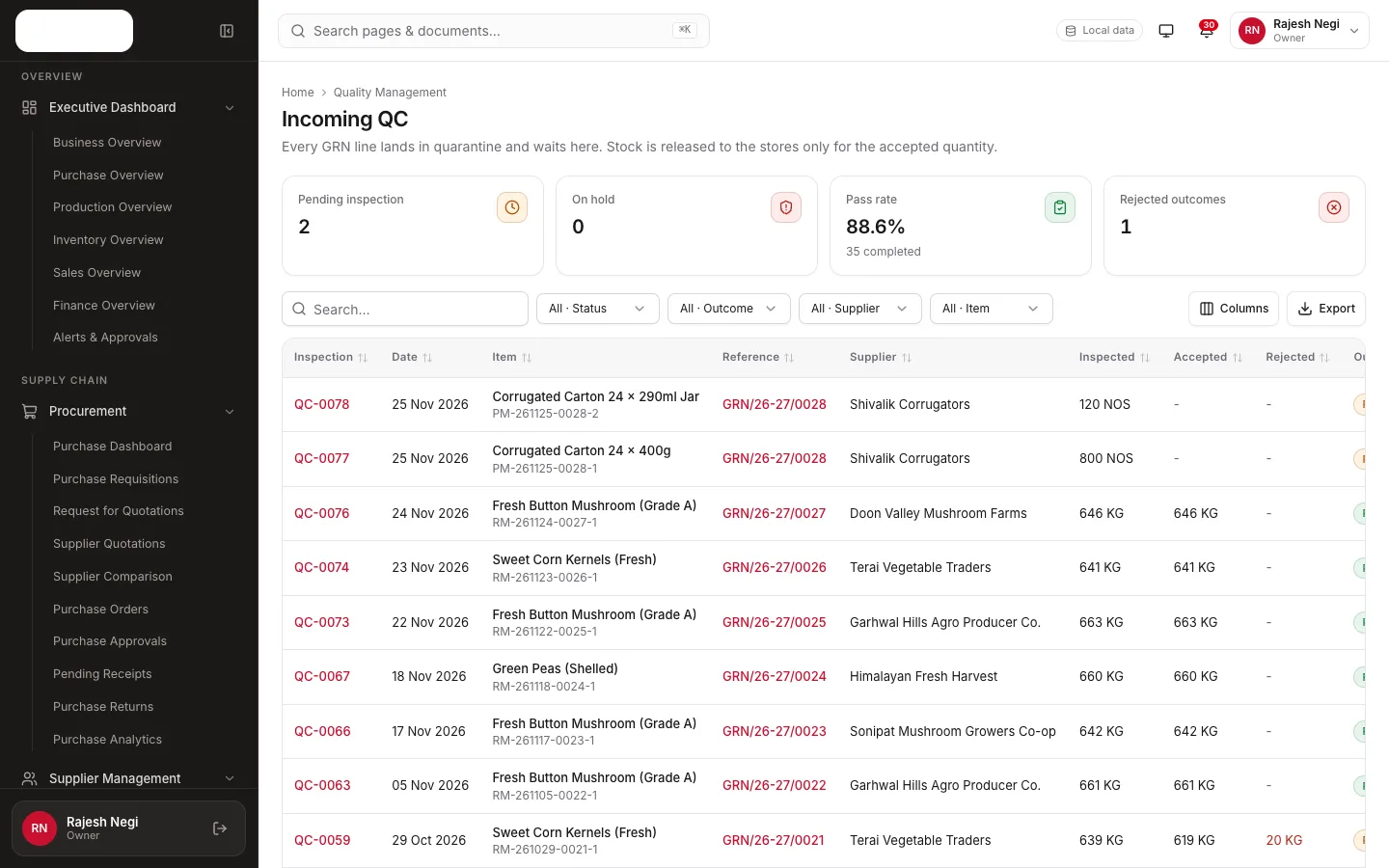
- Incoming, in-process and finished goods QC
- Inspection templates and quality parameters
- Batch holds released only by a QC Manager
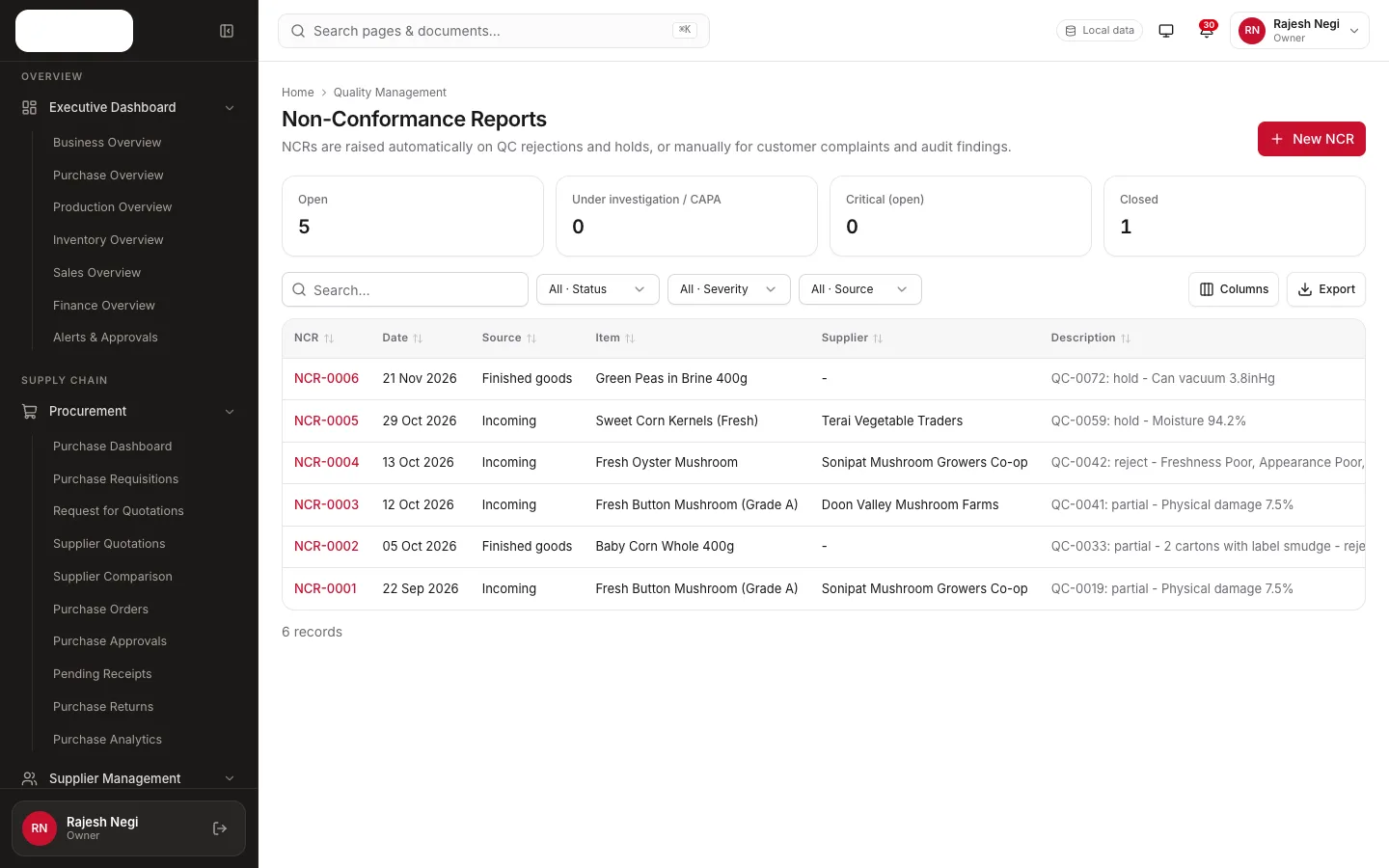
- Non-conformance reports raised automatically on rejections and holds
- Corrective and preventive actions with verification
Inventory Management
- Item master with HSN codes
- Raw material and packaging material stock
- Batch inventory in FEFO order with quarantine, hold and rejected quantities
- Stock ledger, transfers, adjustments and reconciliation
- Low stock, expiry management and stock valuation
Warehouse Management
- Warehouse directory and storage zones
- Rack and bin locations with capacity and occupancy
- Material locations and warehouse transfers
- Putaway and picking
- Warehouse reports
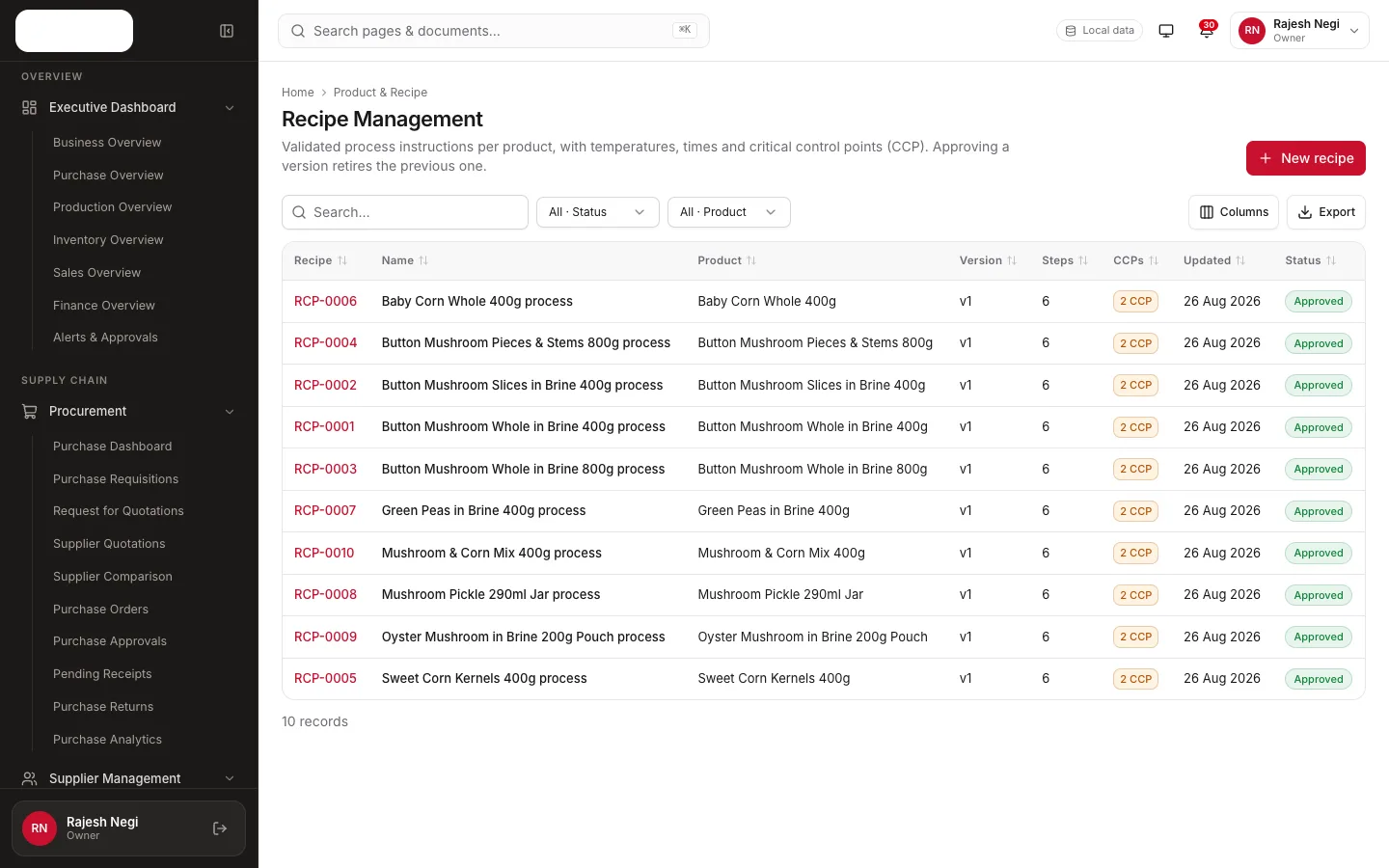
Product & Recipe
- Product catalogue, categories, variants and units of measure
- BOM management and BOM versions
- Recipes with process steps, temperatures, times and critical control points
- Recipe approvals that retire the previous version
- Standard costing and packaging specifications
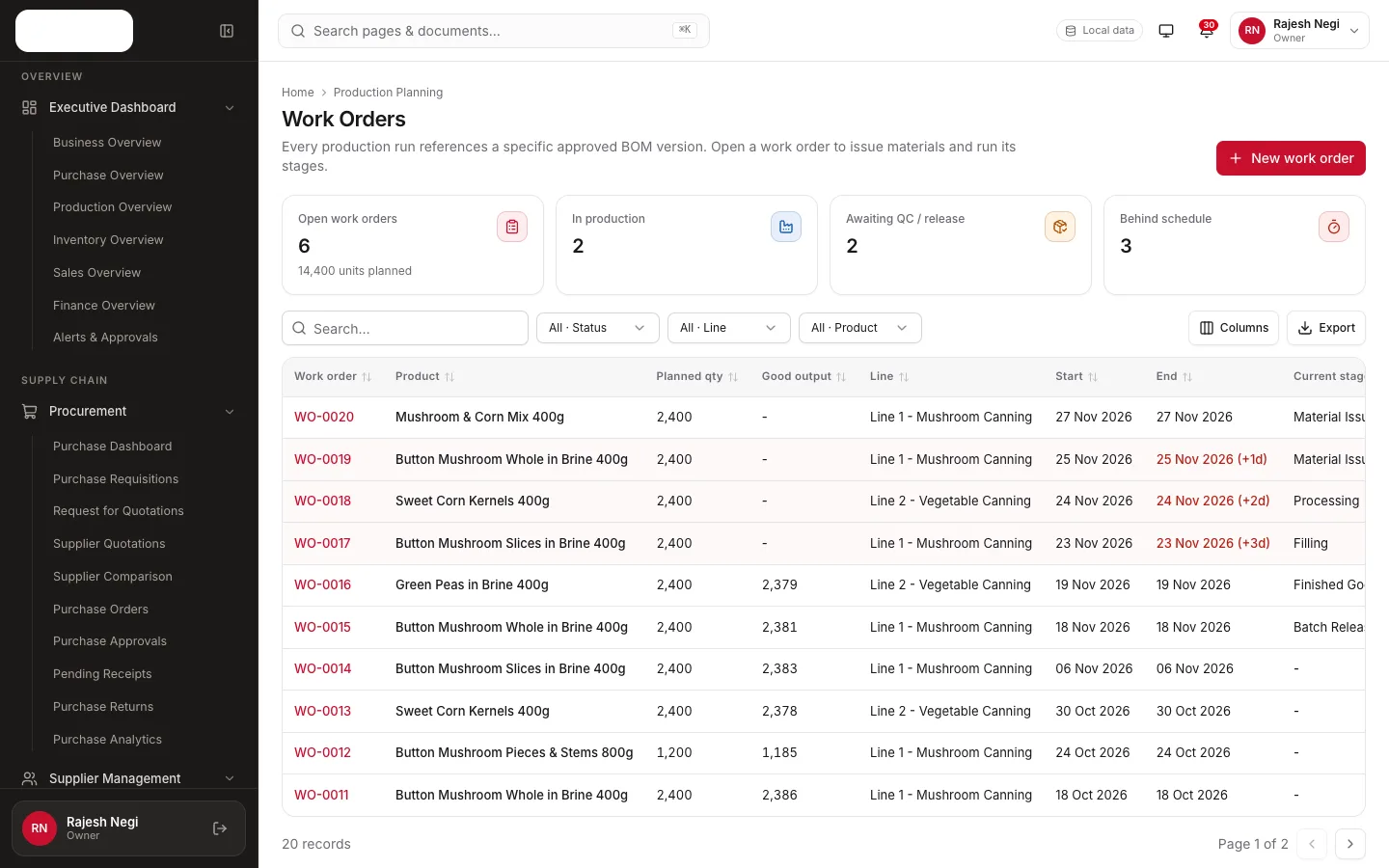
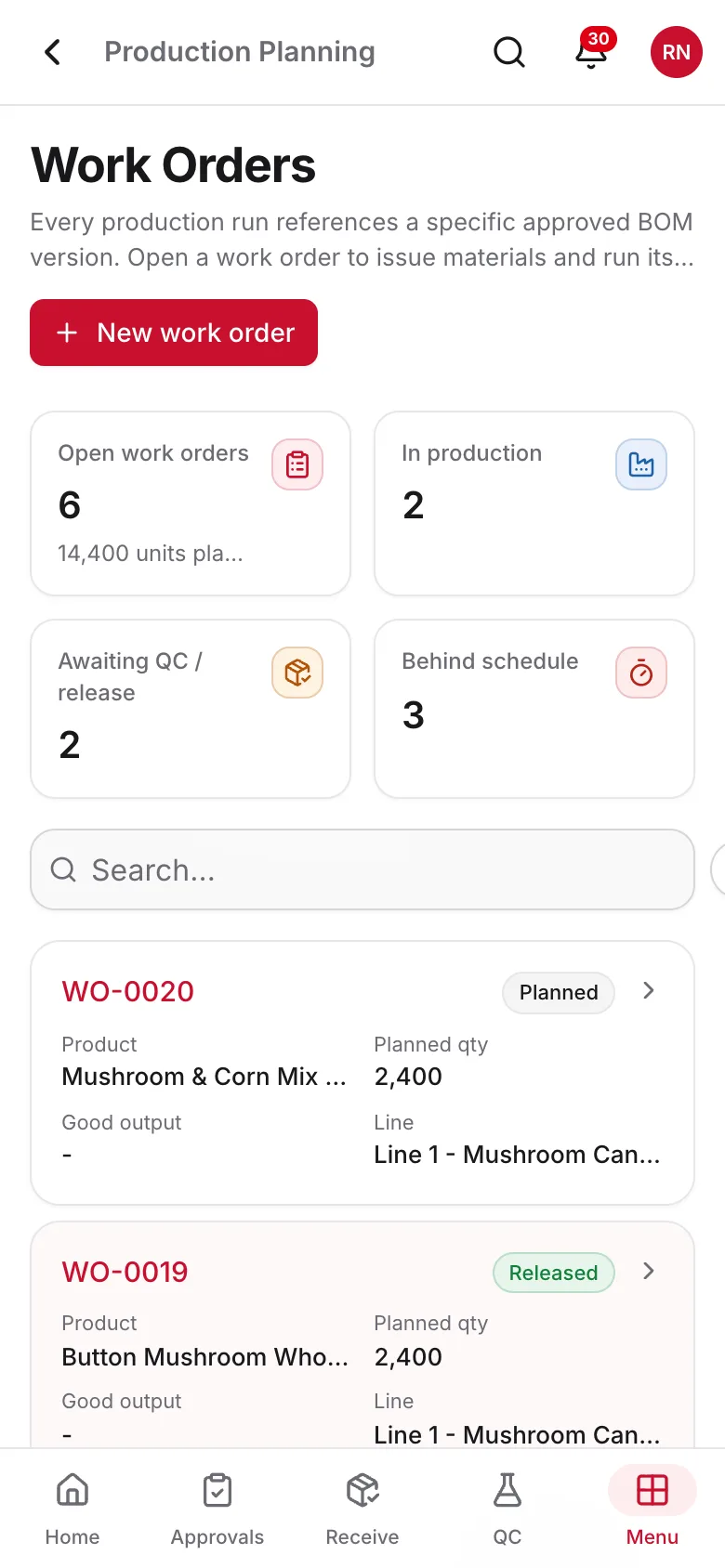
Production Planning
- Production plans by product and line
- Material requirement planning against stock and incoming supply
- Material shortages
- Production calendar, capacity planning and scheduling
- Work orders tied to an approved BOM version, plus lines and equipment
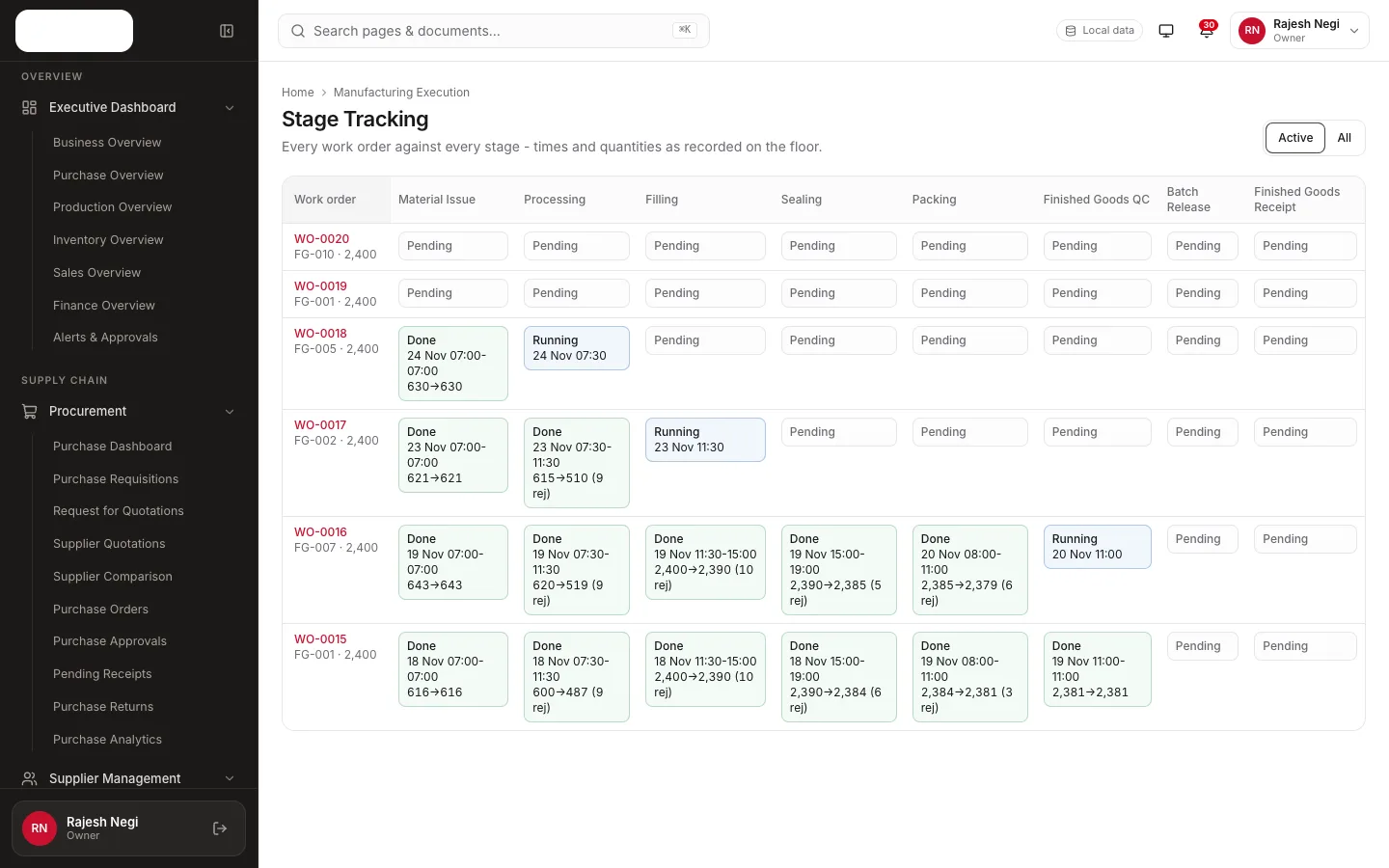
Manufacturing Execution
- Active work orders and material issue
- Stage screens for processing, filling, sealing and packing
- Stage tracking with times and quantities in and out
- Production output, wastage and yield
- Downtime and production reconciliation
Finished Goods
- Finished batches and finished goods QC
- Batch release before sale
- Finished inventory, packaging and cartons
- Expiry tracking
- Batch traceability and recall management
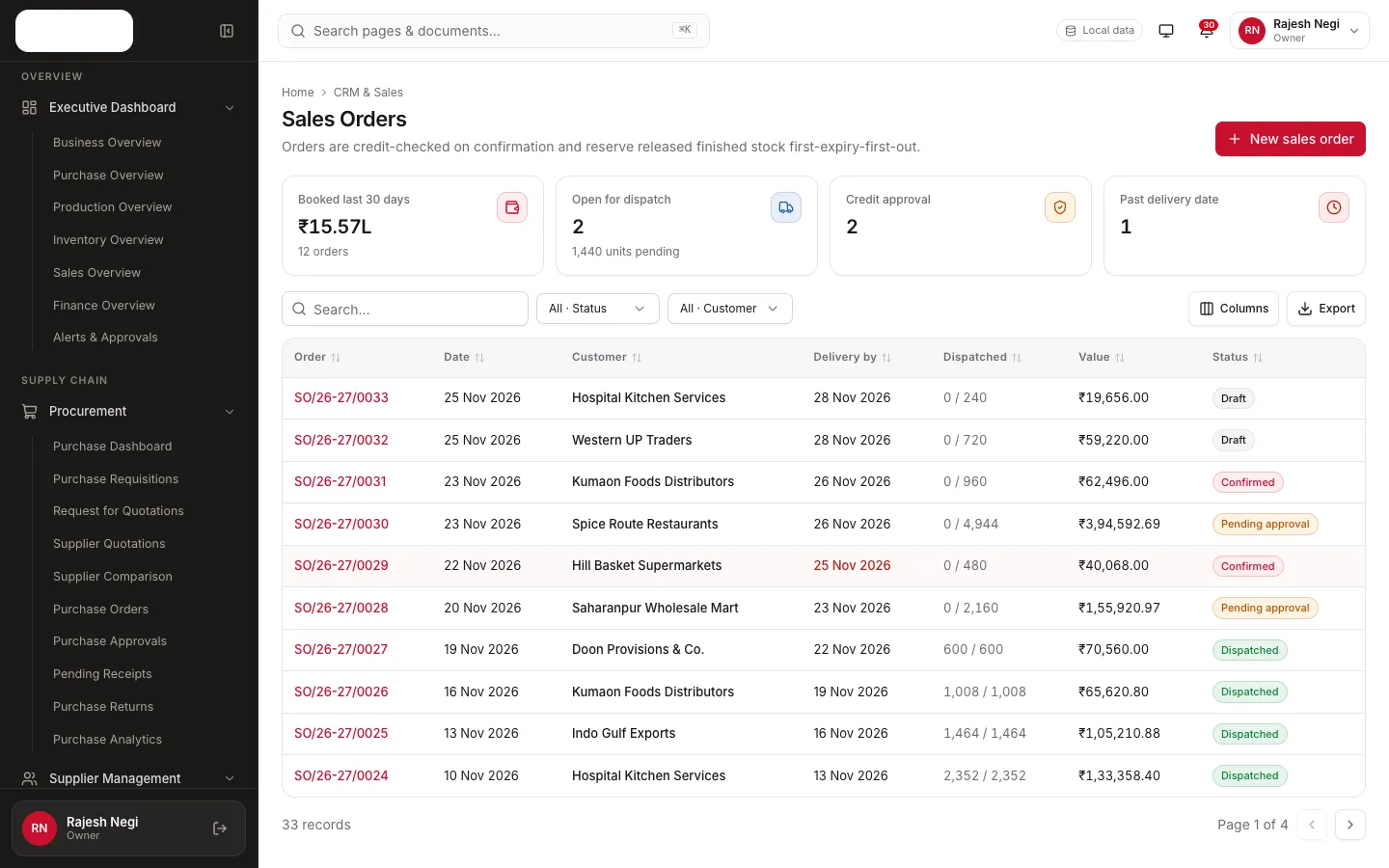
CRM & Sales
- Leads and opportunities for distributors, retail chains, HoReCa and institutions
- Customer master and categories
- Quotations, sales orders and sales approvals
- Credit check on confirmation and FEFO reservation of released stock
- Price lists, sales returns and customer outstanding
See the Agro Processing ERP screen by screen
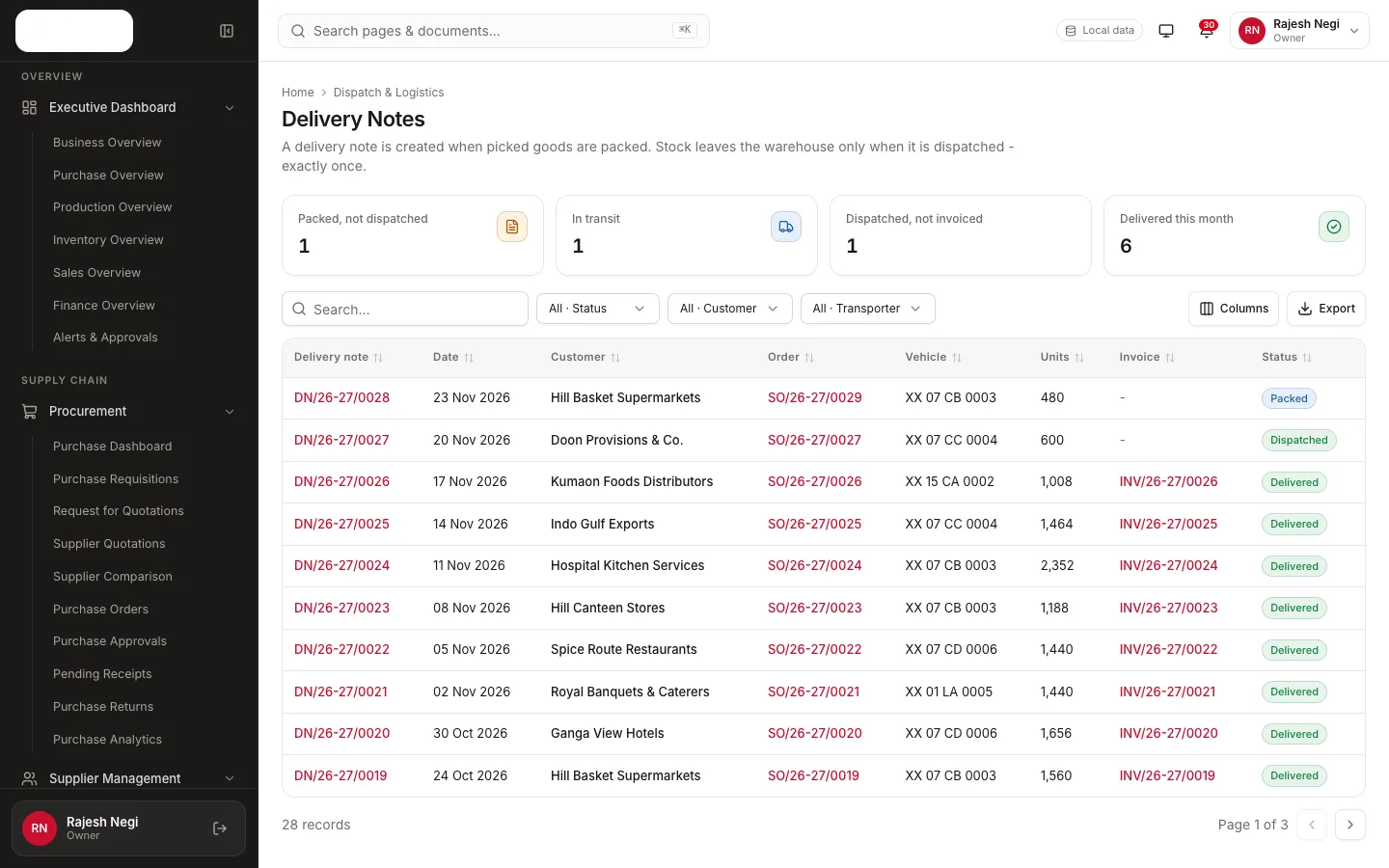
Real screens from the live demo. Pick a screen on the left.
Watch the Agro Processing ERP in action
A short screen walkthrough made from the live demo. Use the controls to pause or jump ahead.
How work flows through the Agro Processing ERP
- Request and comparePurchase raises a requisition and an RFQ, records supplier quotations and ranks suppliers on landed price, quality, delivery and rejection history.
- Weigh and receiveThe vehicle is weighed at the weighbridge and a GRN is created. Every line lands in quarantine.
- Inspect at the gateIncoming QC accepts, holds or rejects each lot. Only accepted quantity is released to stores, and rejections raise a non-conformance report.
- Plan and produceProduction plans generate work orders on an approved BOM version. Materials are issued and the batch moves through processing, filling, sealing and packing.
- Check and releaseFinished goods QC and batch release decide what can be sold. Held batches stay blocked.
- Sell, dispatch and invoiceSales orders are credit checked and reserve released stock first-expiry-first-out. Delivery notes go out on own or hired vehicles, and GST invoices post to the ledger.
Works on the phone too
The same system in a mobile browser, for teams away from a desk.
What changes for your business
Business benefits
Typical use cases
Set up for your country, connected to your systems
What the product handles out of the box, and what Shyphan does to put it live in your business.
Built into the product
Delivered and supported in
 Saudi Arabia
 UAE
 India
 Bahrain
 Qatar
 Kuwait
 Oman
 Iraq
 Egypt
 Jordan
Plus the UK, Europe, the USA and other markets, from Shyphan offices in India, the UAE, Saudi Arabia and four more countries.
How Shyphan puts it live
Agro Processing ERP by industry
Pages written for how each industry actually works with the product.
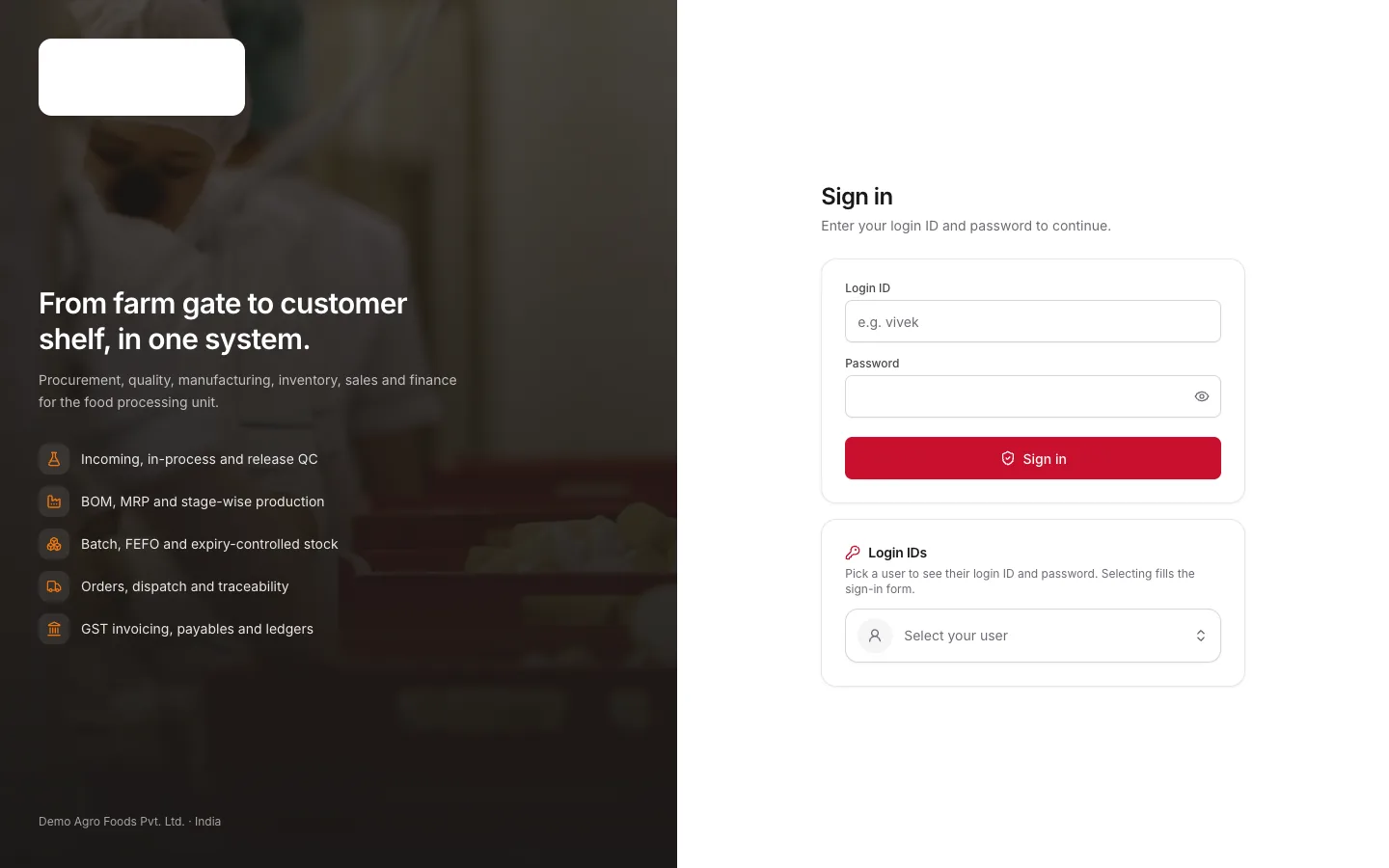
Try the Agro Processing ERP yourself
No sign-up. The demo opens in your browser with sample data.
- Open the live demo in a new tab.
- Choose a demo user from the Login IDs list on the sign-in screen, then press Sign in
- Explore the screens freely. It is a demo company with sample data.
- Book a guided demo and we will set it up around your own process.
Agro Processing ERP: questions we get asked
What kind of agro business is this ERP for?
Does it handle GST?
Can it record weighbridge weights?
How does it support food safety?
Can we trace a batch back to the grower?
How much does it cost and how long does it take?
Can it be changed for our products and process?
Can we move from our current accounting software or spreadsheets?
Related products and solutions
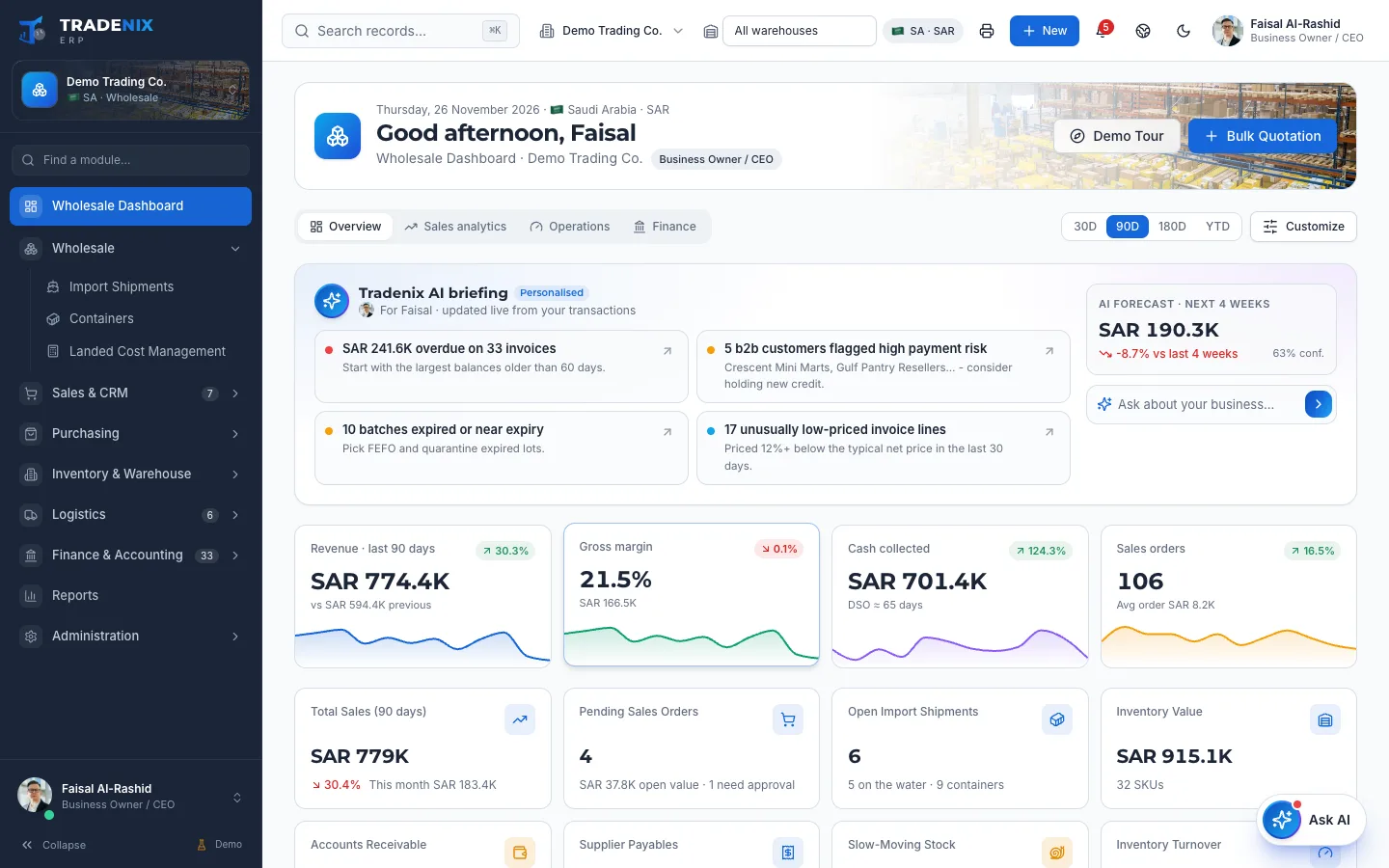
Trading & Distribution ERP
One ERP for trading companies in Saudi Arabia, the UAE and the wider region. Run quotes, orders, imports, landed cost, warehouses, deliveries,...
View product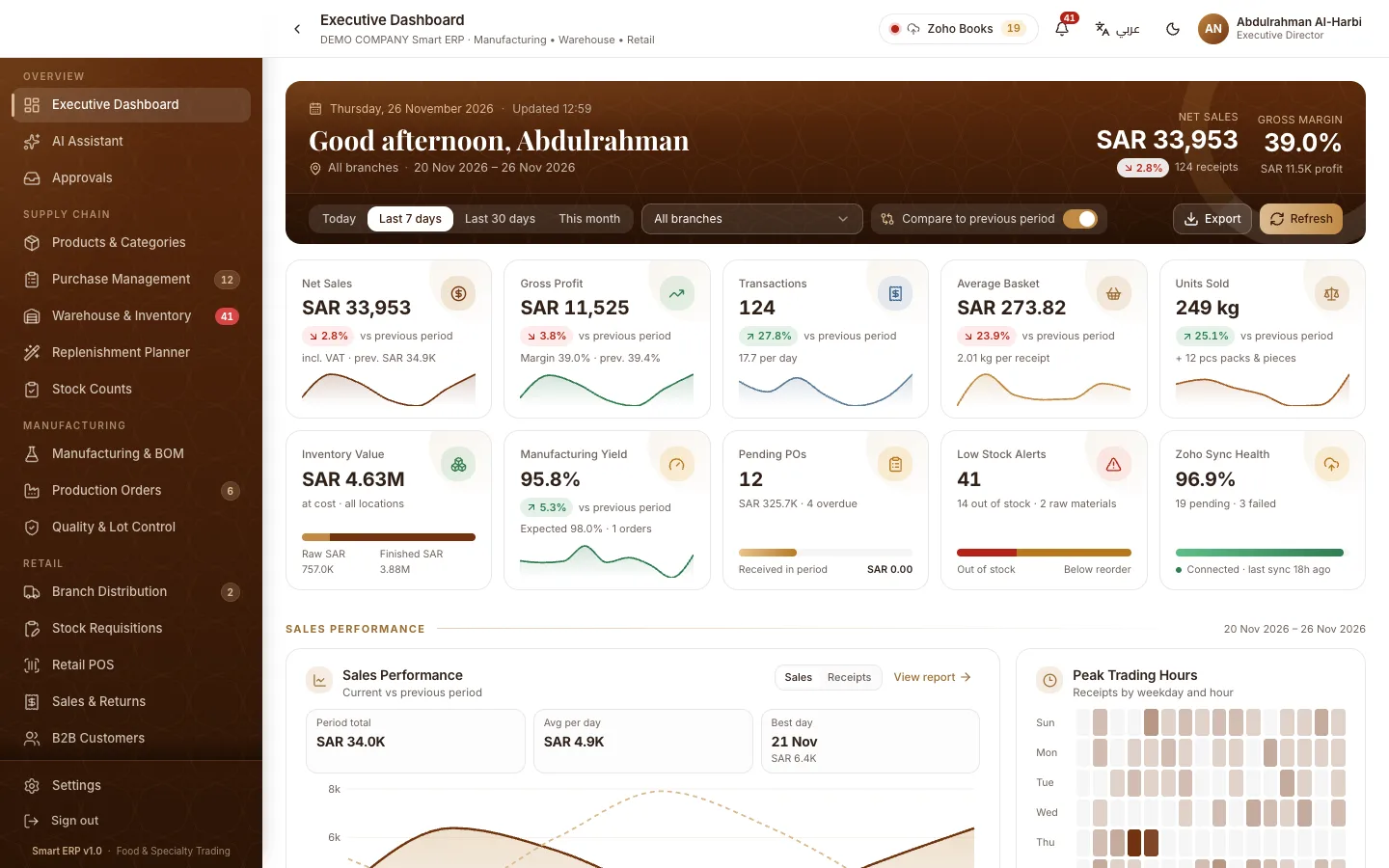
Food & Specialty Trading ERP
One system for food businesses that buy raw goods, roast, bake or blend them, then sell through their own branches and B2B accounts, with VAT,...
View product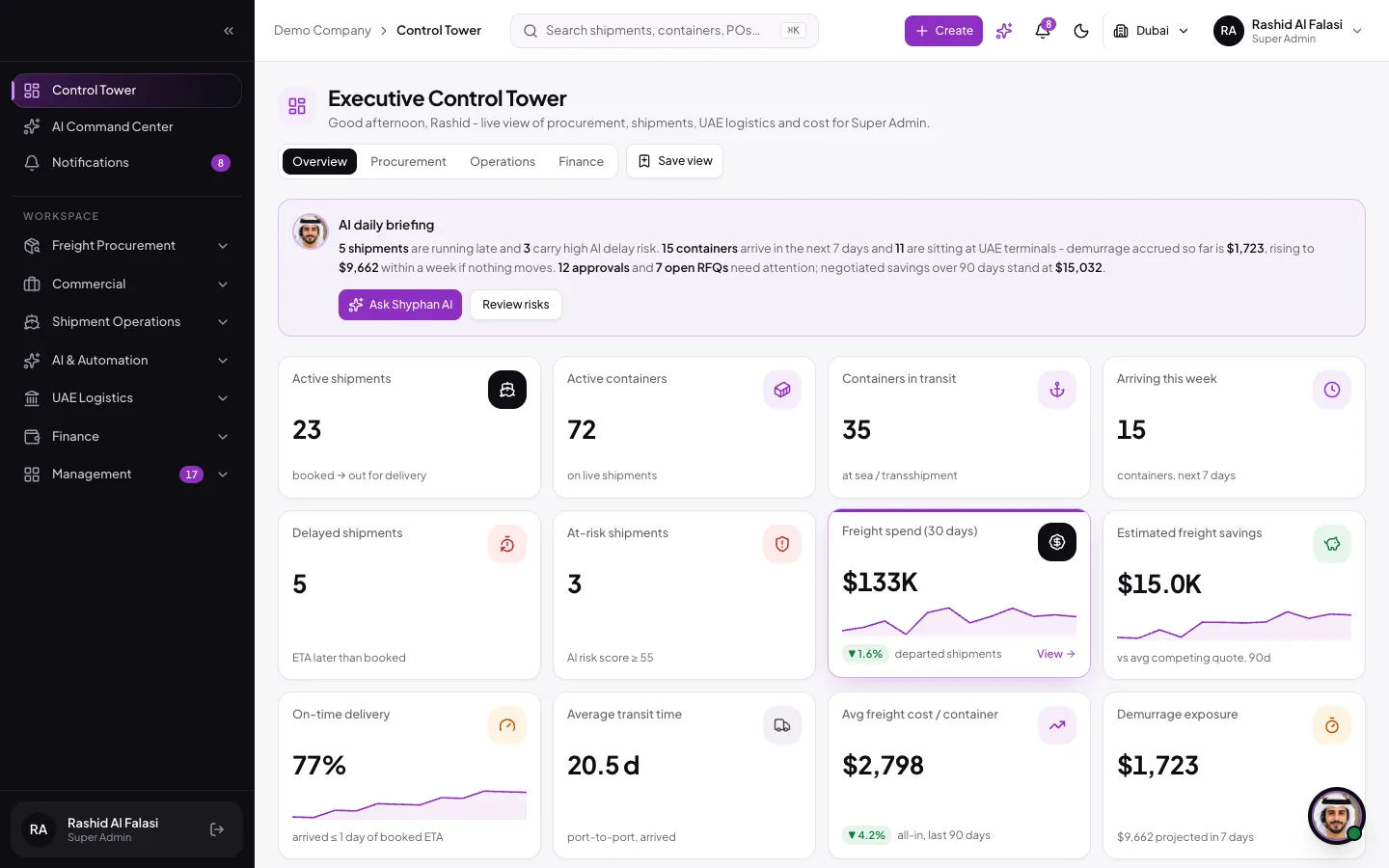
AI-Powered Freight Forwarding ERP
One platform to source freight, compare quotes, book carriers, track every container, clear UAE customs and control demurrage and landed cost,...
View product
See the Agro Processing ERP on your own process
A guided demo on your branches, users and workflows, then a written scope and a fixed quote.
