





















 Saudi Arabia
 UAE
 Qatar
 Bahrain
 Kuwait
 Oman
 Lebanon
 Egypt
 Jordan
 Iraq
 India
 UK
 Ireland
 Germany
 USA
 Australia
 Singapore
 South Africa
 France
 Hungary
 Georgia
 Turkey
 Canada
 LagosNigeria




ERPNext ETA E-Invoicing in Egypt
Every B2B invoice in Egypt is signed, sent to the Egyptian Tax Authority and validated before it counts, and listed retailers now send e-receipts from their tills too. We connect ERPNext to both ETA systems with an open-source app, a licensed signing device and careful testing.
- ETA settings per company
- Item codes and units
- Signing device connection
- Scheduled submission
 ERPNext & FrappeImplementation · migration · AMC
Get a free quote
Reply within 24 hours with scope and a fixed quote.
ERPNext ETA E-Invoicing in Egypt: the short answer
- Systems covered
- The ETA e-invoice system for B2B and B2G sales, and the ETA e-receipt system for retail sales.
- App we use
- Egypt Compliance by Axentor, LLC, open source under GPLv3, for ERPNext versions 15 and 16.
- Signing
- An e-seal or digital signature on a USB token or HSM from a provider licensed by ITIDA.
- Our part
- We install, configure, test and support the integration. Your accountant handles filings.
- Delivered by
- Shyphan AI Solutions, an ERPNext implementation partner and Zoho Premium Partner, with 24/7 support. Call +91 95651 53545.
- Last reviewed
- 27 November 2026
How the ETA systems work with ERPNext
The e-invoice system started with large taxpayers on 15 November 2020 under Ministerial Decree 188 of 2020 and expanded in phases until it covered registered businesses broadly. Your ERP prepares each invoice as structured data, signs it with your company's e-seal, and submits it through the ETA API. The Authority validates it and returns a unique identifier, and only then is the invoice complete.
E-receipts follow a separate track for consumer sales. The ETA brings retailers in through numbered decisions, and Decision 281/2025 required a new group of taxpayers to issue e-receipts from 15 September 2025. Each receipt carries a unique identifier and a QR code that customers can use to verify it.
ERPNext core supports neither system. The Egypt Compliance app, published on the Frappe Cloud Marketplace and on GitHub by Axentor, adds both: Sales Invoices become e-invoices, and POS or Sales Invoices become e-receipts. A Windows signing tool talks to your token. We have read its code and documentation, and we configure, test and support it as part of your system.
From first record to the finished report
One open-source system, so each step feeds the next without re-keying.
What we set up for ETA compliance
ETA settings per company
API client credentials, environment, activity code and branch details are entered per company, and production access is enabled only after pre-production tests pass.
Item codes and units
Each item is mapped to its GS1 or EGS code and ETA unit of measure, by item, brand or item group, so lines validate without manual fixes.
Signing device connection
The Windows signer is installed on a dedicated machine with your USB token or HSM, set to sign queued invoices automatically and report failures. A backup machine can be prepared so signing continues if the main one fails.
Scheduled submission
Invoices are submitted singly or in periodic batches per company, and status updates return automatically, including the UUID and a link to the official ETA document.
E-receipts from POS
Each POS Profile gets its own e-receipt connector, so cashier sales in every branch are reported without a separate till system.
Monitoring and corrections
A dashboard and status report show valid, invalid and pending documents, so your team can fix rejections and issue credit notes the same day.
See it in ERPNext
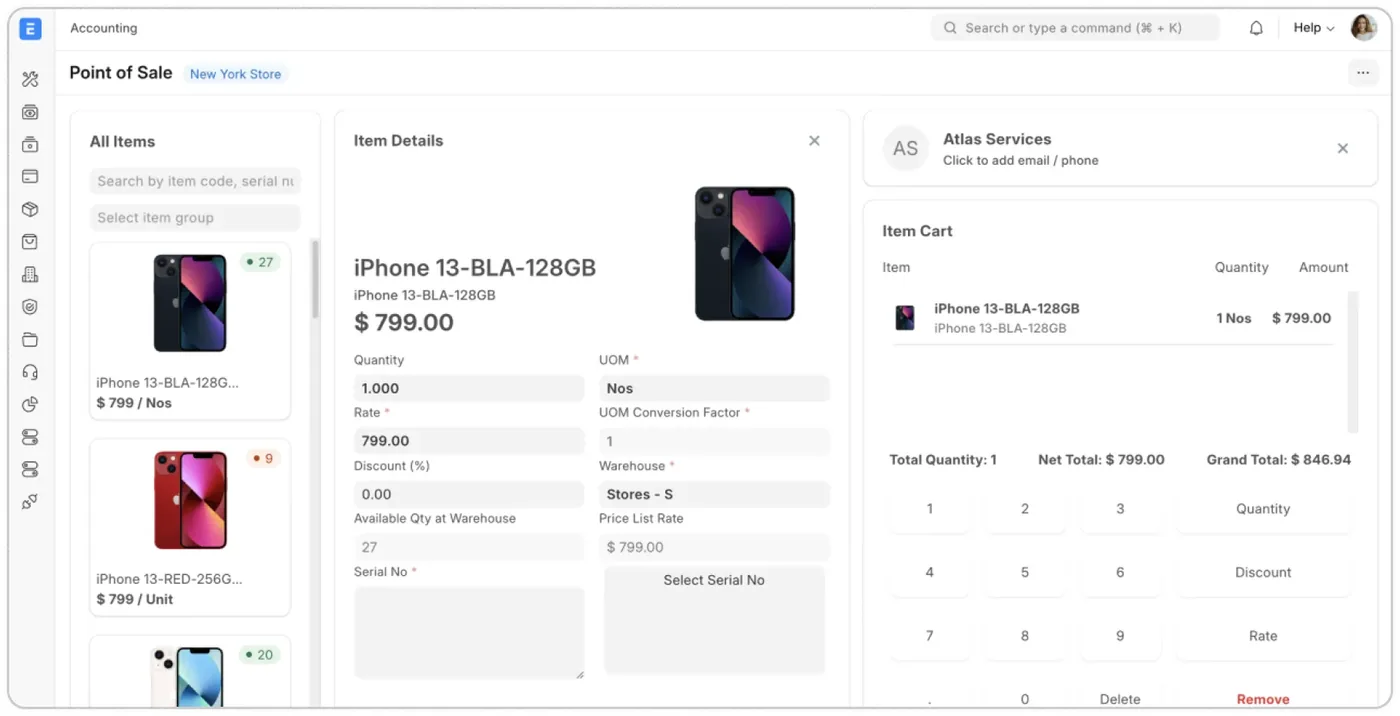
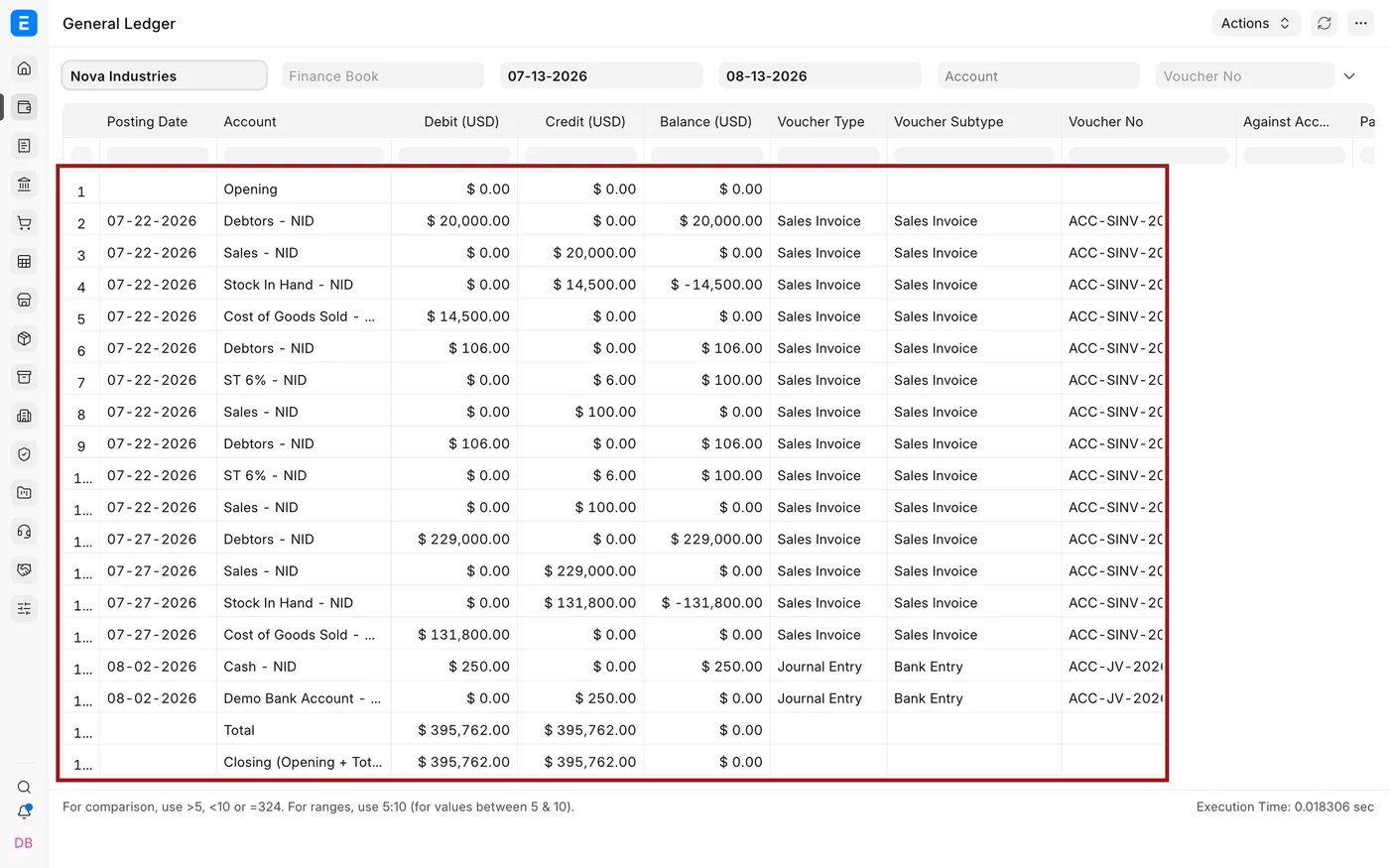
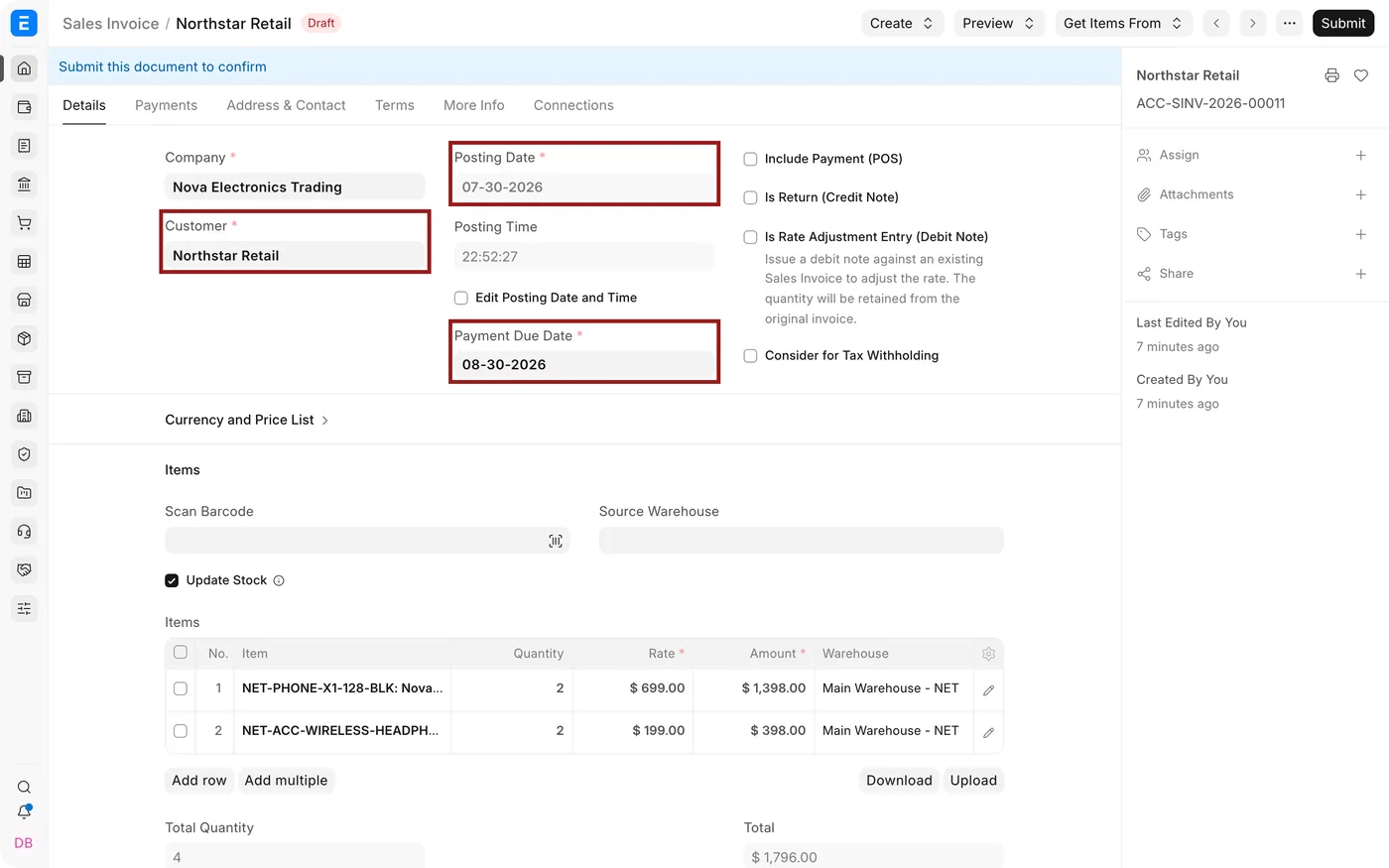
Real ERPNext and Frappe screens for the work described on this page. We configure them for Egyptian rules and your data.
ERPNext and the Frappe apps we implement
One open-source platform, one database, no per-user licence fees.







ETA rules and the matching ERPNext setup
| Topic | The Egyptian rule | What we set up |
|---|---|---|
| VAT rate and registration | VAT Law No. 67 of 2016 sets a standard rate of 14%, with mandatory registration above EGP 500,000 annual taxable turnover. | ETA tax types and subtypes mapped to ERPNext tax templates, so each invoice line carries the code the ETA expects. |
| E-invoice clearance | Under Ministerial Decree 188 of 2020, B2B and B2G invoices are submitted to the ETA for validation before they are final. | Submission and status tracking from ERPNext through the Egypt Compliance app, with each UUID stored on the invoice. |
| Digital signature | Invoices are signed with an e-seal or digital signature issued by a certification provider licensed by ITIDA. | Windows signer configured with your token or HSM on a secured machine, with access limited to named administrators. |
| Input VAT on paper | Since January 2022, input VAT on a paper invoice cannot be deducted where the issuer is required to e-invoice. | Supplier e-invoice status recorded on supplier records, and a report of purchase bills received without an ETA reference. |
| E-receipts | Taxpayers listed by the ETA must issue e-receipts for consumer sales; Decision 281/2025 added a wave from 15 September 2025. | POS Profiles linked to the e-receipt connector and tested on the ETA environment before branches go live. |
We configure the system and check it against your accountant’s figures; we are not tax advisers, and your accountant files the returns. Last reviewed 27 November 2026.
Connecting ERPNext to the ETA
Check your ETA status
We confirm whether you are registered for e-invoicing, e-receipts or both, and collect your API credentials and activity codes.
Arrange signing
You obtain a token or HSM from an ITIDA-licensed provider. We prepare the signing machine and install the signer.
Map master data
Items, units, customers and tax types are mapped and completed, because most ETA rejections trace back to master data. Customers without a valid tax registration number are flagged before their first invoice is raised.
Test in pre-production
Normal invoices, credit notes, foreign currency sales and receipts are submitted to the ETA test environment until all of them validate.
Go live and watch
Production credentials are switched on. Our support desk monitors rejections during the first weeks and helps your team clear them.
Every ERPNext page for Egyptian businesses
Compliance
- ERPNext ETA E-Invoicing in Egypt
- Frappe HR and Payroll in Egypt
Locations
Other countries
Worldwide

Written and reviewed by Vikas Saroj, Co-Founder, COO & Growth at Shyphan AI Solutions, who owns ERPNext, Odoo and Zoho delivery across Egypt and the wider region. Reviewed against current Egyptian rules on 27 November 2026. Meet the team · LinkedIn
ERPNext ETA E-Invoicing in Egypt: questions answered
Which ERPNext app do you use for the ETA?
Do we need a USB token?
Can invoices be printed in Arabic?
Is there a licence fee for the ETA app?
Is Shyphan an official Frappe partner?
Do you file VAT returns with the ETA?
Request your free quote
Tell us about your project and a senior ERPNext consultant - not a bot - replies within 24 hours with scope, timeline and a fixed quote. The first 30-minute discovery call is free, with no obligation.
- Free 30-minute discovery call
- Fixed-quote SOW - no surprises
- Arabic · English delivery
- VAT 14%, ETA e-invoicing & NOSI ready