





















 Saudi Arabia
 UAE
 Qatar
 Bahrain
 Kuwait
 Oman
 Lebanon
 Egypt
 Jordan
 Iraq
 India
 UK
 Ireland
 Germany
 USA
 Australia
 Singapore
 South Africa
 France
 Hungary
 Georgia
 Turkey
 Canada
 LagosNigeria




ERPNext Migration in Oman
Moving from Tally, QuickBooks, Sage or a set of spreadsheets is mainly a data job. We extract your records, fix what is wrong with them, load them into ERPNext and prove that the numbers match before your old system is switched off.
- Extraction from your old system
- Cleaning and de-duplication
- Mapping to ERPNext
- Controlled loading
 ERPNext & FrappeImplementation · migration · AMC
Get a free quote
Reply within 24 hours with scope and a fixed quote.
ERPNext Migration in Oman: the short answer
- Common sources
- Tally, QuickBooks, Sage, Zoho Books, older local accounting packages and Excel workbooks.
- What moves
- Masters, open invoices and bills, stock balances, fixed assets and a trial balance at cut-over date.
- Proof of accuracy
- Reconciliation reports for debtors, creditors, stock value and VAT accounts, signed off by your finance lead.
- How we work
- Remote extraction and loading, with an on-site visit for the stock count or cut-over if you want one.
- Delivered by
- Shyphan AI Solutions, an ERPNext implementation partner and Zoho Premium Partner, with 24/7 support. Call +91 95651 53545.
- Last reviewed
- 27 November 2026
What usually goes wrong, and how we avoid it
Old systems collect clutter. Customers appear three times with slightly different spellings, items carry codes nobody remembers, and VAT was sometimes posted to a general account in the early months after April 2021. Loading that straight into ERPNext only moves the mess somewhere more expensive.
So we treat migration as a short project of its own. For example, an oilfield services contractor in Muscat moving off Tally and a dozen tracking spreadsheets would first get a de-duplicated customer list, a fresh item catalogue for spare parts and consumables, and a clear decision on how much transaction history to bring across. Only then do we start loading.
Timing matters as much as method. Most Omani companies choose a cut-over at the start of a VAT period or a financial year, so the first return from ERPNext covers a clean period and comparisons with the old system stay simple. We plan backwards from that date, leaving room for at least one full test load and a reconciliation that your accountant has time to read properly.
From first record to the finished report
One open-source system, so each step feeds the next without re-keying.
Our migration toolkit
Extraction from your old system
We export ledgers, masters and open documents from Tally, QuickBooks, Sage or your local package, and pull structured data from spreadsheets where that is all there is.
Cleaning and de-duplication
Duplicate customers and suppliers are merged, item codes are rationalised and missing tax numbers are flagged so your team can fill them in before loading. Inactive records older than an agreed date are left behind on purpose.
Mapping to ERPNext
Old account codes, tax codes and item groups are mapped to the new chart of accounts and templates in a spreadsheet you review line by line.
Controlled loading
Data goes in through the Data Import tool or scripts, in a fixed order: masters, opening balances, open invoices and bills, then stock.
Reconciliation pack
Debtor and creditor ageing, stock valuation and VAT balances from both systems are compared side by side, and every difference is explained.
Access to old history
Where full history is not migrated, we archive exports in a searchable form so auditors and staff can still look up older transactions. Exports are stored with clear file names by year and document type.
See it in ERPNext
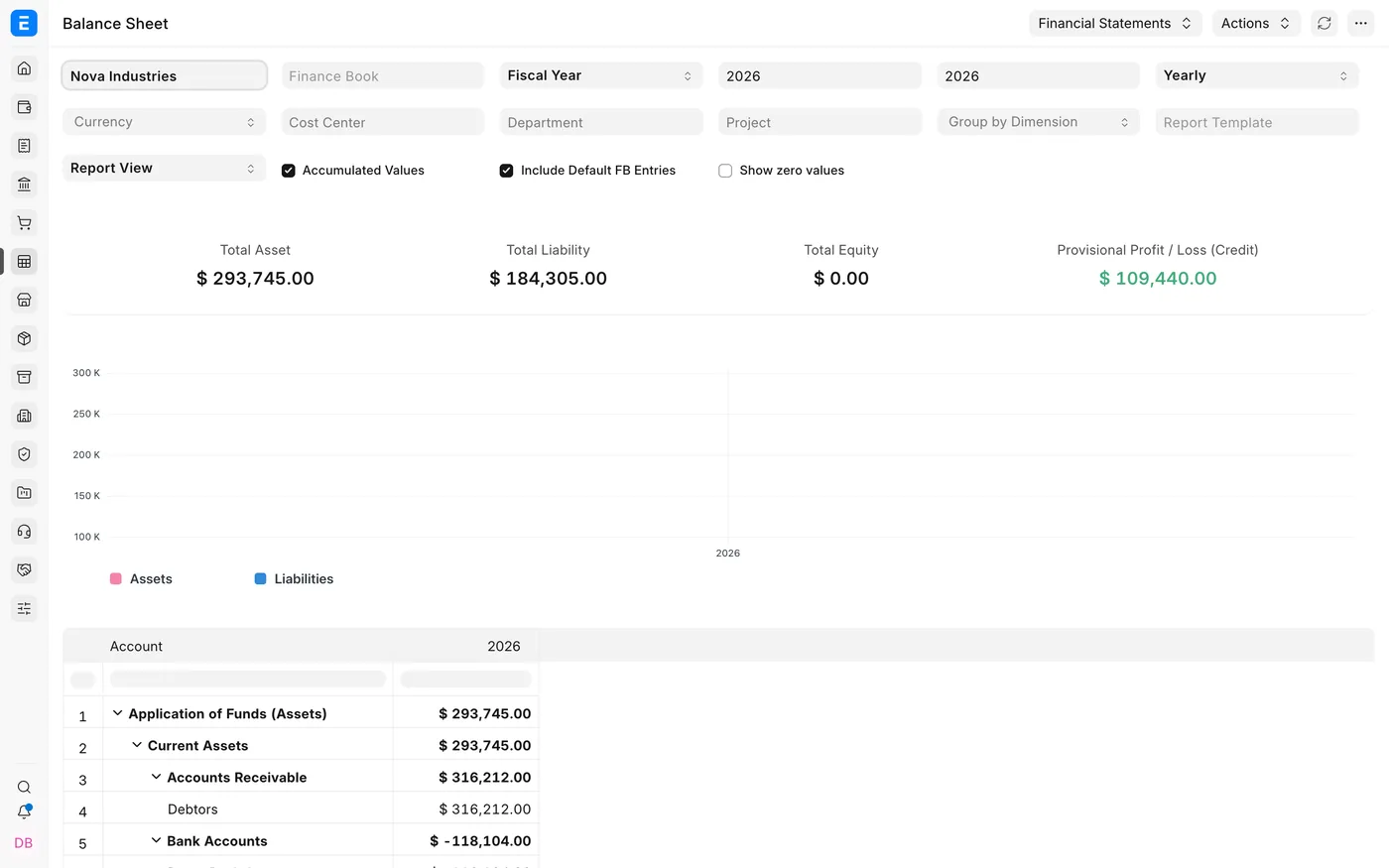
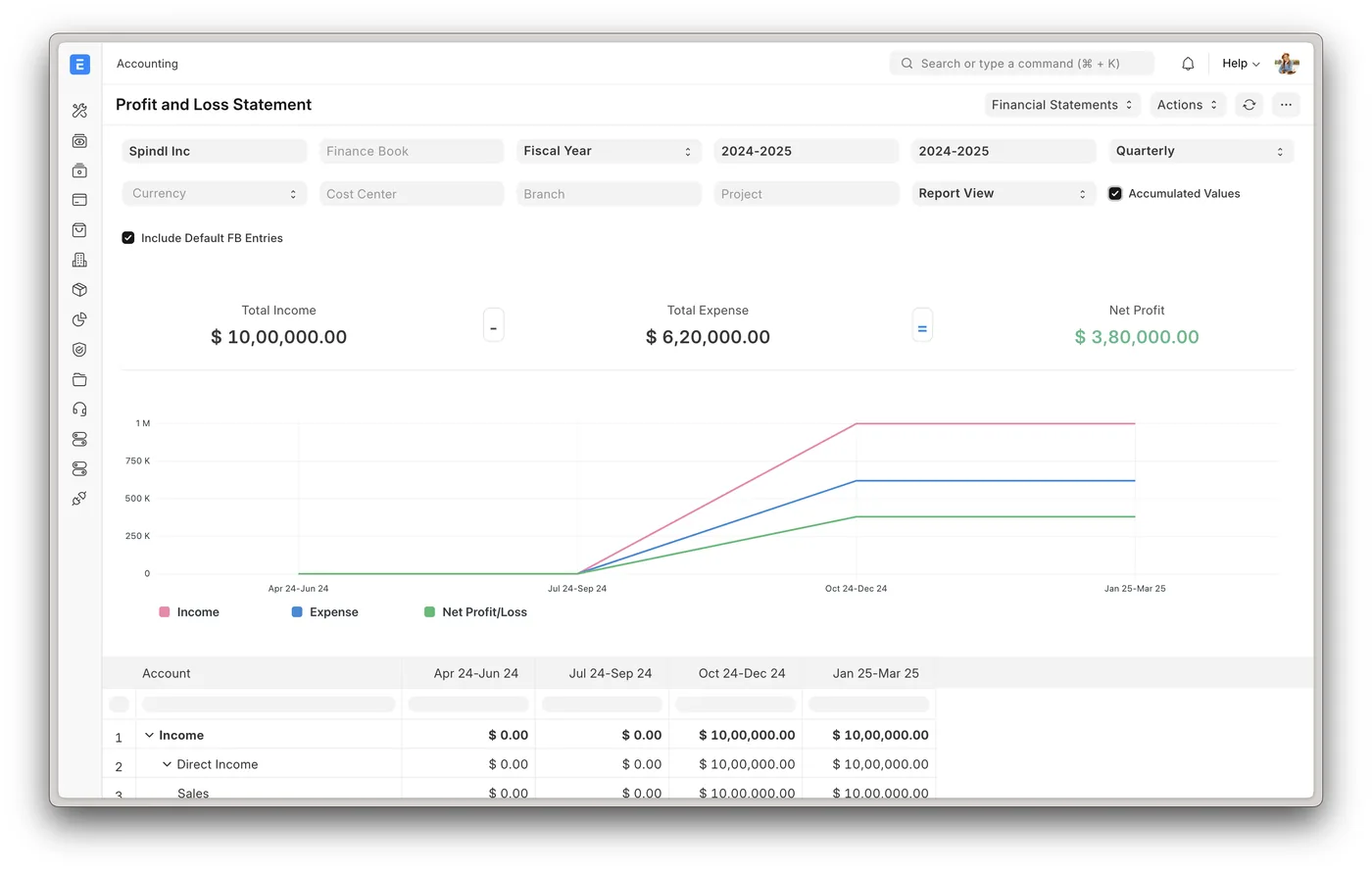
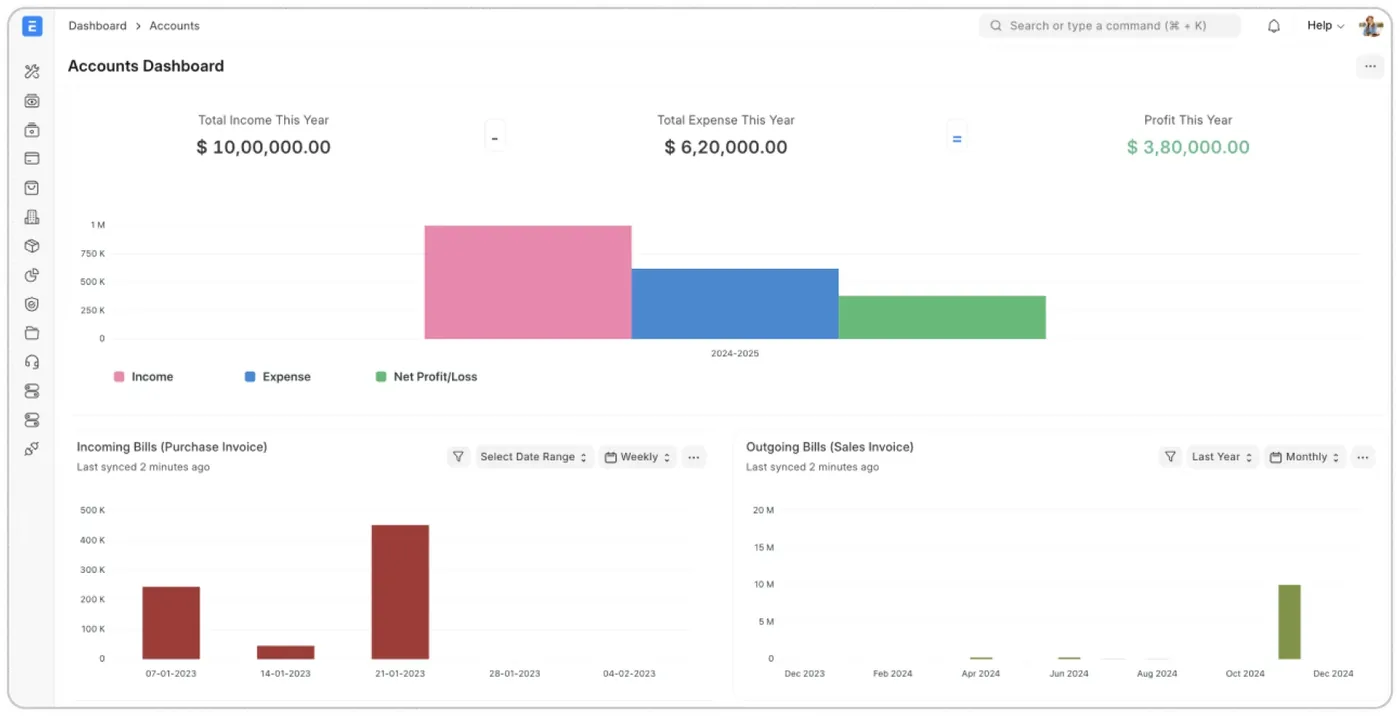
Real ERPNext and Frappe screens for the work described on this page. We configure them for Omani rules and your data.
ERPNext and the Frappe apps we implement
One open-source platform, one database, no per-user licence fees.







Omani details that shape the migration
| Topic | The Omani rule | What we set up |
|---|---|---|
| VAT balances | VAT at 5% has applied since 16 April 2021, so most businesses carry several years of VAT postings and returns. | Output and input VAT accounts are migrated as opening balances at cut-over, with prior returns kept as archived reports. |
| Tax numbers | Fawtara e-invoices under Decision 189/2026 will rely on accurate buyer and seller tax identifiers. | We check VAT numbers on customer and supplier records during cleaning, so the later e-invoicing connection starts from clean data. |
| Currency | The Omani rial is the reporting currency, and many importers also hold balances in US dollars or UAE dirhams. | OMR is set as company currency, foreign currency debtors and creditors are loaded at their original rates, and exchange revaluation is configured. Bank accounts in each currency are opened with balances matching your statements. |
| Employee data | Personal data is protected under Royal Decree 6/2022 and its Executive Regulations. | Staff records move through restricted files, only named people see them, and temporary copies are deleted after loading. Salary history moves only if payroll is in scope. |
We configure the system and check it against your accountant’s figures; we are not tax advisers, and your accountant files the returns. Last reviewed 27 November 2026.
Migration in five controlled steps
Inventory the data
We list every source, its owner and its condition, and agree a cut-over date and how much history to bring across. Owners for each data area are named so questions get answered quickly.
Trial extract and clean
A first extract shows the real state of the data. Your team fixes what only they can know, and we fix the rest with scripts.
Test load
Everything is loaded into a test site and reconciled. Finance checks balances and staff check that customers, items and prices look right. Any difference found here is traced to its source, corrected in the extract and loaded again.
Final load
After the old system is frozen, a final extract runs, the same scripts load it, and the reconciliation is repeated with fresh figures.
Sign-off and archive
Your finance lead signs the reconciliation pack, the old system becomes read-only, and archived exports are handed over for safekeeping.
Every ERPNext page for Omani businesses
Services
- ERPNext Partner in Oman
- ERPNext Implementation in Oman
- ERPNext Migration in Oman
Locations
Other countries
Worldwide

Written and reviewed by Vikas Saroj, Co-Founder, COO & Growth at Shyphan AI Solutions, who owns ERPNext, Odoo and Zoho delivery across Oman and the wider region. Reviewed against current Omani rules on 27 November 2026. Meet the team · LinkedIn
ERPNext Migration in Oman: questions answered
Can you migrate from Tally to ERPNext?
Should we bring all our transaction history?
Do we pay ERPNext licence fees after migrating?
Can customer names stay in Arabic?
Is Shyphan an official Frappe partner?
Who checks the migrated figures?
Request your free quote
Tell us about your project and a senior ERPNext consultant - not a bot - replies within 24 hours with scope, timeline and a fixed quote. The first 30-minute discovery call is free, with no obligation.
- Free 30-minute discovery call
- Fixed-quote SOW - no surprises
- Arabic · English delivery
- VAT 5%, OTA & SPF ready