





















 Saudi Arabia
 UAE
 Qatar
 Bahrain
 Kuwait
 Oman
 Lebanon
 Egypt
 Jordan
 Iraq
 India
 UK
 Ireland
 Germany
 USA
 Australia
 Singapore
 South Africa
 France
 Hungary
 Georgia
 Turkey
 Canada
 LagosNigeria




ERPNext VAT in Bahrain
Bahrain's VAT has run since 2019 and at 10% since 2022. We configure ERPNext so every invoice carries the right tax automatically and your accountant gets return figures by box, traceable to the documents behind them.
- Templates for every treatment
- Tax categories on parties
- Tax invoice print formats
- Return report by box
 ERPNext & FrappeImplementation · migration · AMC
Get a free quote
Reply within 24 hours with scope and a fixed quote.
ERPNext VAT in Bahrain: the short answer
- Rate
- 10% standard rate since 1 January 2022, with zero-rated and exempt supplies defined by NBR.
- Registration
- Mandatory above BHD 37,500 of annual taxable supplies, voluntary from BHD 18,750.
- Returns
- Monthly above BHD 3 million of annual supplies, otherwise quarterly, due by the last day of the following month.
- Who files
- Your accountant or tax agent files on the NBR portal. ERPNext prepares the figures.
- Delivered by
- Shyphan AI Solutions, an ERPNext implementation partner and Zoho Premium Partner, with 24/7 support. Call +91 95651 53545.
- Last reviewed
- 27 November 2026
How VAT works inside ERPNext
ERPNext handles VAT through tax templates. A sales or purchase taxes template defines the tax lines, item tax templates override the rate for particular items, and tax categories on customers and suppliers decide which template applies. Once set up properly, a salesperson creating an invoice never chooses a tax line. The system applies 10% to a standard-rated item sold to a local customer, zero to an export, and the exempt treatment where it applies.
Take a hotel and restaurant group in Manama. Room charges, food and beverage, event packages and service charges may each need careful VAT treatment, and purchases range from imported food to local maintenance. Every invoice and every supplier bill flows into the VAT accounts, and at the end of each quarter the accountant needs output tax, input tax and the net amount due, broken down the way the NBR return asks for it. ERPNext core has no Bahrain return format, so we build a report that groups posted transactions by return box and lets the accountant drill into any figure.
We configure and test the system. We do not give tax advice or decide how a supply should be treated. Your accountant or tax adviser confirms the treatment, and we set ERPNext to apply it consistently.
From first record to the finished report
One open-source system, so each step feeds the next without re-keying.
Our VAT configuration for Bahrain
Templates for every treatment
Standard 10%, zero-rated and exempt templates for sales and purchases, plus an archived 5% template for open items from before 1 January 2022.
Tax categories on parties
Customers and suppliers are tagged as local, GCC or outside the GCC, and the right template follows automatically on every document.
Tax invoice print formats
Bilingual tax invoices and credit notes showing your VAT number, the customer's where relevant, net, VAT and gross amounts and the rate applied.
Return report by box
A report that totals each return box for a chosen period, with drill-down to invoices and bills and a reconciliation to the VAT ledger accounts.
Threshold watch
For businesses near the registration threshold, a rolling twelve-month report of taxable supplies against BHD 37,500 and BHD 18,750.
Period locks after filing
Once a return is filed, the period is locked so nobody can post or amend entries that would change figures already submitted.
See it in ERPNext
Real ERPNext and Frappe screens for the work described on this page. We configure them for Bahraini rules and your data.
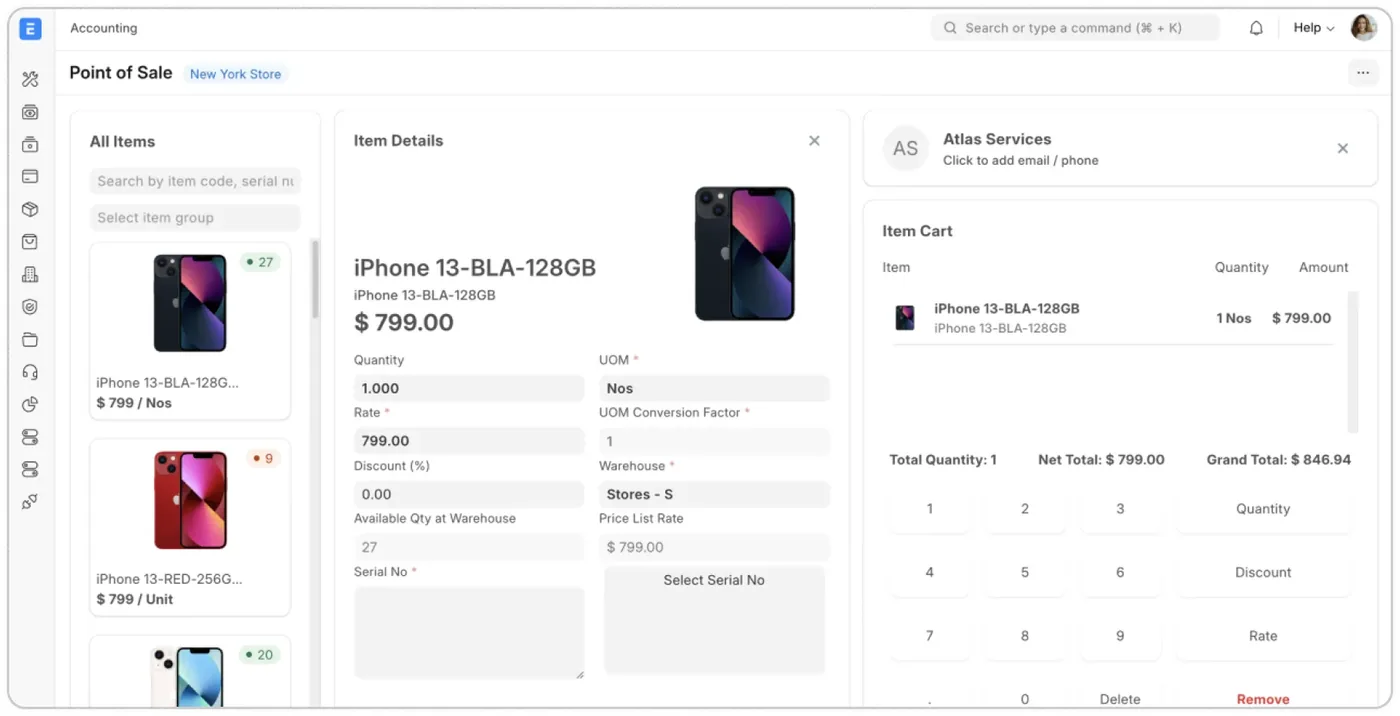
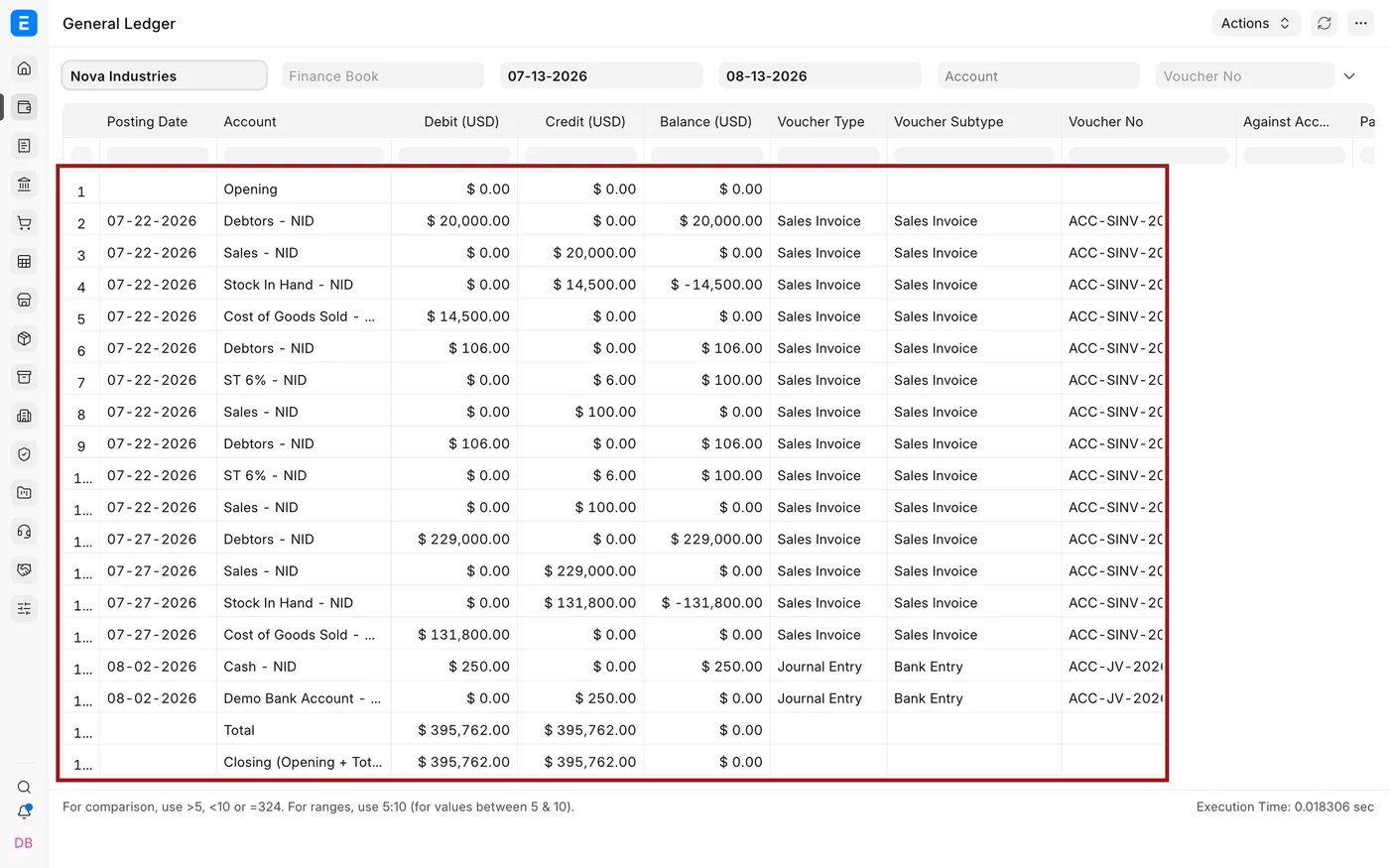
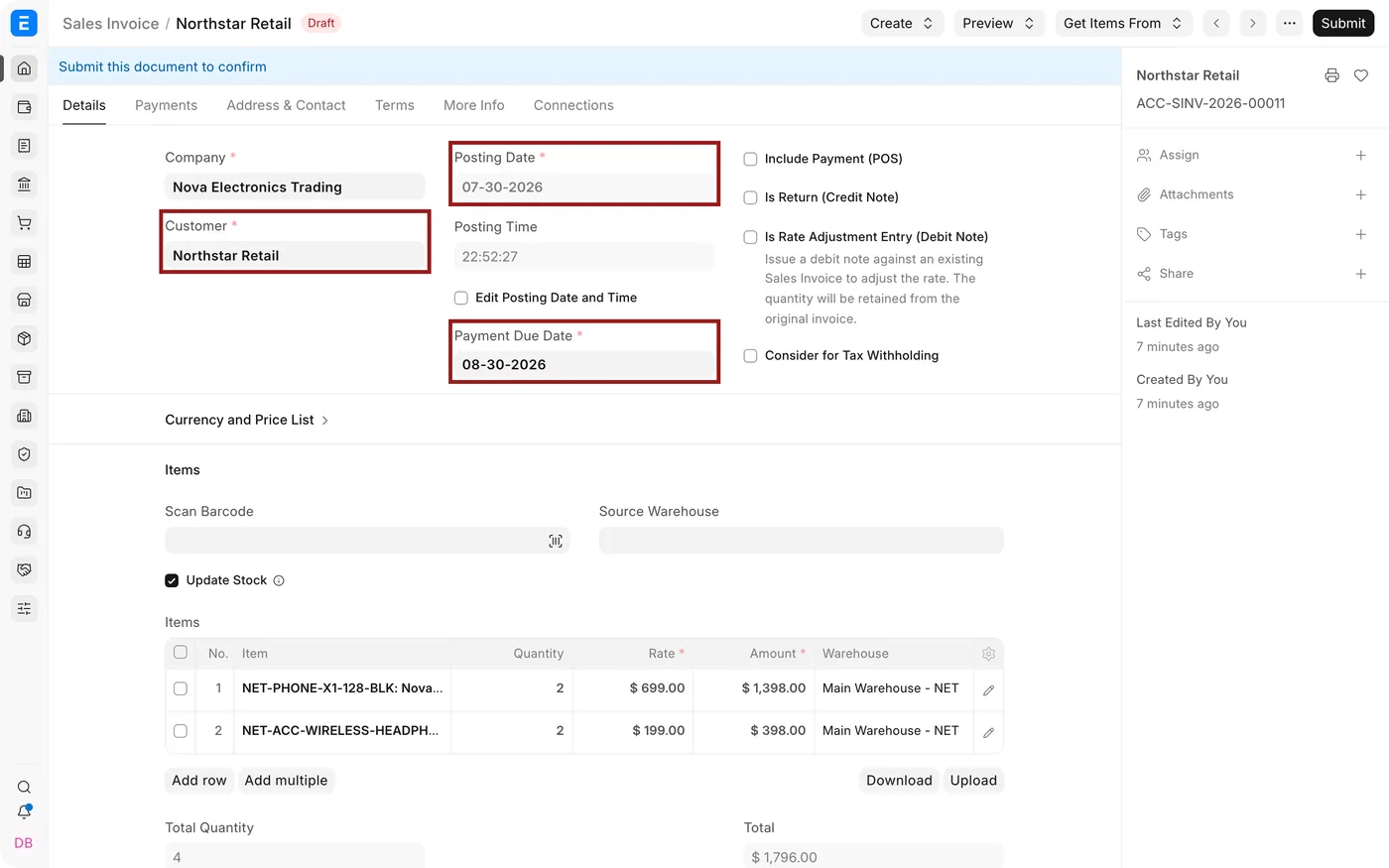
ERPNext and the Frappe apps we implement
One open-source platform, one database, no per-user licence fees.







Bahrain VAT rules and our ERPNext setup
| Topic | The Bahraini rule | What we set up |
|---|---|---|
| Standard rate | VAT was introduced on 1 January 2019 under Decree-Law No. 48 of 2018. Law No. 33 of 2021 raised the standard rate from 5% to 10% from 1 January 2022. | 10% as the default template, with the 5% template kept only for open items and credit notes linked to earlier supplies. |
| Registration thresholds | Resident businesses must register when annual taxable supplies exceed BHD 37,500 and may register voluntarily from BHD 18,750. | A rolling twelve-month taxable supplies report with a warning when the total nears either threshold. |
| Return frequency | Businesses with annual supplies over BHD 3 million file monthly. Others file quarterly. | Tax periods defined in ERPNext to match your frequency, so the return report always uses the right date range. |
| Deadline and payment | Returns and payment are due by the last day of the month after the tax period, and registered businesses file nil returns when they have no taxable supplies. | A filing calendar in ERPNext with reminders to finance, and the net VAT payable posted to an NBR liability account. |
| E-invoicing | NBR has not published a binding e-invoicing mandate with dates as of November 2026. | Clean tax data and consistent invoice numbering now, and an integration app if NBR announces a format. |
| Minimum tax for large groups | Decree-Law No. 11 of 2024 introduced a 15% domestic minimum top-up tax from 1 January 2025 for multinational groups with revenue over EUR 750 million. | Entity flags and trial balances by entity for group tax teams, kept separate from VAT reporting. |
We configure the system and check it against your accountant’s figures; we are not tax advisers, and your accountant files the returns. Last reviewed 27 November 2026.
How we set up VAT in ERPNext
Review your VAT position
With your accountant we list your supplies and their treatment, your registration details and your filing frequency, using your last filed return as the benchmark.
Configure templates and categories
Sales, purchase and item tax templates are created and tax categories applied to every item, customer and supplier.
Build the return report
The report is built and checked against the NBR return layout, with drill-down and a reconciliation to the ledger.
Reproduce a filed period
We post or import a past period and compare the report with the return you actually filed. Differences are explained before go-live.
Support each filing
After go-live our support desk is available 24/7, including the days before each deadline, to help with any figure that looks wrong.
Every ERPNext page for Bahraini businesses

Written and reviewed by Vikas Saroj, Co-Founder, COO & Growth at Shyphan AI Solutions, who owns ERPNext, Odoo and Zoho delivery across Bahrain and the wider region. Reviewed against current Bahraini rules on 27 November 2026. Meet the team · LinkedIn
ERPNext VAT in Bahrain: questions answered
Does ERPNext have a built-in Bahrain VAT return?
Can ERPNext file the return with NBR?
How are zero-rated and exempt items handled?
Is there a licence fee for VAT features?
Can tax invoices be in Arabic and English?
Are you a Frappe certified partner?
Request your free quote
Tell us about your project and a senior ERPNext consultant - not a bot - replies within 24 hours with scope, timeline and a fixed quote. The first 30-minute discovery call is free, with no obligation.
- Free 30-minute discovery call
- Fixed-quote SOW - no surprises
- Arabic · English delivery
- VAT 10%, NBR & SIO ready