





















 Saudi Arabia
 UAE
 Qatar
 Bahrain
 Kuwait
 Oman
 Lebanon
 Egypt
 Jordan
 Iraq
 India
 UK
 Ireland
 Germany
 USA
 Australia
 Singapore
 South Africa
 France
 Hungary
 Georgia
 Turkey
 Canada
 LagosNigeria




Odoo VAT and Corporate Tax in the UAE
Odoo's UAE localisation gives you a VAT 201 layout with standard-rated sales split by emirate and a corporate tax report that works from tagged accounts. It does not decide which of your accounts are exempt income or disallowed expenses. We configure those choices with your accountant, so the figures behind both returns come straight from the ledger.
- Emirate-level sales lines
- Reverse charge and imports
- Corporate tax account tags
- Tax invoice or simplified invoice
 Odoo Community & EnterpriseImplementation · migration · AMC
Get a free quote
Reply within 24 hours with scope and a fixed quote.
Odoo VAT and Corporate Tax in the UAE: the short answer
- Modules
- l10n_ae for the chart of accounts, taxes and VAT 201 lines, and l10n_ae_reports (Enterprise) for the VAT return and Corporate Tax Report screens.
- VAT
- 5% standard rate, with zero-rated, exempt, import and reverse charge treatments preconfigured by Odoo.
- Corporate tax
- 0% on taxable income up to AED 375,000 and 9% above it, for financial years starting on or after 1 June 2023.
- Filing
- Odoo exports the VAT return to Excel or PDF. Your accountant files on EmaraTax and owns the tax positions taken.
- Delivered by
- Shyphan AI Solutions, an Official Odoo Partner and Zoho Premium Partner, with 24/7 support. Call +971 55 145 3265.
- Last reviewed
- 27 November 2026
What Odoo's UAE localisation really gives you
When a company is set to the United Arab Emirates, Odoo installs l10n_ae with an IFRS-aligned chart of accounts, tax groups for the Federal Tax Authority's categories and fiscal positions for foreign customers. The tax report data follows the VAT 201 form line by line: standard-rated supplies for Abu Dhabi, Dubai, Sharjah, Ajman, Umm Al Quwain, Ras Al Khaimah and Fujairah, tourist refunds, reverse charge supplies, zero-rated and exempt supplies, imports and their adjustments, then standard-rated expenses and reverse charge inputs, down to the payable tax.
The screens that turn that data into a return, together with the Corporate Tax Report, come from l10n_ae_reports, which is part of Odoo Enterprise. The Corporate Tax Report starts from net profit, removes exempt income, applies allowable deductions, adds back disallowed expenses and shows the tax amount. Odoo's own documentation is clear that no exempt income, allowable deduction or disallowed expense accounts are set by default. Someone has to tag them, and that is where most Odoo tax set-ups go wrong.
Our work is to make every transaction land in the right line without the sales team thinking about tax. That means product taxes, emirate of supply on customer addresses, reverse charge on foreign service bills, import VAT from customs documents, and account tags that match how your adviser treats each cost for corporate tax.
From first record to the finished report
One system, so each step feeds the next without re-keying.
What we configure for UAE VAT and corporate tax
Emirate-level sales lines
VAT 201 asks for standard-rated supplies by emirate. We map each customer and delivery address to its emirate so box one fills itself, which matters when you sell from a Ras Al Khaimah warehouse to Dubai and Abu Dhabi buyers.
Reverse charge and imports
Bills from foreign software, freight and consulting suppliers use reverse charge taxes that post output and input VAT together. Customs import VAT is recorded against the right lines.
Corporate tax account tags
With your adviser we tag exempt income and allowable deduction accounts, and set fiscal categories with rates and start dates for disallowed costs such as fines or non-business entertainment.
Tax invoice or simplified invoice
Odoo prints a Tax Invoice when the customer's TRN is filled and a Simplified Tax Invoice when it is not. We clean customer records so B2B buyers always get the full version.
Arabic on documents
The Gulf Cooperation Council format adds Arabic beside English on invoices, credit notes and POS receipts, and each customer can receive documents in their preferred language.
Central Bank exchange rates
Automatic currency rates from the Central Bank of the UAE keep foreign currency invoices and bills valued consistently for VAT and for the year-end accounts.
See it in Odoo
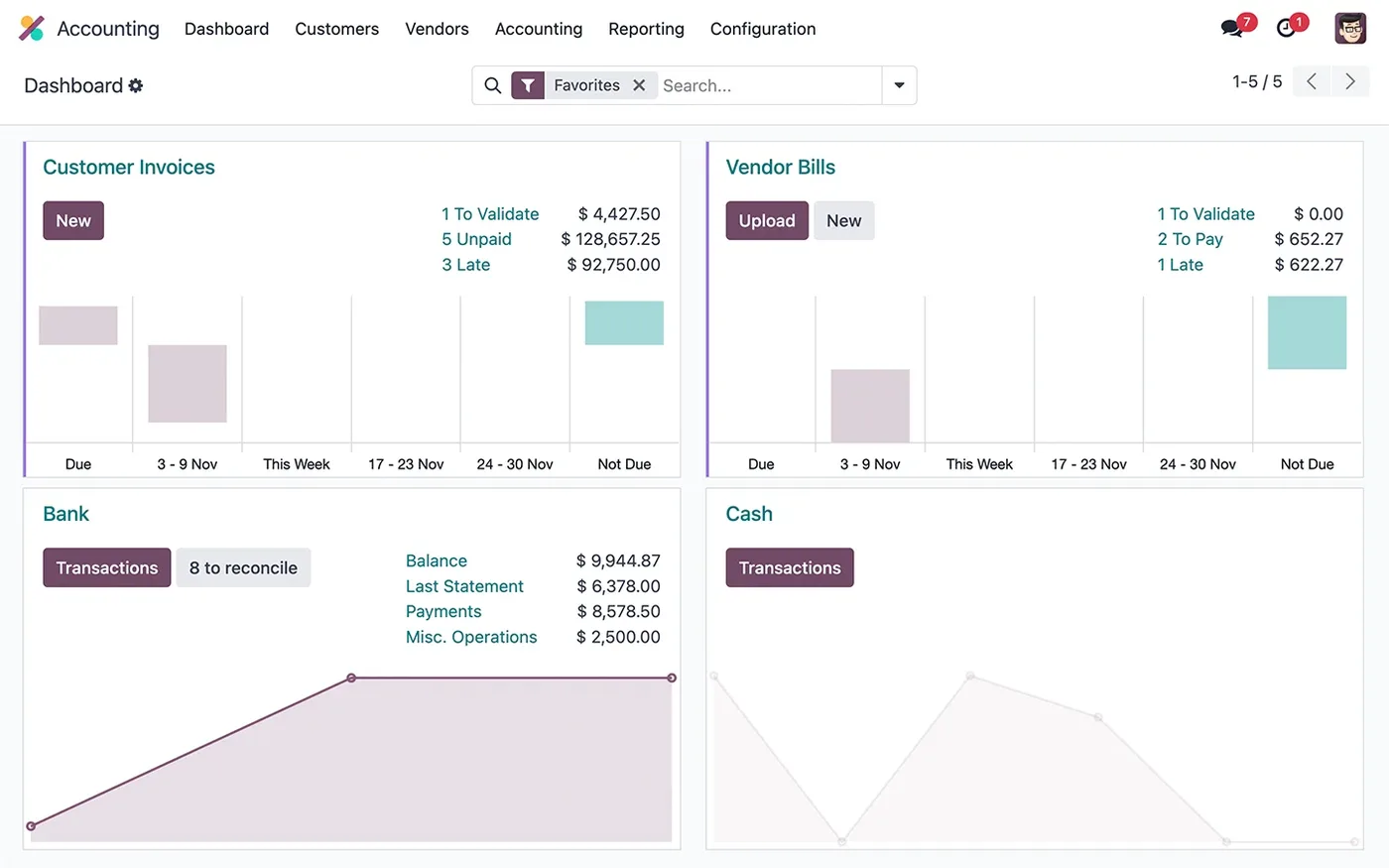
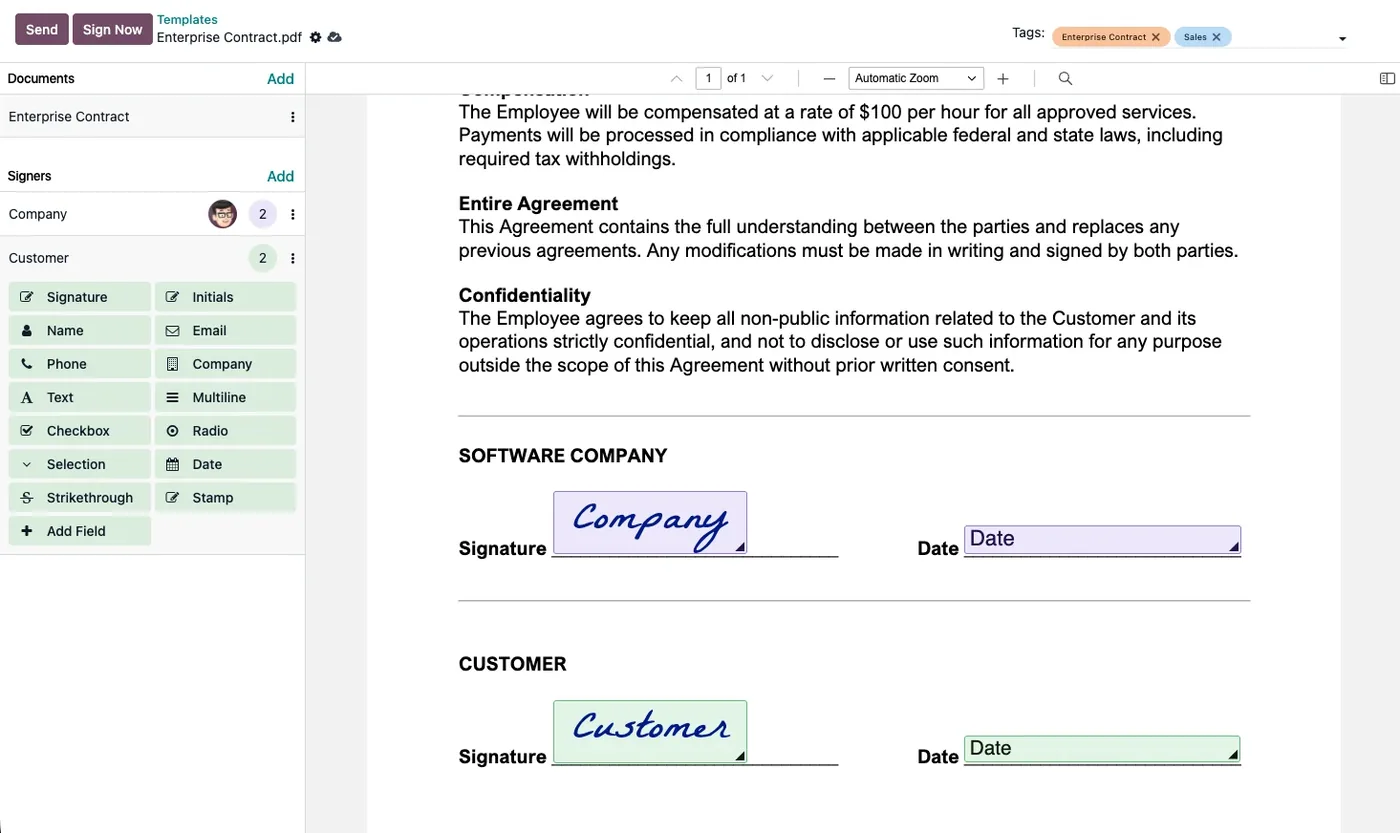
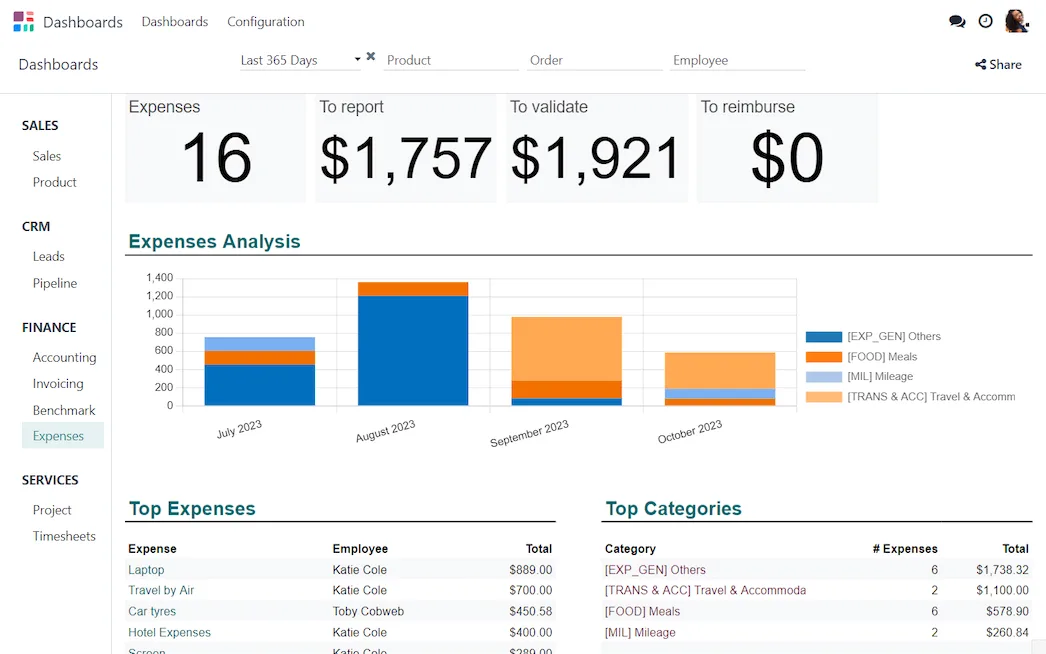
Real Odoo screens for the work described on this page. We configure them for UAE rules and your data.
The Odoo apps we implement
One database for finance, operations and people, in Odoo Community or Enterprise.


UAE tax rules and the Odoo set-up behind them
| Topic | The UAE rule | What we set up |
|---|---|---|
| VAT registration | Registration is mandatory once taxable supplies and imports exceed AED 375,000 in twelve months, and voluntary from AED 187,500. | Your TRN on the company record and on every tax invoice, with a VAT start date that matches your certificate. |
| VAT rate and returns | The standard rate is 5%. Returns must reach the FTA within 28 days after the end of each tax period, through EmaraTax. | Tax periods and a lock date routine in Odoo, so a filed period cannot be changed by a late entry. |
| Tax invoices | A full tax invoice shows supplier and recipient details, TRNs, a sequential number and VAT in AED. A simplified invoice carries fewer details. | Invoice layouts checked against the required particulars, with AED amounts shown on foreign currency invoices. |
| Corporate tax rate | Taxable income up to AED 375,000 is taxed at 0% and the portion above at 9%, under Federal Decree-Law No. 47 of 2022. | Corporate Tax Report configured with your tagged accounts, giving your adviser a reconciled starting point. |
| Corporate tax deadline | The return is filed and tax paid within nine months of the end of the tax period. | A year-end close checklist in Odoo so accounts are final well before the filing window closes. |
| Free zone companies | A Qualifying Free Zone Person can have 0% on qualifying income, subject to conditions. | Analytic tags or separate journals that split qualifying and other income, as your adviser directs. |
We configure the system and check it against your accountant’s figures; we are not tax advisers, and your accountant files the returns. Last reviewed 27 November 2026.
How we set up UAE tax in Odoo
Review with your accountant
We start with your adviser's view of VAT treatments and corporate tax adjustments. We configure systems; we do not give tax advice.
Tax and fiscal position mapping
Products, services and customer types are mapped to Odoo's UAE taxes, including designated zone and export cases your adviser confirms.
Account tagging
Exempt income, allowable deductions and disallowed expense categories are set on the chart of accounts and documented for future staff.
Parallel period test
We rebuild a past VAT period in Odoo and compare it line by line with the return you filed, then explain every difference.
Close routine and support
Your team gets a monthly and annual close checklist, and our 24/7 desk answers questions when a return is being prepared.
More Odoo pages
New guides
- Odoo VAT and Corporate Tax in the UAE
- Odoo E-Invoicing in the UAE

Written and reviewed by Vikas Saroj, Co-Founder, COO & Growth at Shyphan AI Solutions, who owns Odoo and Zoho delivery across the UAE and the wider region. Reviewed against current UAE rules on 27 November 2026. Meet the team · LinkedIn
Odoo VAT and Corporate Tax in the UAE: questions answered
Can we do this on Odoo Community?
Does Odoo submit the VAT return to the FTA?
Does Odoo calculate corporate tax automatically?
Is Shyphan an Official Odoo Partner?
Can invoices be in Arabic?
We also need UAE e-invoicing. Is that separate?
Request your free quote
Tell us about your project and a senior Odoo consultant - not a bot - replies within 24 hours with scope, timeline and a fixed quote. The first 30-minute discovery call is free, with no obligation.
- Free 30-minute discovery call
- Fixed-quote SOW - no surprises
- Arabic · English delivery
- VAT 5%, corporate tax & WPS ready