





















 Saudi Arabia
 UAE
 Qatar
 Bahrain
 Kuwait
 Oman
 Lebanon
 Egypt
 Jordan
 Iraq
 India
 UK
 Ireland
 Germany
 USA
 Australia
 Singapore
 South Africa
 France
 Hungary
 Georgia
 Turkey
 Canada
 LagosNigeria




Odoo GST Configuration in India
Odoo's Indian localisation already knows CGST, SGST and IGST, the 5%, 18% and 40% rates and export under LUT. What it does not know is your GSTINs, your HSN master or which supplier bills have gone wrong. We configure Odoo GST end to end, from the tax setup through GSTR-1 submission and GSTR-2B matching, so your accountant files from clean data.
- Tax templates that match the law
- Place of supply logic
- HSN and UQC master data
- GSTR-1 push from Odoo
 Odoo Community & EnterpriseImplementation · migration · AMC
Get a free quote
Reply within 24 hours with scope and a fixed quote.
Odoo GST Configuration in India: the short answer
- Core module
- l10n_in (Indian - Accounting), open source under LGPLv3, holds the chart of accounts, GST taxes, fiscal positions and TDS/TCS data.
- Return filing
- l10n_in_reports, which ships with Odoo Enterprise, pushes GSTR-1 to the GST portal and fetches GSTR-2B for matching.
- GSTR-3B
- Odoo produces a GSTR-3B report with the figures. Its documentation does not describe filing 3B from Odoo, so the return is filed on the portal.
- Who files
- Your accountant or tax consultant files and signs returns. We configure, test and support the system that prepares them.
- Delivered by
- Shyphan AI Solutions, an Official Odoo Partner and Zoho Premium Partner, with 24/7 support. Call +91 95651 53545.
- Last reviewed
- 27 November 2026
What Odoo handles for GST, and which edition does it
Odoo splits Indian GST across two layers. The free layer is l10n_in, maintained by Odoo S.A. in the open-source odoo/odoo repository. It installs a chart of accounts in either the Indian standard or Schedule VI format, tax templates for every GST rate including the 40% slab that came in with the 22 September 2025 restructure, IGST variants for exports and SEZ supplies under LUT, reverse charge fiscal positions, port codes and the Indian state list. Community users get all of this in the Invoicing app.
The second layer is l10n_in_reports, described in Odoo's documentation as adding Indian GST return filing and the Indian tax reports. It is not in the open-source code, so it comes with an Odoo Enterprise subscription. This is where the GSTR-1 filing view, the GSTR-2B fetch and reconciliation, the GSTR-3B report and a Profit and Loss (IN) report with opening and closing stock live.
Most of our GST work is not switching modules on. It is getting HSN codes right on products, mapping each GSTIN to the right company or branch, deciding how credit notes are raised and testing the return output against what your accountant expects before the first live month.
From first record to the finished report
One system, so each step feeds the next without re-keying.
Odoo GST pieces we set up and test
Tax templates that match the law
We load the l10n_in GST taxes, retire rates you no longer charge and check that product categories carry the right 5%, 18% or 40% tax. Exempt, nil-rated and non-GST items get their own taxes so they report in the right GSTR-1 table.
Place of supply logic
Customer state, company state and fiscal positions decide whether a line carries CGST plus SGST or IGST. We test intra-state, inter-state, export and SEZ invoices before go-live so the wrong pair of taxes never reaches a customer.
HSN and UQC master data
Odoo's GSTR-1 checks reject goods whose HSN starts with 99 and services whose code does not, and flag unit codes the portal will not accept. We clean the product master and units of measure so those checks pass on the first run.
GSTR-1 push from Odoo
With API access enabled on the GST portal, Odoo validates the period, lets a reviewer clear each check and pushes the data to the portal. Status is pulled back into Odoo and the return is marked as filed once the portal confirms.
GSTR-2B matching
Odoo fetches vendor e-invoices and the GSTR-2B for the month, matches them to posted bills and shows what is partly matched. Your team fixes the bills, re-runs the match and closes the period with a clear audit trail.
TDS and TCS alongside GST
TDS is booked through the Pay button, on the bill or with the payment, and TCS is charged on the GST-inclusive value. Section-wise TDS and TCS reports follow the Income Tax Act, 2025.
See it in Odoo
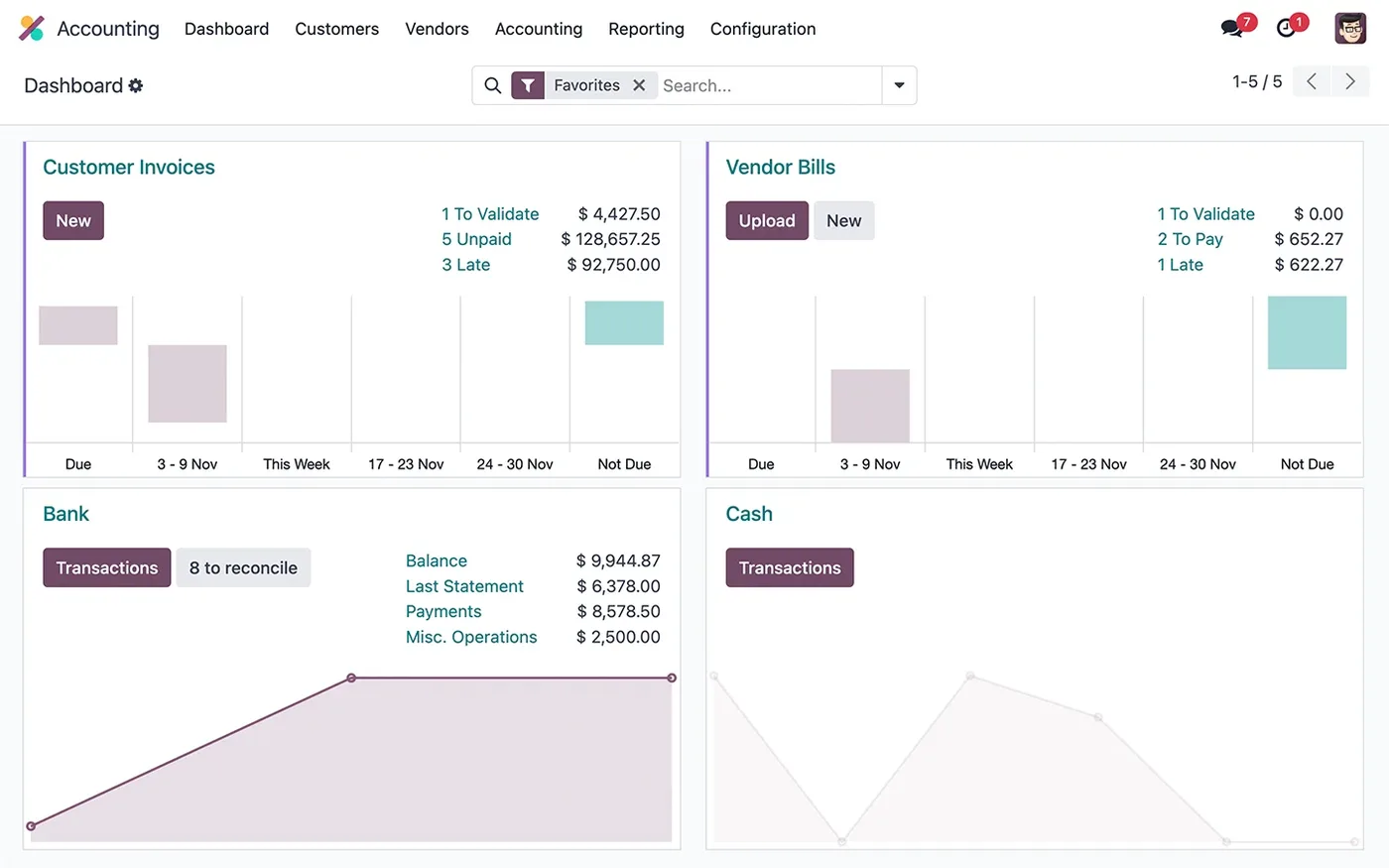
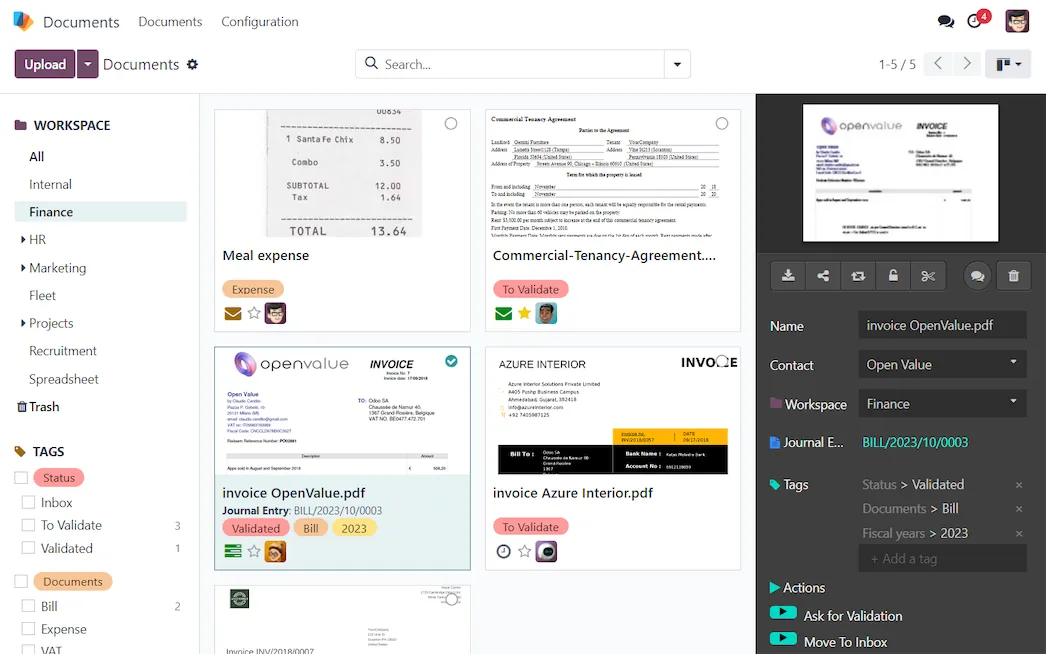
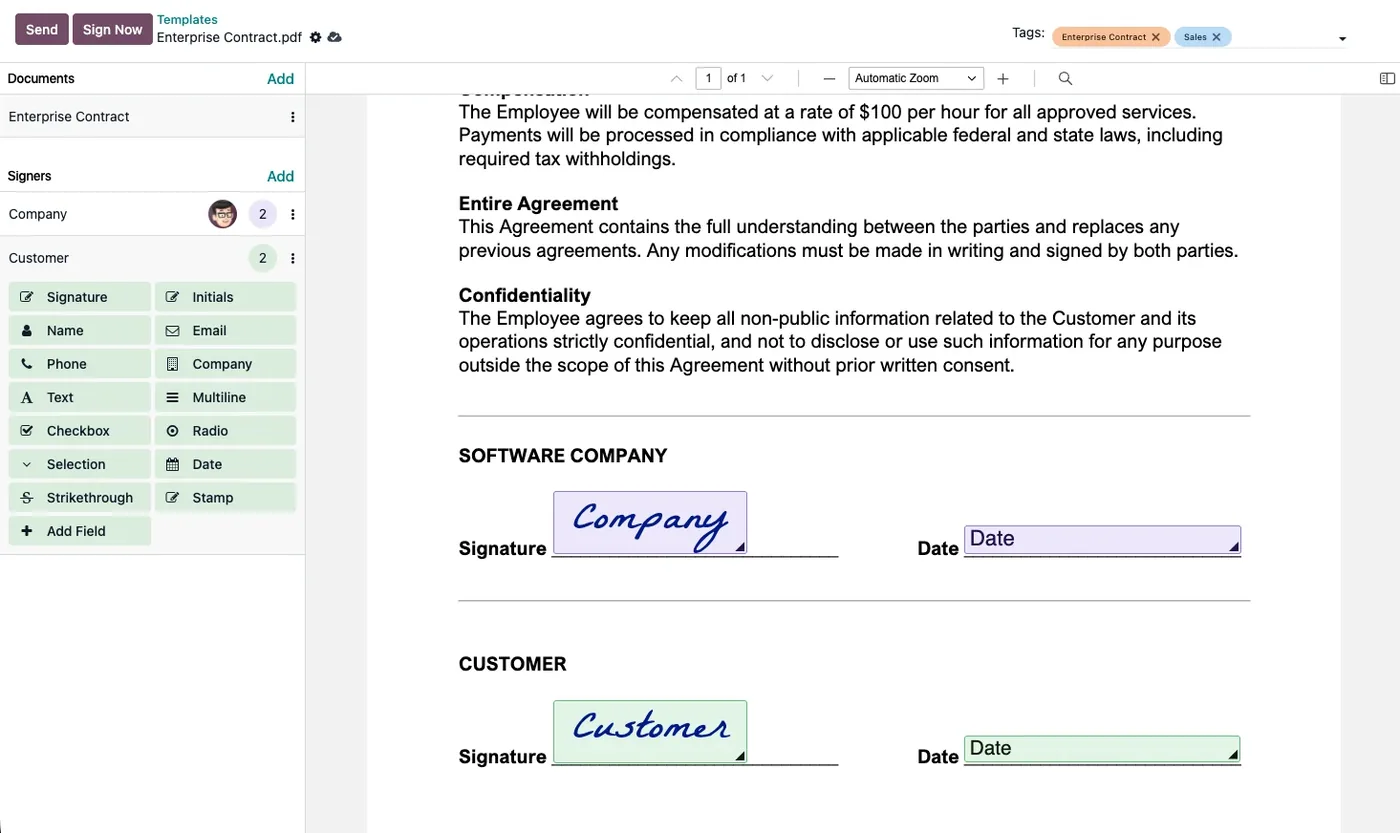
Real Odoo screens for the work described on this page. We configure them for Indian rules and your data.
The Odoo apps we implement
One database for finance, operations and people, in Odoo Community or Enterprise.


GST rules we build into Odoo
| Topic | The Indian rule | What we set up |
|---|---|---|
| Rate structure | From 22 September 2025 GST runs on main rates of 5% and 18%, with a 40% rate for specified goods and services. | Odoo 20 tax templates include all three rates for CGST, SGST and IGST. We map each product category and update older databases that still carry retired rates. |
| State-wise registration | GST registration is state by state, and each GSTIN is treated as a distinct person, so a transfer to your own branch in another state is a taxable supply. | Each GSTIN sits on its own company or branch in Odoo with its own sequences and journals, and inter-branch transfers raise a proper tax invoice. |
| Credit note cut-off | Credit notes for a financial year cannot be declared in GSTR-1 after 30 November of the following year. | Odoo's GSTR-1 checks flag late credit notes for that year. We set a review step so finance decides on them before the period is pushed. |
| Composition and QRMP | Composition taxpayers file CMP-08 and GSTR-4, and small taxpayers under QRMP file GSTR-1 quarterly with IFF in the first two months. | Odoo 20 release notes list composition support with CMP-08 and GSTR-4, and quarterly GSTR-1 with IFF. We set the GSTIN periodicity to match your registration. |
| SEZ and export supplies | Supplies to SEZ units and developers are zero-rated under section 16 of the IGST Act, made under LUT without tax or with IGST and a refund. | Separate SEZ and export taxes under LUT, a fiscal position per customer type and the LUT reference printed on the invoice. |
We configure the system and check it against your accountant’s figures; we are not tax advisers, and your accountant files the returns. Last reviewed 27 November 2026.
How a GST rollout in Odoo runs
Review your GST footprint
We list every GSTIN, the supply types you make, any SEZ or export customers and how returns are filed today. That tells us whether Community covers you or whether the Enterprise filing tools are worth the subscription.
Clean the masters
Products get HSN or SAC codes and the right tax, units get valid UQC mapping and customers and vendors get verified GSTINs. Odoo can check a GSTIN's status from the contact form, which catches cancelled registrations early.
Configure taxes and documents
We set fiscal positions, invoice layouts, credit note types and the GSP connection. Price adjustment credit notes are separated from returns so HSN quantities in GSTR-1 stay correct.
Parallel month
One month runs in Odoo while your current process continues. Your accountant compares Odoo's GSTR-1 and GSTR-3B figures with the old working papers line by line, and we fix every gap.
Go live and support
After the first live filing we stay on support around the clock. Rate notifications, new GSTINs and Odoo upgrades are handled as change requests, not surprises at month end.
More Odoo pages
New guides

Written and reviewed by Vikas Saroj, Co-Founder, COO & Growth at Shyphan AI Solutions, who owns Odoo and Zoho delivery across India and the wider region. Reviewed against current Indian rules on 27 November 2026. Meet the team · LinkedIn
Odoo GST Configuration in India: questions answered
Can Odoo Community handle GST?
Does Odoo file GSTR-3B for me?
What about the Invoice Management System?
We have GSTINs in three states. Is that a problem?
Is Shyphan an Official Odoo Partner?
What does Odoo cost for GST work?
Request your free quote
Tell us about your project and a senior Odoo consultant - not a bot - replies within 24 hours with scope, timeline and a fixed quote. The first 30-minute discovery call is free, with no obligation.
- Free 30-minute discovery call
- Fixed-quote SOW - no surprises
- English · Hindi delivery
- GST, e-invoicing & EPF/ESI ready