





















 Saudi Arabia
 UAE
 Qatar
 Bahrain
 Kuwait
 Oman
 Lebanon
 Egypt
 Jordan
 Iraq
 India
 UK
 Ireland
 Germany
 USA
 Australia
 Singapore
 South Africa
 France
 Hungary
 Georgia
 Turkey
 Canada
 LagosNigeria




Odoo E-Invoice and E-Way Bill in India
Every B2B invoice above the e-invoicing threshold needs an IRN before it means anything, and every truck carrying goods worth more than Rs 50,000 needs an e-way bill. Odoo talks to both NIC portals through a GST Suvidha Provider. We register the API users, connect Odoo, and test the edge cases that break e-invoices in the first week.
- API users on both NIC portals
- Invoice layout with IRN and QR
- Discount lines that the portal accepts
- Credit notes done the GST way
 Odoo Community & EnterpriseImplementation · migration · AMC
Get a free quote
Reply within 24 hours with scope and a fixed quote.
Odoo E-Invoice and E-Way Bill in India: the short answer
- Modules
- l10n_in_edi for e-invoices, l10n_in_ewaybill for e-way bills and l10n_in_ewaybill_stock for e-way bills from deliveries. All three are LGPLv3.
- GSP used
- Odoo connects through BVM IT Consulting Services India Private Limited. Tera Software is marked deprecated in Odoo's settings.
- Running cost
- Government API calls go through Odoo's In-App Purchase service and use prepaid credits bought from Odoo.
- Older versions
- In Odoo 17 and 18 the e-way bill module was l10n_in_edi_ewaybill. Versions 19 and 20 use l10n_in_ewaybill.
- Delivered by
- Shyphan AI Solutions, an Official Odoo Partner and Zoho Premium Partner, with 24/7 support. Call +91 95651 53545.
- Last reviewed
- 27 November 2026
How Odoo gets an IRN and an e-way bill number
When a confirmed invoice is sent with the E-Invoicing option, Odoo builds the signed JSON and uploads it to the NIC e-invoice portal through the GSP. The portal returns the IRN, acknowledgement number and date and a signed QR code. Odoo keeps the JSON in the invoice chatter and prints the IRN, acknowledgement and QR on the PDF, which is what makes it a valid tax invoice.
E-way bills follow a similar path through the NIC e-way bill portal. You can raise one from a confirmed customer invoice or vendor bill, and with l10n_in_ewaybill_stock installed you can raise one from a delivery order or receipt in Inventory when no invoice exists yet. When both the e-invoice and e-way bill modules are installed, l10n_in_ewaybill_irn installs itself so the e-way bill can be generated against the IRN.
The modules are in the open-source odoo/odoo repository, so they work on Community and Enterprise. The difference sits elsewhere: the GST return filing tools are Enterprise only, and every portal call consumes IAP credits whichever edition you run.
From first record to the finished report
One system, so each step feeds the next without re-keying.
What we configure for e-invoices and e-way bills
API users on both NIC portals
We walk your GST admin through creating API users on the e-invoice portal and the e-way bill portal with BVM as the GSP. One API user is needed per GSTIN, and we keep a register of who holds each login.
Invoice layout with IRN and QR
Your invoice template is redesigned so the IRN, acknowledgement details and signed QR code sit where customers and auditors expect them. We test print, email and portal copies before go-live.
Discount lines that the portal accepts
The IRP rejects negative lines. Odoo converts a discount line into a discount on the matching product line by HSN code and rate, and we test this against your real price lists and schemes.
Credit notes done the GST way
Returns use the Standard adjustment type, post-sale discounts use Price Adjustment. Odoo then reports quantity and unit price as zero on the price-only note, keeping the GSTR-1 HSN summary honest.
E-way bills from the warehouse
Dispatch staff create e-way bills from validated deliveries or from receipts that are ready, adding vehicle and transporter details. Where an e-way bill is not required, the same screen prints a delivery challan.
Supplier e-invoices into draft bills
The Fetch Vendor E-Invoiced Document setting pulls e-invoices your suppliers reported on the GST portal and creates draft vendor bills, so accounts payable checks rather than retypes.
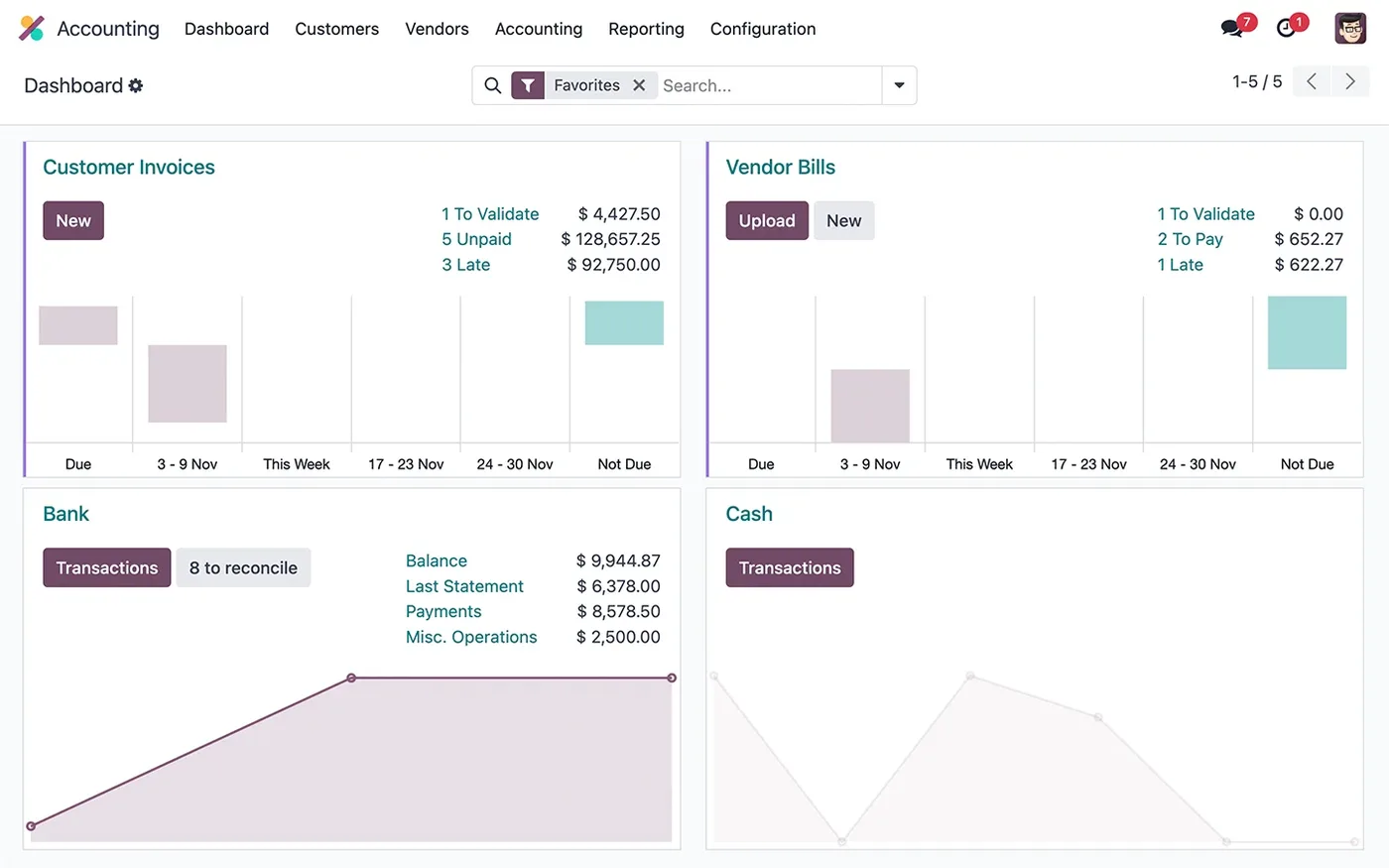
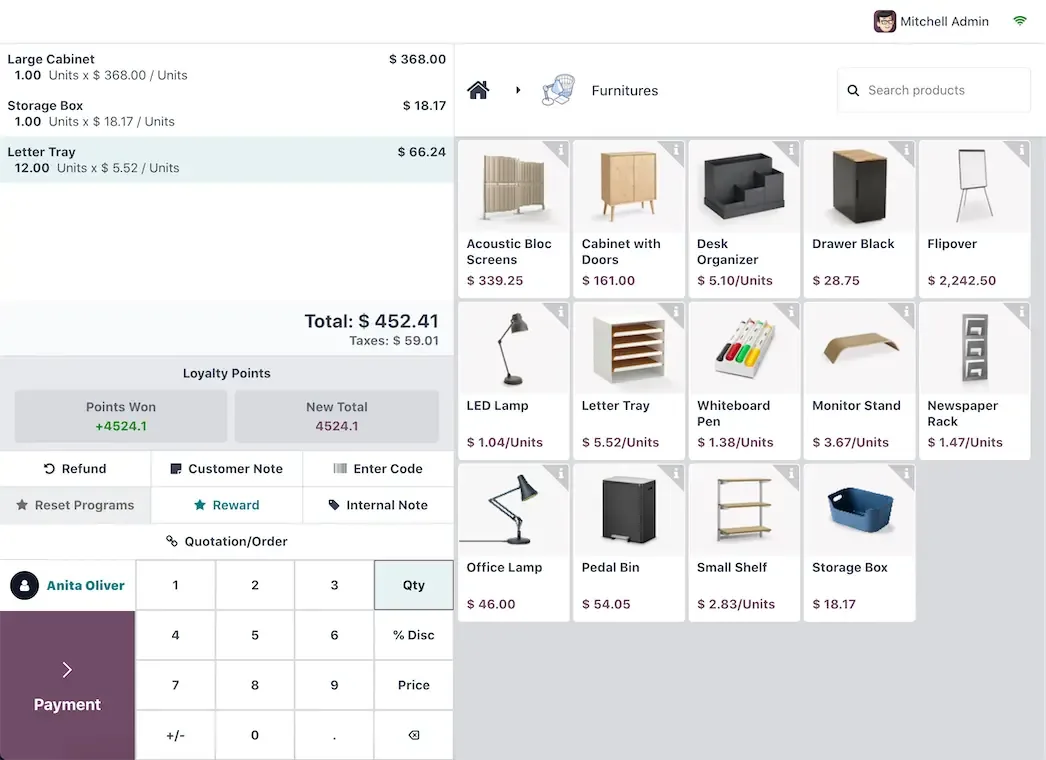
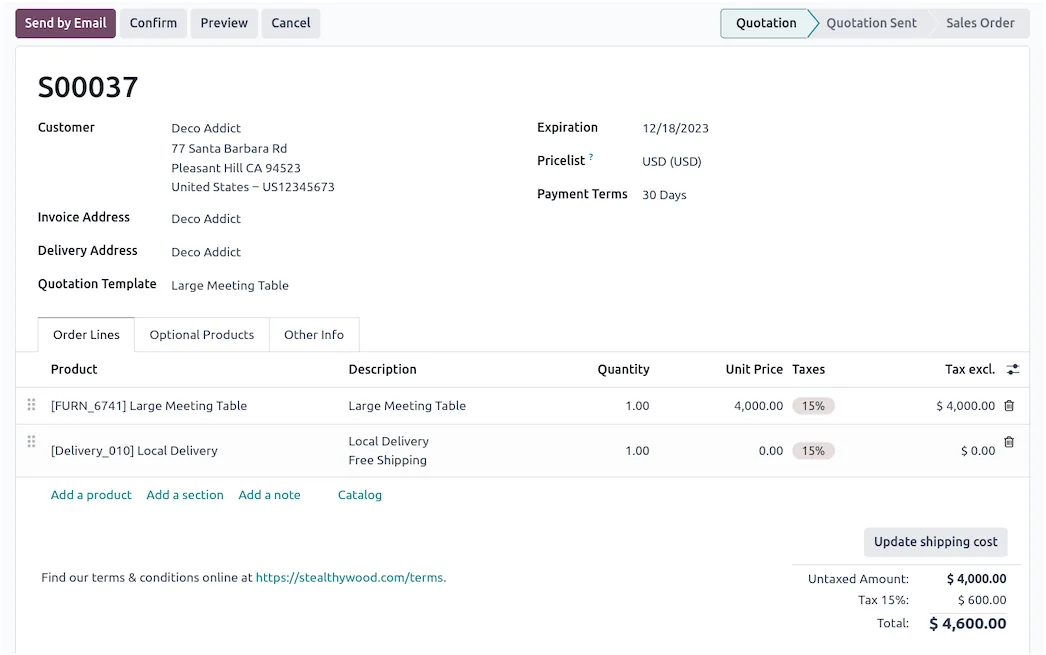
See it in Odoo
Real Odoo screens for the work described on this page. We configure them for Indian rules and your data.
The Odoo apps we implement
One database for finance, operations and people, in Odoo Community or Enterprise.


Thresholds and time limits we design around
| Topic | The Indian rule | What we set up |
|---|---|---|
| Who must e-invoice | B2B e-invoicing applies where aggregate turnover exceeded Rs 5 crore in any financial year from 2017-18, from 1 August 2023. Turnover is counted across all GSTINs on the same PAN. | We confirm your status from turnover history and enable e-invoicing on every GSTIN under the PAN, not only the largest branch. |
| 30-day reporting window | From 1 April 2025, businesses with AATO of Rs 10 crore or more must report invoices, credit notes and debit notes to the IRP within 30 days of the document date. | Odoo 20 shows invoices still pending e-invoicing on the Accounting dashboard. We add a daily review so nothing ages past the window. |
| Cancelling an IRN | An IRN can be cancelled on the IRP only within 24 hours of generation. After that, corrections go through a credit or debit note. | Request Cancel in Odoo asks for a reason and remarks and sends the cancellation. We restrict who can cancel and train staff to raise notes after the window. |
| E-way bill trigger | Rule 138 of the CGST Rules requires an e-way bill for movement of goods with consignment value above Rs 50,000, including movement that is not a sale, such as branch transfers or job work. | E-way bills from invoices, vendor bills, deliveries and receipts, so stock transfers and job work dispatches are covered as well as sales. |
| E-way bill validity | For normal cargo an e-way bill is valid for one day up to 200 km and one more day for each further 200 km. | Distance is captured on the e-way bill and the validity date prints on the invoice PDF, so drivers and the transport desk can see the deadline. |
We configure the system and check it against your accountant’s figures; we are not tax advisers, and your accountant files the returns. Last reviewed 27 November 2026.
From portal registration to the first live IRN
Check applicability and versions
We confirm which GSTINs must e-invoice and which Odoo version you run. A database on Odoo 17 or 18 uses l10n_in_edi_ewaybill and an older GSP setting, so the plan differs from a fresh Odoo 20 install.
Register API users
Your GST admin creates the API users on the NIC e-invoice and e-way bill portals with OTP verification. We enter them in Odoo's Indian Integration settings, first in the test environment.
Test real documents
We push sample invoices with discounts, exports, SEZ supplies, credit notes and multi-rate lines to the sandbox. Each failure is traced to master data or configuration and fixed.
Switch to production
The Production Environment box is ticked, IAP credits are loaded and the first live invoices are sent while we watch. Signed JSON files are verified on the NIC portal to prove the chain works.
Hand over and support
Billing and dispatch staff get short role-based training, and we monitor rejections for the first weeks. After that our support desk handles portal changes and credit top-ups at any hour.
More Odoo pages
New guides
- Odoo GST Configuration in India
- Odoo E-Invoice and E-Way Bill in India
- Odoo Implementation Partner in Kochi
- Odoo Partner in Jaipur
- Odoo Partner in Indore
- Odoo Partner in Coimbatore

Written and reviewed by Vikas Saroj, Co-Founder, COO & Growth at Shyphan AI Solutions, who owns Odoo and Zoho delivery across India and the wider region. Reviewed against current Indian rules on 27 November 2026. Meet the team · LinkedIn
Odoo E-Invoice and E-Way Bill in India: questions answered
Do I need Odoo Enterprise for e-invoicing?
Our Odoo still points to Tera Software. What now?
Can we raise an e-way bill without an invoice?
What happens if the IRP is down?
Is Shyphan an Official Odoo Partner?
Can Odoo verify that our e-invoice is genuine?
Request your free quote
Tell us about your project and a senior Odoo consultant - not a bot - replies within 24 hours with scope, timeline and a fixed quote. The first 30-minute discovery call is free, with no obligation.
- Free 30-minute discovery call
- Fixed-quote SOW - no surprises
- English · Hindi delivery
- GST, e-invoicing & EPF/ESI ready