





















 Lebanon
 UK
 Ireland
 Germany
 USA
 Australia
 Singapore
 South Africa
 France
 Hungary
 Georgia
 Turkey
 Canada
 LagosNigeria




Home / Industries / Fleet Management
Truck Fleet · Fleet ManagementTruck Fleet Management Software for Saudi Fleets
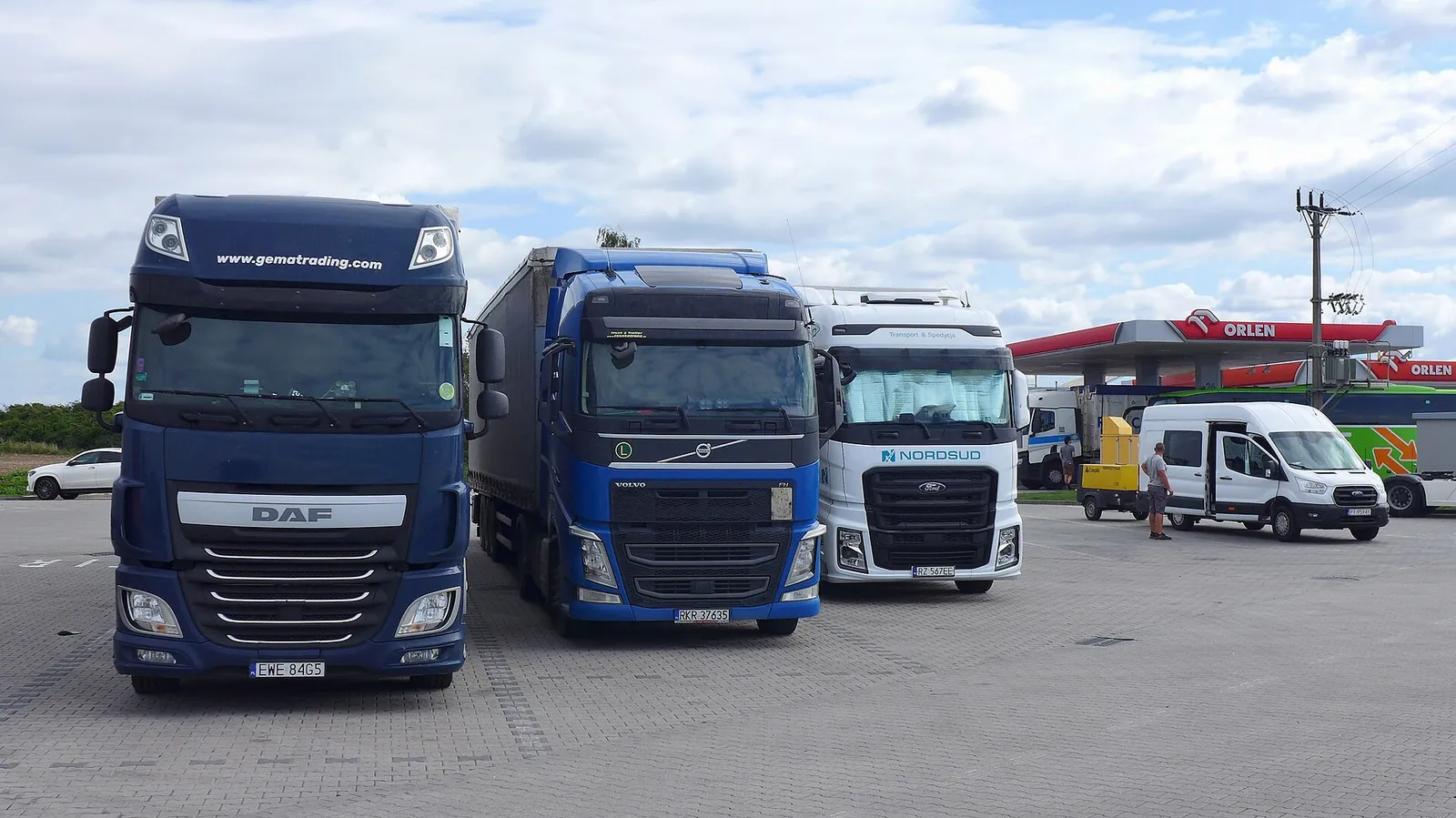
Running a truck fleet means knowing where every vehicle is, who is driving it, whether its papers are valid and how hard it is working. This platform keeps truck and driver records, live status and compliance alerts together, so fleet managers spend less time on the phone and more time keeping trucks earning.
Prefer to talk? Call +91 95651 53545Book a demo
Tell us about your business. A Shyphan consultant will walk you through the Fleet Management on your own process.
What truck fleet businesses struggle with
The truck fleet workflow in the Fleet Management
- Register trucks and driversAdd each truck with registration, type, capacity, GPS device and depot, and each driver with licence details.
- Assign and monitorLink drivers to trucks and watch status on the live map: moving, idle, parked, offline or under maintenance.
- Dispatch workSend orders to available trucks and drivers through dispatch and the driver app.
- Watch complianceGet alerts for expiring licences, inspections and documents, and for trucks that go offline.
- Review utilisationUse fleet utilisation, truck activity and driver performance reports to rebalance work.
Modules truck fleet teams use
6 modules in the live demo. The main ones are below with what each covers.
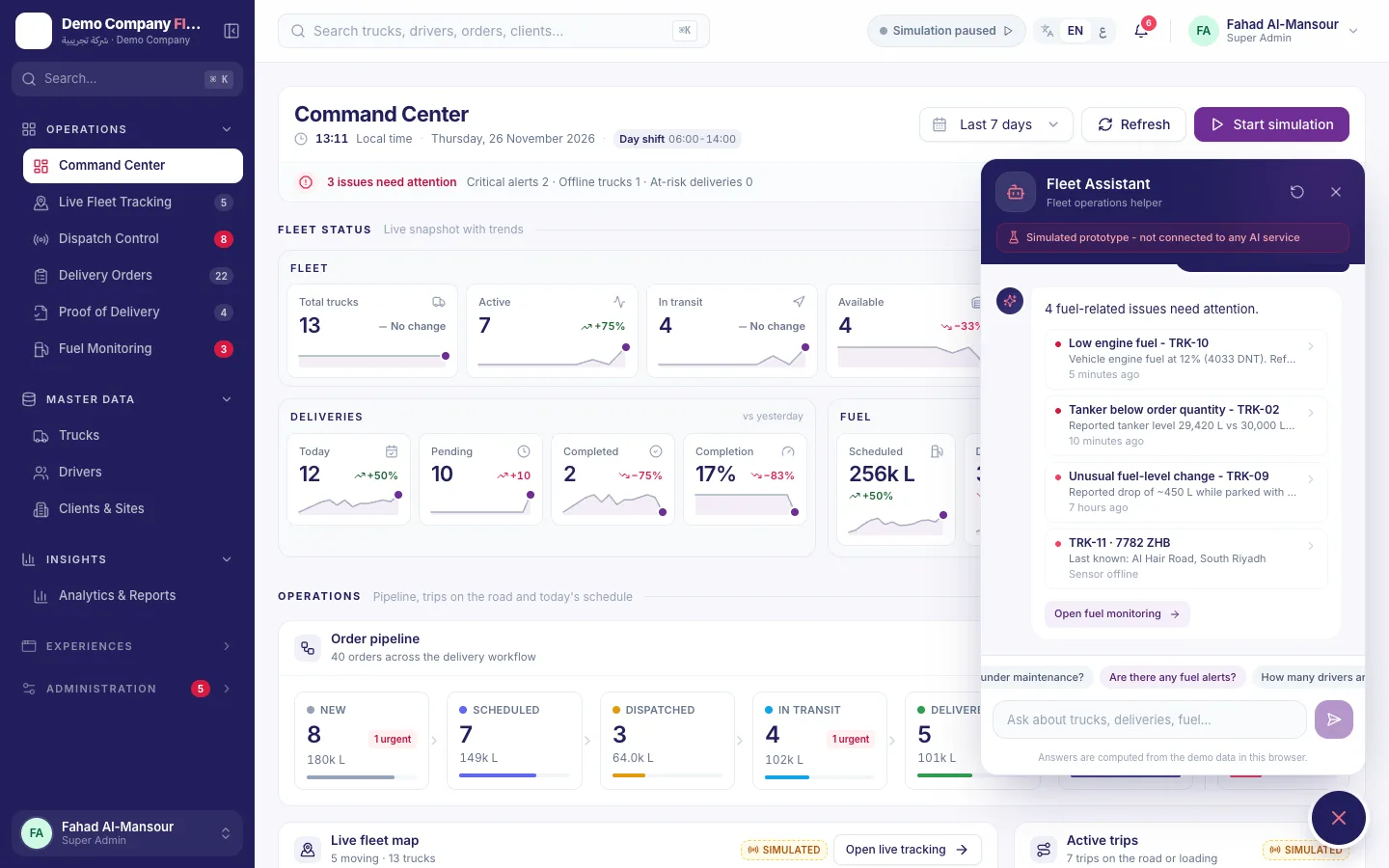
Command Center
- Fleet status: total, active, in transit, available, maintenance and offline trucks
- Deliveries today, pending and completed, with litres scheduled and delivered
- Order pipeline from new to closed
- Live fleet map and active trips with progress and ETA
- Performance: on-time rate, litres delivered, utilisation and driver leaderboard
Live Fleet Tracking
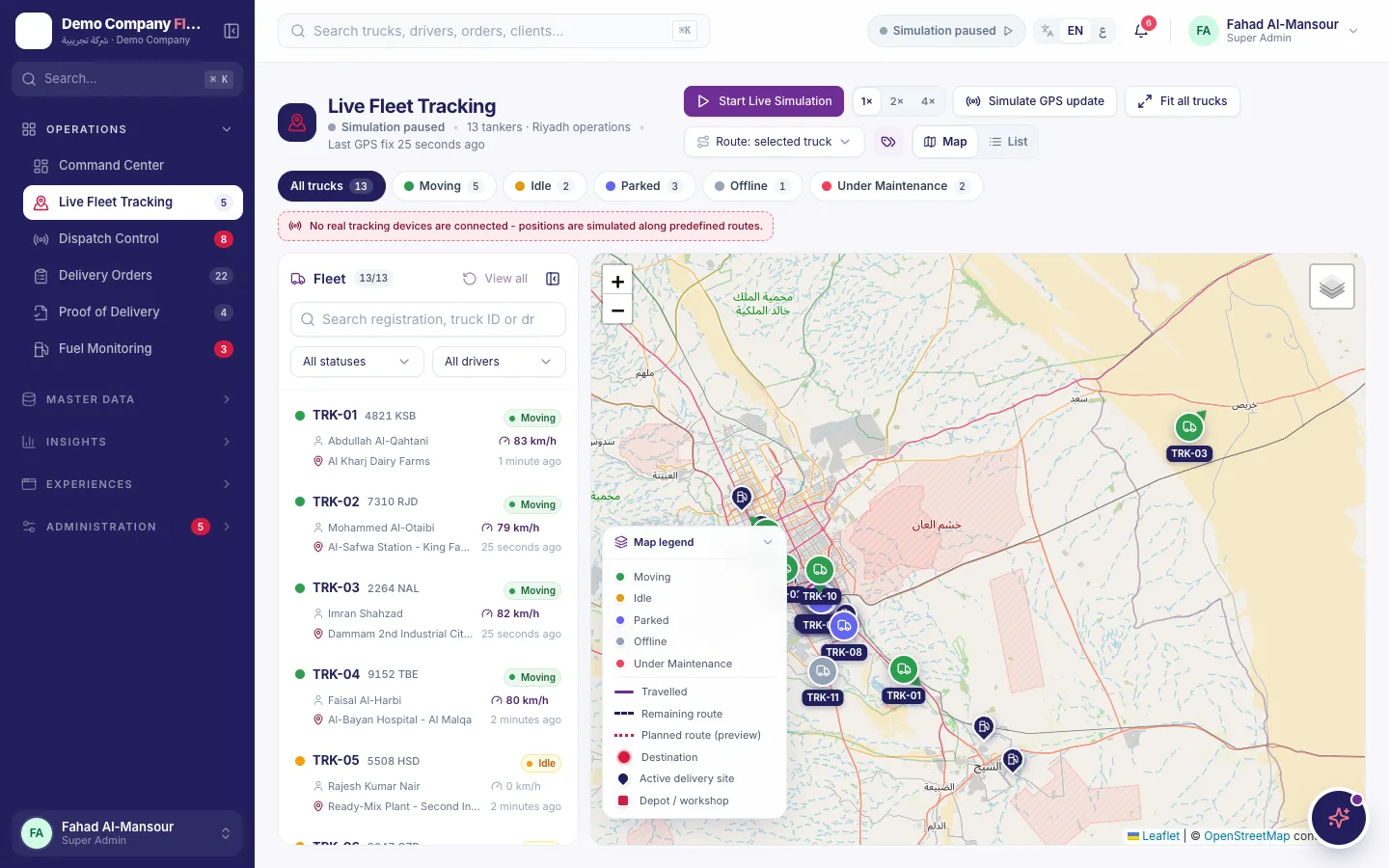
- Map and list of every truck
- Filters for moving, idle, parked, offline and under maintenance
- Speed, destination and last GPS fix
- Travelled, remaining and planned route for the selected truck
- Depots, workshops and active delivery sites on the map
Trucks
- Fleet register with registration in English and Arabic
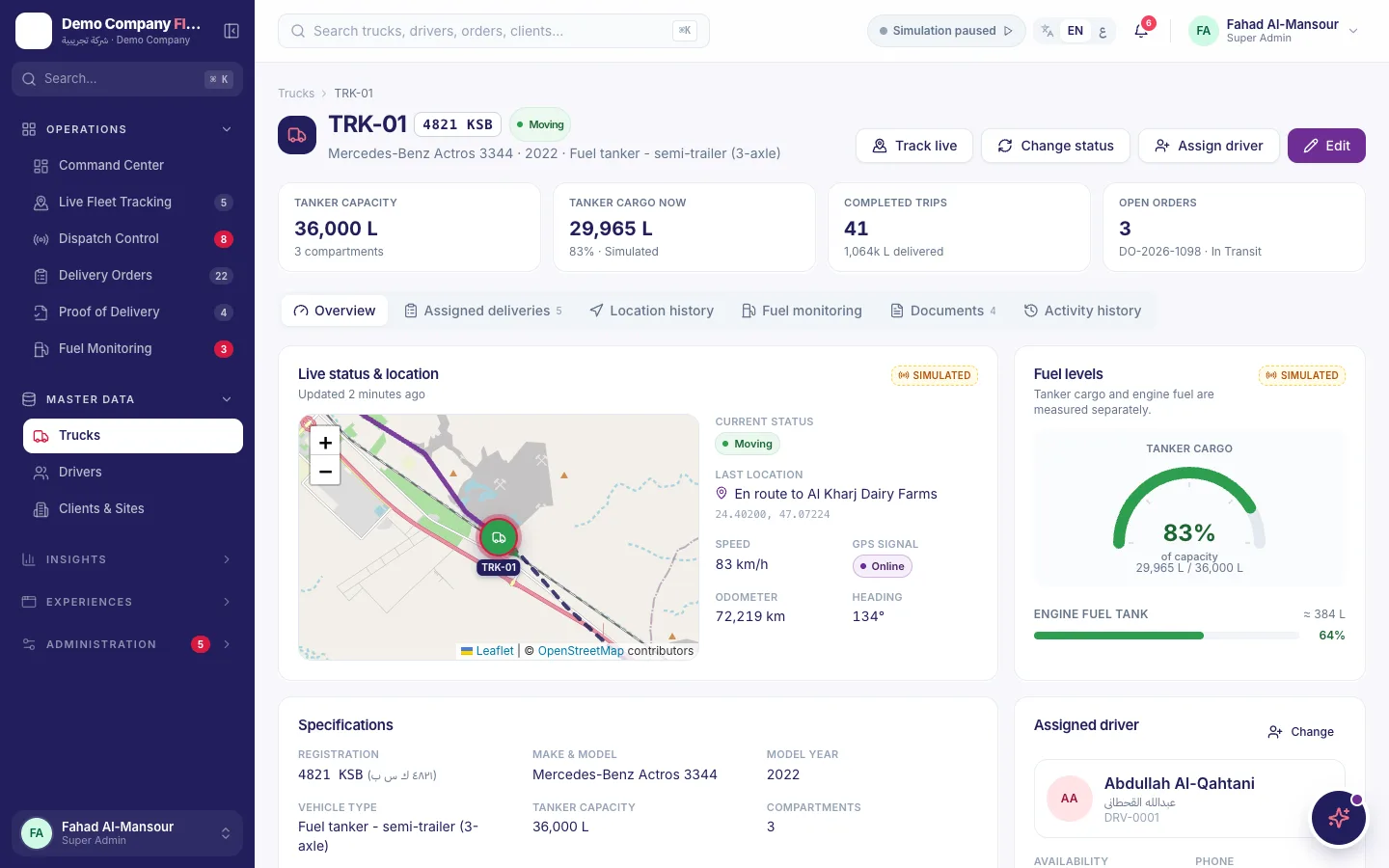
- Make, model, year, vehicle type, capacity and compartments
- Assigned driver, GPS device ID and fuel sensor ID
- Truck profile with deliveries, location history, fuel, documents and activity history
- Odometer, base depot and next service date
Drivers
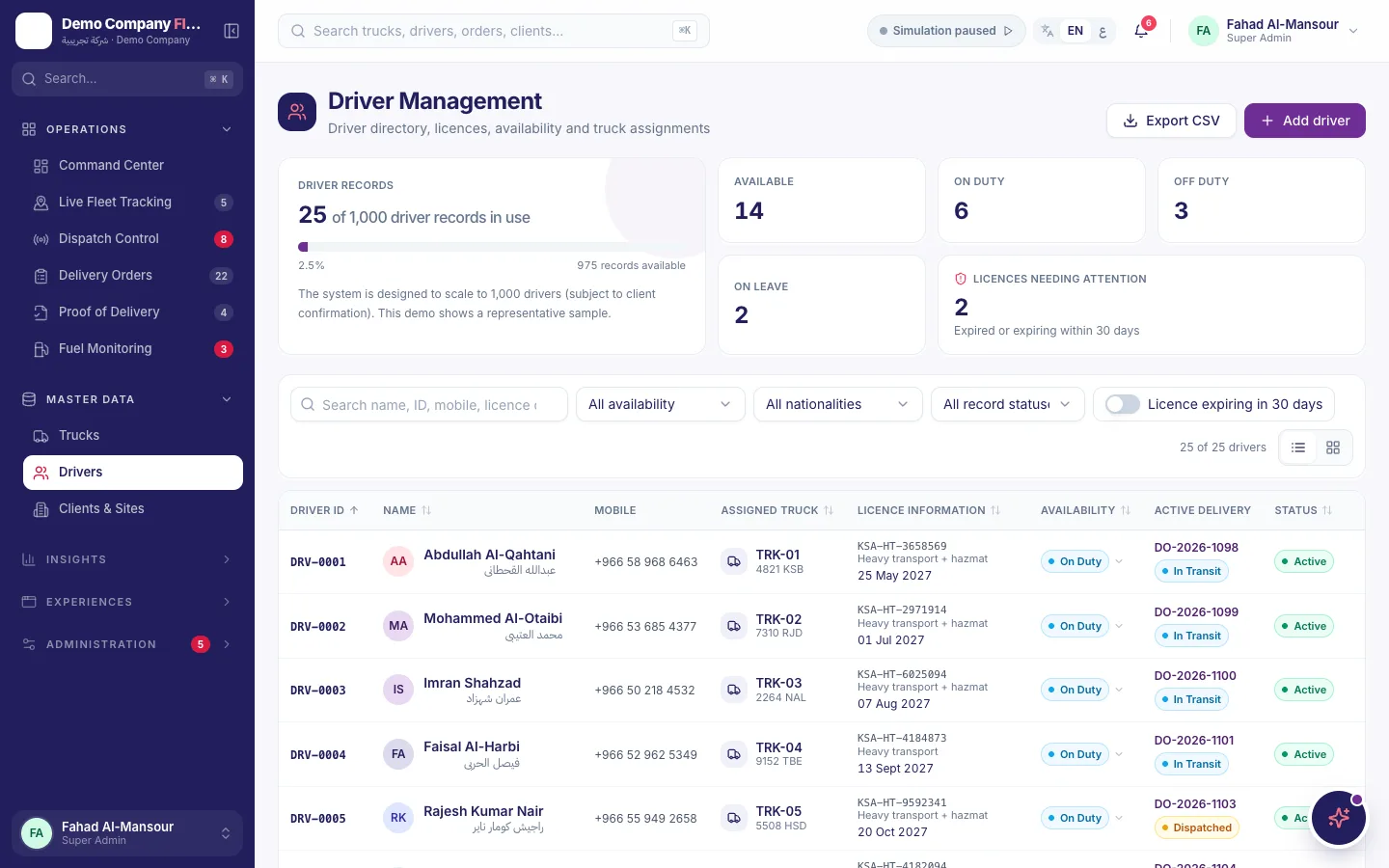
- Driver directory with names in English and Arabic
- Licence number, class and expiry, including hazmat
- Availability: available, on duty, off duty and on leave
- Licences needing attention within 30 days
- Driver profile with trips, on-time rate, litres delivered and rating
Analytics and Reports
- Delivery performance, fleet utilisation and fuel delivery volume
- Driver performance, truck activity, order status and client delivery summary
- Filters by date range, truck, driver, client and status
- CSV export and print
Settings and Administration
- User management with invite, role and status
- Roles and permissions matrix for five roles
- Company profile in English and Arabic for POD documents and reports
- Fuel, GPS offline and depot thresholds
- Delivery workflow rules: signature, photo, partial delivery, approvals, variance tolerance and auto-close
Truck Fleet screens
Real screens from the live demo that matter most for this industry.
Assistant and automation in the Fleet Management for truck fleet
The built-in assistant and the rules that do the routine checking for your team.
Where it helps truck fleet teams
Set up for your country, connected to your systems
What the product handles out of the box, and what Shyphan does to put it live in your business.
Built into the product
Delivered and supported in
 Saudi Arabia
 UAE
 India
 Bahrain
 Qatar
 Kuwait
 Oman
 Iraq
 Egypt
 Jordan
Plus the UK, Europe, the USA and other markets, from Shyphan offices in India, the UAE, Saudi Arabia and four more countries.
How Shyphan puts it live
More industries the Fleet Management serves
Pages written for how each industry actually works with the product.
Try the Fleet Management yourself
No sign-up. The demo opens in your browser with sample data.
- Open the live demo in a new tab.
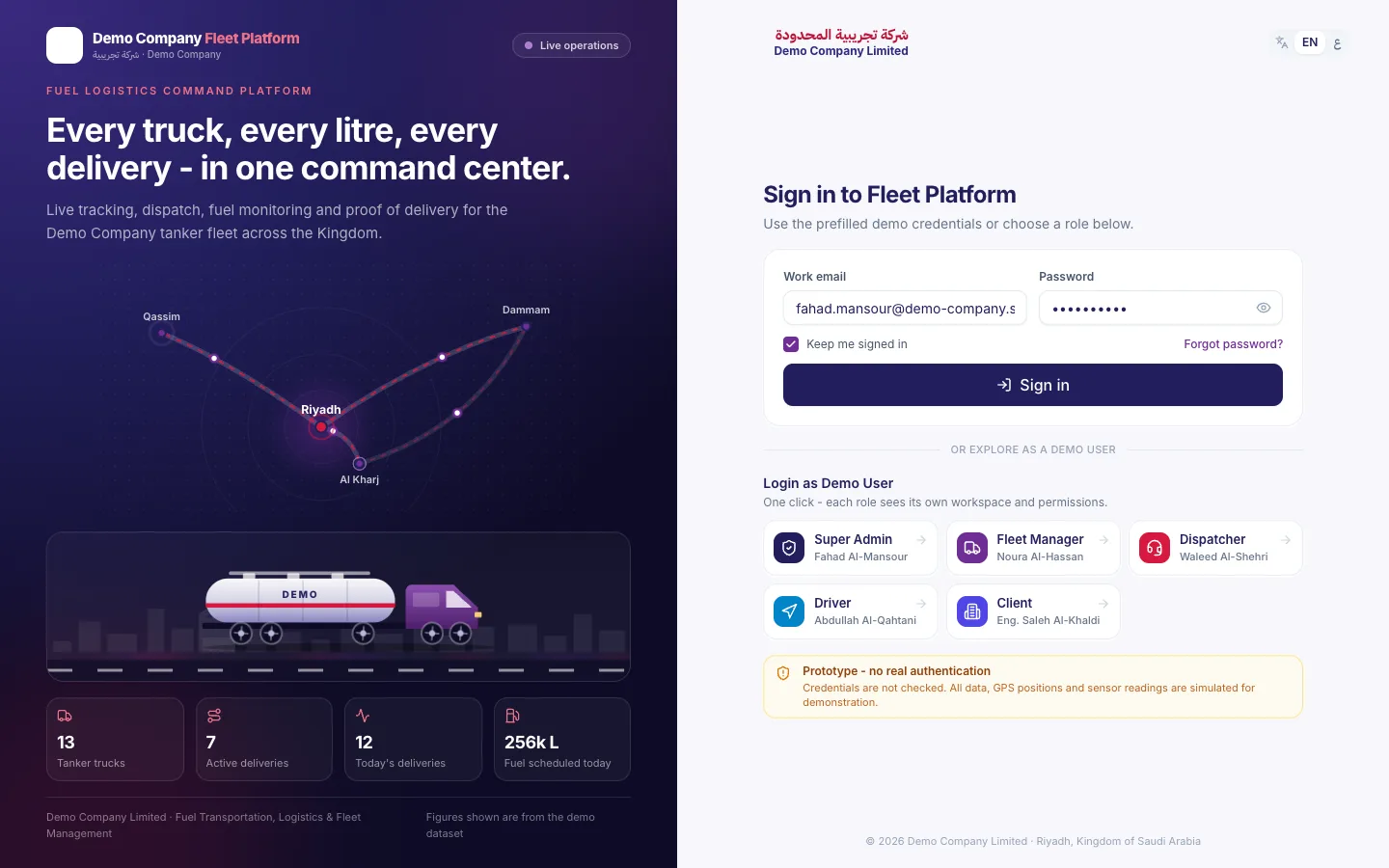
- Open the demo and click a role under Login as Demo User (Super Admin, Fleet Manager, Dispatcher, Driver or Client)
- Explore the screens freely. It is a demo company with sample data.
- Book a guided demo and we will set it up around your own process.
Fleet Management for truck fleet: questions
Which vehicle details are stored?
Does it include maintenance management?
Which GPS devices does it work with?
Can managers see driver performance?
Can it work for other commercial vehicles?
Related products and solutions
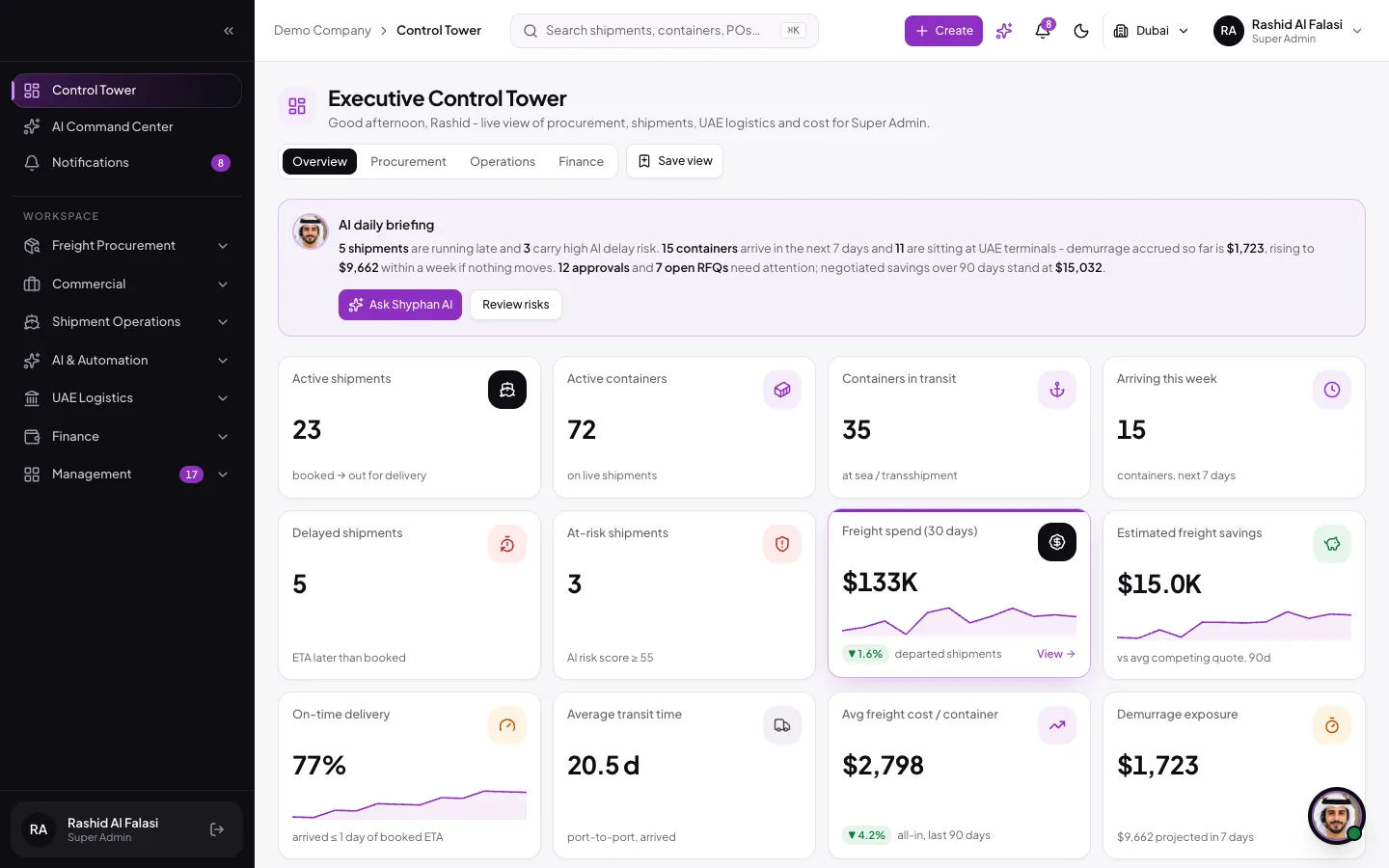
AI-Powered Freight Forwarding ERP
One platform to source freight, compare quotes, book carriers, track every container, clear UAE customs and control demurrage and landed cost,...
View product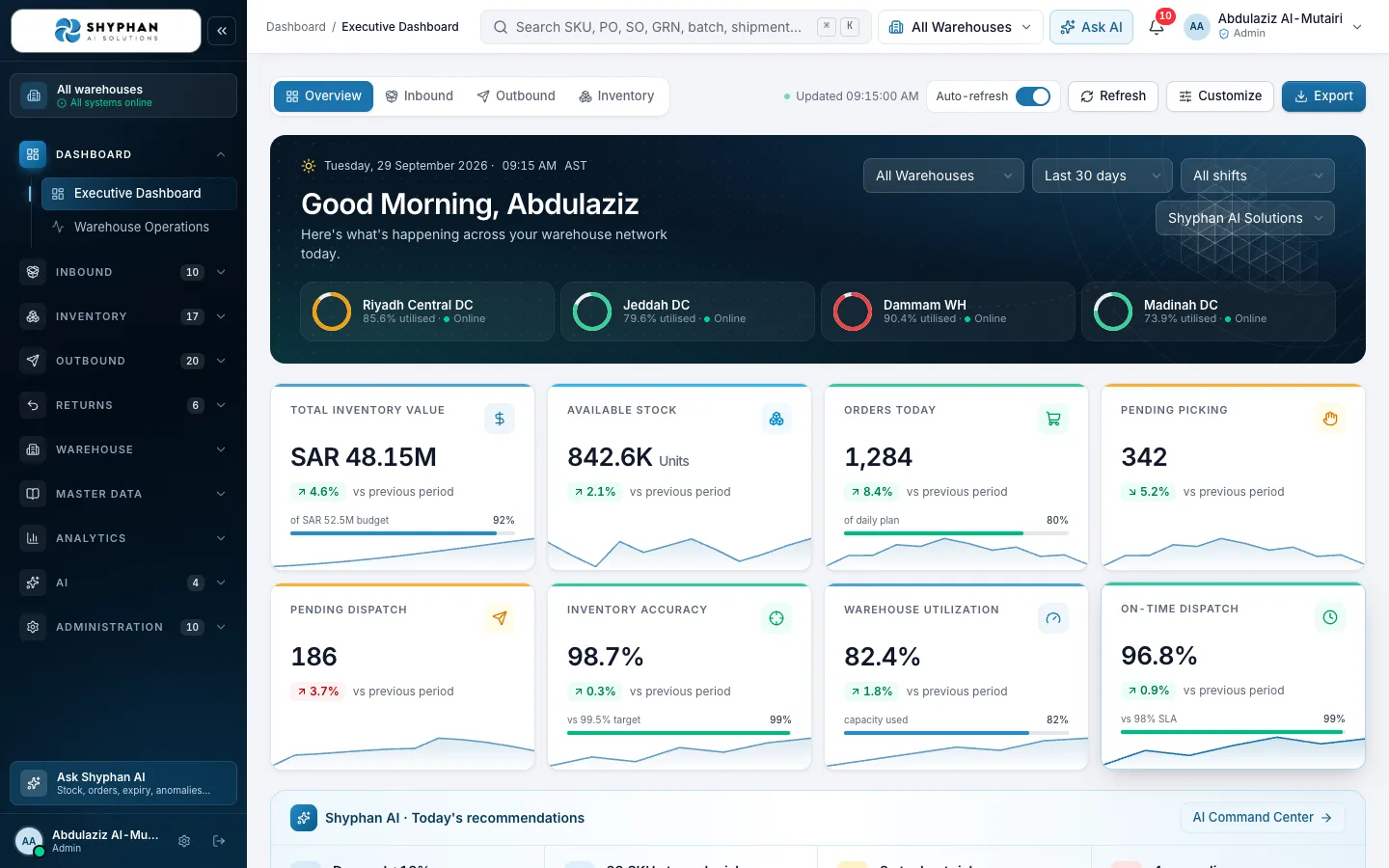
Warehouse Management System (WMS)
Run receiving, put-away, bin-level stock, picking, packing and dispatch across every warehouse from one system, with AI that forecasts demand,...
View product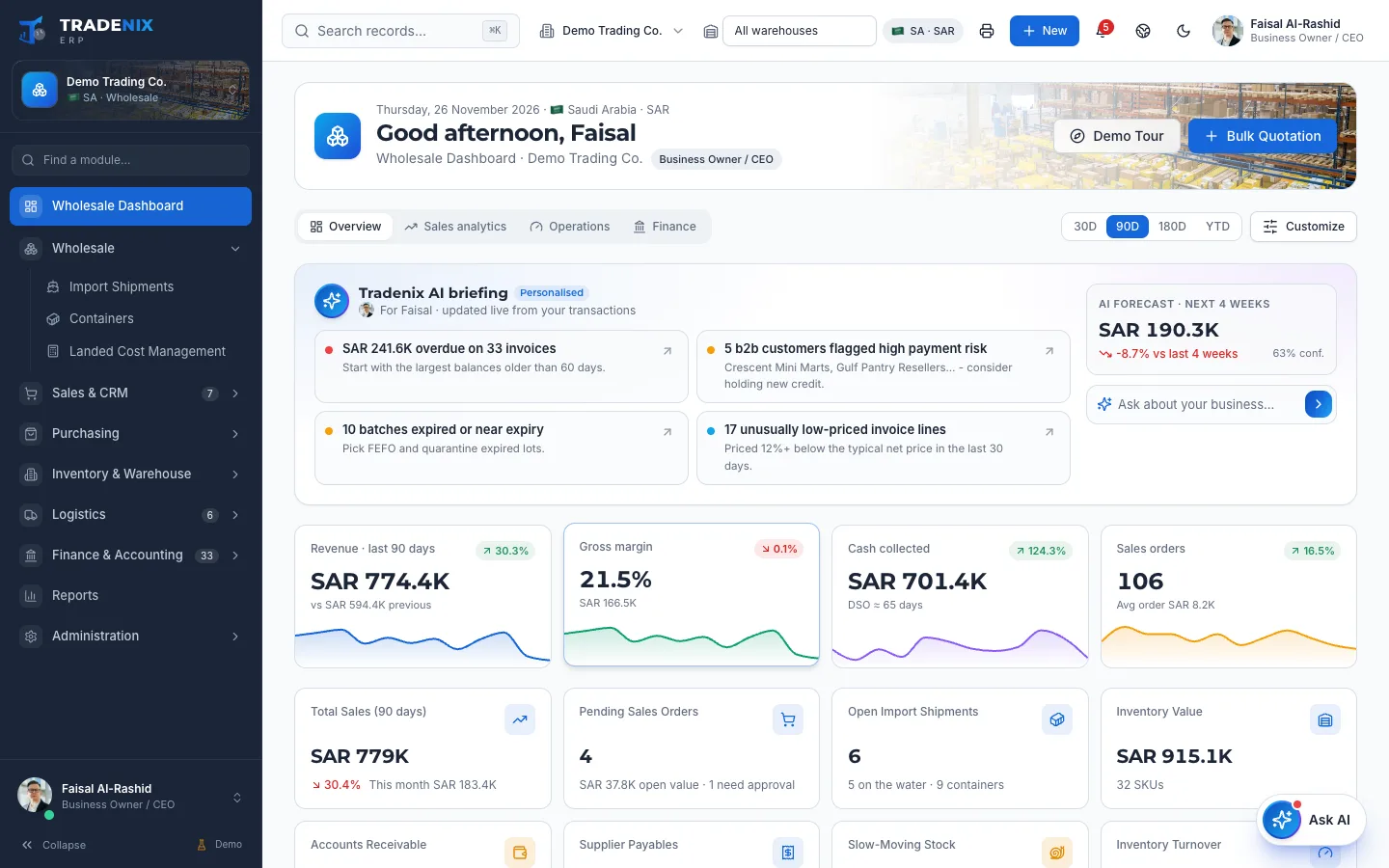
Trading & Distribution ERP
One ERP for trading companies in Saudi Arabia, the UAE and the wider region. Run quotes, orders, imports, landed cost, warehouses, deliveries,...
View product
See it on your truck fleet process
A guided demo on your own workflow, then a written scope and a fixed quote.
