





















 Lebanon
 UK
 Ireland
 Germany
 USA
 Australia
 Singapore
 South Africa
 France
 Hungary
 Georgia
 Turkey
 Canada
 LagosNigeria




Home / Industries / Fleet Management
Delivery Fleet · Fleet ManagementDelivery Fleet Management Software with Proof of Delivery
Scheduled delivery fleets live and die by the time window and the signature at the end. This platform takes each order from request to closed, gives drivers a clear app for the day, captures proof of delivery on site and lets clients follow their delivery live instead of calling your office.
Prefer to talk? Call +91 95651 53545Book a demo
Tell us about your business. A Shyphan consultant will walk you through the Fleet Management on your own process.
What delivery fleet businesses struggle with
The delivery fleet workflow in the Fleet Management
- Capture the orderRecord the client, site, quantity, time window and priority, or receive it from the client portal.
- Assign the tripPick a truck and driver from the dispatch board and send the trip to the driver app.
- Drive and updateThe driver follows the route, marks arrival at the site and can call the site contact.
- Capture PODRecord the delivered quantity with signature and photo on site.
- Close and shareThe order closes and the POD appears in the client portal for download.
Modules delivery fleet teams use
5 modules in the live demo. The main ones are below with what each covers.
Dispatch Control
- Order queue sorted by priority and date
- Board and Kanban views
- Truck matching by capacity with fit and load percentage
- Available trucks and drivers at a glance
- Assignment checks before dispatch
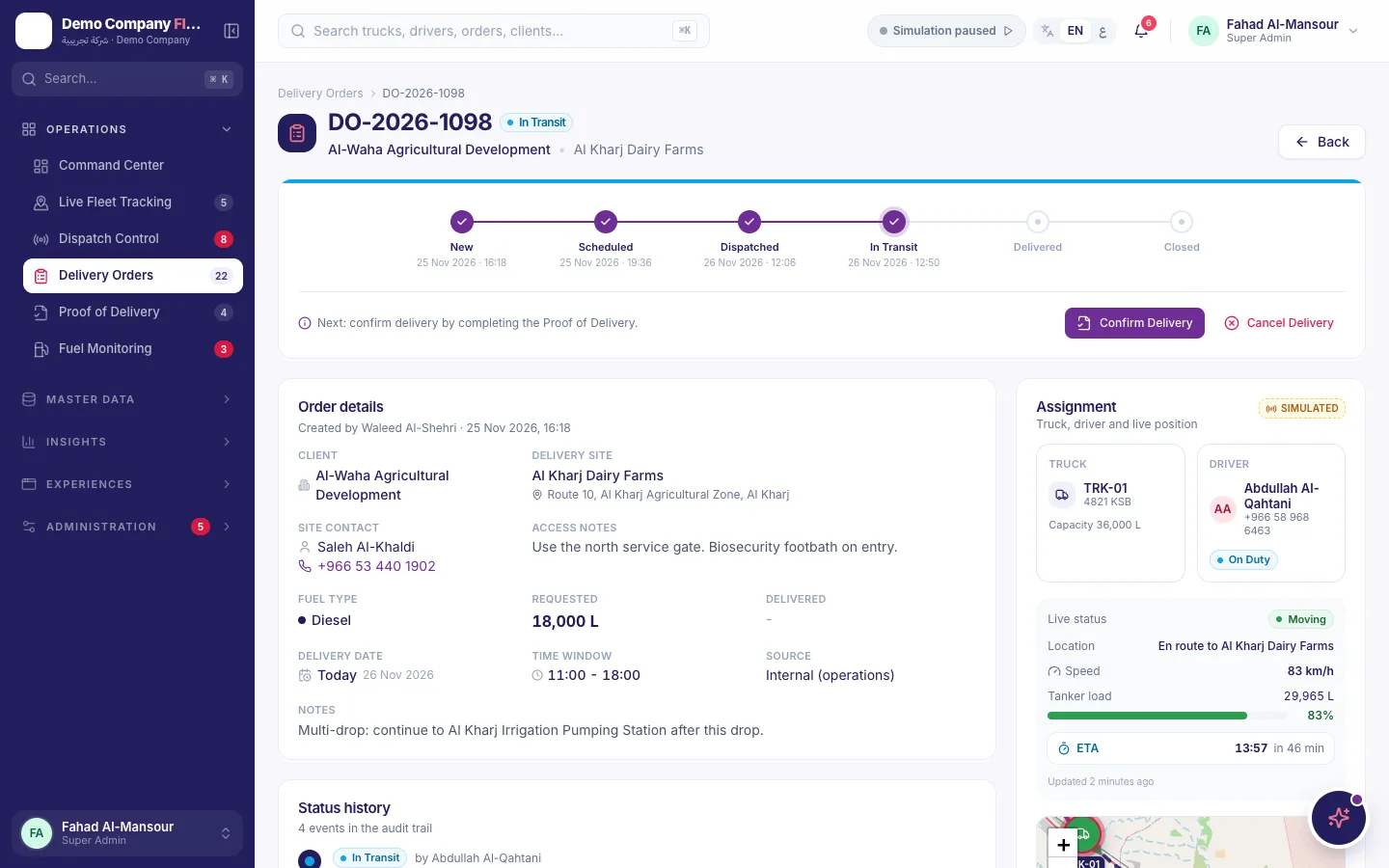
Delivery Orders
- Every order from request to verified close-out
- Six-step lifecycle: new, scheduled, dispatched, in transit, delivered, closed
- Client, site, product, quantity, time window and priority
- Site contact and access notes
- Status history and live assignment panel with ETA
Proof of Delivery
- Orders awaiting POD and full POD history
- Receiver signature and delivery photo
- Delivered quantity against requested quantity
- Variance flags outside the set tolerance
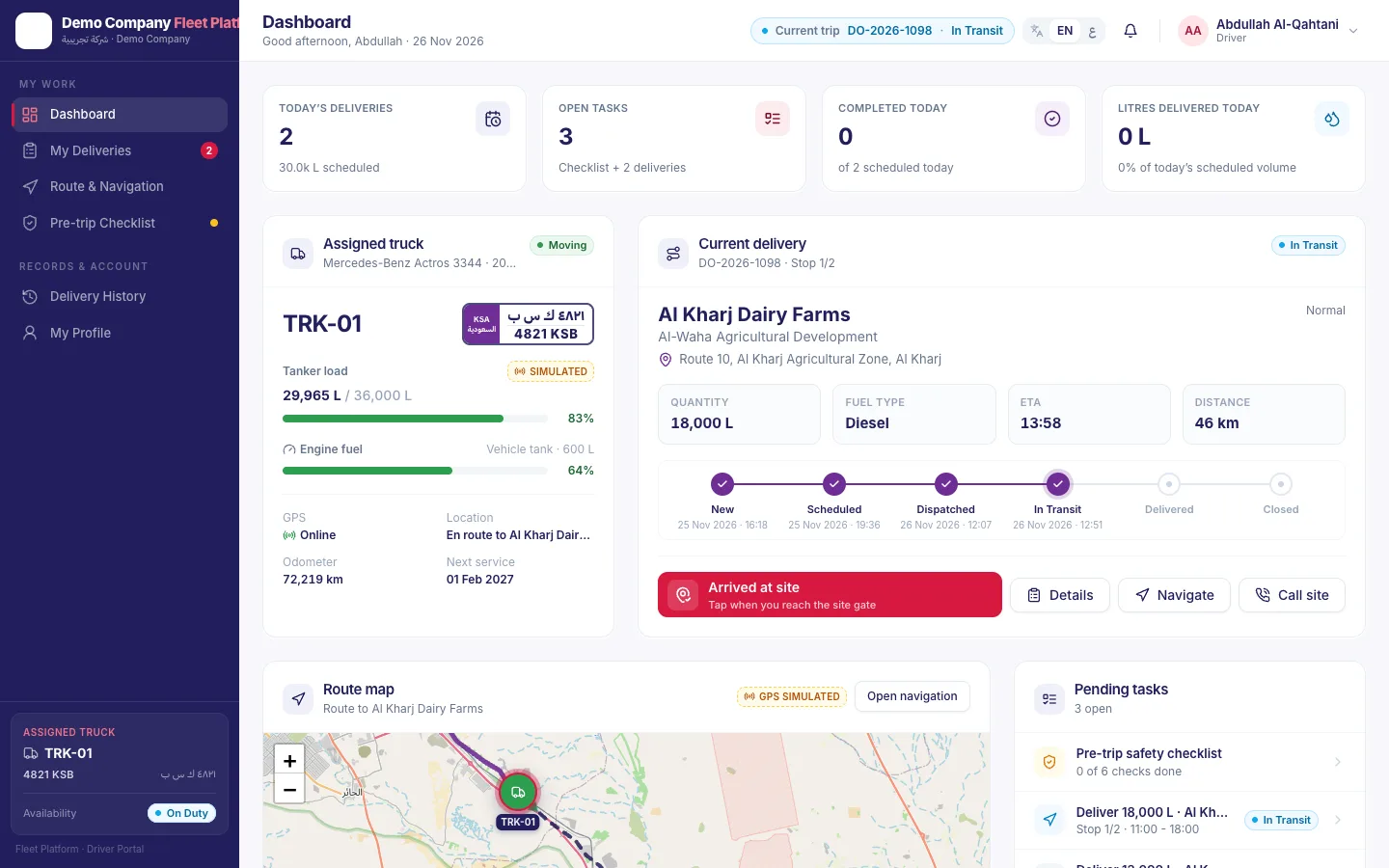
Driver App
- Today's deliveries and open tasks
- Assigned truck with tanker load and engine fuel
- Current delivery with stop number, quantity, ETA and distance
- Arrived at site, navigate and call site buttons
- Route map, pre-trip safety checklist and delivery history
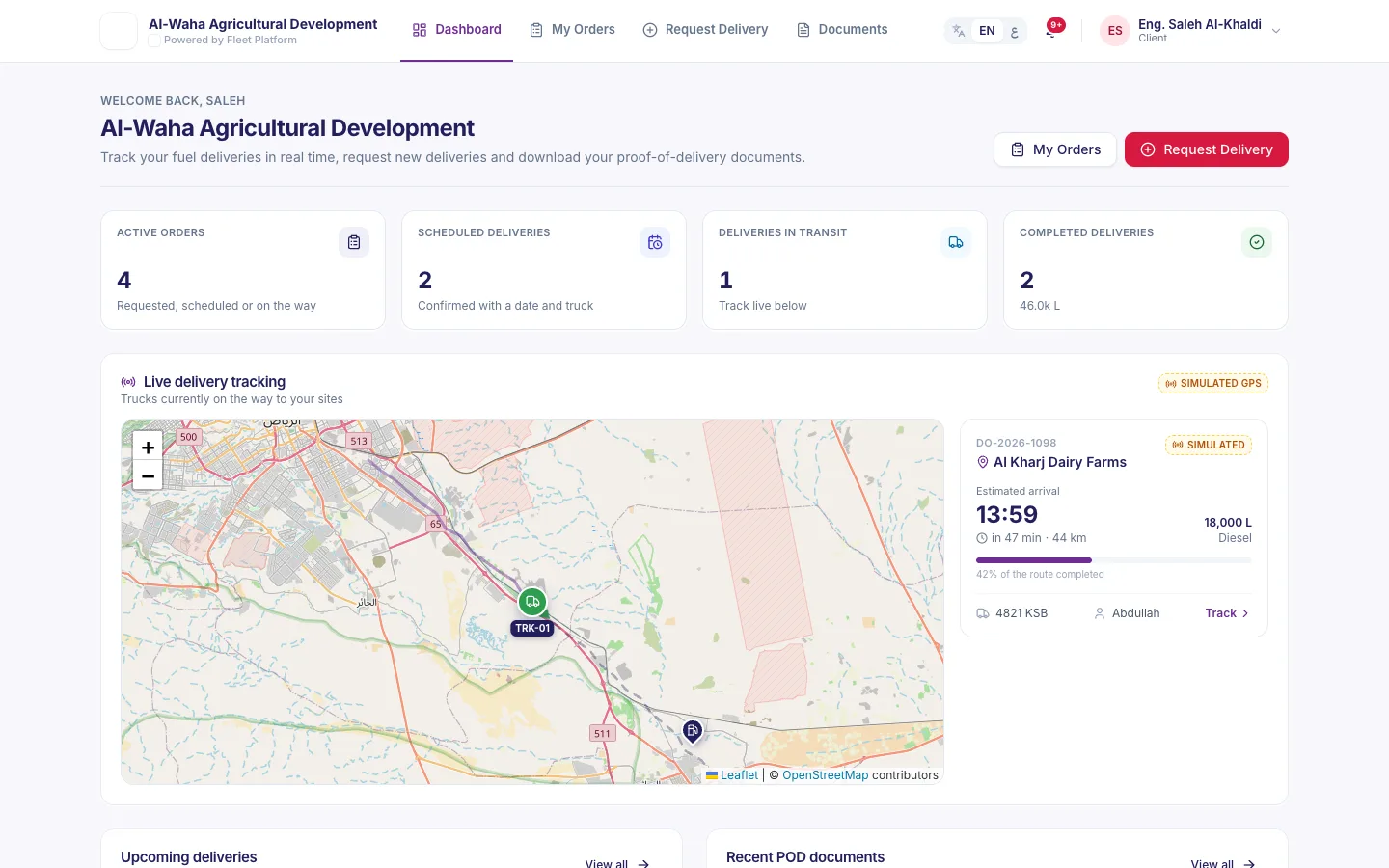
Client Portal
- Active, scheduled, in-transit and completed deliveries
- Live tracking of trucks heading to the client's sites with ETA
- Request a delivery
- Upcoming deliveries and downloadable POD documents
Delivery Fleet screens
Real screens from the live demo that matter most for this industry.
Assistant and automation in the Fleet Management for delivery fleet
The built-in assistant and the rules that do the routine checking for your team.
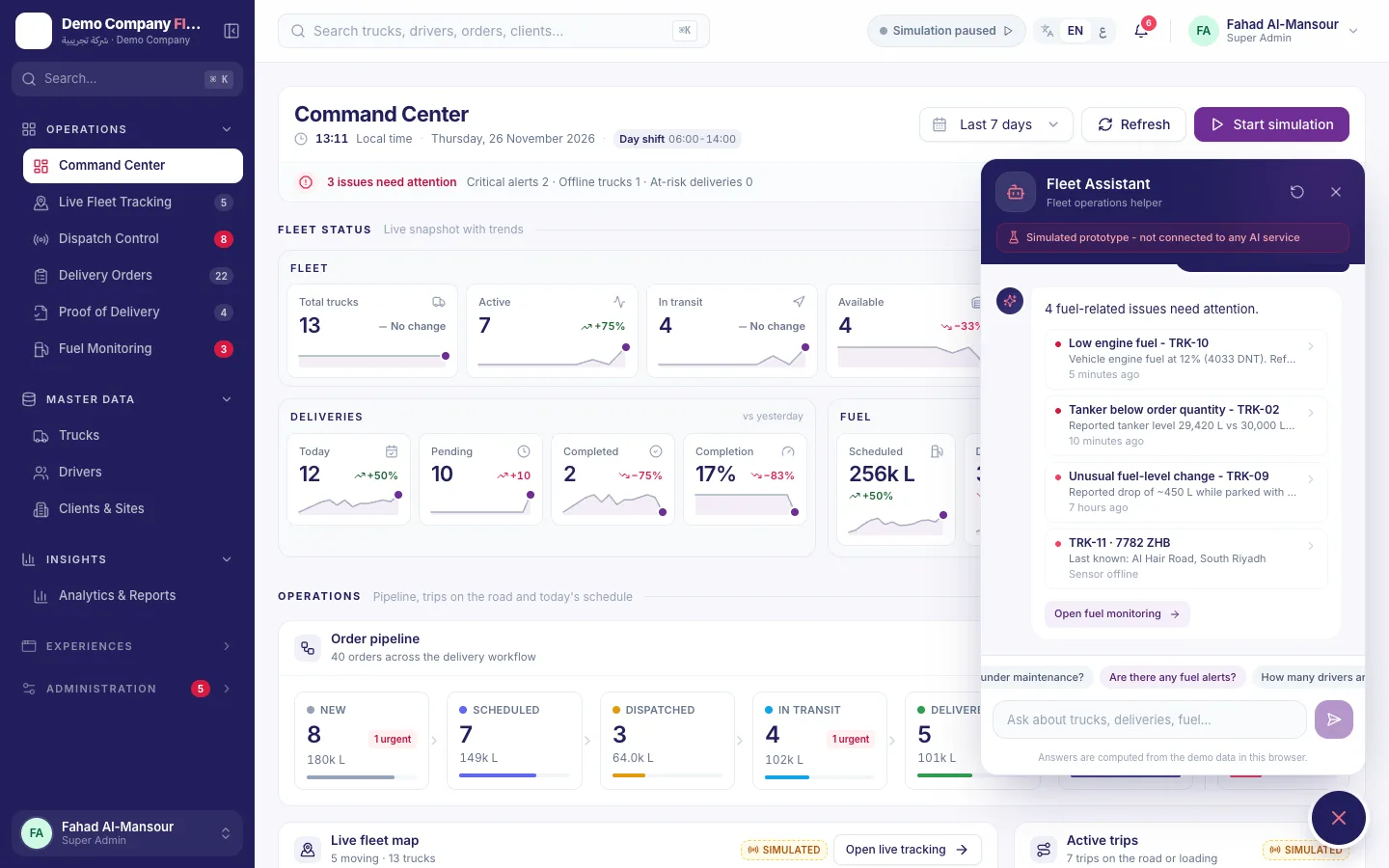
Where it helps delivery fleet teams
Set up for your country, connected to your systems
What the product handles out of the box, and what Shyphan does to put it live in your business.
Built into the product
Delivered and supported in
 Saudi Arabia
 UAE
 India
 Bahrain
 Qatar
 Kuwait
 Oman
 Iraq
 Egypt
 Jordan
Plus the UK, Europe, the USA and other markets, from Shyphan offices in India, the UAE, Saudi Arabia and four more countries.
How Shyphan puts it live
More industries the Fleet Management serves
Pages written for how each industry actually works with the product.
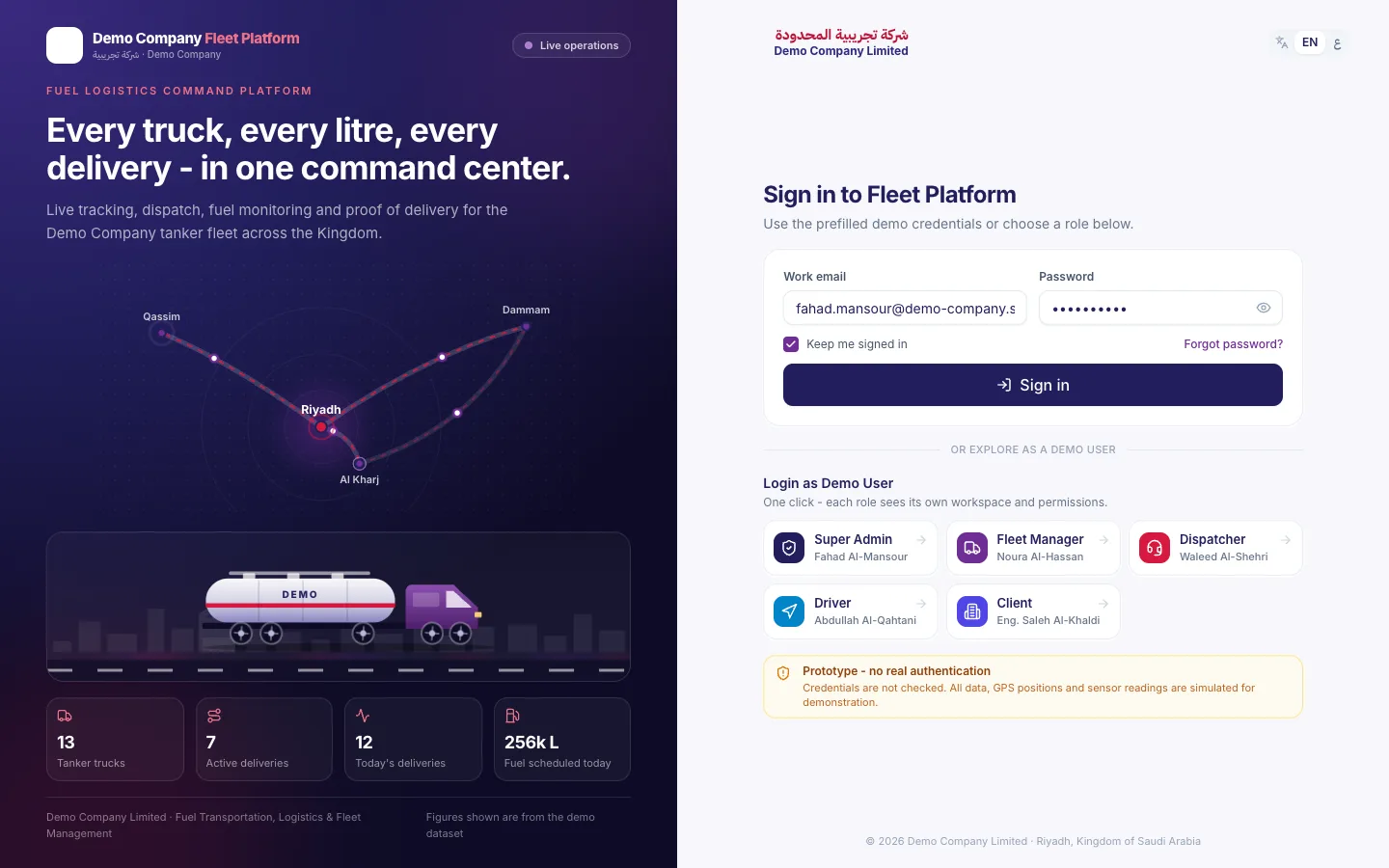
Try the Fleet Management yourself
No sign-up. The demo opens in your browser with sample data.
- Open the live demo in a new tab.
- Open the demo and click a role under Login as Demo User (Super Admin, Fleet Manager, Dispatcher, Driver or Client)
- Explore the screens freely. It is a demo company with sample data.
- Book a guided demo and we will set it up around your own process.
Fleet Management for delivery fleet: questions
Can it handle products other than fuel?
Does it optimise multi-drop routes?
What does the driver need?
Can POD include a photo?
Can clients request deliveries themselves?
Related products and solutions
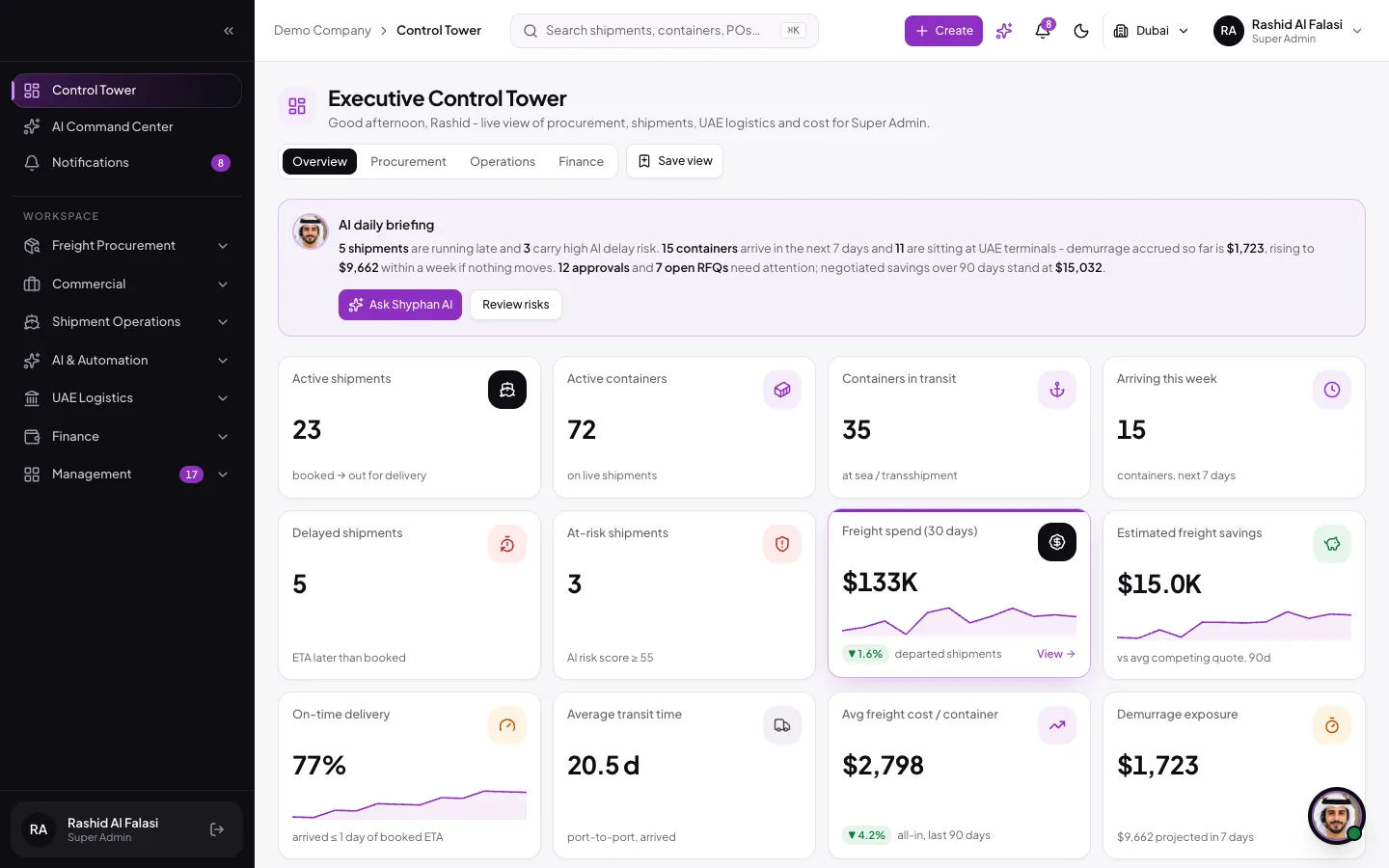
AI-Powered Freight Forwarding ERP
One platform to source freight, compare quotes, book carriers, track every container, clear UAE customs and control demurrage and landed cost,...
View product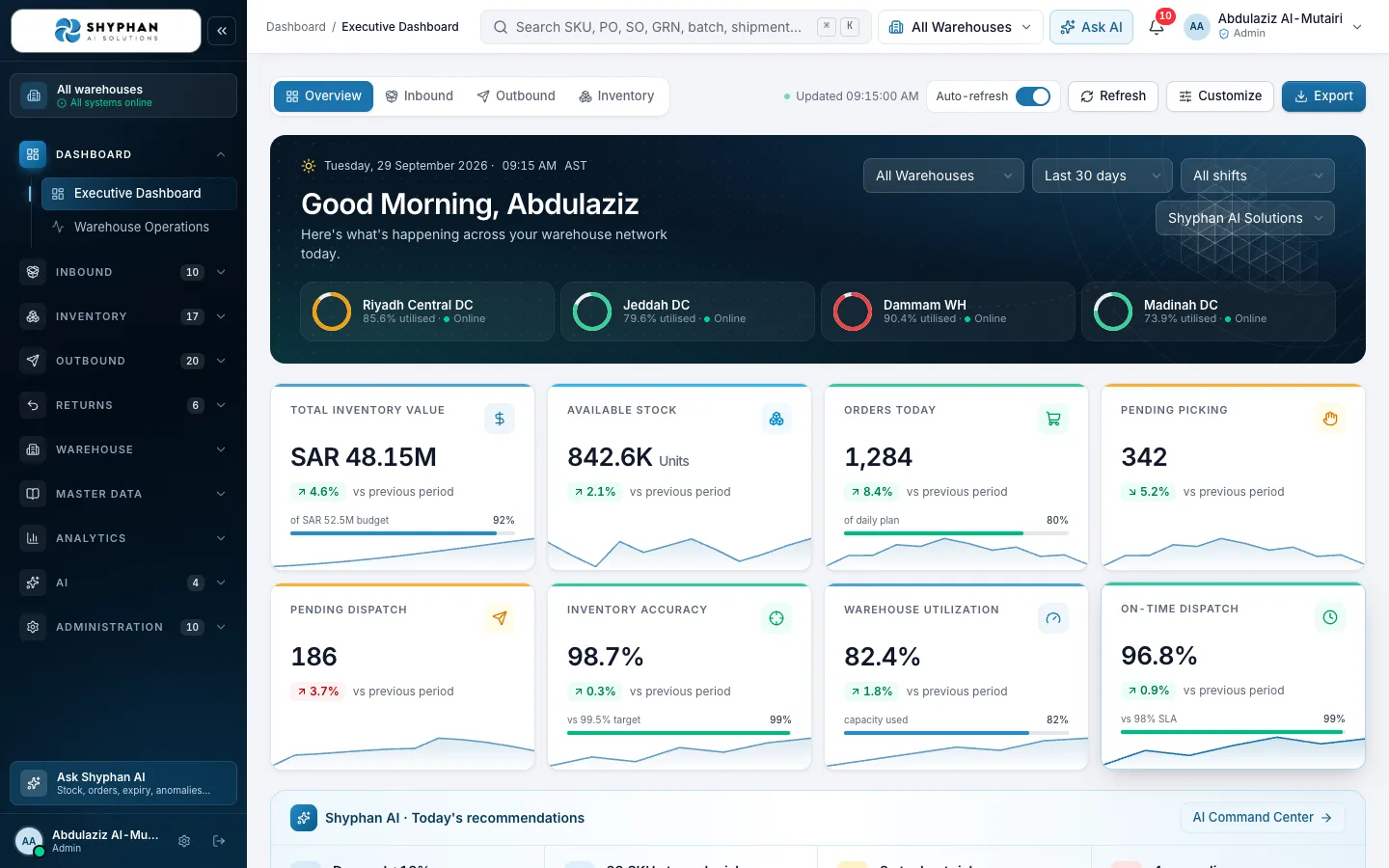
Warehouse Management System (WMS)
Run receiving, put-away, bin-level stock, picking, packing and dispatch across every warehouse from one system, with AI that forecasts demand,...
View product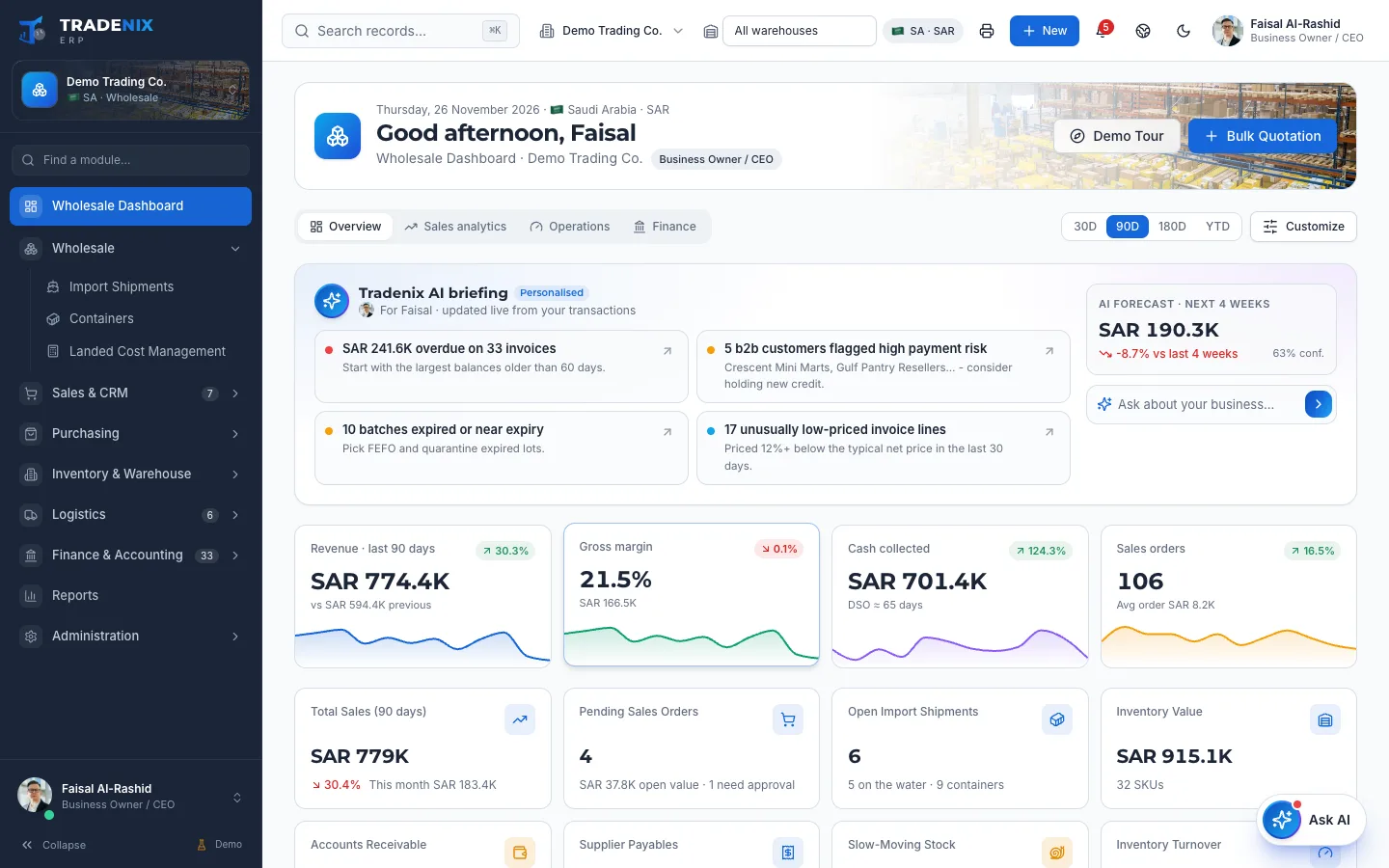
Trading & Distribution ERP
One ERP for trading companies in Saudi Arabia, the UAE and the wider region. Run quotes, orders, imports, landed cost, warehouses, deliveries,...
View product
See it on your delivery fleet process
A guided demo on your own workflow, then a written scope and a fixed quote.
