





















 Lebanon
 UK
 Ireland
 Germany
 USA
 Australia
 Singapore
 South Africa
 France
 Hungary
 Georgia
 Turkey
 Canada
 LagosNigeria




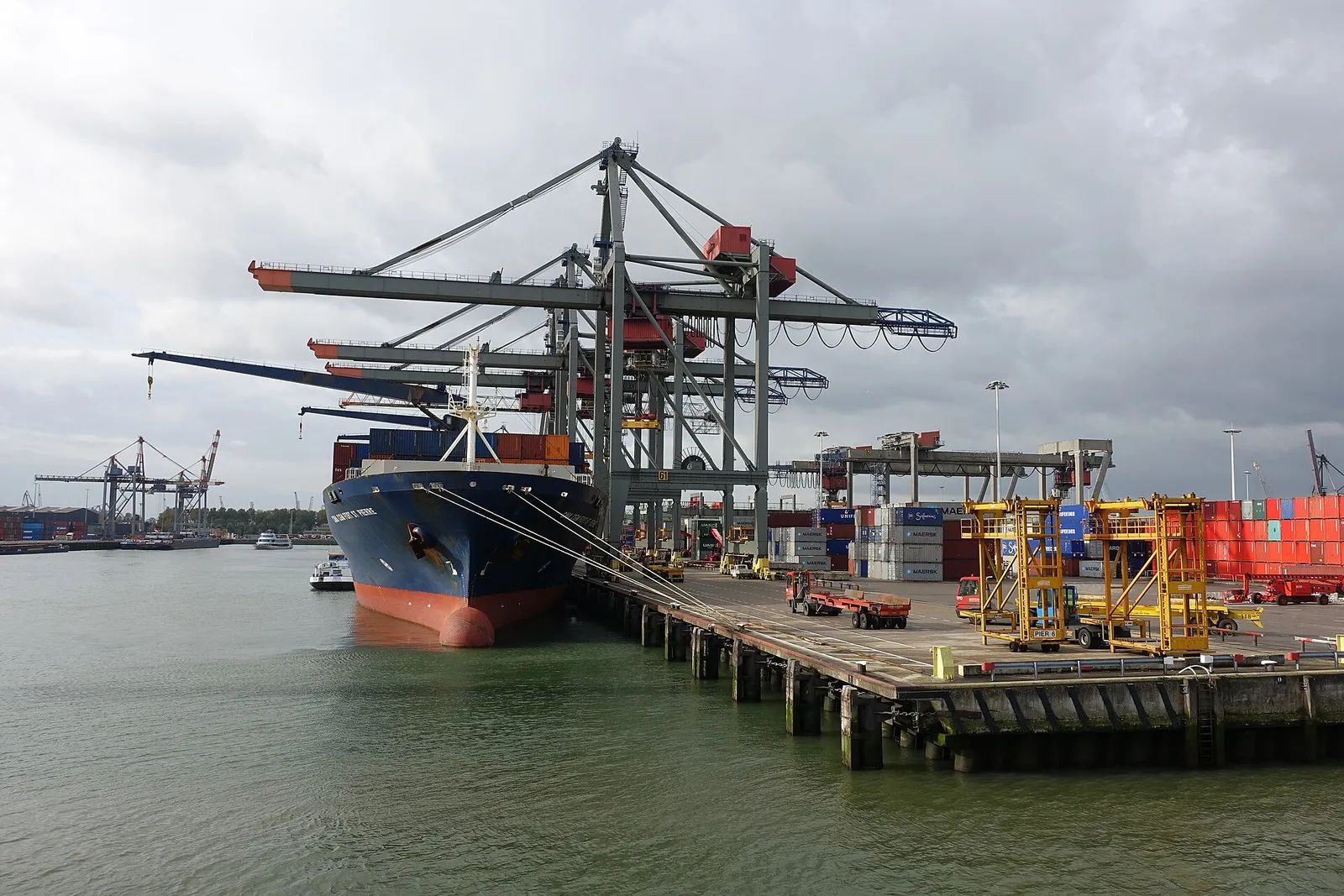
Home / Industries / Freight Forwarding ERP
Logistics and Supply Chain Management · Freight Forwarding ERPSupply Chain Control Tower Software for Importers
Importers juggle suppliers, purchase orders, forwarders, ports, customs and warehouses, usually in separate tools. This control tower connects them, from the supplier purchase order to the landed cost of each unit, so planners, buyers, operations and finance work from the same live picture.
Prefer to talk? Call +91 95651 53545Book a demo
Tell us about your business. A Shyphan consultant will walk you through the Freight Forwarding ERP on your own process.
What logistics and supply chain management businesses struggle with
The logistics and supply chain management workflow in the Freight Forwarding ERP
- Plan the purchaseRaise the PO with lines, approvals and cargo-ready date, linked to the supplier and SKUs.
- Plan the loadAllocate SKUs to containers and check volume and payload before booking freight.
- Buy and book freightSend the RFQ, compare quotes, award and book the carrier.
- Move and clearTrack the shipment, clear customs and deliver to the warehouse.
- Measure cost and marginReview landed cost per unit and gross margin by shipment, supplier and route.
Modules logistics and supply chain management teams use
8 modules in the live demo. The main ones are below with what each covers.
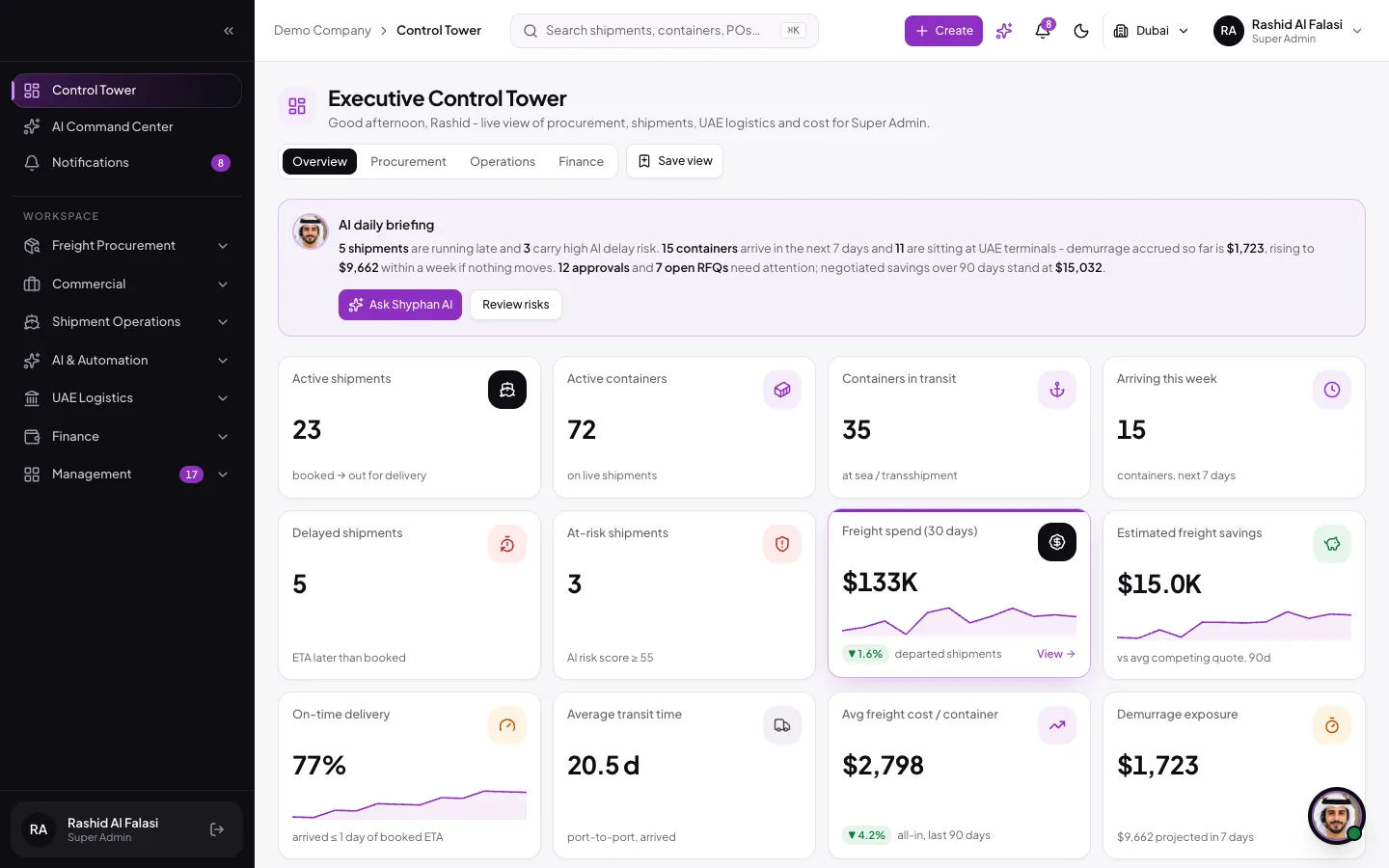
Control Tower
- Live KPIs for active, delayed and at-risk shipments
- AI daily briefing with the main risks
- Live shipment map and arrivals for the week
- Freight spend, savings, on-time rate and demurrage exposure
- AI recommendations, pending approvals and open exceptions
Suppliers
- Supplier factories, loading ports and brands
- On-time cargo readiness and rating
- Open purchase orders and value per supplier
Product Catalog
- SKUs with HS codes, unit cost, weight and volume
- Units per container for load planning
- Stock on hand and stock value
- Import from Excel or CSV
Purchase Orders
- PO lines, approvals and approval thresholds
- Partial fulfilment, splits and consolidation
- Linked to freight requests, RFQs, bookings and shipments
- Cargo-ready dates and container counts
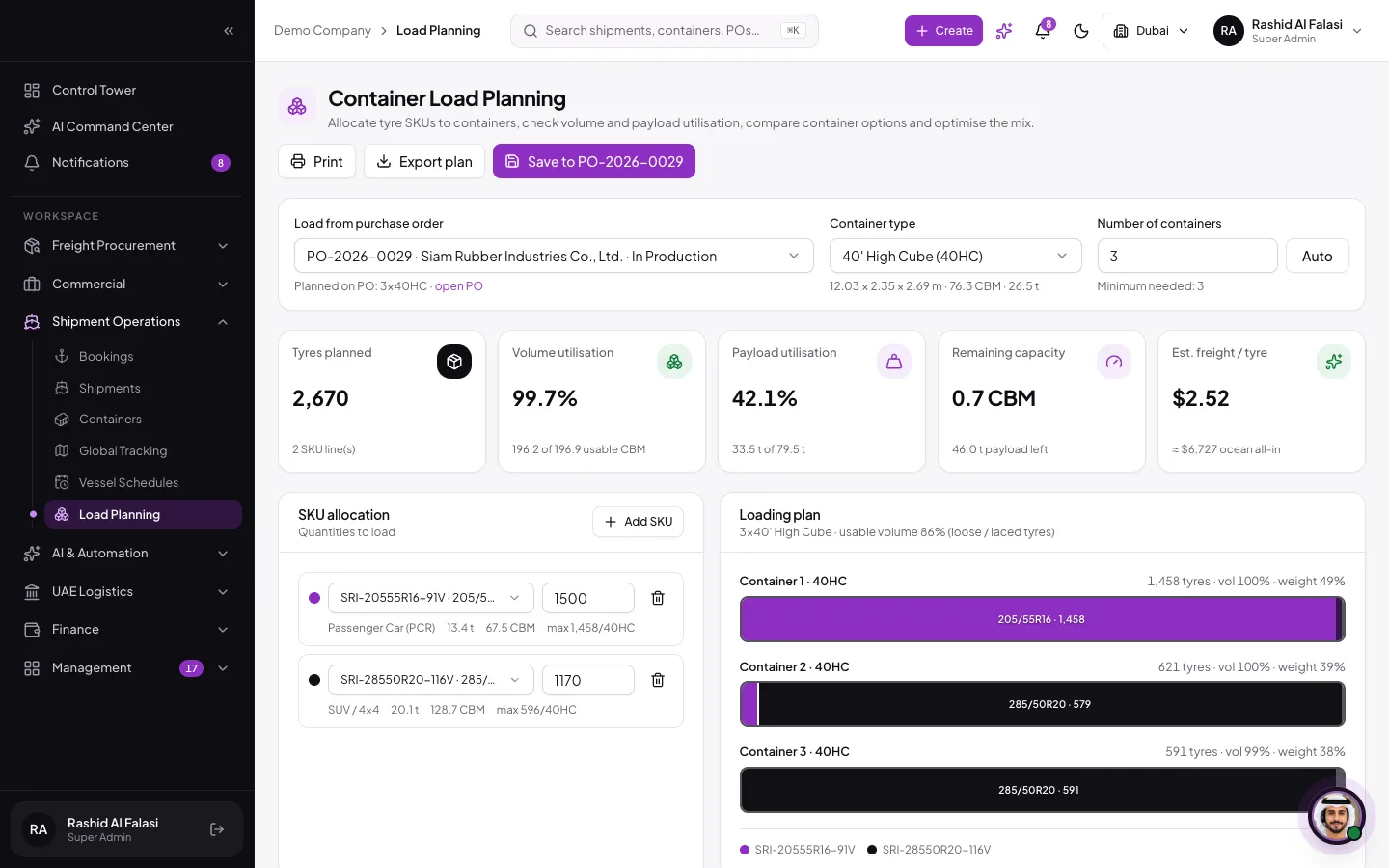
Load Planning
- Load a plan from a purchase order
- Allocate SKUs to containers
- Volume and payload utilisation per container
- Compare container types and estimate freight per unit
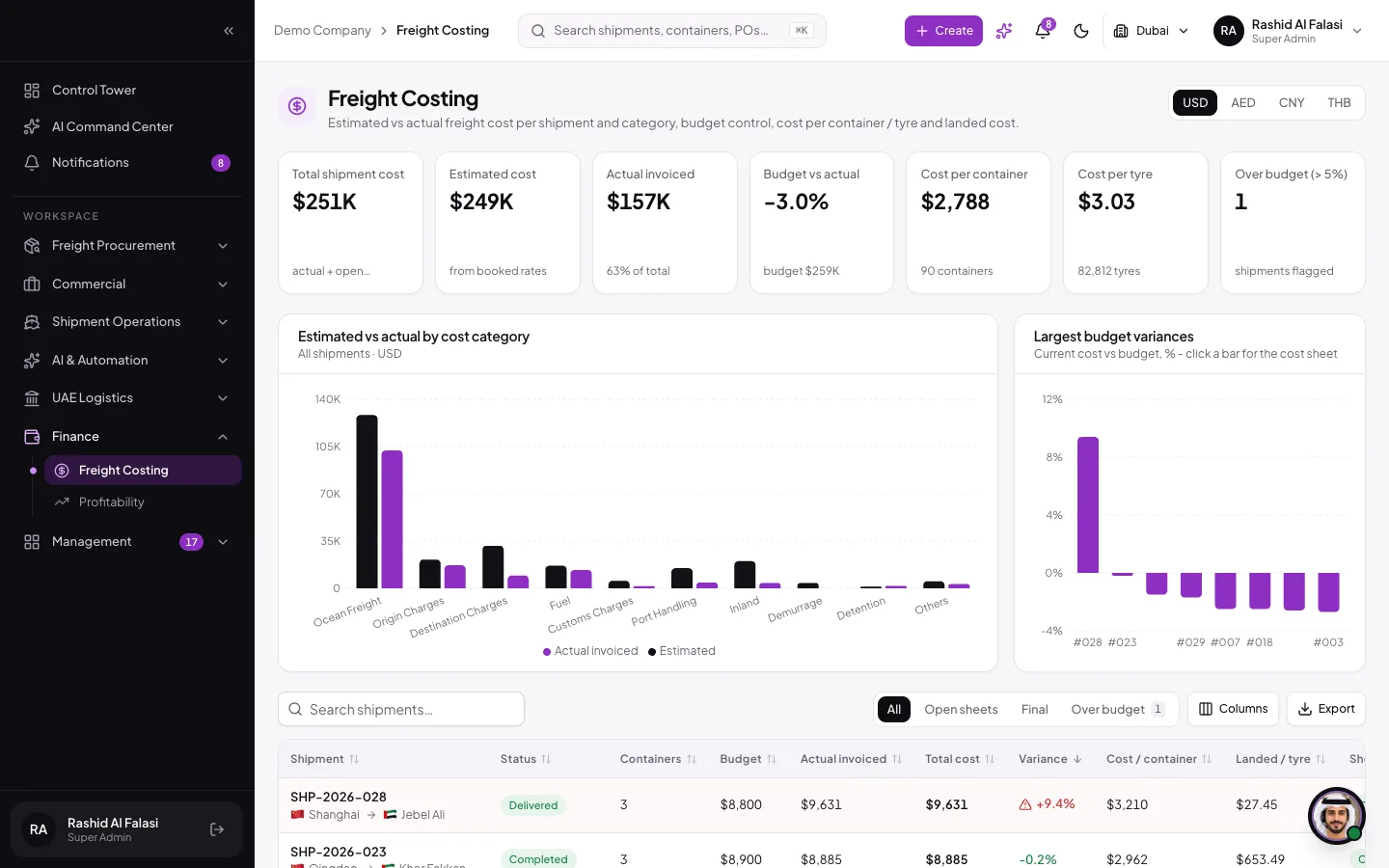
Freight Costing
- Estimated against actual cost per shipment and charge category
- Budget control and variance flags
- Cost per container and cost per unit
- Landed cost and display in USD, AED, CNY or THB
Profitability
- Landed cost and gross margin per shipment, supplier and route
- Purchase value, logistics cost and duty combined
- What-if on ocean freight, currency, selling price and extra demurrage days
Analytics and Reports
- Executive, procurement, shipment and financial dashboards
- Container volume, freight spend, savings and on-time performance
- Drill-down, CSV export and print layout
Logistics and Supply Chain Management screens
Real screens from the live demo that matter most for this industry.
AI built into the Freight Forwarding ERP for logistics and supply chain management
What the AI and automation features in the live demo do for your team.
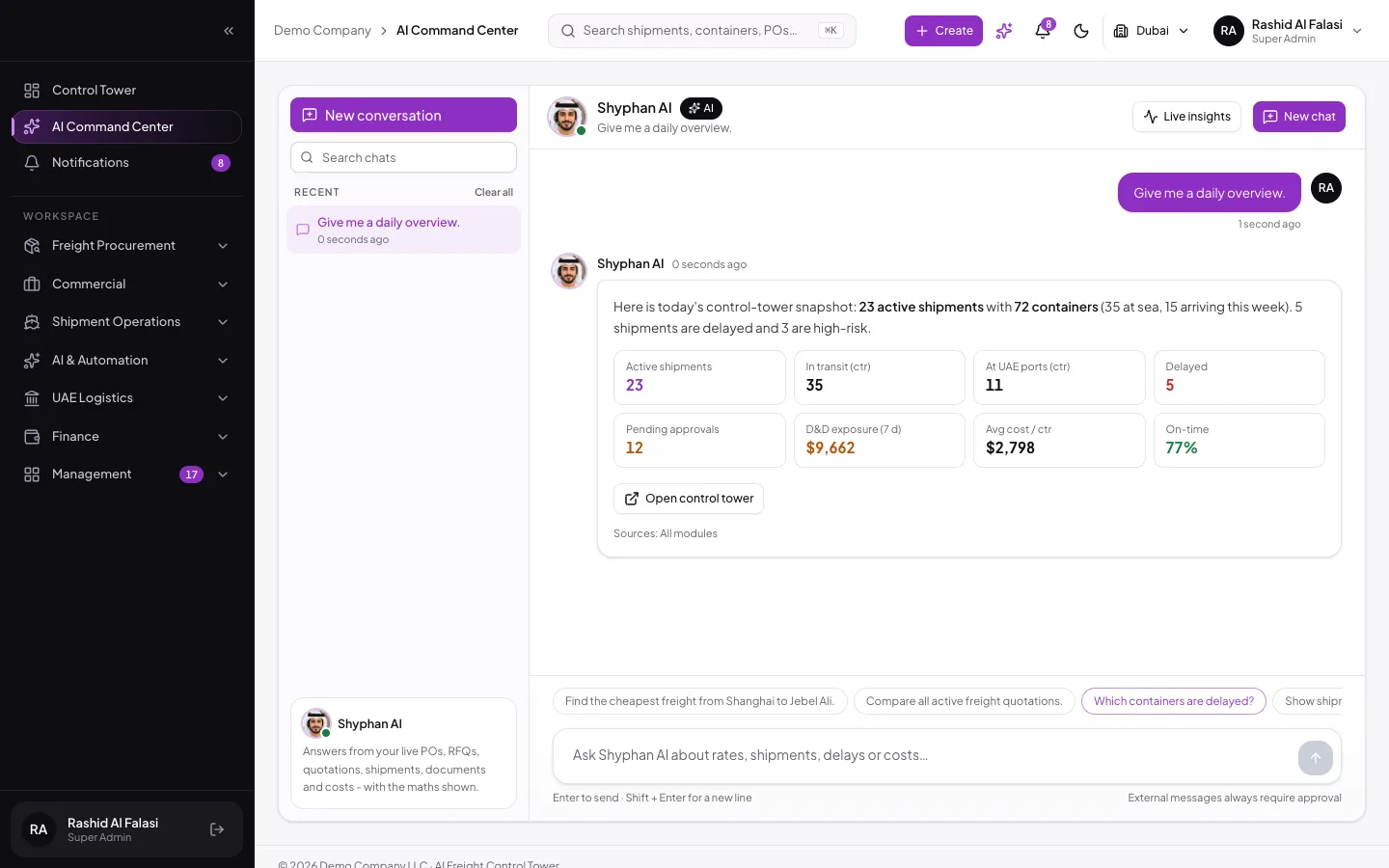
Where it helps logistics and supply chain management teams
Set up for your country, connected to your systems
What the product handles out of the box, and what Shyphan does to put it live in your business.
Built into the product
Delivered and supported in
 Saudi Arabia
 UAE
 India
 Bahrain
 Qatar
 Kuwait
 Oman
 Iraq
 Egypt
 Jordan
Plus the UK, Europe, the USA and other markets, from Shyphan offices in India, the UAE, Saudi Arabia and four more countries.
How Shyphan puts it live
More industries the Freight Forwarding ERP serves
Pages written for how each industry actually works with the product.
Try the Freight Forwarding ERP yourself
No sign-up. The demo opens in your browser with sample data.
- Open the live demo in a new tab.
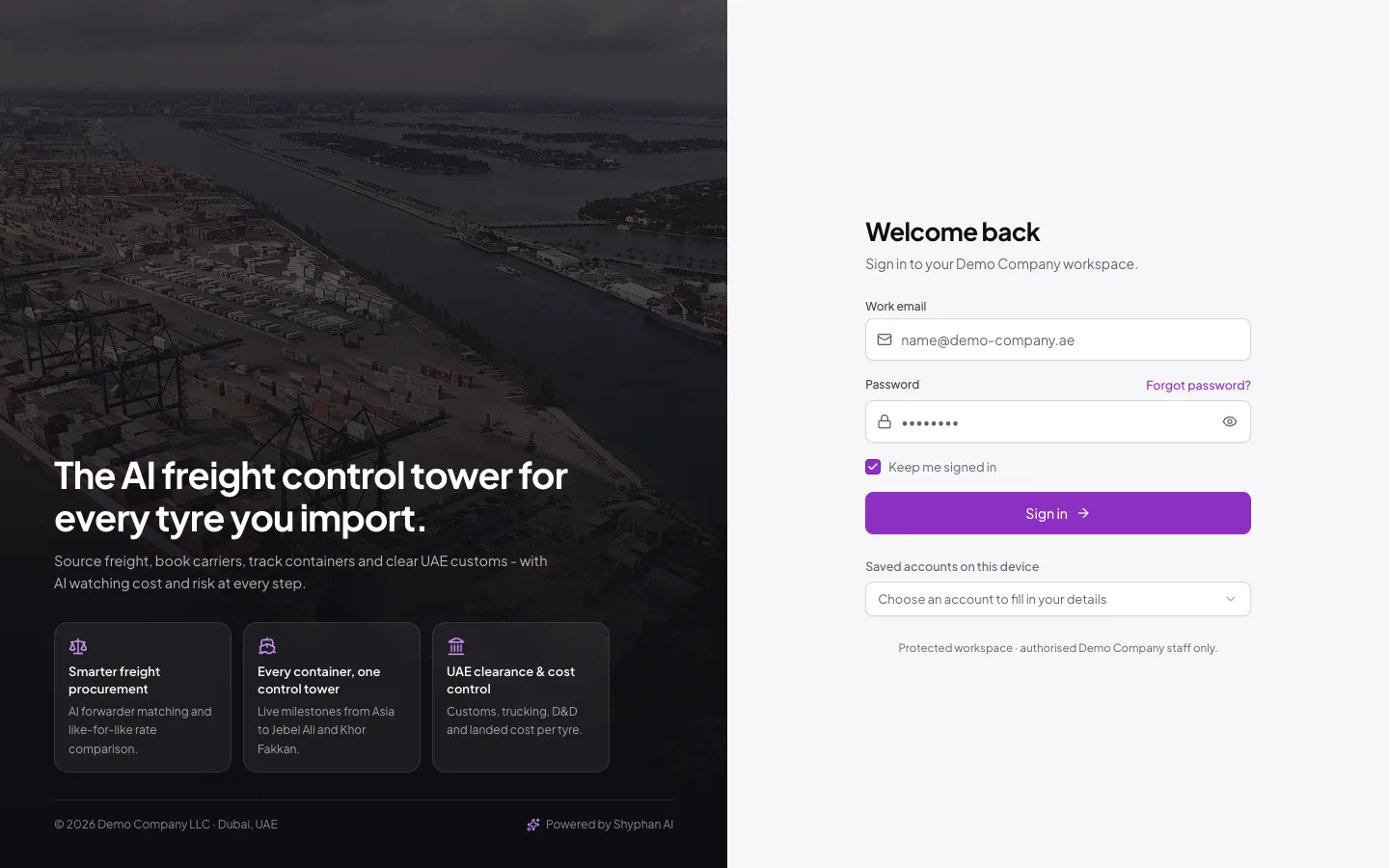
- Open the demo, choose a saved demo account under Saved accounts on the sign-in screen, then click Sign in
- Explore the screens freely. It is a demo company with sample data.
- Book a guided demo and we will set it up around your own process.
Freight Forwarding ERP for logistics and supply chain management: questions
Does it include purchase orders and suppliers?
Can it calculate landed cost?
Is it only for tyres?
Does it replace our accounting system?
Who can see what?
Related products and solutions
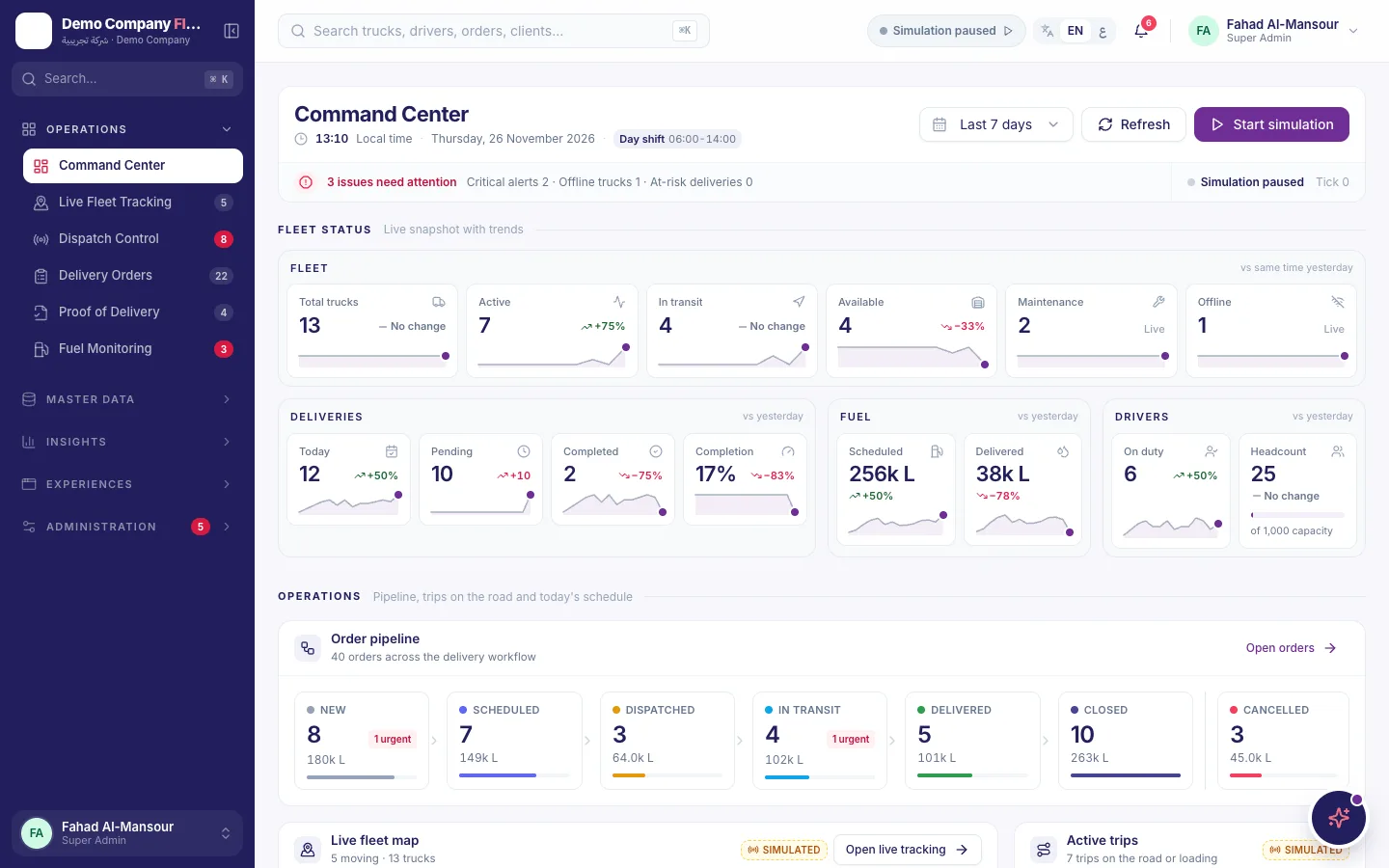
Fleet Management Software
Track every truck, dispatch the right vehicle and driver, capture signed proof of delivery and watch fuel levels in one bilingual platform, with...
View product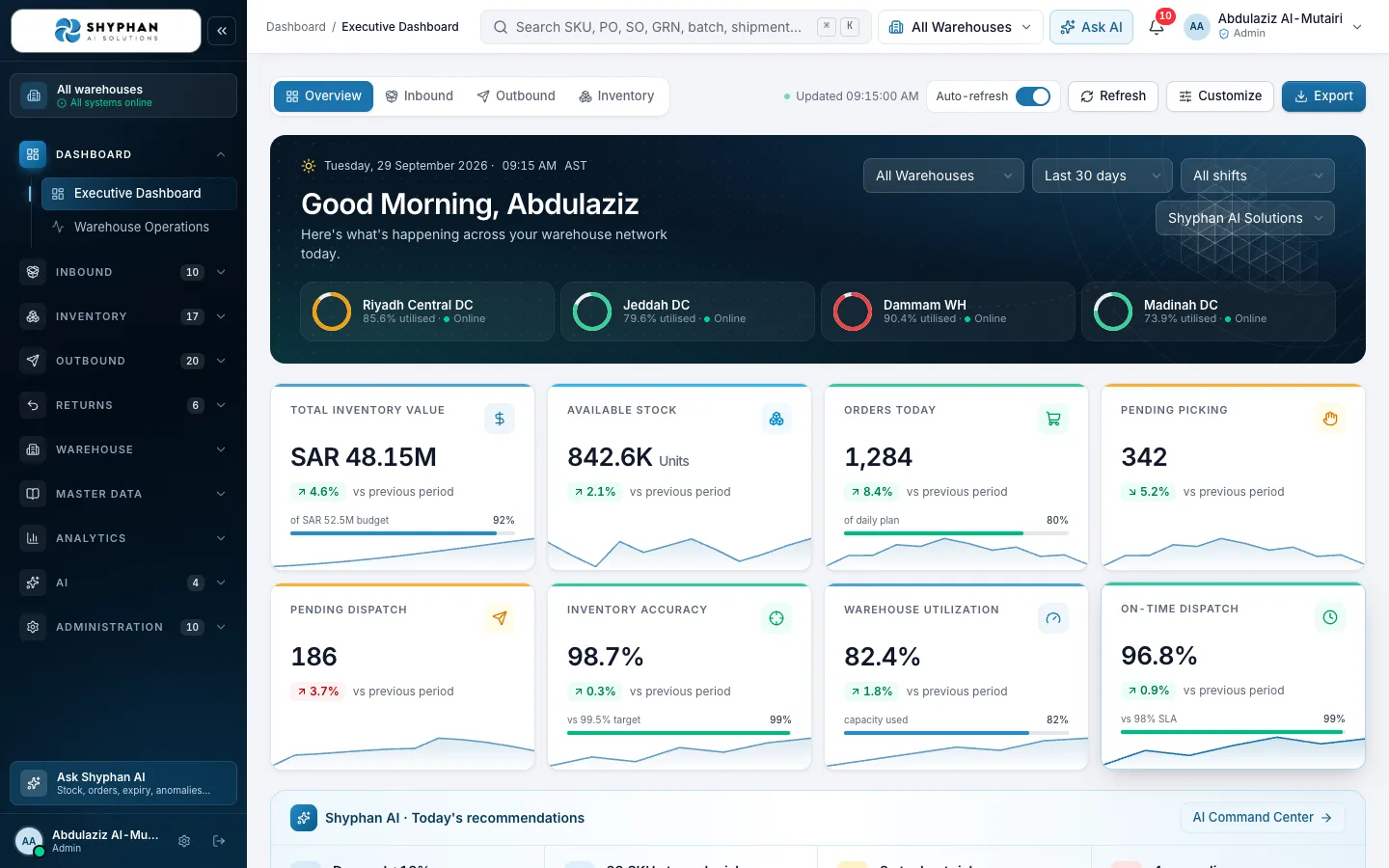
Warehouse Management System (WMS)
Run receiving, put-away, bin-level stock, picking, packing and dispatch across every warehouse from one system, with AI that forecasts demand,...
View product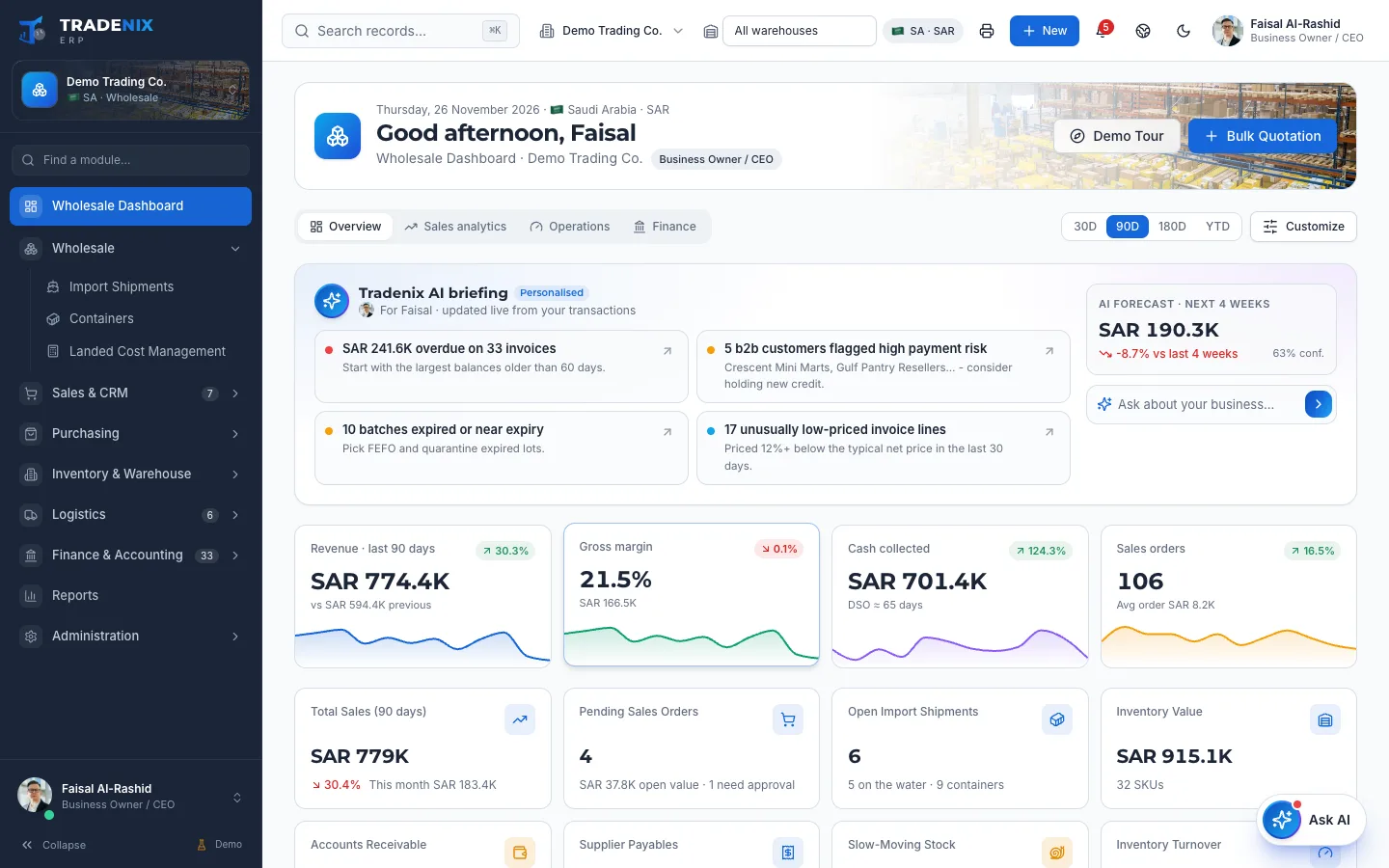
Trading & Distribution ERP
One ERP for trading companies in Saudi Arabia, the UAE and the wider region. Run quotes, orders, imports, landed cost, warehouses, deliveries,...
View product
See it on your logistics and supply chain management process
A guided demo on your own workflow, then a written scope and a fixed quote.
