





















 Lebanon
 UK
 Ireland
 Germany
 USA
 Australia
 Singapore
 South Africa
 France
 Hungary
 Georgia
 Turkey
 Canada
 LagosNigeria





Home / Industries / Customer Experience CRM
Omnichannel Customer Engagement · Customer Experience CRMOmnichannel Customer Engagement Platform
Customers choose the channel, your team sees one conversation. WhatsApp, website chat and social messages share one inbox with the customer profile beside them, calls run through a cloud call center, a chatbot and an Arabic and English voice agent handle routine requests, and broadcasts reach consented contacts with approved templates.
Prefer to talk? Call +91 95651 53545Book a demo
Tell us about your business. A Shyphan consultant will walk you through the Customer Experience CRM on your own process.
What omnichannel customer engagement businesses struggle with
The omnichannel customer engagement workflow in the Customer Experience CRM
- Message or call arrivesWhatsApp, web chat, social DMs and calls land in the inbox or call center queue.
- Bot or agent respondsThe chatbot or voice agent handles routine requests and transfers to an agent when needed.
- Act in the CRMCreate a lead, booking or ticket straight from the conversation.
- Reach outSend WhatsApp broadcasts and SMS campaigns to consented contacts.
- Recover and measureFollow up abandoned checkouts and track campaign, call center and AI analytics.
Modules omnichannel customer engagement teams use
5 modules in the live demo. The main ones are below with what each covers.
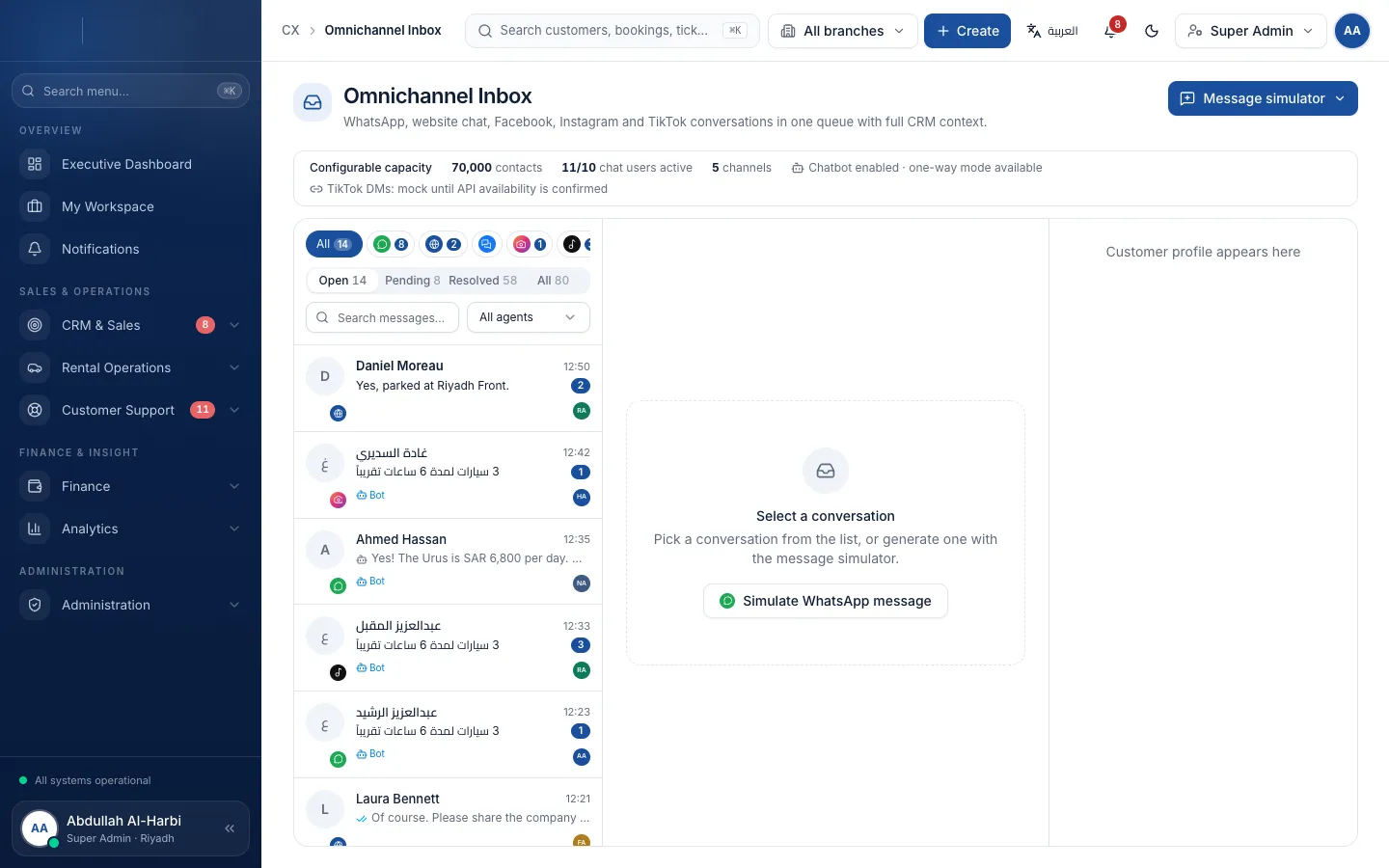
Omnichannel Inbox
- WhatsApp, website chat, Facebook, Instagram and TikTok conversations in one queue
- Open, pending and resolved views with agent filter
- Bot and agent replies on the same thread
- Customer profile shown beside the conversation
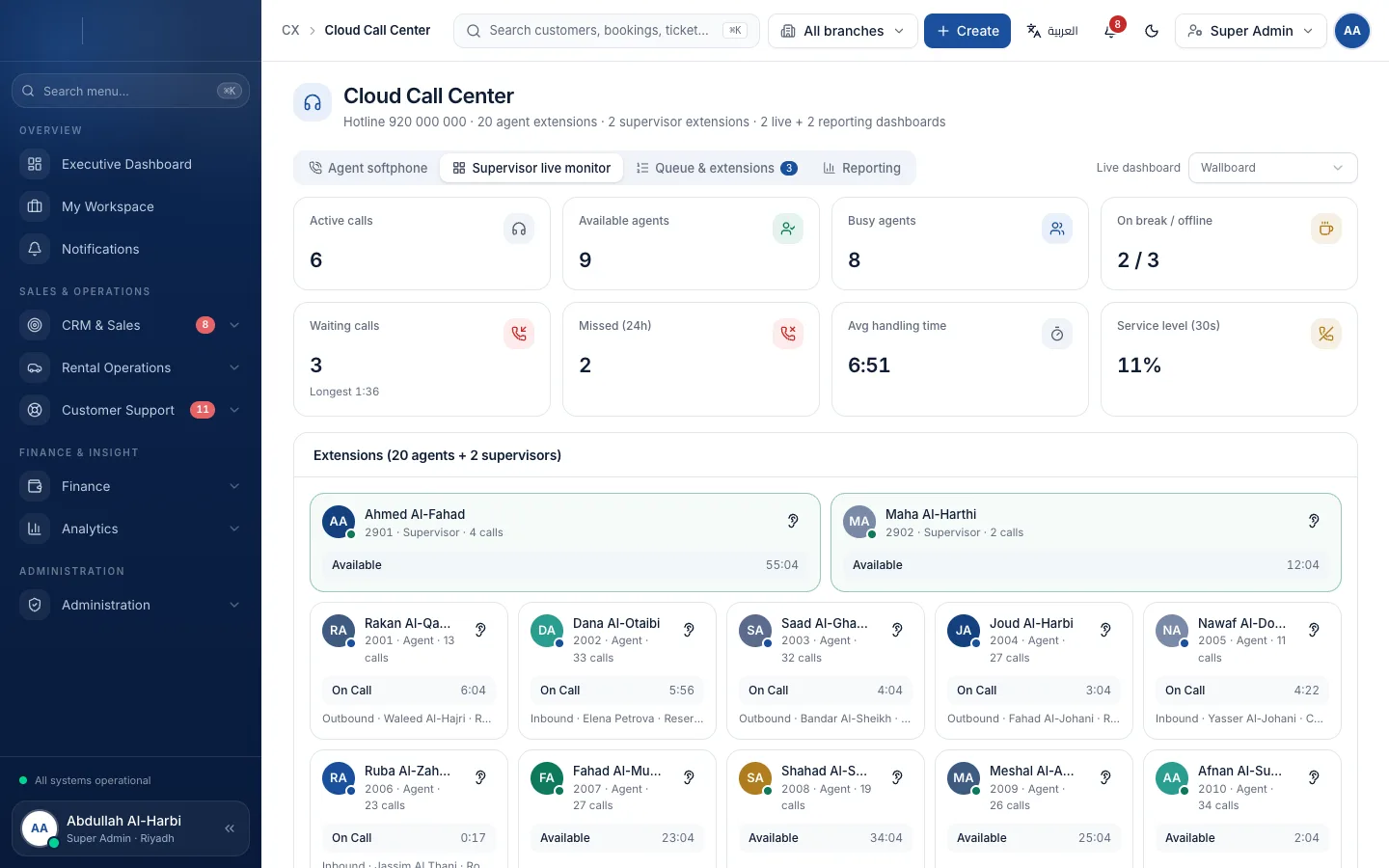
Cloud Call Center
- Agent softphone and supervisor live monitor
- Queues and extensions for agents and supervisors
- Active, waiting and missed calls, handling time and service level
- Call recordings with transcripts, dispositions and notes
- Live dashboards and wallboard
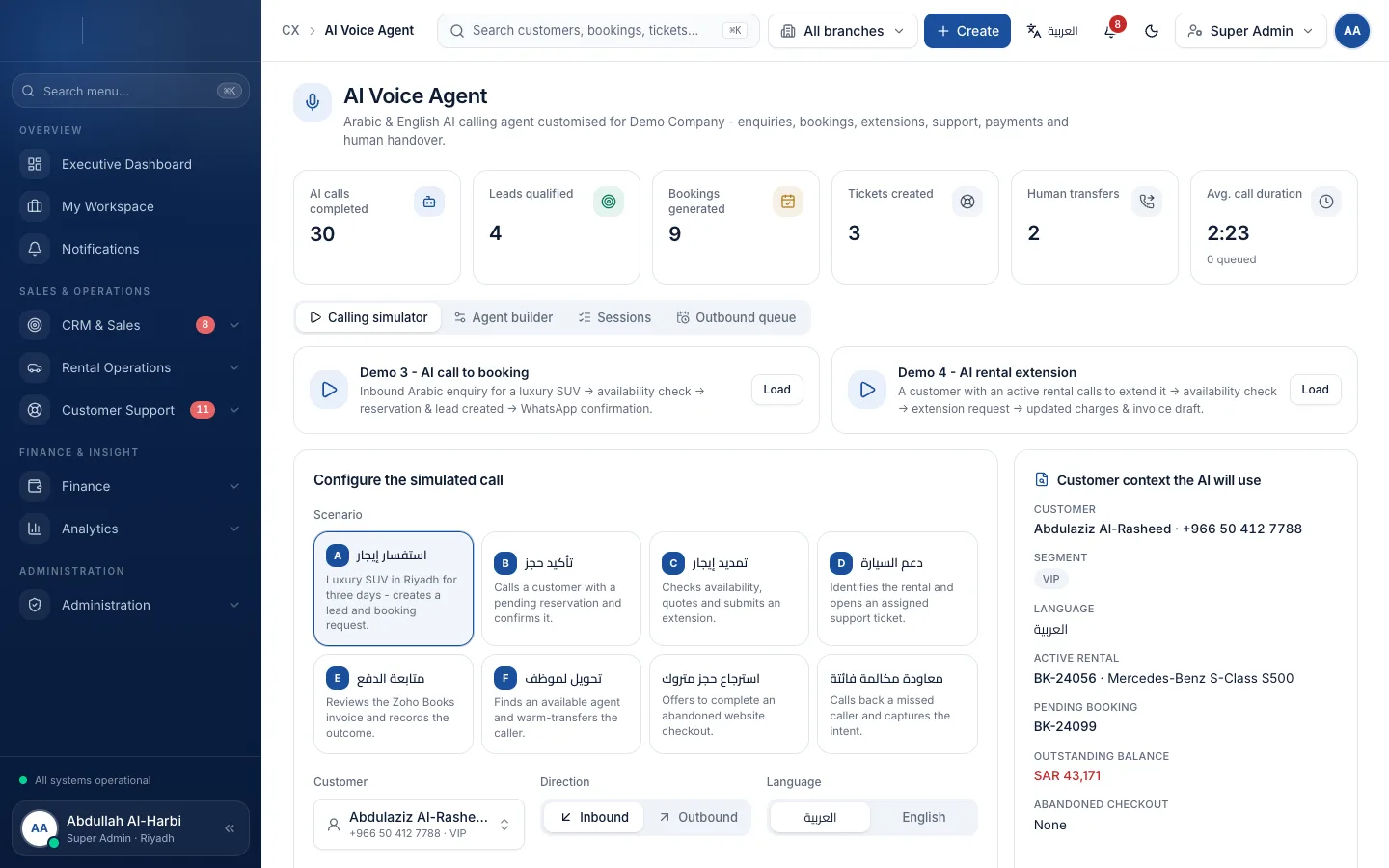
AI Voice Agent
- Arabic and English calling agent for inbound and outbound calls
- Scenarios for enquiries, booking confirmation, extensions, vehicle support, payment follow-up, abandoned booking recovery and missed call callback
- Uses customer context: segment, active rental, pending booking, balance
- Creates leads, bookings and tickets, or transfers to a person
- Calling simulator, agent builder, sessions and outbound queue
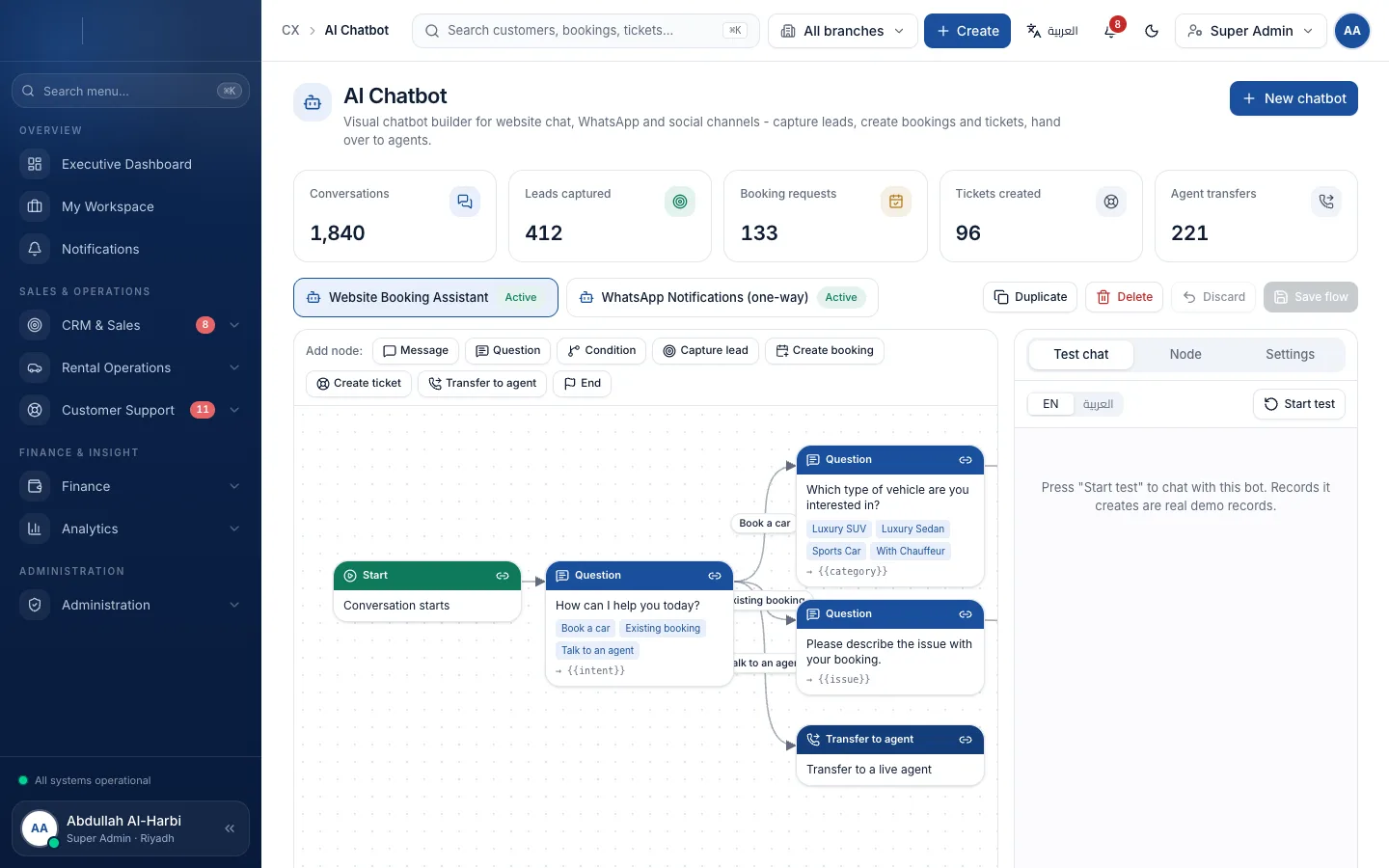
AI Chatbot
- Visual flow builder for website chat, WhatsApp and social channels
- Nodes for message, question, condition, capture lead, create booking, create ticket and transfer to agent
- One-way WhatsApp notification bot
- Test chat in English and Arabic
Marketing & Campaigns
- WhatsApp and SMS campaigns with reach, responses, leads and ROI
- WhatsApp broadcasts with approved templates and opt-out management
- Abandoned checkout recovery with WhatsApp and AI follow-up
- Website integration for enquiries, bookings and abandoned checkouts
Omnichannel Customer Engagement screens
Real screens from the live demo that matter most for this industry.
AI built into the Customer Experience CRM for omnichannel customer engagement
What the AI and automation features in the live demo do for your team.
Where it helps omnichannel customer engagement teams
Set up for your country, connected to your systems
What the product handles out of the box, and what Shyphan does to put it live in your business.
Built into the product
Delivered and supported in
 Saudi Arabia
 UAE
 India
 Bahrain
 Qatar
 Kuwait
 Oman
 Iraq
 Egypt
 Jordan
Plus the UK, Europe, the USA and other markets, from Shyphan offices in India, the UAE, Saudi Arabia and four more countries.
How Shyphan puts it live
More industries the Customer Experience CRM serves
Pages written for how each industry actually works with the product.
Try the Customer Experience CRM yourself
No sign-up. The demo opens in your browser with sample data.
- Open the live demo in a new tab.
- Open the quick access menu, choose a role and sign in
- Explore the screens freely. It is a demo company with sample data.
- Book a guided demo and we will set it up around your own process.
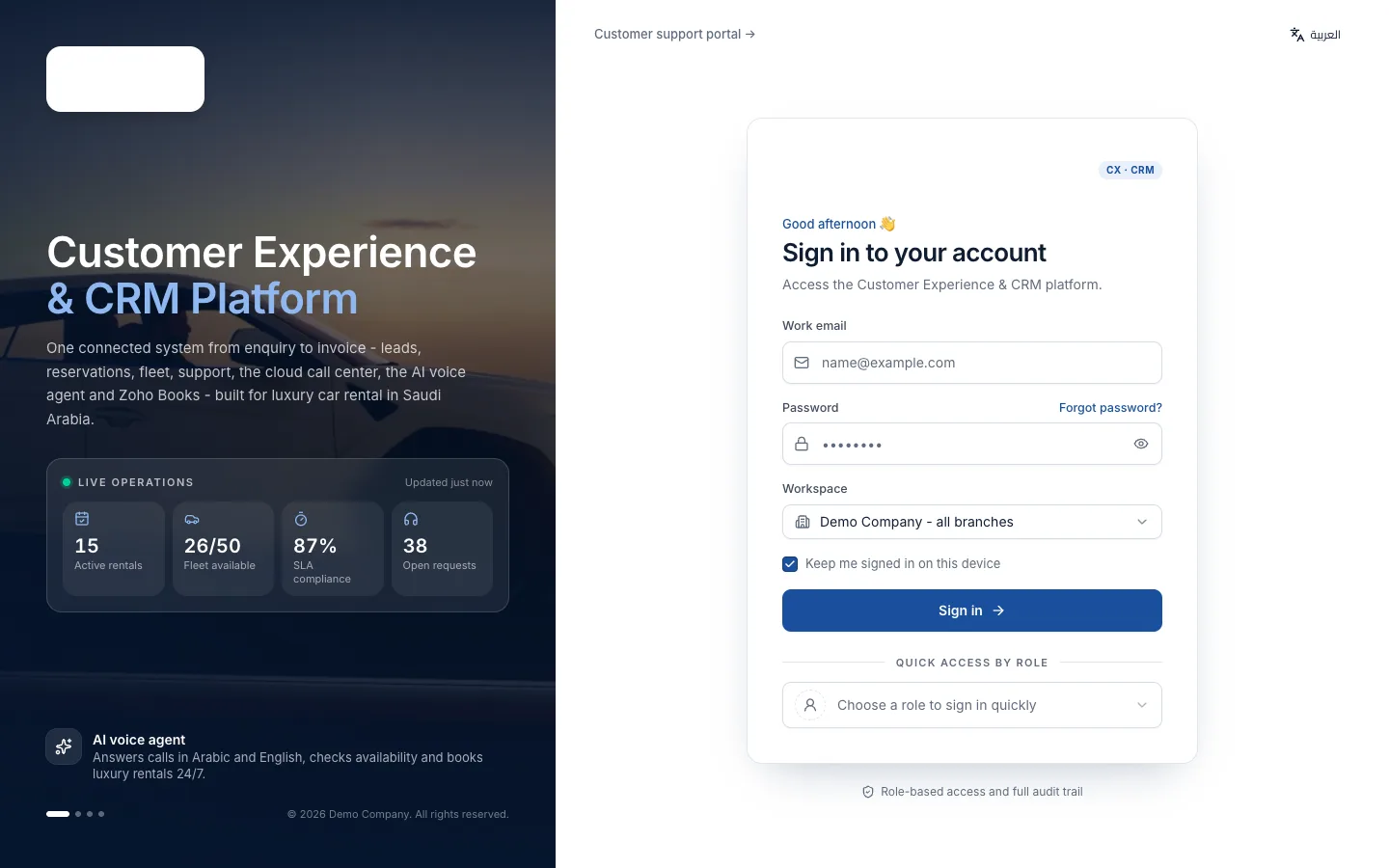
Customer Experience CRM for omnichannel customer engagement: questions
Which channels are supported?
Can a chatbot answer customers?
Does the voice agent speak Arabic?
Is WhatsApp consent tracked?
Are real messages sent from the demo?
Related products and solutions
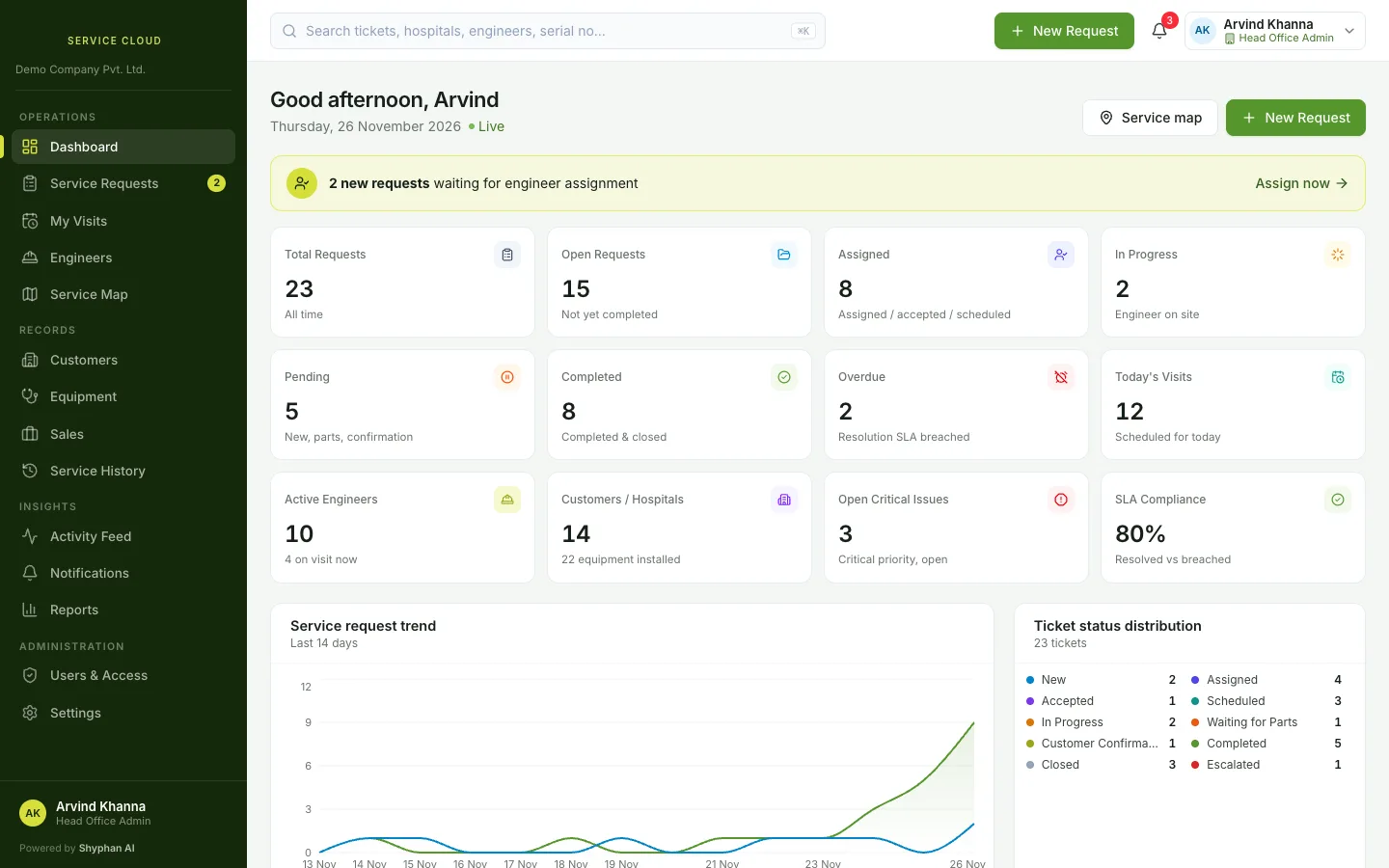
Customer & Field Service Management
Log every service request, assign the right area engineer, track response and resolution SLAs live, and close each visit on mobile with...
View product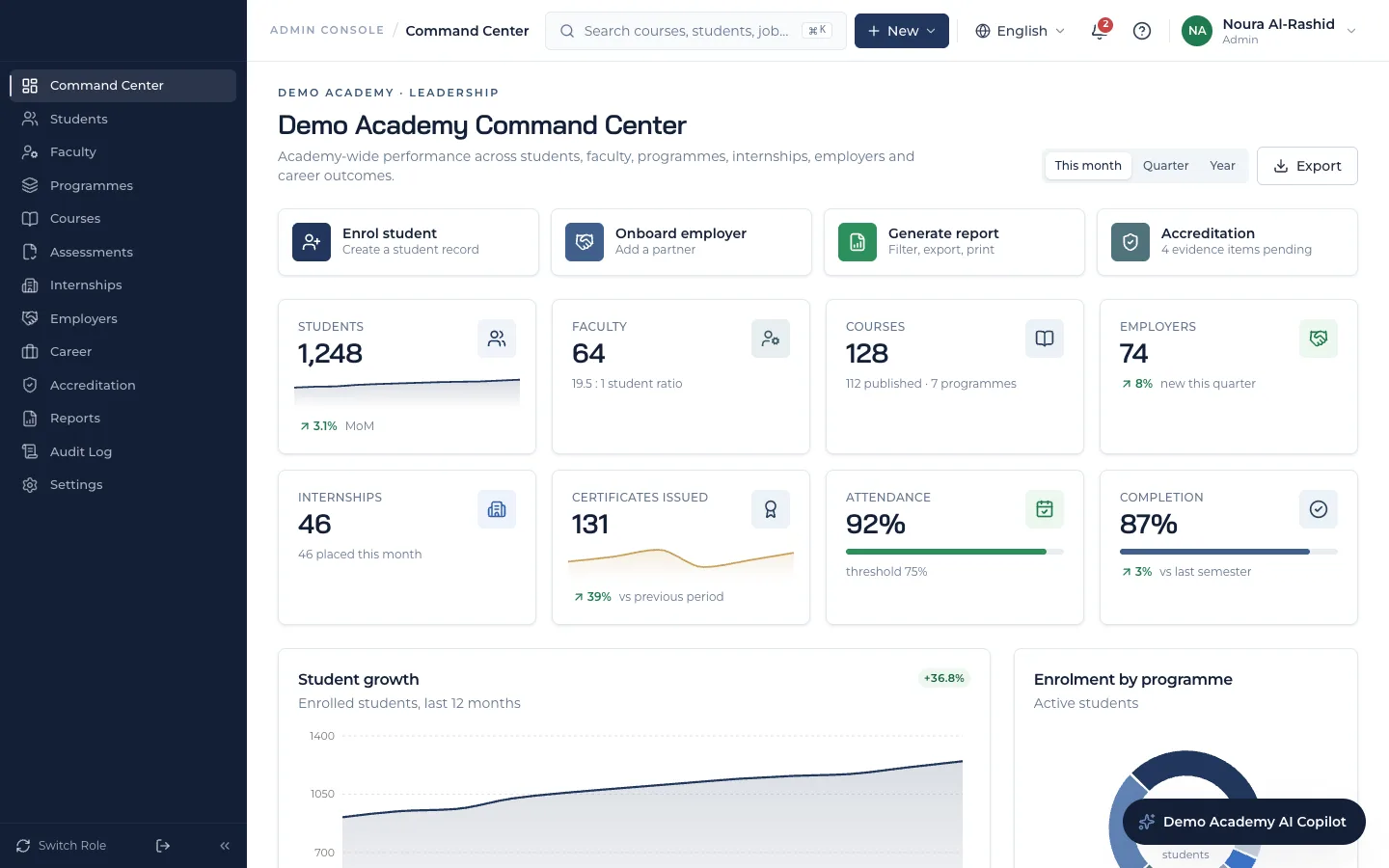
Learning Management System (LMS)
One platform for students, faculty, administrators and employers: courses, secure exams, practical training, internships, verified certificates...
View product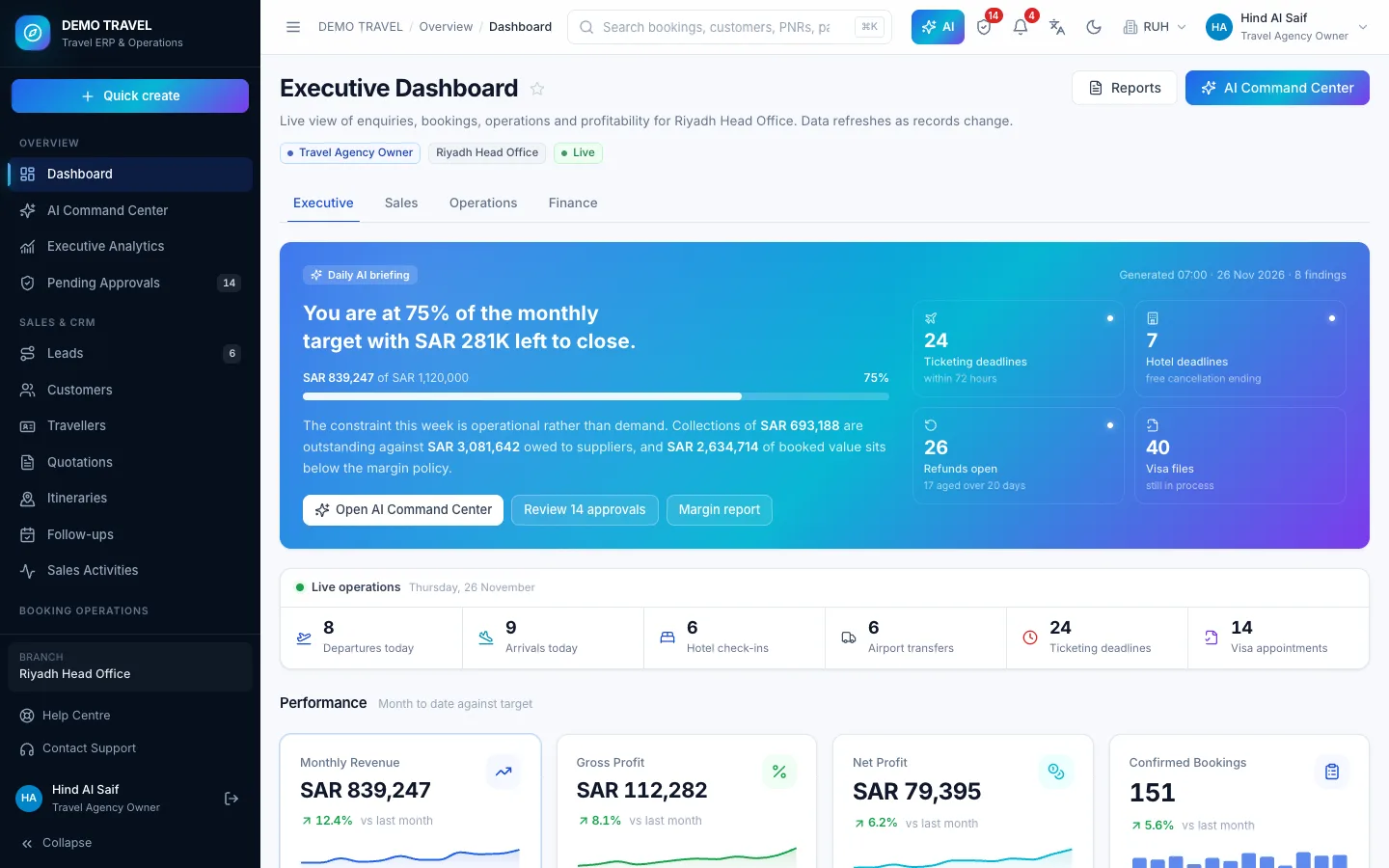
AI-Powered Travel & Tourism ERP
Run sales, bookings, visas, suppliers, payments and profitability for your travel business in one system, with AI that flags margin risk, refund...
View product
See it on your omnichannel customer engagement process
A guided demo on your own workflow, then a written scope and a fixed quote.
