





















 Lebanon
 UK
 Ireland
 Germany
 USA
 Australia
 Singapore
 South Africa
 France
 Hungary
 Georgia
 Turkey
 Canada
 LagosNigeria





Home / Industries / Customer Experience CRM
Customer Service · Customer Experience CRMCustomer Service Ticketing and SLA Software
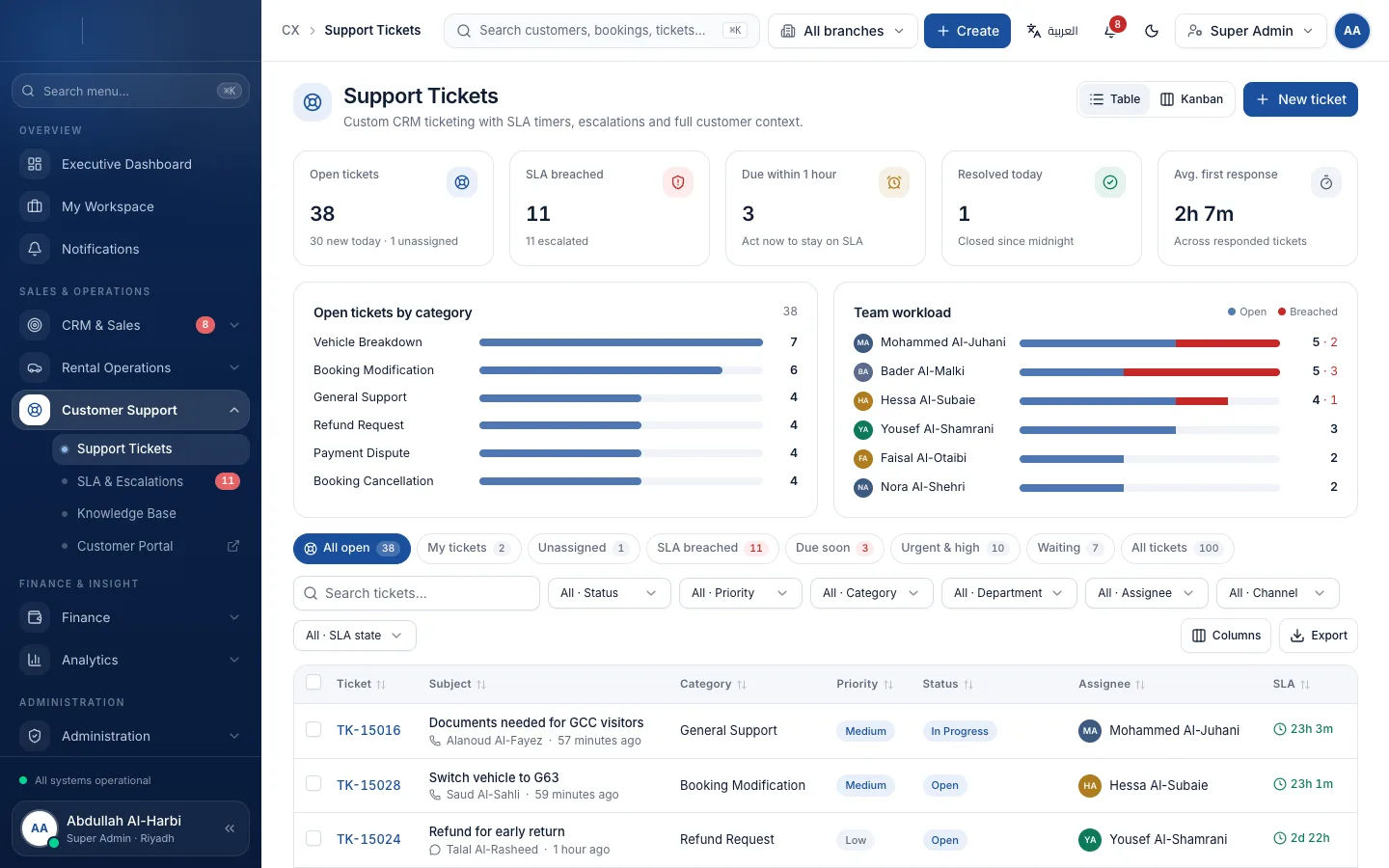
Every request becomes a ticket with an owner, a priority and an SLA clock. Customers raise and track requests in a self-service help centre, agents answer from a bilingual knowledge base, supervisors watch breached and due soon tickets, and every call is recorded with a transcript against the customer.
Prefer to talk? Call +91 95651 53545Book a demo
Tell us about your business. A Shyphan consultant will walk you through the Customer Experience CRM on your own process.
What customer service businesses struggle with
The customer service workflow in the Customer Experience CRM
- Request raisedFrom the help centre, inbox, call center or AI agent, with category and channel.
- Prioritised and assignedPriority sets the SLA targets and the ticket goes to the right department and agent.
- Answered with knowledgeAgents use bilingual articles, and the customer's rentals and invoices are on the ticket.
- Escalated if at riskBreached tickets move to L2 and appear on the SLA and escalations screen.
- Resolved and measuredSupport analytics track resolution time, first response, SLA compliance and agent performance.
Modules customer service teams use
5 modules in the live demo. The main ones are below with what each covers.
Contacts & Customer 360
- Customer profile with rentals, quotations, contracts, invoices, tickets, conversations and calls
- Lifetime invoiced, outstanding balance and open tickets
- Segments, tags, preferred category, branch and chauffeur language
- WhatsApp, SMS and email consent
- Quick actions: new reservation, new ticket, WhatsApp, AI call
Support Tickets, SLA & Knowledge Base
- Tickets by category, priority, department, channel and assignee
- SLA timers for first response and resolution with L1 and L2 escalation
- Team workload with breached counts
- Bilingual knowledge base articles, marked for use by the AI agent and chatbot
Customer Portal
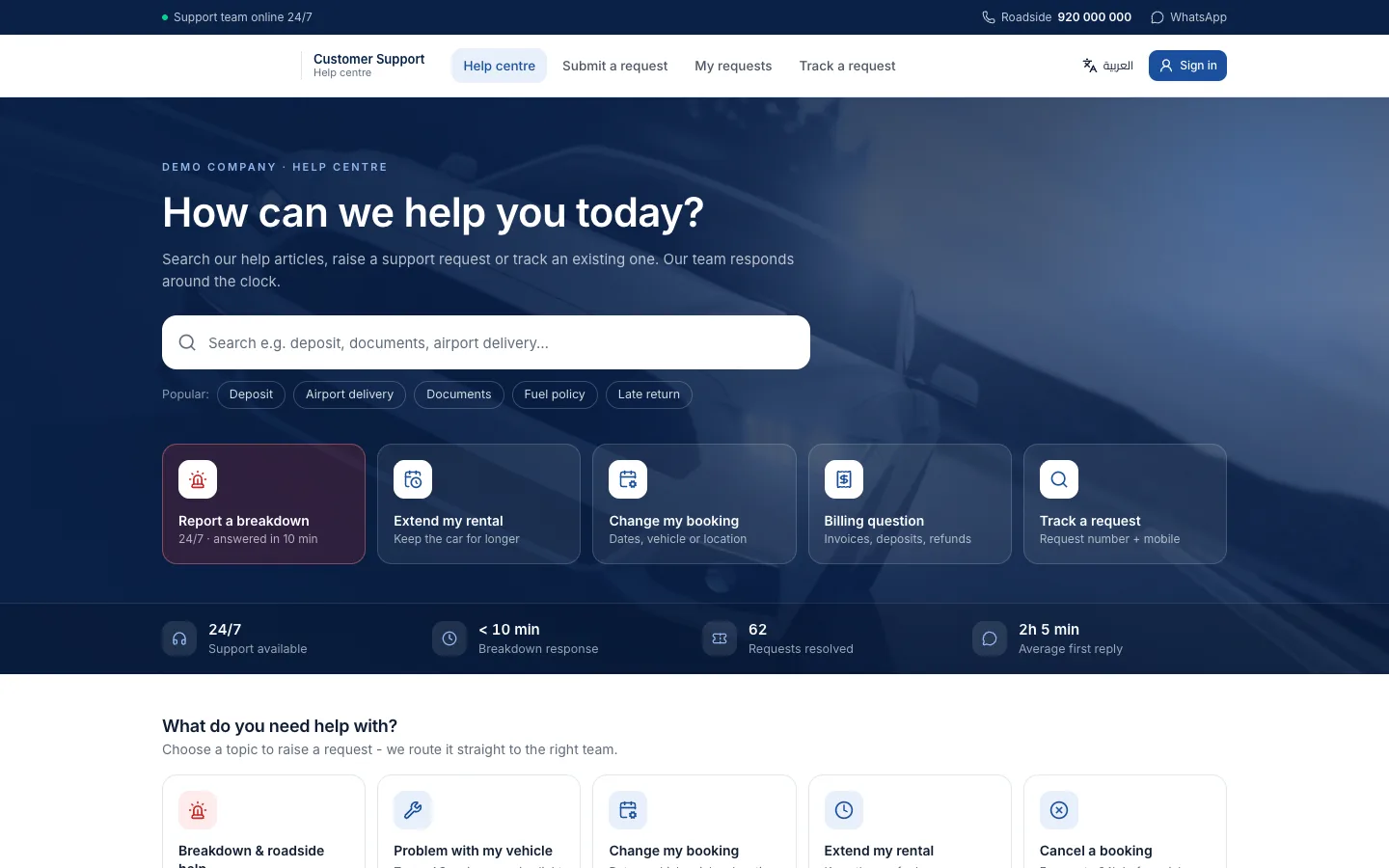
- Self-service help centre with article search
- Raise requests by topic: breakdown, booking change, extension, billing, refund, lost property
- Expected reply time per topic
- Track a request by request number and mobile
- Arabic and English
Cloud Call Center
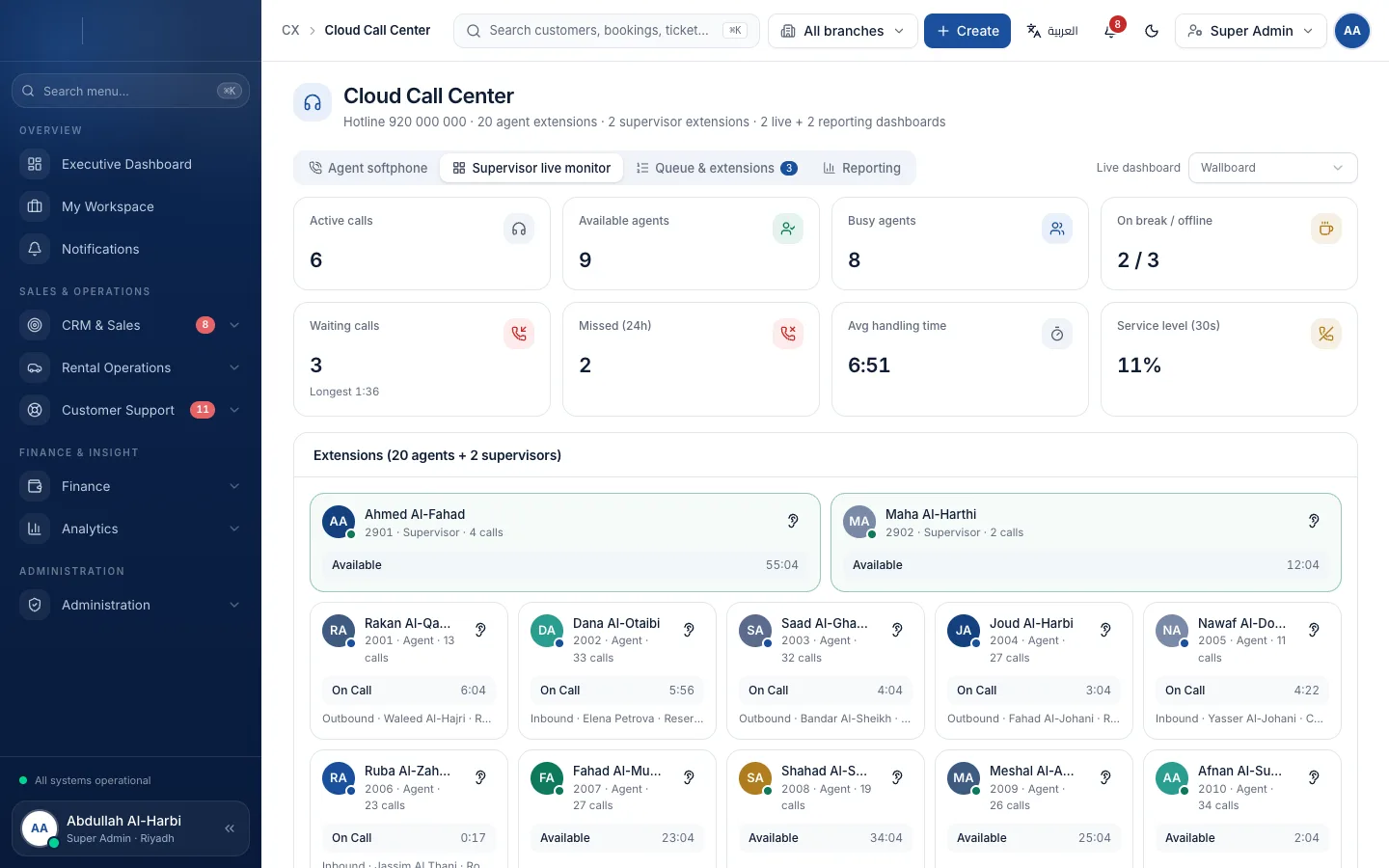
- Agent softphone and supervisor live monitor
- Queues and extensions for agents and supervisors
- Active, waiting and missed calls, handling time and service level
- Call recordings with transcripts, dispositions and notes
- Live dashboards and wallboard
Analytics
- Sales analytics: conversion, pipeline, salesperson performance, lead sources
- Rental analytics: revenue, utilisation, booking mix, extensions, cancellations
- Support and call center analytics
- Marketing analytics and AI performance
- CSV export
Customer Service screens
Real screens from the live demo that matter most for this industry.
AI built into the Customer Experience CRM for customer service
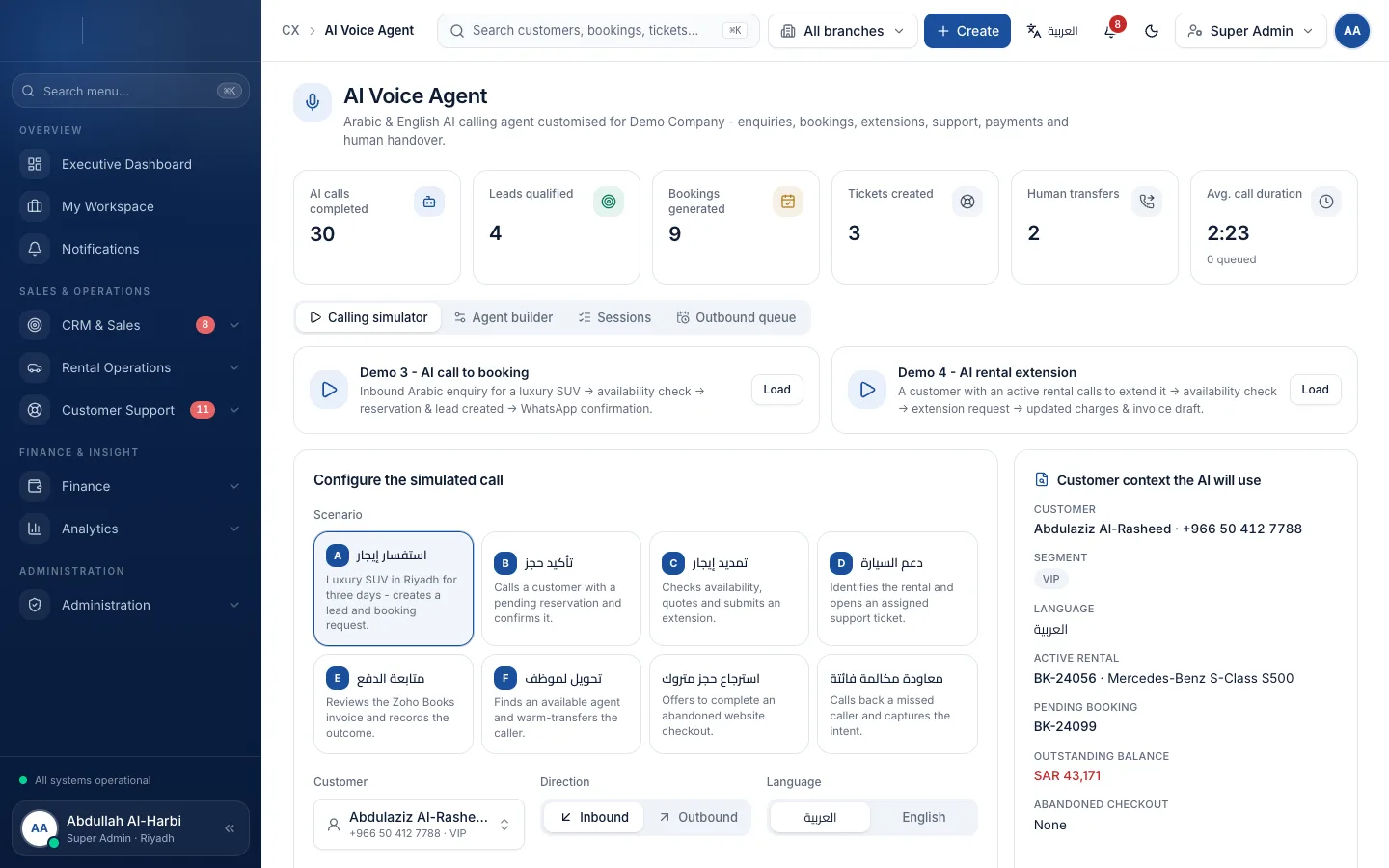
What the AI and automation features in the live demo do for your team.
Where it helps customer service teams
Set up for your country, connected to your systems
What the product handles out of the box, and what Shyphan does to put it live in your business.
Built into the product
Delivered and supported in
 Saudi Arabia
 UAE
 India
 Bahrain
 Qatar
 Kuwait
 Oman
 Iraq
 Egypt
 Jordan
Plus the UK, Europe, the USA and other markets, from Shyphan offices in India, the UAE, Saudi Arabia and four more countries.
How Shyphan puts it live
More industries the Customer Experience CRM serves
Pages written for how each industry actually works with the product.
Try the Customer Experience CRM yourself
No sign-up. The demo opens in your browser with sample data.
- Open the live demo in a new tab.
- Open the quick access menu, choose a role and sign in
- Explore the screens freely. It is a demo company with sample data.
- Book a guided demo and we will set it up around your own process.
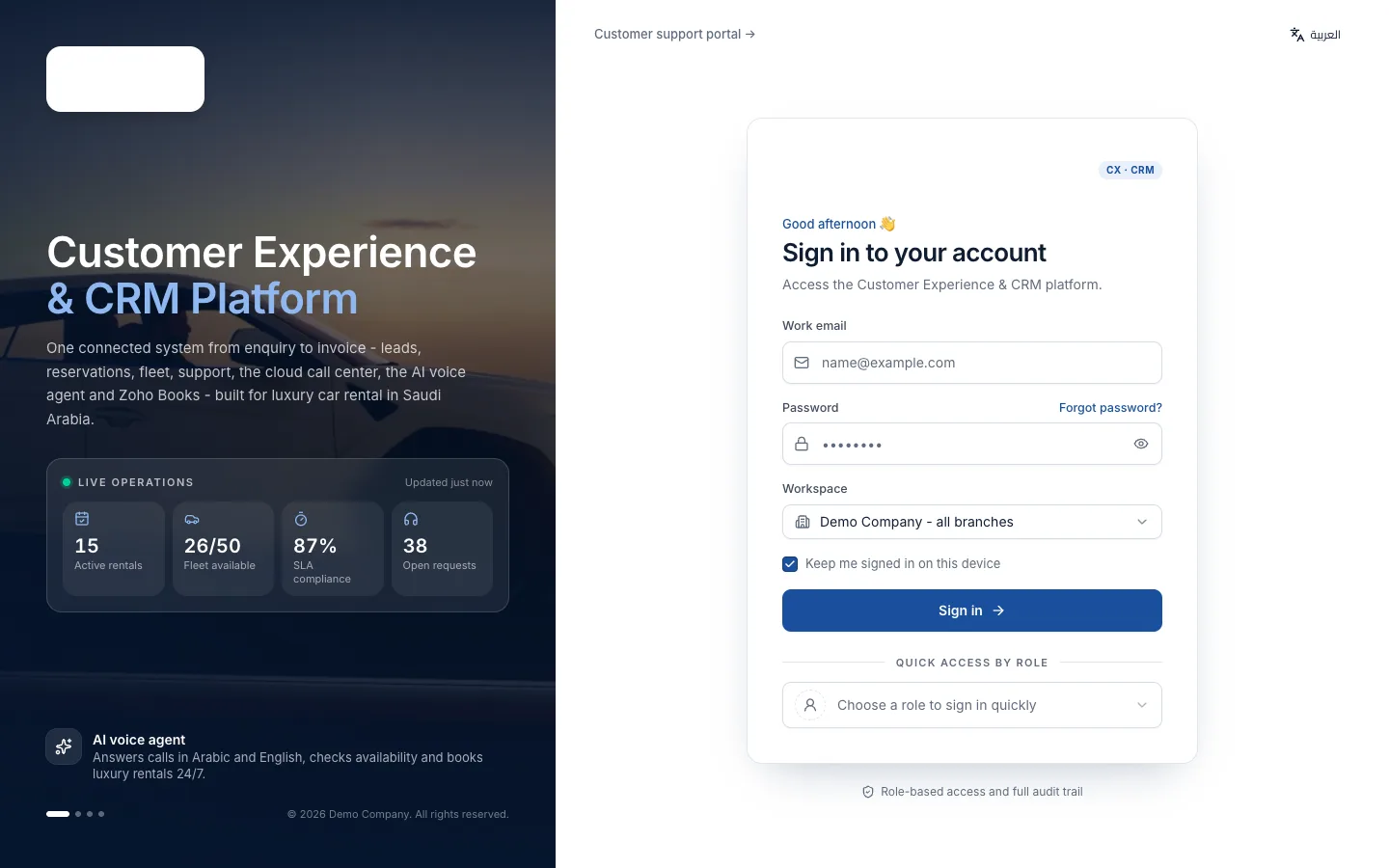
Customer Experience CRM for customer service: questions
How are SLAs measured?
Is there a customer portal?
Does it include a knowledge base?
Can supervisors see team workload?
Are calls linked to tickets?
Related products and solutions
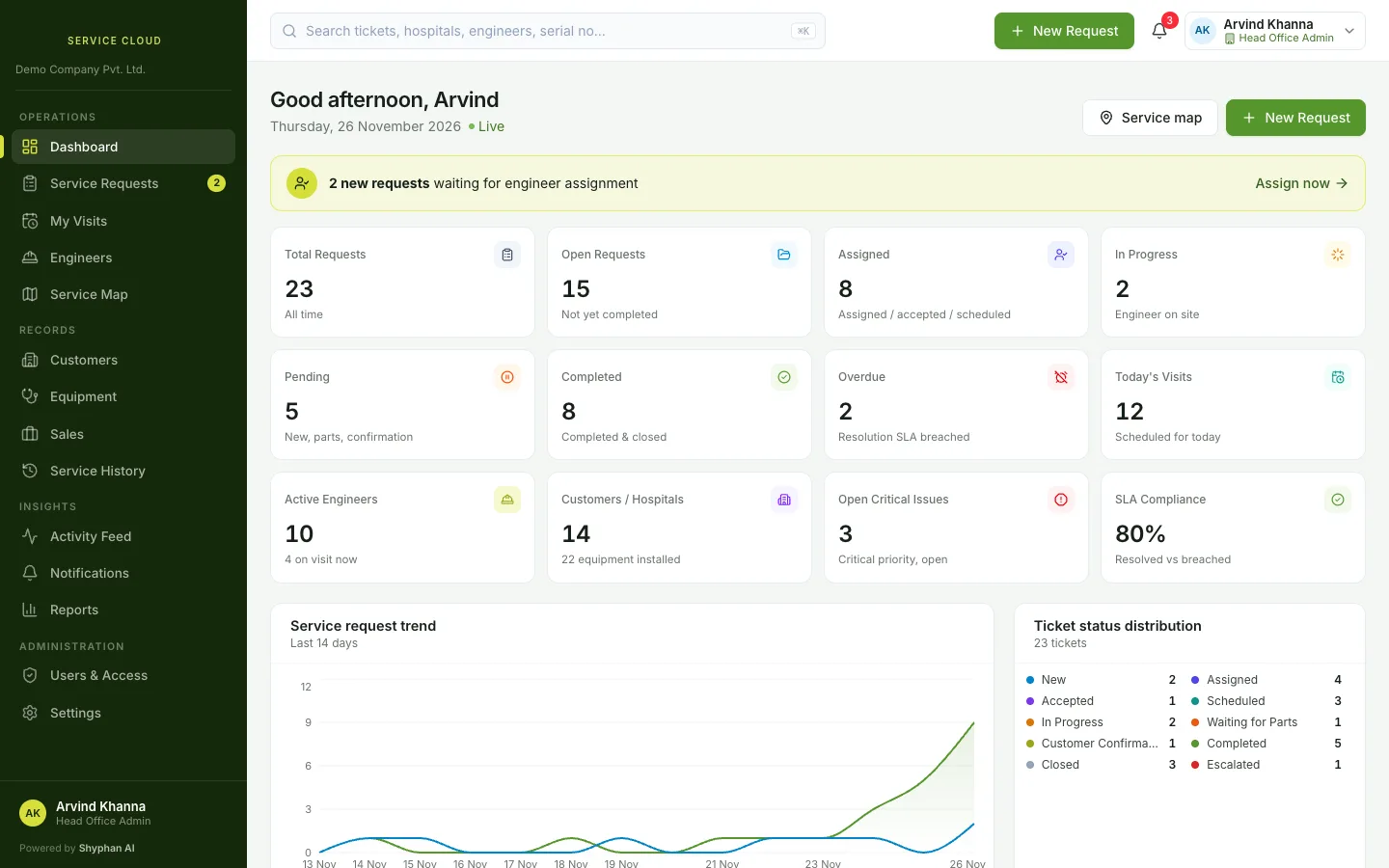
Customer & Field Service Management
Log every service request, assign the right area engineer, track response and resolution SLAs live, and close each visit on mobile with...
View product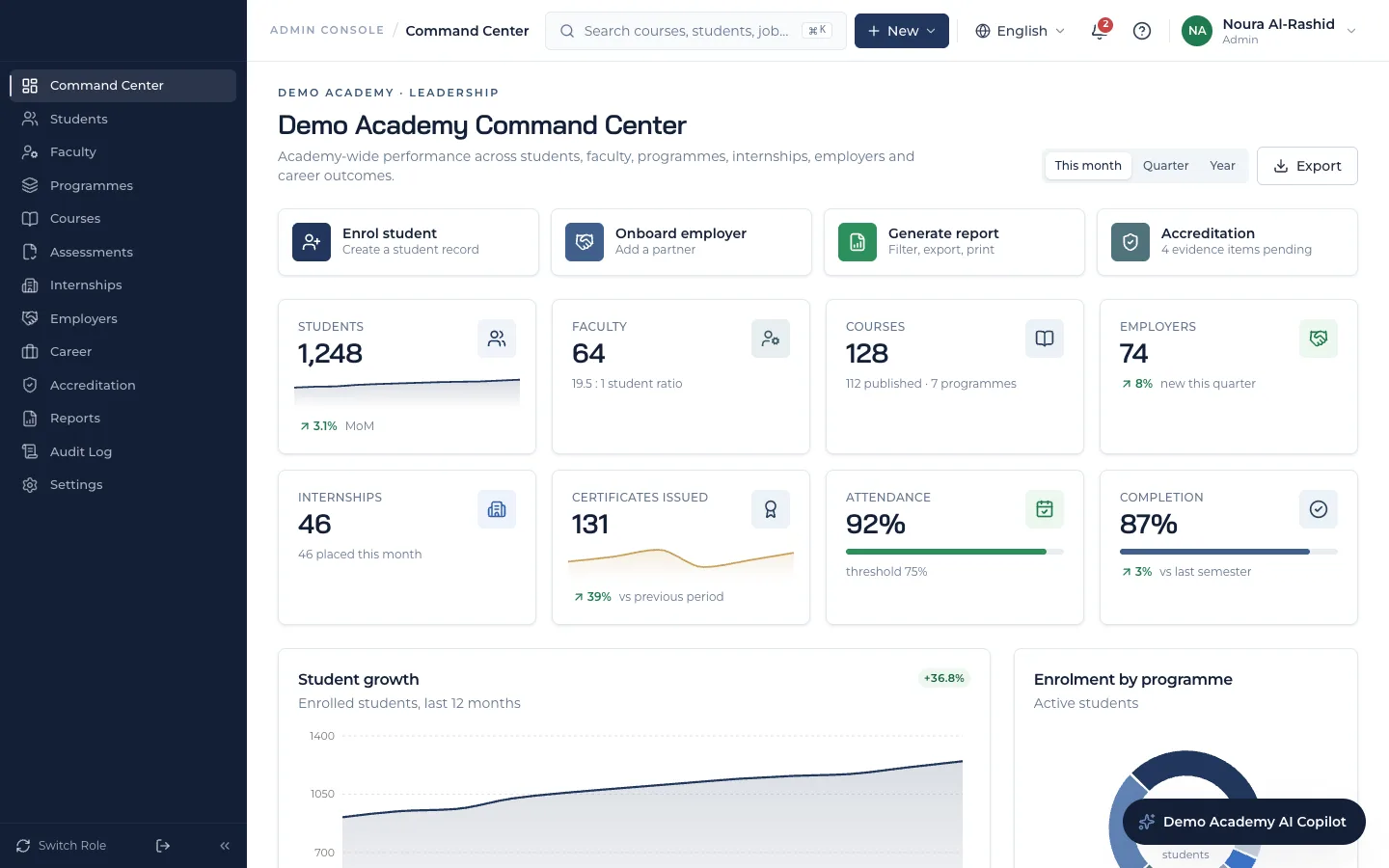
Learning Management System (LMS)
One platform for students, faculty, administrators and employers: courses, secure exams, practical training, internships, verified certificates...
View product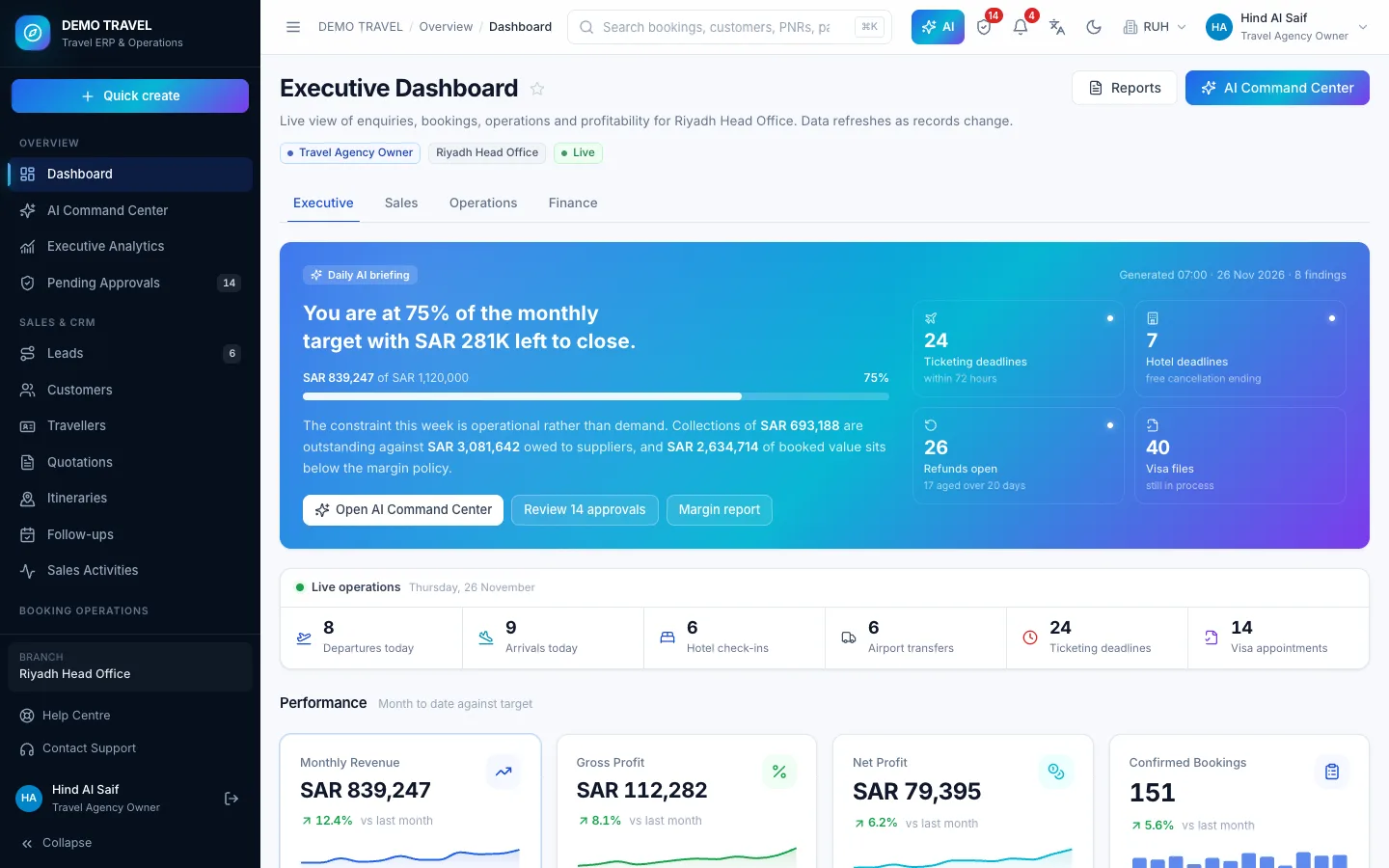
AI-Powered Travel & Tourism ERP
Run sales, bookings, visas, suppliers, payments and profitability for your travel business in one system, with AI that flags margin risk, refund...
View product
See it on your customer service process
A guided demo on your own workflow, then a written scope and a fixed quote.
