





















 Lebanon
 UK
 Ireland
 Germany
 USA
 Australia
 Singapore
 South Africa
 France
 Hungary
 Georgia
 Turkey
 Canada
 LagosNigeria




Home / Industries / Trading & Distribution ERP
Automotive Spare Parts · Trading & Distribution ERPAuto Spare Parts ERP with Vehicle Fitment and OEM Search
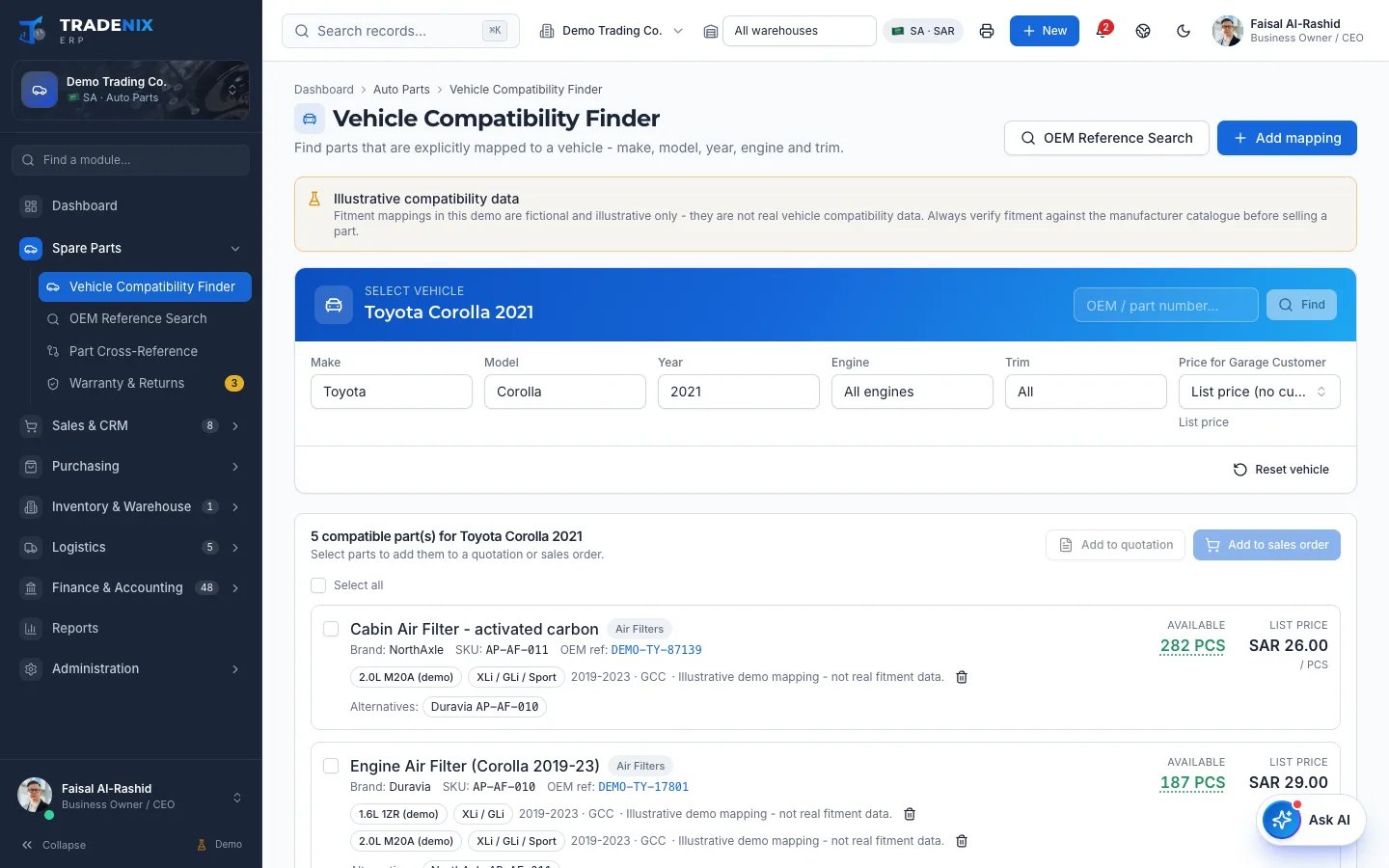
Selling spare parts means answering one question fast: which part fits this vehicle? This ERP lets counter and phone sales find parts by make, model, year, engine and trim, or by OEM and aftermarket number, then add them to a quotation or order with garage pricing and live stock.
Prefer to talk? Call +91 95651 53545Book a demo
Tell us about your business. A Shyphan consultant will walk you through the Trading & Distribution ERP on your own process.
What automotive spare parts businesses struggle with
The automotive spare parts workflow in the Trading & Distribution ERP
- Identify the vehicleSelect make, model, year, engine and trim in the compatibility finder.
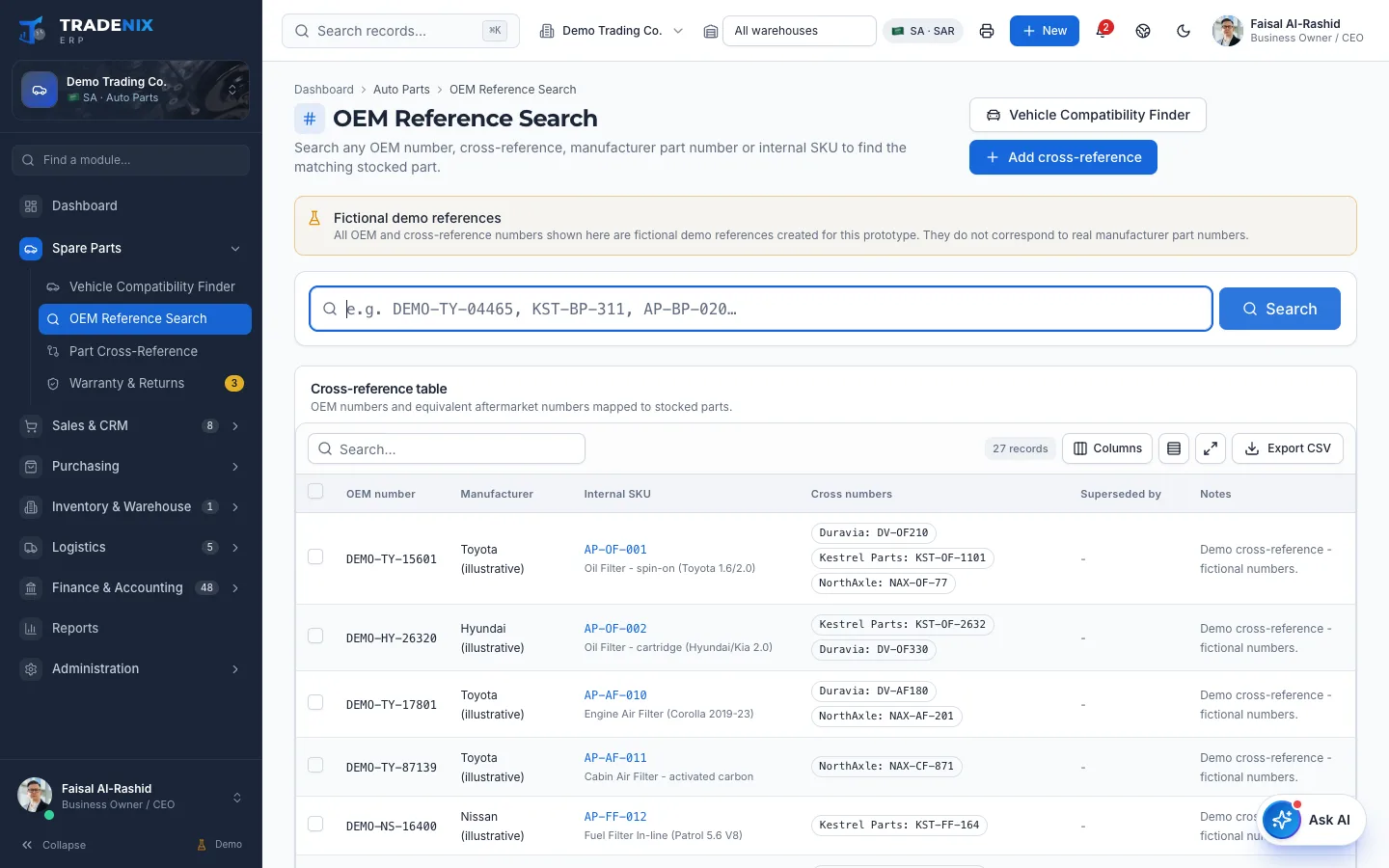
- Or search the numberEnter an OEM, aftermarket or internal SKU to find the stocked part.
- Price for the customerPick the garage customer so their price list applies, and check stock.
- Add to orderAdd selected parts to a quotation or sales order in one step.
- Handle warrantyRegister claims against the invoice and resolve by replacement or credit.
Modules automotive spare parts teams use
4 modules in the live demo. The main ones are below with what each covers.
Quotations and Sales Orders
- Bulk quotations with validity dates and acceptance tracking
- Convert accepted quotes into sales orders
- Stock reservation, backorders and credit-limit approval holds
- Delivered and invoiced progress per order
B2B Price Lists
- Customer price lists based on wholesale, distributor, retail or list price
- Percentage adjustments per list
- Quantity-break tiers applied on quotes and orders
- Price matrix and a live quantity-break simulator
Multi-Warehouse Inventory
- Stock on hand, reserved, available, incoming and days of cover
- Warehouse matrix, reorder alerts, slow-moving and dead stock
- Stock aging, ABC classes and batch tracking
- Immutable stock movement ledger, transfers, adjustments and cycle counts
- Warehouses with zones and bins
Auto Parts pack
- Vehicle compatibility finder by make, model, year, engine and trim
- OEM reference search and part cross-reference to stocked items
- Warranty claims and returns
Automotive Spare Parts screens
Real screens from the live demo that matter most for this industry.
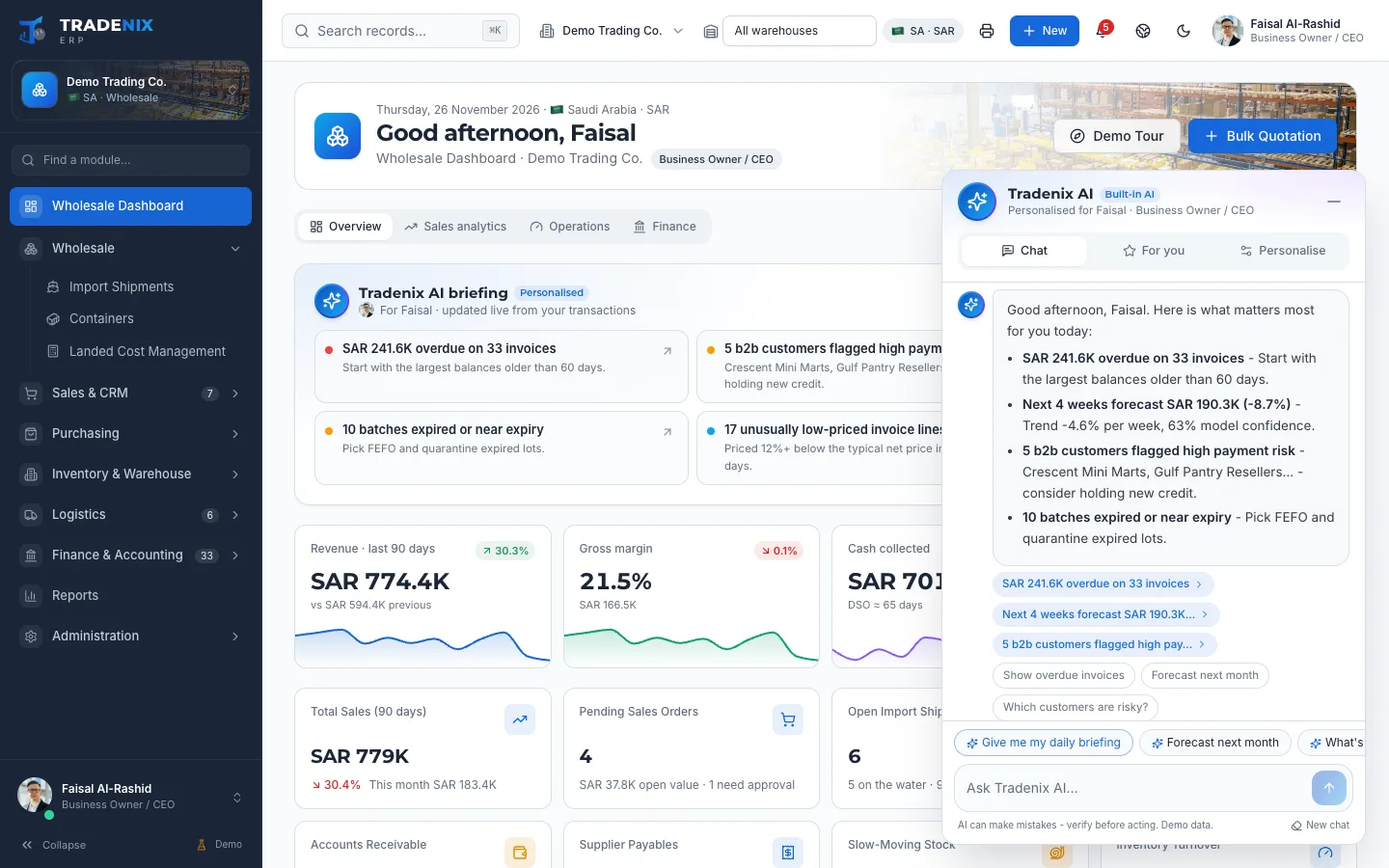
AI built into the Trading & Distribution ERP for automotive spare parts
What the AI and automation features in the live demo do for your team.
Where it helps automotive spare parts teams
Set up for your country, connected to your systems
What the product handles out of the box, and what Shyphan does to put it live in your business.
Built into the product
Delivered and supported in
 Saudi Arabia
 UAE
 India
 Bahrain
 Qatar
 Kuwait
 Oman
 Iraq
 Egypt
 Jordan
Plus the UK, Europe, the USA and other markets, from Shyphan offices in India, the UAE, Saudi Arabia and four more countries.
How Shyphan puts it live
More industries the Trading & Distribution ERP serves
Pages written for how each industry actually works with the product.
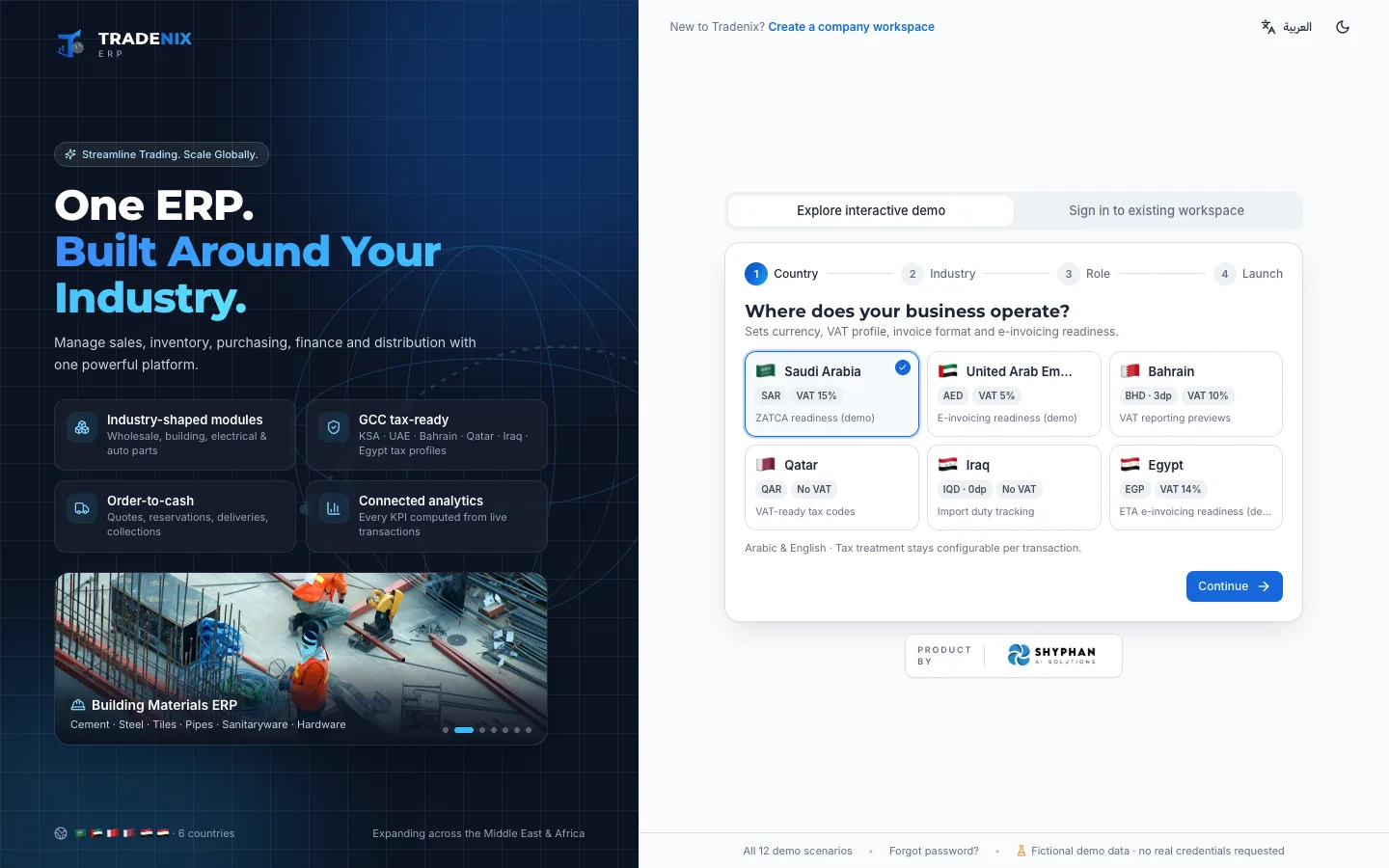
Try the Trading & Distribution ERP yourself
No sign-up. The demo opens in your browser with sample data.
- Open the live demo in a new tab.
- Choose Explore interactive demo, then pick a country, an industry and a role. The demo uses fictional data stored only in your browser.
- Explore the screens freely. It is a demo company with sample data.
- Book a guided demo and we will set it up around your own process.
Trading & Distribution ERP for automotive spare parts: questions
How does the vehicle compatibility finder work?
Can we search by OEM number?
Where does the fitment data come from?
Can we give garages special prices?
Does it track warranty claims?
Related products and solutions
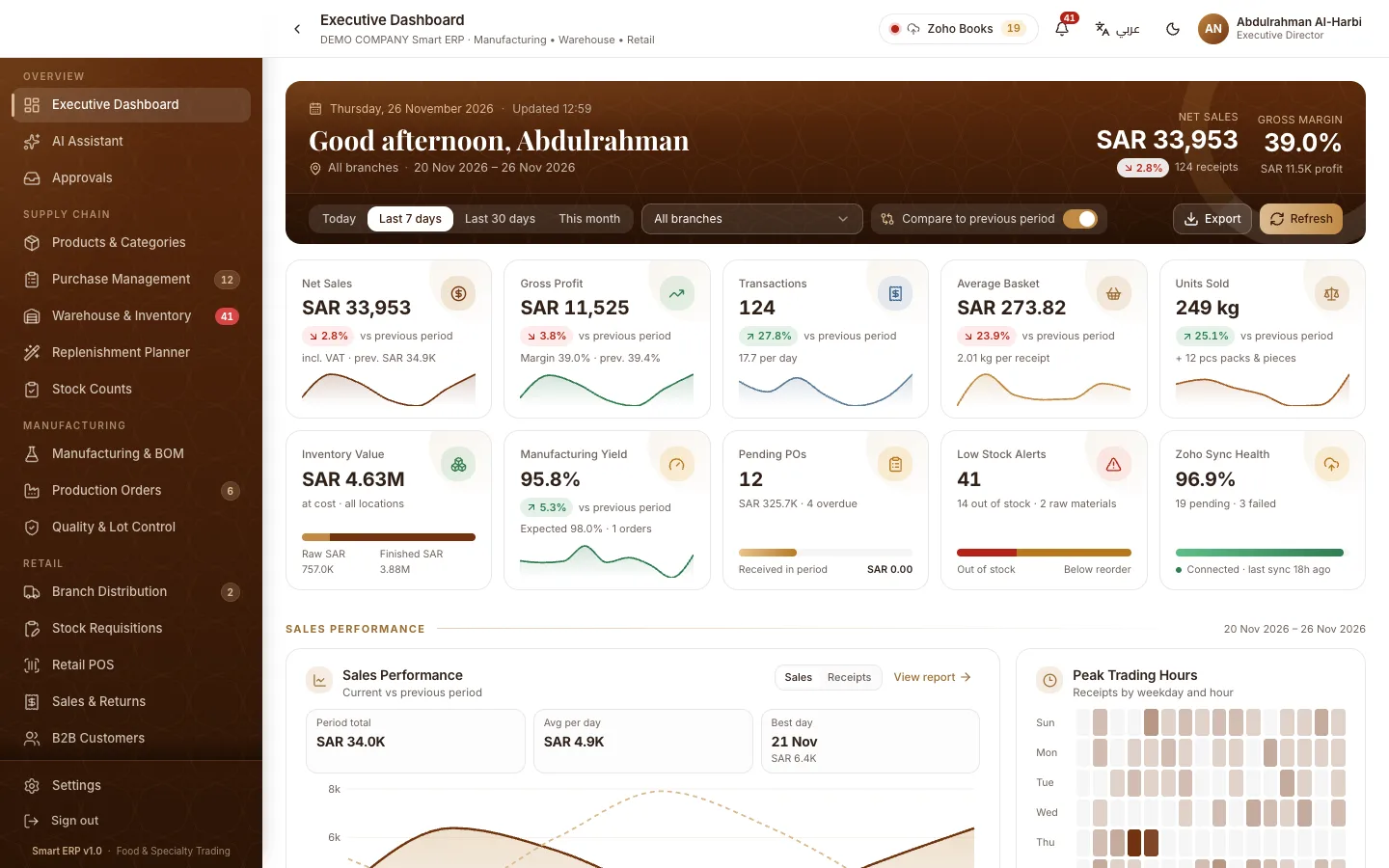
Food & Specialty Trading ERP
One system for food businesses that buy raw goods, roast, bake or blend them, then sell through their own branches and B2B accounts, with VAT,...
View product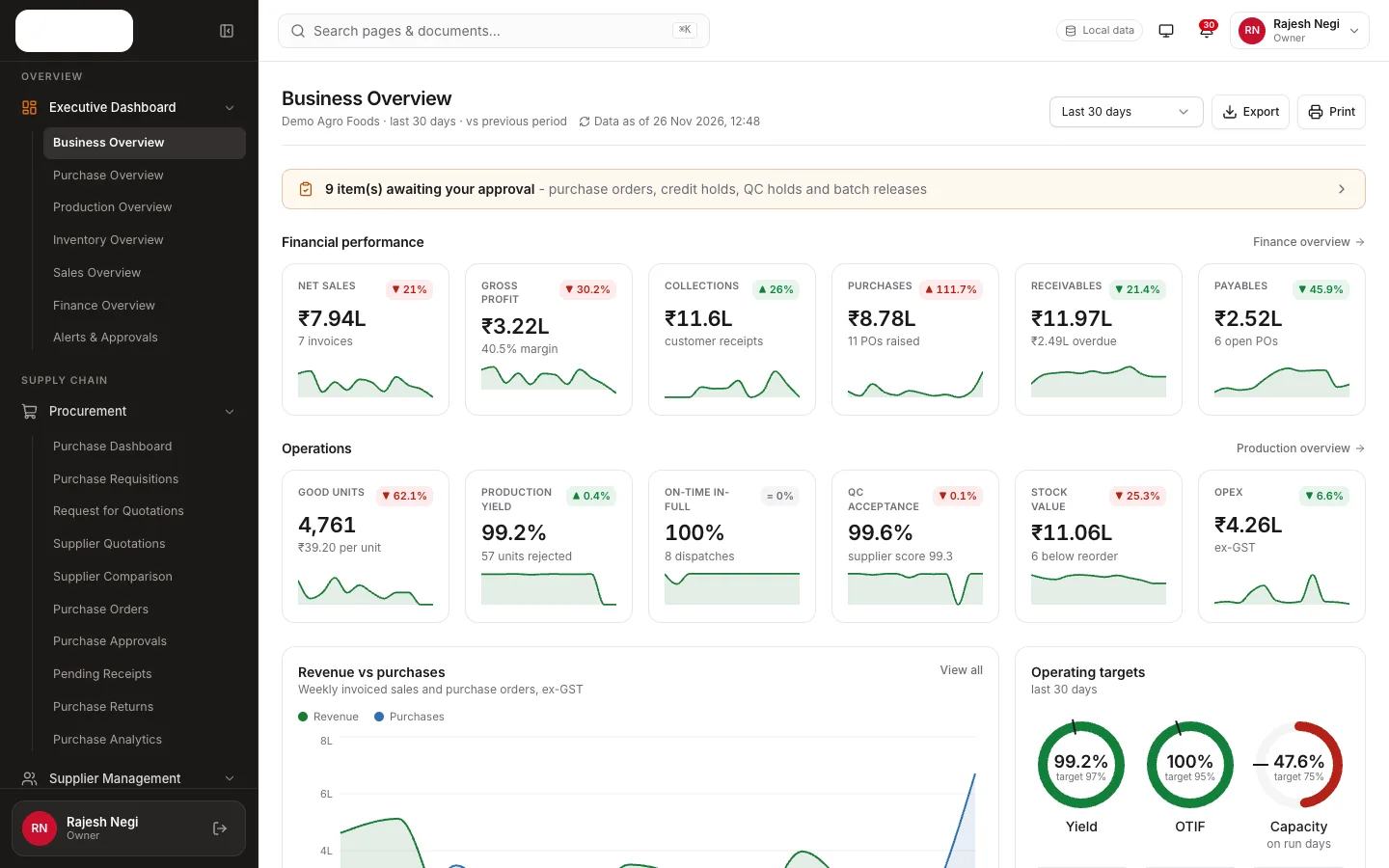
Agriculture & Agro Trading ERP
One system for agro food plants that buy fresh produce from growers, check it at the gate, process and pack it, then sell and dispatch with full...
View product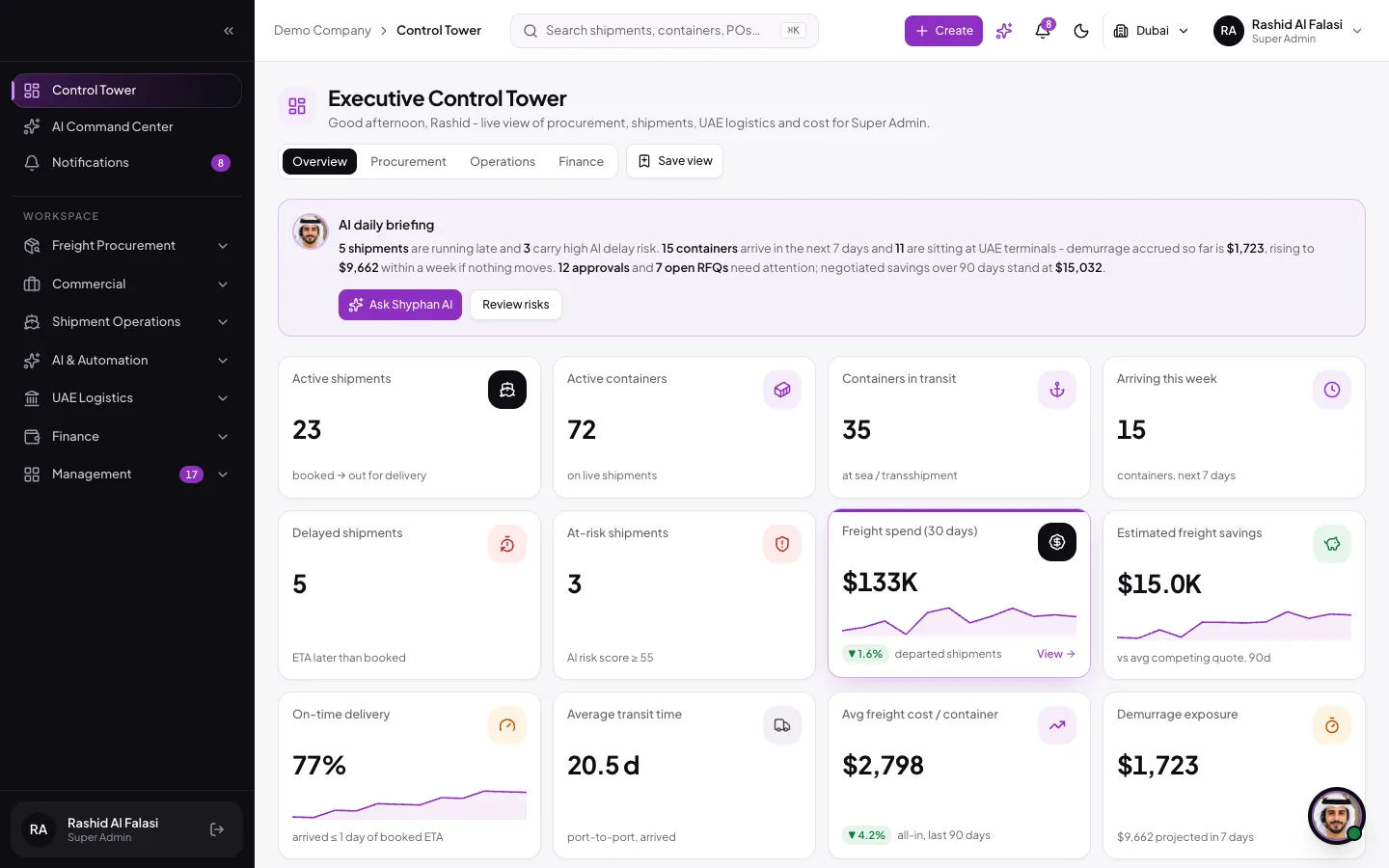
AI-Powered Freight Forwarding ERP
One platform to source freight, compare quotes, book carriers, track every container, clear UAE customs and control demurrage and landed cost,...
View product
See it on your automotive spare parts process
A guided demo on your own workflow, then a written scope and a fixed quote.
