





















 Lebanon
 UK
 Ireland
 Germany
 USA
 Australia
 Singapore
 South Africa
 France
 Hungary
 Georgia
 Turkey
 Canada
 LagosNigeria




Home / Industries / Facility Management
Commercial Buildings · Facility ManagementFacility Management Software for Commercial Buildings
Office towers and business parks run on cooling, power and lifts, and tenants notice the moment any of them falter. This software links each tenant request to the exact floor, room and asset, sends the right technician, keeps the SLA clock visible and shows owners how every building is performing.
Prefer to talk? Call +91 95651 53545Book a demo
Tell us about your business. A Shyphan consultant will walk you through the Facility Management on your own process.
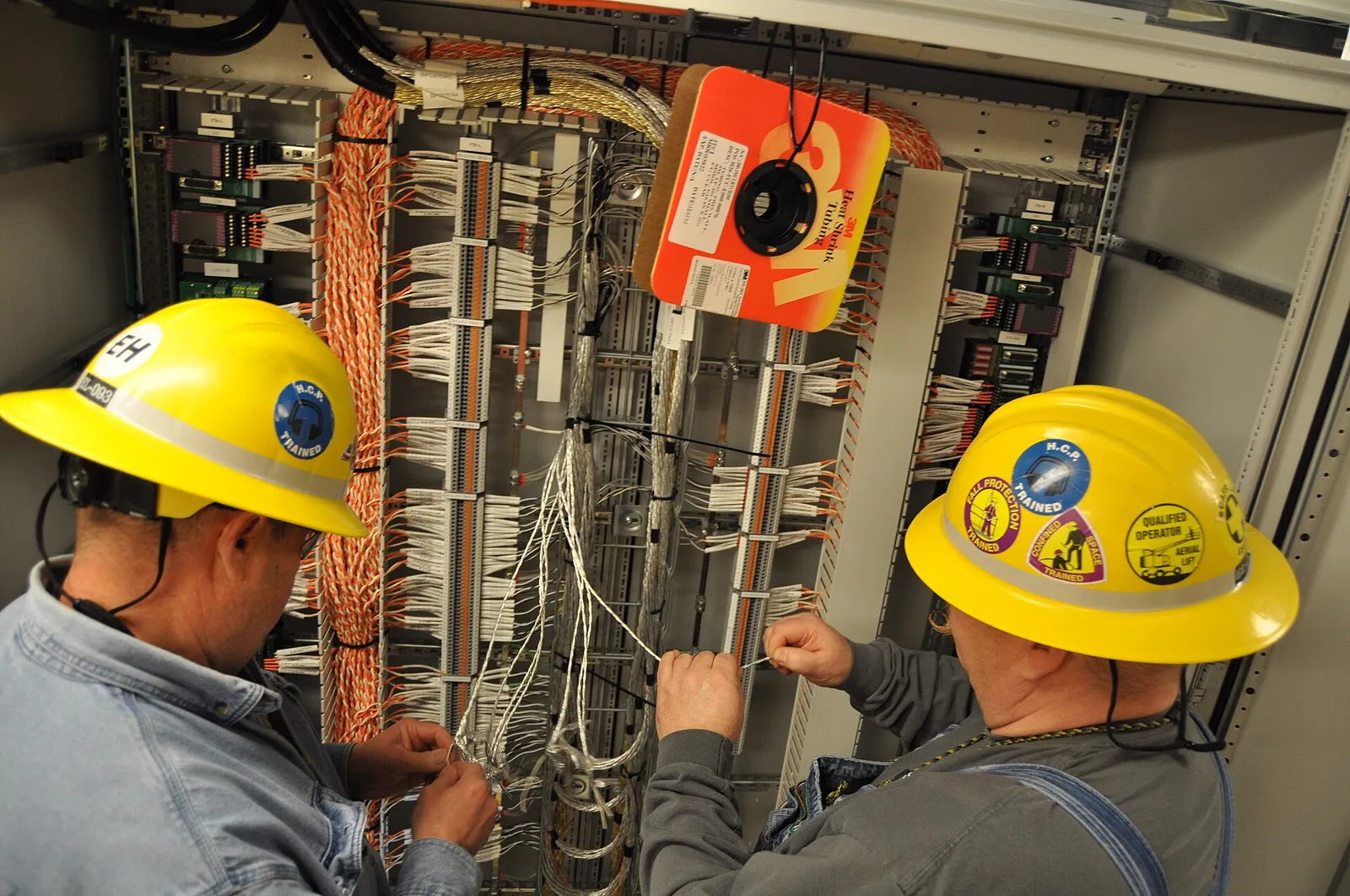
What commercial buildings businesses struggle with
The commercial buildings workflow in the Facility Management
- Tenant raises a requestRequests come in by portal, phone, email or QR code and are linked to the tower, floor, room and serving asset.
- Dispatch the right tradeHVAC, electrical or lift jobs go to a technician with the matching skill who is close and available.
- Fix and sign offThe technician scans the asset, records parts and photos, and the tenant or front desk signs off.
- Keep plant on schedulePPM on chillers, AHUs, generators and lifts is generated ahead and tracked for compliance.
- Report to the ownerFacility health, SLA, PPM compliance and cost by building are ready in analytics and the customer portal.
Modules commercial buildings teams use
5 modules in the live demo. The main ones are below with what each covers.
Helpdesk
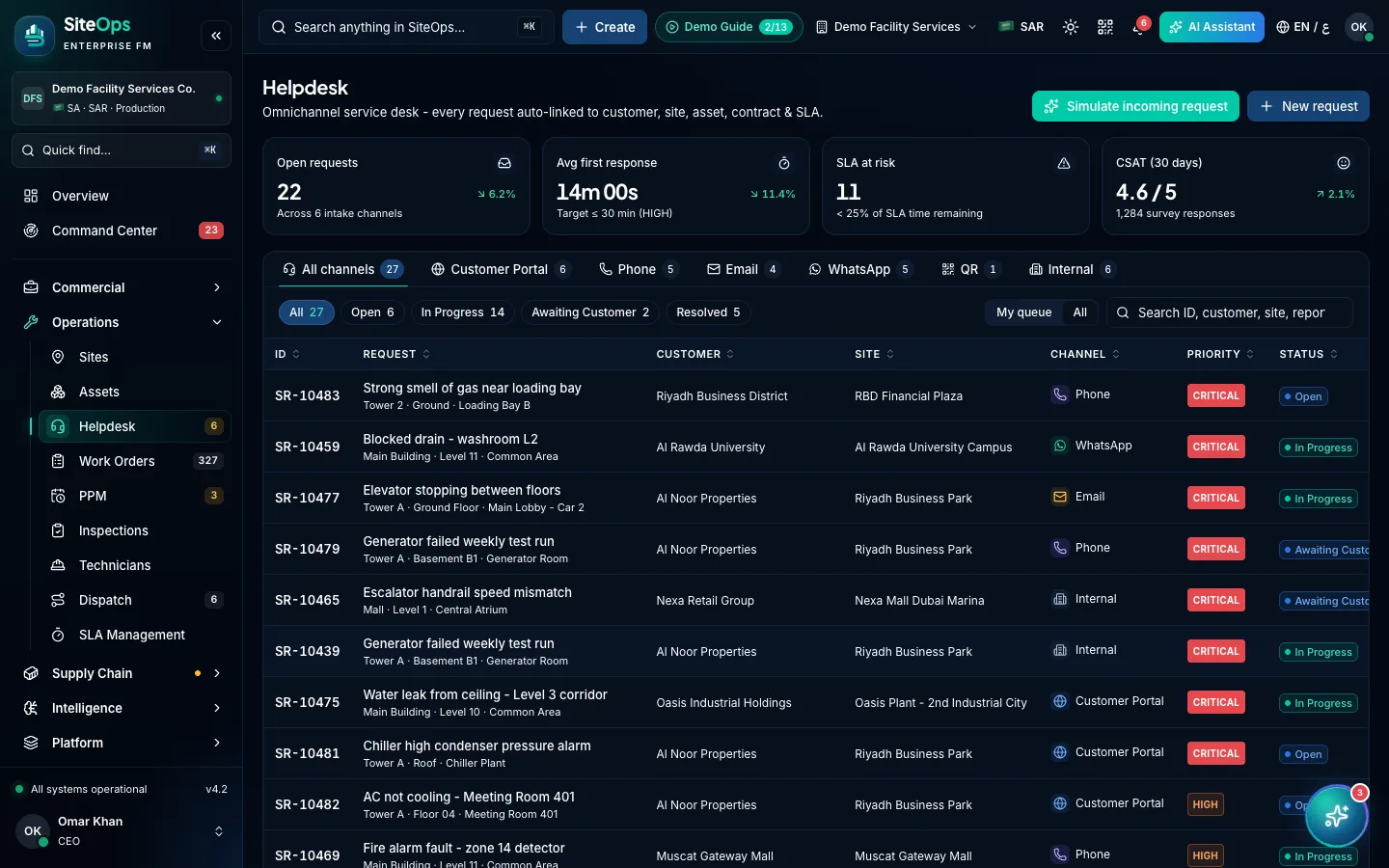
- Service requests from customer portal, phone, email, WhatsApp, QR and internal channels
- Each request linked to customer, site, asset, contract and SLA
- First response time, SLA at risk and CSAT
- Requests turned into work orders
Work Orders
- Reactive, planned and additional work across all sites
- List, kanban, calendar and map views
- Status flow from new through en route, on site, awaiting parts and customer approval to closed
- Priority, category, asset, technician and SLA on every job
PPM
- Preventive maintenance calendar by day, week and month
- Daily, weekly, monthly, quarterly, half-yearly, annual, runtime-based and meter-based schedules
- Work orders generated ahead with a set lead time
- PPM compliance against target and contractual minimum
Dispatch
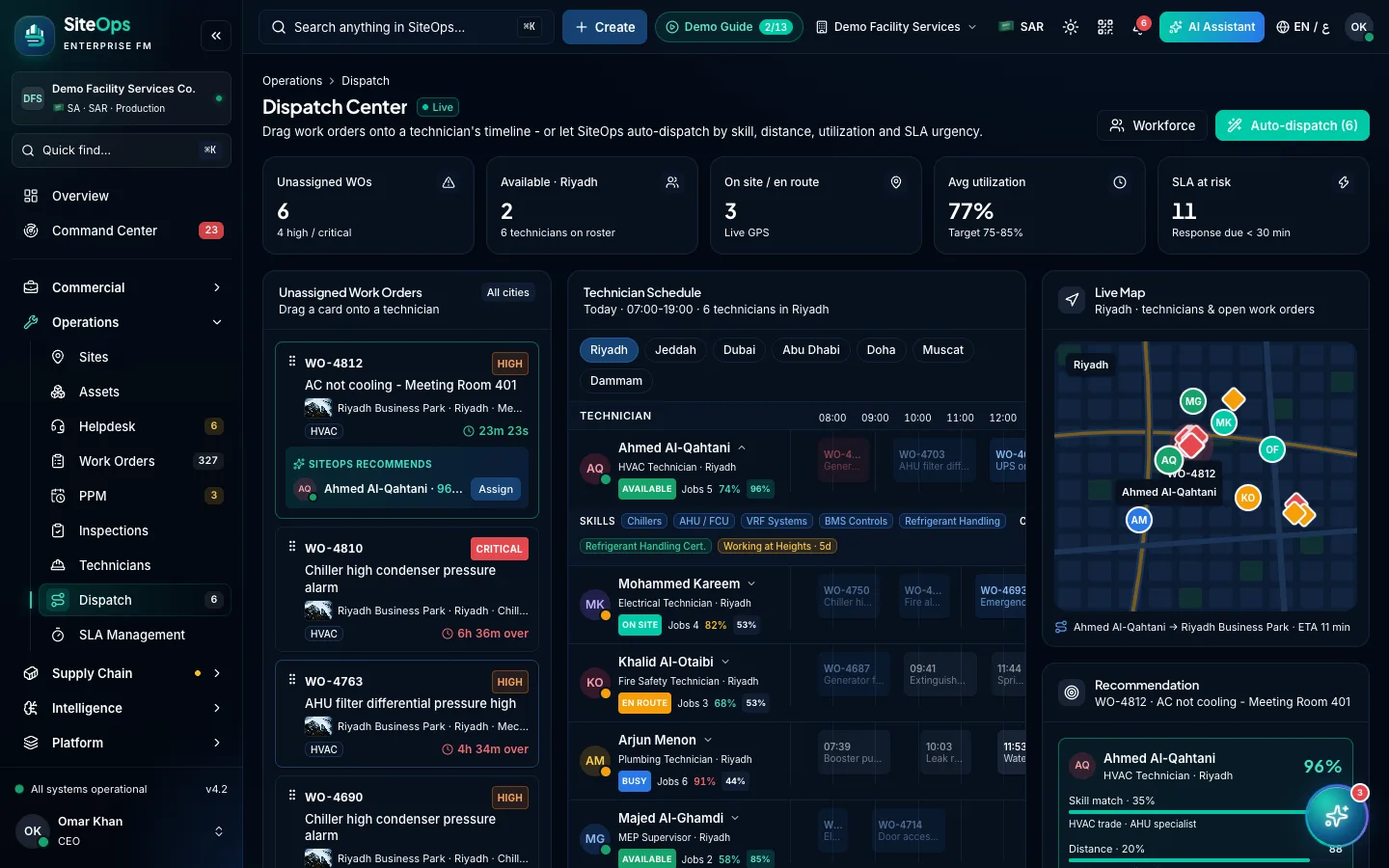
- Drag unassigned work orders onto a technician timeline
- Auto-dispatch by skill, distance, utilisation and SLA urgency
- Recommended technician with match score
- Live map of technicians and open jobs
Customer Portal
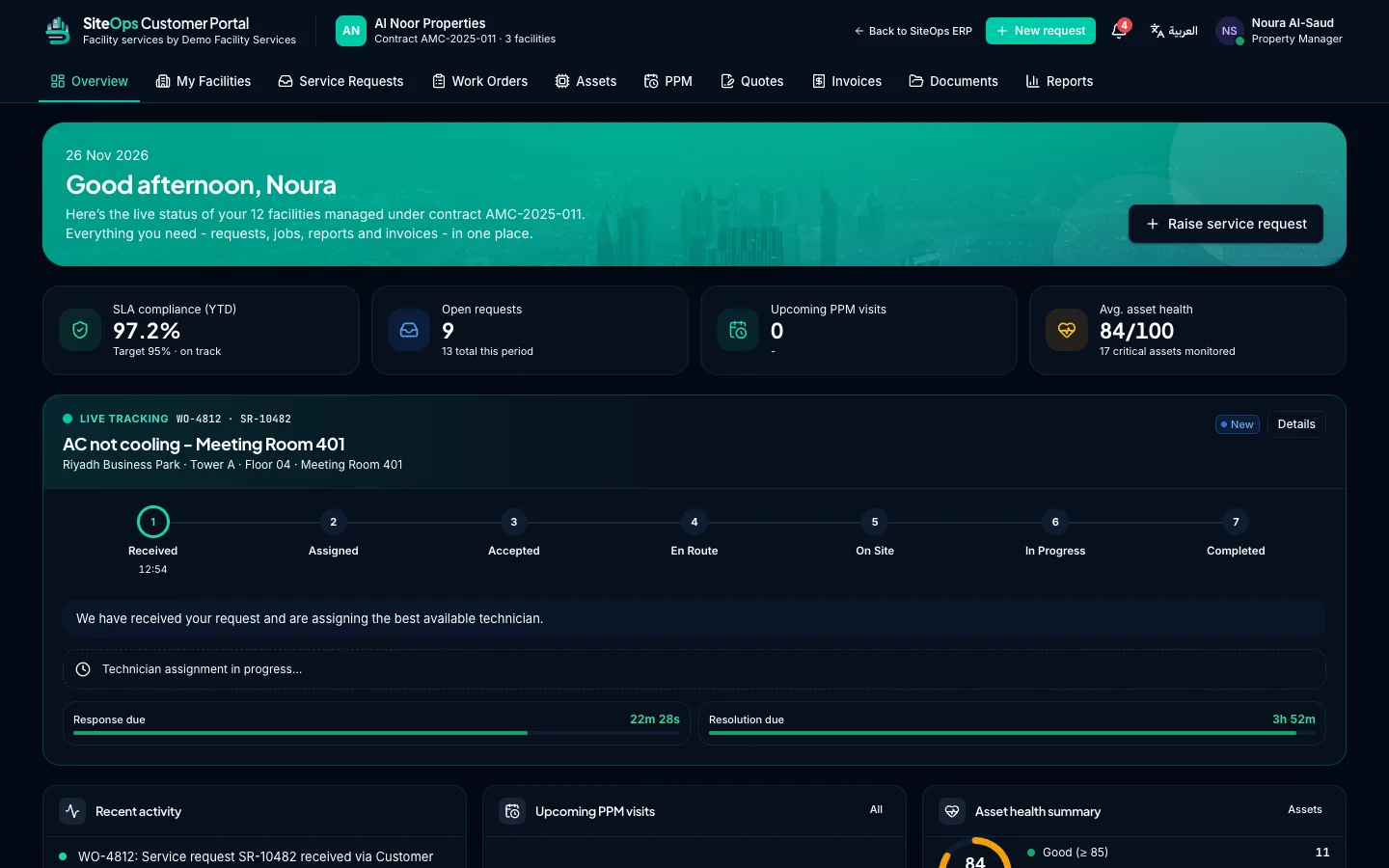
- Live tracking of each request from received to completed
- Raise service requests
- Facilities, work orders, assets, PPM visits, quotes, invoices, documents and reports
- SLA compliance and asset health summary
Commercial Buildings screens
Real screens from the live demo that matter most for this industry.
AI built into the Facility Management for commercial buildings
What the AI and automation features in the live demo do for your team.
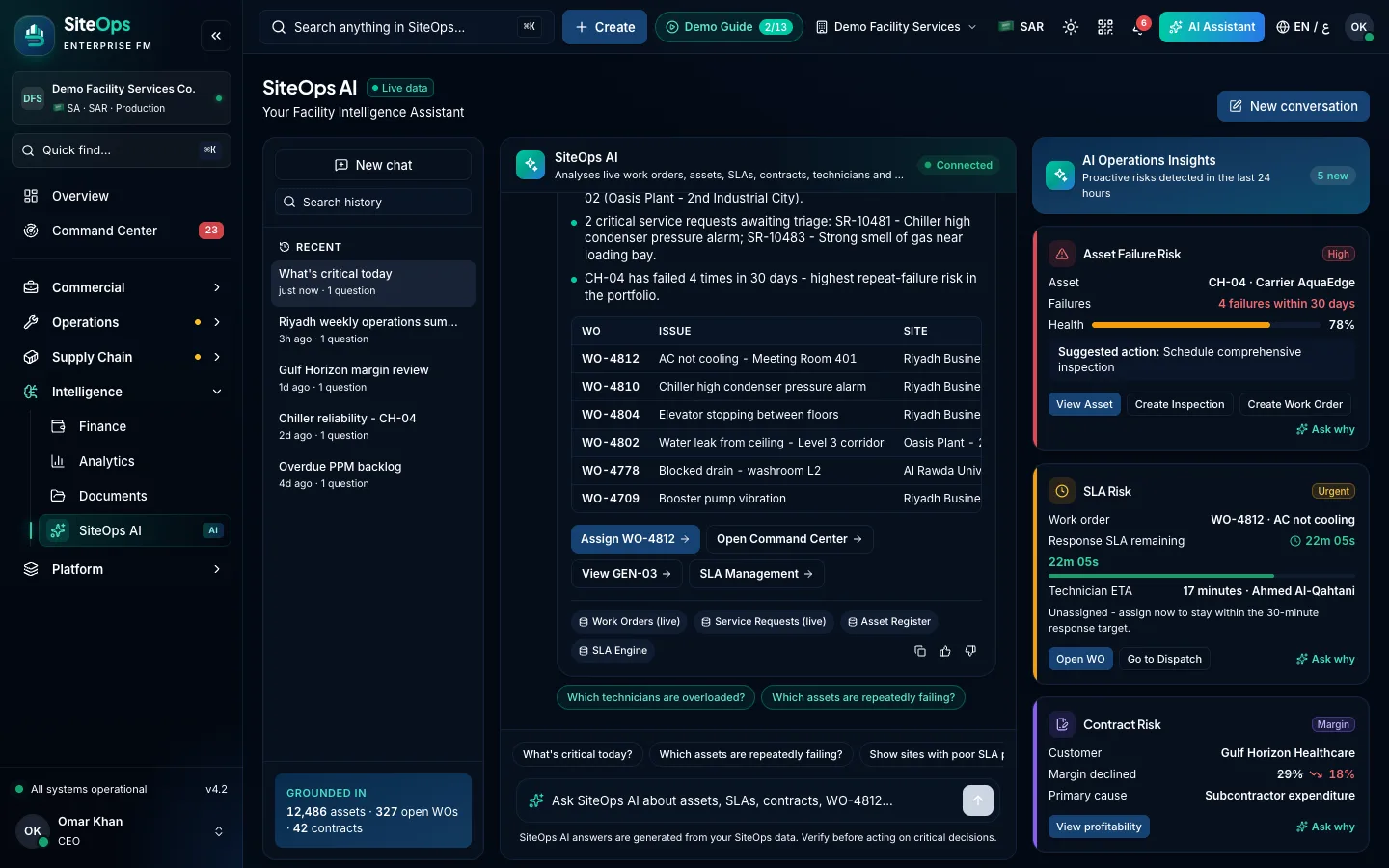
Where it helps commercial buildings teams
Set up for your country, connected to your systems
What the product handles out of the box, and what Shyphan does to put it live in your business.
Built into the product
Delivered and supported in
 Saudi Arabia
 UAE
 India
 Bahrain
 Qatar
 Kuwait
 Oman
 Iraq
 Egypt
 Jordan
Plus the UK, Europe, the USA and other markets, from Shyphan offices in India, the UAE, Saudi Arabia and four more countries.
How Shyphan puts it live
More industries the Facility Management serves
Pages written for how each industry actually works with the product.
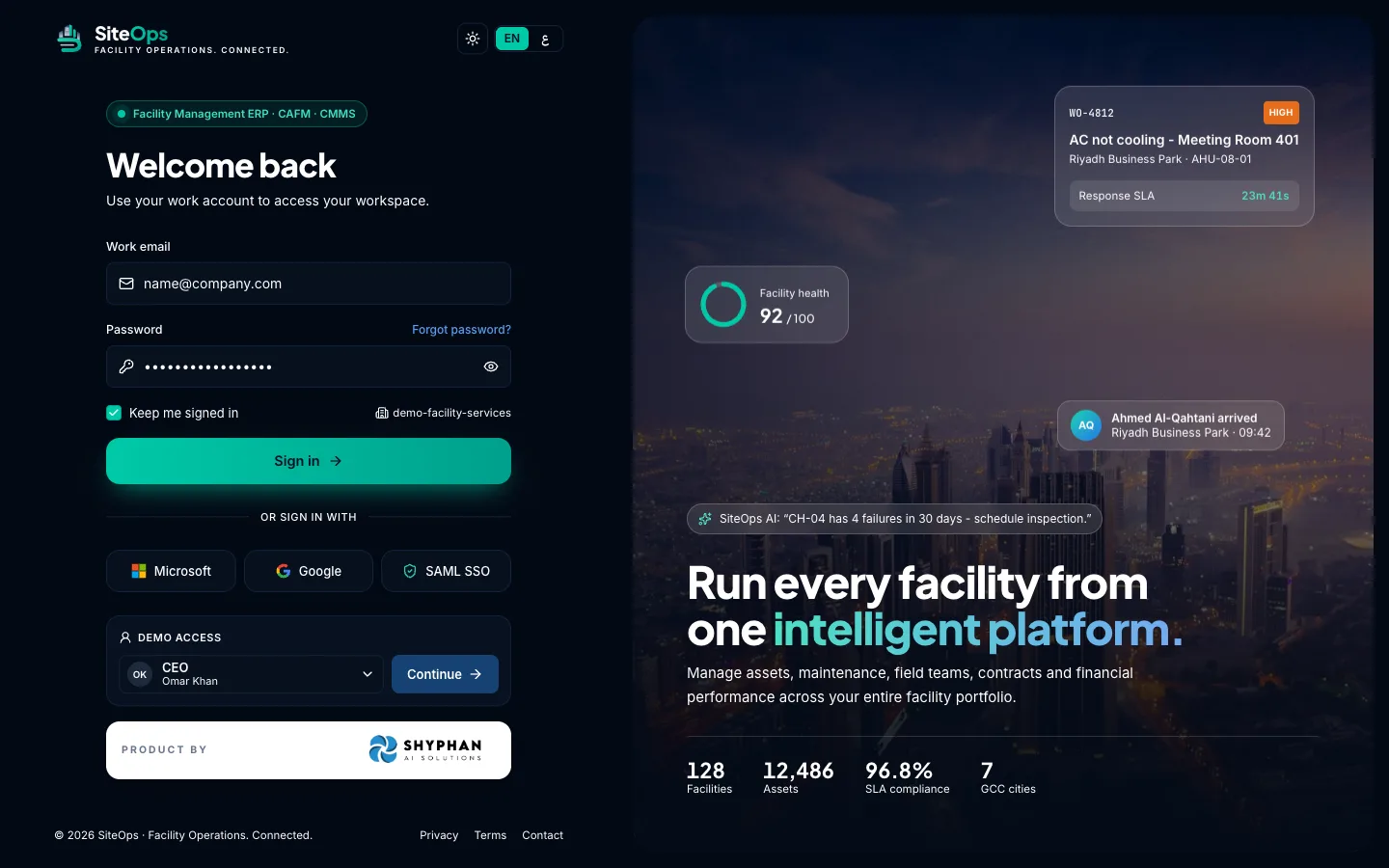
Try the Facility Management yourself
No sign-up. The demo opens in your browser with sample data.
- Open the live demo in a new tab.
- On the sign-in screen, pick a role in the Demo Access card and click Continue
- Explore the screens freely. It is a demo company with sample data.
- Book a guided demo and we will set it up around your own process.
Facility Management for commercial buildings: questions
Can requests be linked to a specific floor and room?
Can tenants raise requests themselves?
Does it cover lifts and fire systems?
Can owners see performance without asking?
Can it take alarms from the building management system?
Related products and solutions
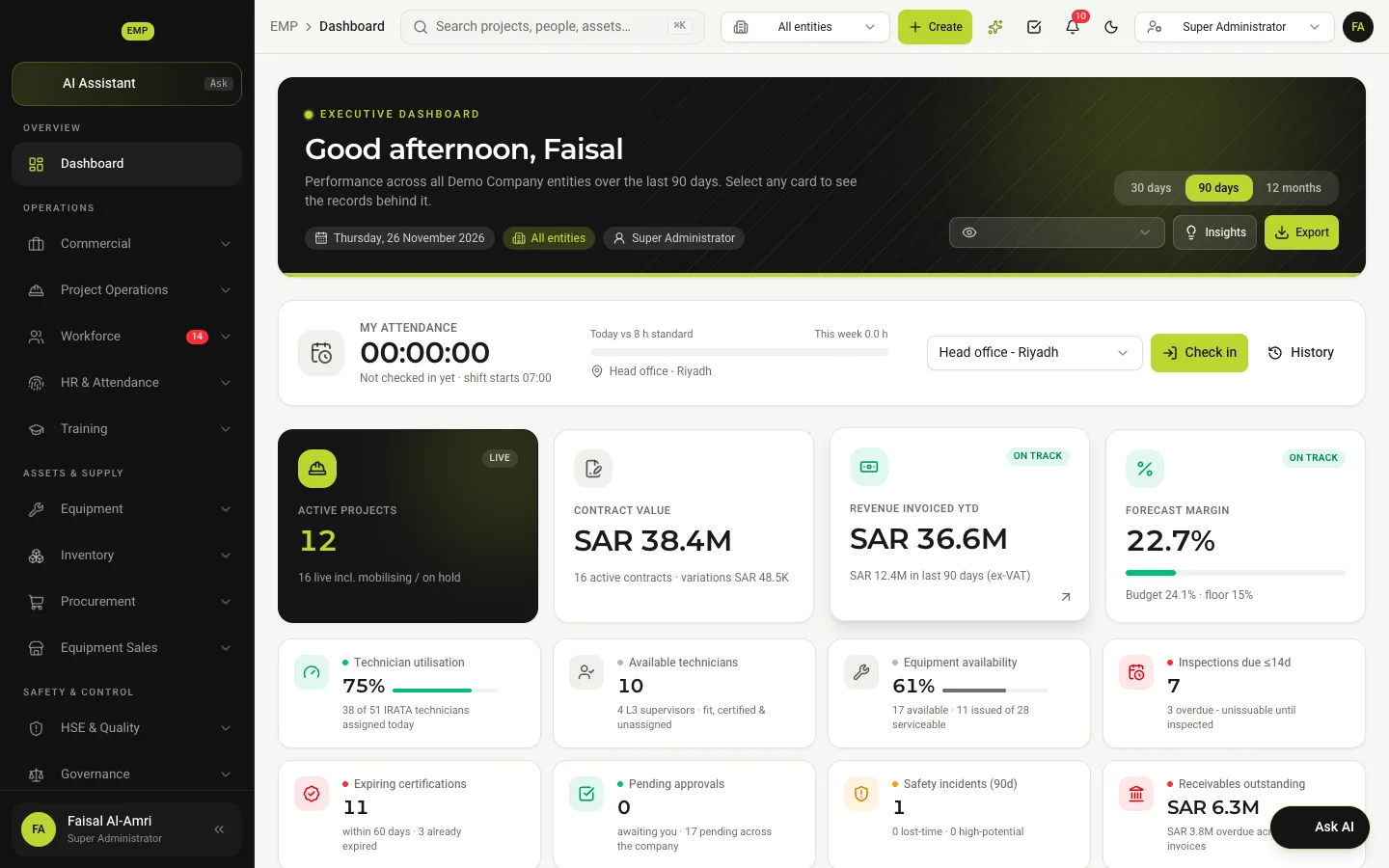
Construction & Contracting ERP
One system for contractors who deliver façade, inspection and maintenance work at height, from the first enquiry and site survey to permits,...
View product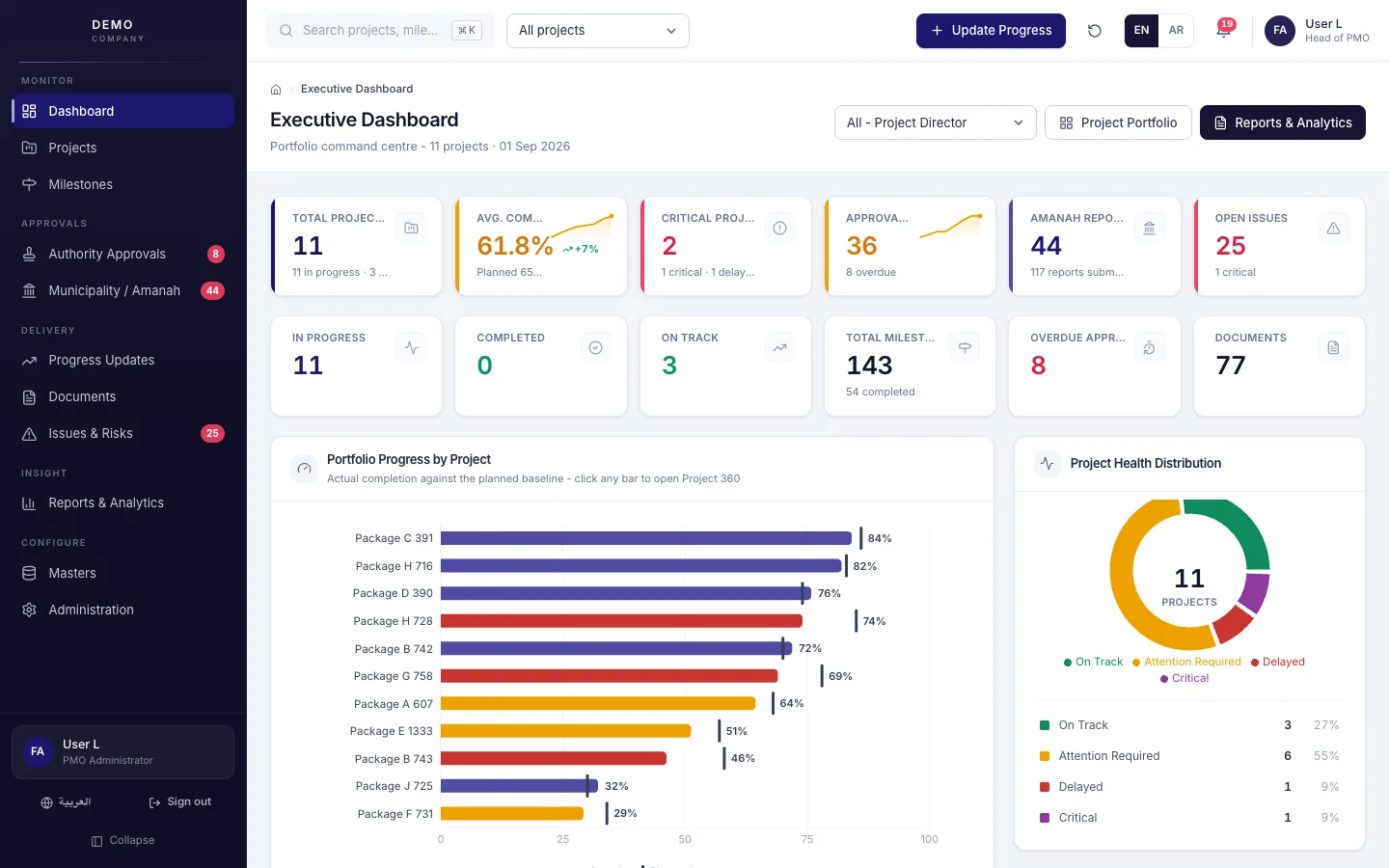
Infrastructure Project & Approval Management
One PMO platform for infrastructure packages in Saudi Arabia: weighted physical milestones, NWC, SEC and CST approvals, Amanah submissions, site...
View product
AI-Powered Freight Forwarding ERP
One platform to source freight, compare quotes, book carriers, track every container, clear UAE customs and control demurrage and landed cost,...
View product
See it on your commercial buildings process
A guided demo on your own workflow, then a written scope and a fixed quote.
