





















 Lebanon
 UK
 Ireland
 Germany
 USA
 Australia
 Singapore
 South Africa
 France
 Hungary
 Georgia
 Turkey
 Canada
 LagosNigeria




Home / Industries / Warehouse Management System
Multi-Location Inventory · Warehouse Management SystemMulti-Location Inventory Management Across Every Warehouse
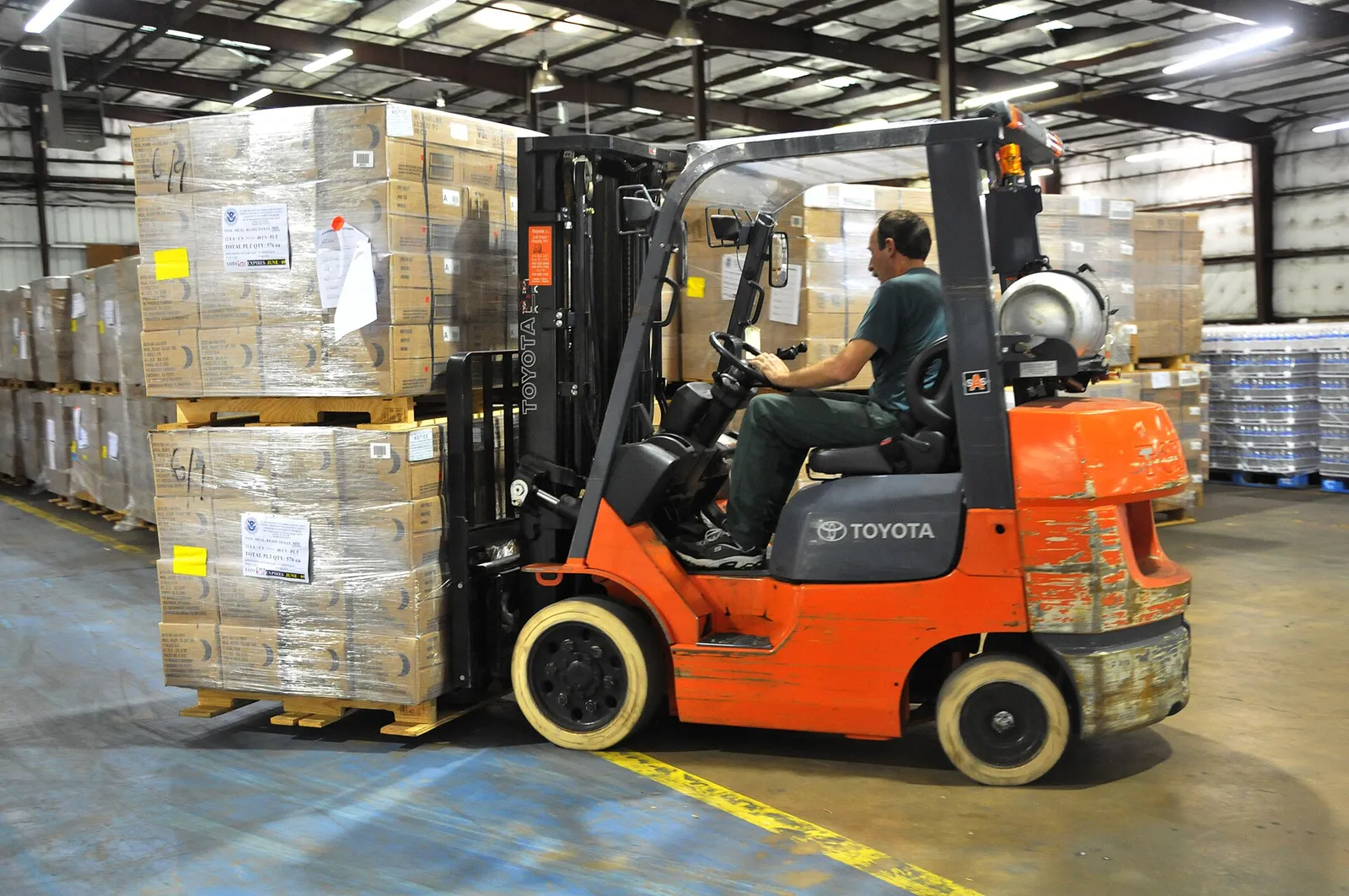
When stock sits in several warehouses, the question is never just how much you have but where it is. This WMS shows stock by site, zone and bin in one workspace, moves goods between warehouses with transfers and uses AI to suggest which site should cover a shortage, so you sell from the whole network rather than one building.
Prefer to talk? Call +91 95651 53545Book a demo
Tell us about your business. A Shyphan consultant will walk you through the Warehouse Management System on your own process.
What multi-location inventory businesses struggle with
The multi-location inventory workflow in the Warehouse Management System
- Set up each siteRecord each warehouse with its area, zones, bins, docks and staff.
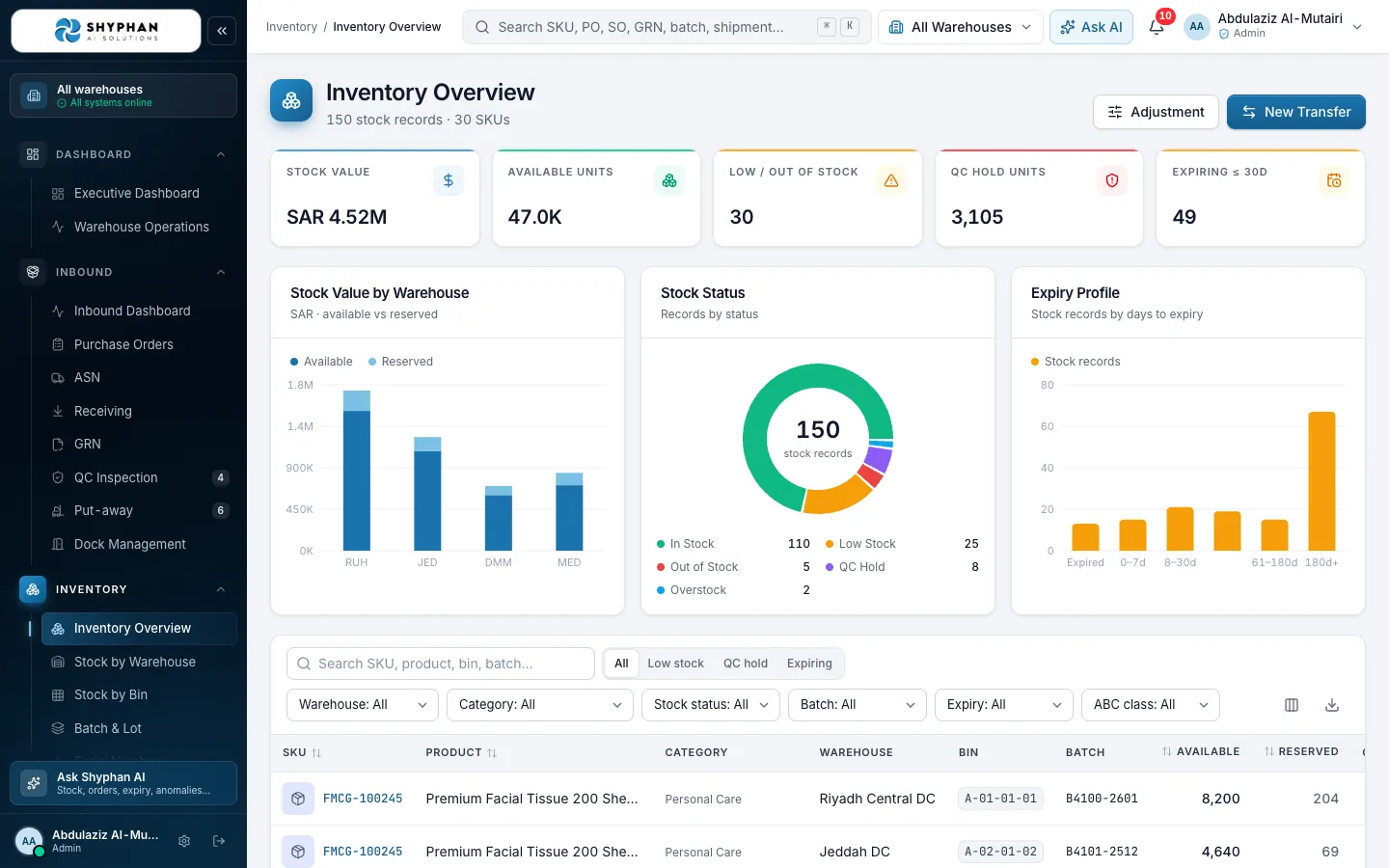
- See stock by siteStock by warehouse shows available and reserved value at every site.
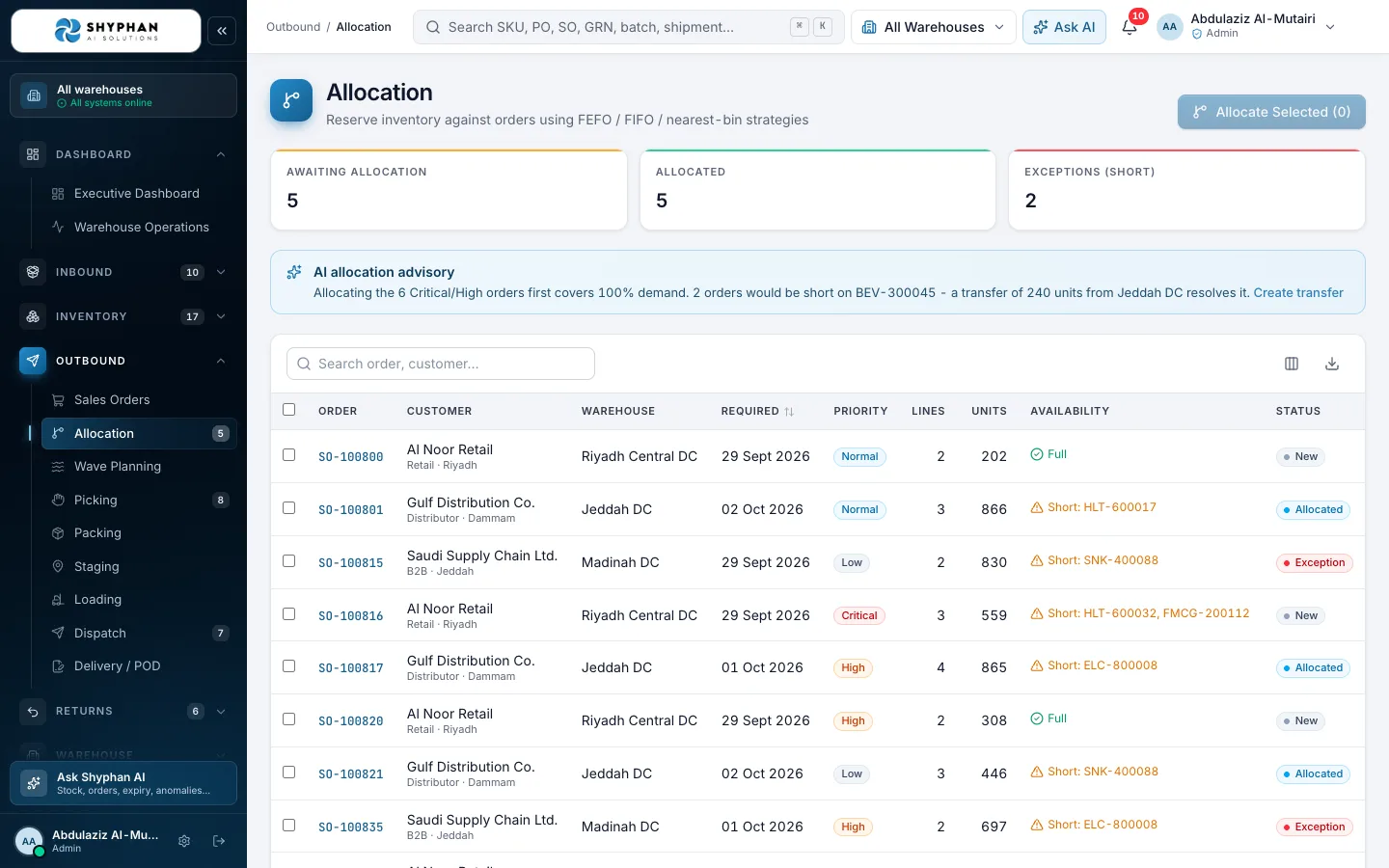
- Spot shortagesAllocation flags short orders, and AI advises which site can cover them.
- Transfer between sitesCreate transfers to move stock, recorded as stock movements.
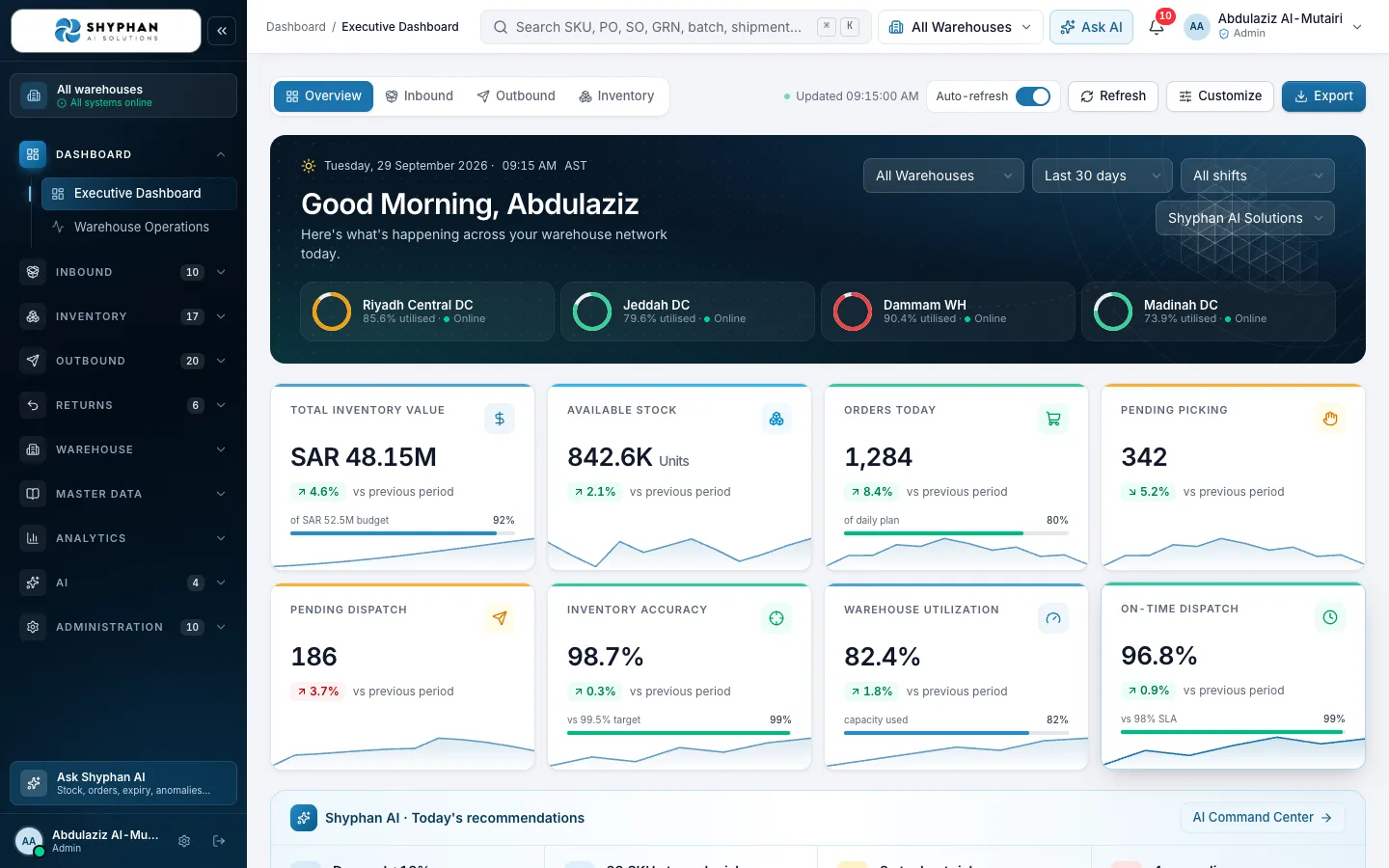
- Review the networkThe executive dashboard and network map show utilisation and activity for every site.
Modules multi-location inventory teams use
4 modules in the live demo. The main ones are below with what each covers.
Executive Dashboard
- Network view of every site with utilisation and status
- Inventory value, available stock, orders, pending picking and dispatch
- Inventory accuracy, warehouse utilisation and on-time dispatch against targets
- Order pipeline, shift performance, SLA watchlist and order heatmap
Inventory
- Inventory overview with value, available units, QC hold and expiry profile
- Stock by warehouse and by bin with occupancy, cartons and weight
- Batch and lot traceability from supplier to customer
- Serial numbers for electronics and medical devices
- Stock movements, transfers and adjustments
Outbound
- Sales orders by channel: B2B, retail, e-commerce and marketplace
- Allocation by FEFO, FIFO or nearest bin, with shortage exceptions
- Wave planning by route, carrier and cut-off
- Picking with picker assignment, short picks and accuracy
- Packing station that scans, weighs and labels cartons
Warehouse Setup and Yard
- Warehouses with area, bins, docks, pallet capacity and staff
- Zones by type, including a 2 to 8 °C cold chain zone
- Racks and bins
- Interactive warehouse map by capacity, velocity or temperature
- Yard management: gate check-in, waiting, dock assigned, unloading, loading
Multi-Location Inventory screens
Real screens from the live demo that matter most for this industry.
AI built into the Warehouse Management System for multi-location inventory
What the AI and automation features in the live demo do for your team.
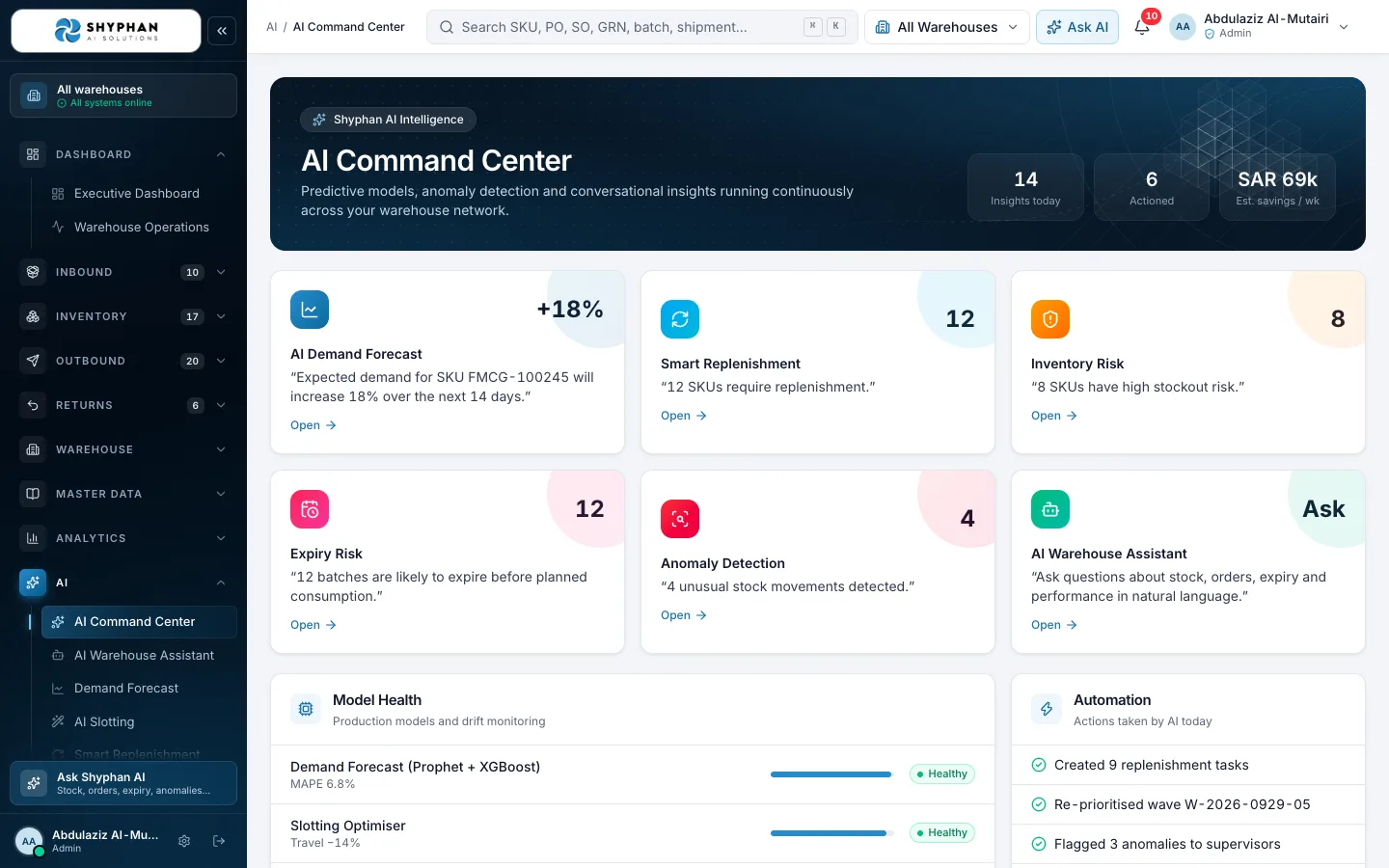
Where it helps multi-location inventory teams
Set up for your country, connected to your systems
What the product handles out of the box, and what Shyphan does to put it live in your business.
Built into the product
Delivered and supported in
 Saudi Arabia
 UAE
 India
 Bahrain
 Qatar
 Kuwait
 Oman
 Iraq
 Egypt
 Jordan
Plus the UK, Europe, the USA and other markets, from Shyphan offices in India, the UAE, Saudi Arabia and four more countries.
How Shyphan puts it live
More industries the Warehouse Management System serves
Pages written for how each industry actually works with the product.
Try the Warehouse Management System yourself
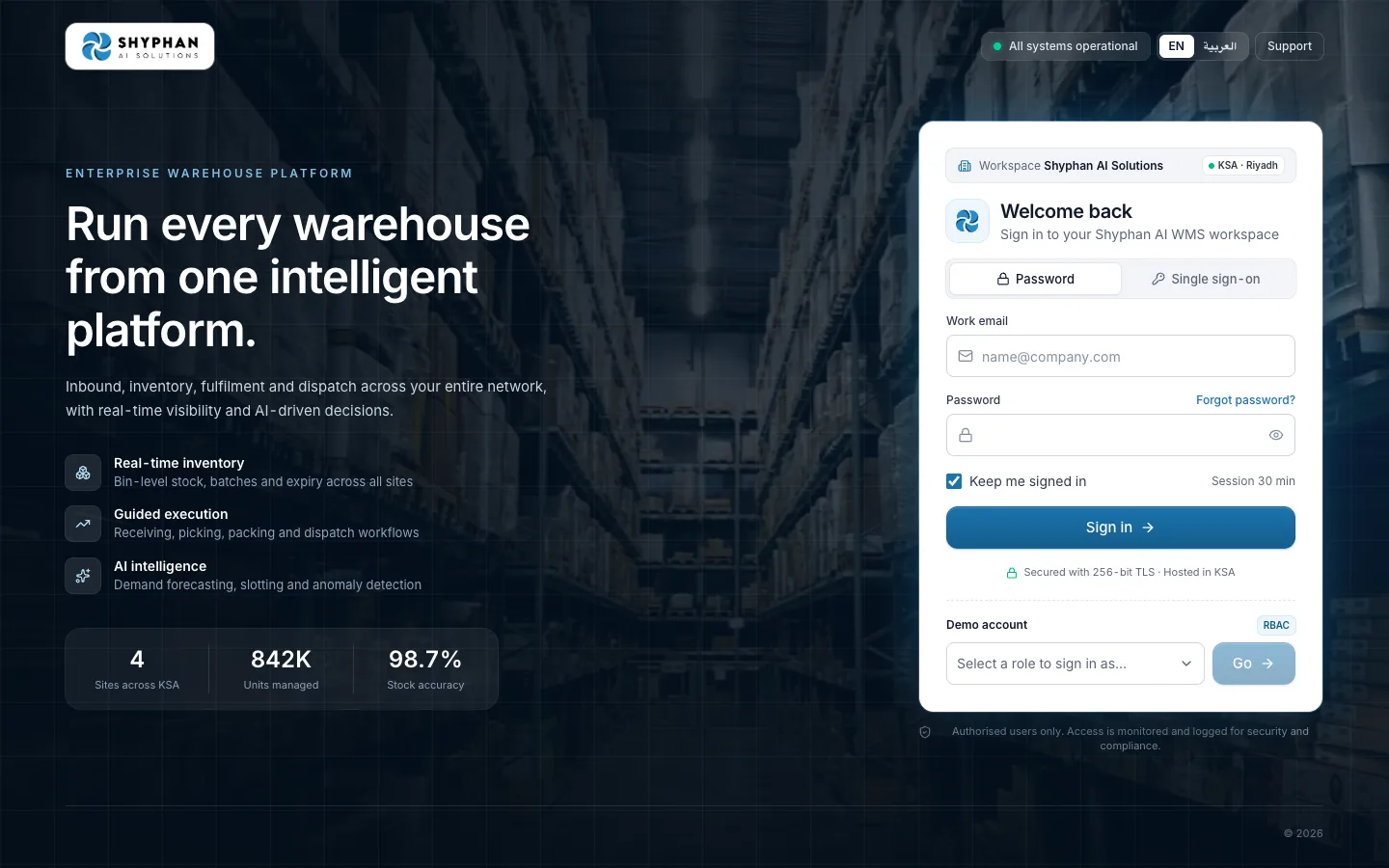
No sign-up. The demo opens in your browser with sample data.
- Open the live demo in a new tab.
- Choose a demo role from the role selector on the sign-in screen and press Go. The demo opens in English or Arabic.
- Explore the screens freely. It is a demo company with sample data.
- Book a guided demo and we will set it up around your own process.
Warehouse Management System for multi-location inventory: questions
How many warehouses can one workspace hold?
Can we filter by warehouse?
How are transfers recorded?
Does the AI help balance stock?
Does it sync with our ERP?
Related products and solutions
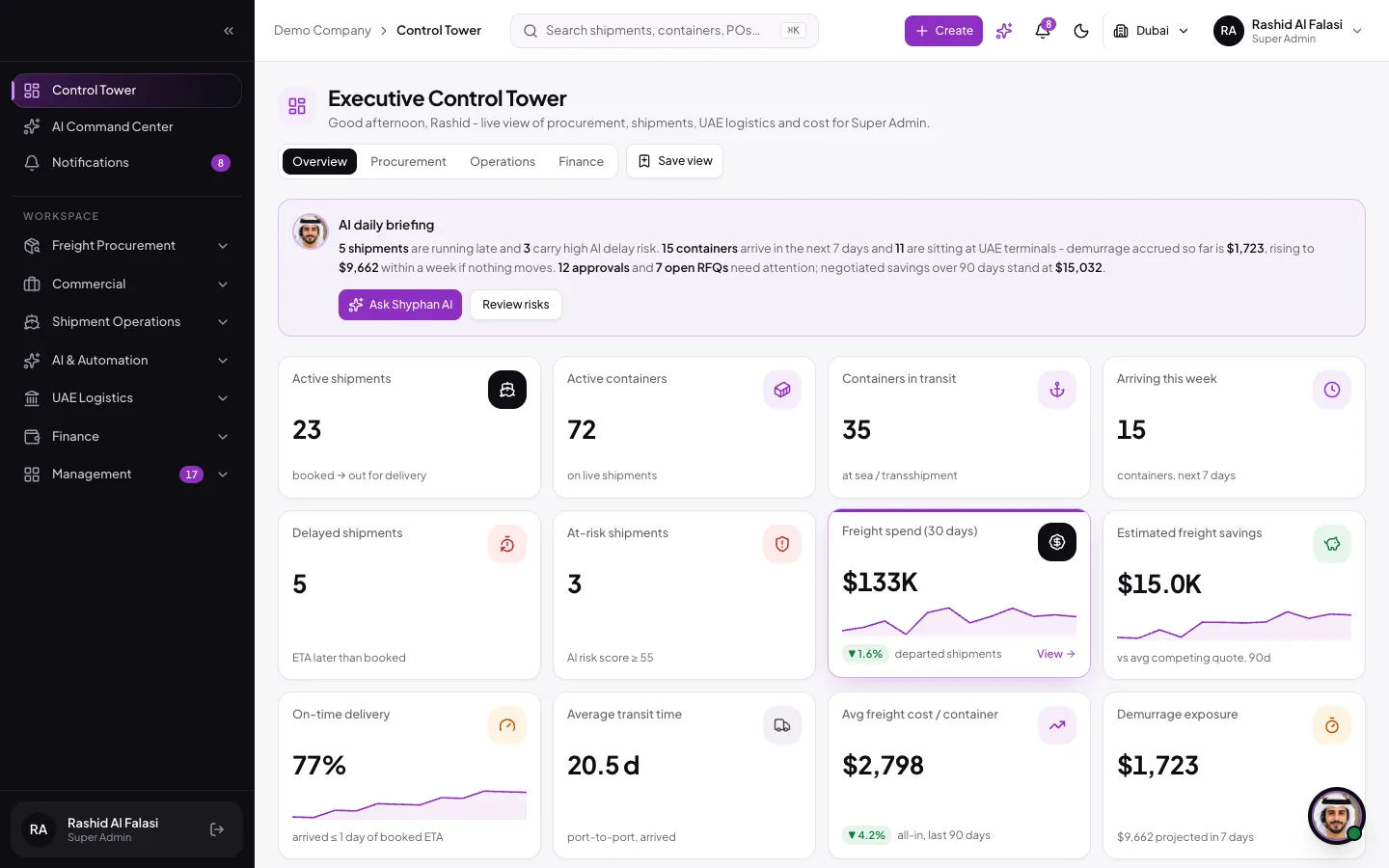
AI-Powered Freight Forwarding ERP
One platform to source freight, compare quotes, book carriers, track every container, clear UAE customs and control demurrage and landed cost,...
View product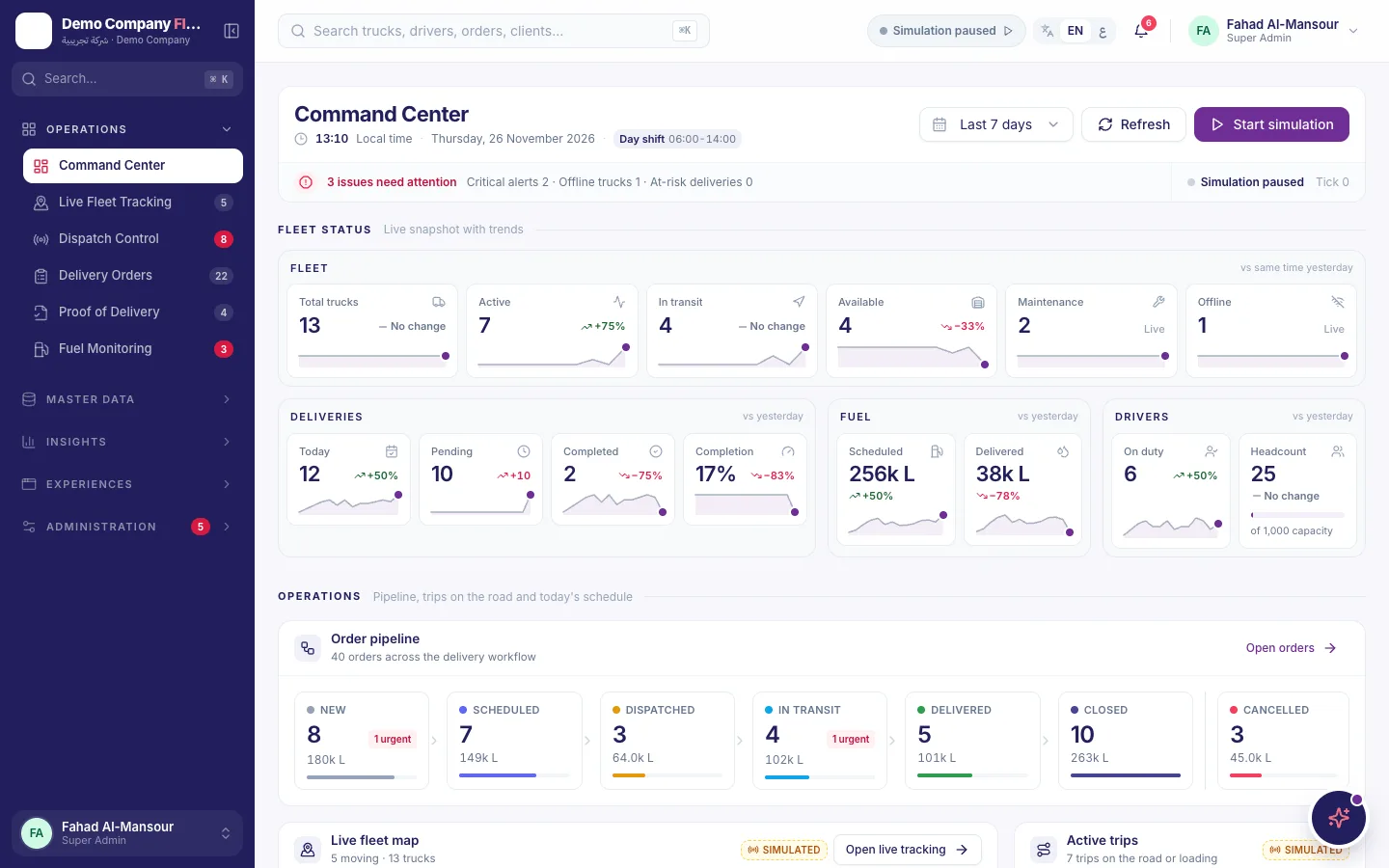
Fleet Management Software
Track every truck, dispatch the right vehicle and driver, capture signed proof of delivery and watch fuel levels in one bilingual platform, with...
View product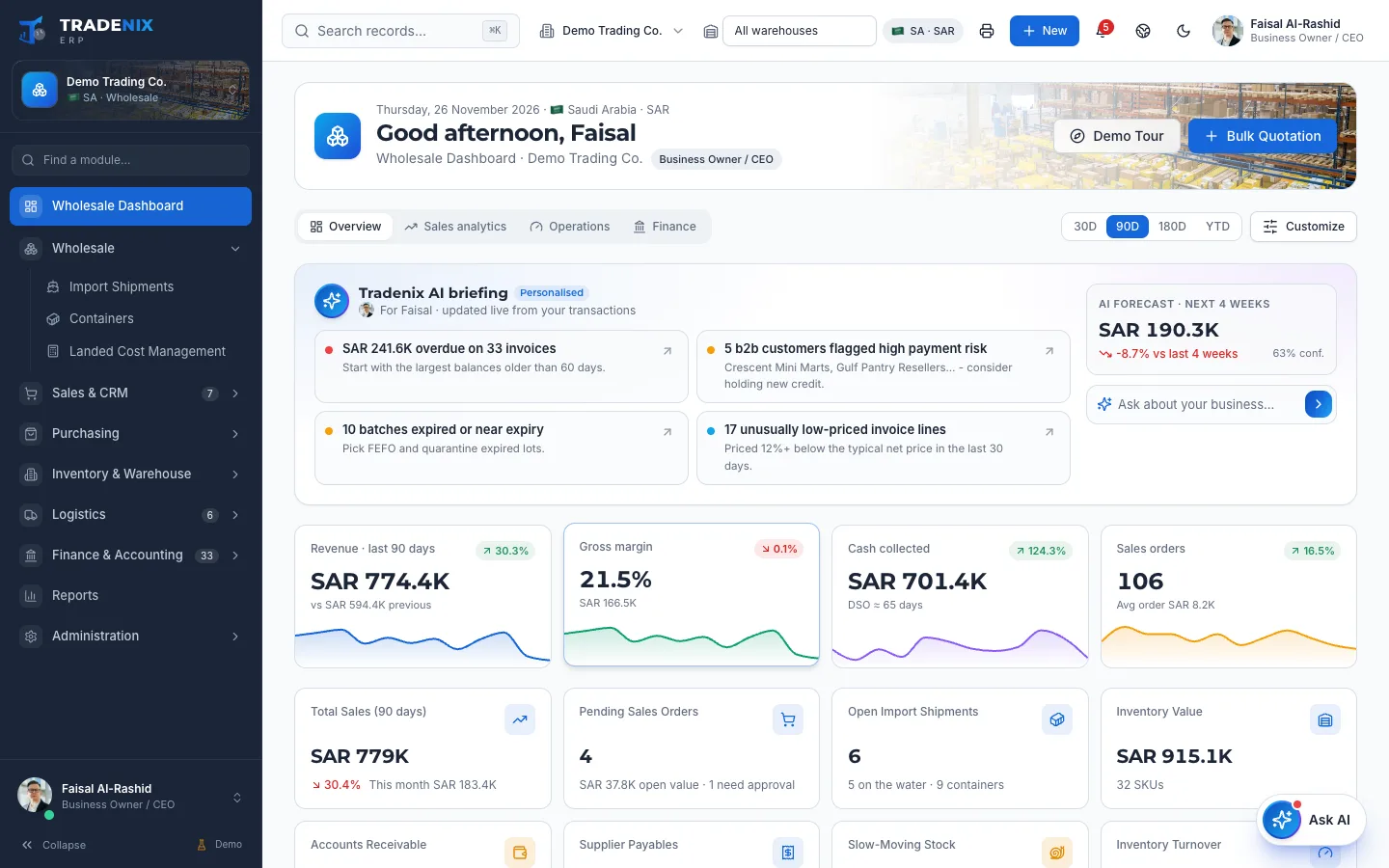
Trading & Distribution ERP
One ERP for trading companies in Saudi Arabia, the UAE and the wider region. Run quotes, orders, imports, landed cost, warehouses, deliveries,...
View product
See it on your multi-location inventory process
A guided demo on your own workflow, then a written scope and a fixed quote.
