





















 Lebanon
 UK
 Ireland
 Germany
 USA
 Australia
 Singapore
 South Africa
 France
 Hungary
 Georgia
 Turkey
 Canada
 LagosNigeria




Home / Industries / Food Trading ERP
Coffee & Roastery · Food Trading ERPCoffee Roastery ERP for Roasters, Cafes and Wholesale
A roastery has to know what a kilo of roasted coffee really costs after roast loss, which green bean lots are ageing, and what each outlet and wholesale client needs. In the coffee setup, recipes cover roasting, blending, grinding, flavouring and cold brew, so Arabic qahwa, espresso blends and ready-to-drink products all carry their own yield and cost.
Prefer to talk? Call +91 95651 53545Book a demo
Tell us about your business. A Shyphan consultant will walk you through the Food Trading ERP on your own process.
What coffee & roastery businesses struggle with
The coffee & roastery workflow in the Food Trading ERP
- Buy green beansRaise purchase orders to origin suppliers and receive green bean lots with QC.
- Roast to profileProduction orders follow the roasting BOM and record actual output against the expected roast loss.
- Blend, grind and flavourFurther recipes turn roasted beans into blends, ground coffee and flavoured qahwa.
- Supply outletsOutlets request stock and the warehouse transfers it with driver and vehicle details.
- Sell and settleSell at the POS and to wholesale accounts, with receipts and bills syncing to Zoho Books.
Modules coffee & roastery teams use
6 modules in the live demo. The main ones are below with what each covers.
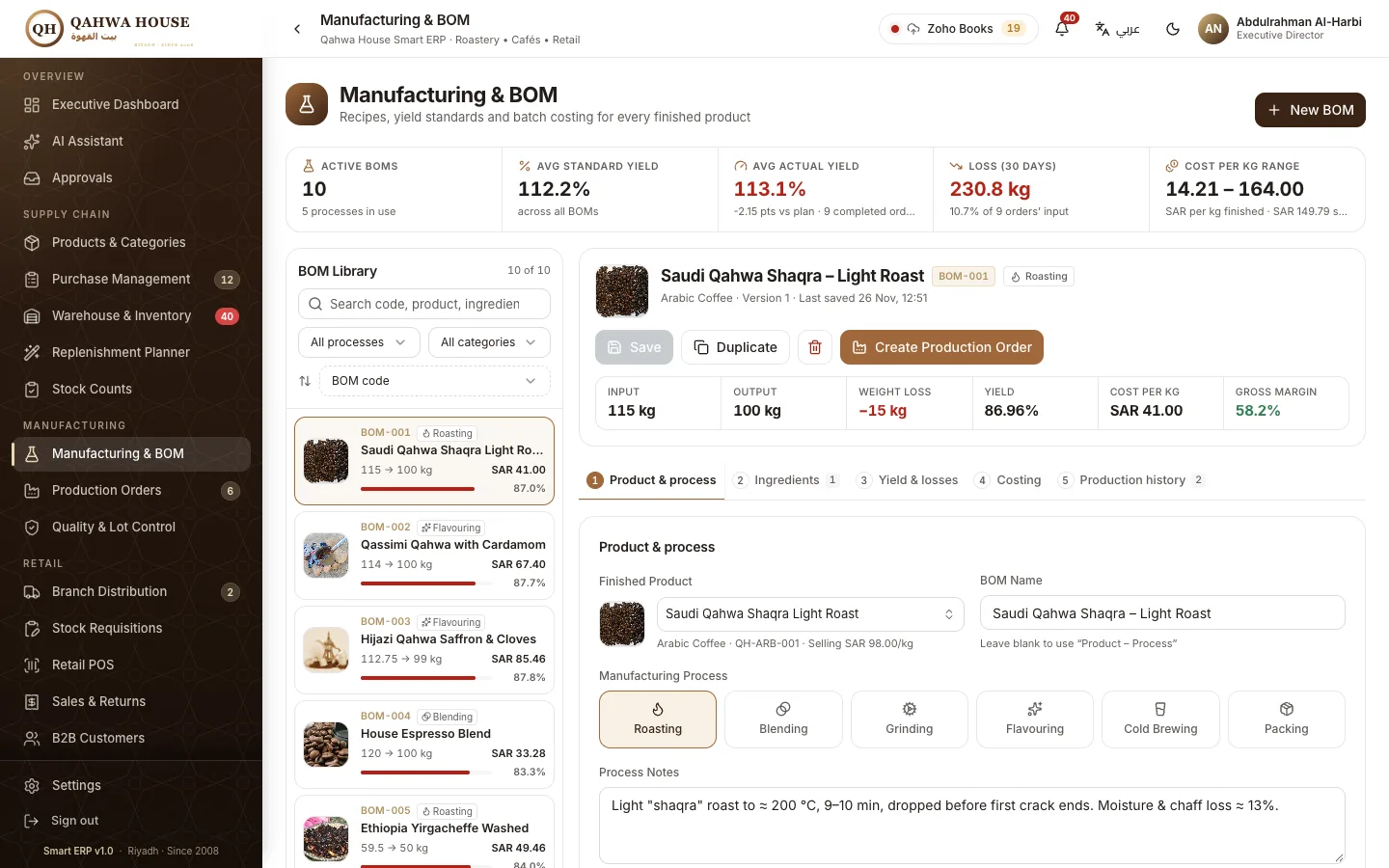
Manufacturing & BOM
- BOM library per finished product with versions
- Processes per industry, for example roasting, seasoning, coating, baking, tempering, pitting or grinding
- Input, output, weight loss or gain and yield percentage
- Cost per kilo and gross margin per recipe
- Process notes and production history
Production Orders
- Six-stage flow: draft, approved, materials issued, in production, completed, received
- Target, input and expected yield per order
- Actual output and actual yield
- Total weight loss from process and moisture
- Expected versus actual yield chart
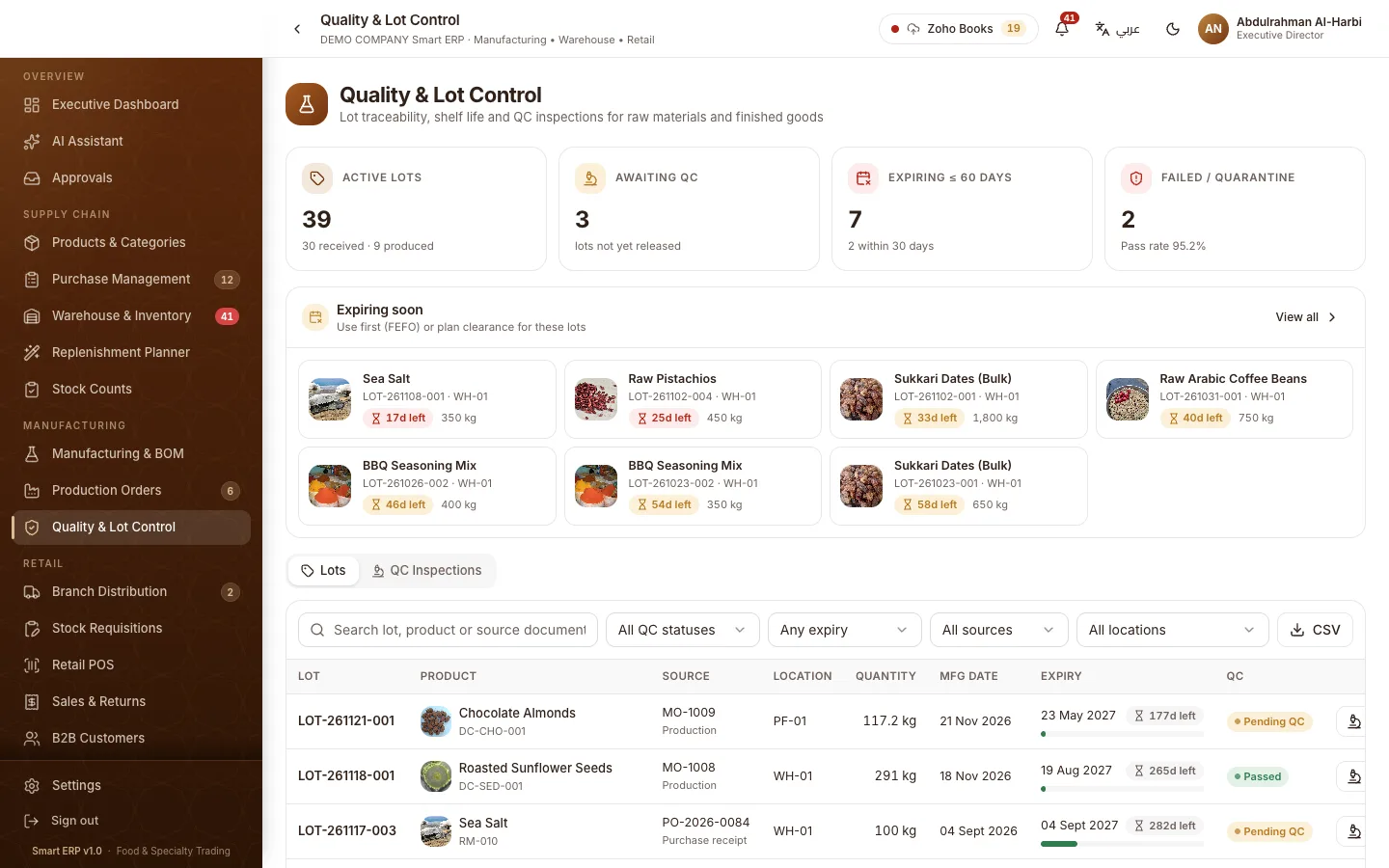
Quality & Lot Control
- Lots for purchase receipts and production output
- Manufacturing and expiry dates with days left
- Expiring soon list for first-expiry-first-out use
- QC inspections with pending, passed, quarantine, failed and written-off statuses
- Lot source traced to the purchase order or production order
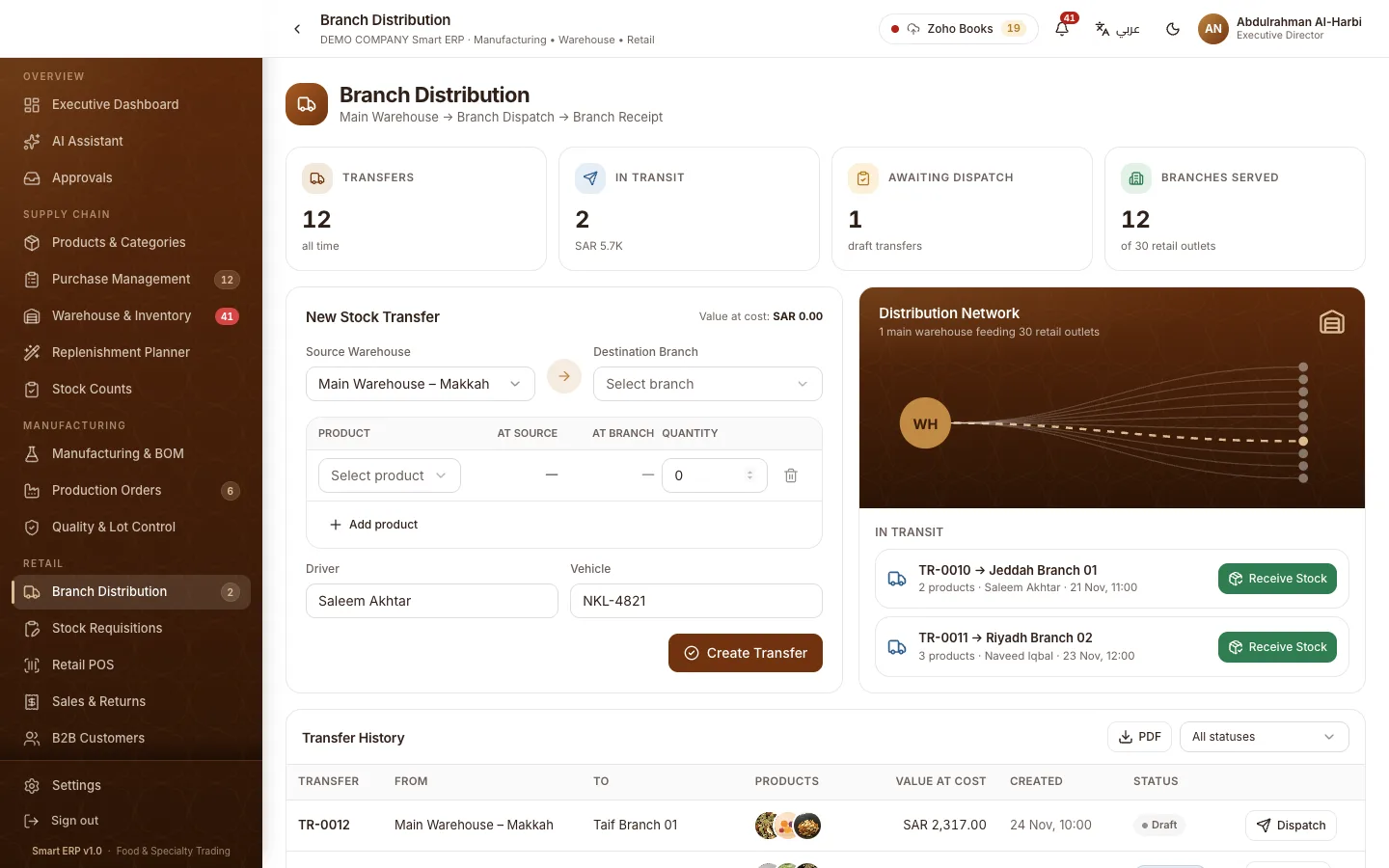
Branch Distribution
- Stock transfers from the main warehouse to branches
- Driver and vehicle on each transfer
- In-transit list with receive stock at the branch
- Distribution network view
- Transfer history with value at cost
Retail POS
- Products sold by weight or by piece
- Search, barcode scan and keyboard shortcuts
- Category tiles and popular items
- Branch and cashier selection with shift timer
- Order discount, VAT 15% line and walk-in or named customer
B2B Customers
- Hotel, airline, corporate gifting, events and retail chain accounts
- Credit limit and credit used per customer
- Payment terms such as Net 15, 30, 45 and 60
- Price lists such as HoReCa, wholesale and corporate gifts
- Sales orders and receivables
Coffee & Roastery screens
Real screens from the live demo that matter most for this industry.
Assistant and automation in the Food Trading ERP for coffee & roastery
The built-in assistant and the rules that do the routine checking for your team.
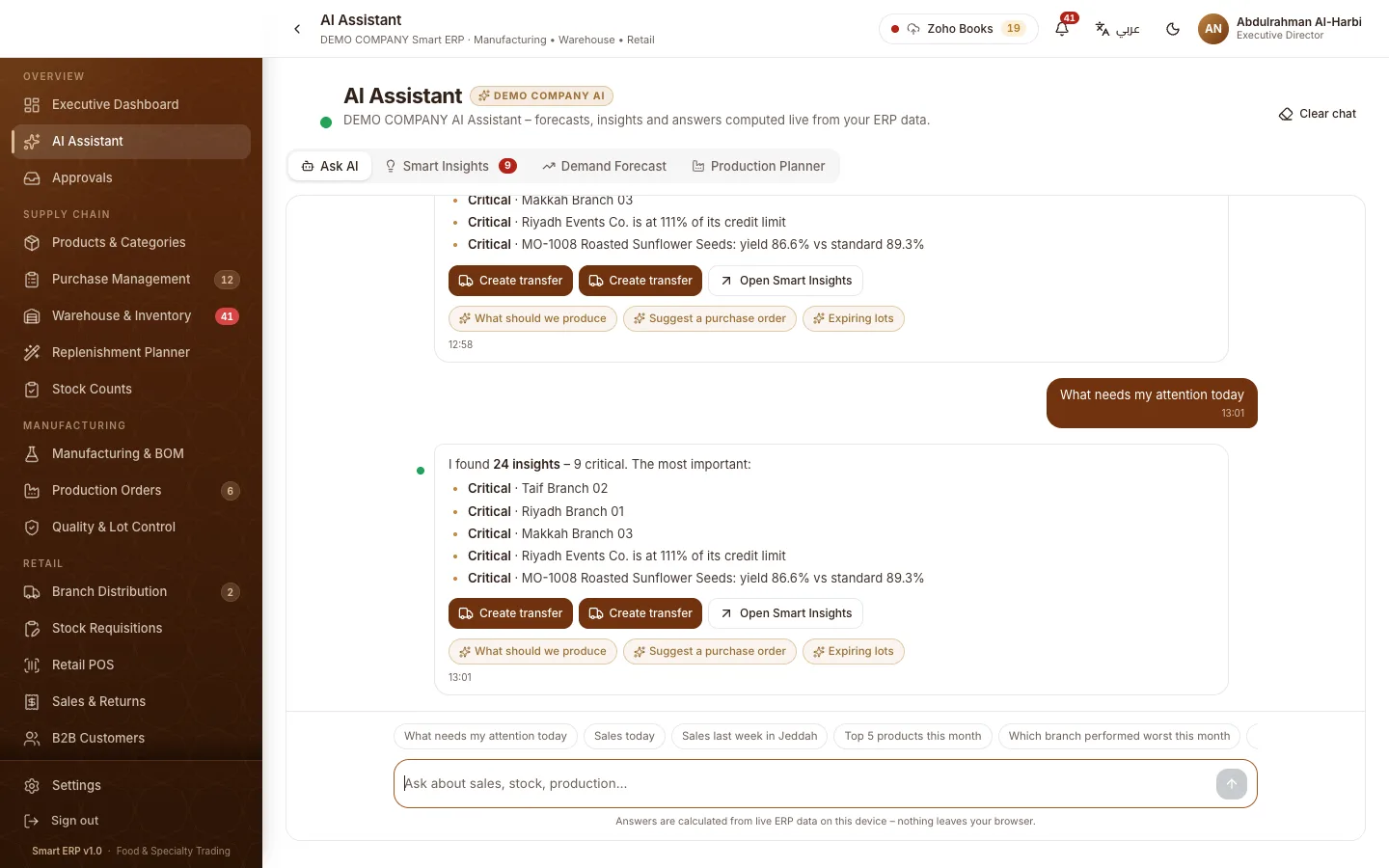
Where it helps coffee & roastery teams
Set up for your country, connected to your systems
What the product handles out of the box, and what Shyphan does to put it live in your business.
Built into the product
Delivered and supported in
 Saudi Arabia
 UAE
 India
 Bahrain
 Qatar
 Kuwait
 Oman
 Iraq
 Egypt
 Jordan
Plus the UK, Europe, the USA and other markets, from Shyphan offices in India, the UAE, Saudi Arabia and four more countries.
How Shyphan puts it live
More industries the Food Trading ERP serves
Pages written for how each industry actually works with the product.
Try the Food Trading ERP yourself
No sign-up. The demo opens in your browser with sample data.
- Open the live demo in a new tab.
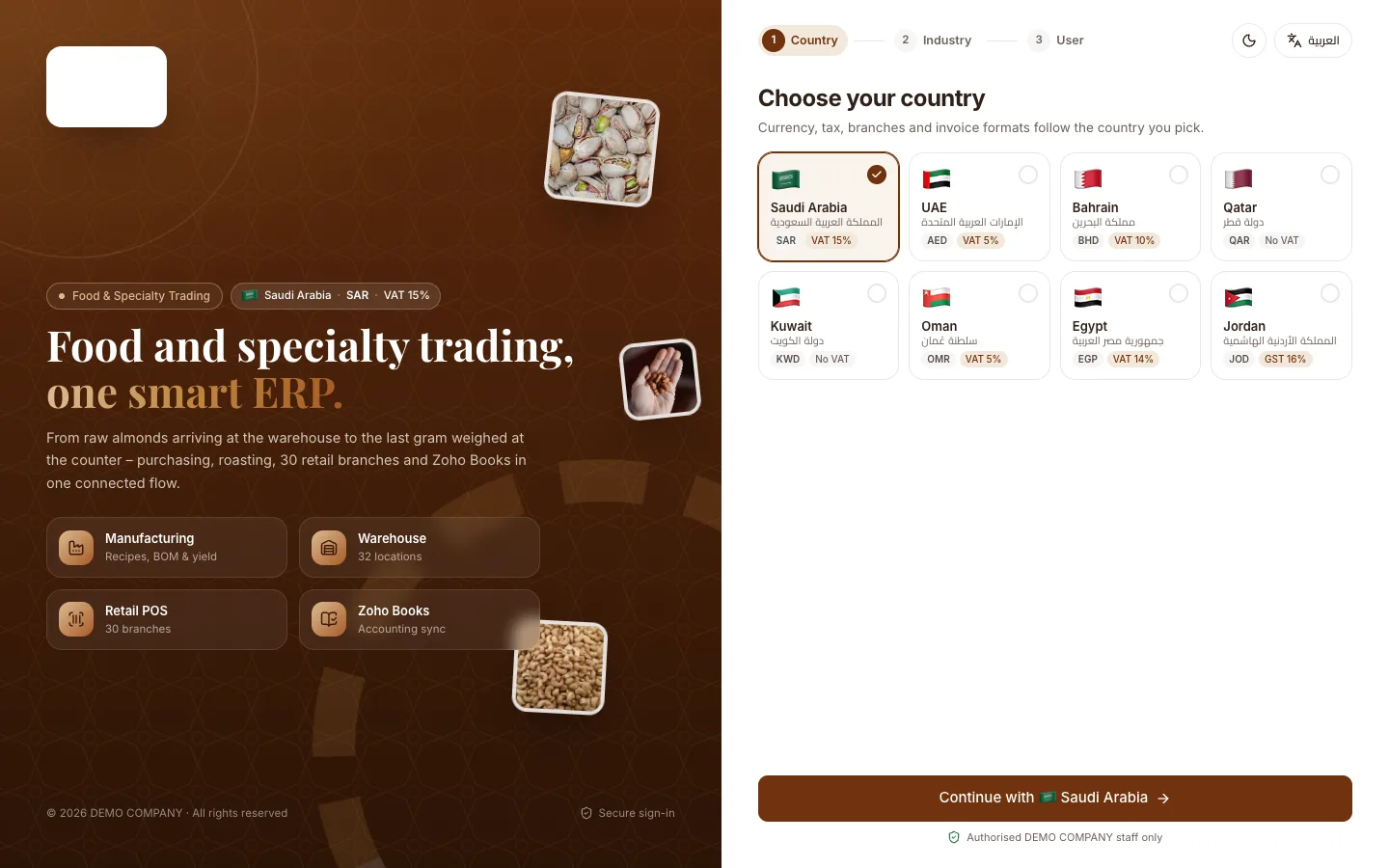
- Pick a country, an industry and a demo user on the sign-in screen, then press Continue
- Explore the screens freely. It is a demo company with sample data.
- Book a guided demo and we will set it up around your own process.
Food Trading ERP for coffee & roastery: questions
Can it handle roast loss in costing?
Does it support Arabic coffee and flavoured qahwa?
Can we track green bean lots?
Can cafes order stock from the roastery?
Can we sell to hotels and offices on credit?
Related products and solutions
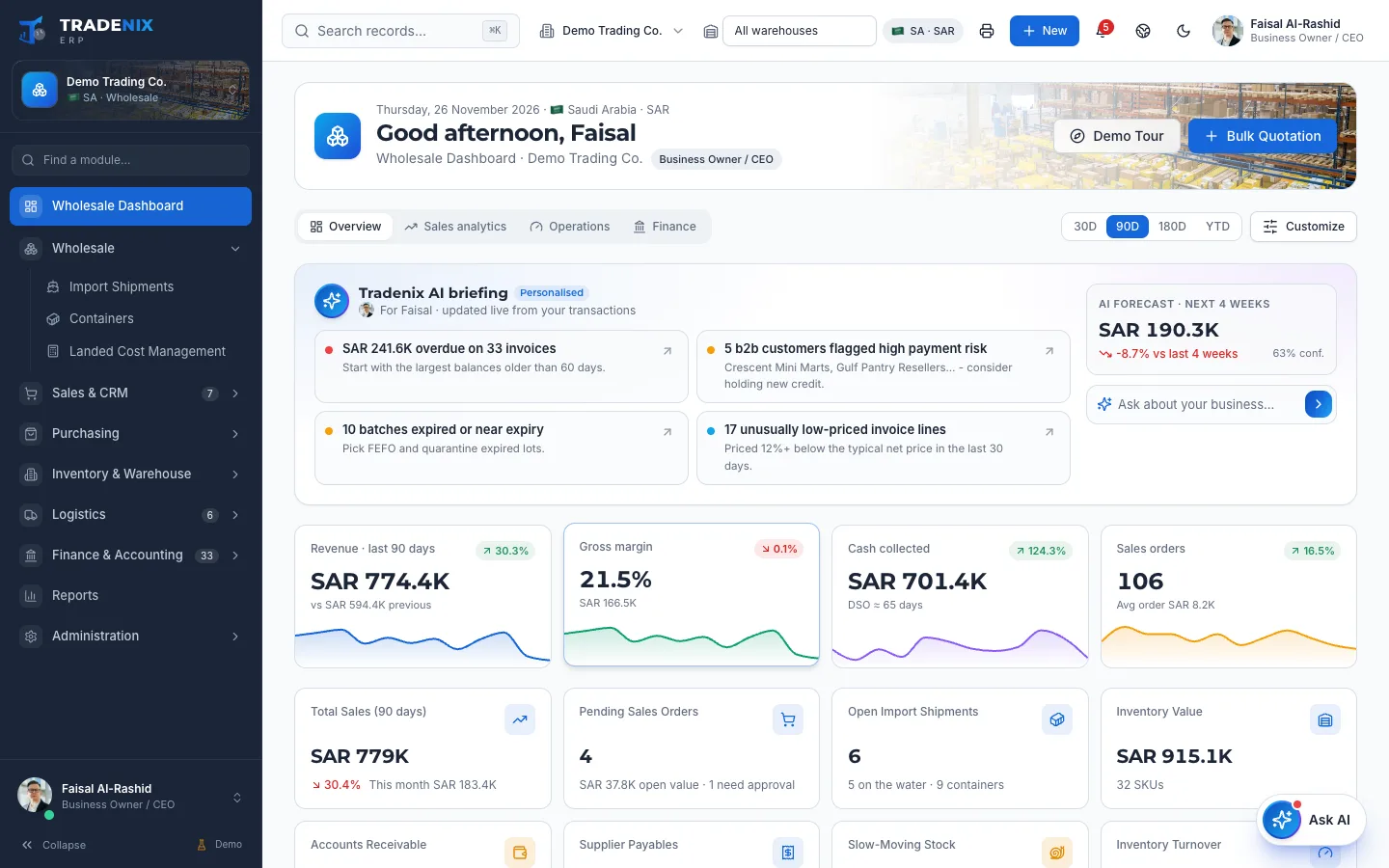
Trading & Distribution ERP
One ERP for trading companies in Saudi Arabia, the UAE and the wider region. Run quotes, orders, imports, landed cost, warehouses, deliveries,...
View product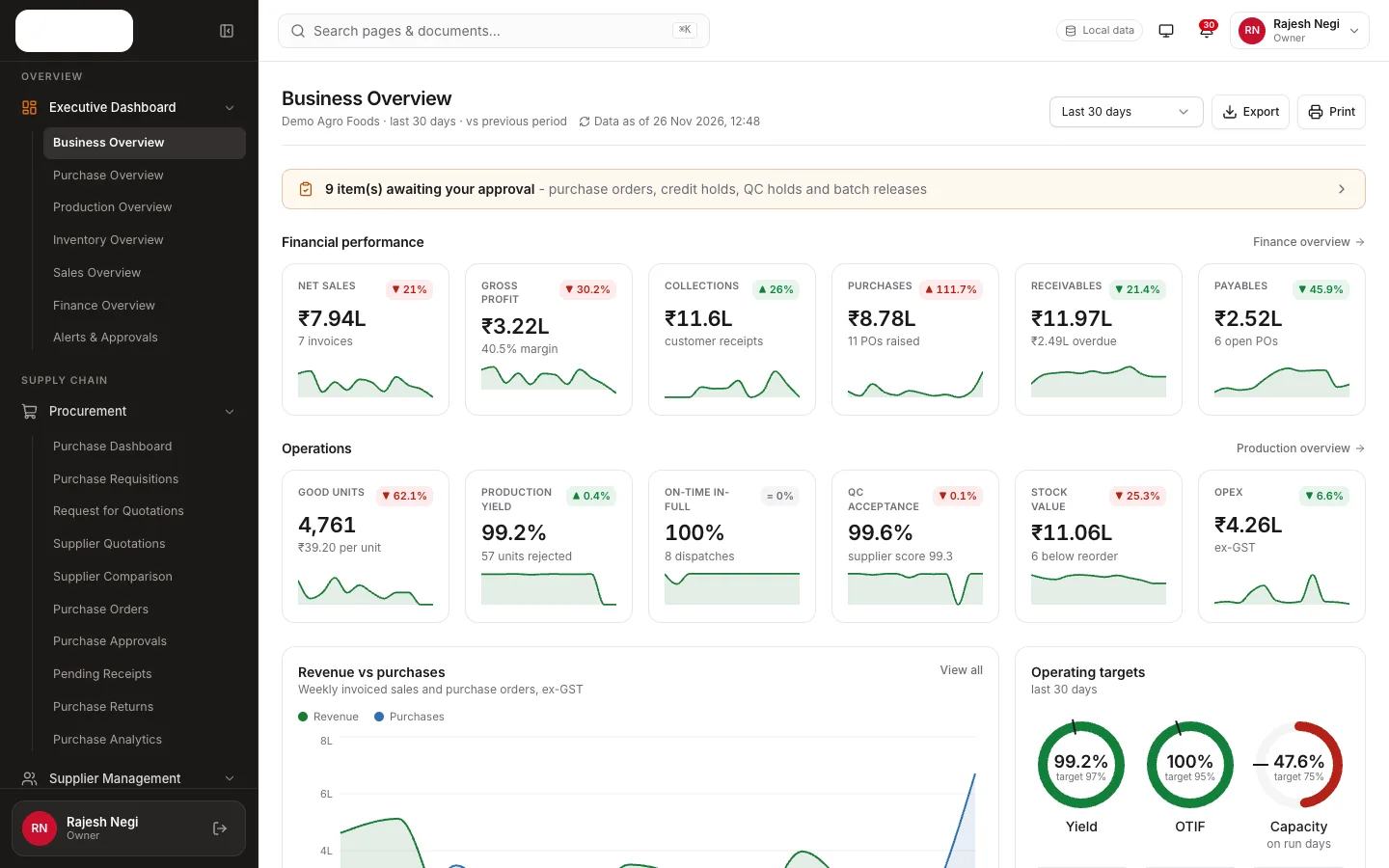
Agriculture & Agro Trading ERP
One system for agro food plants that buy fresh produce from growers, check it at the gate, process and pack it, then sell and dispatch with full...
View product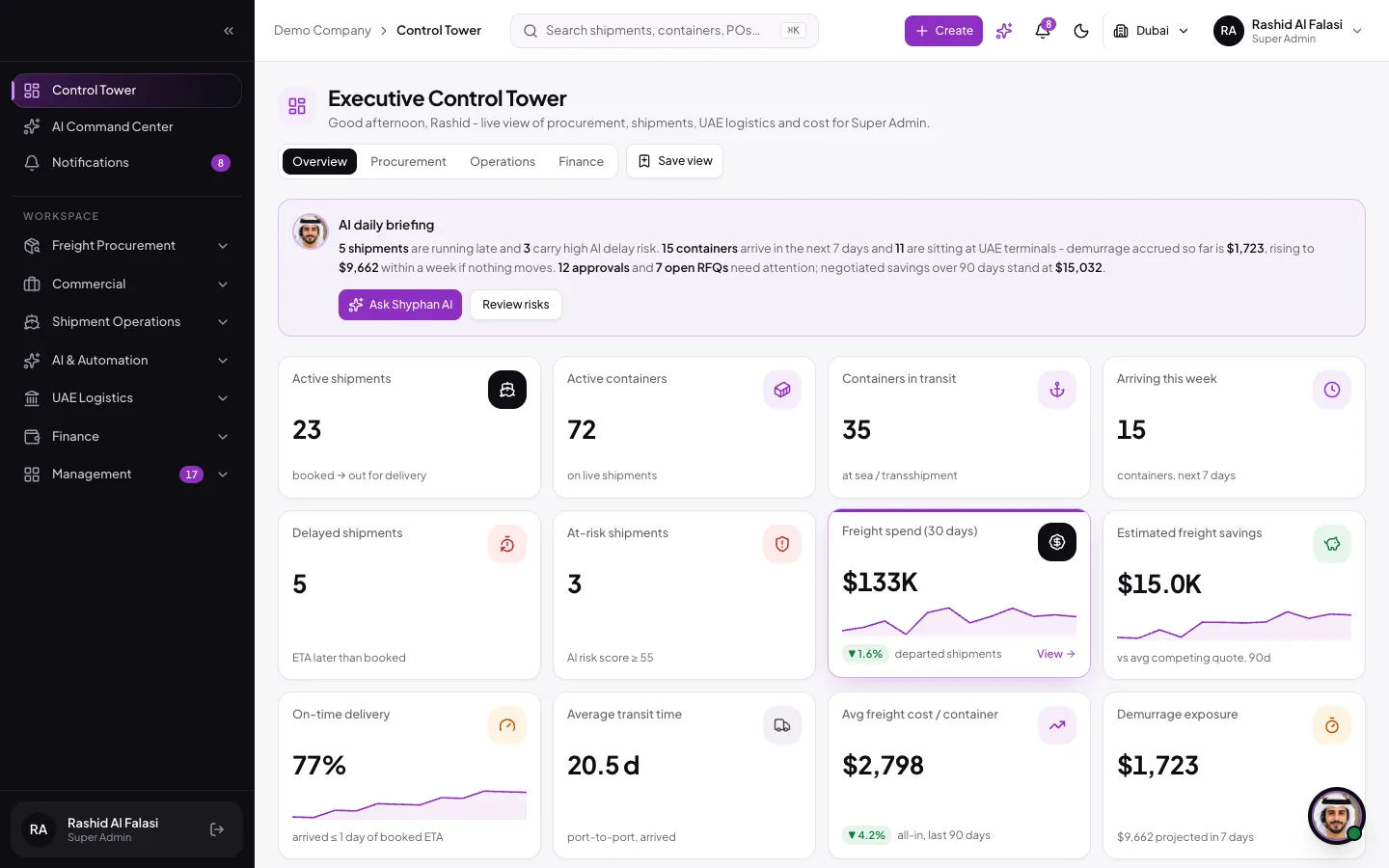
AI-Powered Freight Forwarding ERP
One platform to source freight, compare quotes, book carriers, track every container, clear UAE customs and control demurrage and landed cost,...
View product
See it on your coffee & roastery process
A guided demo on your own workflow, then a written scope and a fixed quote.
