





















 Lebanon
 UK
 Ireland
 Germany
 USA
 Australia
 Singapore
 South Africa
 France
 Hungary
 Georgia
 Turkey
 Canada
 LagosNigeria




Home / Industries / Field Service Management
AMC Management · Field Service ManagementAMC Management Software for Service Contracts
Annual maintenance contracts only pay when visits happen on time and renewals are not missed. This platform holds AMC and warranty dates on every unit, flags contracts expiring within 45 days, schedules the preventive visits the contract promises and records each visit with the customer's confirmation.
Prefer to talk? Call +91 95651 53545Book a demo
Tell us about your business. A Shyphan consultant will walk you through the Field Service Management on your own process.
What amc management businesses struggle with
The amc management workflow in the Field Service Management
- Record the contractEach unit holds its AMC status and end date alongside the warranty.
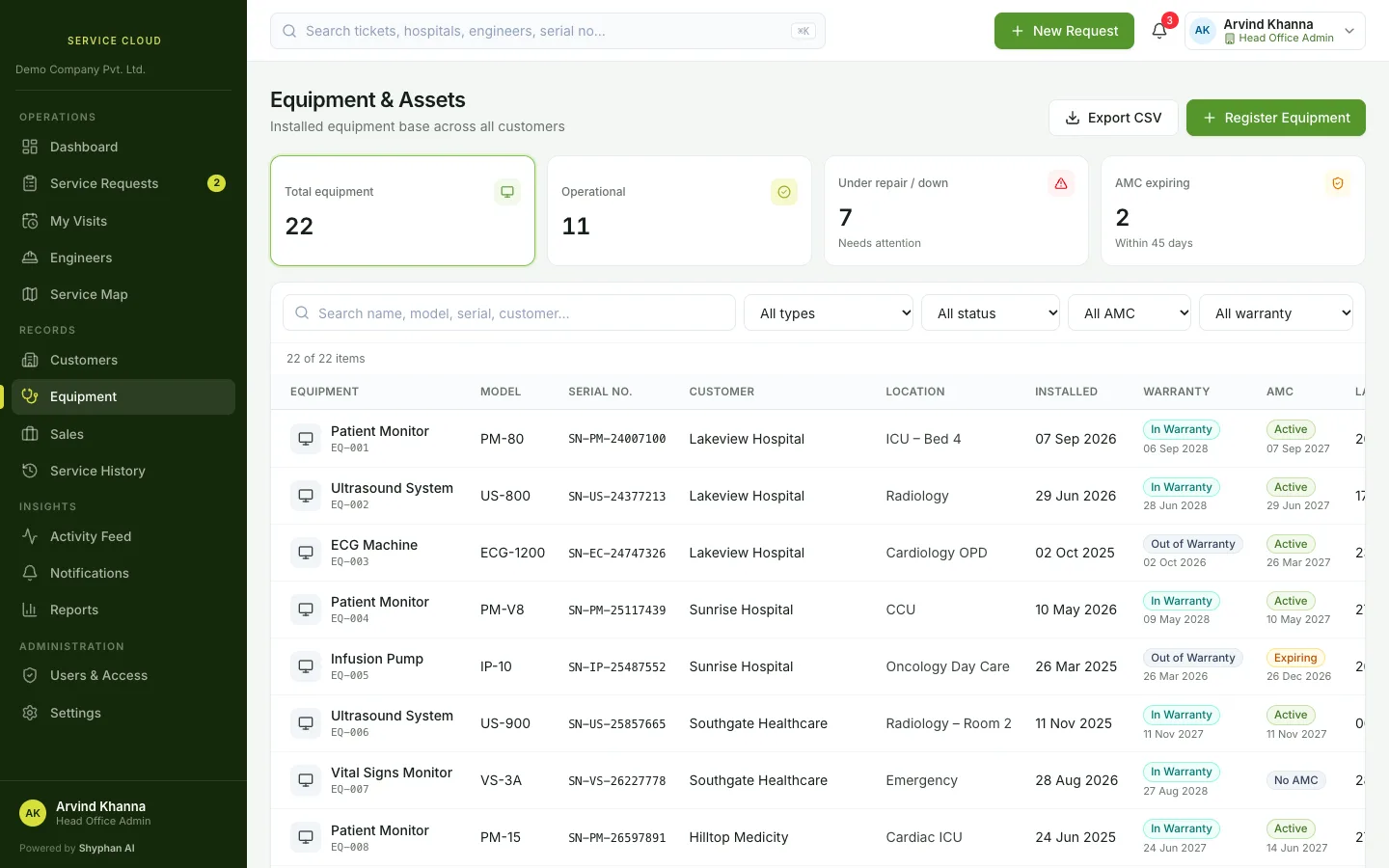
- Watch expiriesThe equipment screen counts AMCs expiring within 45 days and filters them for follow-up.
- Schedule contracted PMPreventive visits are planned per engineer on the visit schedule.
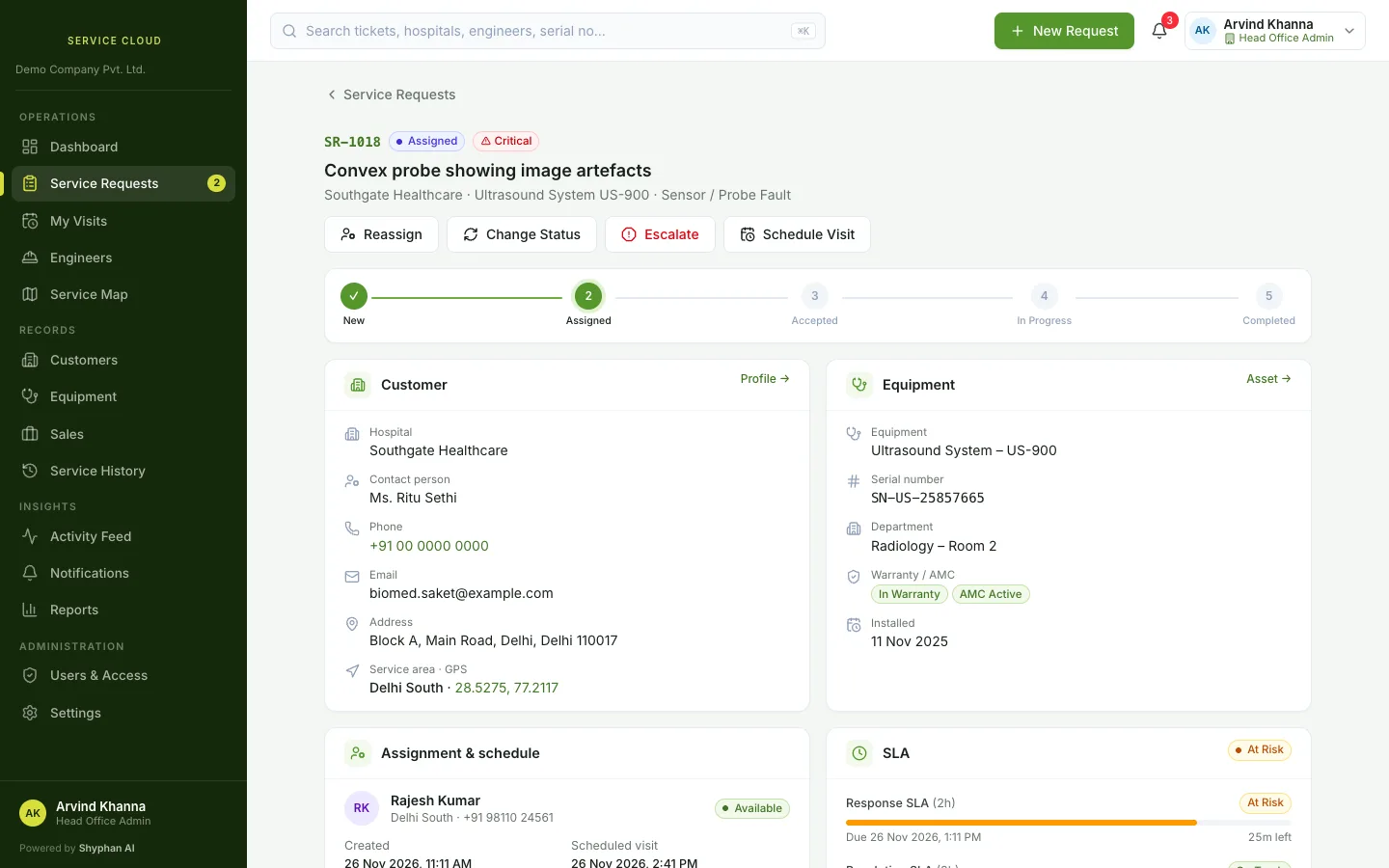
- Check cover on every ticketService requests show warranty and AMC status so the desk knows if the work is covered.
- Prove the visitCustomer sign-off, photos and the service report are stored with each AMC visit.
Modules amc management teams use
6 modules in the live demo. The main ones are below with what each covers.
Service Requests
- Tickets linked to customer, location, equipment model and serial
- Priority levels: Critical, High, Medium, Low
- Tabs for open, unassigned, in progress, overdue and completed
- Live SLA status per ticket: On Track, At Risk, Breached, Met
- Reassign, change status, escalate and schedule visit actions
Visit Schedule
- Day and seven day timeline per engineer
- Visits shown by time, ticket and customer
- Filter by engineer
Customers
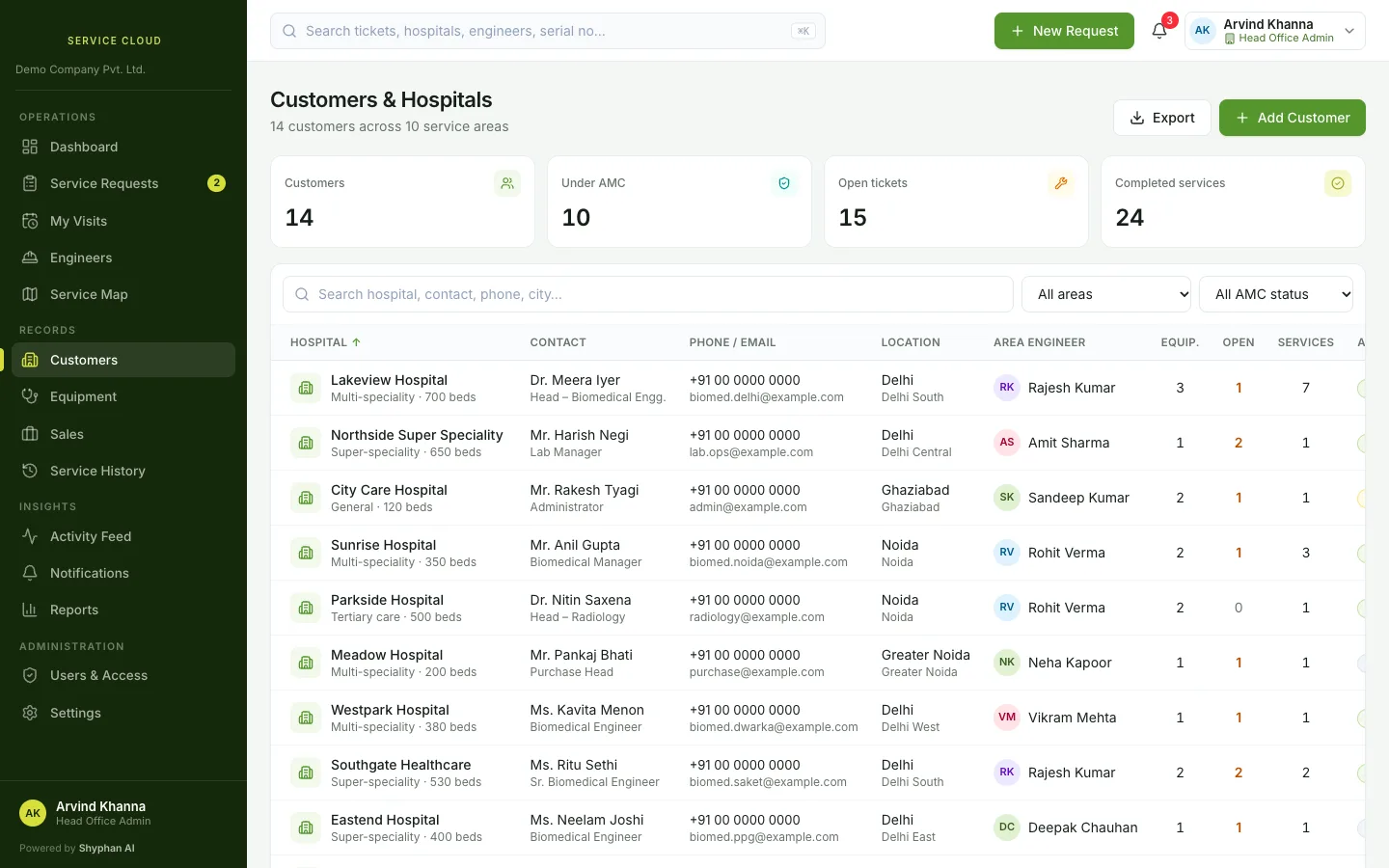
- Customer and site directory with contact person and designation
- Service area and area engineer per customer
- Installed equipment, open tickets and completed services count
- AMC status filter: Active, Expiring, Expired, No AMC
Equipment & Assets
- Installed base register with type, model and serial number
- Location or department at the customer site
- Installed date, warranty end and AMC end dates
- Last and next service dates
- Status: Operational, Needs Service, Under Repair, Down
Sales Activity
- Customers assigned to each sales engineer
- Schedule and record customer visits
- Leads with pipeline value
- Follow-ups due and overdue
- Customer queries, with conversion to a service request
Service History
- Timeline of every completed visit
- Service types: preventive maintenance, repair, calibration, installation, software update
- Diagnosis, root cause, work performed and parts used
- Service photos and customer confirmation with remarks
- Service report per visit
AMC Management screens
Real screens from the live demo that matter most for this industry.
Automation in the Field Service Management for amc management
Rules and alerts in the live demo that do the routine checking for your team.
Where it helps amc management teams
Set up for your country, connected to your systems
What the product handles out of the box, and what Shyphan does to put it live in your business.
Built into the product
Delivered and supported in
 Saudi Arabia
 UAE
 India
 Bahrain
 Qatar
 Kuwait
 Oman
 Iraq
 Egypt
 Jordan
Plus the UK, Europe, the USA and other markets, from Shyphan offices in India, the UAE, Saudi Arabia and four more countries.
How Shyphan puts it live
More industries the Field Service Management serves
Pages written for how each industry actually works with the product.
Try the Field Service Management yourself
No sign-up. The demo opens in your browser with sample data.
- Open the live demo in a new tab.
- Pick a demo account on the sign-in screen, then click Sign in
- Explore the screens freely. It is a demo company with sample data.
- Book a guided demo and we will set it up around your own process.
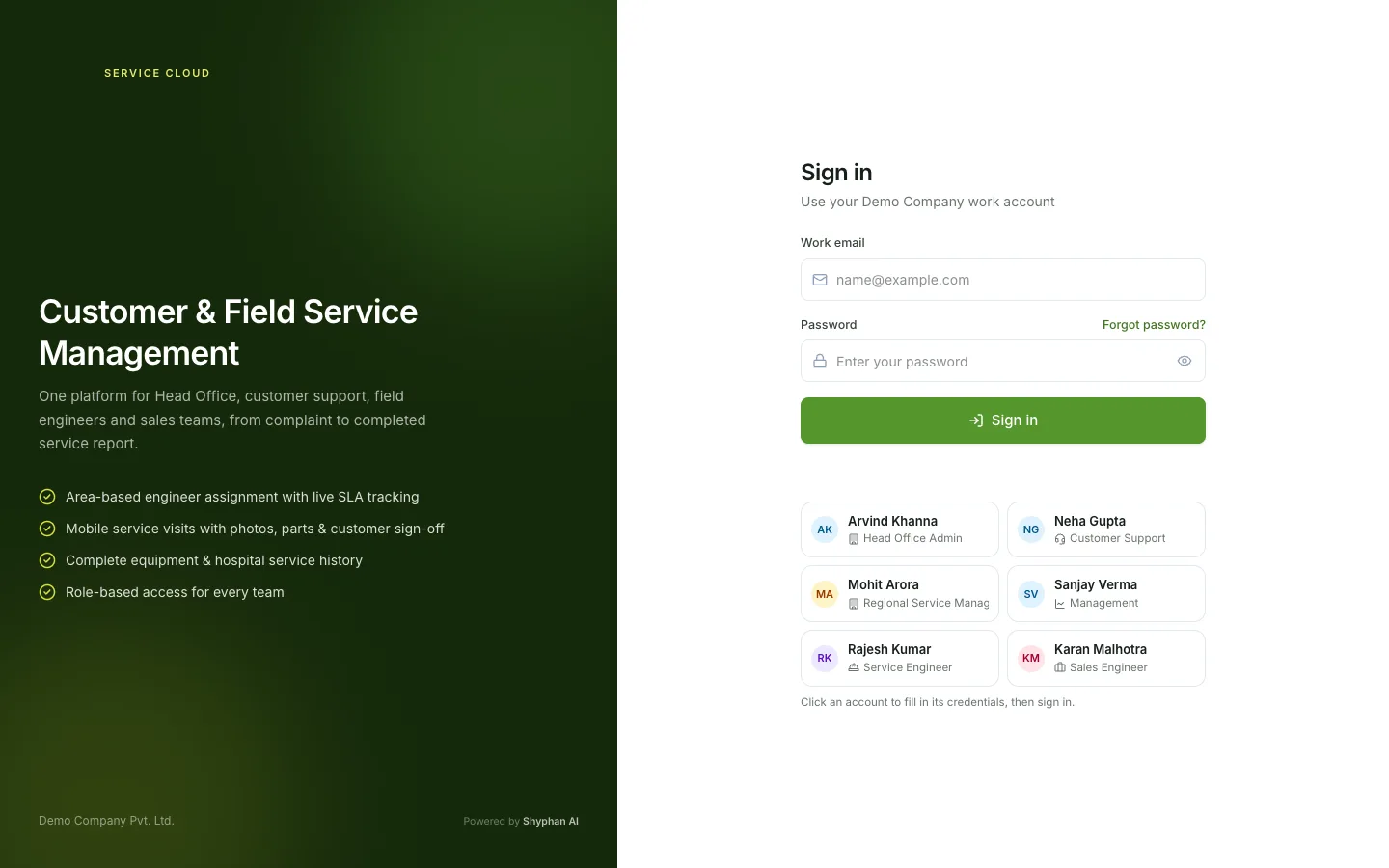
Field Service Management for amc management: questions
Does it warn us before an AMC expires?
Can we see warranty and AMC on the same ticket?
Can sales teams use it for renewals?
Can we prove visits to the customer?
Does it raise AMC invoices?
Related products and solutions
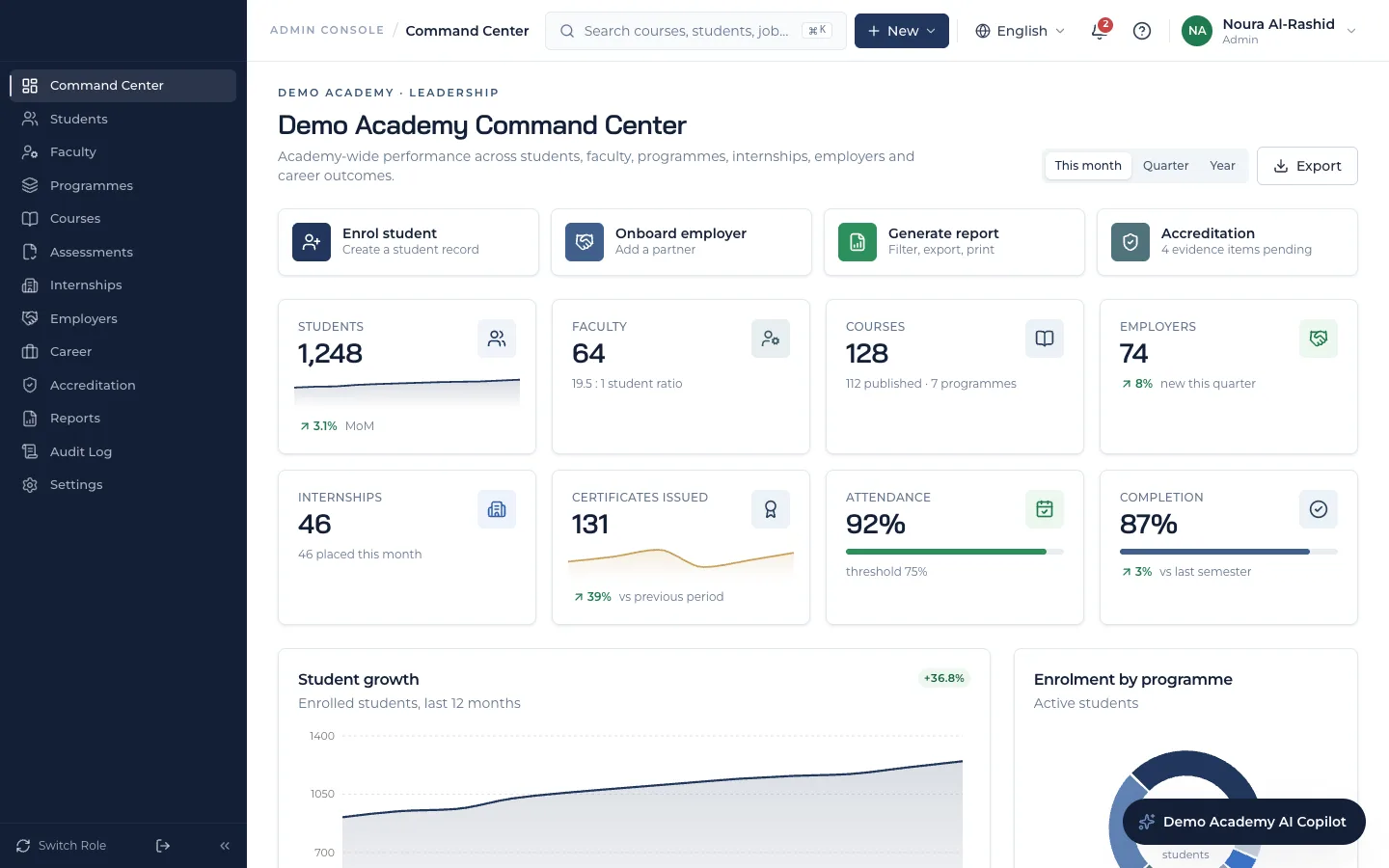
Learning Management System (LMS)
One platform for students, faculty, administrators and employers: courses, secure exams, practical training, internships, verified certificates...
View product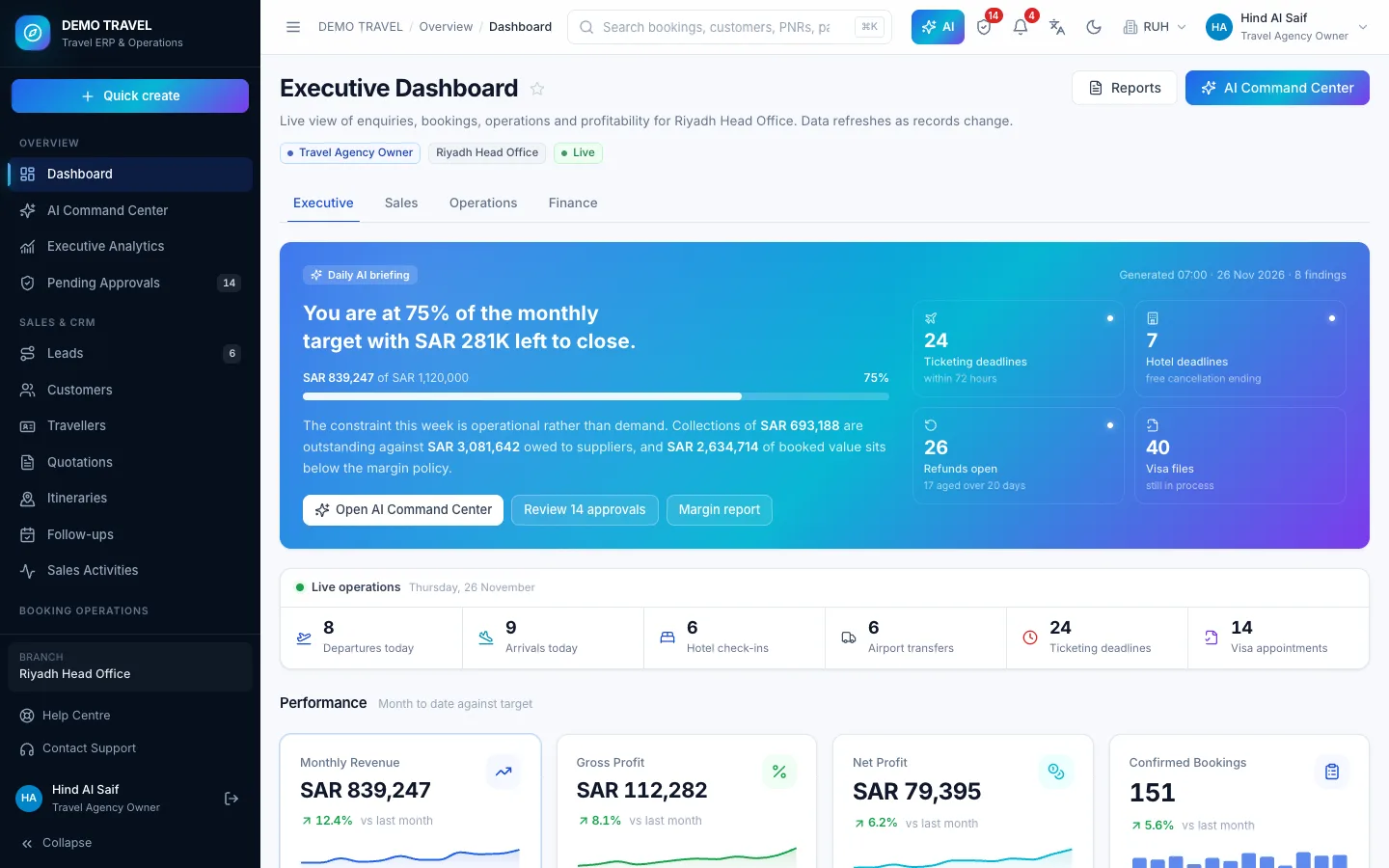
AI-Powered Travel & Tourism ERP
Run sales, bookings, visas, suppliers, payments and profitability for your travel business in one system, with AI that flags margin risk, refund...
View product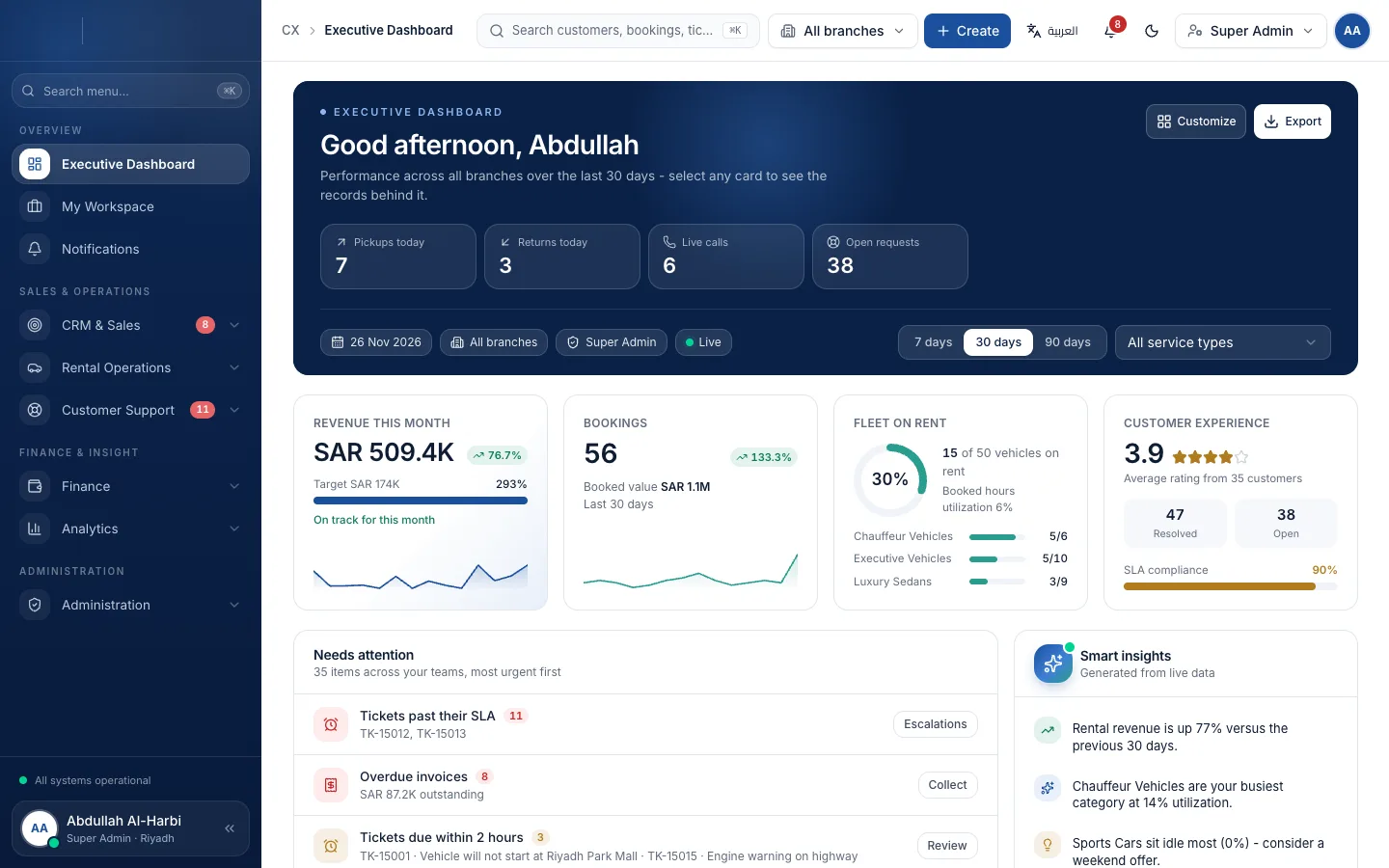
Customer Experience & CRM Platform
One system from first enquiry to paid invoice: leads, quotations, reservations, fleet, support tickets with SLAs, a WhatsApp and social inbox, a...
View product
See it on your amc management process
A guided demo on your own workflow, then a written scope and a fixed quote.
