Request A Quote

Follow Us On:

  1. Home
  2. Case studies
  3. Grey Lines
Case study · Diversified group

Grey Lines

A multi-company ERP for a Saudi group running logistics, equipment rental, food, furniture, events, advertising and travel units.

Industry
Diversified group
Location
Saudi Arabia
Apps
5 connected apps
Scope
6-step process
Products used
Services
Odoo ERP implementationSystem integration
At a glance
One customer record across all business units
Inter-company work routed and costed correctly
Each unit runs its own operations on a shared ERP
Consolidated group financials and KPIs
The challenge

What Grey Lines needed to fix

Grey Lines is a diversified Saudi group with business units across logistics, equipment rental, food, furniture, events, advertising and travel. Each unit sells differently, but the group needs one customer master and consolidated numbers.

  1. Many units, one customerThe same client could buy from several divisions, with no shared customer record.
  2. Inter-company workEnquiries often had to be assigned across units, with costs and revenue split correctly.
  3. Different operations per unitFleet dispatch, rental schedules, food sales and event jobs each run differently.
  4. Group reportingLeadership needed consolidated financials and KPIs across every company.
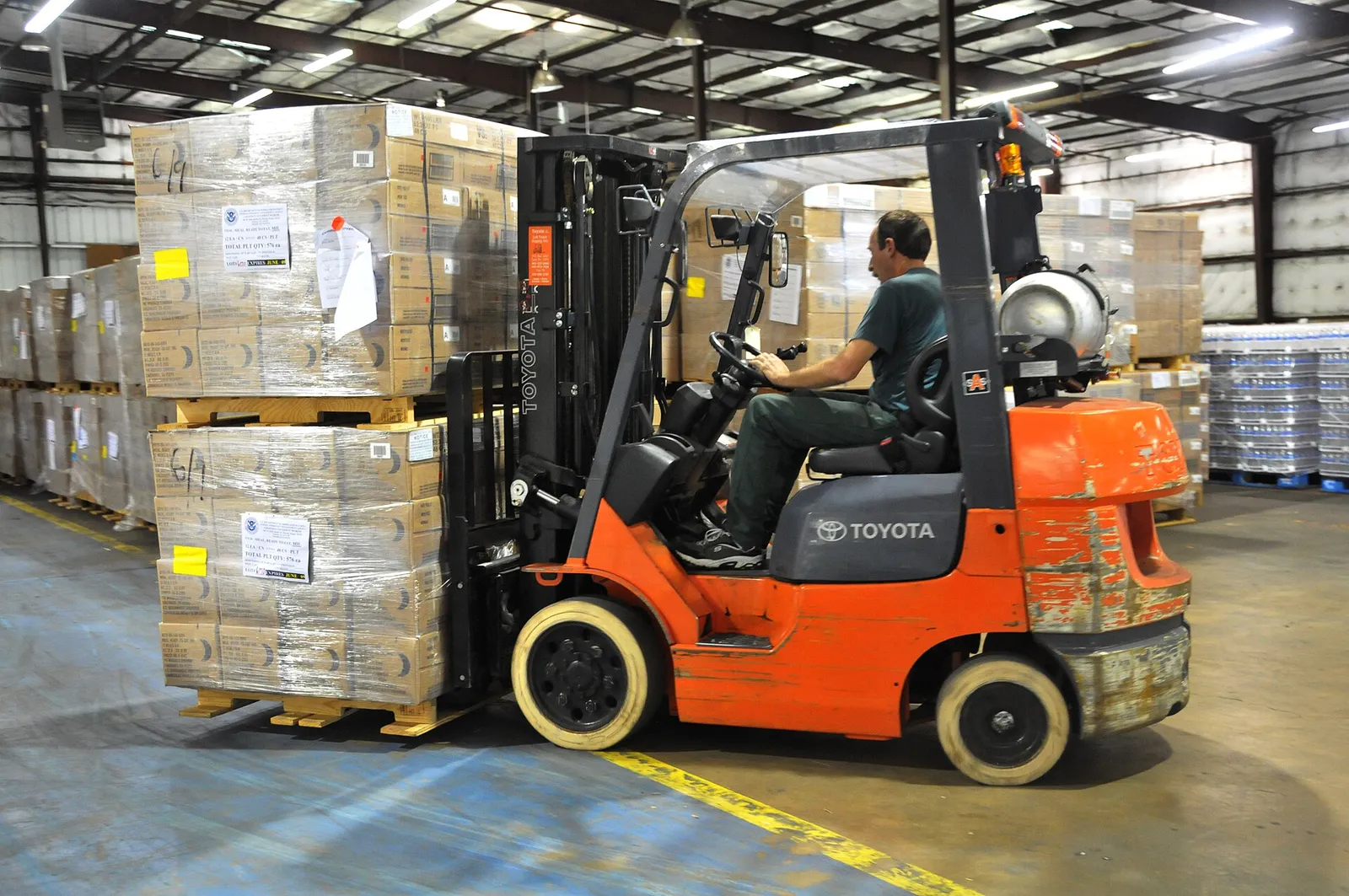
Forklift moving stacked pallets inside a warehouse
Forklift moving stacked pallets inside a warehouse. Photo credit
Before and after

What changed for the team

BeforeAfter

The same client could exist separately in several divisions

One shared customer master is used by every business unit

Cross-unit enquiries needed costs and revenue split between companies

Inter-company work is routed in Odoo and costed to the right unit

Fleet, rental, food and event units each operated differently

Each unit runs its own operations on one shared Odoo database

Leadership needed consolidated financials and KPIs across every company

Consolidated group financials and KPIs come from Odoo Accounting

How it works

The business process, step by step

  1. 01

    Unit enquiry

    A sales or front-office user in the relevant business unit logs the enquiry in Odoo Sales against the shared group customer record, so every division sees the same client and their history.

  2. 02

    Inter-company assignment

    If the enquiry belongs to another division, it is assigned to that company in Odoo Multi-company, which handles the inter-company transaction so costs and revenue are split to the right unit.

  3. 03

    Quote or PO

    The receiving unit's sales team prepares a quotation in Odoo Sales using its own price list, or raises a purchase order where the job needs bought-in goods or services.

  4. 04

    Dispatch or job

    Each unit then runs the work its own way. Odoo Inventory handles warehouse dispatch and rental equipment schedules, while Odoo Fleet covers vehicles and maintenance for the logistics unit.

  5. 05

    Approval

    When the delivery, rental period or job is finished, the responsible manager signs off completion in Odoo, confirming the work before it moves on to billing.

  6. 06

    Consolidation

    Odoo Accounting raises unit-specific invoices with VAT for each company, and finance consolidates every company's figures into group financial statements and KPIs that leadership can review in one place.

The solution

What we built for Grey Lines

Shyphan delivered the project on Odoo Multi-company, Odoo Sales, Odoo Inventory, Odoo Accounting and Odoo Fleet, covering a 6-step process with 4 integration points.

  • One database with a company per business unit
  • Shared customer master across the group
  • Inter-company transactions handled automatically
Odoo Multi-company
Odoo Multi-company interface
Odoo Multi-company product screenshot, for illustration
  • Quotes and orders per unit with their own price lists
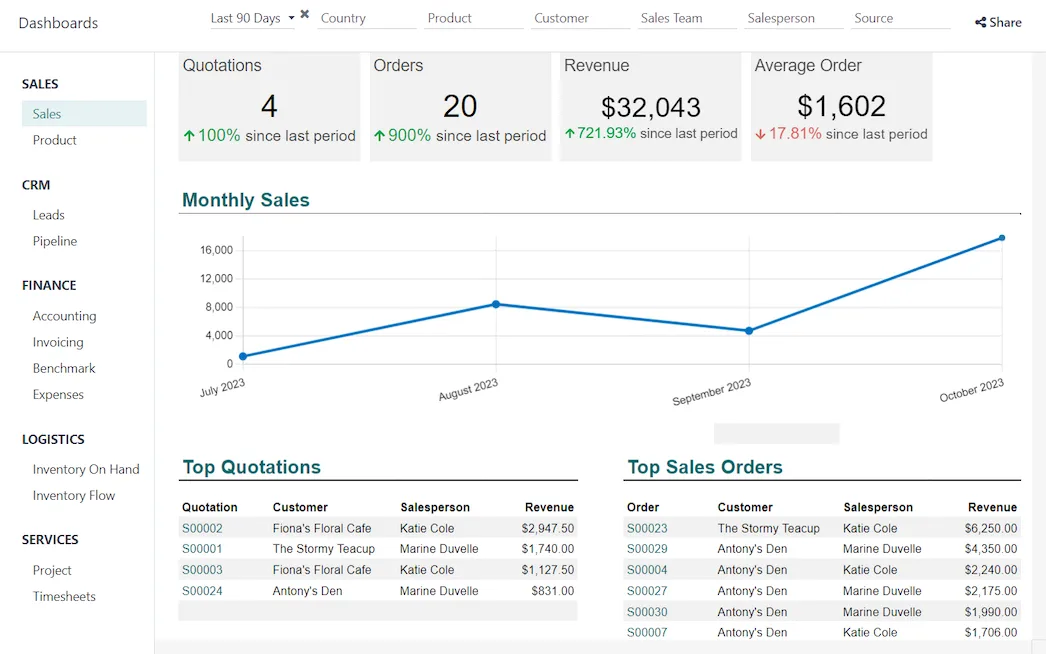
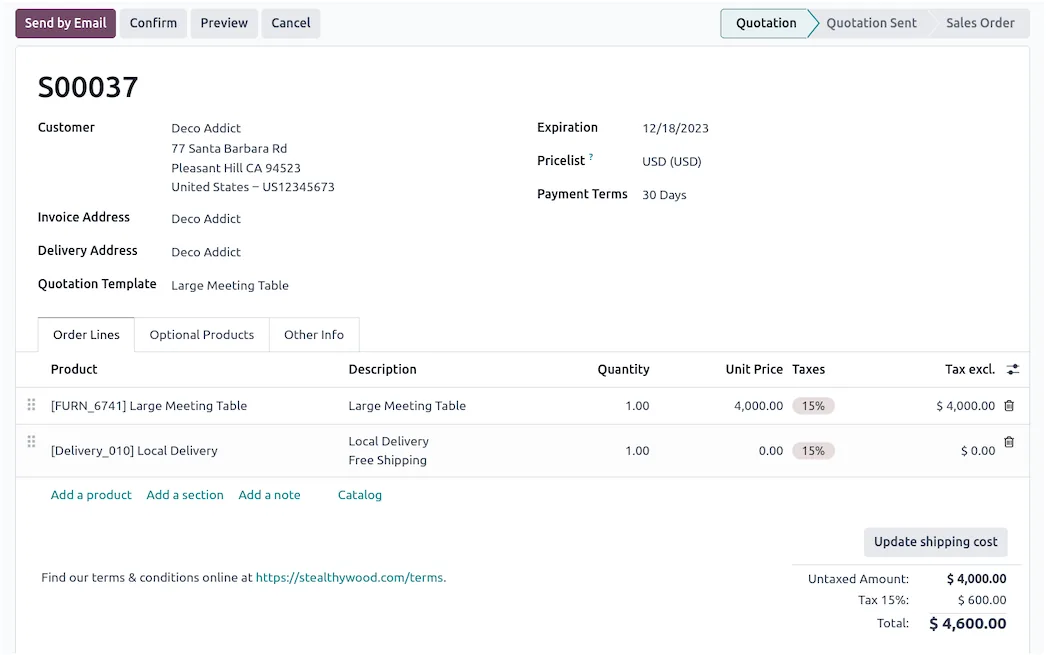
Odoo Sales
Odoo Sales interface
Odoo Sales product screenshot, for illustration
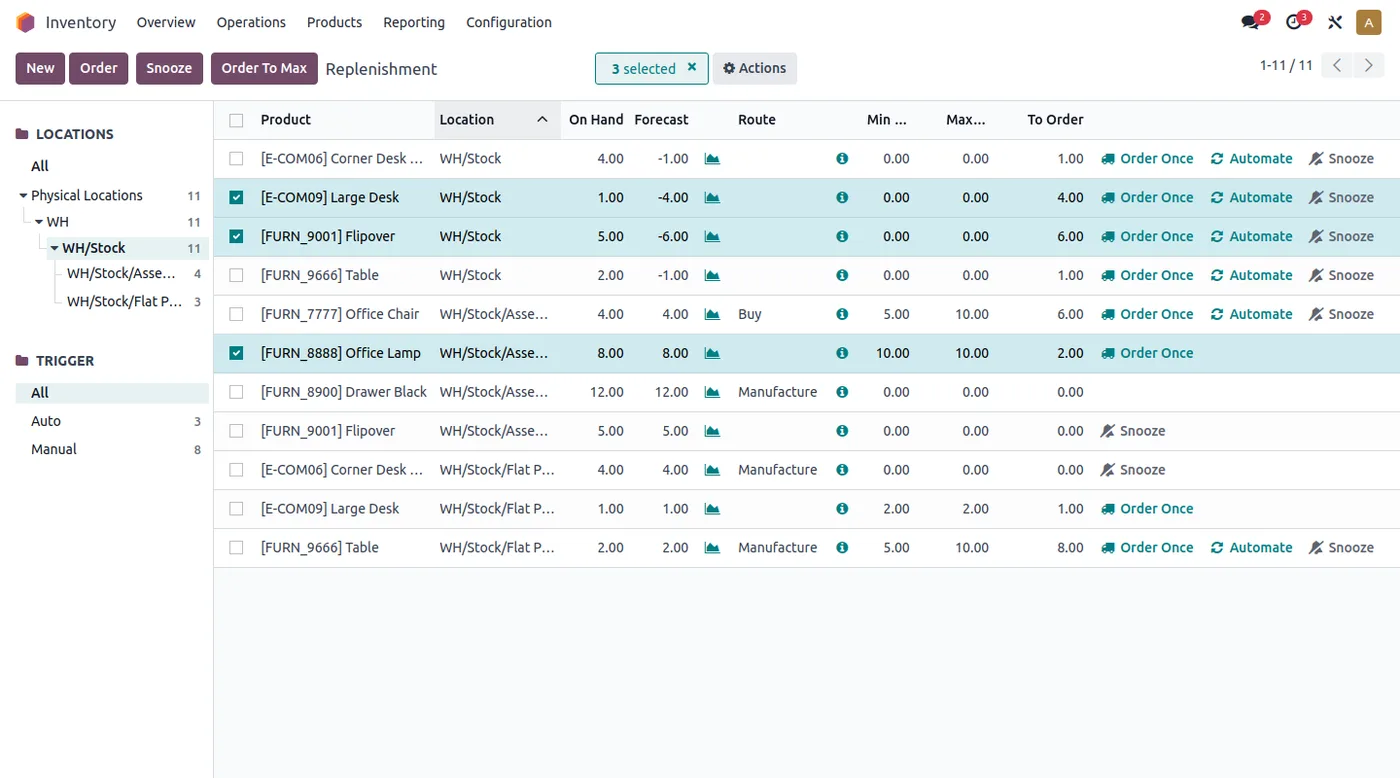
  • Warehouse and dispatch operations for trading units
  • Rental equipment availability schedules
Odoo Inventory
Odoo Inventory interface
Odoo Inventory product screenshot, for illustration
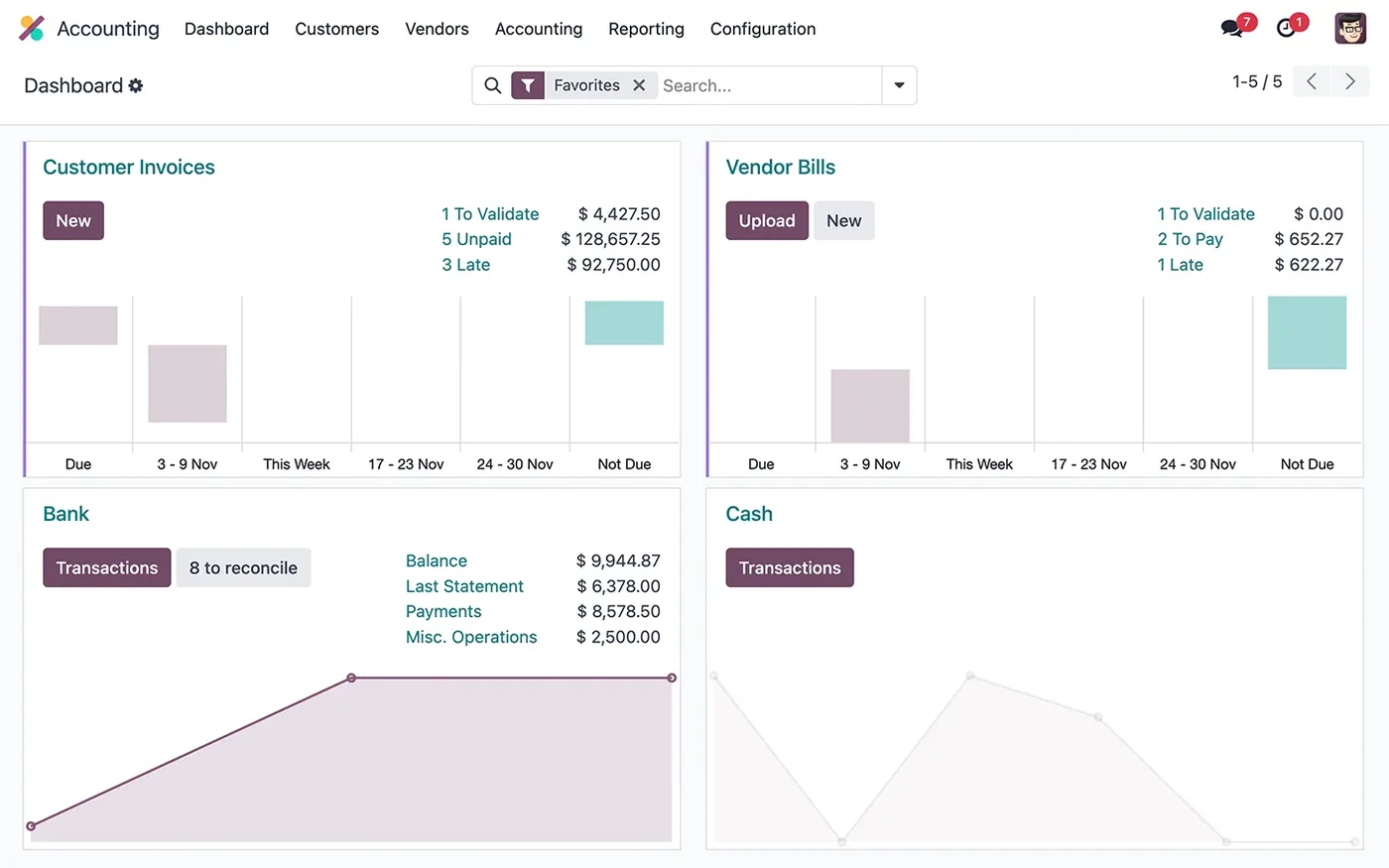
  • Unit-specific billing and VAT
  • Consolidated group financial statements
Odoo Accounting
Odoo Accounting interface

Odoo Accounting product screenshot, for illustration
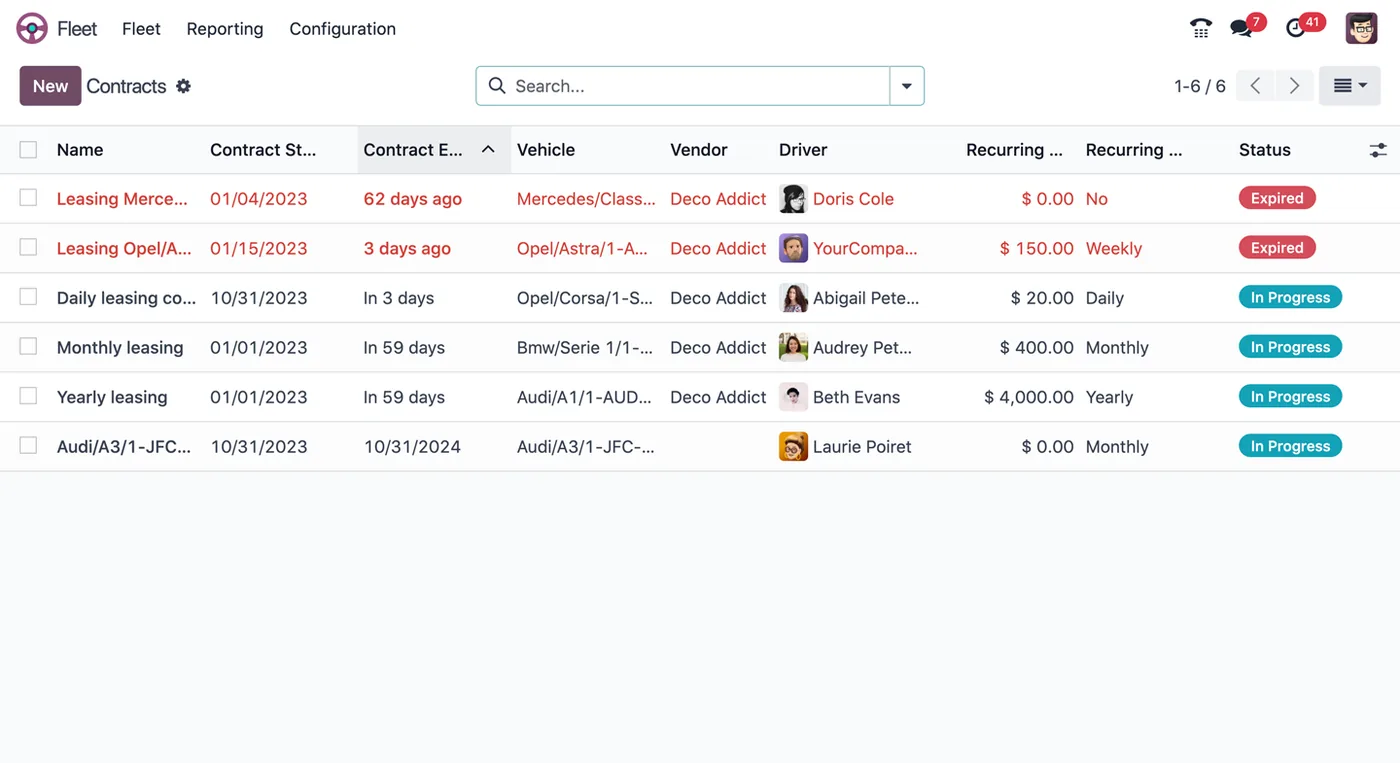
  • Vehicles and maintenance for the logistics unit
Odoo Fleet
Odoo Fleet interface
Odoo Fleet product screenshot, for illustration

Who uses it

Unit sales teams

Log enquiries against the group customer and prepare quotes using their own unit price lists in Odoo Sales

Logistics and fleet staff

Manage warehouse dispatch and keep vehicle and maintenance records for the logistics unit in Odoo Fleet

Rental coordinators

Check rental equipment availability schedules in Odoo Inventory before confirming bookings and dispatching equipment

Finance team

Issue unit-specific invoices with VAT, handle inter-company entries and produce consolidated group statements in Odoo Accounting

Group leadership

Review consolidated financials and KPIs across every company in the group from a single Odoo database

Architecture

How the systems connect

InputsShared customer masterFood outlet POSFleet recordsRental schedules
Delivered by Shyphan
OutputsEntity tax reportingUnit billingGroup KPIs

Integrations

  • Shared customer master

    One customer record across every division.

  • Fleet, WMS and rental schedules

    Operational data for logistics and rental units.

  • POS for food sales

    Food outlet sales posted to accounting.

  • Country tax integrations

    Tax reporting per entity as applicable.

Reports and dashboards

Consolidated group financials

Combined financial statements across every company in the group, built from each unit's accounting entries

Unit sales pipeline

Quotes and orders per business unit, priced from each unit's own price list

Rental availability schedule

Which rental equipment is booked or free, so coordinators can confirm new rental orders

Fleet and maintenance

Vehicles in the logistics unit and their maintenance records, kept in Odoo Fleet

The results

What the system does now

  • One customer record across all business units
  • Inter-company work routed and costed correctly
  • Each unit runs its own operations on a shared ERP
  • Consolidated group financials and KPIs
Delivery

Five phases, discovery to support

  1. 01
    Discovery

    Process mapping, documents and data reviewed with each team.

  2. 02
    Design

    Target flow agreed across 5 apps and 4 integration points.

  3. 03
    Build

    Apps configured, custom logic built and integrations connected.

  4. 04
    Test and train

    User acceptance testing with real scenarios and role-based training.

  5. 05
    Go-live and support

    Cut-over, hypercare and ongoing improvements.

Local rules built in

ZATCA e-invoicing

Fatoora-format tax invoices with XML and QR, cleared or reported as required.

15% VAT

Standard, zero-rated and exempt supplies mapped, with return-ready reports.

Saudi PDPL

Personal data kept to what the process needs, with role-based access.

Arabic and English

Bilingual documents where customers and authorities expect them.

FAQ

Questions about this project

How does a customer who buys from several divisions appear in the system?

Grey Lines uses a shared customer master in Odoo Multi-company. Every business unit works from the same customer record, so a client buying logistics, rental and event services appears once, with each unit's quotes, orders and invoices linked to that single record.

Why was Odoo Multi-company chosen for the group?

The group has many units that sell differently but need one customer list and consolidated numbers. Odoo Multi-company keeps one database with a company per business unit, handles inter-company transactions automatically and still lets each unit keep its own price lists, operations and billing.

How is tax handled across the different companies?

Odoo Accounting issues unit-specific invoices with VAT for each company, and country tax integrations support tax reporting per entity as applicable. Finance can then consolidate the companies' figures into group financial statements while each entity keeps its own tax records.

Ready to write your own success story?

Send us your brief and a senior consultant will reply within 1 hour with scope, timeline and a fixed quote. No spam, no junior reps.

Talk to us

Where this service is weak - and what we do about it

We are not the cheapest, and we decline work where the budget will not cover doing it properly or where the product is the wrong answer.

How we handle it: You get a written recommendation after the free discovery call either way, including when that recommendation is not to proceed.

Vikas Saroj, Co-Founder and COO at Shyphan AI Solutions

Written and reviewed by Vikas Saroj, Co-Founder, COO & Growth at Shyphan AI Solutions, who owns delivery across India, the Gulf and the UK. Last reviewed on 14 September 2026. Meet the team · LinkedIn