Request A Quote

Follow Us On:

  1. Home
  2. Case studies
  3. Extend
Case study · Marketing agency

Extend

Agency ERP from lead and campaign brief through approved estimates, task delivery, vendor spend and profitability.

Industry
Marketing agency
Location
Saudi Arabia
Apps
5 connected apps
Scope
6-step process
Products used
Services
Zoho implementationSystem integration
At a glance
Briefs turned into approved estimates
Campaign work tracked as projects
Vendor spend captured per campaign
Profitability visible per client
The challenge

What Extend needed to fix

Extend is a Saudi marketing organisation running campaigns for clients. Every campaign starts as a brief, becomes an approved estimate, and then runs as tasks with vendor spend that has to be billed and measured.

  1. Brief to estimateCampaign briefs had to become approved estimates quickly.
  2. Task executionCampaign tasks needed owners and deadlines once approved.
  3. Vendor spendMedia and vendor costs had to be captured against each campaign.
  4. ProfitabilityLeadership needed margin per client and campaign.
Computer monitor showing data charts and tables
Computer monitor showing data charts and tables. Photo credit
Before and after

What changed for the team

BeforeAfter

Campaign briefs had to become approved estimates quickly

Briefs and estimates held per client in Zoho CRM through approval

Approved campaigns needed tasks with clear owners and deadlines

Approved estimates create a campaign project with tasks in Zoho Projects

Media and vendor costs had to be captured per campaign

Vendor and media spend recorded per campaign in Zoho Expense

Leadership needed to see margin per client and campaign

Profitability reported by client and campaign in Zoho Analytics

How it works

The business process, step by step

  1. 01

    Lead

    A new lead is captured in Zoho CRM against the client record. Calendars and mail are connected through Google Workspace, so meetings and correspondence with the prospect sit alongside the lead.

  2. 02

    Campaign brief

    The account team agrees the campaign scope with the client and records the brief in Zoho CRM, so the brief, client and lead history are held together before any estimate is prepared.

  3. 03

    Estimate and approval

    An estimate is prepared from the brief in Zoho CRM and sent to the client for approval. Once the client approves it, the approved estimate creates the campaign project in Zoho Projects.

  4. 04

    Task execution

    Campaign tasks and deliverables run in Zoho Projects, where each task is given an owner and a deadline, so the delivery team knows what is due once the estimate is approved.

  5. 05

    Vendor spend

    Media and vendor costs are captured in Zoho Expense against each campaign. Advertising platform spend is also loaded for reporting, so campaign costs are visible alongside the work being delivered.

  6. 06

    Invoice and profit

    Finance invoices the client from Zoho Books and tracks payment status against each invoice. Zoho Analytics then reports profitability by client and campaign for the leadership team.

The solution

What we built for Extend

Shyphan delivered the project on Zoho CRM, Zoho Projects, Zoho Books, Zoho Analytics and Zoho Expense, covering a 6-step process with 4 integration points.

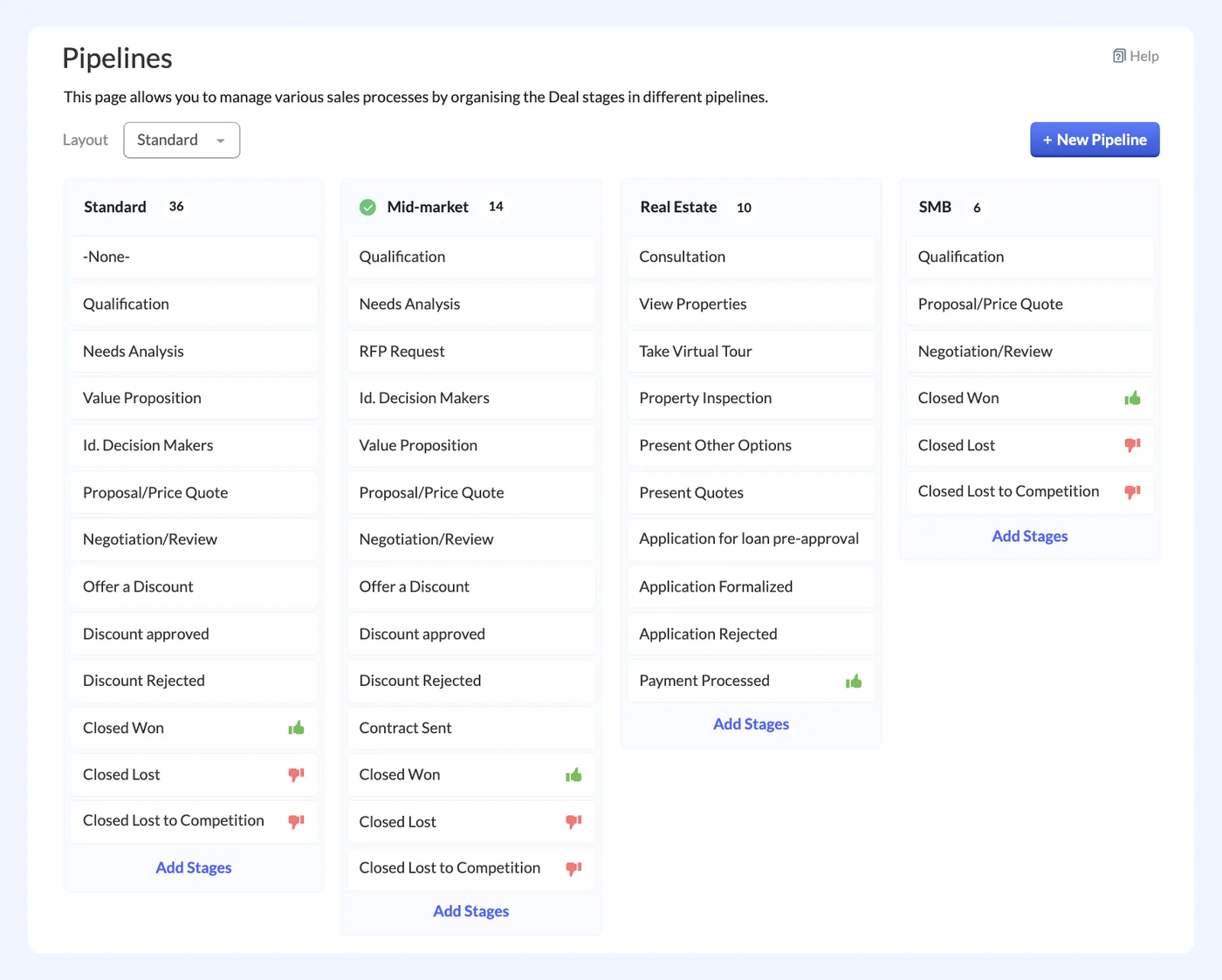
  • Leads, briefs and estimates per client
Zoho CRM
Zoho CRM interface
Zoho CRM product screenshot, for illustration
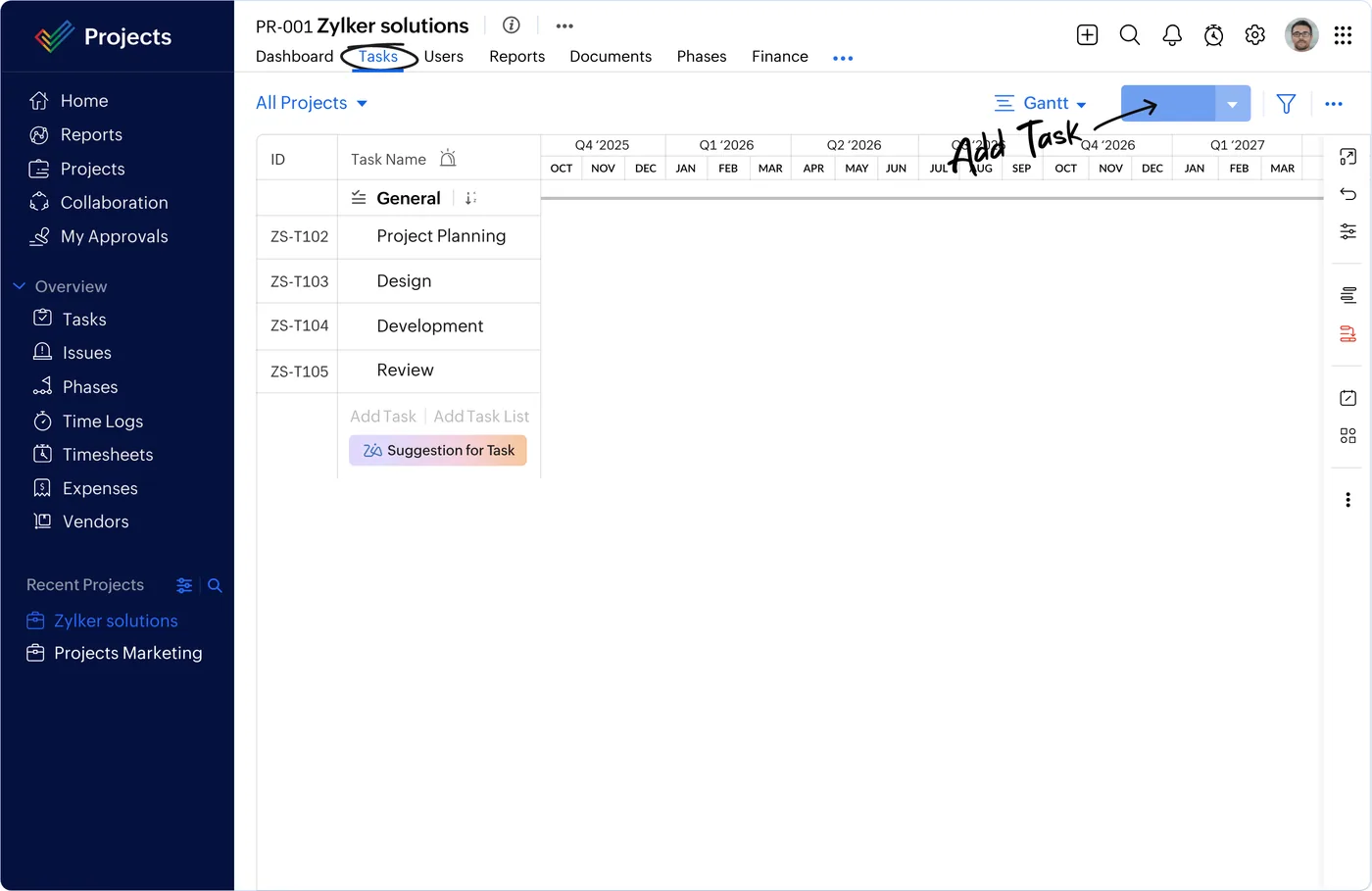
  • Campaign tasks and deliverables
Zoho Projects
Zoho Projects interface
Zoho Projects product screenshot, for illustration
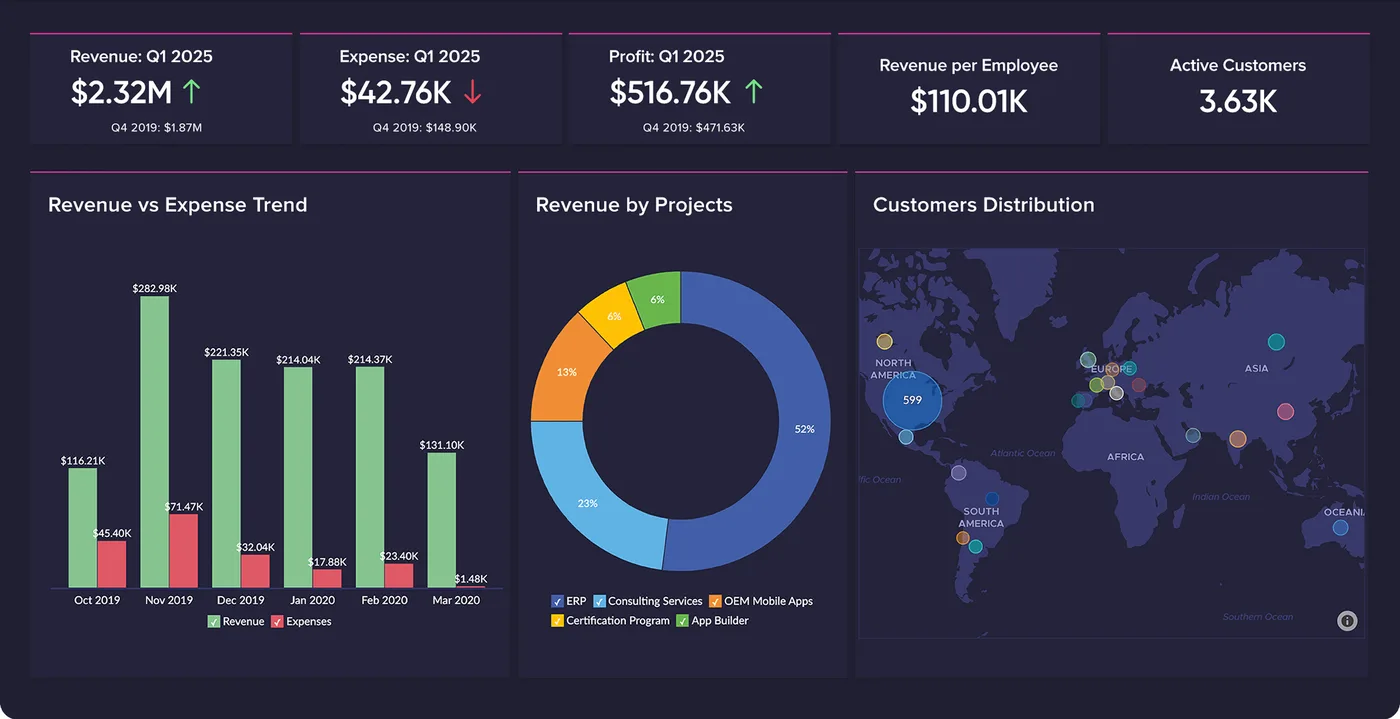
  • Profitability by client and campaign
Zoho Analytics
Zoho Analytics interface
Zoho Analytics product screenshot, for illustration
  • Vendor and media spend per campaign
  • Client invoicing and payment status

Who uses it

Account team

Capture leads, record campaign briefs and prepare estimates for client approval in Zoho CRM.

Delivery team

Run campaign tasks and deliverables in Zoho Projects, with owners and deadlines set once an estimate is approved.

Media and purchasing

Record vendor and media spend against each campaign in Zoho Expense, so costs sit with the right campaign.

Finance

Raise client invoices in Zoho Books and track payment status against each invoice.

Leadership

Review profitability by client and campaign in Zoho Analytics, comparing invoiced revenue with vendor and media spend.

Architecture

How the systems connect

InputsAdvertising platformsGoogle Workspace
Delivered by Shyphan
OutputsGoogle WorkspaceClient invoicesProfitability dashboards

Integrations

  • CRM to Projects

    Approved estimates create the campaign project.

  • Ad spend import

    Advertising platform spend loaded for reporting.

  • Google Workspace sync

    Calendars and mail connected.

  • Payment status to Books

    Client payments tracked against invoices.

Reports and dashboards

Profitability by client

Margin for each client, comparing invoiced revenue in Zoho Books with recorded vendor and media spend.

Profitability by campaign

Margin per campaign, using its invoices and the spend captured against it in Zoho Expense.

Advertising spend

Advertising platform spend loaded for reporting, shown against the campaigns it belongs to.

Invoice payment status

Client invoices from Zoho Books with their payment status, showing what is paid and outstanding.

The results

What the system does now

  • Briefs turned into approved estimates
  • Campaign work tracked as projects
  • Vendor spend captured per campaign
  • Profitability visible per client
Delivery

Five phases, discovery to support

  1. 01
    Discovery

    Process mapping, documents and data reviewed with each team.

  2. 02
    Design

    Target flow agreed across 5 apps and 4 integration points.

  3. 03
    Build

    Apps configured, custom logic built and integrations connected.

  4. 04
    Test and train

    User acceptance testing with real scenarios and role-based training.

  5. 05
    Go-live and support

    Cut-over, hypercare and ongoing improvements.

Local rules built in

ZATCA e-invoicing

Fatoora-format tax invoices with XML and QR, cleared or reported as required.

15% VAT

Standard, zero-rated and exempt supplies mapped, with return-ready reports.

Saudi PDPL

Personal data kept to what the process needs, with role-based access.

Arabic and English

Bilingual documents where customers and authorities expect them.

FAQ

Questions about this project

How does an approved estimate become a campaign project?

Briefs and estimates are kept per client in Zoho CRM. When the client approves an estimate, it creates the campaign project in Zoho Projects, where tasks and deliverables are set up with owners and deadlines for the delivery team.

How is vendor and media spend tracked against campaigns?

Vendor and media costs are recorded in Zoho Expense against the campaign they relate to, and advertising platform spend is loaded for reporting. Zoho Analytics combines this spend with client invoicing from Zoho Books to show profitability per client and campaign.

What role does Zoho Expense play in the setup?

Zoho Expense captures media and vendor costs against a specific campaign and works alongside Zoho Books, where client invoices and payment status are kept. Together they give Zoho Analytics both the cost and revenue side needed for profitability reporting.

Ready to write your own success story?

Send us your brief and a senior consultant will reply within 1 hour with scope, timeline and a fixed quote. No spam, no junior reps.

Talk to us

Where this service is weak - and what we do about it

We are not the cheapest, and we decline work where the budget will not cover doing it properly or where the product is the wrong answer.

How we handle it: You get a written recommendation after the free discovery call either way, including when that recommendation is not to proceed.

Vikas Saroj, Co-Founder and COO at Shyphan AI Solutions

Written and reviewed by Vikas Saroj, Co-Founder, COO & Growth at Shyphan AI Solutions, who owns delivery across India, the Gulf and the UK. Last reviewed on 14 September 2026. Meet the team · LinkedIn