





















 Saudi Arabia
 UAE
UAE Qatar
Qatar Bahrain
 Kuwait
 Oman
Oman Lebanon
 Egypt
Egypt India
India UK
UK Ireland
 Germany
 USA
USA Australia
 Singapore
 South Africa
 Iraq
Iraq Jordan
 Hungary
 Georgia
 Turkey
 LagosNigeria



Home › ERP Software › ERP Migration Checklist
Guide · MigrationERP Migration Checklist
A practical ERP migration checklist to move systems safely - with your data intact.

Talk to a specialist
Tell us your requirement - we reply within one business day.
ERP Migration Checklist: the short answer
- What it is
- ERP migration checklist - migrate from your old system to a new ERP without losing data, with mapping, cleansing, validation and cutover steps.
- Best suited to
- Businesses in India, the Gulf and the UK that have outgrown spreadsheets and disconnected tools and want one system rather than several that need reconciling.
- Typical timeline
- A focused rollout for a small team goes live in three to six weeks. A multi-app deployment with data migration and integrations usually runs eight to sixteen weeks.
- What it costs
- Quoted as a fixed price in your local currency after a free 30-minute discovery call. The price depends on scope, the state of your data and what has to be integrated; software licences are billed separately by the vendor.
- Local specifics
- the tax and payroll rules of the country you operate in.
- Delivered by
- Shyphan AI Solutions. Support on your own working hours, Monday to Friday, in English. Call +91 95651 53545.
- Last reviewed
- 15 September 2026











Safe ERP migration means mapping every field, cleansing bad data, migrating in stages, validating against the source, running in parallel, and cutting over with a rollback plan. Rushing any step invites data loss.
What this covers
A practical, vendor-neutral guide from an experienced implementer.
What you get
- Data inventory and field mapping
- Cleansing and de-duplication
- Staged migration and validation
- Parallel run and reconciliation
- Cutover plan with rollback
ERP migration - safely
Map
Inventory and map every field.
Cleanse
De-duplicate and fix data.
Migrate & validate
Load in stages; check against source.
Parallel & cutover
Run in parallel, then switch with rollback.
How we deliver ERP Migration Checklist
Assess
Understand your needs, size and constraints.
Compare
Weigh options against clear, honest criteria.
Decide
Pick the best-fit path with a costed plan.
Execute
Implement with an experienced partner.
Why businesses choose Shyphan
Fixed, transparent pricing
Know the full cost after a free scoping call - no hidden fees.
Compliance built in
Local tax and e-invoicing compliance.
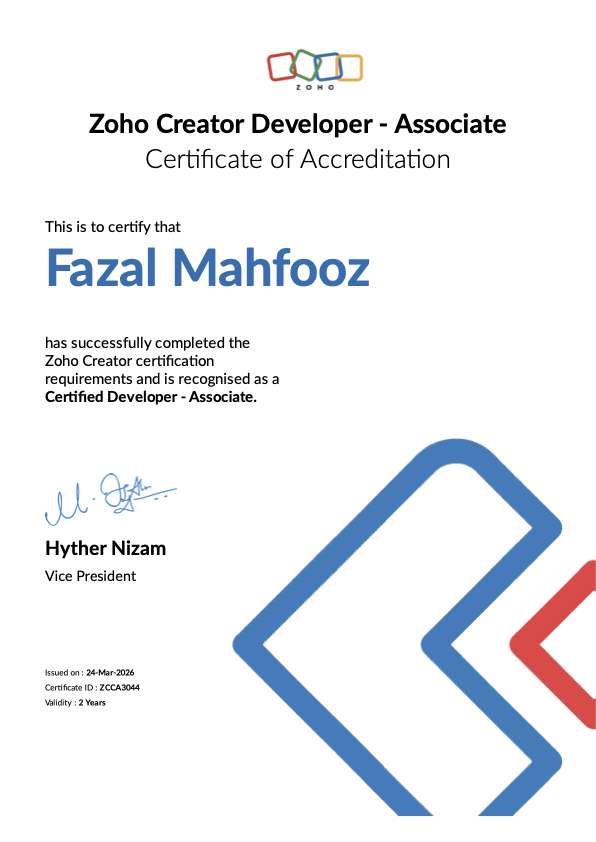
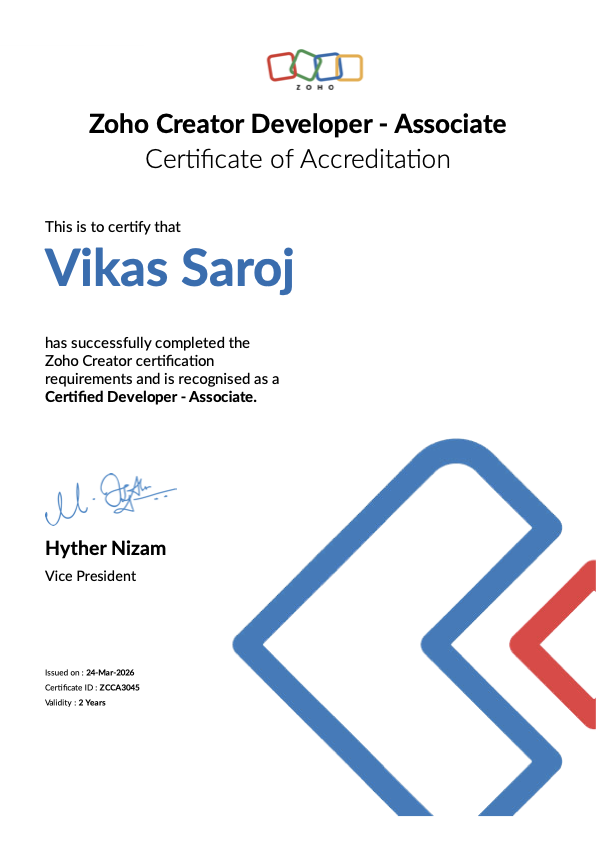
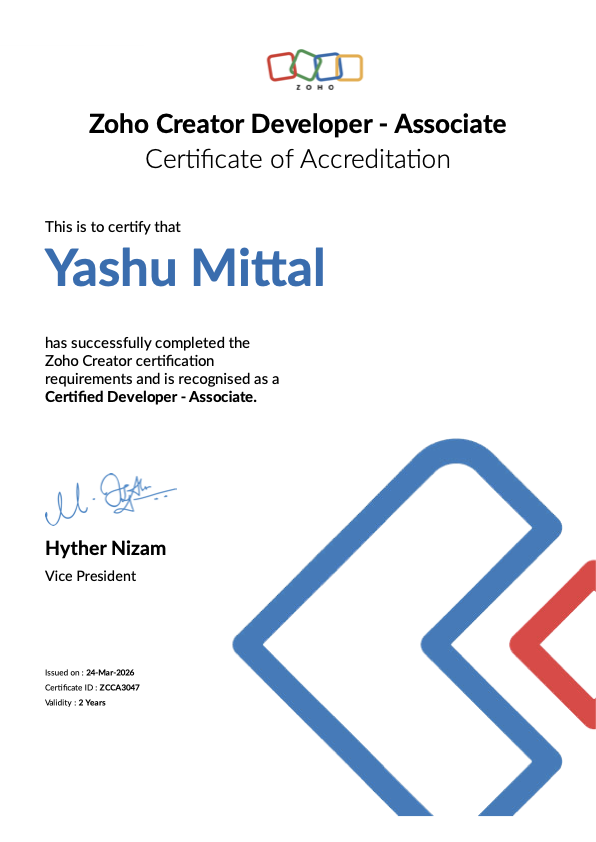
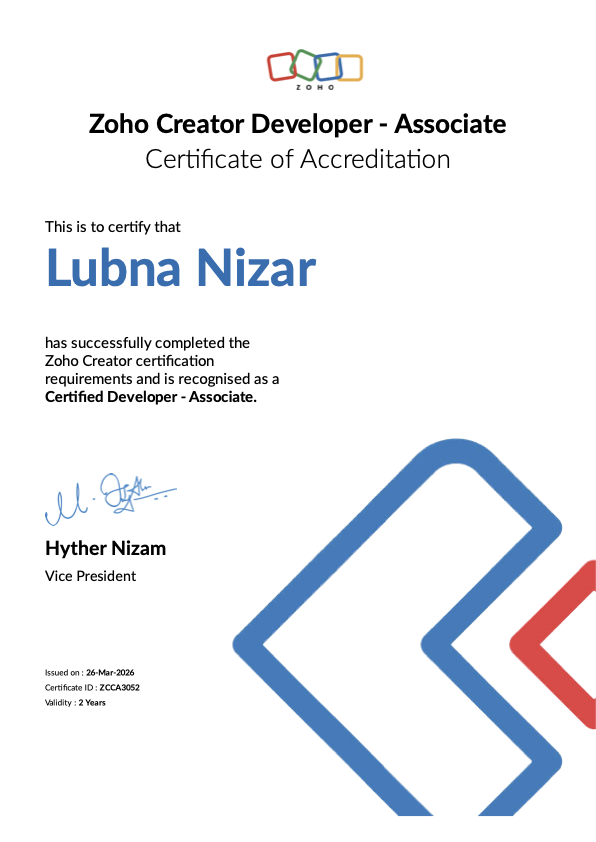
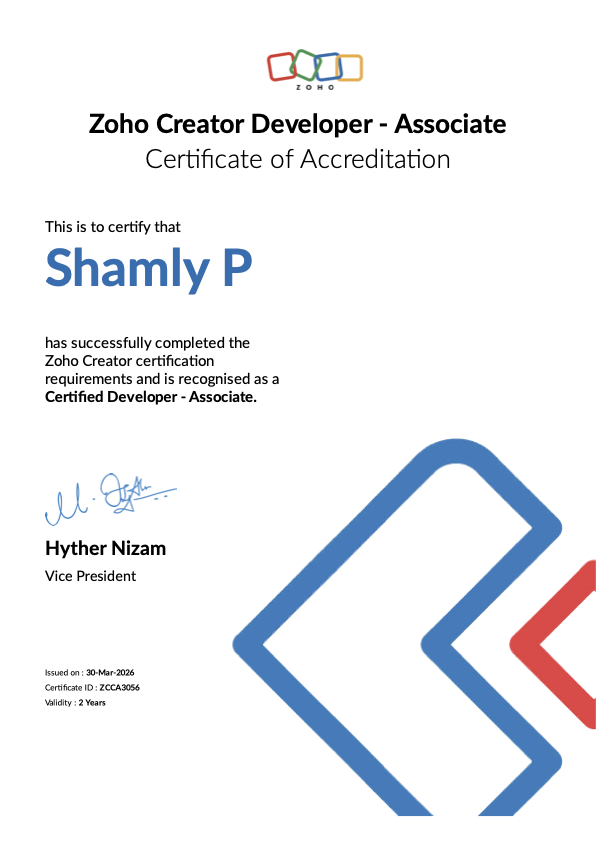
Zoho Premium & Odoo Partner
Certified delivery, verifiable on the official partner directories.
Support that stays
Training, documentation and ongoing support after go-live.
Serving businesses across the GCC, the UK, USA and beyond, delivered on-site and remotely.
Explore more solutions
One partner for ERP, Zoho, Odoo, custom software and AI:
Our certifications & credentials


ERP Migration Checklist: questions answered
How do we migrate ERP data safely?
Will we lose historical data?
How long does migration take?
Do you handle migrations?
How do we start?
Ready to move ahead with ERP Migration Checklist?
Tell us your requirement - we’ll reply within one business day with scope, timeline and a fixed quote.
- Zoho Premium & Odoo Partner
- local tax and e-invoicing compliance
- Arabic & English delivery
- Fixed-quote pricing
