Request A Quote

Follow Us On:

  1. Home
  2. Case studies
  3. Fabric Zone
Case study · Fabric printing and e-commerce

Fabric Zone

Online artwork orders through print production, QC and delivery for a Saudi custom fabric printing business.

Industry
Fabric printing and e-commerce
Location
Saudi Arabia
Apps
5 connected apps
Scope
6-step process
Products used
Services
Zoho implementationCustom app developmentSystem integration
At a glance
Every order carries its artwork and spec
Job costs calculated before printing
Fabric rolls tracked in stock
Production status visible end to end
The challenge

What Fabric Zone needed to fix

Fabric Zone prints custom fabric to order and sells online. Each order carries the customer’s artwork, a fabric choice and a print specification that production has to follow exactly.

  1. Artwork with every orderCustomer artwork files had to stay attached to the right order.
  2. Costing each jobPrint specs and fabric choice changed the cost of every order.
  3. Fabric roll stockFabric was bought and consumed by the roll.
  4. Production visibilityCustomers and staff needed to know where each print job stood.
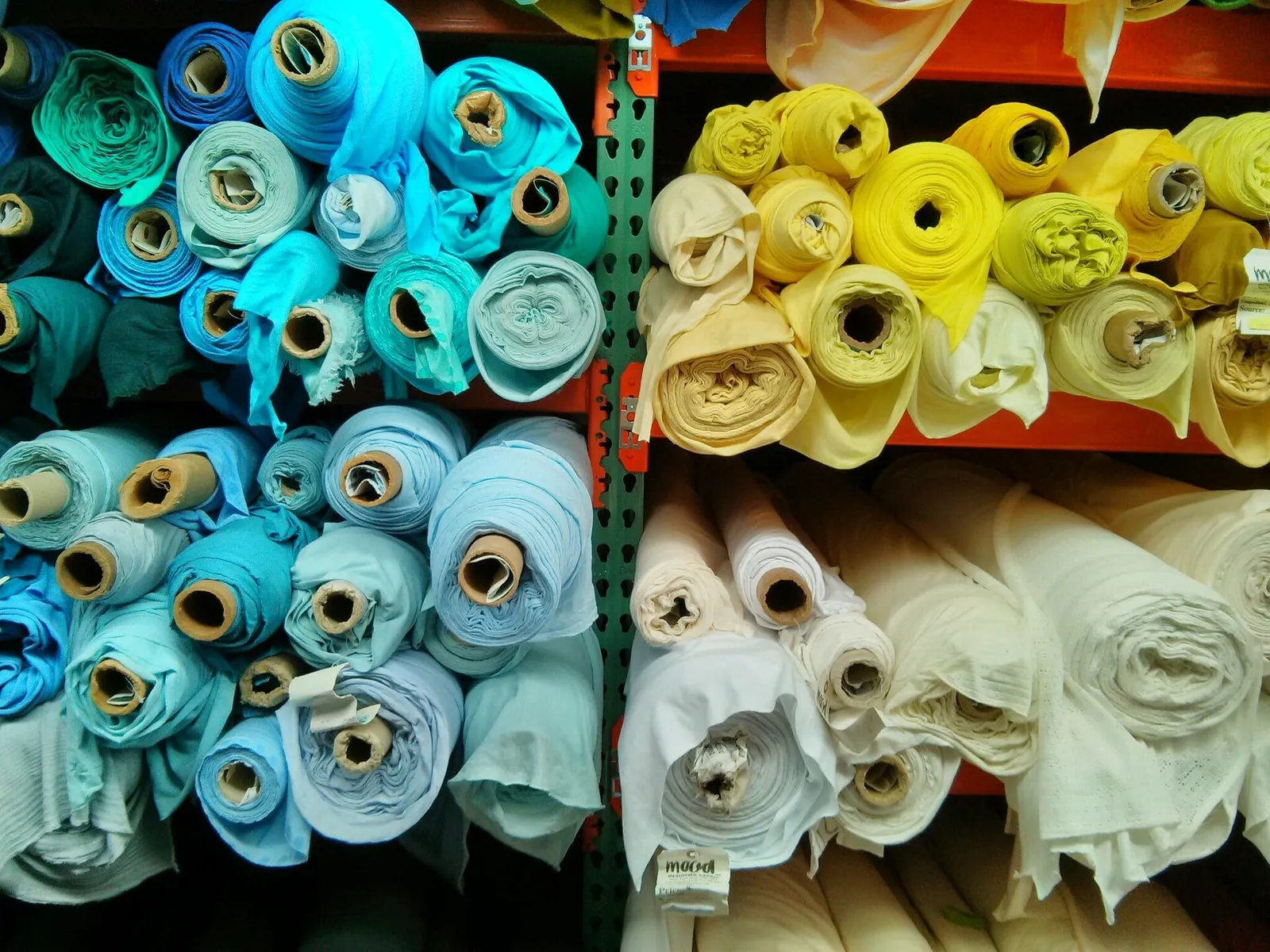
Colourful fabric rolls stacked on shop shelves
Colourful fabric rolls stacked on shop shelves. Photo credit
Before and after

What changed for the team

BeforeAfter

Artwork files at risk of being separated from their orders

Every order carries its artwork, stored in a vault against the order

Job cost unclear until print specs and fabric were confirmed

Job costs calculated from the specification before printing begins

Fabric rolls bought and used without a clear stock record

Fabric roll purchases and stock tracked in Zoho Inventory

Staff and customers unsure where each print job stood

Production status, QC and courier tracking visible end to end

How it works

The business process, step by step

  1. 01

    Online order

    Customers place orders on the Zoho Commerce store, choosing a fabric and uploading their artwork. Each online order opens a production job, and the artwork file is stored against that order.

  2. 02

    Print specification

    The order carries its print specification, covering size, fabric and colours. Production staff read it from the job record in Zoho Creator so the print follows the customer's choices exactly.

  3. 03

    Costing

    The job cost is calculated from the print specification and fabric choice before printing starts, since both change the cost of every order. Staff see the cost on the job before production begins.

  4. 04

    Fabric procurement

    Fabric is bought and consumed by the roll. Purchasing raises orders for rolls in Zoho Inventory, and roll stock is updated as fabric arrives and as it is used in production.

  5. 05

    Print job and QC

    Each print job moves through the production tracker in Zoho Creator, including its QC steps, so staff can see where every job stands and keep customers informed about progress.

  6. 06

    Pack and deliver

    Finished orders are packed and handed to the courier, with shipment status shared with the customer. A ZATCA-ready VAT invoice is issued from Zoho Books, and the order joins the customer's history in Zoho CRM.

The solution

What we built for Fabric Zone

Shyphan delivered the project on Zoho Commerce, Zoho CRM, Zoho Inventory, Zoho Books and Zoho Creator, covering a 6-step process with 4 integration points.

  • Online store for fabric and print orders with artwork upload
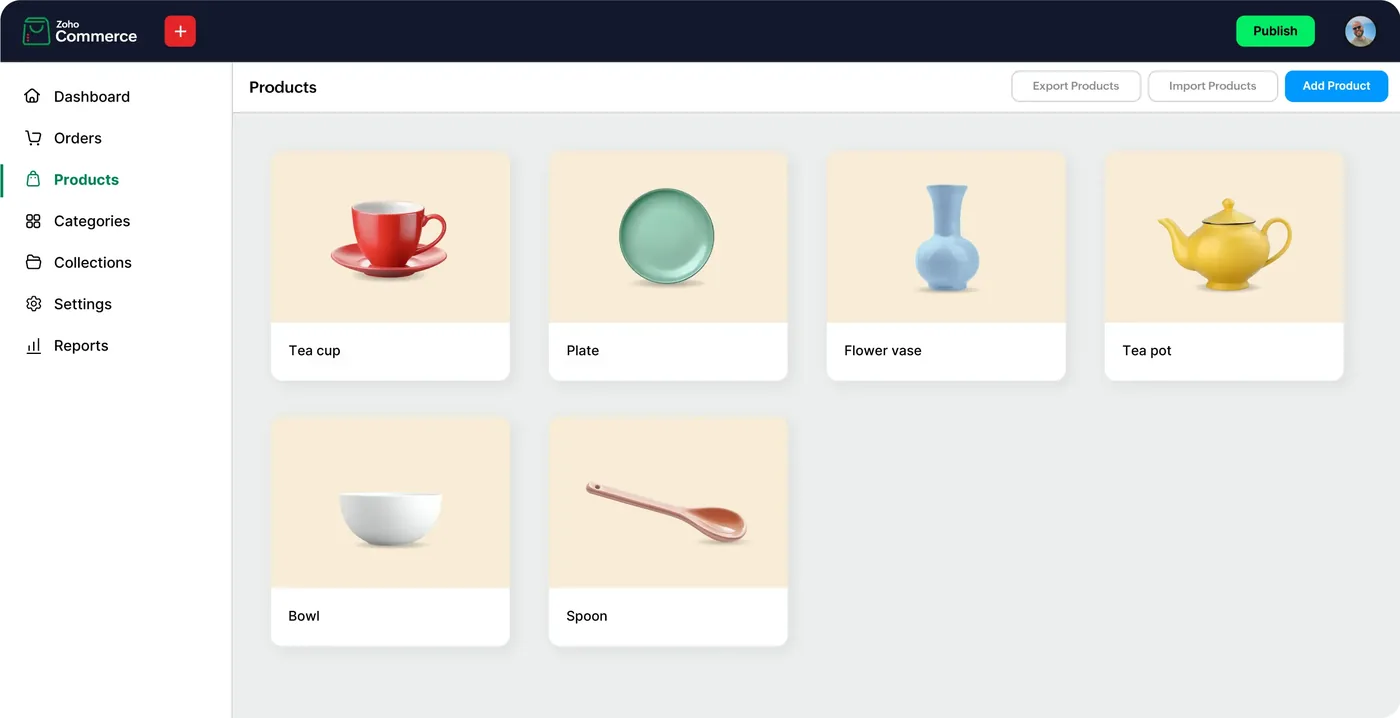
Zoho Commerce
Zoho Commerce interface
Zoho Commerce product screenshot, for illustration
  • Print production tracker with QC steps
  • Artwork file vault per order
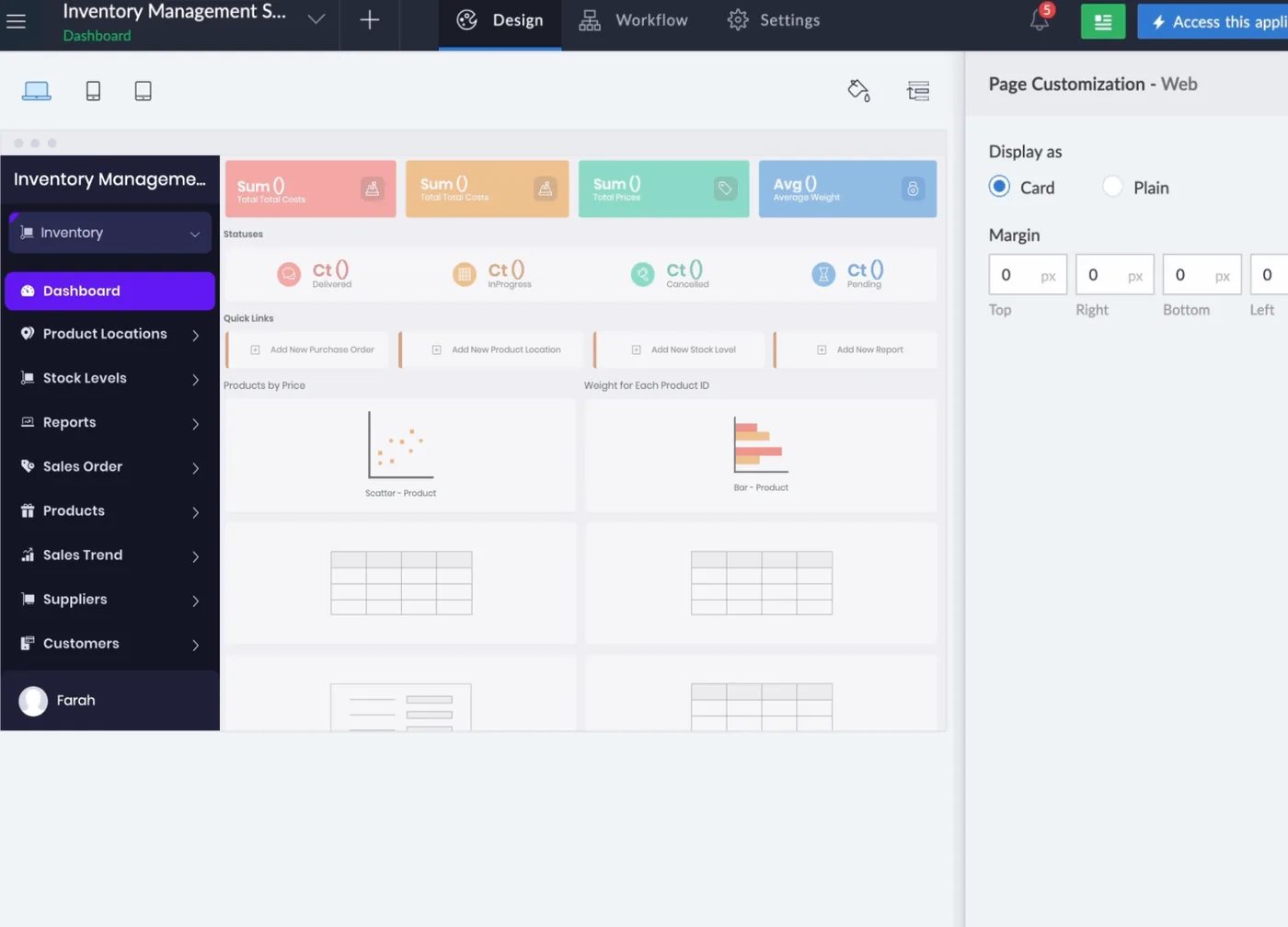
Zoho Creator
Zoho Creator interface
Zoho Creator product screenshot, for illustration
  • Fabric roll stock and purchasing
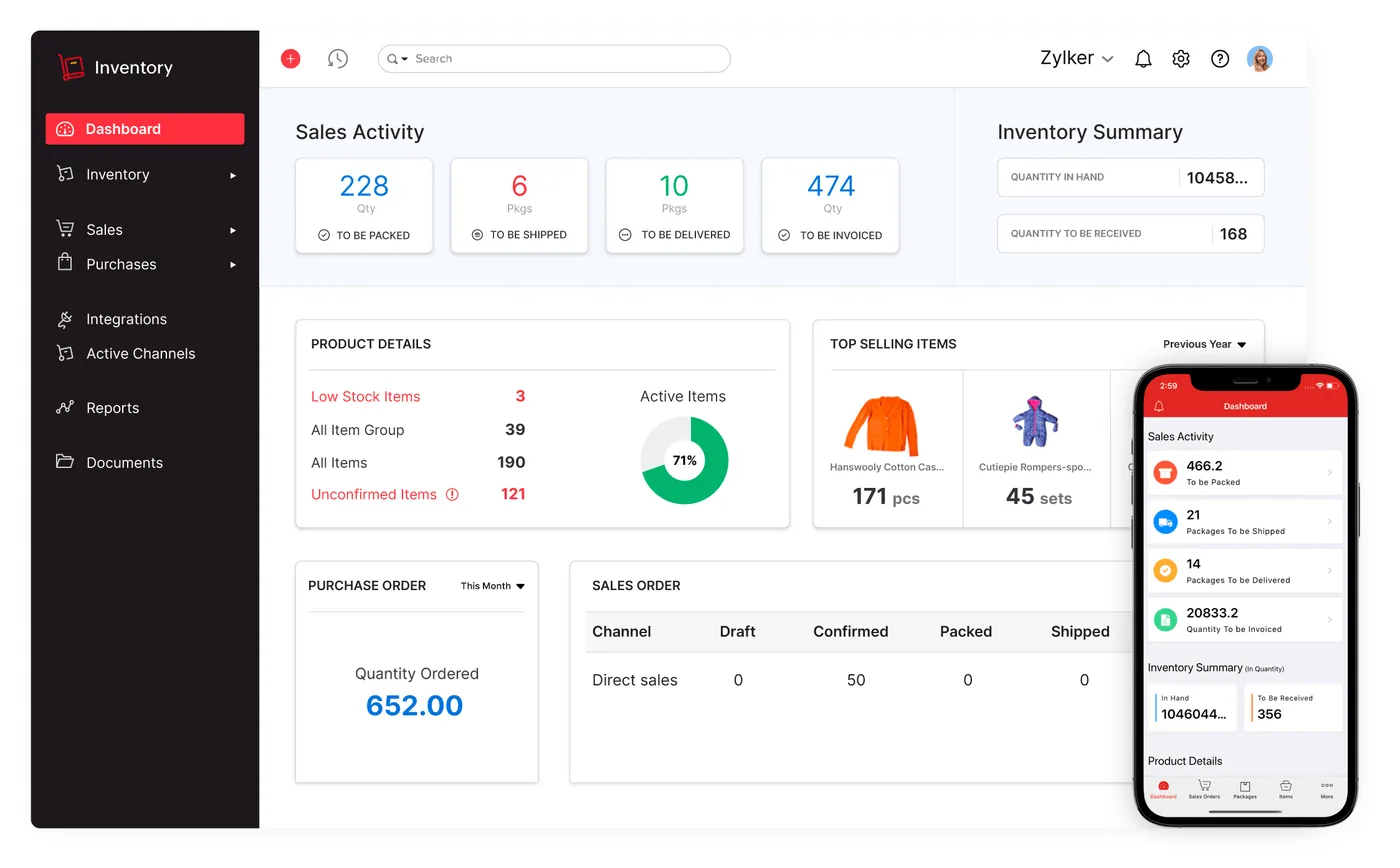
Zoho Inventory
Zoho Inventory interface
Zoho Inventory product screenshot, for illustration
  • Customer and repeat-order history
Zoho CRM
Zoho CRM interface
Zoho CRM product screenshot, for illustration
  • VAT invoices and payments

Who uses it

Customers

Choose fabric, upload artwork and place orders on the Zoho Commerce store, then follow shipment status after dispatch.

Production team

Work print jobs through the Zoho Creator tracker, following each order's specification and completing the QC steps.

Purchasing and stores

Buy fabric by the roll and keep roll stock current in Zoho Inventory as fabric is received and consumed.

Finance and customer service

Issue VAT invoices and record payments in Zoho Books, and use Zoho CRM for customer and repeat-order history.

Architecture

How the systems connect

InputsOnline store ordersArtwork uploads
Delivered by Shyphan
OutputsCourier trackingZATCA tax invoices

Integrations

  • Web orders to print jobs

    Each online order opens a production job.

  • Artwork vault

    Files stored against the order.

  • Courier tracking

    Shipment status shared with the customer.

  • Tax invoices

    ZATCA-ready invoicing.

Reports and dashboards

Production tracker

Every print job with its current stage and QC status in the Zoho Creator tracker.

Order costing

Calculated job cost per order based on print specification, size and fabric choice.

Fabric roll stock

Rolls on hand, purchased and consumed in Zoho Inventory, shown by fabric type.

Shipments and invoices

Courier status for dispatched orders alongside VAT invoices and payments in Zoho Books.

The results

What the system does now

  • Every order carries its artwork and spec
  • Job costs calculated before printing
  • Fabric rolls tracked in stock
  • Production status visible end to end
Delivery

Five phases, discovery to support

  1. 01
    Discovery

    Process mapping, documents and data reviewed with each team.

  2. 02
    Design

    Target flow agreed across 5 apps and 4 integration points.

  3. 03
    Build

    Apps configured, custom logic built and integrations connected.

  4. 04
    Test and train

    User acceptance testing with real scenarios and role-based training.

  5. 05
    Go-live and support

    Cut-over, hypercare and ongoing improvements.

Local rules built in

ZATCA e-invoicing

Fatoora-format tax invoices with XML and QR, cleared or reported as required.

15% VAT

Standard, zero-rated and exempt supplies mapped, with return-ready reports.

Saudi PDPL

Personal data kept to what the process needs, with role-based access.

Arabic and English

Bilingual documents where customers and authorities expect them.

FAQ

Questions about this project

How are customer artwork files kept with the right order?

Artwork is uploaded with the order on the Zoho Commerce store and stored in a Creator file vault against that order. The production job opened from the order references the same files, so the printer works from the artwork the customer actually supplied.

When is the cost of a print job worked out?

Costs are calculated before printing. The print specification, including size, fabric and colours, together with the fabric choice determines the job cost, so each order is costed on its own details before production starts.

How do customers know where their order is?

Production status is tracked through the Creator job, including its QC steps, so staff can answer status questions from one record. Once the order is dispatched, courier shipment status is shared with the customer directly.

Ready to write your own success story?

Send us your brief and a senior consultant will reply within 1 hour with scope, timeline and a fixed quote. No spam, no junior reps.

Talk to us

Where this service is weak - and what we do about it

We are not the cheapest, and we decline work where the budget will not cover doing it properly or where the product is the wrong answer.

How we handle it: You get a written recommendation after the free discovery call either way, including when that recommendation is not to proceed.

Vikas Saroj, Co-Founder and COO at Shyphan AI Solutions

Written and reviewed by Vikas Saroj, Co-Founder, COO & Growth at Shyphan AI Solutions, who owns delivery across India, the Gulf and the UK. Last reviewed on 14 September 2026. Meet the team · LinkedIn