Please fill out the form below if you have a plan or project in mind that you'd like to share with us.
Batch- and expiry-controlled distribution of aesthetic skincare, haircare and clinical products to clinics and retailers in Saudi Arabia.

Diamond Vision distributes aesthetic skincare, haircare and clinical products in Saudi Arabia, selling to clinics and retail outlets. Imported products carry batch numbers and expiry dates that must be controlled through to the customer.

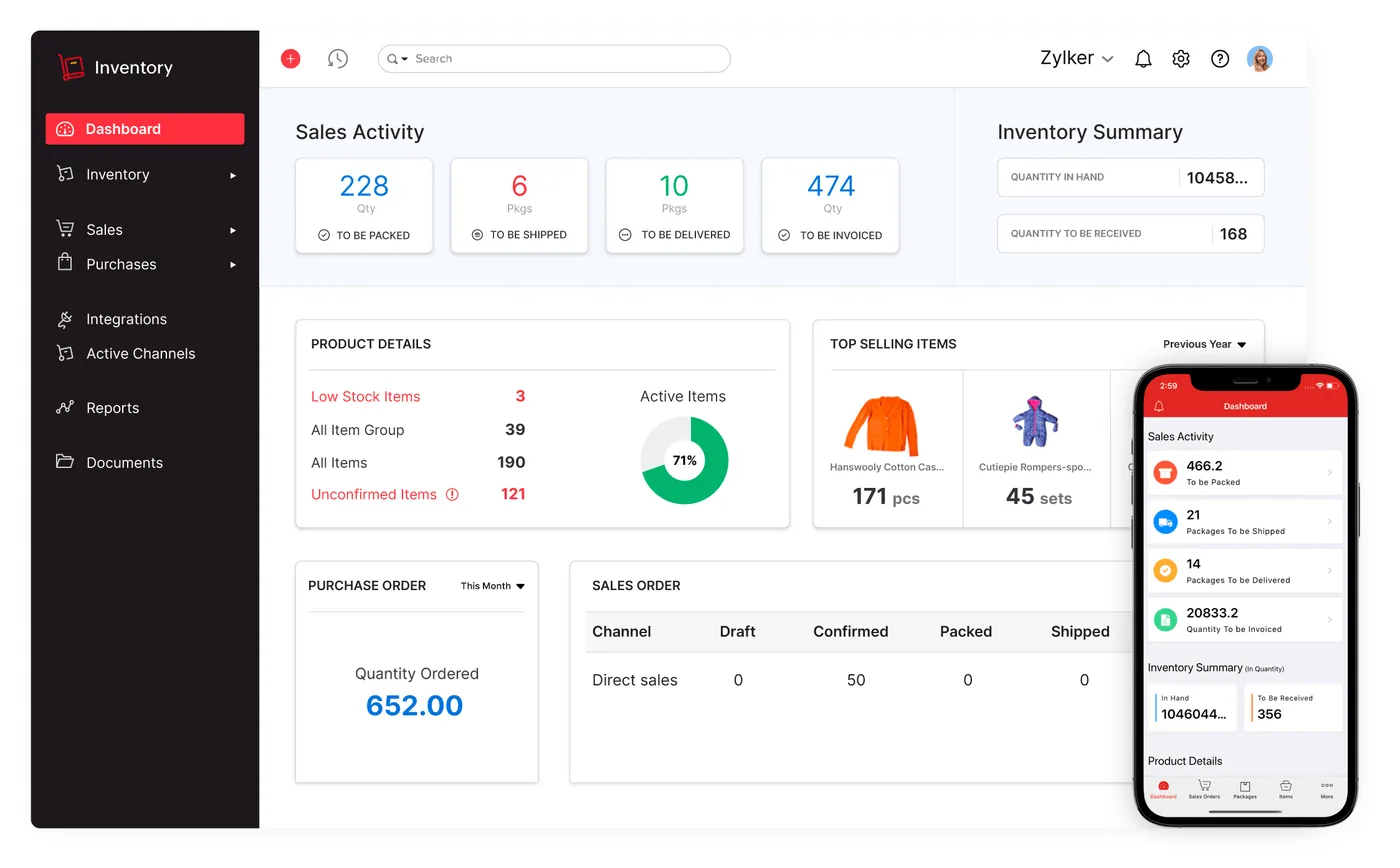
Imported stock had to be tracked by batch and expiry date
Batch and expiry recorded in Zoho Inventory on every receipt and sale
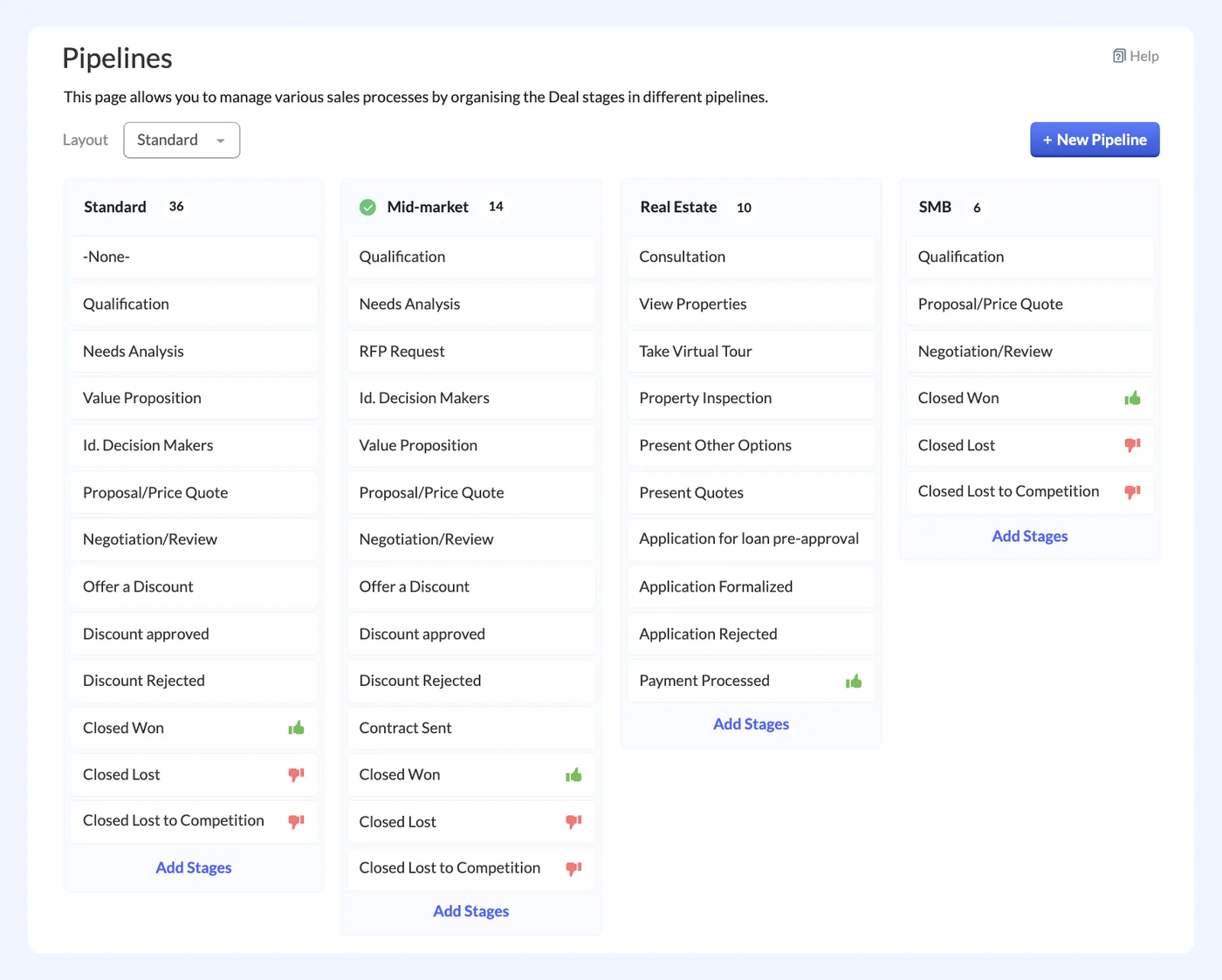
Each customer type needed its own price list on every order
Clinic and retail pricing applied automatically from the assigned price list
Supplier orders and imports had to tie into stock and costs
Import purchase orders, stock and invoices held on one system
The team needed to see what to reorder before lines ran out
Reorder levels per product flag lines before stock runs out
A clinic or retail outlet sends an enquiry, which the sales team logs in Zoho CRM against the customer's account, so every enquiry and order is tracked per account from the first contact.
Sales staff select the products the customer wants, and the price list assigned to that clinic or retail account in Zoho CRM is applied, so each customer type is quoted at its own pricing.
The purchasing team raises supplier purchase orders for imports in Zoho Inventory. When a shipment arrives, the goods are received into stock, so imports tie directly into stock levels and costs.
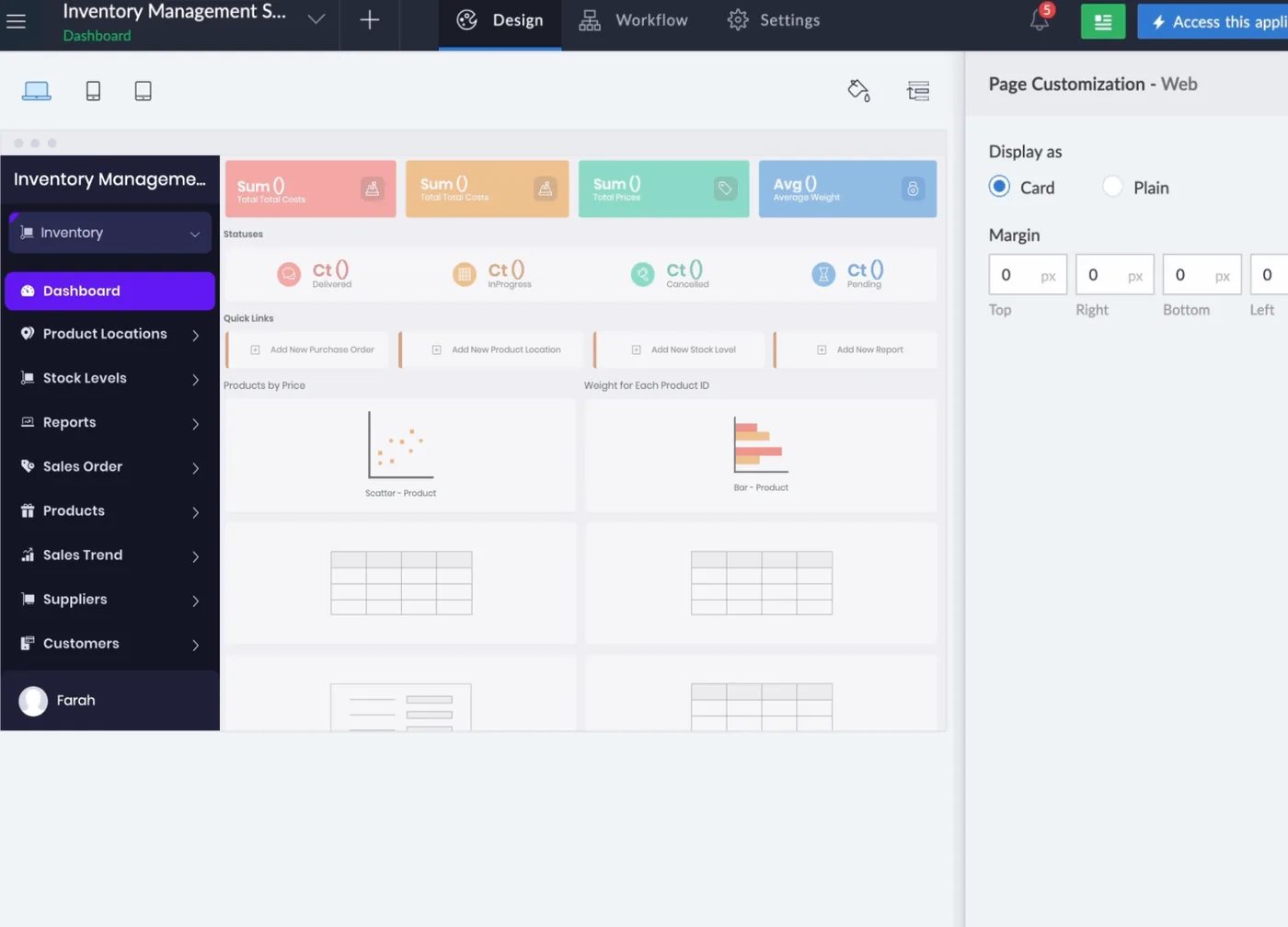
Each receipt is recorded in Zoho Inventory with its batch number and expiry date. Batch controls and traceability checks built in Zoho Creator help the warehouse team keep lot records complete.
Warehouse staff pick each order by batch in Zoho Inventory, so the batch and expiry date of every unit sold is recorded against the sale and can be traced back to its receipt.
Finance issues a ZATCA-compliant tax invoice with 15% VAT from Zoho Books. Reorder levels per product in Zoho Inventory then show purchasing which lines need replenishing before they run out.
Shyphan delivered the project on Zoho CRM, Zoho Inventory, Zoho Books, Zoho Analytics and Zoho Creator, covering a 6-step process with 4 integration points.


Manage clinic and retail accounts in Zoho CRM, log enquiries and orders, and work with each account's assigned price list.
Raise supplier purchase orders for imports in Zoho Inventory and use reorder levels to decide which products to replenish.
Receive stock with batch and expiry details, pick orders by batch and complete the traceability checks in Zoho Creator.
Issue ZATCA-compliant tax invoices with 15% VAT from Zoho Books for clinic and retail orders.
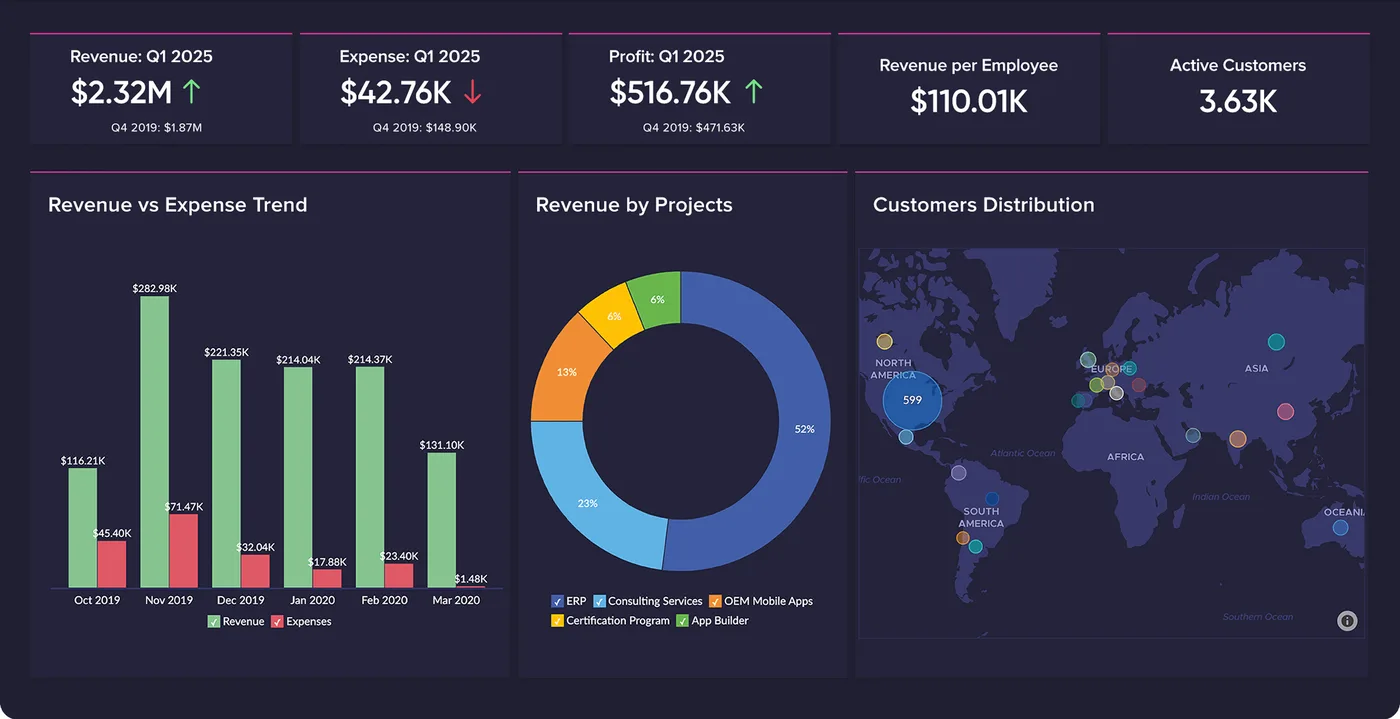
Review sales by customer type and product line in Zoho Analytics to see how each channel and range performs.
Clinic orders flow to CRM and stock.
Web orders share the same stock pool.
Fatoora-format invoices from Zoho Books.
Each sale traceable to its batch.
Sales split between clinic and retail customers, reported in Zoho Analytics.
Sales across skincare, haircare and clinical product lines, showing which ranges sell to which customers.
Stock on hand by batch number and expiry date, taken from Zoho Inventory lot records.
Products at or below their reorder level in Zoho Inventory, so purchasing can plan the next imports.
Process mapping, documents and data reviewed with each team.
Target flow agreed across 5 apps and 4 integration points.
Apps configured, custom logic built and integrations connected.
User acceptance testing with real scenarios and role-based training.
Cut-over, hypercare and ongoing improvements.
Fatoora-format tax invoices with XML and QR, cleared or reported as required.
Standard, zero-rated and exempt supplies mapped, with return-ready reports.
Personal data kept to what the process needs, with role-based access.
Bilingual documents where customers and authorities expect them.
Every receipt and sale in Zoho Inventory carries the batch number and expiry date, and orders are picked by batch. Batch controls and traceability checks built in Zoho Creator support this, so each sale can be traced to the batch it came from.
Each clinic and retail account in Zoho CRM has an assigned price list. When products are selected for an order, that customer's price list is applied automatically, so sales staff do not need to work out which pricing applies to which customer.
Yes. Web orders from the online shop flow into Zoho Inventory and share the same stock pool as B2B clinic orders, which flow to Zoho CRM and stock. Both channels draw on the same batch and expiry records.
Send us your brief and a senior consultant will reply within 1 hour with scope, timeline and a fixed quote. No spam, no junior reps.
We are not the cheapest, and we decline work where the budget will not cover doing it properly or where the product is the wrong answer.
How we handle it: You get a written recommendation after the free discovery call either way, including when that recommendation is not to proceed.