Request A Quote

Follow Us On:

  1. Home
  2. Case studies
  3. CUBE Middle East
Case study · Engineering and construction

CUBE Middle East

Multi-currency procurement for a Dammam engineering and construction company: RFQs, supplier comparison, currency-correct POs, receipts, cost allocation and payment.

Industry
Engineering and construction
Location
Saudi Arabia
Apps
3 connected apps
Scope
6-step process
Products used
Services
Zoho implementationCustom app developmentSystem integration
At a glance
Procurement documents in the correct currency
Supplier quotes compared before ordering
Receipts costed correctly in SAR
Costs allocated to projects before payment
The challenge

What CUBE Middle East needed to fix

CUBE Middle East is a Dammam-based company delivering turnkey electrical construction, industrial automation, protective coatings and civil infrastructure across Saudi Arabia and the Middle East. Its projects buy materials and equipment from suppliers who quote in different currencies.

  1. Currency on procurement documentsPurchase documents had to carry the right currency and exchange rate.
  2. Supplier comparisonRFQ replies needed side-by-side comparison before ordering.
  3. Receipts and landed costGoods received had to be costed correctly in SAR.
  4. Project cost allocationCosts had to be allocated to the right project before payment.
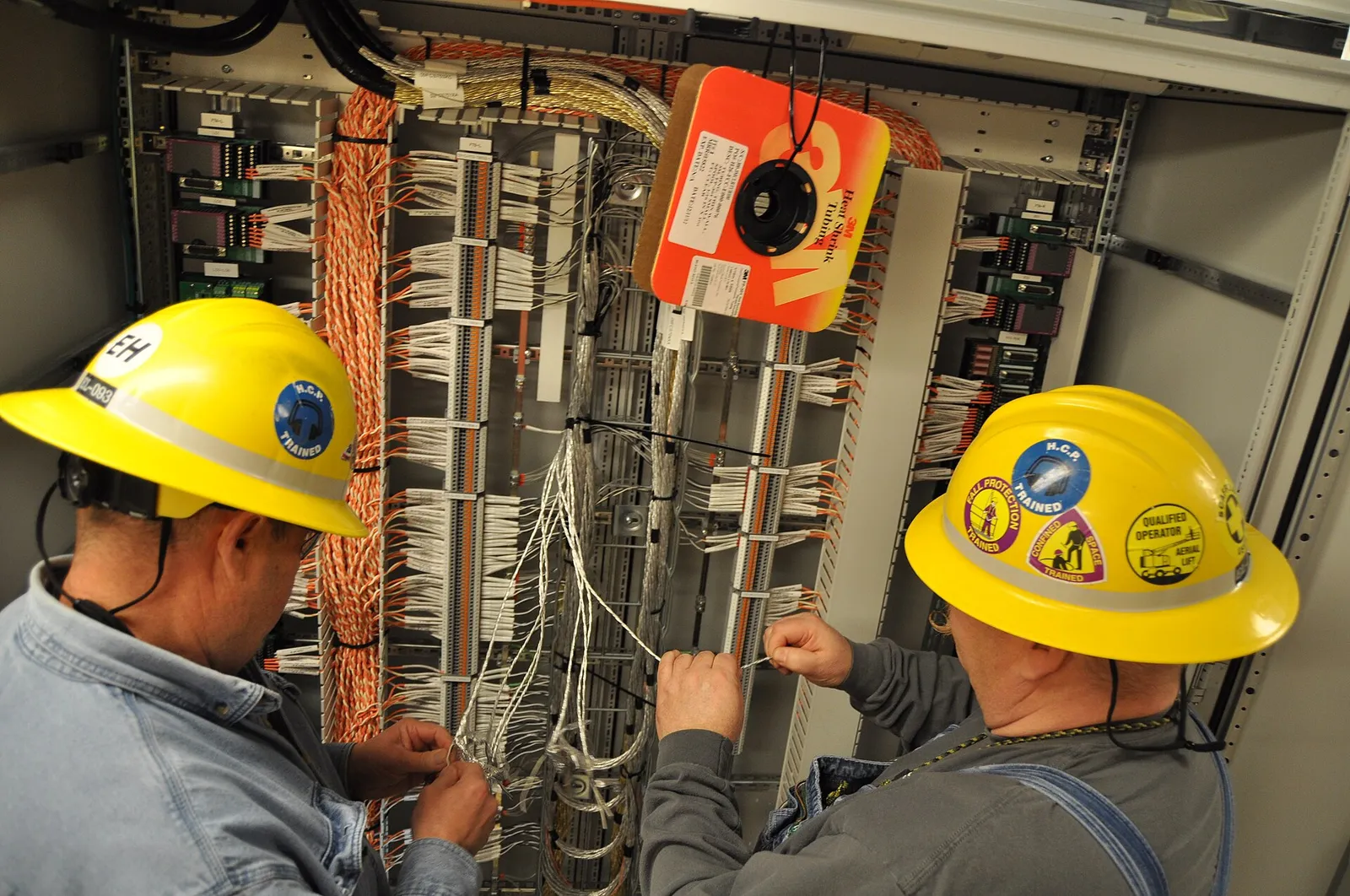
Electricians wiring an industrial control cabinet
Electricians wiring an industrial control cabinet. Photo credit
Before and after

What changed for the team

BeforeAfter

Purchase documents had to carry the right currency and exchange rate

POs and bills carry the correct currency and applied exchange rate

Supplier RFQ replies needed side-by-side comparison before ordering

Supplier quotes are compared side by side in Zoho Creator

Goods received had to be costed correctly in SAR

Receipts in Zoho Inventory are costed correctly in SAR

Costs had to be allocated to the right project before payment

Bills are allocated to projects in Zoho Books before payment

How it works

The business process, step by step

  1. 01

    RFQ

    The procurement team issues requests for quotation to suppliers for project materials and equipment through the Zoho Creator RFQ app, recording which suppliers were asked to quote on each request.

  2. 02

    Supplier comparison

    Supplier replies, which may be in different currencies, are entered in the Creator comparison app and set side by side, so the team can compare quotes before choosing a supplier.

  3. 03

    Multi-currency PO

    The chosen quote becomes a purchase order in Zoho Inventory in the supplier's currency. An exchange-rate feed applies the rate to the document, so the PO carries the correct currency and rate.

  4. 04

    Receipt

    Goods received are recorded against the purchase order in Zoho Inventory, and the receipt is costed correctly in SAR, taking the exchange rate on the document into account.

  5. 05

    Cost allocation

    Before payment, the supplier bill in Zoho Books is allocated to the right project, so each project's costs reflect the materials and equipment bought for it.

  6. 06

    Payment

    Finance pays the supplier from Zoho Books. POs and bills flow from procurement to accounting in the right currency, keeping the payable and the project cost consistent.

The solution

What we built for CUBE Middle East

Shyphan delivered the project on Zoho Books, Zoho Inventory and Zoho Creator, covering a 6-step process with 2 integration points.

  • RFQ and supplier comparison app
Zoho Creator
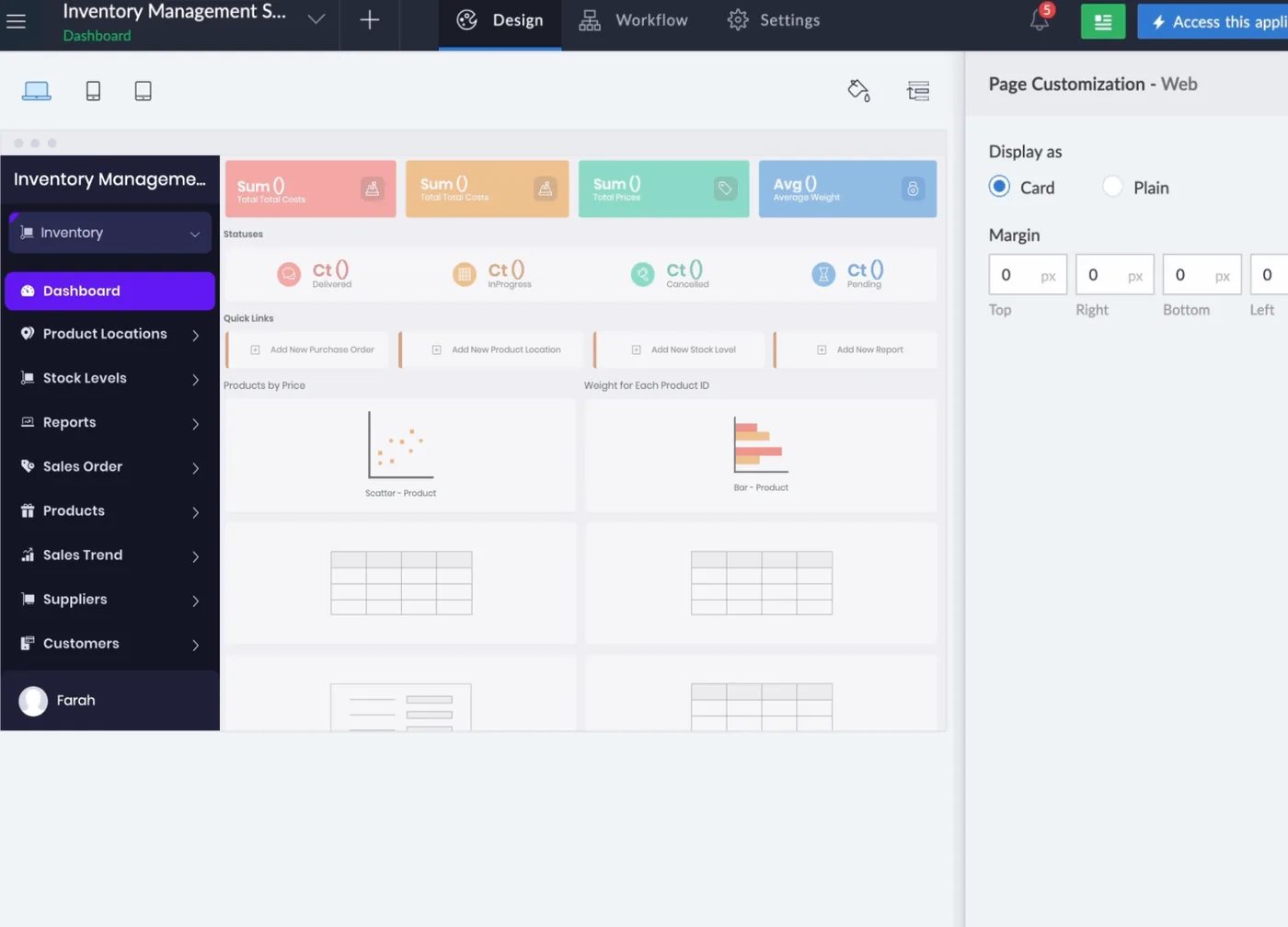
Zoho Creator interface
Zoho Creator product screenshot, for illustration
  • Purchase orders and receipts
Zoho Inventory
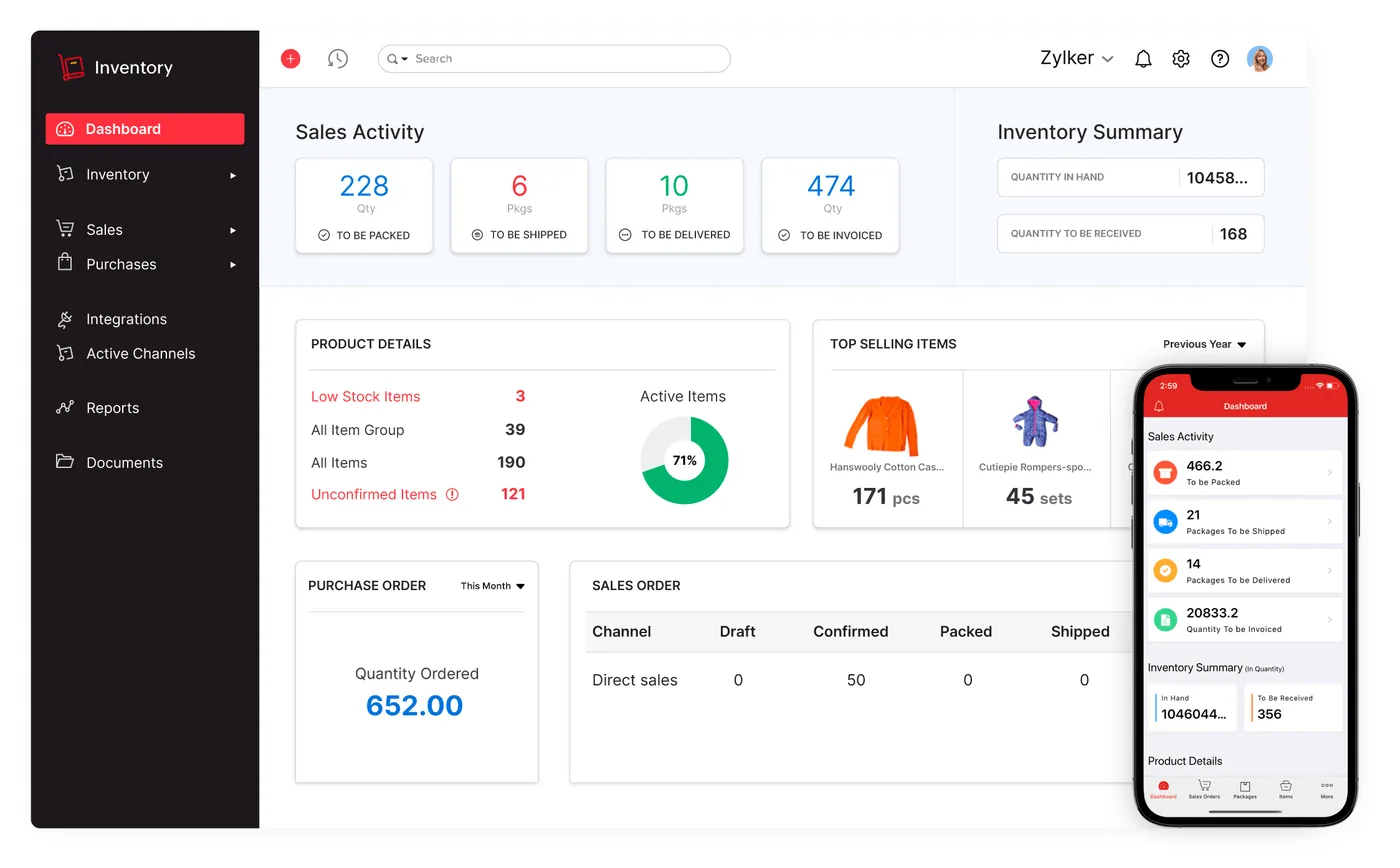
Zoho Inventory interface
Zoho Inventory product screenshot, for illustration
  • Multi-currency bills, cost allocation and payments

Who uses it

Procurement team

Issue RFQs, compare supplier replies in Zoho Creator and raise multi-currency purchase orders in Zoho Inventory.

Stores team

Record goods received against purchase orders in Zoho Inventory so receipts can be costed in SAR.

Project teams

Confirm that supplier costs are allocated to the right project before the related bills are paid.

Finance

Process multi-currency bills, allocate costs by project and make supplier payments in Zoho Books.

Architecture

How the systems connect

InputsExchange-rate feedSupplier quotes
Delivered by Shyphan
OutputsAccountingSupplier payments

Integrations

  • Exchange-rate feed

    Rates applied to foreign-currency documents.

  • Procurement to Books

    POs and bills flow to accounting in the right currency.

Reports and dashboards

RFQ comparison

Supplier replies for each RFQ shown side by side, including currency, before an order is placed.

Open purchase orders

Purchase orders in Zoho Inventory by supplier and currency, with their receipt status.

Project cost allocation

Supplier costs allocated to each project in Zoho Books, shown in SAR.

Payables by currency

Outstanding supplier bills in Zoho Books grouped by currency and due for payment.

The results

What the system does now

  • Procurement documents in the correct currency
  • Supplier quotes compared before ordering
  • Receipts costed correctly in SAR
  • Costs allocated to projects before payment
Delivery

Five phases, discovery to support

  1. 01
    Discovery

    Process mapping, documents and data reviewed with each team.

  2. 02
    Design

    Target flow agreed across 3 apps and 2 integration points.

  3. 03
    Build

    Apps configured, custom logic built and integrations connected.

  4. 04
    Test and train

    User acceptance testing with real scenarios and role-based training.

  5. 05
    Go-live and support

    Cut-over, hypercare and ongoing improvements.

Local rules built in

ZATCA e-invoicing

Fatoora-format tax invoices with XML and QR, cleared or reported as required.

15% VAT

Standard, zero-rated and exempt supplies mapped, with return-ready reports.

Saudi PDPL

Personal data kept to what the process needs, with role-based access.

Arabic and English

Bilingual documents where customers and authorities expect them.

FAQ

Questions about this project

How are exchange rates applied to purchase documents?

An exchange-rate feed supplies rates that are applied to foreign-currency documents. Purchase orders and bills carry the supplier's currency and the applied rate, and flow from procurement to Zoho Books in that currency, so receipts and costs can be expressed correctly in SAR.

What does the Zoho Creator app add to procurement?

The RFQ and supplier comparison step is built as a Zoho Creator app. It holds the replies to each RFQ so they can be compared side by side before ordering, and the selected quote then becomes a purchase order in Zoho Inventory.

How are costs allocated to projects?

Supplier bills in Zoho Books are allocated to the relevant project before payment. Because each bill carries the correct currency and rate from procurement, the cost allocated to the project reflects the correct SAR value of what was bought.

Ready to write your own success story?

Send us your brief and a senior consultant will reply within 1 hour with scope, timeline and a fixed quote. No spam, no junior reps.

Talk to us

Where this service is weak - and what we do about it

We are not the cheapest, and we decline work where the budget will not cover doing it properly or where the product is the wrong answer.

How we handle it: You get a written recommendation after the free discovery call either way, including when that recommendation is not to proceed.

Vikas Saroj, Co-Founder and COO at Shyphan AI Solutions

Written and reviewed by Vikas Saroj, Co-Founder, COO & Growth at Shyphan AI Solutions, who owns delivery across India, the Gulf and the UK. Last reviewed on 14 September 2026. Meet the team · LinkedIn