Request A Quote

Follow Us On:

  1. Home
  2. Case studies
  3. Bilafya
Case study · Catering

Bilafya

Order-to-payment flow for a Jeddah catering business serving staff meals, corporate hospitality and events.

Industry
Catering
Location
Saudi Arabia
Apps
3 connected apps
Scope
5-step process
Products used
Services
Zoho implementationSystem integration
At a glance
Every order captured in one place
Operations see confirmed orders
Invoices and payments matched per order
Clear revenue and receivables reporting
The challenge

What Bilafya needed to fix

Bilafya is a Jeddah-based catering company providing daily staff meals, corporate hospitality, buffets and private events. Each order runs from a client brief through kitchen operations to billing.

  1. Orders from many clientsCorporate and event orders needed one place to be captured and confirmed.
  2. Kitchen fulfilmentOperations had to see confirmed orders and what each needed.
  3. Billing and paymentInvoices and payments had to be matched per order.
  4. Financial reportingManagement needed revenue and receivables by client.
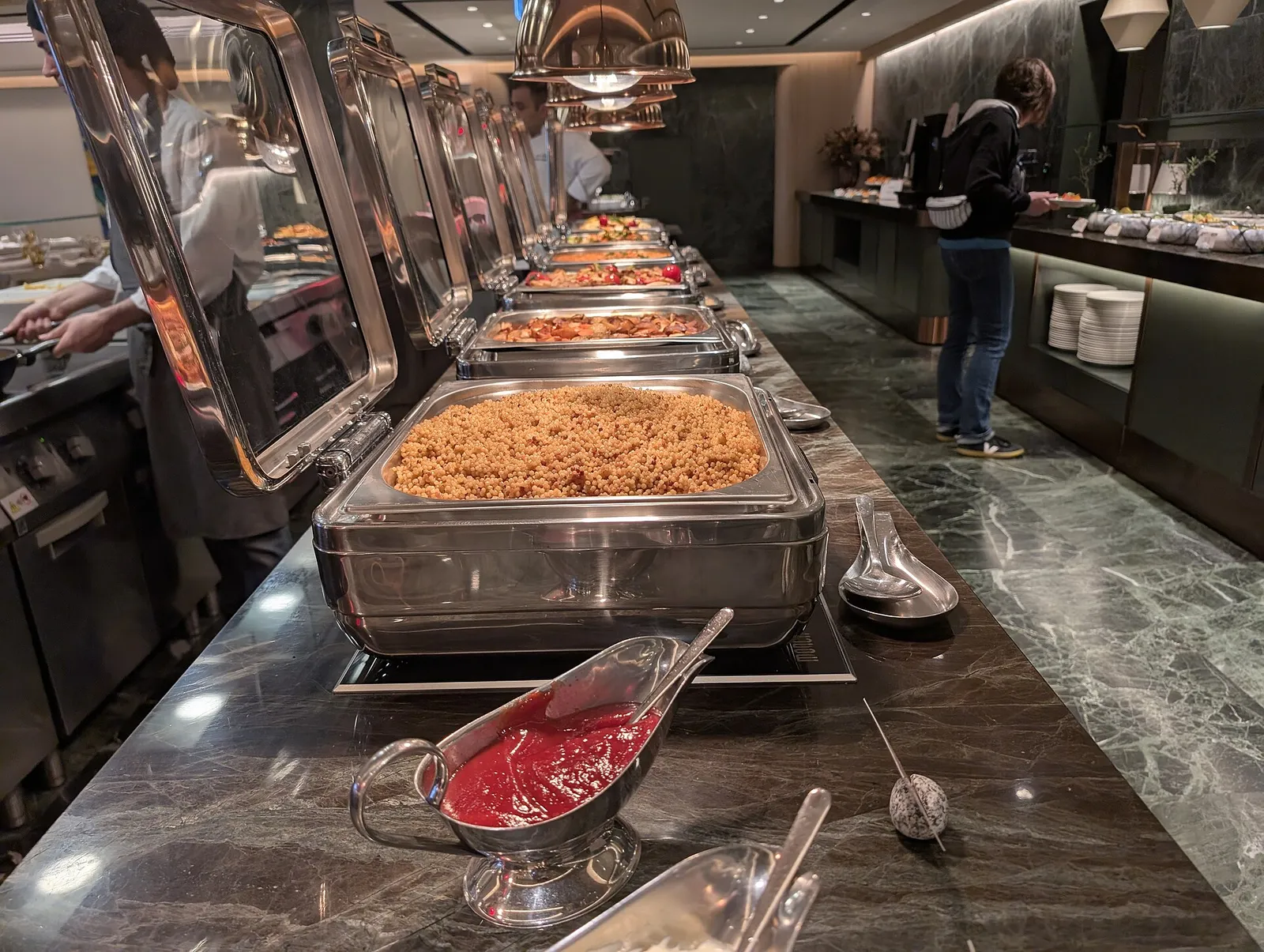
Hot buffet line of chafing dishes at a catered event
Hot buffet line of chafing dishes at a catered event. Photo credit
Before and after

What changed for the team

BeforeAfter

Corporate and event orders needed one place to be captured

Every order is captured and confirmed in Zoho CRM

Operations needed to see confirmed orders and what each one required

Kitchen and delivery teams work from the confirmed order list

Invoices and payments had to be matched to each order

Payments are reconciled against each VAT invoice in Zoho Books

Management needed revenue and receivables broken down by client

Revenue and receivables are reported by client from Zoho Books

How it works

The business process, step by step

  1. 01

    Customer order

    The sales team records each staff-meal, corporate or event brief as an order in Zoho CRM, and online orders and bookings feed the same back office, so every order is captured against the client.

  2. 02

    Fulfilment

    Kitchen and delivery teams work from the confirmed orders, while Zoho Inventory tracks the ingredient and supply stock that operations draw on to prepare and deliver each one.

  3. 03

    Billing

    Once the order is fulfilled, finance raises a VAT invoice for it in Zoho Books, linked to the client so the billing matches what was ordered and delivered.

  4. 04

    Payment

    Incoming payments are recorded in Zoho Books and reconciled against the matching invoice, so the finance team can see which orders are paid and which remain outstanding.

  5. 05

    Reports

    Management reviews revenue and receivables by client from Zoho Books, using the linked CRM order history to see which corporate and event clients drive the business.

The solution

What we built for Bilafya

Shyphan delivered the project on Zoho CRM, Zoho Books and Zoho Inventory, covering a 5-step process with 2 integration points.

  • Corporate and event client records with order history
Zoho CRM
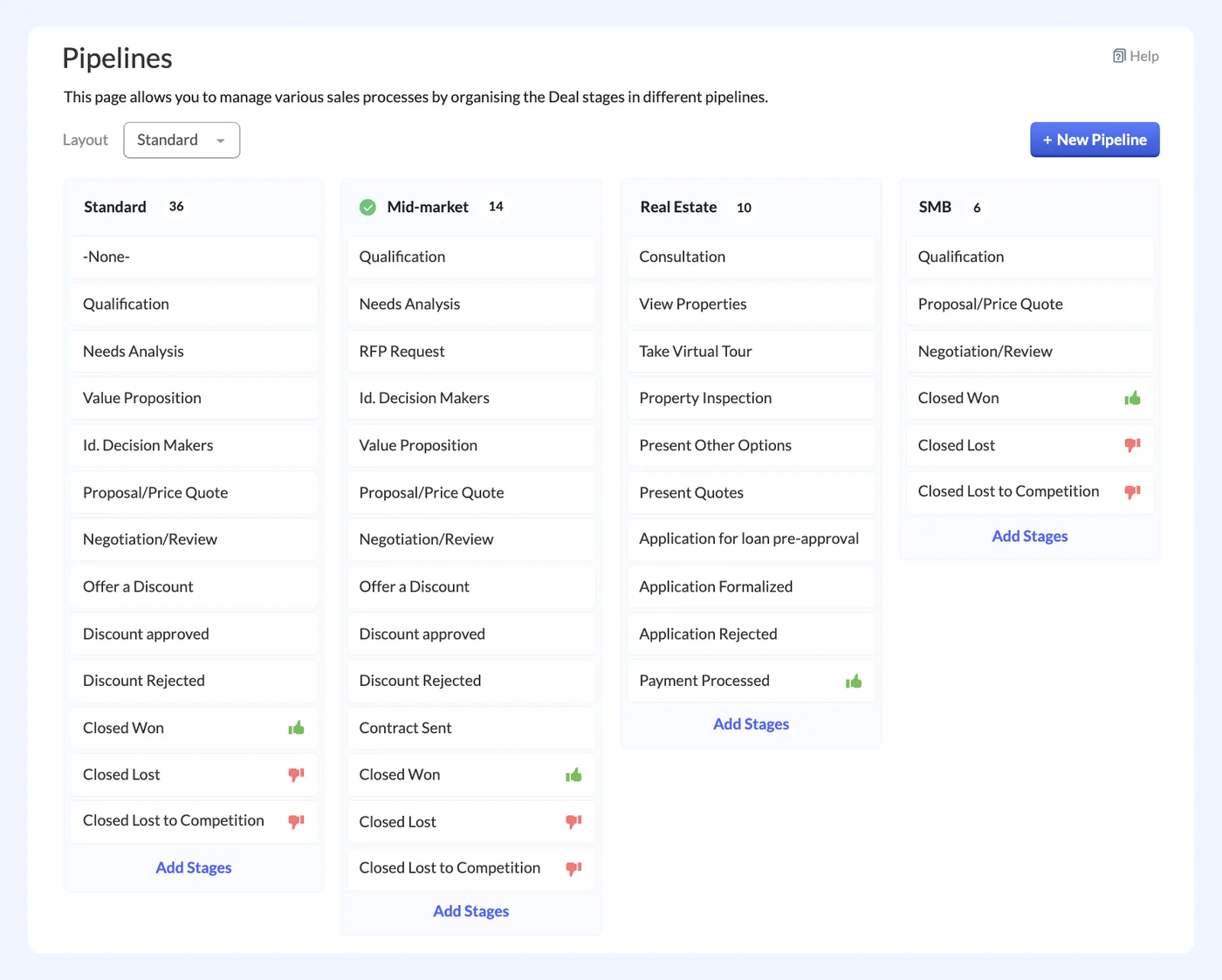
Zoho CRM interface
Zoho CRM product screenshot, for illustration
  • Ingredient and supply stock for operations
Zoho Inventory
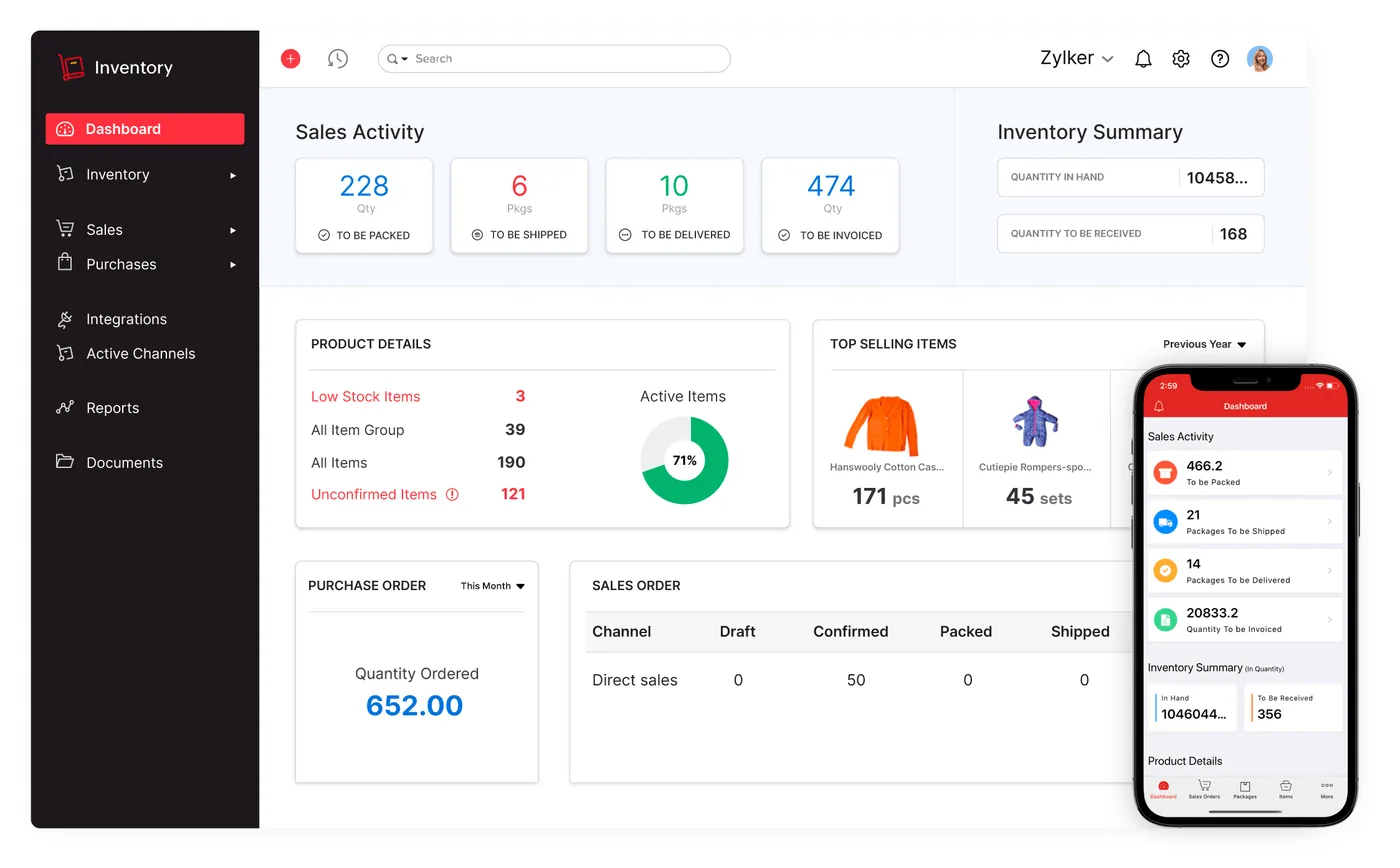
Zoho Inventory interface
Zoho Inventory product screenshot, for illustration
  • VAT invoices, payments and receivables

Who uses it

Sales and client team

Capture client briefs and orders for staff meals, corporate hospitality and events in Zoho CRM and confirm them

Kitchen and operations

Work from confirmed orders and use Zoho Inventory to track the ingredients and supplies each order needs

Finance team

Raise VAT invoices in Zoho Books, record client payments and match each payment to its invoice

Management

Review revenue and receivables by client to see which accounts are paid and which are outstanding

Architecture

How the systems connect

InputsOnline ordersBookingsClient payments
Delivered by Shyphan
OutputsVAT invoicesRevenue reportsReceivables reports

Integrations

  • Online order to ERP

    Orders and bookings feed the back office.

  • Payments to Books

    Payments reconciled against invoices.

Reports and dashboards

Confirmed orders

Orders confirmed in Zoho CRM by client and type, for the kitchen and delivery teams to act on

Ingredient and supply stock

Current stock of ingredients and supplies held in Zoho Inventory for daily operations

Receivables by client

Outstanding invoice balances per client from Zoho Books, with payments matched against invoices

Revenue by client

Invoiced revenue per corporate and event client, drawn from Zoho Books

The results

What the system does now

  • Every order captured in one place
  • Operations see confirmed orders
  • Invoices and payments matched per order
  • Clear revenue and receivables reporting
Delivery

Five phases, discovery to support

  1. 01
    Discovery

    Process mapping, documents and data reviewed with each team.

  2. 02
    Design

    Target flow agreed across 3 apps and 2 integration points.

  3. 03
    Build

    Apps configured, custom logic built and integrations connected.

  4. 04
    Test and train

    User acceptance testing with real scenarios and role-based training.

  5. 05
    Go-live and support

    Cut-over, hypercare and ongoing improvements.

Local rules built in

ZATCA e-invoicing

Fatoora-format tax invoices with XML and QR, cleared or reported as required.

15% VAT

Standard, zero-rated and exempt supplies mapped, with return-ready reports.

Saudi PDPL

Personal data kept to what the process needs, with role-based access.

Arabic and English

Bilingual documents where customers and authorities expect them.

FAQ

Questions about this project

How do online orders reach the kitchen?

Online orders and bookings feed the back office, where they sit alongside orders the sales team records in Zoho CRM. Once an order is confirmed, the kitchen and delivery teams can see it and what it needs, and Zoho Inventory tracks the ingredient and supply stock they use.

How are payments matched to invoices?

Each fulfilled order is billed with a VAT invoice in Zoho Books. When a client pays, the payment is recorded in Zoho Books and reconciled against that invoice, so finance can see per order what has been paid and what is still in receivables.

Why use three Zoho apps rather than one?

Each app covers one part of the order-to-payment flow. Zoho CRM holds client records and order history, Zoho Inventory holds ingredient and supply stock, and Zoho Books handles VAT invoices, payments and receivables. As Zoho apps, they can share client and item records.

Ready to write your own success story?

Send us your brief and a senior consultant will reply within 1 hour with scope, timeline and a fixed quote. No spam, no junior reps.

Talk to us

Where this service is weak - and what we do about it

We are not the cheapest, and we decline work where the budget will not cover doing it properly or where the product is the wrong answer.

How we handle it: You get a written recommendation after the free discovery call either way, including when that recommendation is not to proceed.

Vikas Saroj, Co-Founder and COO at Shyphan AI Solutions

Written and reviewed by Vikas Saroj, Co-Founder, COO & Growth at Shyphan AI Solutions, who owns delivery across India, the Gulf and the UK. Last reviewed on 14 September 2026. Meet the team · LinkedIn