Request A Quote

Follow Us On:

  1. Home
  2. Case studies
  3. Atheer Connectivity
Case study · Telecom infrastructure

Atheer Connectivity

From operator lead to deployed, serial-tracked 60 GHz network gear and a maintenance contract, all on connected Zoho apps.

Industry
Telecom infrastructure
Location
Saudi Arabia
Apps
6 connected apps
Scope
6-step process
Products used
Services
Zoho implementationSystem integration
At a glance
One record from operator lead to accepted site
Every unit traceable by serial number
Tickets and RMAs tied to installed assets
Contracts and project billing in one ledger
The challenge

What Atheer Connectivity needed to fix

Atheer Connectivity is a Saudi firm delivering 60 GHz wireless telecom infrastructure and network equipment to operators and enterprises. Each deal involves a site survey, an engineered design, hardware procurement and an on-site rollout.

  1. Survey-to-quote handoffsSite survey findings had to turn into an engineered quote without being retyped.
  2. Hardware by serial numberEvery radio and node needed serial tracking from purchase to installed site.
  3. Deployment and acceptanceField teams needed clear jobs, and acceptance had to be recorded per site.
  4. After-sales serviceMaintenance contracts, tickets and RMAs had to link back to installed assets.
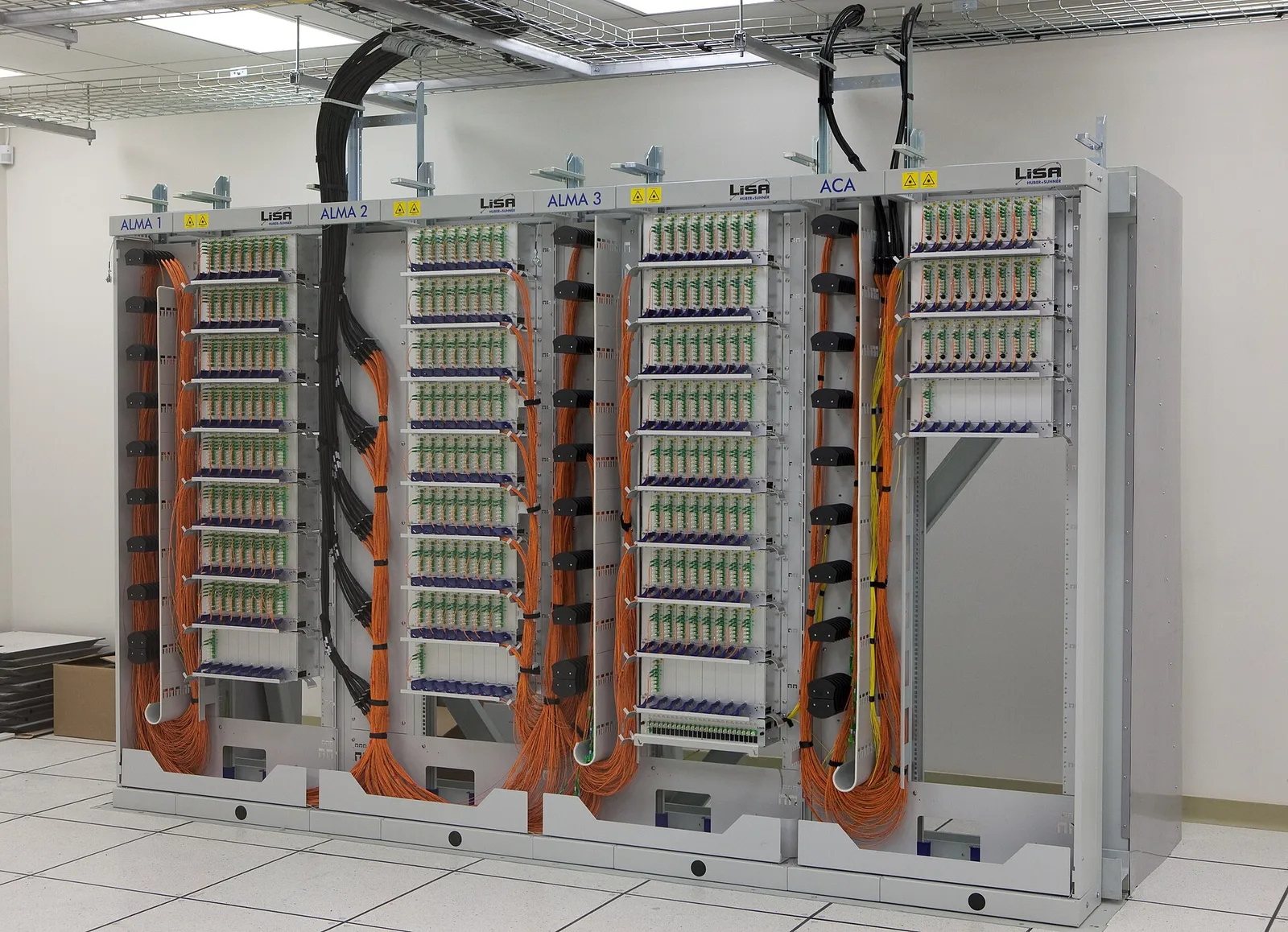
Fibre optic patch panel racks with routed orange cables
Fibre optic patch panel racks with routed orange cables. Photo credit
Before and after

What changed for the team

BeforeAfter

Site survey findings had to be rekeyed to build each quote

Survey results feed the engineered quote directly inside Zoho CRM

Radios and nodes hard to trace once they left the warehouse

Every unit traceable by serial number from receipt to installed site

Site acceptance not recorded in one consistent place

Acceptance sign-off recorded per site as a Zoho Projects milestone

Tickets and returns not linked to the equipment installed on site

Tickets and RMAs tied to installed assets through one serial record

How it works

The business process, step by step

  1. 01

    Operator lead

    Sales staff log each operator or enterprise enquiry in Zoho CRM as a lead linked to its account and site records, so every later step starts from the same customer record.

  2. 02

    Survey and design

    The site survey results are entered against the deal in Zoho CRM, and the engineering team uses them to build the engineered quote, so survey findings are never retyped into a separate document.

  3. 03

    BOM and procurement

    When the deal is won, a deployment project opens in Zoho Projects. The project BOM is set up in Zoho Inventory, and procurement raises supplier purchase orders for the radios and nodes it lists.

  4. 04

    Serial tracking

    As hardware arrives, the warehouse team records each unit's serial number in Zoho Inventory on receipt. The serial stays attached to the unit until it is recorded against the installed site.

  5. 05

    Deployment

    Field engineers receive installation jobs in Zoho FSM, while site tasks and milestones run in Zoho Projects. Acceptance sign-off is recorded for each site before the deployment milestone is closed.

  6. 06

    Contract and invoice

    Finance raises project and maintenance-contract invoices with VAT in Zoho Books. After handover, service tickets and RMAs in Zoho Desk link back to the installed asset through its serial number.

The solution

What we built for Atheer Connectivity

Shyphan delivered the project on Zoho CRM, Zoho Projects, Zoho Inventory, Zoho Books, Zoho Desk and Zoho FSM, covering a 6-step process with 4 integration points.

  • Operator and enterprise accounts with site records
  • Survey results feeding an engineered quote
Zoho CRM
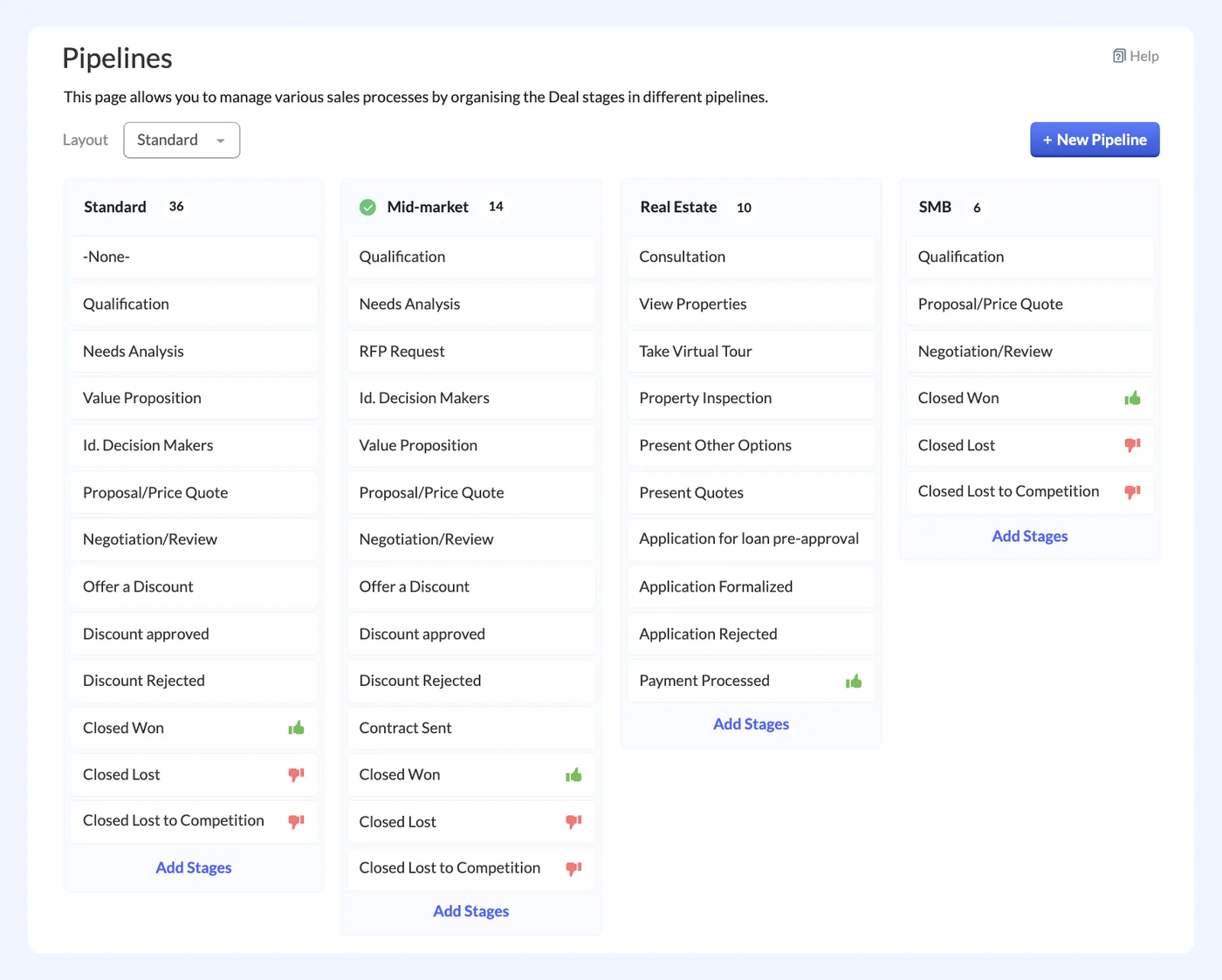
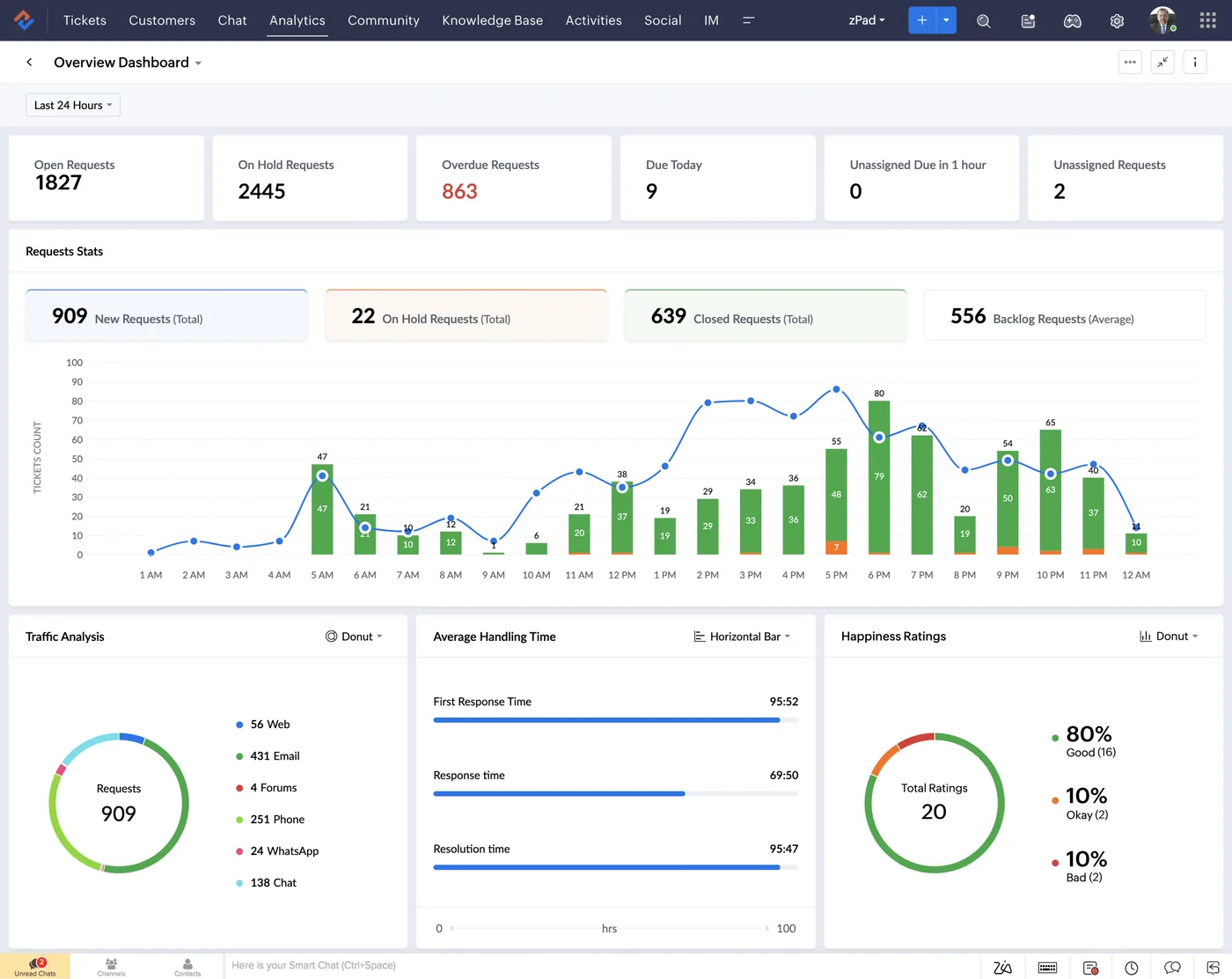
Zoho CRM interface
Zoho CRM product screenshot, for illustration
  • A deployment project created when a deal is won
  • Site tasks, milestones and acceptance sign-off
Zoho Projects
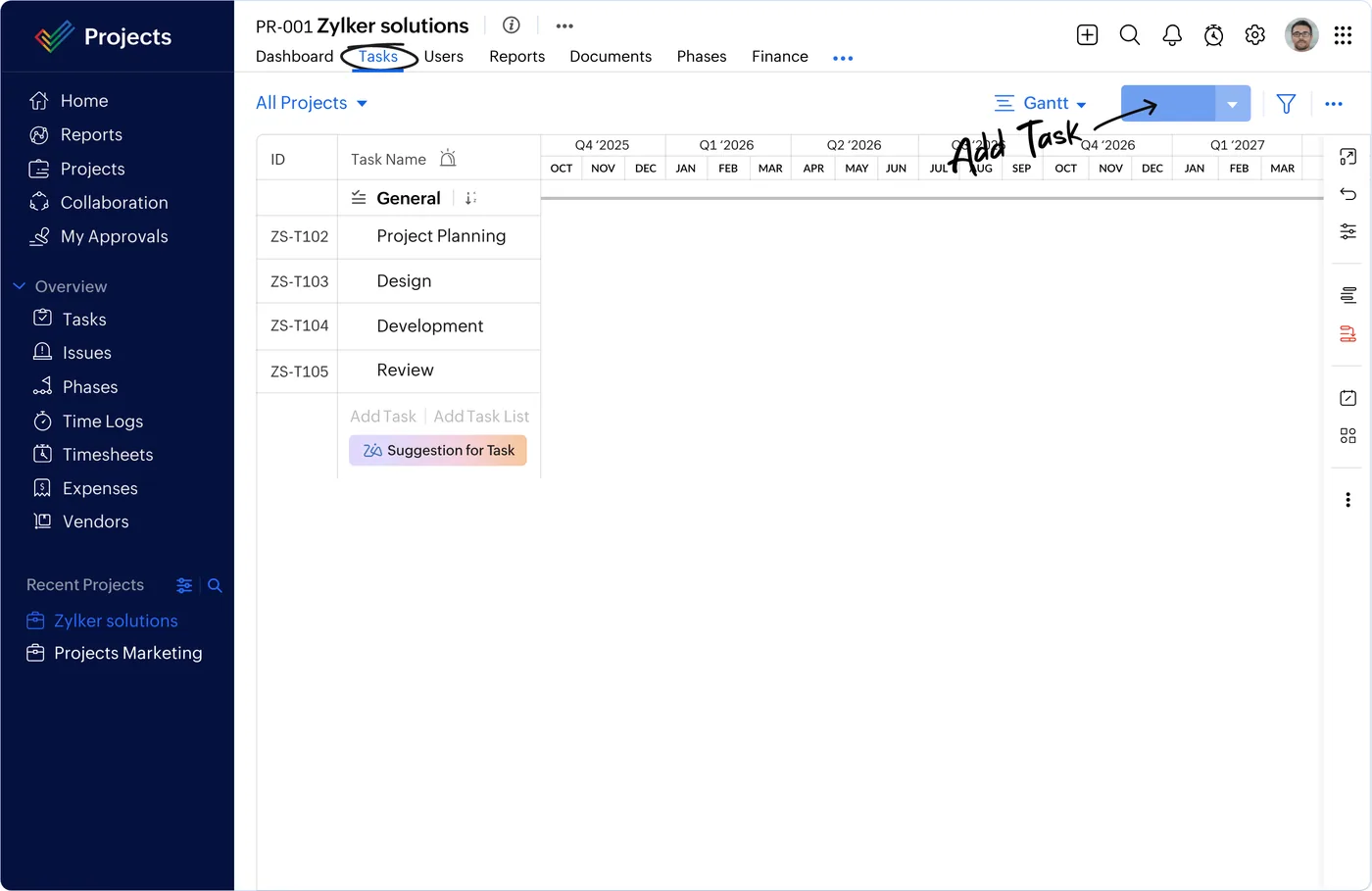
Zoho Projects interface
Zoho Projects product screenshot, for illustration
  • Project BOMs and supplier purchase orders
  • Serial numbers tracked from receipt to installed site
Zoho Inventory
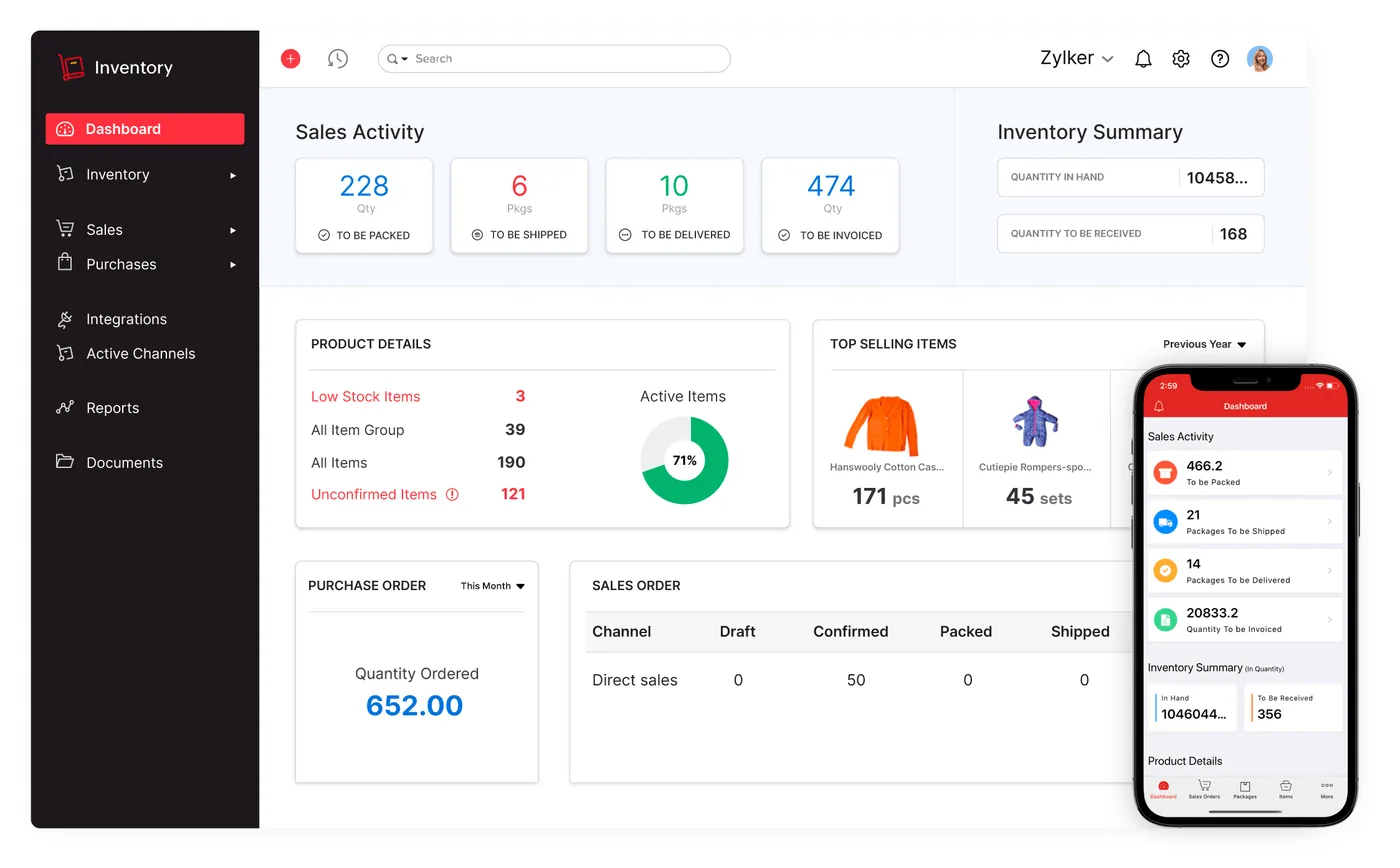
Zoho Inventory interface
Zoho Inventory product screenshot, for illustration
  • Service tickets linked to the installed asset
  • RMA tracking for faulty units
Zoho Desk
Zoho Desk interface
Zoho Desk product screenshot, for illustration
  • Field jobs for installation and maintenance visits
Zoho FSM
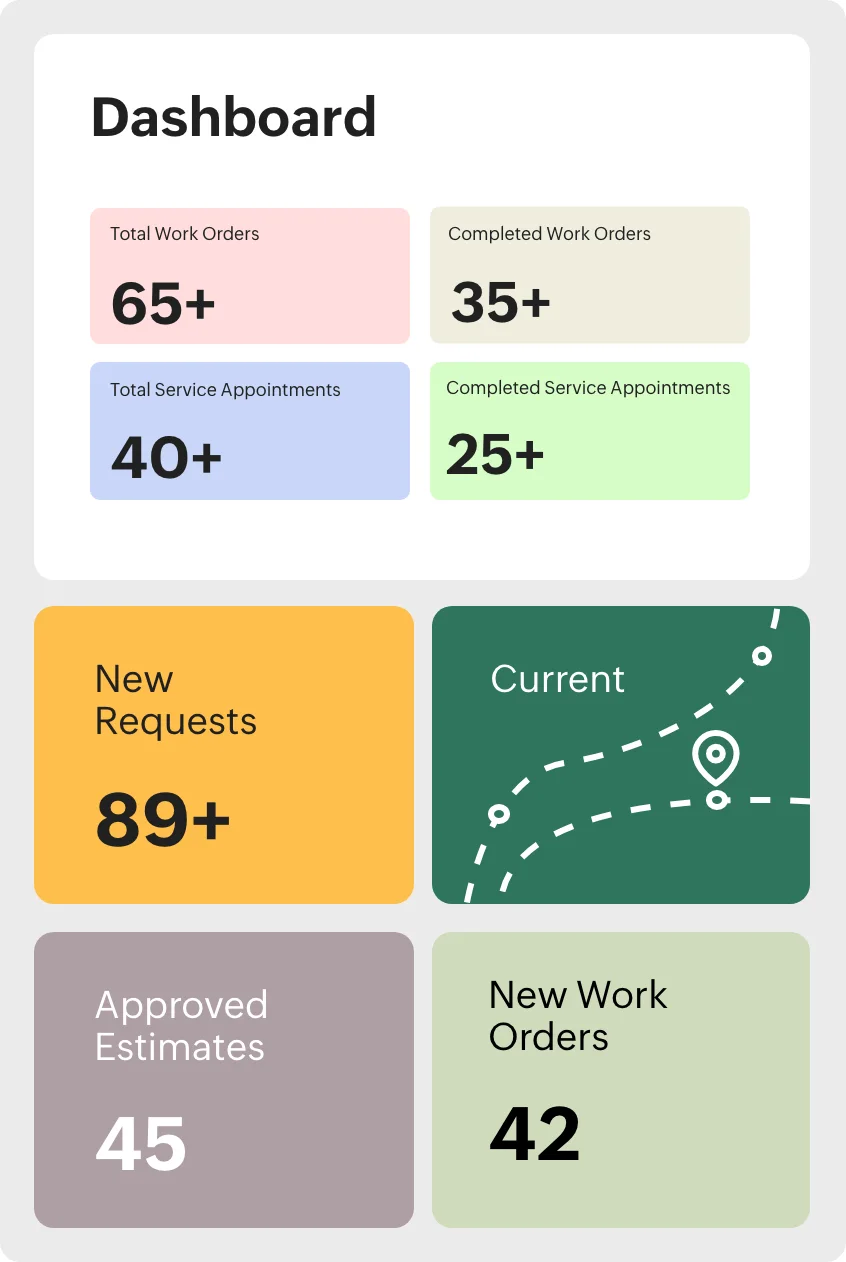
Zoho FSM interface
Zoho FSM product screenshot, for illustration
  • Project and maintenance-contract invoicing with VAT

Who uses it

Sales team

Manage operator and enterprise accounts, site records and deals in Zoho CRM, and issue engineered quotes from survey results.

Project and engineering team

Run deployment projects in Zoho Projects, define the project BOM, track site tasks and record acceptance sign-off.

Warehouse and procurement

Raise supplier purchase orders in Zoho Inventory and record serial numbers for every radio and node on receipt.

Field engineers

Receive installation and maintenance visits as Zoho FSM jobs and complete them on site against the installed asset.

Finance and support

Invoice projects and maintenance contracts with VAT in Zoho Books, and handle service tickets and RMAs in Zoho Desk.

Architecture

How the systems connect

InputsOperator enquiriesSite survey dataNMS via API
Delivered by Shyphan
OutputsSupplier purchase ordersField engineer jobsVAT invoices

Integrations

  • Survey to quote

    Survey data flows straight into the CRM quote.

  • Won deal to deployment

    Closing a deal opens the deployment job.

  • Serial and RMA registry

    Assets, tickets and returns share one serial record.

  • Network management via API

    Provisioning/NMS data linked where the API is accessible.

Reports and dashboards

Deal and quote pipeline

Operator and enterprise deals by stage, from site survey through engineered quote to won deal.

Deployment progress

Site tasks, milestones and acceptance status for each active deployment project in Zoho Projects.

Serial asset register

Each unit's serial number with its purchase order, stock status and installed site.

Service and RMA tracker

Open service tickets and RMAs in Zoho Desk, linked to the installed asset and its site.

The results

What the system does now

  • One record from operator lead to accepted site
  • Every unit traceable by serial number
  • Tickets and RMAs tied to installed assets
  • Contracts and project billing in one ledger
Delivery

Five phases, discovery to support

  1. 01
    Discovery

    Process mapping, documents and data reviewed with each team.

  2. 02
    Design

    Target flow agreed across 6 apps and 4 integration points.

  3. 03
    Build

    Apps configured, custom logic built and integrations connected.

  4. 04
    Test and train

    User acceptance testing with real scenarios and role-based training.

  5. 05
    Go-live and support

    Cut-over, hypercare and ongoing improvements.

Local rules built in

ZATCA e-invoicing

Fatoora-format tax invoices with XML and QR, cleared or reported as required.

15% VAT

Standard, zero-rated and exempt supplies mapped, with return-ready reports.

Saudi PDPL

Personal data kept to what the process needs, with role-based access.

Arabic and English

Bilingual documents where customers and authorities expect them.

FAQ

Questions about this project

How is each radio and node tracked after purchase?

Serial numbers are recorded in Zoho Inventory when hardware is received against a supplier purchase order. The same serial record follows the unit to its installed site, and Zoho Desk tickets and RMAs reference it, so service history stays linked to the physical asset.

What happens in the system when a deal is won?

Closing a deal in Zoho CRM opens the deployment job. A deployment project is created in Zoho Projects with site tasks and milestones, the project BOM drives purchase orders in Zoho Inventory, and installation work is scheduled for field teams as Zoho FSM jobs.

Is network management data connected to the Zoho apps?

Provisioning and network management (NMS) data is linked through an API where that API is accessible. The link depends on access from the network system, while the commercial, inventory, deployment and service records for each site run on the connected Zoho apps.

Ready to write your own success story?

Send us your brief and a senior consultant will reply within 1 hour with scope, timeline and a fixed quote. No spam, no junior reps.

Talk to us

Where this service is weak - and what we do about it

We are not the cheapest, and we decline work where the budget will not cover doing it properly or where the product is the wrong answer.

How we handle it: You get a written recommendation after the free discovery call either way, including when that recommendation is not to proceed.

Vikas Saroj, Co-Founder and COO at Shyphan AI Solutions

Written and reviewed by Vikas Saroj, Co-Founder, COO & Growth at Shyphan AI Solutions, who owns delivery across India, the Gulf and the UK. Last reviewed on 14 September 2026. Meet the team · LinkedIn