Request A Quote

Follow Us On:

  1. Home
  2. Case studies
  3. Saifi Institute
Case study · Language school

Saifi Institute

Course enquiry to renewal for a Beirut Arabic language school teaching in person and online.

Industry
Language school
Location
Lebanon
Apps
5 connected apps
Scope
6-step process
Products used
Services
Zoho implementationCustom app developmentSystem integration
At a glance
Enquiries turned into enrolments
Students placed by level
Attendance tracked per session
Fees and renewals followed up
The challenge

What Saifi Institute needed to fix

Saifi Institute is a Lebanese language school teaching Arabic in person and online. Students enquire, take a level assessment, enrol in classes, attend, pay fees and renew.

  1. Enquiries to enrolmentEnquiries had to become enrolments quickly.
  2. Levels and classesPlacement tests decided each student’s class.
  3. Schedules and attendanceTerms, sessions and attendance needed tracking.
  4. Fees and renewalsFees and renewals had to be followed up.
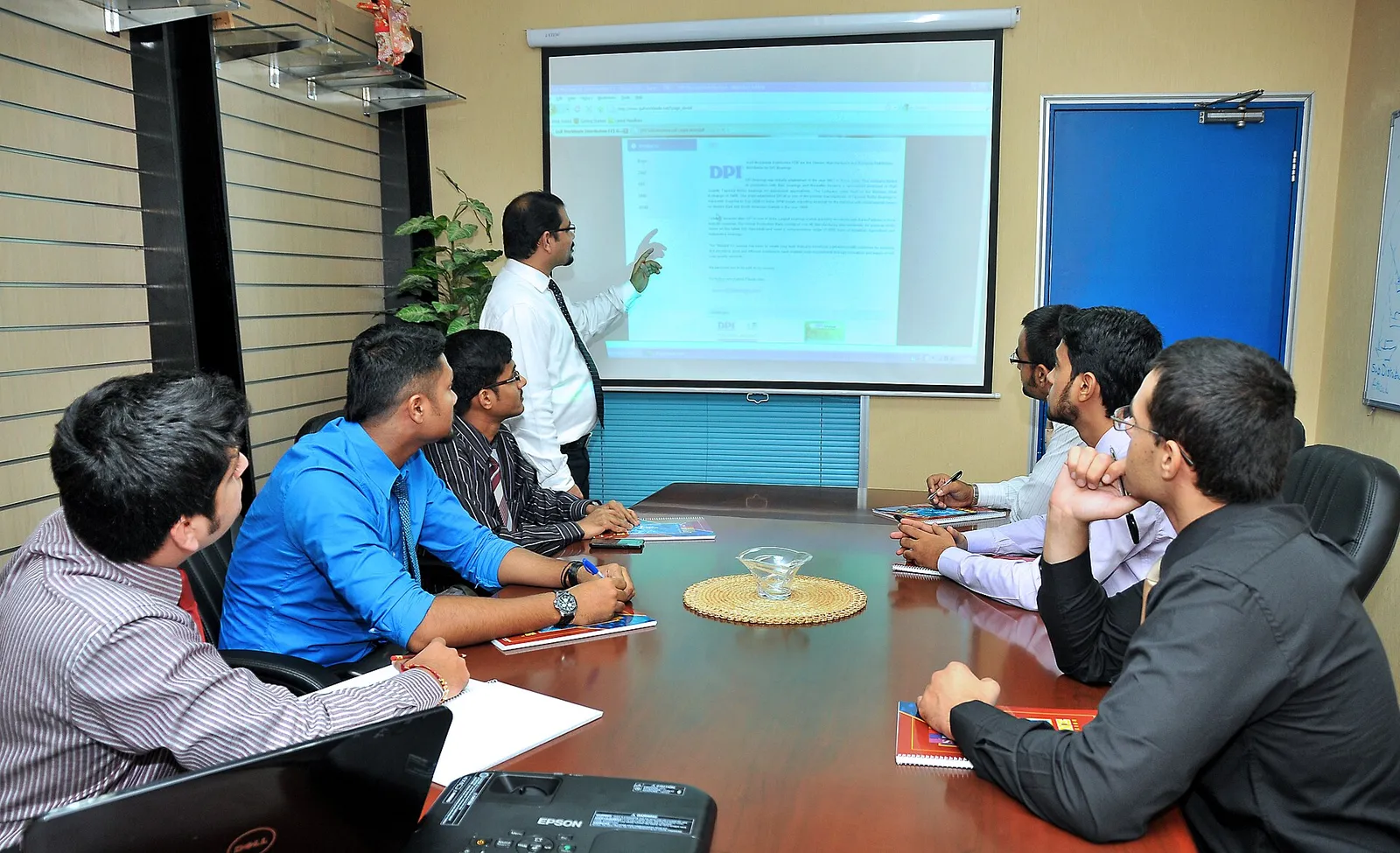
Team meeting around a boardroom table during a presentation
Team meeting around a boardroom table during a presentation. Photo credit
Before and after

What changed for the team

BeforeAfter

Course enquiries that had to be turned into enrolments quickly

Web enquiries captured in Zoho CRM as student records

Placement results needed to decide each student's class

Students placed by level and assigned to a matching class

Terms, sessions and attendance that had to be tracked

Sessions scheduled in Zoho Bookings and attendance recorded per session

Fees and renewals that had to be followed up with students

Fee payments reconciled in Zoho Books and renewals reported in Analytics

How it works

The business process, step by step

  1. 01

    Course enquiry

    Prospective students enquire through the enrolment form on the website, and each enquiry is captured in Zoho CRM as a student record for the admissions team to follow up.

  2. 02

    Level assessment

    The student takes a level assessment, and the result decides the level they are placed at. The placement is recorded in the Zoho Creator student portal so their class can be chosen from it.

  3. 03

    Enrolment

    Once placed, the student is enrolled and assigned to a class that matches their level, in person or online, and the enrolment is kept on their student record in Zoho CRM.

  4. 04

    Term scheduling

    Terms, classes and sessions are scheduled in Zoho Bookings. For online classes, the schedule syncs with the meeting platform so sessions are set up for teachers and students in advance.

  5. 05

    Attendance

    Attendance is recorded for each session in the Zoho Creator student portal, which also holds each student's level, so staff can see who attended each class across the term.

  6. 06

    Fees and renewal

    Fee invoices are raised in Zoho Books, and payments made through the payment gateway are reconciled to the fee ledger. Staff follow up renewals for the next term using reports from Zoho Analytics.

The solution

What we built for Saifi Institute

Shyphan delivered the project on Zoho CRM, Zoho Creator, Zoho Bookings, Zoho Books and Zoho Analytics, covering a 6-step process with 3 integration points.

  • Enquiries and student records
Zoho CRM
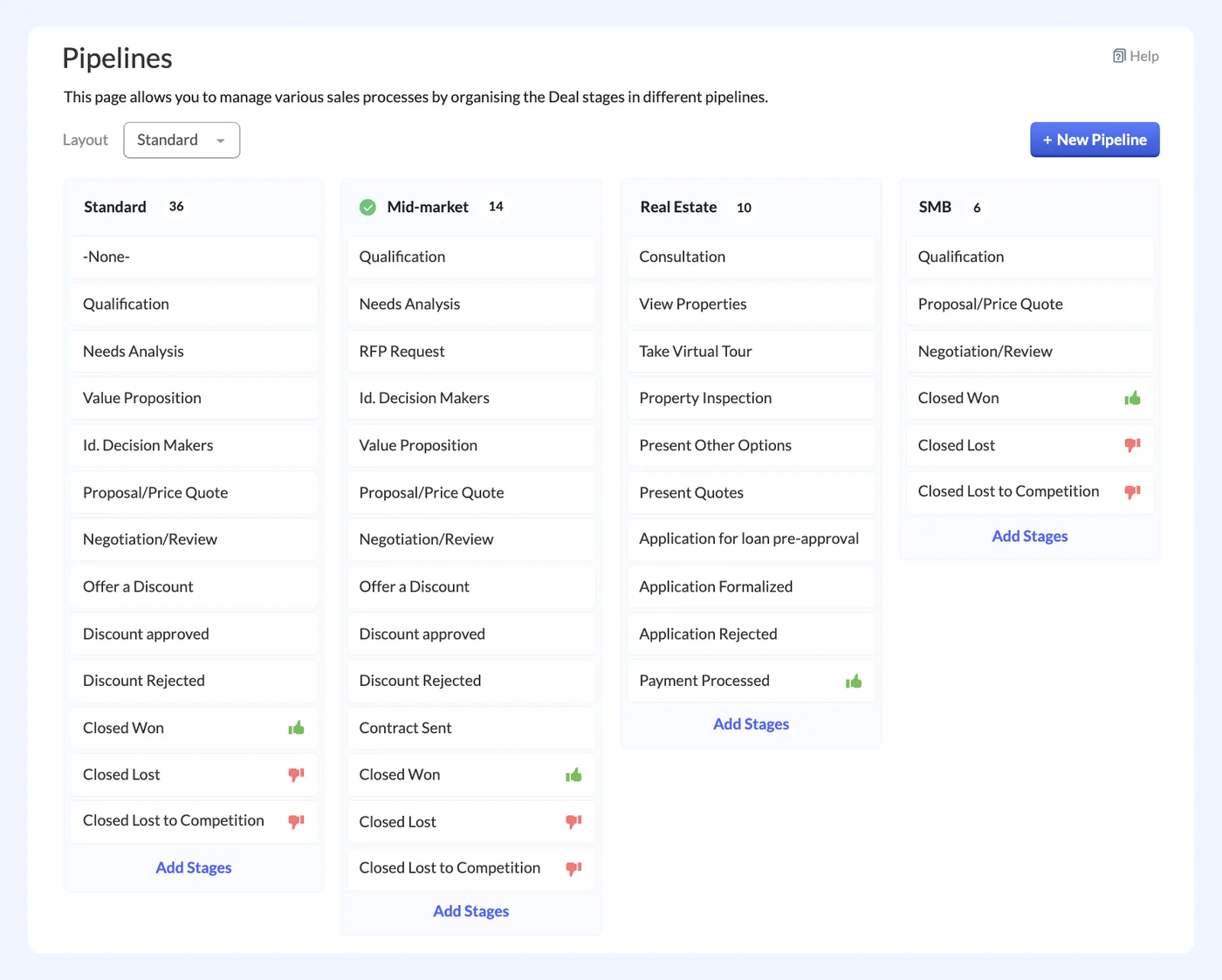
Zoho CRM interface
Zoho CRM product screenshot, for illustration
  • Student portal with levels and attendance
Zoho Creator
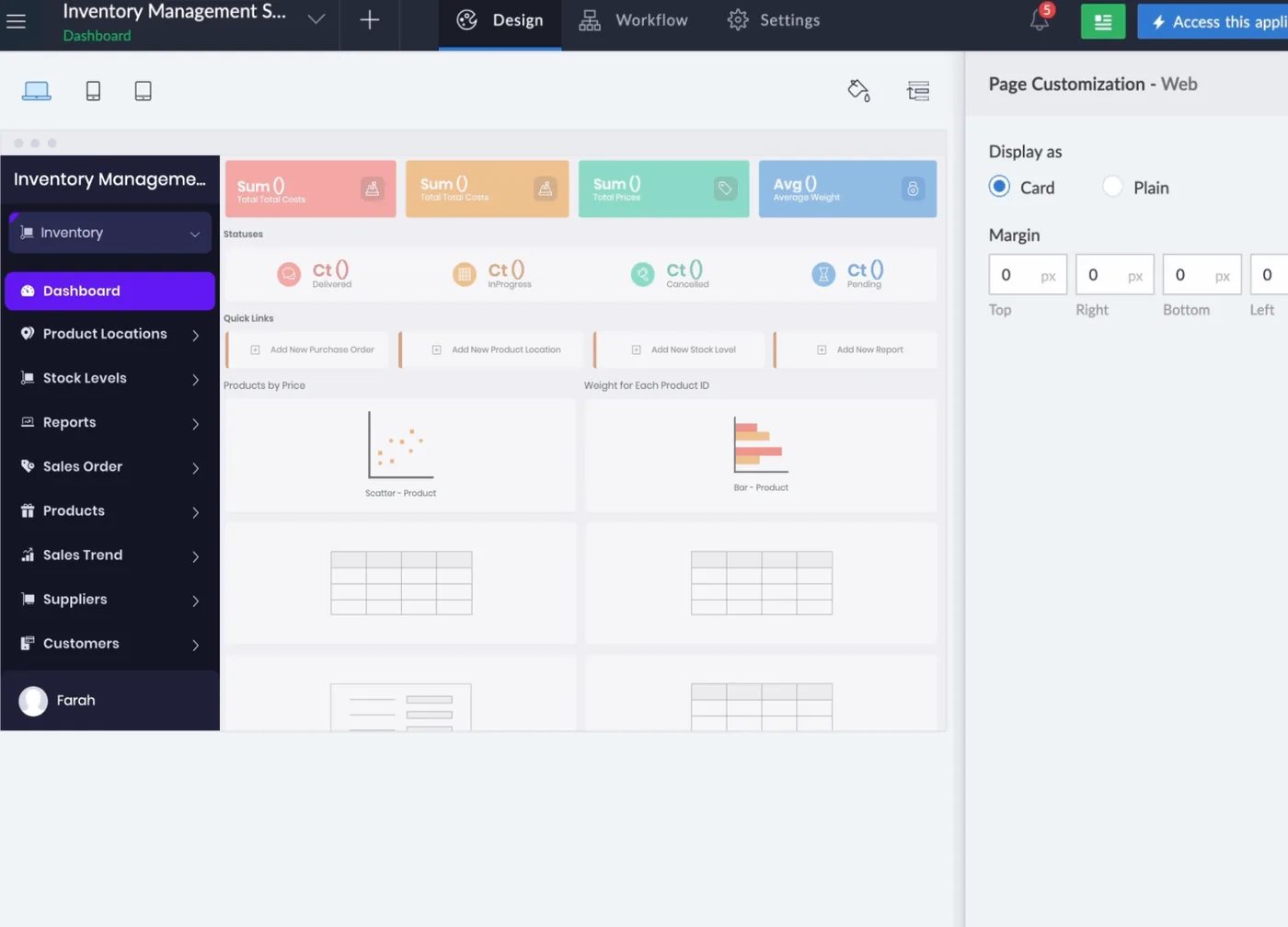
Zoho Creator interface
Zoho Creator product screenshot, for illustration
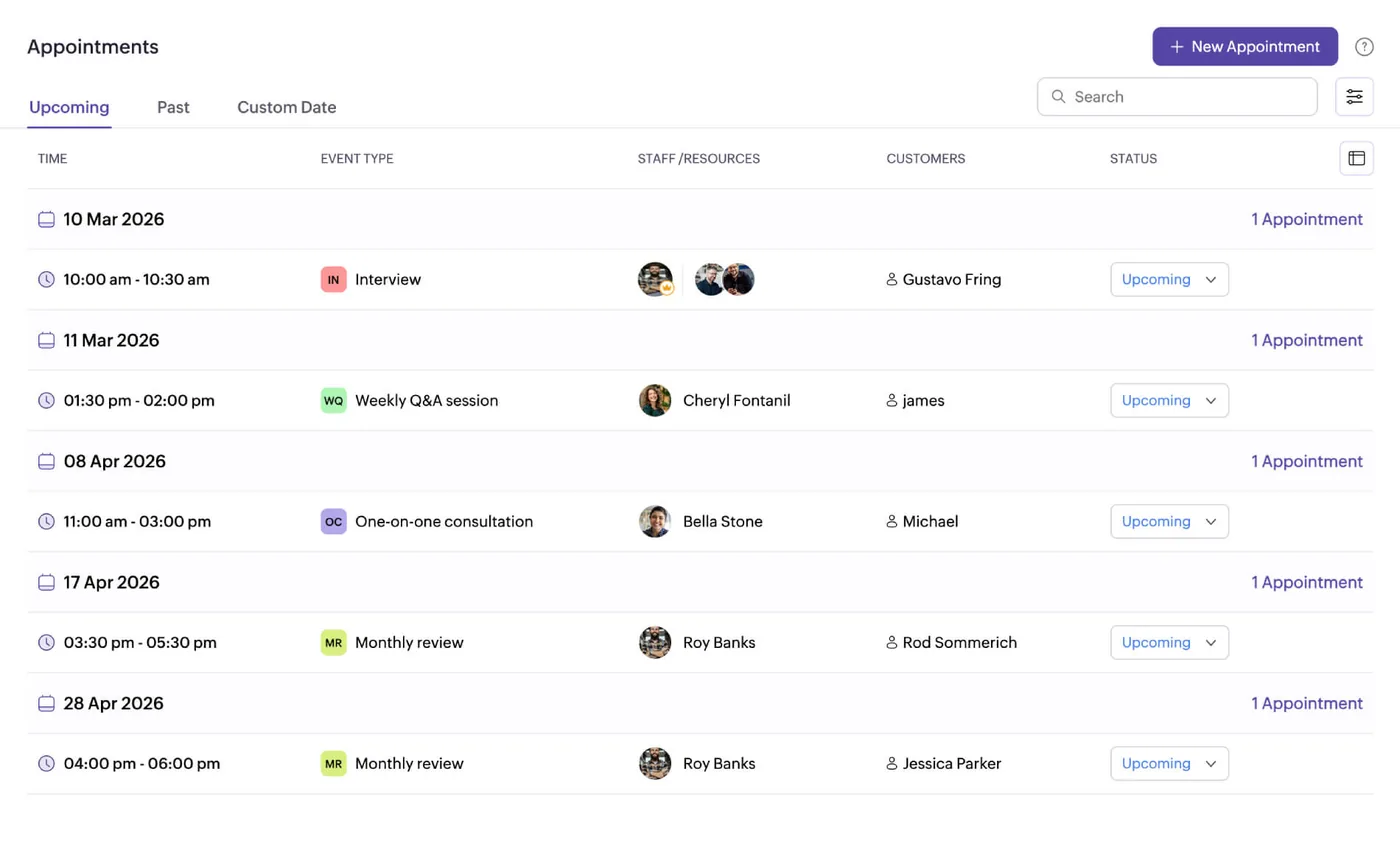
  • Class and session scheduling
Zoho Bookings
Zoho Bookings interface
Zoho Bookings product screenshot, for illustration
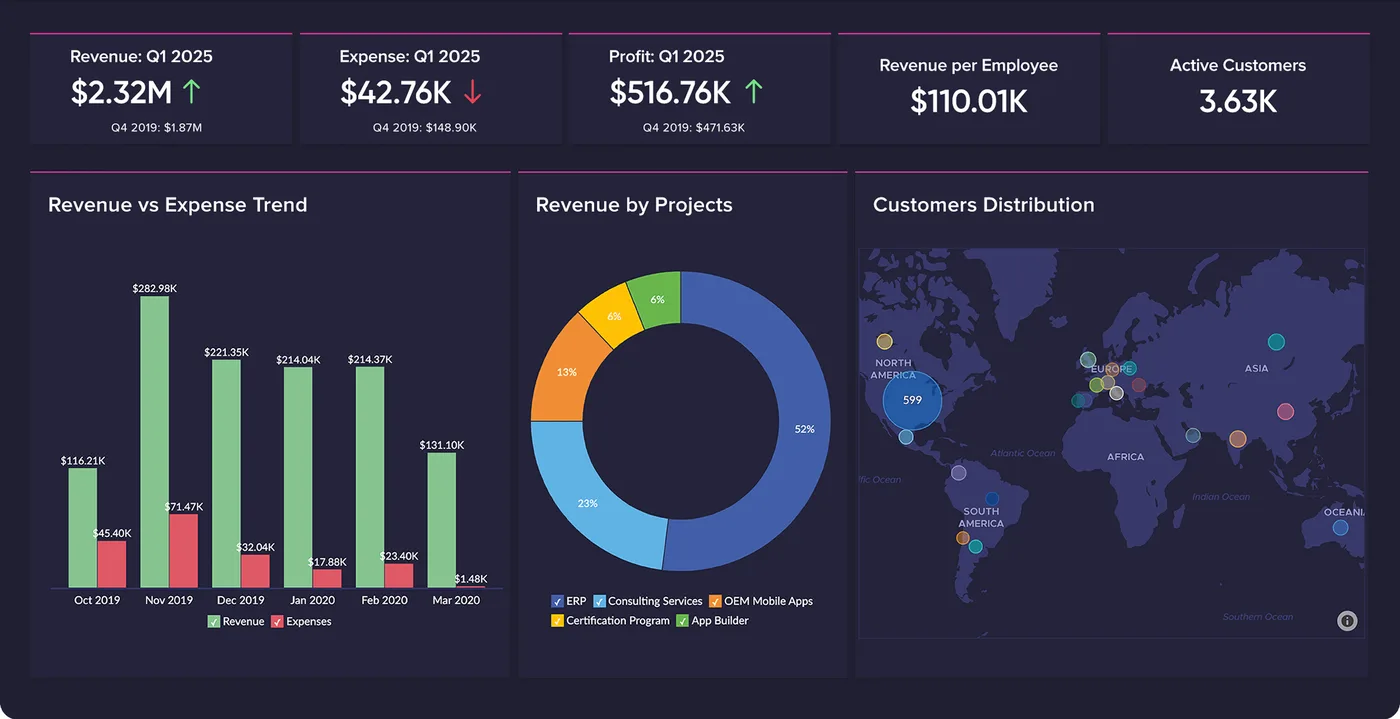
  • Enrolment and renewal reports
Zoho Analytics
Zoho Analytics interface
Zoho Analytics product screenshot, for illustration
  • Fee invoices and payments

Who uses it

Admissions team

Capture course enquiries in Zoho CRM, arrange level assessments and enrol students into the right class.

Teachers

Teach scheduled in-person and online sessions, with class lists and attendance kept in the Zoho Creator portal.

Students

Use the Zoho Creator student portal to see their level and attendance, and join scheduled online classes.

Finance and management

Raise fee invoices and reconcile payments in Zoho Books, and review enrolment and renewal reports in Zoho Analytics.

Architecture

How the systems connect

InputsWebsite enrolment formPayment gateway
Delivered by Shyphan
OutputsMeeting platformFee ledgerRenewal reports

Integrations

  • Enrolment form to CRM

    Web enquiries captured.

  • Schedule and meeting platform sync

    Online classes scheduled.

  • Payment gateway to fee ledger

    Fees reconciled.

Reports and dashboards

Enquiry to enrolment

Course enquiries in Zoho CRM and how many have moved on to enrolment.

Class schedule

Terms, classes and sessions scheduled in Zoho Bookings, both in person and online.

Attendance by session

Attendance recorded for each session in the Creator portal, by class and student.

Enrolment and renewal report

Enrolment and renewal figures by term and level, reported in Zoho Analytics.

The results

What the system does now

  • Enquiries turned into enrolments
  • Students placed by level
  • Attendance tracked per session
  • Fees and renewals followed up
Delivery

Five phases, discovery to support

  1. 01
    Discovery

    Process mapping, documents and data reviewed with each team.

  2. 02
    Design

    Target flow agreed across 5 apps and 3 integration points.

  3. 03
    Build

    Apps configured, custom logic built and integrations connected.

  4. 04
    Test and train

    User acceptance testing with real scenarios and role-based training.

  5. 05
    Go-live and support

    Cut-over, hypercare and ongoing improvements.

Local rules built in

Lebanese VAT

VAT applied on invoices as required.

Multi-currency

USD and LBP handled side by side.

Access control

Role-based access with audit logs.

FAQ

Questions about this project

How are online classes scheduled?

Classes and sessions are scheduled in Zoho Bookings, and the schedule syncs with the meeting platform used for online teaching. Online sessions are set up from the same term schedule as in-person classes, so both are planned in one place.

How is a new student placed in a class?

After enquiring, each student takes a level assessment. The result decides their level, which is recorded in the Zoho Creator student portal, and the student is then enrolled in a class that matches that level.

How are fee payments reconciled?

Fee invoices are raised in Zoho Books. Payments made through the payment gateway are reconciled to the fee ledger in Zoho Books, and renewal follow-up and enrolment reporting run from Zoho Analytics.

Ready to write your own success story?

Send us your brief and a senior consultant will reply within 1 hour with scope, timeline and a fixed quote. No spam, no junior reps.

Talk to us

Where this service is weak - and what we do about it

We are not the cheapest, and we decline work where the budget will not cover doing it properly or where the product is the wrong answer.

How we handle it: You get a written recommendation after the free discovery call either way, including when that recommendation is not to proceed.

Vikas Saroj, Co-Founder and COO at Shyphan AI Solutions

Written and reviewed by Vikas Saroj, Co-Founder, COO & Growth at Shyphan AI Solutions, who owns delivery across India, the Gulf and the UK. Last reviewed on 14 September 2026. Meet the team · LinkedIn