Request A Quote

Follow Us On:

  1. Home
  2. Case studies
  3. Atelier 33
Case study · Architectural lighting design and supply

Atelier 33

A Zoho Creator ERP for the whole operation of a Beirut architectural lighting design and supply firm: item and supplier master, project BOQs, costing, quote validation, purchase orders and spend dashboards.

Industry
Architectural lighting design and supply
Location
Lebanon
Apps
2 connected apps
Scope
6-step process
Products used
Services
Zoho implementationCustom app developmentSystem integration
At a glance
One master for every luminaire and supplier
A costed BOQ for each project
Supplier quotes validated before any PO
Spend and margin visible per project
The challenge

What Atelier 33 needed to fix

Atelier 33 is a Beirut-based firm providing architectural lighting design and supply for small and large projects, from apartments and villas to malls, museums and parks across Lebanon, Kuwait, Saudi Arabia, Egypt, Jordan and Portugal. Every project turns a lighting design into a bill of quantities of luminaires sourced from international suppliers.

  1. Thousands of luminaire itemsFixtures, drivers and accessories from many suppliers lived in scattered price sheets.
  2. BOQs per projectEach lighting design had to become a project BOQ with accurate costing.
  3. Quotes checked before orderingSupplier quotes had to be validated against the BOQ before any PO.
  4. Spend and margin per projectManagement needed costs, margins and spend for every project in one place.
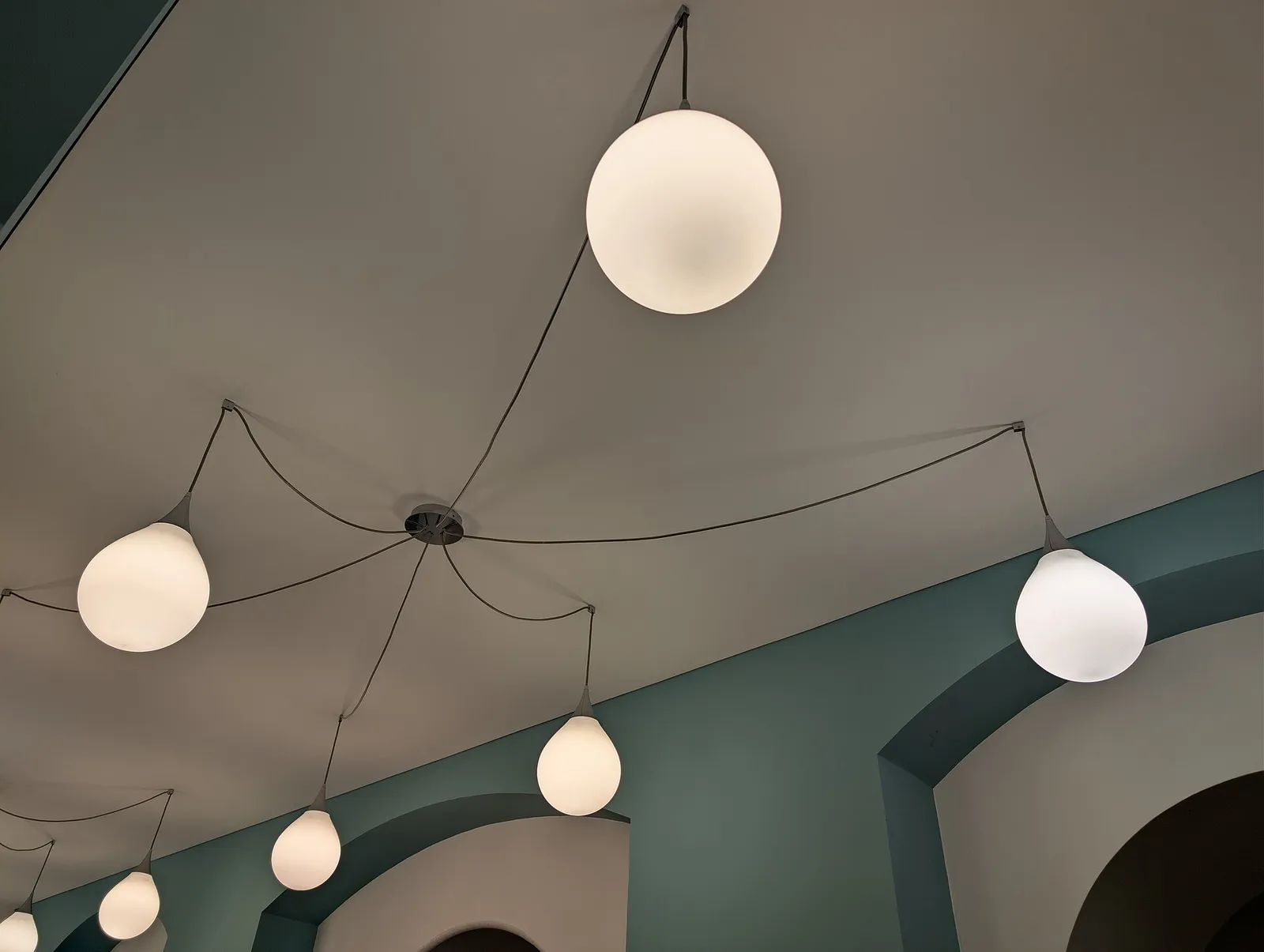
Globe pendant lights hanging from an interior ceiling
Globe pendant lights hanging from an interior ceiling. Photo credit
Before and after

What changed for the team

BeforeAfter

Luminaire items and supplier prices lived in scattered price sheets

One item and supplier master in Zoho Creator with linked price lists

Each lighting design had to become an accurately costed project BOQ

A costed BOQ built from the lighting design for every project

Supplier quotes had to be validated against the BOQ before ordering

Quotes validated against the BOQ before any purchase order is issued

Management needed project costs, margins and spend in one place

Spend and margin visible per project on Creator dashboards

How it works

The business process, step by step

  1. 01

    Item and supplier master

    The team maintains an item master in the Zoho Creator ERP for luminaires, drivers and accessories, each linked to its suppliers, plus a supplier master holding price lists and currencies.

  2. 02

    Project BOQ

    For each project, the lighting design is turned into a bill of quantities in Zoho Creator, linked to the project. Clients and enquiries for the project are held in Zoho CRM.

  3. 03

    Costing

    Each BOQ line is costed in Zoho Creator using supplier prices, freight and margin. Built-in financial calculations produce the totals and margins for the project before anything is ordered.

  4. 04

    Quote validation

    Supplier quotes are checked against the BOQ in Zoho Creator before any purchase order is raised, so differences from the costed items and quantities are caught at this stage.

  5. 05

    Purchase orders

    Once a quote is validated, Zoho Creator generates purchase orders per supplier directly from the validated BOQ, so each supplier receives an order covering only its own items.

  6. 06

    Project and spend dashboard

    Every BOQ line rolls up into project and spend dashboards in Zoho Creator, showing management the costs, margins and spend for each project in one place.

The solution

What we built for Atelier 33

Shyphan delivered the project on Zoho Creator and Zoho CRM, covering a 6-step process with 3 integration points.

  • Item master for luminaires, drivers and accessories with supplier links
  • Supplier master with price lists and currencies
  • Project-linked BOQs built from the lighting design
  • Costing with financial calculations for totals and margins
  • Quote validation against the BOQ before ordering
  • Purchase orders generated per supplier from the validated BOQ
  • Project and spend dashboards for management
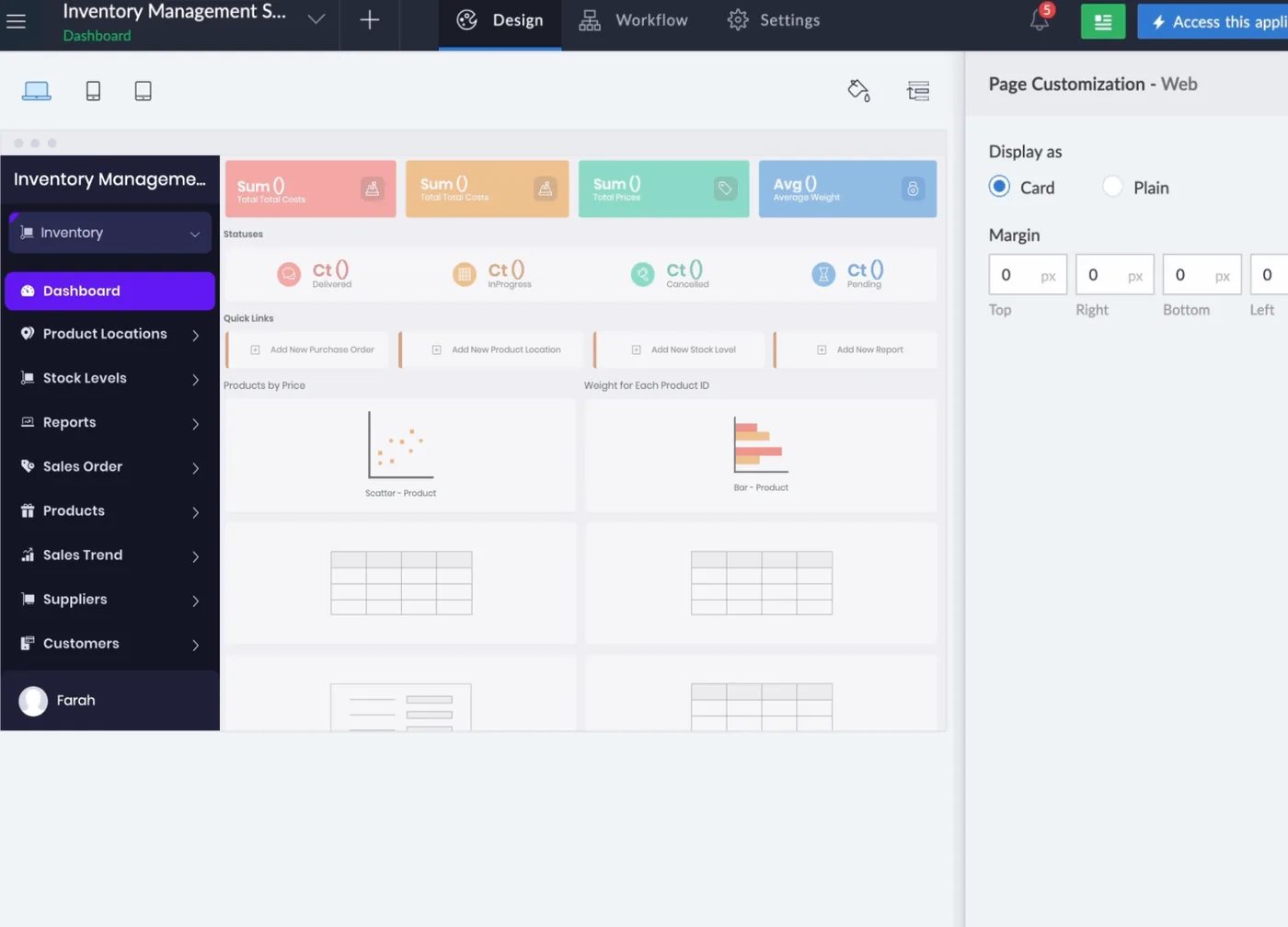
Zoho Creator ERP
Zoho Creator ERP interface
Zoho Creator ERP product screenshot, for illustration
  • Clients, enquiries and projects referenced in the proposal
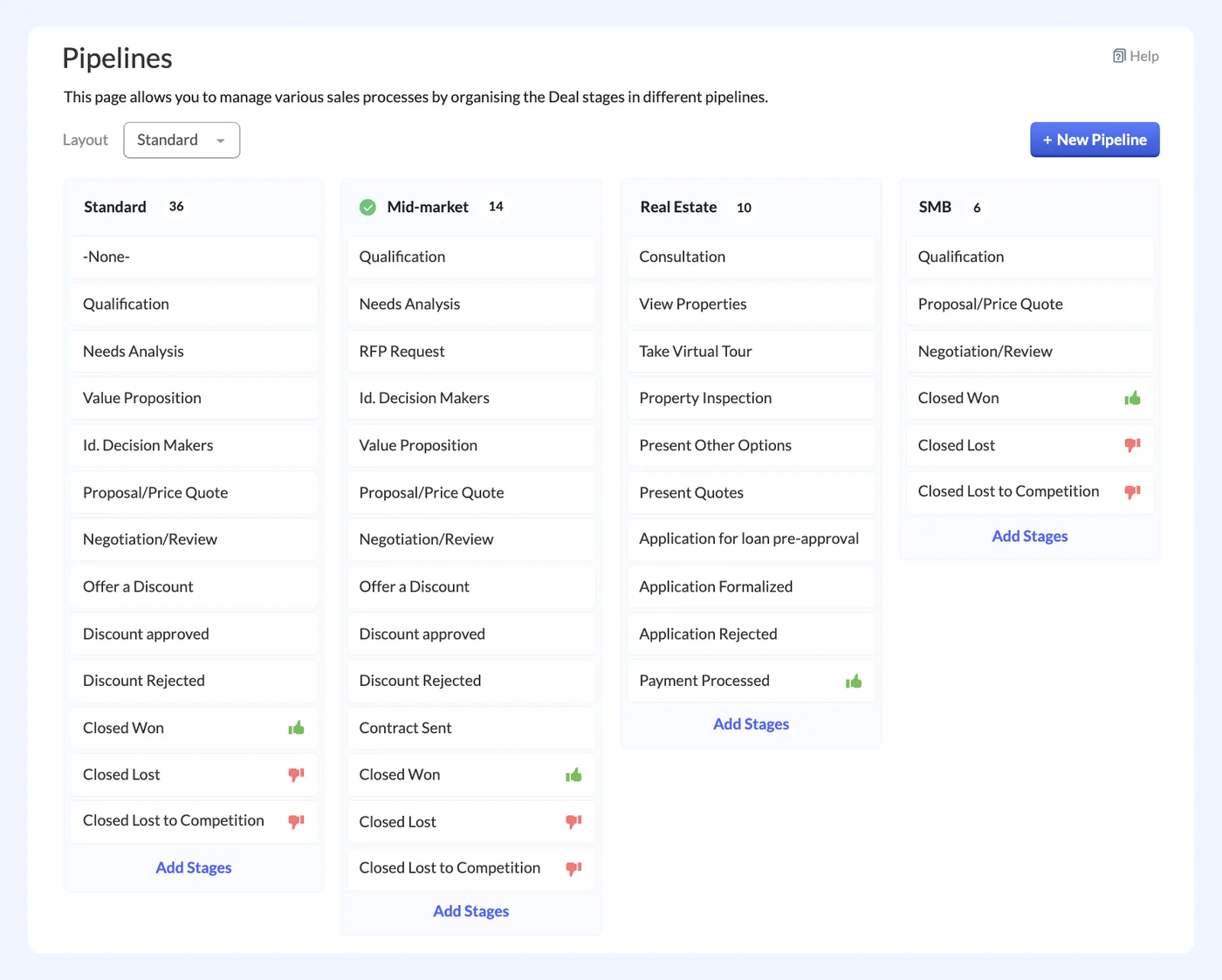
Zoho CRM
Zoho CRM interface
Zoho CRM product screenshot, for illustration

Who uses it

Client and sales team

Keep clients and enquiries in Zoho CRM as the starting point for each lighting design and supply project.

Design and project team

Turn each lighting design into a project BOQ in Zoho Creator using items from the item master.

Estimating and costing

Apply supplier prices, freight and margin to each BOQ line to calculate project totals and margins.

Procurement team

Maintain supplier price lists and currencies, validate supplier quotes against the BOQ and issue purchase orders per supplier.

Management

Review project and spend dashboards in Zoho Creator to see costs, margins and spend for every project.

Architecture

How the systems connect

InputsSupplier price listsLighting designsClient enquiries
Delivered by Shyphan
OutputsSupplier purchase ordersManagement dashboards

Integrations

  • Project to BOQ to PO

    Project, BOQ, supplier items and purchase orders connected inside one Creator app.

  • Costing to dashboards

    Every BOQ line rolls up to project spend and margin.

  • Out of scope

    External ERP and accounting integration was outside this phase.

Reports and dashboards

Project spend dashboard

Spend per project, built from BOQ lines and the supplier purchase orders raised in Zoho Creator.

Project margin

Totals and margins for each project, calculated from supplier prices, freight and margin.

Supplier purchase orders

Purchase orders issued per supplier from validated BOQs, grouped by project.

Quote validation status

Supplier quotes checked against each BOQ, showing which are validated and ready for ordering.

The results

What the system does now

  • One master for every luminaire and supplier
  • A costed BOQ for each project
  • Supplier quotes validated before any PO
  • Spend and margin visible per project
Delivery

Five phases, discovery to support

  1. 01
    Discovery

    Process mapping, documents and data reviewed with each team.

  2. 02
    Design

    Target flow agreed across 2 apps and 3 integration points.

  3. 03
    Build

    Apps configured, custom logic built and integrations connected.

  4. 04
    Test and train

    User acceptance testing with real scenarios and role-based training.

  5. 05
    Go-live and support

    Cut-over, hypercare and ongoing improvements.

Local rules built in

Lebanese VAT

VAT applied on invoices as required.

Multi-currency

USD and LBP handled side by side.

Access control

Role-based access with audit logs.

FAQ

Questions about this project

Why was the ERP built in Zoho Creator?

Atelier 33 needed one connected flow from item and supplier master through project BOQs, costing, quote validation and purchase orders. A Zoho Creator app holds all of these in one place and links them, so every BOQ line rolls up to project spend and margin.

How are supplier quotes validated before ordering?

Supplier quotes are checked against the project BOQ in the Creator ERP before any purchase order is raised. Only once a quote has been validated are purchase orders generated per supplier from the BOQ, so orders follow the costed design.

Was accounting integration included?

No. Integration with an external ERP or accounting system was outside this phase. The scope covered the Creator ERP from item and supplier master through to purchase orders and dashboards, with clients and enquiries held in Zoho CRM.

Ready to write your own success story?

Send us your brief and a senior consultant will reply within 1 hour with scope, timeline and a fixed quote. No spam, no junior reps.

Talk to us

Where this service is weak - and what we do about it

We are not the cheapest, and we decline work where the budget will not cover doing it properly or where the product is the wrong answer.

How we handle it: You get a written recommendation after the free discovery call either way, including when that recommendation is not to proceed.

Vikas Saroj, Co-Founder and COO at Shyphan AI Solutions

Written and reviewed by Vikas Saroj, Co-Founder, COO & Growth at Shyphan AI Solutions, who owns delivery across India, the Gulf and the UK. Last reviewed on 14 September 2026. Meet the team · LinkedIn