





















 Saudi Arabia
 UAE
UAE Qatar
Qatar Bahrain
 Kuwait
 Oman
Oman Lebanon
 Egypt
Egypt India
India UK
UK Ireland
 Germany
 USA
USA Australia
 Singapore
 South Africa
 Iraq
Iraq Jordan
 Hungary
 Georgia
 Turkey
 LagosNigeria



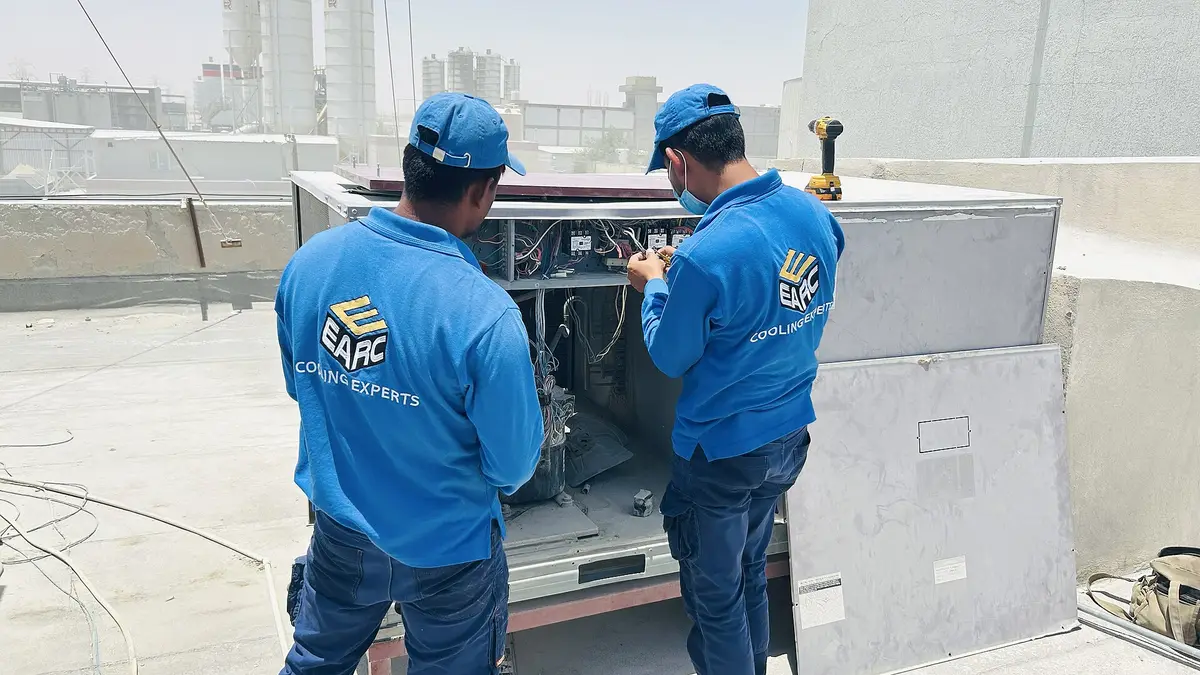
 Field service mobile · UAE
Field Service Mobile Application in the UAE
A field service mobile application in the UAE is where technicians spend their working day, so choosing, configuring and rolling it out well matters more than any back-office screen. Shyphan configures the mobile apps of Zoho FSM, Odoo and Dynamics 365 Field Service, manages device rollout and adds customer-facing tracking where it helps.
Prefer to talk? Call +971 55 145 3265
Get a free recommendation
Tell us what you want to fix. A senior consultant replies within one working day with a written view.
Trusted by businesses across the UAE, Saudi Arabia and beyond












Field Service Mobile Application in the UAE: the short answer
- What it is
- A field service mobile application is the phone or tablet app technicians use to receive jobs, navigate, record work and close visits, usually part of a field service platform.
- Best suited to
- UAE service companies choosing or rolling out a field service platform who want the technician app to be simple, reliable on UAE networks and quick to adopt.
- Core stack
- Zoho FSM mobile, Odoo mobile app, Dynamics 365 Field Service mobile, Microsoft Intune, Power Apps, Firebase
- Typical timeline
- Four to sixteen weeks depending on the platform, modules, data migration and integrations; we phase larger programmes.
- What it costs
- A fixed price in AED after a free discovery call, phased so you are never committing to the whole programme on day one. Platform licences are billed by the vendor.
- Local specifics
- Multilingual technician teams; Signal inside UAE buildings; Phones in summer heat.
- Delivered by
- Shyphan AI Solutions: Zoho Premium Partner, Official Odoo Partner, independent Dynamics 365 consultancy and custom software house, so the platform is chosen by fit.
- Last reviewed
- 29 September 2026
Field Service Mobile Application in the UAE: who it is for
UAE service companies choosing or rolling out a field service platform who want the technician app to be simple, reliable on UAE networks and quick to adopt. A field service mobile application is the phone or tablet app technicians use to receive jobs, navigate, record work and close visits, usually part of a field service platform.
- Platform app comparison
- Screens trimmed to essentials
- Device management and security
- Offline behaviour tested
What we use to deliver field service mobile application
Tools and platforms we typically use, and the systems it connects to. The final choice is made against your systems, budget and team.





 Odoo
Odoo Business Central
 Microsoft 365
 WhatsApp
Field Service Mobile Application in the UAE: what is included
A field service mobile application in the UAE is where technicians spend their working day, so choosing, configuring and rolling it out well matters more than any back-office screen.
Platform app comparison
Before you buy licences, we test the Zoho FSM, Odoo and Dynamics 365 Field Service mobile apps against your real jobs: checklists, photos, signatures, offline use and speed. You choose the platform with the technician experience in view, not only the office screens.
Screens trimmed to essentials
Standard apps show many fields technicians never use. We hide unnecessary fields, reorder screens and set defaults, so a routine job can be completed in a few taps and the important steps are not buried.
Device management and security
Company phones and tablets can be enrolled in Microsoft Intune or another MDM tool, with app deployment, passcodes and remote wipe for lost devices. Personal devices can be handled with app-level protection instead.
Offline behaviour tested
Each platform handles offline work differently. We test your actual job flows without signal, including photos and signatures, and document what technicians should expect so there are no surprises in basements.
Customer-facing tracking
Customers can receive a tracking link or a simple branded web page showing technician name, photo and arrival estimate. This is usually enough, avoiding the cost of a separate customer app nobody downloads.
Rollout and adoption
Technicians are trained in small groups on their own devices, with short videos in the languages they use. Adoption is tracked through job completion data, so struggling users get help quickly.
The platforms we deliver it on
Real screens from the platforms we implement. Yours are configured to your entities, processes and KPIs.
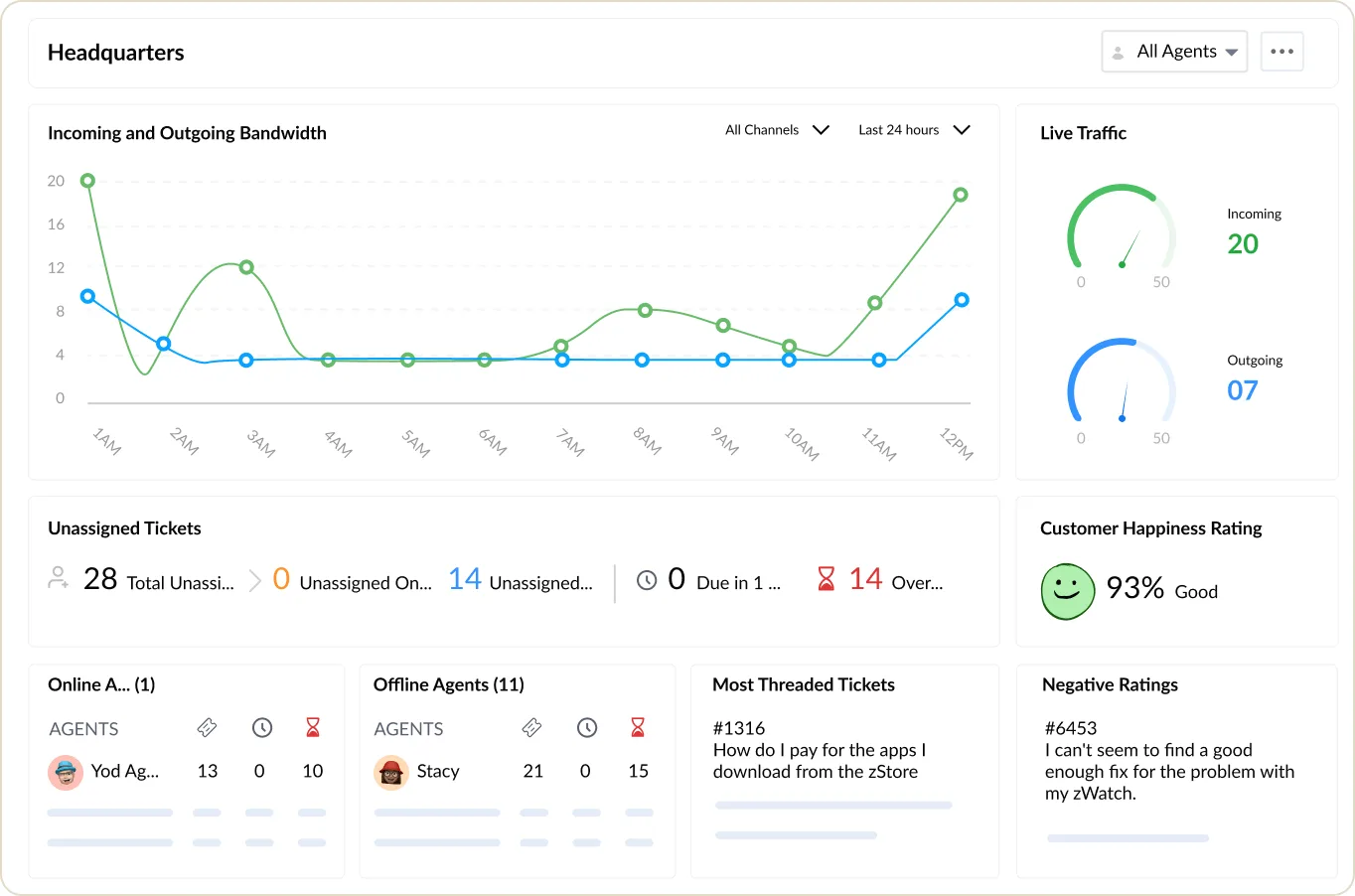
The Zoho Desk headquarters view
Live channel traffic, unassigned and overdue tickets, customer happiness and agents online.
- Zoho: fastest and lowest cost per user for SMEs and growing teams.
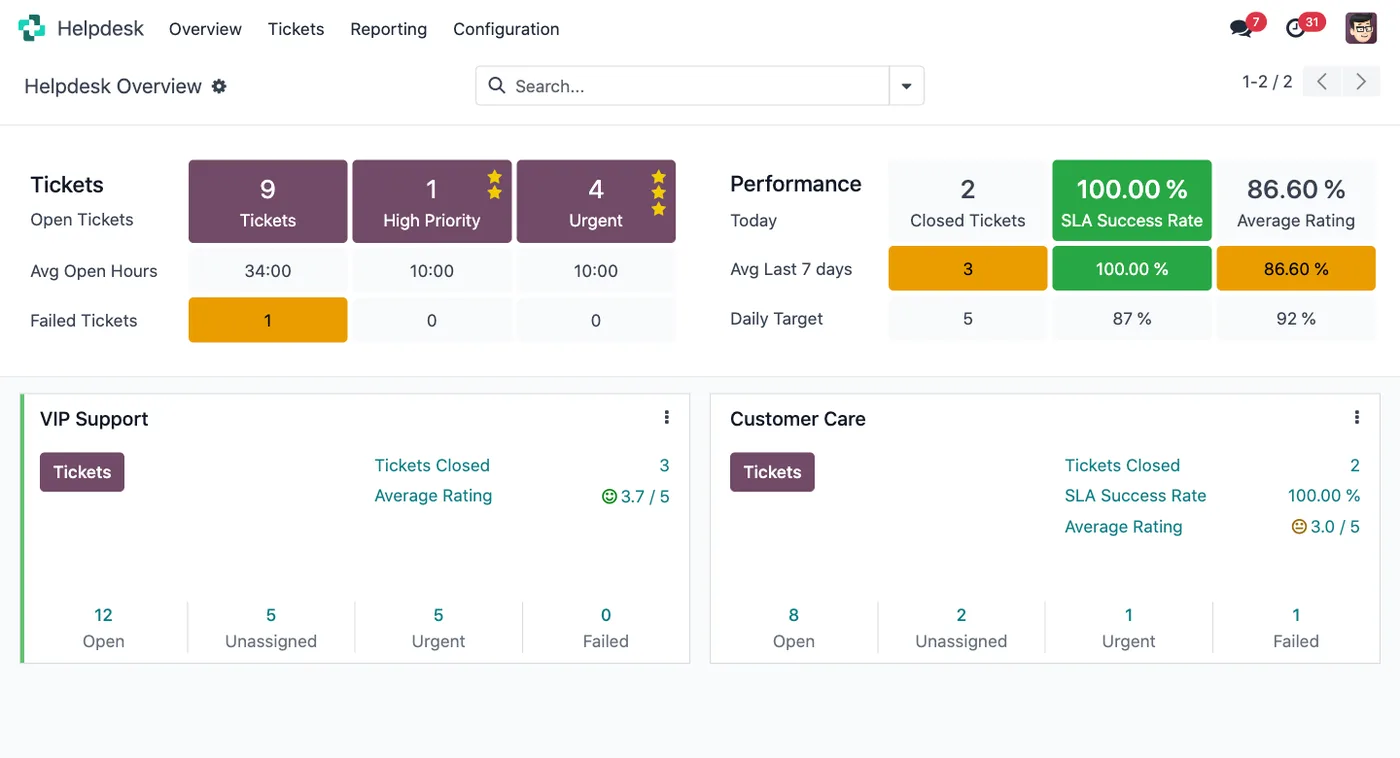
The Odoo Helpdesk overview
Open tickets, high-priority and urgent counts, SLA success rate and ratings per team.
- Odoo: strongest where stock, manufacturing and operations lead.
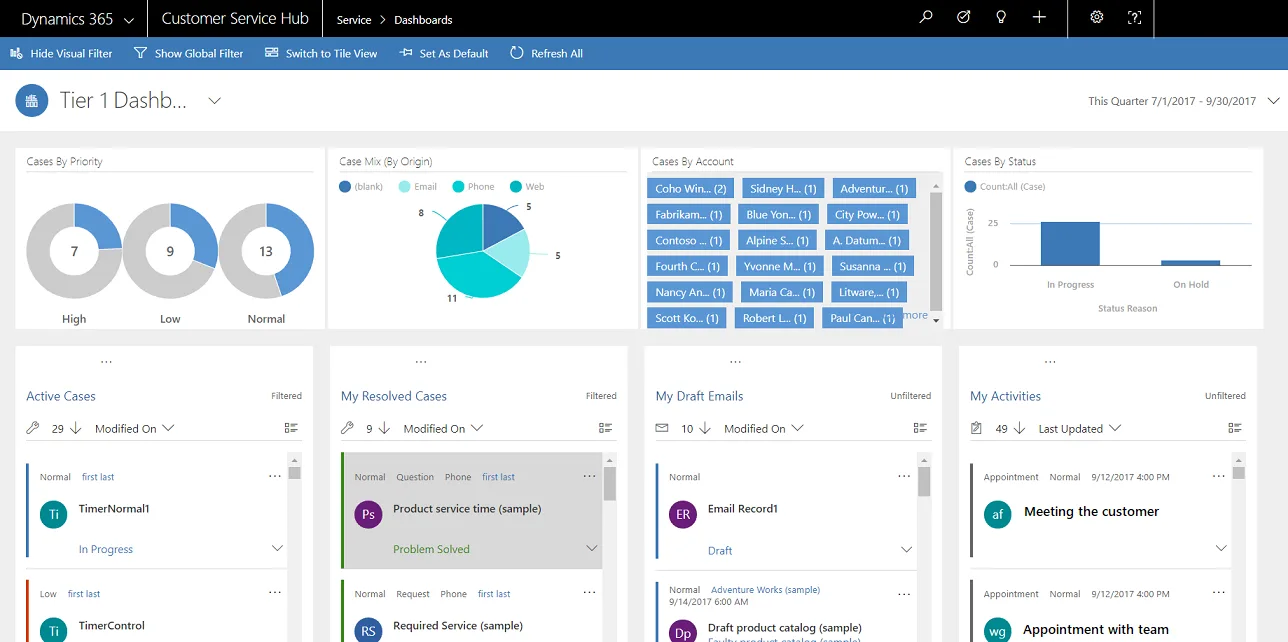
A Customer Service Hub dashboard
Cases by priority, origin and status, with active, resolved and draft queues in interactive streams.
- Dynamics 365: best for Microsoft-centric companies and larger groups.
What changes in the UAE
The local rules and realities we design for before go-live. Rules change, so we re-check the current position at scoping.
Multilingual technician teams
UAE technicians may read Arabic, Hindi, Urdu, Malayalam or English. We keep app text minimal, set the interface language per user where the platform allows and use photos and icons in checklists.
Signal inside UAE buildings
Basements, car parks and plant rooms in UAE towers often lose mobile signal. Offline testing in these conditions is part of our rollout, not something discovered after go-live.
Phones in summer heat
Phones overheat and batteries drain faster in UAE summer conditions. We recommend rugged devices or protective cases for outdoor crews and tune GPS settings to reduce battery load.
How we deliver field service mobile application
Phases, indicative timing and what is delivered in each. Scope is fixed and priced in AED before we start.
App requirements
We list what technicians must do on each job type and the devices they use, then agree a fixed quote in AED.
App trial
Shortlisted platform apps are tested with a few technicians on sample jobs, including offline and photo-heavy scenarios.
Configure
The chosen app is configured with fields, checklists, layouts, languages and permissions, and devices are enrolled in MDM.
Pilot crew
One crew uses the app on live jobs and we fix any friction they report before wider rollout.
Full rollout
All technicians are trained and switched over, with adoption reports reviewed weekly during the first month.
When field service mobile application is the wrong answer
If the standard platform app cannot support a core part of your work, for example device readings over Bluetooth or very complex offline logic, configuration will not be enough and a custom field engineer app may be needed. We will say so after the app trial rather than force a poor fit.
How we handle it: We implement Zoho, Odoo and Dynamics 365 and build AI and custom software, so our written recommendation can point you to a simpler option, or to doing nothing yet.


A UAE team you can meet in person
That is our team at Zoholics Dubai 2026. We deliver Zoho, Odoo, Dynamics 365 and custom projects from our Ras Al Khaimah office with remote delivery across all seven emirates, in English and Arabic, and we run workshops on site in Dubai, Abu Dhabi and Sharjah when a project needs it.
Field Service Mobile Application in the UAE: questions we get asked
What is a field service mobile application?
Which field service mobile application is best in the UAE?
Do technicians need company phones?
Do customers need to download an app?
Does the field service mobile application work offline?
How long does it take to roll out a field service mobile application?
Why choose Shyphan?

Talk to a consultant about field service mobile application
A free 30-minute call, then a written recommendation and a fixed quote in AED, including the honest option that this is not the right fit.
