Request A Quote

Follow Us On:

  1. Home
  2. Case studies
  3. Opulux Properties
Case study · Luxury real estate

Opulux Properties

A Zoho CRM build for Dubai luxury property sales and leasing: ad and listing leads, agent assignment, viewings, reservations and contracts.

Industry
Luxury real estate
Location
UAE
Apps
4 connected apps
Scope
6-step process
Products used
Services
Zoho implementationCustom app developmentSystem integration
At a glance
Every lead captured and assigned
Viewings scheduled on agent calendars
Buyers matched to units
Contracts and commissions tracked
The challenge

What Opulux Properties needed to fix

Opulux Properties sells and leases luxury property in Dubai. The engagement centred on Zoho CRM, covering the path from an advertising or listing lead to a signed contract and commission follow-up.

  1. Ad and listing leadsLeads arrived from portals and Meta ads.
  2. Agent assignmentEach lead needed the right agent quickly.
  3. Owner and unit matchingBuyers had to be matched to suitable units.
  4. Contracts and commissionReservations, contracts and commissions needed tracking.
Door key with a house-shaped keychain in a lock
Door key with a house-shaped keychain in a lock. Photo credit
Before and after

What changed for the team

BeforeAfter

Leads arriving separately from portals and Meta ads

Every portal and Meta lead captured automatically in Zoho CRM

Each lead needed the right agent assigned without delay

Assignment rules route each lead to the right agent quickly

Matching buyers to suitable units needed a reliable process

Buyers matched to suitable units from Creator property listings

Reservations, contracts and commissions that each needed tracking

Reservations, signed contracts and commissions tracked from the deal record

How it works

The business process, step by step

  1. 01

    Ad or listing lead

    Leads from property portals and Meta ads are captured in Zoho CRM automatically, so each enquiry arrives as a lead record showing where it came from and is ready for an agent.

  2. 02

    Agent assignment

    Assignment rules in Zoho CRM route each lead to the right agent quickly, so the agent can make contact and take the lead through to a property viewing.

  3. 03

    Viewing

    Viewings are booked through the CRM viewing calendar onto the agents' own calendars, so each agent sees confirmed appointments and the lead record shows when a property was viewed.

  4. 04

    Owner and unit matching

    Buyers are matched to suitable units from the property listings kept in Zoho Creator, linking each buyer to the units and owners that fit what they are looking for.

  5. 05

    Reservation and contract

    Offers and reservations are recorded in Zoho CRM. The contract is then sent through Zoho Sign and signed online, and its status is visible alongside the reservation.

  6. 06

    Commission follow-up

    Once the contract is signed, the commission is tracked from the deal and billed through Zoho Books, so agents and finance can follow each commission until it has been invoiced.

The solution

What we built for Opulux Properties

Shyphan delivered the project on Zoho CRM, Zoho Creator, Zoho Books and Zoho Sign, covering a 6-step process with 3 integration points.

  • Lead capture from portals and Meta
  • Agent assignment rules and viewing calendar
  • Offers, reservations and contracts
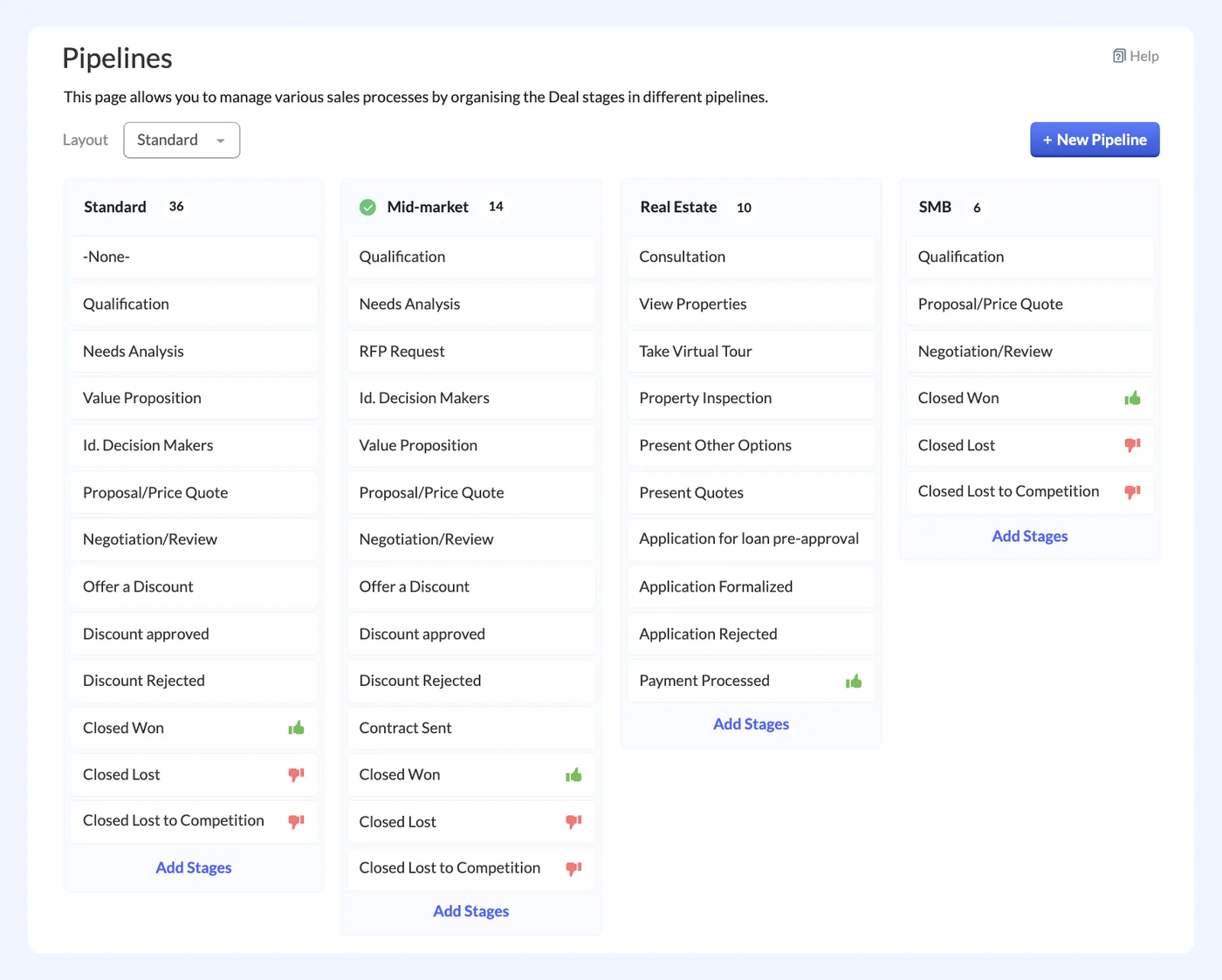
Zoho CRM
Zoho CRM interface
Zoho CRM product screenshot, for illustration
  • Property listings
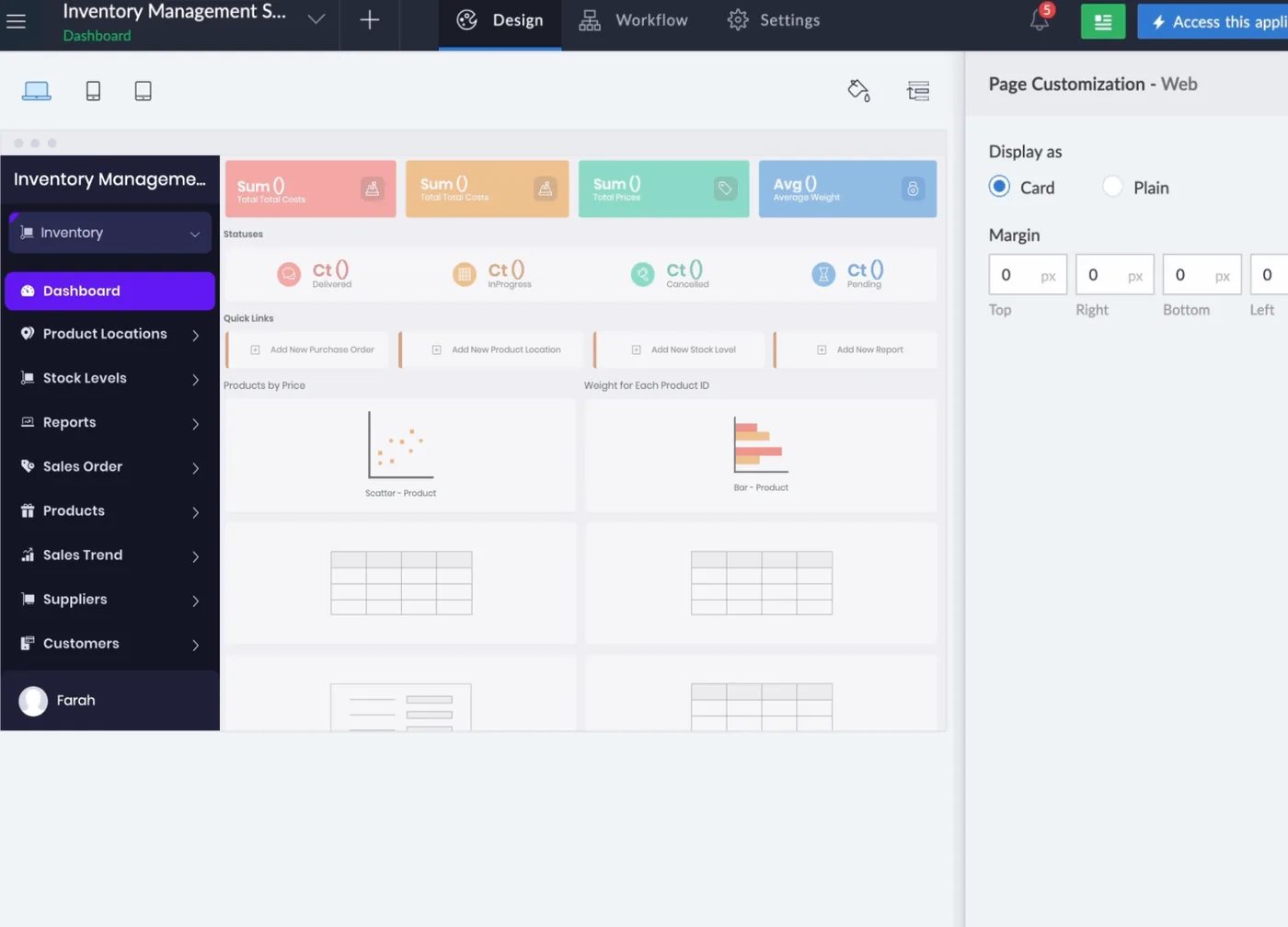
Zoho Creator
Zoho Creator interface
Zoho Creator product screenshot, for illustration
  • Contract signatures
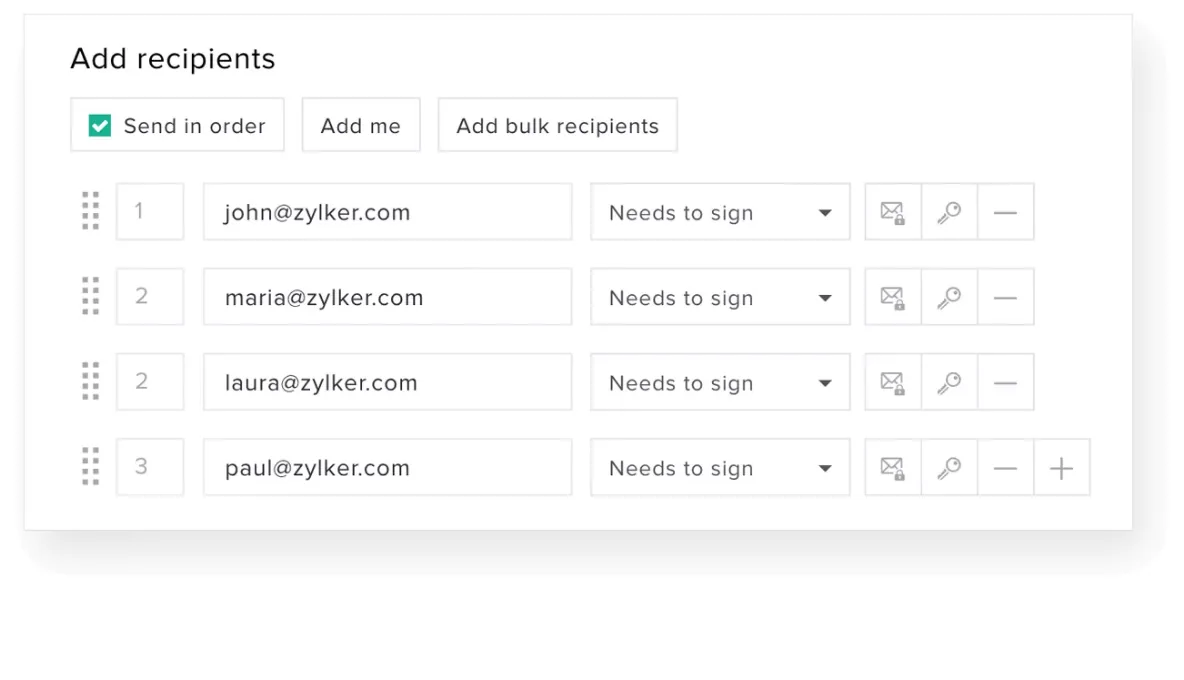
Zoho Sign
Zoho Sign interface
Zoho Sign product screenshot, for illustration
  • Commission billing
Zoho Books
Zoho Books interface
Zoho Books product screenshot, for illustration

Who uses it

Sales and leasing agents

Work assigned leads in Zoho CRM, book viewings on their calendars and record offers and reservations.

Sales managers

Set agent assignment rules and follow leads, viewings, reservations and contracts across the team in Zoho CRM.

Listings team

Maintain the property listings in Zoho Creator used to match buyers to suitable units and owners.

Finance

Bill commissions in Zoho Books once contracts have been signed online through Zoho Sign.

Architecture

How the systems connect

InputsProperty portalsMeta ads
Delivered by Shyphan
OutputsAgent calendarsE-signatureCommission invoices

Integrations

  • Portals and Meta to CRM

    Lead capture.

  • Viewing calendar

    Agent calendars.

  • E-sign contract

    Signed online.

Reports and dashboards

Lead sources

Leads captured from property portals and Meta ads, by source and assigned agent.

Viewings calendar

Upcoming and completed viewings across agent calendars, linked to the lead and property.

Reservations and contracts

Offers, reservations and contracts by status, including those sent and signed through Zoho Sign.

Commission tracker

Commission due on signed contracts and its billing status in Zoho Books.

The results

What the system does now

  • Every lead captured and assigned
  • Viewings scheduled on agent calendars
  • Buyers matched to units
  • Contracts and commissions tracked
Delivery

Five phases, discovery to support

  1. 01
    Discovery

    Process mapping, documents and data reviewed with each team.

  2. 02
    Design

    Target flow agreed across 4 apps and 3 integration points.

  3. 03
    Build

    Apps configured, custom logic built and integrations connected.

  4. 04
    Test and train

    User acceptance testing with real scenarios and role-based training.

  5. 05
    Go-live and support

    Cut-over, hypercare and ongoing improvements.

Local rules built in

5% UAE VAT

FTA-compliant tax invoices and VAT reporting.

Corporate tax readiness

Clean books that support UAE corporate tax filing.

UAE data protection

Access limited by role, with audit trails.

Arabic and English

Bilingual documents where needed.

FAQ

Questions about this project

Where do Opulux's leads come from?

Leads arrive from property portals and Meta ads and are captured in Zoho CRM. Assignment rules then route each lead to an agent, so enquiries do not depend on someone copying them across from a portal or an ad account.

How are contracts signed?

Once an offer becomes a reservation in Zoho CRM, the contract is sent for signature through Zoho Sign. The client signs online, and the contract status is visible alongside the reservation and deal for the agent and manager.

Was the engagement focused on one app?

Yes. The work centred on Zoho CRM for leads, assignment, viewings, offers, reservations and contracts. Zoho Creator holds the property listings, Zoho Sign handles contract signatures and Zoho Books handles commission billing.

Ready to write your own success story?

Send us your brief and a senior consultant will reply within 1 hour with scope, timeline and a fixed quote. No spam, no junior reps.

Talk to us

Where this service is weak - and what we do about it

We are not the cheapest, and we decline work where the budget will not cover doing it properly or where the product is the wrong answer.

How we handle it: You get a written recommendation after the free discovery call either way, including when that recommendation is not to proceed.

Vikas Saroj, Co-Founder and COO at Shyphan AI Solutions

Written and reviewed by Vikas Saroj, Co-Founder, COO & Growth at Shyphan AI Solutions, who owns delivery across India, the Gulf and the UK. Last reviewed on 14 September 2026. Meet the team · LinkedIn