





















 Saudi Arabia
 UAE
UAE Qatar
Qatar Bahrain
 Kuwait
 Oman
Oman Lebanon
 Egypt
Egypt India
India UK
UK Ireland
 Germany
 USA
USA Australia
 Singapore
 South Africa
 Iraq
Iraq Jordan
 France
 Hungary
 Georgia
 Turkey
 Canada
 LagosNigeria



ClickUp to Zoho Projects Migration in Canada
Moving from ClickUp to Zoho Projects? Shyphan migrates Canadian businesses across with the data mapped, cleansed and reconciled, the history intact and a sandbox dry run you sign off before anything touches live. Fixed quote in CAD.

Get a free migration assessment
A certified Zoho consultant replies within 24 hours.

The first AI Enabled Zoho Partner in the Middle East and Africa. Accredited by Zoho on 14 October 2026 after the Zoho AI Accelerator Series. Read the announcement
AI Enabled Zoho Partner in Canada












ClickUp to Zoho Projects Migration in Canada: the short answer
- What it is
- Moving from ClickUp to Zoho Projects?
- Typical timeline
- For a typical Canadian SME, two to five weeks including the dry run and reconciliation.
- Local specifics
- GST/HST (plus PST or QST where it applies) on every invoice, payroll source deductions with CPP, EI and T4s, French documents for Quebec, PIPEDA and Law 25-aware data handling in Zoho’s Canadian data centre, and delivery across Canadian time zones (PT to AT).
- Delivered by
- Shyphan AI Solutions, a Zoho Premium Partner listed on Zoho's official partner directory. Support on Canadian business hours (PT to AT). Call +91 95651 53545.
- Last reviewed
- October 24, 2026

Why Canadian teams trust us with a ClickUp migration
- Sandbox dry run before any live load
- Written reconciliation you can hand to your auditor
- History, notes and attachments migrated, not just master data
- Parallel-run option for finance migrations
- Rollback plan agreed before cutover
Why Canadian businesses leave ClickUp
ClickUp packs in features quickly, and teams often move because performance, complexity or constant interface change has cost them adoption, or because they want project delivery on the same platform as CRM and finance.
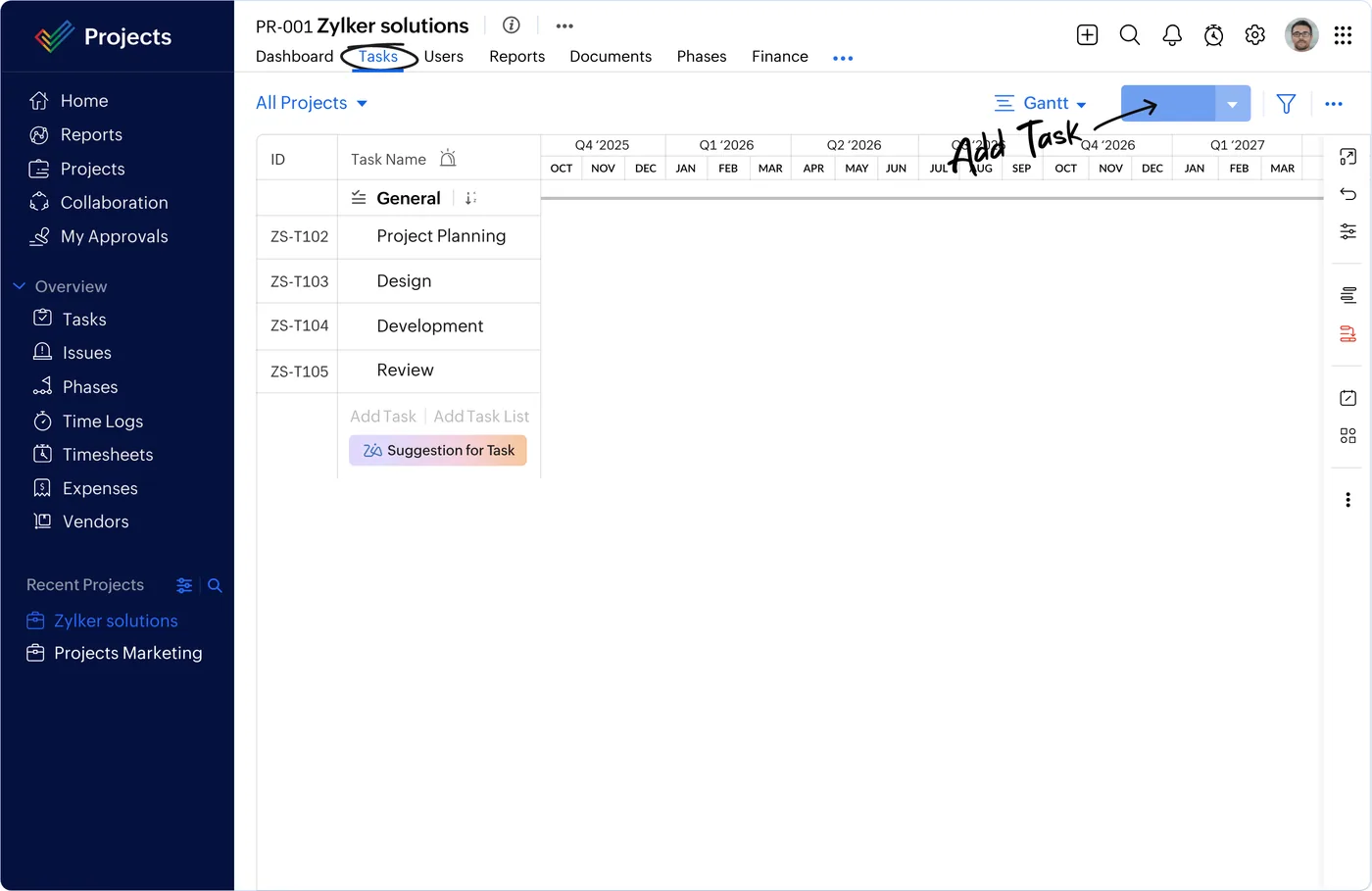
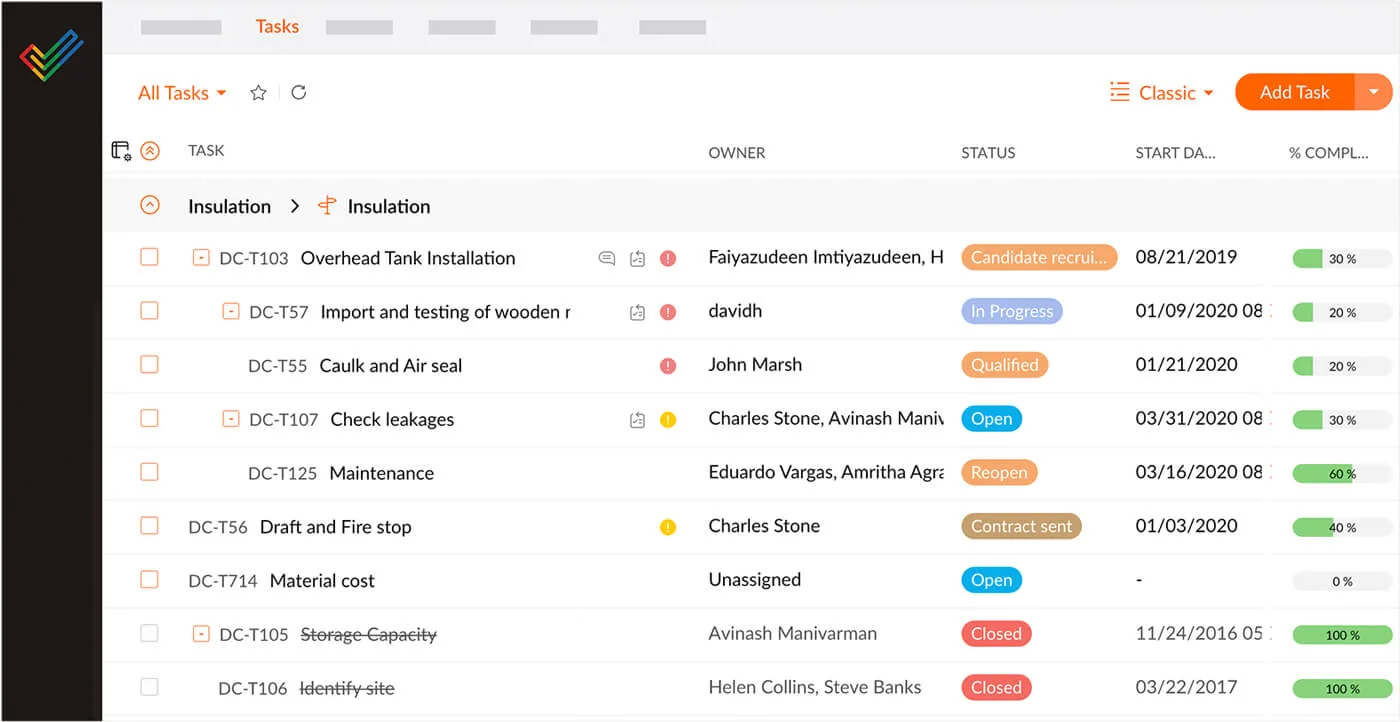
Zoho Projects is project planning, task tracking, timesheets and billing for delivery teams, and for most Canadian teams the switch is driven by cost, by wanting fewer vendors, or by needing the rest of the business on the same platform rather than by a single missing feature.
We are not evangelists. If ClickUp is serving you well and the business case is thin, we will say so. Where the case holds, we move you across cleanly and reconcile the result in writing.
Our certified Zoho team
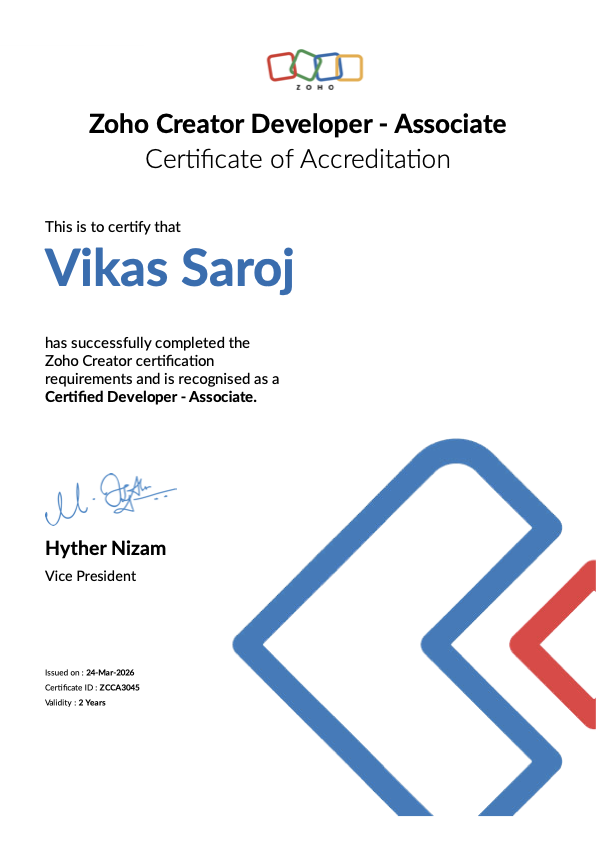
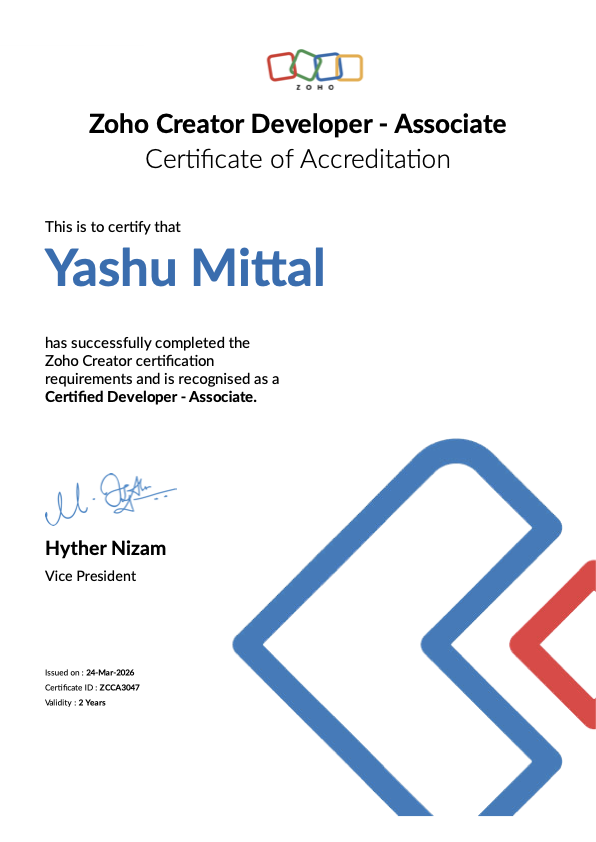
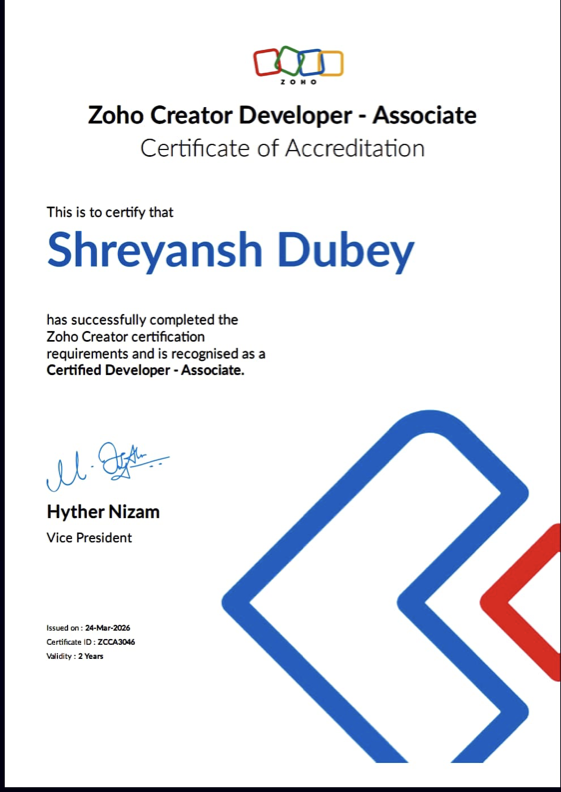
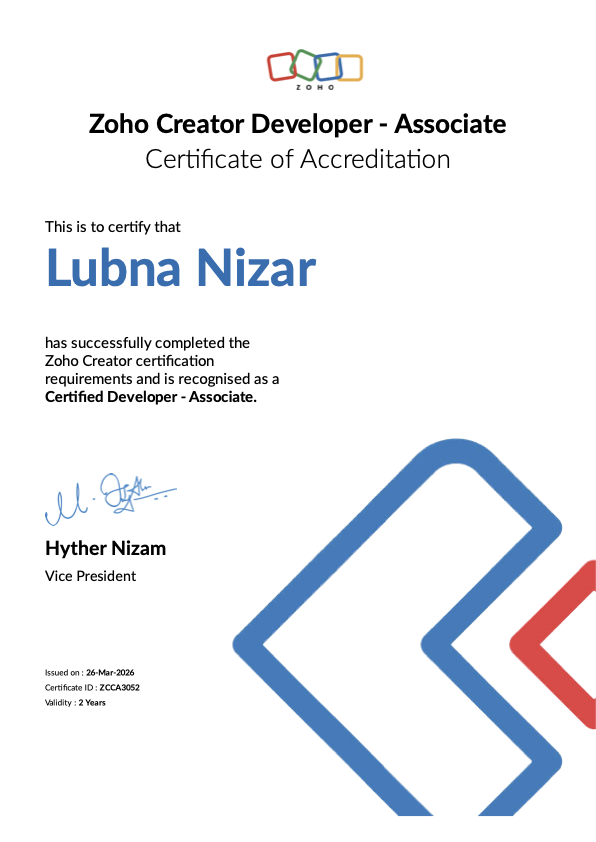
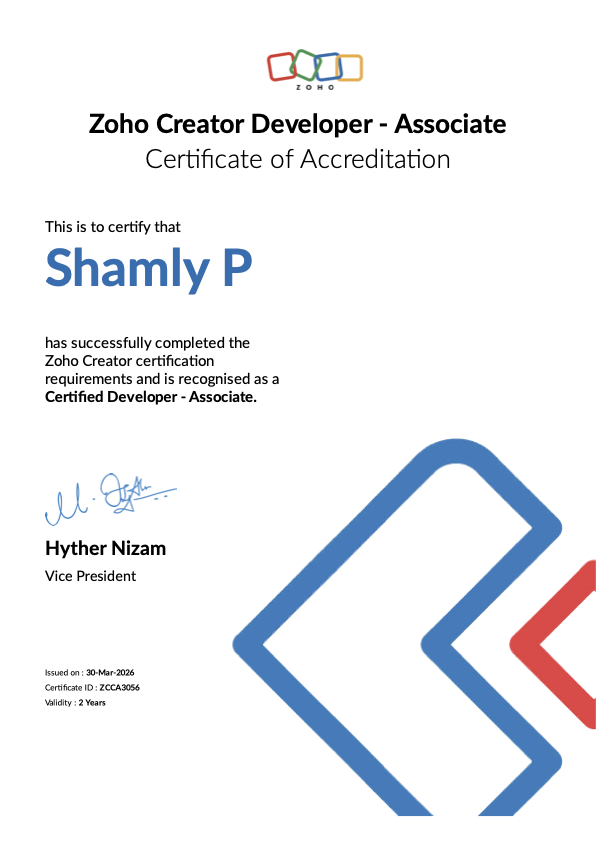
Eleven current Zoho certifications held by named consultants, covering Zoho CRM Administration, Zoho Creator Developer at Associate and Professional level, and Zoho People. Tap any certificate to view it in full, and verify our partner status on Zoho’s official directory.
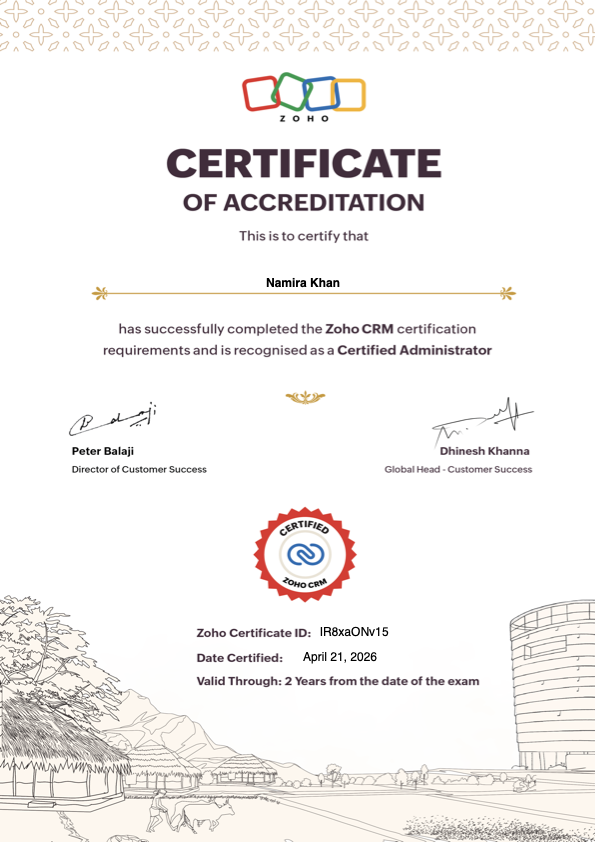
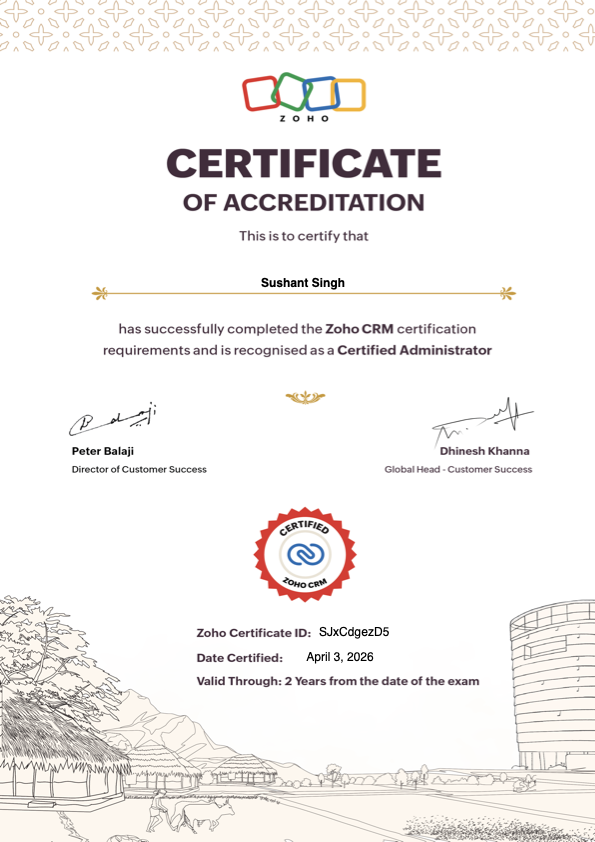
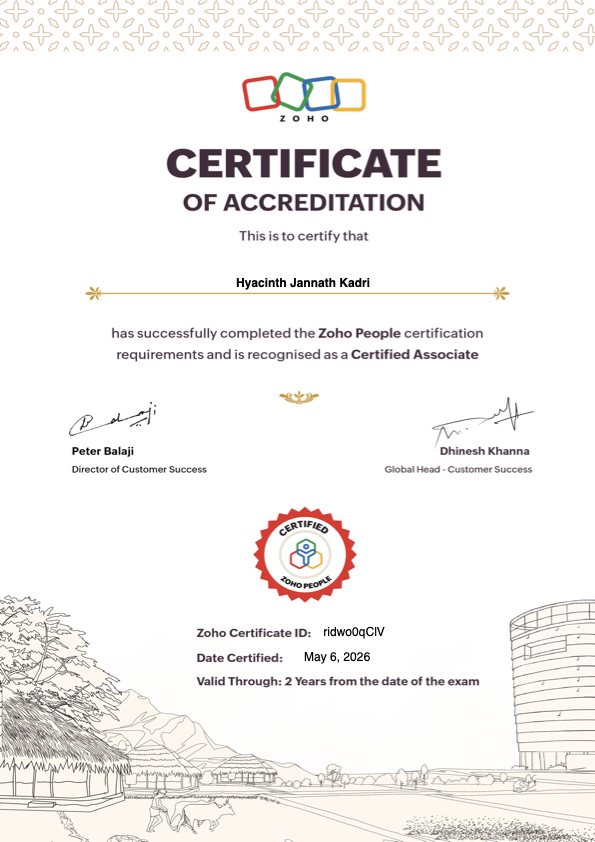

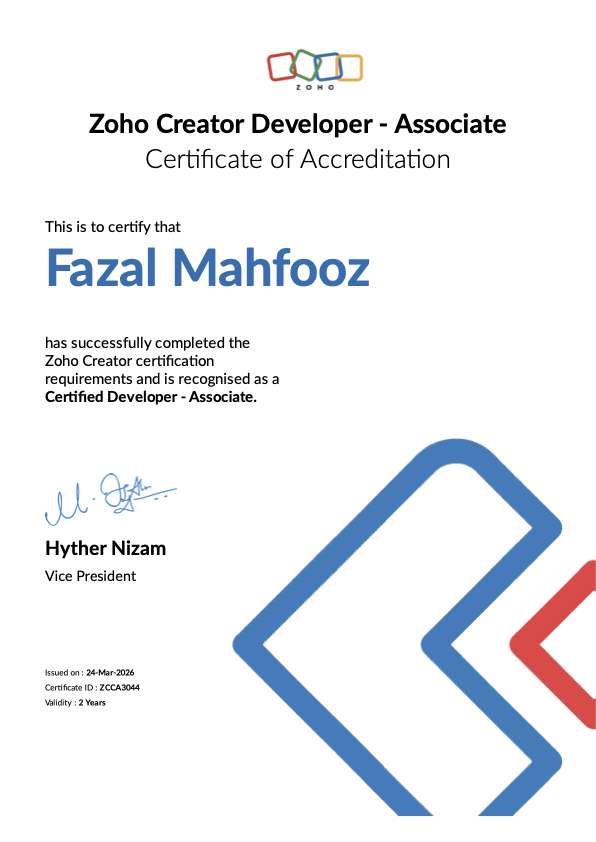

ClickUp migrations across Canada
We run ClickUp to Zoho Projects migrations for clients in Toronto, Montreal, Vancouver, Calgary, Edmonton, Ottawa, Winnipeg, Quebec City, Hamilton, Kitchener-Waterloo, Halifax and Victoria and every Canadian region, remotely on ET and PT, with the cutover scheduled around your quiet period rather than ours.
Every migration ends with a written reconciliation: record counts, financial totals and open items compared between ClickUp and Zoho Projects and signed off before the old system is retired.
Still deciding? Read what Zoho Projects actually does, the full side-by-side comparison and how we handle data migration before committing to a date.

Getting ClickUp to Zoho Projects Migration right in Canada
A Canadian migration has to carry over GST/HST history, input tax credits and open balances without losing anything. This is how we run ClickUp to Zoho Projects Migration.
GST/HST history kept intact
Open invoices, credit notes and the GST/HST, PST or QST charged on them come across with the same numbers, so past returns can still be traced to source.
Payroll and T4 data in step
Year-to-date payroll totals and contractor payments come across, so T4, T4A and T5018 slips are not rebuilt by hand at year end.
Balances to the cent
Opening balances, open receivables and payables and bank balances are reconciled before the old system is switched off.
Parallel run
The old and new systems run side by side for one cycle, so the team trusts the numbers before the switch.
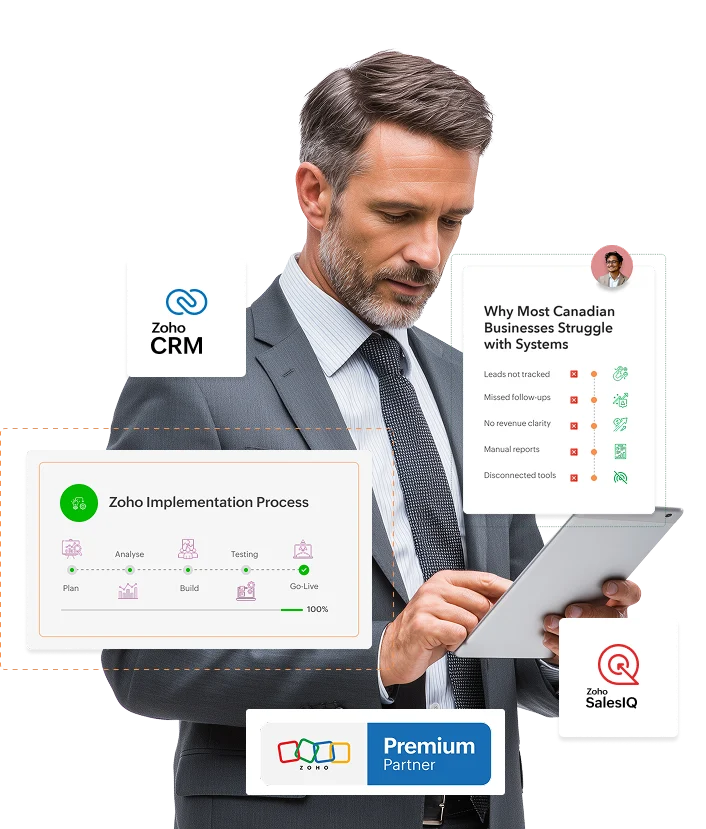
How the ClickUp to Zoho Projects migration runs
Five stages, a sandbox dry run before anything goes live, and a fixed quote in CAD agreed up front.
ClickUp export and audit
A complete extract from ClickUp, profiled for duplicates, format breaks and referential gaps before any mapping is agreed.
Field mapping to Zoho Projects
Every object and field mapped, picklists aligned, and the gaps between the two data models flagged in writing rather than discovered at cutover.
Cleansing and de-duplication
Canadian postal codes, phone formats, company names and dates standardized, duplicates merged under agreed survivorship rules.
Sandbox dry run
A full rehearsal load in a sandbox that you inspect against ClickUp, with an exception list resolved before the live run.
Cutover and reconciliation
Live load on an agreed window, counts and totals reconciled and signed off, and a read-only archive of ClickUp retained.
What Canadian compliance means for ClickUp to Zoho Projects Migration
Sales tax in Canada depends on the province you sell into, payroll runs through the CRA (and Revenu Québec in Quebec), and privacy and language rules differ by province. These are the rules a Canadian setup has to get right.
| Obligation | What the rule is | What has to be configured |
|---|---|---|
| GST/HST, PST and QST | GST is 5% across Canada. Ontario charges 13% HST; Nova Scotia 14%; New Brunswick, Newfoundland and Labrador and PEI 15%. British Columbia (7% PST), Saskatchewan (6% PST), Manitoba (7% RST) and Quebec (9.975% QST) add their own provincial tax; Alberta and the territories charge GST only. Registration is required once taxable supplies pass CAD 30,000 over four consecutive quarters. | Tax applied by the province of the customer, GST/HST and QST registration numbers on every invoice, zero-rated and exempt items set correctly, input tax credits tracked, and a return report for each filing period. |
| Corporate income tax | Federal rate of 15%, or 9% on the first CAD 500,000 of active business income for Canadian-controlled private corporations, plus the provincial rate. The T2 return is due six months after year end. | A chart of accounts that maps to the T2 and provincial returns, entities kept separate, and capital cost allowance classes recorded on fixed assets. |
| Payroll source deductions | Income tax, CPP (QPP in Quebec) and EI (plus QPIP in Quebec) are withheld and remitted, usually monthly. T4 and T4A slips go out by the end of February, and a Record of Employment is issued when earnings are interrupted. | Payroll run through a Canadian payroll provider, journals posting to the ledger, and contractor payments tracked for T4A and, in construction, T5018 reporting. |
| Employment standards | Each province sets its own vacation pay, statutory holidays, overtime and termination rules, and some provinces add an employer health tax on payroll. | Leave, holiday and overtime policies configured for each province where you employ people. |
| Privacy, anti-spam and language | PIPEDA applies federally, Quebec's Law 25 adds stricter consent and privacy-impact rules, and Alberta and BC have their own private-sector laws. CASL requires consent for commercial emails and texts. Quebec's Charter of the French Language requires French in commercial documents. | Accounts provisioned in Zoho's Canadian data centre, consent captured for every contact, French templates for Quebec customers, and access and deletion requests handled on record. |
The filing calendar
- Monthly, quarterly or annuallyGST/HST return (and QST in Quebec), at the frequency the CRA assigns from your revenue
- MonthlyPayroll source deduction remittances for most employers
- End of FebruaryT4 and T4A slips and summaries
- Six months after year endT2 corporate income tax return
Who you file with
- GST/HST, payroll and corporate taxCanada Revenue Agency (CRA)
- QST, QPP and Quebec payrollRevenu Québec
- PST in BC, Saskatchewan and ManitobaEach province's finance ministry
- Records of EmploymentService Canada ROE Web
We configure the system to produce what these returns need, and we test it against your own transactions before go-live. We are not tax advisers: your CPA signs the returns, and rates and thresholds change, so treat this as the shape of the work rather than advice. Last reviewed October 24, 2026.
Province guides: Ontario Quebec British Columbia Alberta Manitoba Saskatchewan Nova Scotia
Industries we serve in Canada
From technology and finance to manufacturing, healthcare, retail and professional services.



Backed by a certified Zoho team
Our consultants are certified across Zoho CRM, Books, One, Creator, Analytics and People, and we stay active in the Zoho community, including Zoholics. You work with senior people who know the platform inside out.
From discovery to go-live and ongoing support, the same team stays with you, available across Canadian time zones (PT to AT) by call, email and screen-share.
Whether you are moving off spreadsheets or scaling an existing Zoho setup, our certified team does the heavy lifting and trains yours to own it with confidence, so your investment keeps paying off long after go-live.
Trusted by teams worldwide
What Canadian clients typically get
Typical outcomes on our Canadian projects. Every engagement is scoped to the business.
GST/HST handled by province
The right tax on every invoice, input tax credits tracked and return figures that reconcile, so filing is a report rather than a reconstruction.
One system instead of five
Sales, finance, support and HR on one platform with one login, replacing tools that never agreed with each other.
Support on Canadian hours
A named consultant across Pacific to Atlantic time, a fixed quote in CAD, and documentation so you are never locked in.
Zoho partners across Canada
Local Zoho implementation and support in every region, from Toronto and Montreal to Vancouver, Calgary and Edmonton.
Why Canadian teams switch to Zoho
How Zoho, set up by a Zoho Premium Partner, compares with a typical Salesforce or HubSpot stack. Figures are approximate and vary by plan.
| Zoho with Shyphan | Typical Salesforce / HubSpot stack | |
|---|---|---|
| Apps included | 40+ apps in Zoho One under one login | CRM only; marketing, support and finance are separate paid products |
| Typical cost per user / month | From about $37 for the full suite | Often $150-300+ once add-ons are included |
| Accounting & GST/HST | Built in with Zoho Books (GST/HST) | Needs QuickBooks, NetSuite or third-party add-ons |
| Custom apps & automation | Low-code Zoho Creator + Deluge included | Extra platform licensing and developer cost |
| Setup & migration | Fixed-quote; we migrate your data for you | DIY or costly per-hour partner work |
Your Zoho rollout in 5 clear steps
A proven, fixed-quote process from first call to go-live and beyond, with no surprises.
Discovery call
We map your workflow, current tools, team size and goals on a free 30-minute call.
Blueprint & fixed quote
You get a clear plan: Zoho apps, customizations, integrations, timeline and a fixed price in CAD.
Build & migrate
We configure Zoho and migrate your data from Salesforce, HubSpot, QuickBooks or spreadsheets, cleanly.
Train & go-live
Admin and end-user training, testing and a smooth launch with zero downtime.
Support & optimize
Ongoing support, new users, automations and enhancements under an optional care plan.
Related pages you may want next
ClickUp to Zoho Projects migration: questions answered
Will our GST/HST history survive ClickUp to Zoho Projects Migration?
When is the best time to run ClickUp to Zoho Projects Migration?
Will we lose our ClickUp history when we move to Zoho Projects?
How long does a ClickUp to Zoho Projects migration take?
What usually goes wrong in a ClickUp migration?
Can we run ClickUp and Zoho Projects in parallel?
What happens to our ClickUp licences?
Do you migrate custom fields and workflows too?
Do you work with businesses outside Toronto?
Do you sign an NDA before we share our data?
More on ClickUp to Zoho Projects Migration in Canada
Related Zoho migrations and services
Ready to move from ClickUp to Zoho Projects?
Send us a ClickUp export or a screenshot of your data model and we will come back with a mapping plan and a fixed quote in CAD.
- Sandbox dry run before go-live
- History and attachments migrated
- Written reconciliation sign-off
- Fixed quote in CAD
