
 United Arab Emirates
 Saudi Arabia
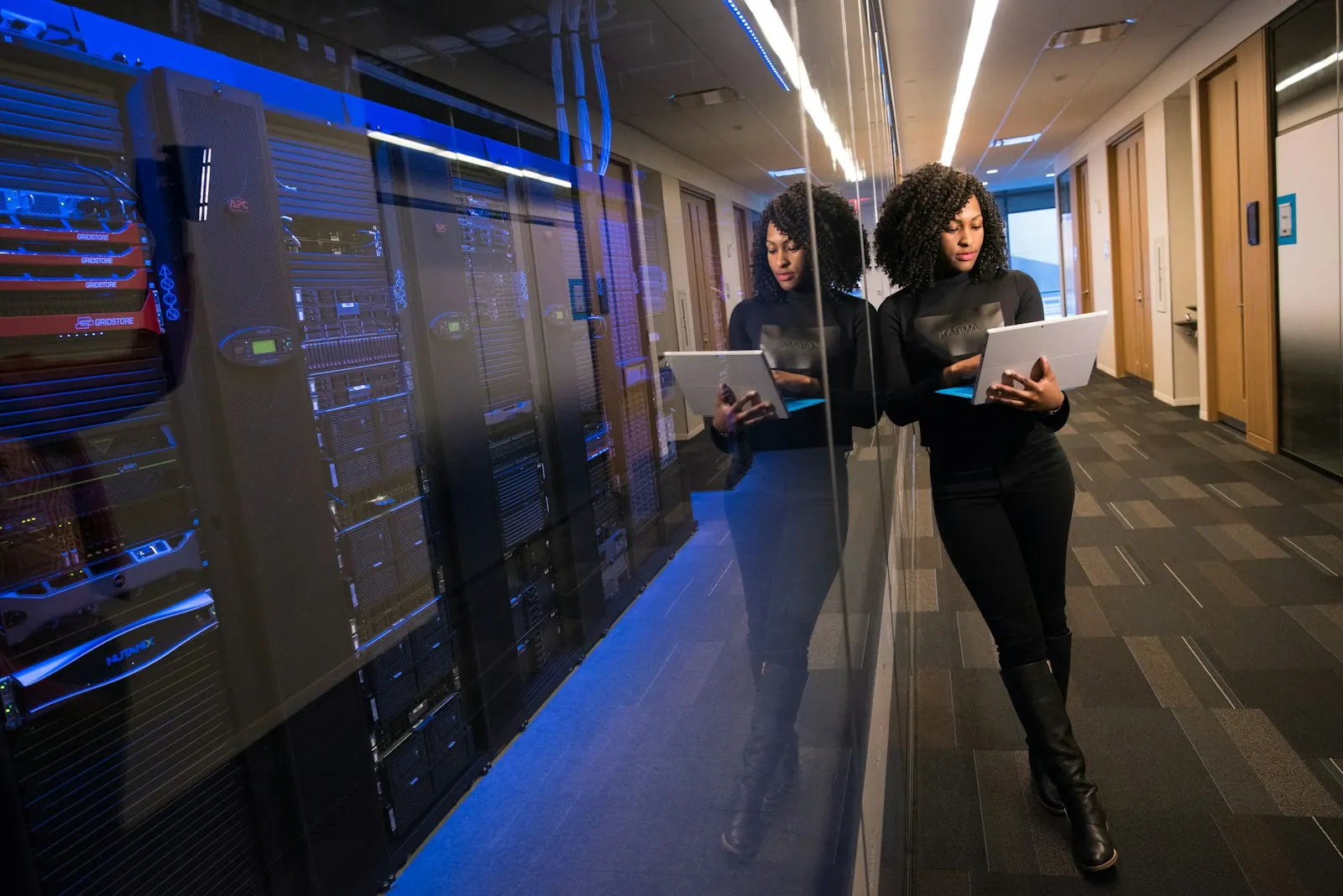
Server Installation & Configuration
We install and configure physical and virtual servers for file sharing, line-of-business applications, directory services and more. It is for organisations replacing ageing servers, adding capacity or running applications that must stay on premise.
- Built and hardened to a standard
- Backups set up from day one
- Monitored once in service
Server installation and configuration is the setup of physical or virtual servers so they are ready for business use. It covers hardware racking, operating system installation, virtualisation, storage, networking, security hardening, backup and monitoring, and often the migration of data and roles from an older server, ending with documented, tested systems.
 Server Installation & Configuration
: what it involves
A server is rarely just a box with an operating system. It needs the right storage layout, virtualisation, network settings, security hardening, updates, backups and monitoring, and each step skipped during installation tends to surface later as an outage or a security gap. Servers built in a hurry often end up with default settings, no tested backup and no record of how they were configured.
We size the hardware or virtual machines for the workloads you plan to run, install the hypervisor and operating system, configure roles such as file services, directory services or application hosting, and apply a hardening baseline. Backups and monitoring are configured before the server goes live, and a test restore is carried out. Migration of data and applications from the old server is planned in stages, and everything is documented.
Before we install
- 1Applications the server will run and their requirements
- 2Storage needs now and over the server's life
- 3Whether workloads could run in the cloud instead
- 4Backup target and how long backups are kept
- 5Licensing for operating systems and applications
Our Server Installation & Configuration scope
Physical and virtual servers installed, hardened, backed up and documented.

Rack or tower servers installed, cabled and updated.
Hypervisor installed and virtual machines planned.
Windows Server or Linux configured for its workloads.
Security baseline applied and unneeded services removed.
Backups configured and a test restore completed.
Files and applications moved from the old server.
What you receive, and what shapes the cost
What you receive
- Server specification matched to workloads and growth
- Racked and cabled hardware or provisioned virtual machines
- Installed operating system, roles and applications with security hardening
- Backup and monitoring configured and tested
- Build documentation, credentials handover and a restore test record
What affects the cost
- Number of servers and whether they are physical or virtual
- Applications and roles to install or migrate
- Amount of data to move from older systems
- Backup, monitoring and high-availability requirements
Server Installation & Configuration: project phases
- 01Specify
We size the server for current workloads, growth and support needs.
- 02Build
Hardware is installed or virtual machines created, then the operating system is hardened.
- 03Migrate
Data, roles and applications move from old systems in a planned window.
- 04Verify
We test applications, backups and monitoring before handover.
Common Server Installation & Configuration mistakes
Servers often go live before backups are tested, so make backup part of the build.
Default accounts and services widen the attack surface, so apply hardening before go-live.
Running out of disk space stops applications, so size storage with room for growth.
Undocumented servers are hard to support, so record the build and keep it current.
Server Installation & Configuration terms explained
- Virtualisation
- Running several virtual servers on one physical machine using a hypervisor.
- Hypervisor
- The software that creates and runs virtual machines, such as Hyper-V or VMware ESXi.
- Hardening
- Removing unnecessary features and tightening settings to reduce security risk.
- RAID
- A way of combining disks so data survives the failure of a single disk.
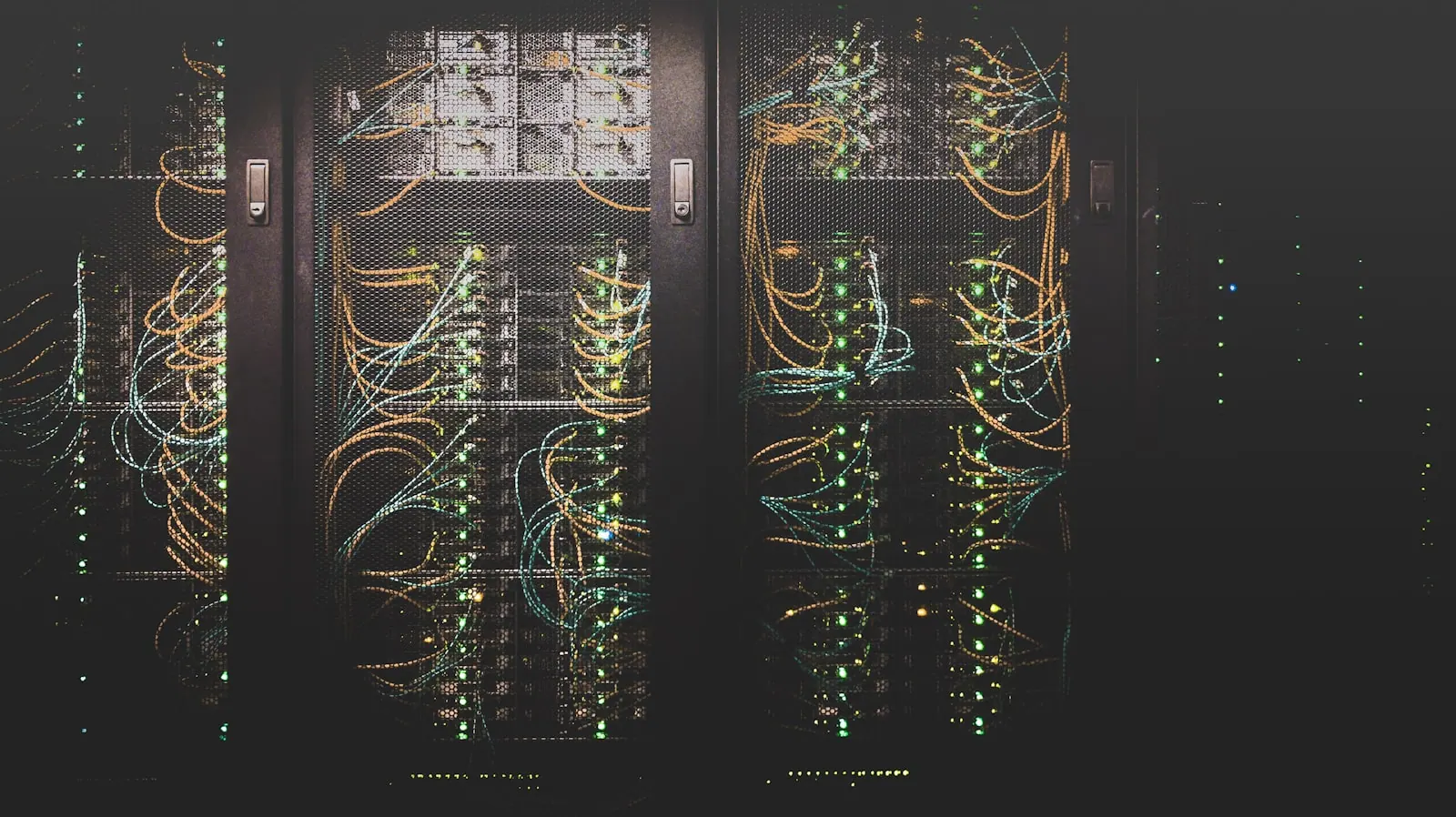
The difference you will notice
- 01A secure starting point
Servers built to a hardened, documented baseline.
- 02Recoverable from day one
Backups tested before the server goes live.
- 03Smooth replacement
Old servers retired without losing data or access.
Five steps from assessment to always-on support
- STEP 01Assess
We review your infrastructure, security posture, assets and support model, and agree priorities.
- STEP 02Design
A clear architecture and plan, with scope, timeline and a fixed quote before work starts.
- STEP 03Deploy
We supply, install, configure and migrate, then document everything we build.
- STEP 04Manage
Ongoing support, monitoring and maintenance under agreed SLAs.
- STEP 05Improve
Regular reviews, reports and recommendations as your business grows.
Server Installation & Configuration in the UAE and Saudi Arabia
Local offices in Ras Al Khaimah and Riyadh, remote support around the clock and on-site visits where your project needs them.

Server Installation & Configuration in the UAE
Shyphan AI Technology LLC, RAK Free Trade Zone, Ras Al KhaimahUAE organisations often weigh an on-site server against hosting in the Microsoft UAE North or UAE Central regions, especially where data residency matters to clients or regulators. Servers holding personal data should be hardened, backed up and access-controlled in line with the UAE PDPL, or the DIFC and ADGM rules for firms in those zones. We support the Emirates from our Ras Al Khaimah office, remotely around the clock and on site where needed.
- Data handled in line with the UAE Personal Data Protection Law (Federal Decree-Law No. 45 of 2021), and the separate DIFC and ADGM regimes where they apply.

Server Installation & Configuration in Saudi Arabia
Shyphan AI Technologies LLC, Malaz, King Abdulaziz Road, RiyadhIn Saudi Arabia many organisations keep line-of-business servers on site or in local data centres in Riyadh, Jeddah or Dammam to keep data in the Kingdom. Entities covered by the NCA Essential Cybersecurity Controls should build servers to a documented hardening standard, and personal data on them must be protected under the Saudi PDPL. Our Riyadh office leads this work in the Kingdom.
- Work aligned with the Saudi Personal Data Protection Law (SDAIA) and, for government and critical infrastructure, the NCA Essential Cybersecurity Controls.
More in IT Infrastructure Services
 Core serviceHardware & Software SupplySourcing of laptops, servers, networking gear and software licences, configured and delivered ready to use.Service overview
 Hardware & Software SupplyStorage & NAS SolutionsBusiness file storage and NAS devices with permissions, snapshots and backup.Explore service Hardware & Software SupplyLaptop & Desktop ProcurementBusiness laptops and desktops specified by role, sourced and delivered ready to use.Explore service
 Hardware & Software SupplySoftware Licensing ServicesThe right licences for each user, with renewals tracked and waste removed.Explore service Hardware & Software SupplyDevice Staging & ImagingLaptops and desktops built to your standard and enrolled before they reach staff.Explore service
 Hardware & Software SupplyUPS & Power ProtectionUPS systems sized and installed to keep IT running through power problems.Explore service
Server Installation & Configuration: common questions
Should we buy a server or move to the cloud?
It depends on your applications, data and connectivity. Some workloads suit the cloud, others run better on site. We can compare both for you.
Do you supply the server hardware?
Yes, through our hardware supply service, or we can install hardware you have bought elsewhere.
Which operating systems do you support?
We commonly install Windows Server and mainstream Linux distributions, along with common hypervisors.
Can you migrate our old server without downtime?
We plan migrations to keep disruption low, usually with a final cut-over outside working hours.
Can you install a server at our office in Riyadh and support it afterwards?
Yes. Our Riyadh office handles installation on site and ongoing support, with remote monitoring and visits when hardware needs attention.
Physical or virtual servers: which should we choose?
Virtual servers on one or two hosts give more flexibility and easier recovery for most businesses, while a single physical server can suit a very small office running one application.
Do you provide Server Installation & Configuration in Dubai and the UAE?
Yes. We deliver Server Installation & Configuration across the UAE from our Ras Al Khaimah office, covering Dubai, Abu Dhabi, Sharjah and the Northern Emirates, with remote support 24/7 and on-site visits where your project needs them. For Saudi Arabia, our Riyadh team covers the same service.
Talk to us about Server Installation & Configuration
Book a consultation or request a quote. A consultant replies with scope, timeline and a fixed price.
Prefer to talk?