
 United Arab Emirates
 Saudi Arabia

Office Wi-Fi Installation
We design and install business Wi-Fi so coverage, speed and security hold up when the office is full, not only when it is empty. It is for offices, clinics, showrooms and warehouses where weak or unreliable wireless is slowing people down.
- Placement based on a wireless survey
- Separate staff and guest networks
- Central management of access points
Office Wi-Fi installation is the design, supply and setup of business-grade wireless access points managed from one controller or cloud console. A proper installation starts with a survey, places access points for capacity as well as coverage, separates staff, guest and device networks, and is tested afterwards to confirm signal and speed in every area.
 Office Wi-Fi Installation
: what it involves
Poor Wi-Fi is one of the most common complaints in any office, and adding another consumer router rarely fixes it. Glass partitions, concrete cores, neighbouring networks and a growing number of laptops, phones and meeting room devices all compete for airtime. The result is dropped video calls, slow cloud apps and staff working from the one corner where the signal is good, while guests share the same network as company systems.
We survey the space before recommending hardware, then place business-grade access points for coverage and capacity rather than just signal strength. Staff, guests and devices such as printers or cameras are put on separate networks, staff sign in with their company account where your identity system supports it, and access points are managed centrally so settings stay consistent. After installation we verify coverage on site and adjust where needed.
What we look at in a Wi-Fi survey
- 1Floor plans, wall materials and ceiling heights
- 2Busy areas such as meeting rooms and open-plan desks
- 3Number and type of devices per person
- 4Interference from neighbouring networks
- 5Where cabling and power can reach each access point
Our Office Wi-Fi Installation scope
Business Wi-Fi planned around your floor plan, with secure staff and guest networks.

Measurement of the space to plan coverage and capacity.
Mounting positions chosen for walls, glass and user density.
Staff Wi-Fi tied to company credentials where supported.
Isolated guest access with its own rules and limits.
All access points configured and updated from one console.
Coverage verified on site after installation.
What you receive, and what shapes the cost
What you receive
- Predictive or on-site survey with a heat map of expected coverage
- Access point placement plan and mounting on ceilings or walls
- Configured staff, guest and device wireless networks with their own security settings
- Post-install validation survey showing measured signal and throughput
- Admin access to the management console and a short handover guide
What affects the cost
- Floor area, wall construction and number of floors to cover
- Number of people and devices connecting at busy times
- Choice of access point model and whether management is cloud-licensed
- Whether cabling and PoE switch ports already exist for each access point
Office Wi-Fi Installation: project phases
- 01Survey and design
We measure or model the space and plan access point positions, channels and power levels.
- 02Cabling and mounting
Each access point gets a cable run and is mounted in its planned location.
- 03Configuration
Wireless networks, authentication, guest access and roaming settings are configured centrally.
- 04Validation
We walk the site with a survey tool to confirm coverage and fix any weak areas.
Common Office Wi-Fi Installation mistakes
Consumer routers hand devices between each other poorly and cannot be managed centrally, so use business access points with a controller.
A strong signal does not help if too many people share one access point, so design for user density too.
Letting visitors join the main network exposes internal systems, so give guests an isolated network.
Without measuring after installation weak spots surface only when users complain, so test before sign-off.
Office Wi-Fi Installation terms explained
- Access point
- A device that broadcasts Wi-Fi and connects wireless users to the wired network.
- Heat map
- A colour-coded floor plan that shows Wi-Fi signal strength in each area.
- PoE
- Power over Ethernet, which supplies power to devices such as access points through the network cable.
- Roaming
- The handover of a device from one access point to another as the user moves around.

The difference you will notice
- 01Coverage where people work
Meeting rooms and desks get the signal they need.
- 02Guests kept apart
Visitors get internet access without reaching company systems.
- 03Easier to manage
Changes and updates made once for every access point.
Five steps from assessment to always-on support
- STEP 01Assess
We review your infrastructure, security posture, assets and support model, and agree priorities.
- STEP 02Design
A clear architecture and plan, with scope, timeline and a fixed quote before work starts.
- STEP 03Deploy
We supply, install, configure and migrate, then document everything we build.
- STEP 04Manage
Ongoing support, monitoring and maintenance under agreed SLAs.
- STEP 05Improve
Regular reviews, reports and recommendations as your business grows.
Office Wi-Fi Installation in the UAE and Saudi Arabia
Local offices in Ras Al Khaimah and Riyadh, remote support around the clock and on-site visits where your project needs them.

Office Wi-Fi Installation in the UAE
Shyphan AI Technology LLC, RAK Free Trade Zone, Ras Al KhaimahUAE offices often have glass partitions, concrete cores and mezzanines that change how Wi-Fi travels, and warehouses in JAFZA or KEZAD need access points suited to high ceilings and heat. Guest Wi-Fi in clinics, showrooms and hotels should be isolated from internal systems, which also supports data-protection duties under the UAE PDPL. We support the Emirates from our Ras Al Khaimah office, remotely around the clock and on site where needed.
- Data handled in line with the UAE Personal Data Protection Law (Federal Decree-Law No. 45 of 2021), and the separate DIFC and ADGM regimes where they apply.

Office Wi-Fi Installation in Saudi Arabia
Shyphan AI Technologies LLC, Malaz, King Abdulaziz Road, RiyadhIn Saudi Arabia large showrooms, malls and warehouses in Riyadh, Jeddah and Dammam need designs built around high user numbers and long distances between walls. Where guest Wi-Fi collects names or phone numbers, the captive portal and its logs should be handled in line with the Saudi PDPL overseen by SDAIA. Our Riyadh office leads this work in the Kingdom.
- Work aligned with the Saudi Personal Data Protection Law (SDAIA) and, for government and critical infrastructure, the NCA Essential Cybersecurity Controls.
More in IT Infrastructure Services
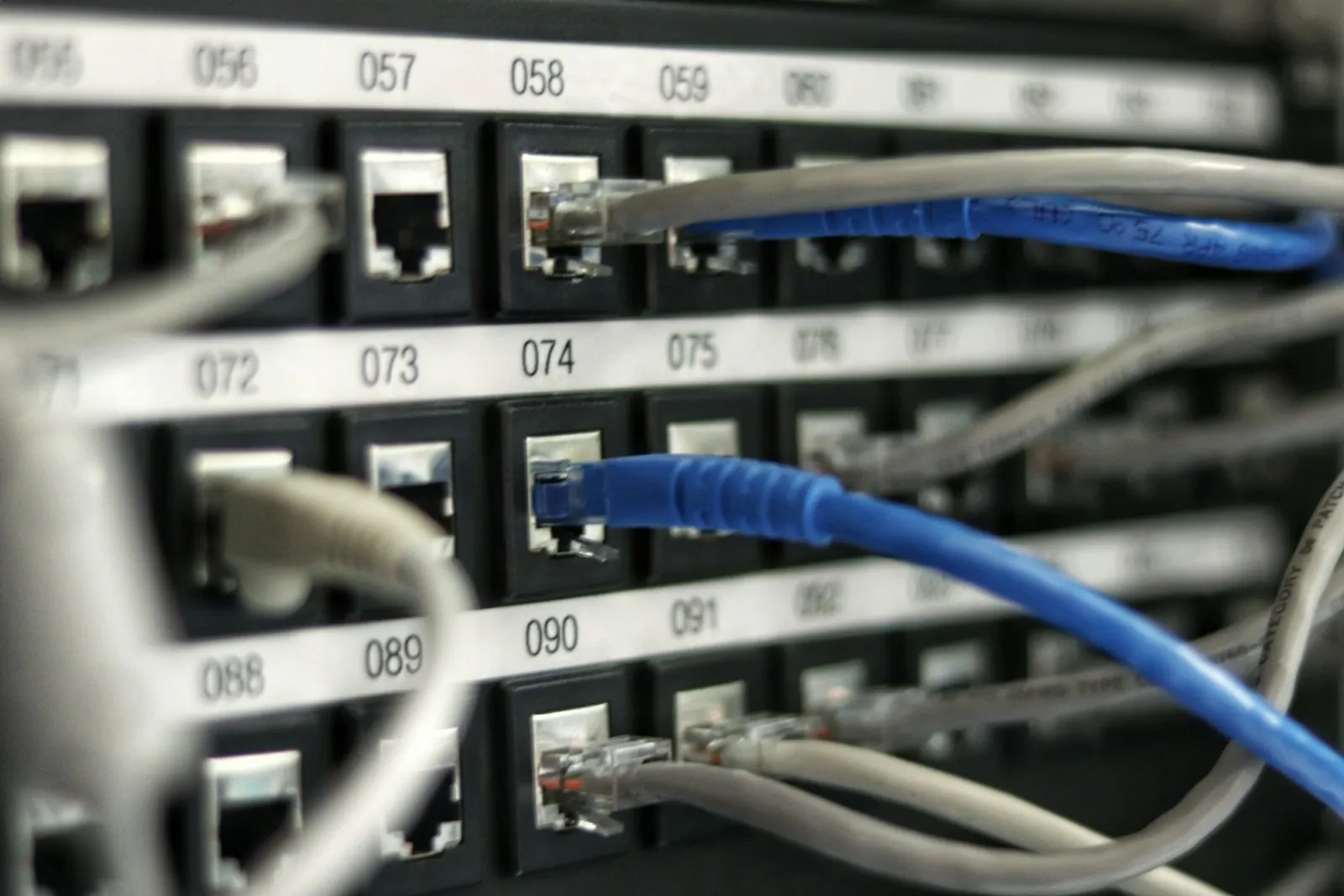 Core serviceIT Infrastructure & NetworkingDesign, build and maintain the network your business runs on, from a single office to multi-site operations.Service overview IT Infrastructure & NetworkingNetwork Design & InstallationBusiness networks planned from a site survey and installed to a documented design.Explore service
 IT Infrastructure & NetworkingStructured Cabling ServicesCopper and fibre cabling, racks and patching, installed tidily, labelled and tested.Explore service
 IT Infrastructure & NetworkingSD-WAN ServicesSecure, managed links between branches that make better use of your internet lines.Explore service IT Infrastructure & NetworkingFirewall Installation & ManagementFirewalls sized, configured and kept current, with regular reviews of your rules.Explore service
 IT Infrastructure & NetworkingNetwork Switching & VLAN SetupManaged switches and VLANs that separate traffic for security and performance.Explore service
Office Wi-Fi Installation: common questions
Why not just add more routers?
Extra consumer routers often interfere with each other and do not hand devices over cleanly as people move. A planned set of managed access points gives better coverage and roaming.
Can guests use the Wi-Fi safely?
Yes. Guests get a separate network that reaches the internet but not your internal systems or devices.
Do you supply the access points?
Yes, through our hardware supply service, or we can work with suitable equipment you already own.
Can you fix Wi-Fi in an existing office?
Yes. We survey the current setup, find the weak spots and causes, and recommend changes before replacing anything.
How many access points does our office need?
It depends on floor area, building materials and how many people connect at once, so we answer that from a survey rather than a rule of thumb.
Can you set up guest Wi-Fi with a login page for our Riyadh showroom?
Yes. We can configure a captive portal with terms of use or voucher codes, kept separate from your internal network.
Do you provide Office Wi-Fi Installation in Dubai and Riyadh?
Yes. We deliver Office Wi-Fi Installation across the UAE from our Ras Al Khaimah office and across Saudi Arabia from our Riyadh office, with remote support 24/7 and on-site visits in cities such as Dubai, Abu Dhabi, Riyadh, Jeddah and Dammam where your project needs them.
Talk to us about Office Wi-Fi Installation
Book a consultation or request a quote. A consultant replies with scope, timeline and a fixed price.
Prefer to talk?