
 United Arab Emirates
 Saudi Arabia
IT Hardware Refresh Programmes
A hardware refresh programme replaces ageing laptops, desktops, servers and network equipment on a planned cycle instead of when they break. It is for organisations with a fleet that is slowing down, falling out of support or ready for an operating system upgrade.
- Replacement planned from asset data
- Deployment in waves, not all at once
- Old devices wiped and disposed of
An IT hardware refresh programme replaces laptops, desktops, servers and network equipment on a planned cycle instead of waiting for failures. It covers inventory, budgeting, procurement, staging, deployment, data migration and secure disposal of old devices, giving staff reliable equipment and the finance team predictable spending.
 IT Hardware Refresh Programmes
: what it involves
When devices are only replaced as they fail, the fleet becomes a mix of ages and models, older machines slow staff down and some fall out of vendor support or cannot run the next operating system. Budgets are hit with unplanned purchases, and replacing devices one by one wastes IT time on repeated setups, data transfers and one-off troubleshooting of older machines.
We start from your asset register, or build one, to see the age, warranty and support status of each device. Together we decide what to replace, in what order and on what budget, then run the refresh in waves: staging new devices, moving user data, collecting old ones and wiping them securely. Retired equipment is reused, resold or recycled, and your asset register is updated as each wave completes.
Signs a refresh is due
- 1Devices out of warranty or vendor support
- 2Machines that cannot run the next operating system version
- 3Rising support tickets for slow or failing hardware
- 4Servers or switches nearing end of support
- 5Many different models across the fleet
Our IT Hardware Refresh Programmes scope
Planned replacement of ageing devices and servers in managed, budgeted waves.
Age, warranty and support status of every device reviewed.
What to replace, when, and in what order.
Spend spread across periods to suit your finances.
New devices built to your standard before delivery.
User files and settings moved to the new device.
Old devices wiped, then reused, resold or recycled.
What you receive, and what shapes the cost
What you receive
- Inventory of current hardware with age, condition and warranty status
- Refresh plan with priorities, phasing and budget estimates
- Procurement, staging and deployment of new devices
- Data migration and user handover with minimal disruption
- Secure data wiping and disposal certificates for retired devices
What affects the cost
- Number and type of devices being replaced
- Device specifications and warranty levels chosen
- Data migration and setup effort per user
- Disposal, data wiping and buy-back arrangements
IT Hardware Refresh Programmes: project phases
- 01Inventory
We record every device, its age, warranty and user.
- 02Plan
We prioritise replacements and phase them to fit budget and operations.
- 03Deploy
New devices are staged, delivered and set up with user data.
- 04Retire
Old devices are wiped, recorded and recycled or resold.
Common IT Hardware Refresh Programmes mistakes
Waiting for failures causes downtime and rushed purchases, so plan replacements in advance.
Ageing core equipment can fail without warning, so include infrastructure in the plan.
Old devices can leak company data, so use certified wiping and keep records.
Surprise device swaps disrupt work, so schedule handovers with each team.
IT Hardware Refresh Programmes terms explained
- Refresh cycle
- The planned interval after which a type of device is replaced.
- Total cost of ownership
- The full cost of a device over its life, including support and downtime.
- Buy-back
- A supplier paying for used devices that still have resale value.
- Certificate of destruction
- A record confirming that a device or its storage was wiped or destroyed.
The difference you will notice
- 01A predictable budget
Hardware spend planned instead of reactive.
- 02A supported fleet
Devices within warranty and able to run current software.
- 03Less disruption
Users switched over in organised waves.
Five steps from assessment to always-on support
- STEP 01Assess
We review your infrastructure, security posture, assets and support model, and agree priorities.
- STEP 02Design
A clear architecture and plan, with scope, timeline and a fixed quote before work starts.
- STEP 03Deploy
We supply, install, configure and migrate, then document everything we build.
- STEP 04Manage
Ongoing support, monitoring and maintenance under agreed SLAs.
- STEP 05Improve
Regular reviews, reports and recommendations as your business grows.
IT Hardware Refresh Programmes in the UAE and Saudi Arabia
Local offices in Ras Al Khaimah and Riyadh, remote support around the clock and on-site visits where your project needs them.

IT Hardware Refresh Programmes in the UAE
Shyphan AI Technology LLC, RAK Free Trade Zone, Ras Al KhaimahUAE companies often plan refreshes around budget years and office moves, phasing replacements across sites in different emirates. Retired devices that held personal data should be wiped and recorded before disposal or resale, which supports data-protection duties under the UAE PDPL and the DIFC and ADGM rules. We support the Emirates from our Ras Al Khaimah office, remotely around the clock and on site where needed.
- Data handled in line with the UAE Personal Data Protection Law (Federal Decree-Law No. 45 of 2021), and the separate DIFC and ADGM regimes where they apply.

IT Hardware Refresh Programmes in Saudi Arabia
Shyphan AI Technologies LLC, Malaz, King Abdulaziz Road, RiyadhSaudi organisations with fleets in Riyadh, Jeddah and the Eastern Province use refresh programmes to replace unsupported devices that no longer receive security updates. Secure wiping of retired devices protects personal data under the Saudi PDPL, and entities under the NCA Essential Cybersecurity Controls should keep disposal records with their asset inventory. Our Riyadh office leads this work in the Kingdom.
- Work aligned with the Saudi Personal Data Protection Law (SDAIA) and, for government and critical infrastructure, the NCA Essential Cybersecurity Controls.
More in IT Infrastructure Services
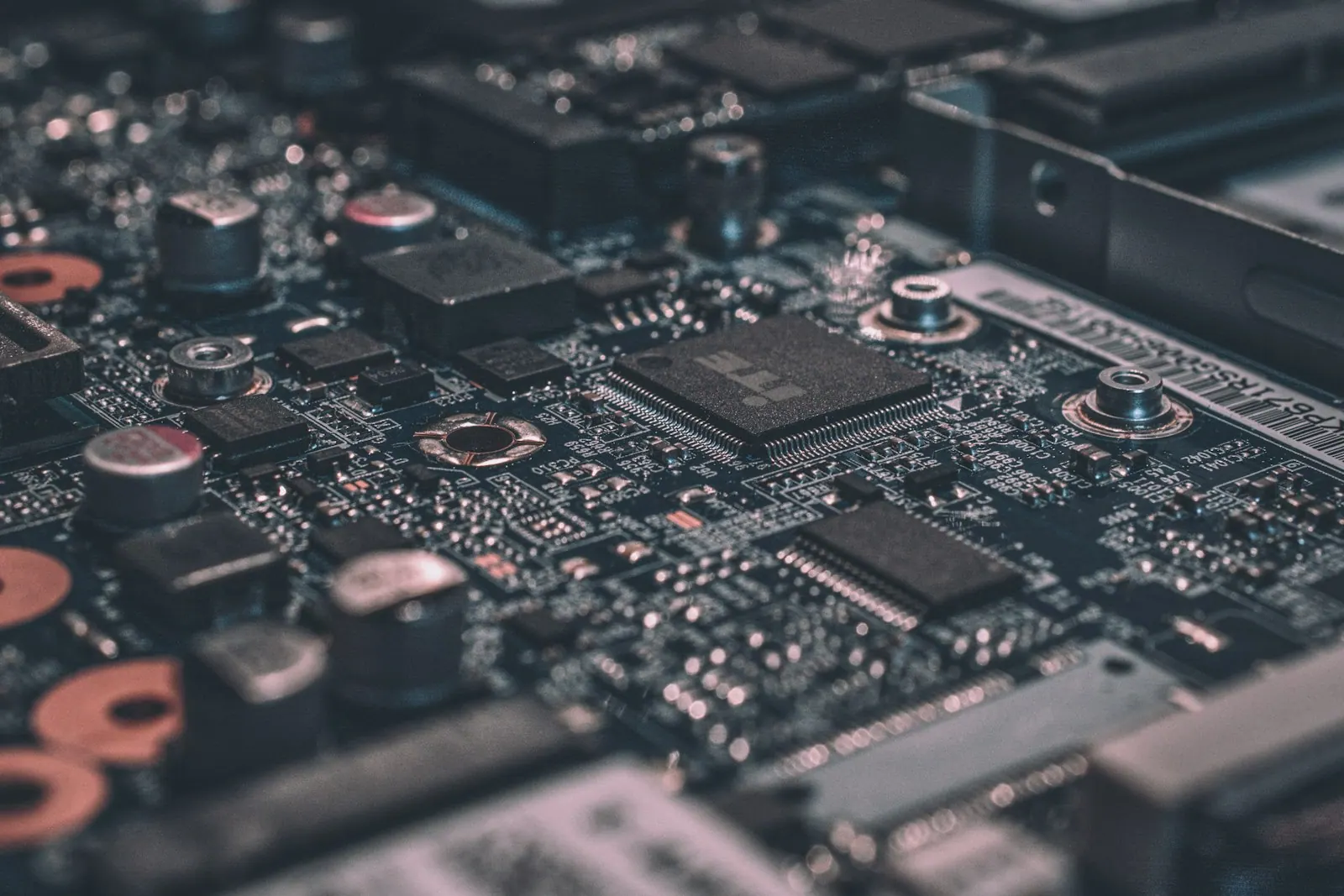 Core serviceHardware & Software SupplySourcing of laptops, servers, networking gear and software licences, configured and delivered ready to use.Service overview
 Hardware & Software SupplyServer Installation & ConfigurationPhysical and virtual servers installed, hardened, backed up and documented.Explore service Hardware & Software SupplyStorage & NAS SolutionsBusiness file storage and NAS devices with permissions, snapshots and backup.Explore service
 Hardware & Software SupplyLaptop & Desktop ProcurementBusiness laptops and desktops specified by role, sourced and delivered ready to use.Explore service Hardware & Software SupplySoftware Licensing ServicesThe right licences for each user, with renewals tracked and waste removed.Explore service
 Hardware & Software SupplyDevice Staging & ImagingLaptops and desktops built to your standard and enrolled before they reach staff.Explore service
IT Hardware Refresh Programmes: common questions
How often should we refresh devices?
It depends on device type, usage and warranty. Many organisations plan laptop and server refreshes on a regular cycle, and we help you set one that fits your budget.
Can the refresh be done without disrupting staff?
Yes. We schedule each user's swap in advance and move their data, so the change takes little of their time.
What happens to data on old devices?
Storage is wiped securely before devices leave your control, and we provide records of what was wiped.
Can you include servers and network gear?
Yes. Refresh programmes can cover laptops, desktops, servers, storage and network equipment.
Can a refresh be phased across our offices in different emirates?
Yes. We plan the refresh site by site or team by team so each office stays productive and spending is spread out.
What do you do with our old laptops in Saudi Arabia?
We wipe them with a certified method, record each serial number and arrange recycling or resale, with records you can keep for audits.
Do you provide IT Hardware Refresh Programmes in Dubai and Riyadh?
Yes. We deliver IT Hardware Refresh Programmes across the UAE from our Ras Al Khaimah office and across Saudi Arabia from our Riyadh office, with remote support 24/7 and on-site visits in cities such as Dubai, Abu Dhabi, Riyadh, Jeddah and Dammam where your project needs them.
Talk to us about IT Hardware Refresh Programmes
Book a consultation or request a quote. A consultant replies with scope, timeline and a fixed price.
Prefer to talk?