
 United Arab Emirates
 Saudi Arabia
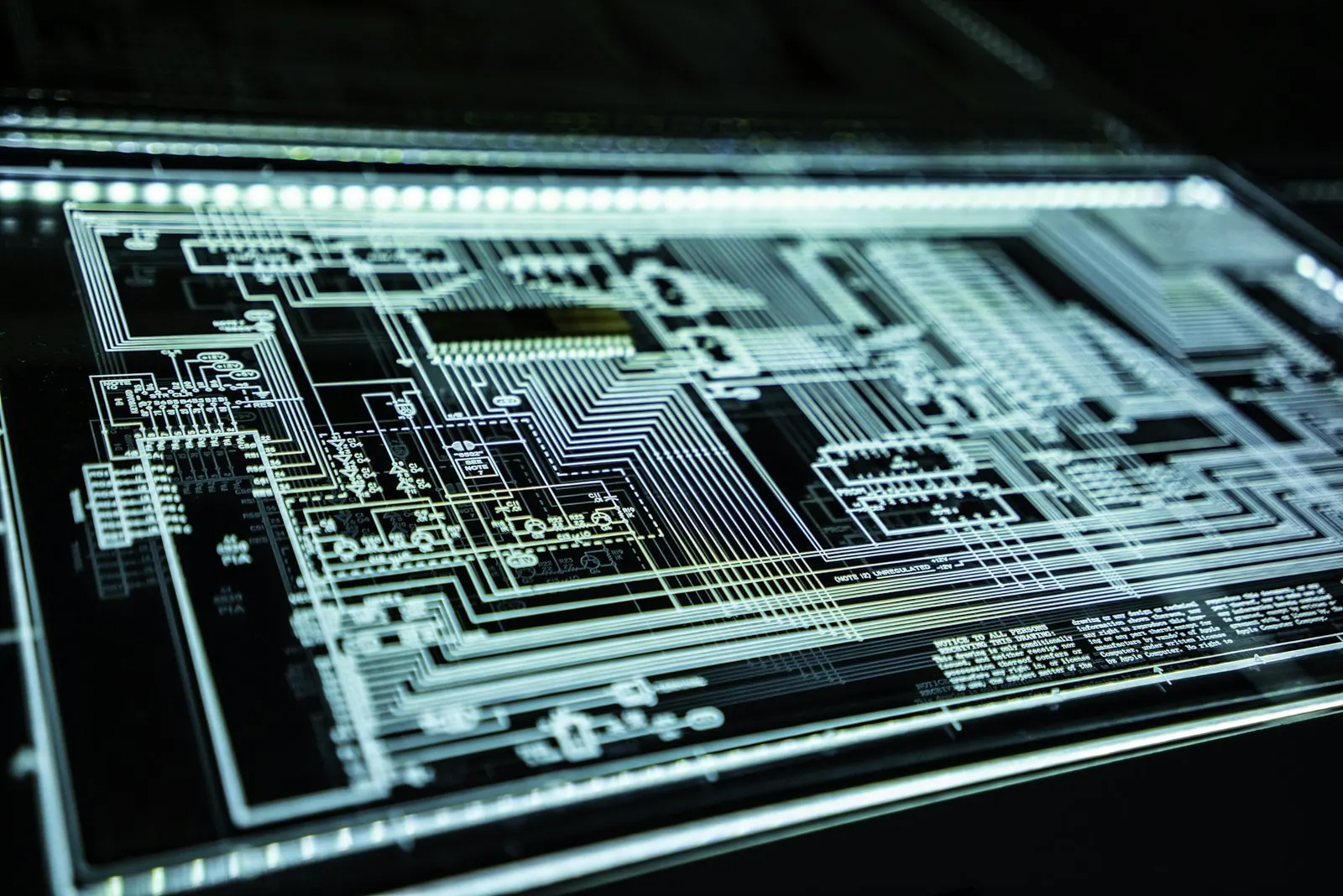
Network Switching & VLAN Setup
We supply and configure managed switches and divide your network into VLANs, so staff, guests, phones, cameras and servers each sit in their own segment. It is for businesses running a flat network where every device can reach every other one.
- Segments for each type of device
- Rules between segments you control
- Consistent, documented switch configs
Network switching and VLAN setup means installing managed switches and dividing the network into virtual segments for different groups of devices. Staff laptops, guests, IP phones, cameras, printers and servers each get their own VLAN with rules between them, which limits the spread of faults and attacks and makes performance easier to manage.
 Network Switching & VLAN Setup
: what it involves
In a flat network every laptop, printer, camera, guest phone and server sits in the same space. A single infected device can reach everything, broadcast traffic slows the whole office, and there is no simple way to stop a contractor laptop from seeing the accounts server. Unmanaged switches make it worse because they offer no visibility at all when something goes wrong.
We map what is on your network today, group devices by role and design VLANs to match, then define which segments may talk to each other and through which firewall rules. Managed switches are configured from a standard template covering VLANs, trunk links, port security, power over Ethernet budgets and spanning tree, so every switch behaves the same way. Configurations are backed up and documented.
Signs you need VLANs
- 1Guests and staff share the same network
- 2Cameras, printers and IoT devices sit beside servers
- 3Unmanaged switches with no monitoring
- 4Voice calls break up when the network is busy
- 5Nobody can say which port connects to which device
Our Network Switching & VLAN Setup scope
Managed switches and VLANs that separate traffic for security and performance.
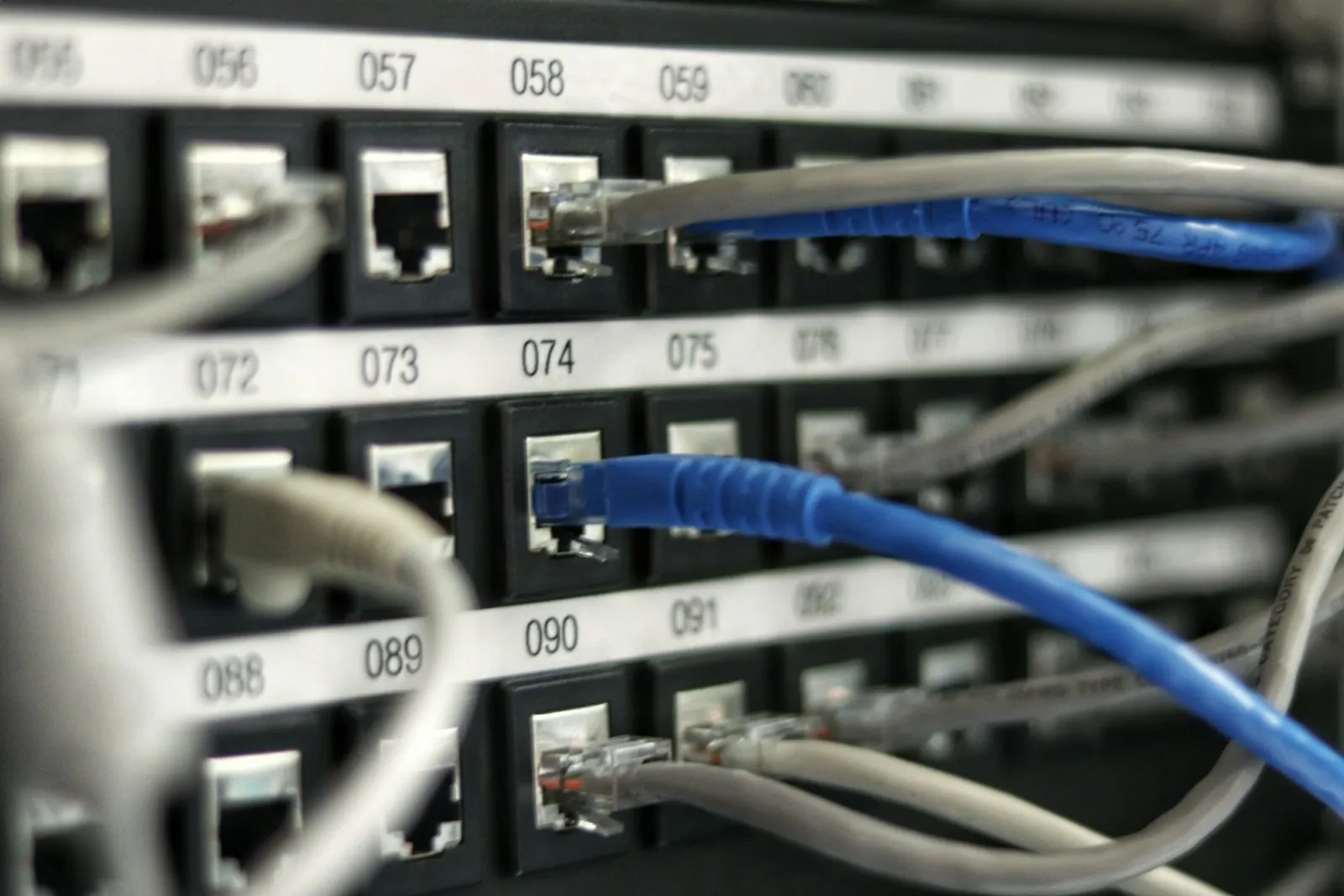
Inventory of what is connected and where it sits today.
Segments for staff, guests, voice, cameras, servers and IoT.
Managed switches built from one standard template.
Power budgets checked for phones, cameras and access points.
Unused ports disabled and rules on what may connect.
Switch configurations saved and versioned.
What you receive, and what shapes the cost
What you receive
- VLAN design listing each segment, its purpose and its address range
- Configured managed switches with port assignments and trunk links
- Inter-VLAN routing and access rules on the core switch or firewall
- Voice and PoE settings for phones, access points and cameras
- Updated network diagram and port map
What affects the cost
- Number of switches and ports to configure
- Whether new switches are needed or existing ones support VLANs
- Number of segments and the complexity of rules between them
- Out-of-hours working needed to avoid disruption
Network Switching & VLAN Setup: project phases
- 01Discover
We map current switches, ports and connected devices.
- 02Design segments
We group devices into VLANs and decide which traffic may pass between them.
- 03Configure
Switches, trunks and routing are configured and staged before the change.
- 04Migrate and verify
Devices are moved into their VLANs and each service is tested.
Common Network Switching & VLAN Setup mistakes
Separate VLANs that can all reach each other freely give little protection, so control traffic between them.
Unused ports on the default VLAN let any device join the main network, so disable or isolate them.
Moving devices without planning address assignment and print paths causes outages, so test these services first.
Without a port map later moves create mistakes, so update the map with each change.
Network Switching & VLAN Setup terms explained
- Managed switch
- A switch that can be configured with VLANs, security settings and monitoring.
- Trunk
- A link that carries several VLANs between switches.
- Inter-VLAN routing
- The process that lets traffic move between VLANs under defined rules.
- Access port
- A switch port that belongs to a single VLAN, usually connected to an end device.

The difference you will notice
- 01Contained problems
An issue in one segment does not spread to the rest.
- 02Better call quality
Voice traffic separated and prioritised.
- 03Predictable switches
Every switch configured and documented the same way.
Five steps from assessment to always-on support
- STEP 01Assess
We review your infrastructure, security posture, assets and support model, and agree priorities.
- STEP 02Design
A clear architecture and plan, with scope, timeline and a fixed quote before work starts.
- STEP 03Deploy
We supply, install, configure and migrate, then document everything we build.
- STEP 04Manage
Ongoing support, monitoring and maintenance under agreed SLAs.
- STEP 05Improve
Regular reviews, reports and recommendations as your business grows.
Network Switching & VLAN Setup in the UAE and Saudi Arabia
Local offices in Ras Al Khaimah and Riyadh, remote support around the clock and on-site visits where your project needs them.

Network Switching & VLAN Setup in the UAE
Shyphan AI Technology LLC, RAK Free Trade Zone, Ras Al KhaimahMany UAE offices grew quickly on a flat network shared by staff, guests and building systems, which makes segmentation one of the most useful upgrades. Separating devices that handle personal data also helps show appropriate technical measures under the UAE PDPL, or under the DIFC or ADGM regimes for firms in those zones. We support the Emirates from our Ras Al Khaimah office, remotely around the clock and on site where needed.
- Data handled in line with the UAE Personal Data Protection Law (Federal Decree-Law No. 45 of 2021), and the separate DIFC and ADGM regimes where they apply.

Network Switching & VLAN Setup in Saudi Arabia
Shyphan AI Technologies LLC, Malaz, King Abdulaziz Road, RiyadhIn Saudi Arabia network segmentation is an expectation of the NCA Essential Cybersecurity Controls for the entities they apply to, and it is good practice for any company protecting personal data under the Saudi PDPL. Offices and plants in Riyadh, Jeddah and the Eastern Province often have cameras and industrial devices that should sit in their own segments. Our Riyadh office leads this work in the Kingdom.
- Work aligned with the Saudi Personal Data Protection Law (SDAIA) and, for government and critical infrastructure, the NCA Essential Cybersecurity Controls.
More in IT Infrastructure Services
Core serviceIT Infrastructure & NetworkingDesign, build and maintain the network your business runs on, from a single office to multi-site operations.Service overview IT Infrastructure & NetworkingNetwork Design & InstallationBusiness networks planned from a site survey and installed to a documented design.Explore service  IT Infrastructure & NetworkingStructured Cabling ServicesCopper and fibre cabling, racks and patching, installed tidily, labelled and tested.Explore service IT Infrastructure & NetworkingOffice Wi-Fi InstallationBusiness Wi-Fi planned around your floor plan, with secure staff and guest networks.Explore service
 IT Infrastructure & NetworkingSD-WAN ServicesSecure, managed links between branches that make better use of your internet lines.Explore service
 IT Infrastructure & NetworkingFirewall Installation & ManagementFirewalls sized, configured and kept current, with regular reviews of your rules.Explore service
Network Switching & VLAN Setup: common questions
What is a VLAN in simple terms?
A VLAN splits one physical network into separate logical networks, so groups of devices are kept apart even when they share the same switches.
Do we need new switches?
Only if your current ones are unmanaged or out of support. Managed switches that are still supported can usually be reconfigured.
Will VLANs break our printers or phones?
Not if they are planned. We map devices first and set rules so printers, phones and shared systems remain reachable by the people who need them.
Can you do the change out of hours?
Yes. Switch changes are usually scheduled outside working hours and tested before staff return.
How many VLANs does a typical office need?
Most offices start with separate segments for staff, guests, voice, printers, cameras and servers, then add more only where there is a clear reason.
Can you segment the network at our Dubai office without downtime?
We stage the configuration in advance and move devices in planned windows, usually out of hours, so staff see little or no interruption.
Do you provide Network Switching & VLAN Setup in Dubai and Riyadh?
Yes. We deliver Network Switching & VLAN Setup across the UAE from our Ras Al Khaimah office and across Saudi Arabia from our Riyadh office, with remote support 24/7 and on-site visits in cities such as Dubai, Abu Dhabi, Riyadh, Jeddah and Dammam where your project needs them.
Talk to us about Network Switching & VLAN Setup
Book a consultation or request a quote. A consultant replies with scope, timeline and a fixed price.
Prefer to talk?