
 United Arab Emirates
 Saudi Arabia

Service Desk Setup
Service desk setup turns an ITSM tool into a working desk: categories, routing rules, SLAs, request forms and a portal your staff will use. It is for IT teams replacing email-based support, or a tool that was installed but never properly configured.
- Built around your real request types
- Routing and SLAs ready on day one
- Your team trained to run it
Service desk setup is the work of configuring an IT service management tool so it runs a real support operation: support groups, ticket categories, priority rules, SLAs, request forms, approvals, email handling and a staff portal. The result is a desk that routes work to the right people and produces reliable reports from the first day.
 Service Desk Setup
: what it involves
Many teams buy a service desk tool and switch it on with default settings. Tickets land in one queue, categories make no sense to users, SLA timers run against the wrong hours and agents drift back to email within weeks. The tool is rarely the problem. What is missing is the design work: deciding which requests exist, who handles them, how urgency is judged and what managers need to see.
We run short workshops with your IT team to list request types, support groups and escalation paths, then configure the tool to match. That covers email and portal channels, categories, templates, automatic assignment, business hours, SLA rules, notifications and starter reports. We test with real scenarios, import users and assets where useful, and train agents and administrators before go-live, so the desk stays yours to change.
Decisions to make first
- 1Which support groups exist and who leads each one
- 2How priority is set from impact and urgency
- 3Business hours, holidays and sites that need cover
- 4Which requests need approval before work starts
- 5Reports managers want to see every week
Our Service Desk Setup scope
Configure a service desk tool with categories, routing, SLAs and a portal.
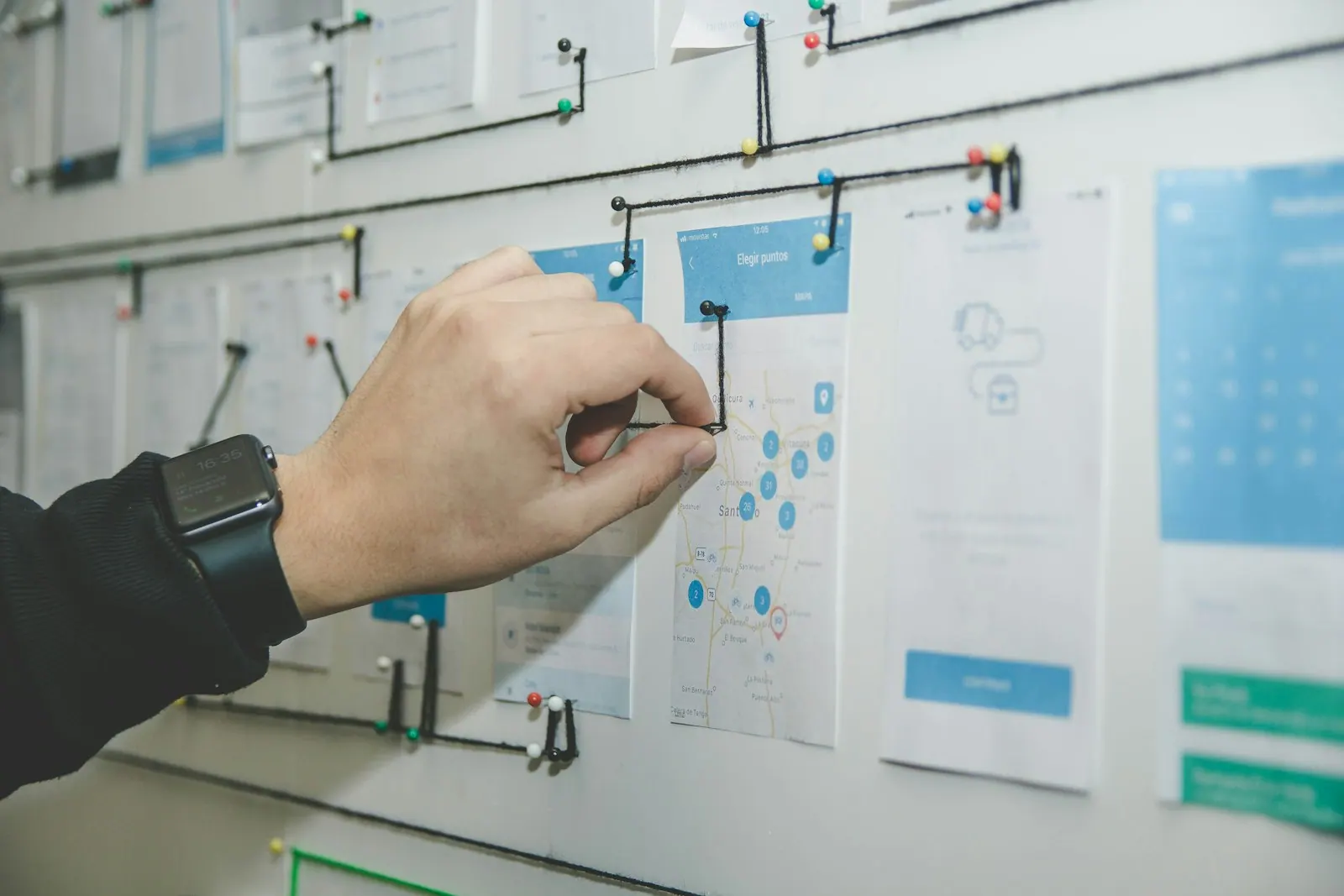
A simple category and sub-category structure users can follow.
Tickets assigned to the right group by type, site or priority.
Response and resolution targets tied to your business hours.
Email, portal and chat messages converted into tickets.
Request forms that collect the details engineers need.
Agent and admin training with written configuration notes.
What you receive, and what shapes the cost
What you receive
- Configured support groups, categories and routing rules in your chosen tool
- SLA policies with business hours, holidays and escalation warnings
- Request forms and approval steps for your most common service requests
- Email-to-ticket handling and notification templates
- Administrator guide and handover session for your team
What affects the cost
- Which tool you use and whether licences are already in place
- Number of support groups, sites and service request forms
- Integrations needed with directory, email, chat or asset tools
- Whether ticket history must be migrated from an old system
Service Desk Setup: project phases
- 01Design workshop
We map your support groups, categories, priorities and request types with your IT leads.
- 02Build and integrate
We configure the tool, connect email and directory sign-in, and build forms and SLAs.
- 03Test with real cases
Your team runs sample tickets through every route to confirm assignment and timers.
- 04Launch and tune
We switch staff to the new desk and adjust rules based on the first live tickets.
Common Service Desk Setup mistakes
Long category lists confuse staff and wreck reporting, so start with a short, tested list and add only when data justifies it.
Letting staff keep emailing engineers directly bypasses the desk, so redirect mailboxes and explain the change.
Timers that run through weekends and holidays produce false breaches, so set calendars for each site.
Configuration drifts when nobody owns it, so name an internal administrator from the start.
Service Desk Setup terms explained
- Support group
- A team inside the tool, such as network or applications, that tickets are assigned to.
- Service request
- A routine ask for something new, such as access or software, rather than a fault.
- Business rule
- An automated rule that sets fields, assigns or notifies when a ticket meets conditions.
- Service catalogue
- The published list of IT services and requests staff can order through the portal.

The difference you will notice
- 01A desk people use
Clear forms and categories keep staff in the portal, not in email.
- 02Tickets reach the right people
Routing rules cut manual triage and reassignment.
- 03Configuration you understand
Documented settings your team can adjust as needs change.
Five steps from assessment to always-on support
- STEP 01Assess
We review your infrastructure, security posture, assets and support model, and agree priorities.
- STEP 02Design
A clear architecture and plan, with scope, timeline and a fixed quote before work starts.
- STEP 03Deploy
We supply, install, configure and migrate, then document everything we build.
- STEP 04Manage
Ongoing support, monitoring and maintenance under agreed SLAs.
- STEP 05Improve
Regular reviews, reports and recommendations as your business grows.
Service Desk Setup in the UAE and Saudi Arabia
Local offices in Ras Al Khaimah and Riyadh, remote support around the clock and on-site visits where your project needs them.

Service Desk Setup in the UAE
Shyphan AI Technology LLC, RAK Free Trade Zone, Ras Al KhaimahFor UAE organisations we set business hours and public holiday calendars per site, which matters when offices in different emirates or free zones keep different hours. If your tool is cloud hosted, check which data centre region holds ticket data and record it against your UAE PDPL, DIFC or ADGM obligations. We support the Emirates from our Ras Al Khaimah office, remotely around the clock and on site where needed.
- Data handled in line with the UAE Personal Data Protection Law (Federal Decree-Law No. 45 of 2021), and the separate DIFC and ADGM regimes where they apply.

Service Desk Setup in Saudi Arabia
Shyphan AI Technologies LLC, Malaz, King Abdulaziz Road, RiyadhSaudi desks need calendars for a Sunday to Thursday week and Saudi public holidays, and often Arabic request forms and notifications. Where you are a government entity or critical infrastructure operator, configure access roles and audit logging in the tool with NCA Essential Cybersecurity Controls in mind, and treat ticket data under the Saudi PDPL. Our Riyadh office leads this work in the Kingdom.
- Work aligned with the Saudi Personal Data Protection Law (SDAIA) and, for government and critical infrastructure, the NCA Essential Cybersecurity Controls.
More in IT Service Management Services
 Core serviceITSM & Service DeskAn ITIL-aligned service desk that logs, routes and resolves every request, with SLAs your teams can see.Service overview ITSM & Service DeskIT Help Desk OutsourcingA 24/7 outsourced help desk that answers your staff and logs every ticket.Explore service
 ITSM & Service DeskITIL Implementation ConsultingPractical ITIL 4 adoption for IT teams, sized to your organisation.Explore service ITSM & Service DeskServiceDesk Plus ImplementationManageEngine ServiceDesk Plus set up for your workflows, cloud or on-premises.Explore service
 ITSM & Service DeskZoho Desk for IT SupportZoho Desk configured as an internal IT help desk for Zoho-based teams.Explore service ITSM & Service DeskIncident Management ServicesLog, prioritise and resolve IT disruptions, with a major incident process.Explore service
Service Desk Setup: common questions
Which tools can you set up?
We commonly configure ManageEngine ServiceDesk Plus and Zoho Desk, and can work with other ITSM tools your organisation already licenses.
How long does a service desk setup take?
It depends on the number of teams, request types and integrations. We agree scope and a timeline in a fixed quote after the first workshop.
Can you import tickets from our old system?
Often, yes. We review what the old system can export and agree whether to migrate open tickets, history or only users and assets.
Do we have to follow ITIL?
No. We use ITIL ideas where they help, such as separating incidents from requests, but the setup follows how your team actually works.
Can one service desk serve our UAE and Saudi offices with different working weeks?
Yes. Most ITSM tools support several business hour calendars, so each site's tickets are timed against its own working week and holidays.
Can the service desk be set up in Arabic?
Many tools support Arabic for the portal, forms and email templates. We confirm what your chosen tool supports and build bilingual content where it is needed.
Do you provide Service Desk Setup in Dubai and Riyadh?
Yes. We deliver Service Desk Setup across the UAE from our Ras Al Khaimah office and across Saudi Arabia from our Riyadh office, with remote support 24/7 and on-site visits in cities such as Dubai, Abu Dhabi, Riyadh, Jeddah and Dammam where your project needs them.
Talk to us about Service Desk Setup
Book a consultation or request a quote. A consultant replies with scope, timeline and a fixed price.
Prefer to talk?