
 United Arab Emirates
 Saudi Arabia

Server Room Setup
We plan and build small and medium server and comms rooms: racks, power distribution, UPS, cooling checks, cable management and physical access. It is for offices that keep switches, firewalls or servers on site and want that space to be safe, tidy and supportable.
- Rack layout planned before install
- Power and cooling checked for load
- Physical access kept under control
Server room setup is the planning and building of a secure space for servers, network equipment and storage. It covers racks, power distribution, UPS, cooling, cable management, environmental monitoring and physical access control, so equipment runs at safe temperatures, survives short power cuts and can be maintained without tangled cables or guesswork.
 Server Room Setup
: what it involves
In many offices the server room is a storeroom with a rack in it. Equipment sits on the floor, power comes from extension leads, the air conditioning was sized for people rather than hardware and the door is often left open. Heat, dust and accidental knocks shorten equipment life, and an engineer arriving during an outage loses time just finding the right cable.
We survey the room and the equipment it needs to hold, then plan rack positions, power distribution, UPS sizing, cable routes and airflow. We work with your facilities team or landlord on electrical and cooling requirements, install racks, power and cable management, migrate equipment in a planned window and label everything. You receive a rack elevation drawing and a list of what is installed where.
What we review on site
- 1Room size, floor loading and door access
- 2Electrical circuits available and their capacity
- 3Cooling, ventilation and temperature monitoring
- 4Cable routes to floors and risers
- 5Who has access to the room today
Our Server Room Setup scope
Comms and server rooms laid out with proper racks, power, cooling and access control.
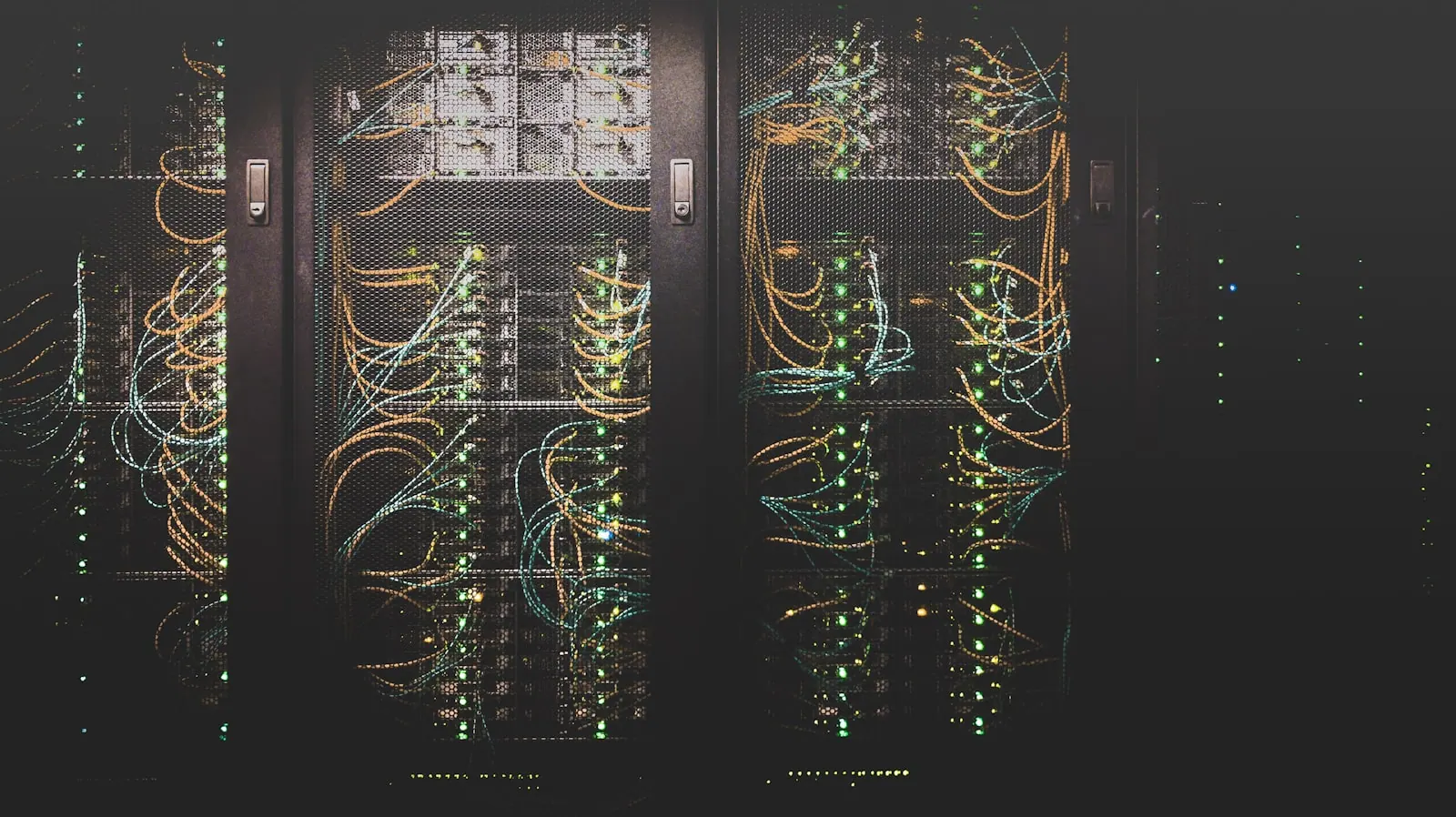
Rack positions and elevations planned for current and future kit.
Rack PDUs and circuits planned with your electrician.
Battery backup sized for the load and runtime you need.
Heat load and airflow reviewed with your facilities team.
Locked racks and controlled access to the room.
Elevation drawings showing every device and its position.
What you receive, and what shapes the cost
What you receive
- Room layout with rack positions, power, cooling and cable routes
- Installed racks, PDUs, cable management and patching
- UPS with tested automatic shutdown for critical systems
- Temperature, humidity and power monitoring with alerts
- As-built documentation, rack elevations and a maintenance checklist
What affects the cost
- Room size, number of racks and amount of equipment to house
- Cooling and electrical work needed, often by specialist contractors
- UPS capacity and runtime required
- Level of physical security and monitoring requested
Server Room Setup: project phases
- 01Assess
We review the room, power supply, cooling and equipment list.
- 02Design
We plan rack layout, power, cooling and access with your facilities team.
- 03Build
Racks, power, cabling and monitoring are installed and equipment is moved in.
- 04Test and document
We test UPS shutdown and alerts, then hand over rack drawings and procedures.
Common Server Room Setup mistakes
Comfort cooling often switches off out of hours, so plan cooling that runs continuously.
Adding equipment without checking power capacity trips breakers, so calculate the load per rack.
Boxes and furniture block airflow and add fire risk, so keep the room clear.
Without monitoring, overheating is found only after a failure, so add temperature and power alerts.
Server Room Setup terms explained
- PDU
- Power distribution unit, a strip that supplies power to equipment in a rack.
- Rack unit
- The standard height measure for rack equipment, written as U.
- Hot aisle
- The side of a rack row where equipment exhausts warm air.
- Environmental monitoring
- Sensors that track temperature, humidity and sometimes water leaks or door status.
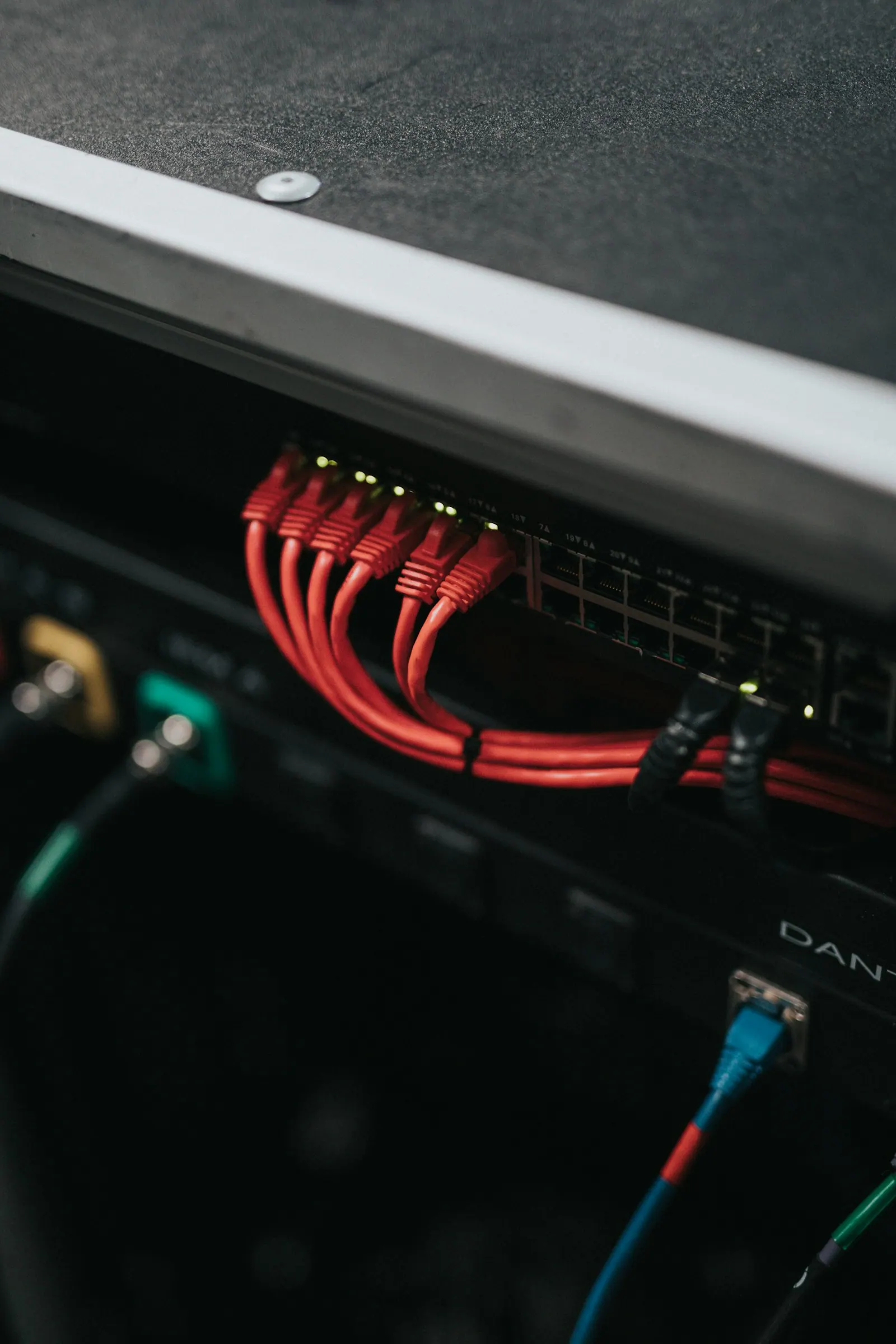
The difference you will notice
- 01Longer equipment life
Cooler, cleaner and better-protected hardware.
- 02Faster repairs
Labelled racks and drawings make faults quick to trace.
- 03Safer installation
Proper power and secured racks instead of extension leads.
Five steps from assessment to always-on support
- STEP 01Assess
We review your infrastructure, security posture, assets and support model, and agree priorities.
- STEP 02Design
A clear architecture and plan, with scope, timeline and a fixed quote before work starts.
- STEP 03Deploy
We supply, install, configure and migrate, then document everything we build.
- STEP 04Manage
Ongoing support, monitoring and maintenance under agreed SLAs.
- STEP 05Improve
Regular reviews, reports and recommendations as your business grows.
Server Room Setup in the UAE and Saudi Arabia
Local offices in Ras Al Khaimah and Riyadh, remote support around the clock and on-site visits where your project needs them.

Server Room Setup in the UAE
Shyphan AI Technology LLC, RAK Free Trade Zone, Ras Al KhaimahUAE summers put heavy load on cooling, so server rooms need cooling that runs continuously with some redundancy, and dust protection matters in buildings near construction. Fire suppression and electrical work must follow local civil defence and authority requirements, which your facilities contractor or free zone landlord will usually manage. We support the Emirates from our Ras Al Khaimah office, remotely around the clock and on site where needed.
- Data handled in line with the UAE Personal Data Protection Law (Federal Decree-Law No. 45 of 2021), and the separate DIFC and ADGM regimes where they apply.

Server Room Setup in Saudi Arabia
Shyphan AI Technologies LLC, Malaz, King Abdulaziz Road, RiyadhServer rooms in Riyadh and the Eastern Province face high outdoor temperatures and dust, so reliable cooling and sealed rooms are basic needs. Entities subject to the NCA Essential Cybersecurity Controls must also show physical security for critical systems, including controlled access and records of who entered the room. Our Riyadh office leads this work in the Kingdom.
- Work aligned with the Saudi Personal Data Protection Law (SDAIA) and, for government and critical infrastructure, the NCA Essential Cybersecurity Controls.
More in IT Infrastructure Services
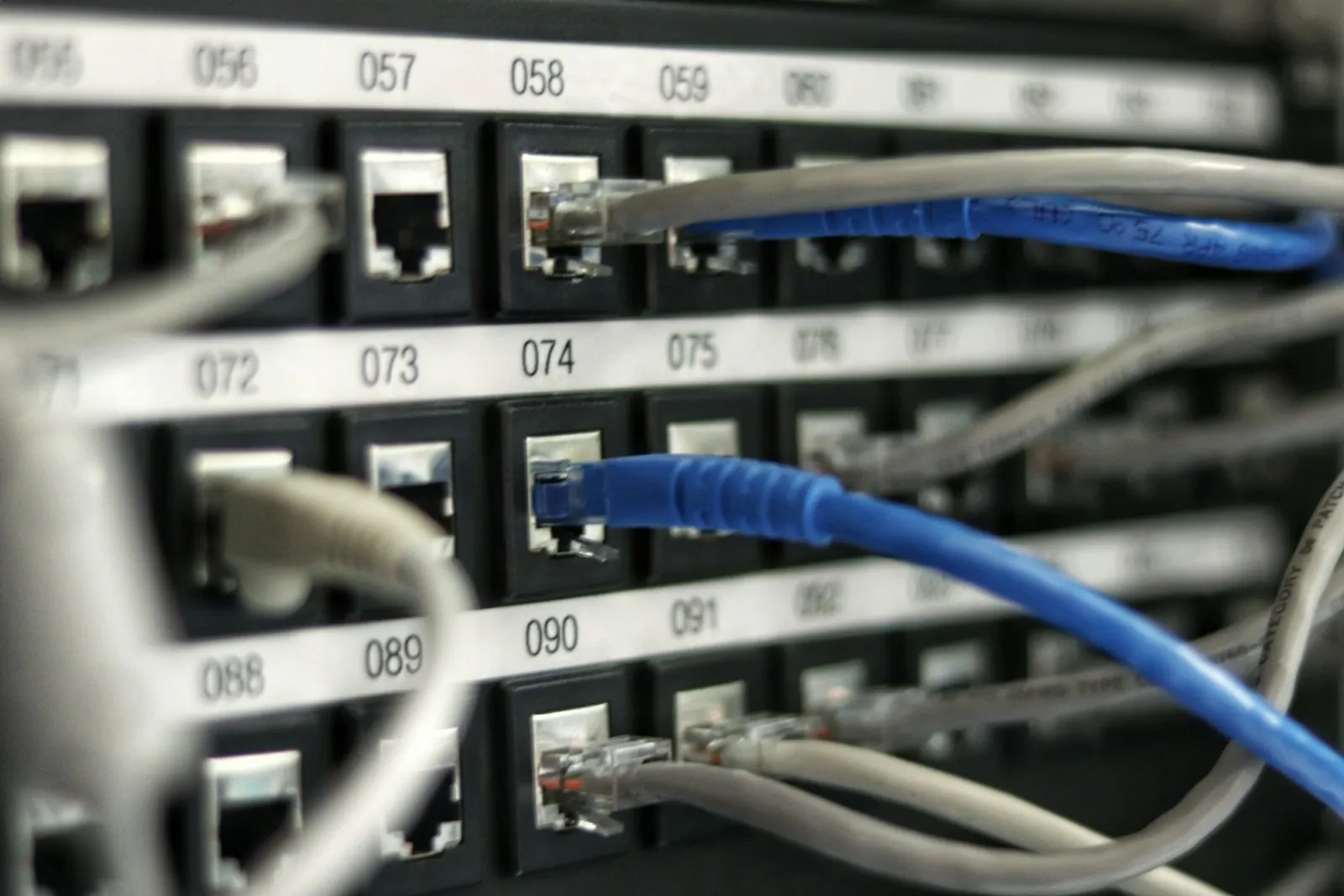 Core serviceIT Infrastructure & NetworkingDesign, build and maintain the network your business runs on, from a single office to multi-site operations.Service overview IT Infrastructure & NetworkingNetwork Design & InstallationBusiness networks planned from a site survey and installed to a documented design.Explore service IT Infrastructure & NetworkingStructured Cabling ServicesCopper and fibre cabling, racks and patching, installed tidily, labelled and tested.Explore service
 IT Infrastructure & NetworkingOffice Wi-Fi InstallationBusiness Wi-Fi planned around your floor plan, with secure staff and guest networks.Explore service IT Infrastructure & NetworkingSD-WAN ServicesSecure, managed links between branches that make better use of your internet lines.Explore service
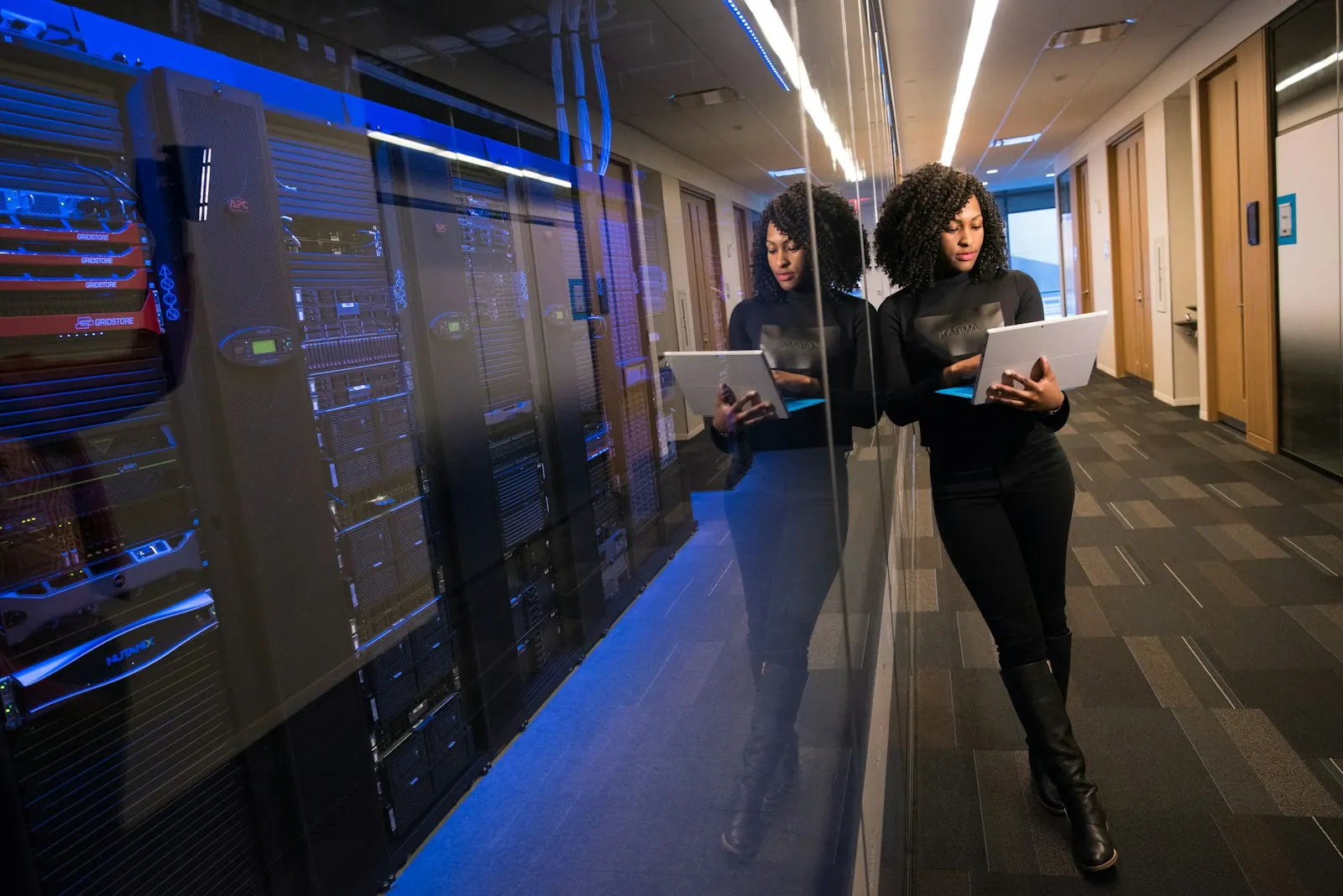 IT Infrastructure & NetworkingFirewall Installation & ManagementFirewalls sized, configured and kept current, with regular reviews of your rules.Explore service
Server Room Setup: common questions
How big does a server room need to be?
It depends on how much equipment you keep on site. Many offices only need one or two racks, and we size the room around the actual equipment and growth plans.
Do you handle the electrical and cooling work?
We specify the requirements and work alongside your electrician and facilities or HVAC contractor, who carry out the building works.
Can you move our existing equipment into the new room?
Yes. We plan the move in a maintenance window, shut down and relocate equipment, and test services before staff return.
Should we move servers to the cloud instead?
Sometimes. If most workloads can move to the cloud, a smaller comms room may be enough. We can advise on both options.
Can you build a server room in a leased office in Dubai?
Yes. We plan the room with your landlord and fit-out contractor, coordinate electrical and cooling work, and install racks, UPS and monitoring.
Do we need a raised floor?
Not usually for small and medium rooms, where overhead cable trays and a good rack layout are often enough, and we advise based on your equipment.
Do you provide Server Room Setup in Dubai and Riyadh?
Yes. We deliver Server Room Setup across the UAE from our Ras Al Khaimah office and across Saudi Arabia from our Riyadh office, with remote support 24/7 and on-site visits in cities such as Dubai, Abu Dhabi, Riyadh, Jeddah and Dammam where your project needs them.
Talk to us about Server Room Setup
Book a consultation or request a quote. A consultant replies with scope, timeline and a fixed price.
Prefer to talk?